Page 102 of 710
How To Stow An Unused ALR Seat Belt:
When using the LATCH attaching system to install a
child restraint, stow all ALR seat belts that are not being
used by other occupants or being used to secure child
restraints. An unused belt could injure a child if they play
with it and accidentally lock the seat belt retractor. Before
installing a child restraint using the LATCH system,
buckle the seat belt behind the child restraint and out of
the child’s reach. If the buckled seat belt interferes with
the child restraint installation, instead of buckling it
behind the child restraint, route the seat belt through the
child restraint belt path and then buckle it. Do not lock
the seat belt. Remind all children in the vehicle that the
seat belts are not toys and that they should not play with
them.
Page 143 of 710

WARNING!
The Blind Spot Monitoring system is only an aid to
help detect objects in the blind spot zones. The BSM
system is not designed to detect pedestrians, bicy-
clists, or animals. Even if your vehicle is equipped
with the BSM system, always check your vehicles
mirrors, glance over your shoulder, and use your turn
signal before changing lanes. Failure to do so can
result in serious injury or death.
Rear Cross Path (RCP)
The Rear Cross Path (RCP) feature is intended to aid the
driver when backing out of parking spaces where their
vision of oncoming vehicles may be blocked. Proceed
slowly and cautiously out of the parking space until the
rear end of the vehicle is exposed. The RCP system will
then have a clear view of the cross traffic and if an
oncoming vehicle is detected, alert the driver.RCP monitors the rear detection zones on both sides of
the vehicle, for objects that are moving toward the side of
the vehicle with a minimum speed of approximately
3 mph (5 km/h), to objects moving a maximum of
approximately 20 mph (32 km/h), such as in parking lot
situations.
Page 144 of 710
NOTE:In a parking lot situation, oncoming vehicles can
be obscured by vehicles parked on either side. If the
sensors are blocked by other structures or vehicles, the
system will not be able to alert the driver.
When RCP is on and the vehicle is in REVERSE, the
driver is alerted using both the visual and audible
alarms, including reducing the radio volume.
Page 152 of 710
Front Passenger Seat Fold-Flat Feature — If
Equipped
To fold the seatback to the flat load-floor position, lift the
recline lever and push the seatback forward. To return to
the seating position, raise the seatback and lock it into
place.
Heated Seats — If Equipped
On some models, the front and rear seats may be
equipped with heaters located in the seat cushions and
seat backs.
Page 160 of 710
WARNING!(Continued)
as loose cargo could contact the Active Head Re-
straint during sudden stops. Failure to follow this
warning could cause personal injury if the Active
Head Restraint is deployed.
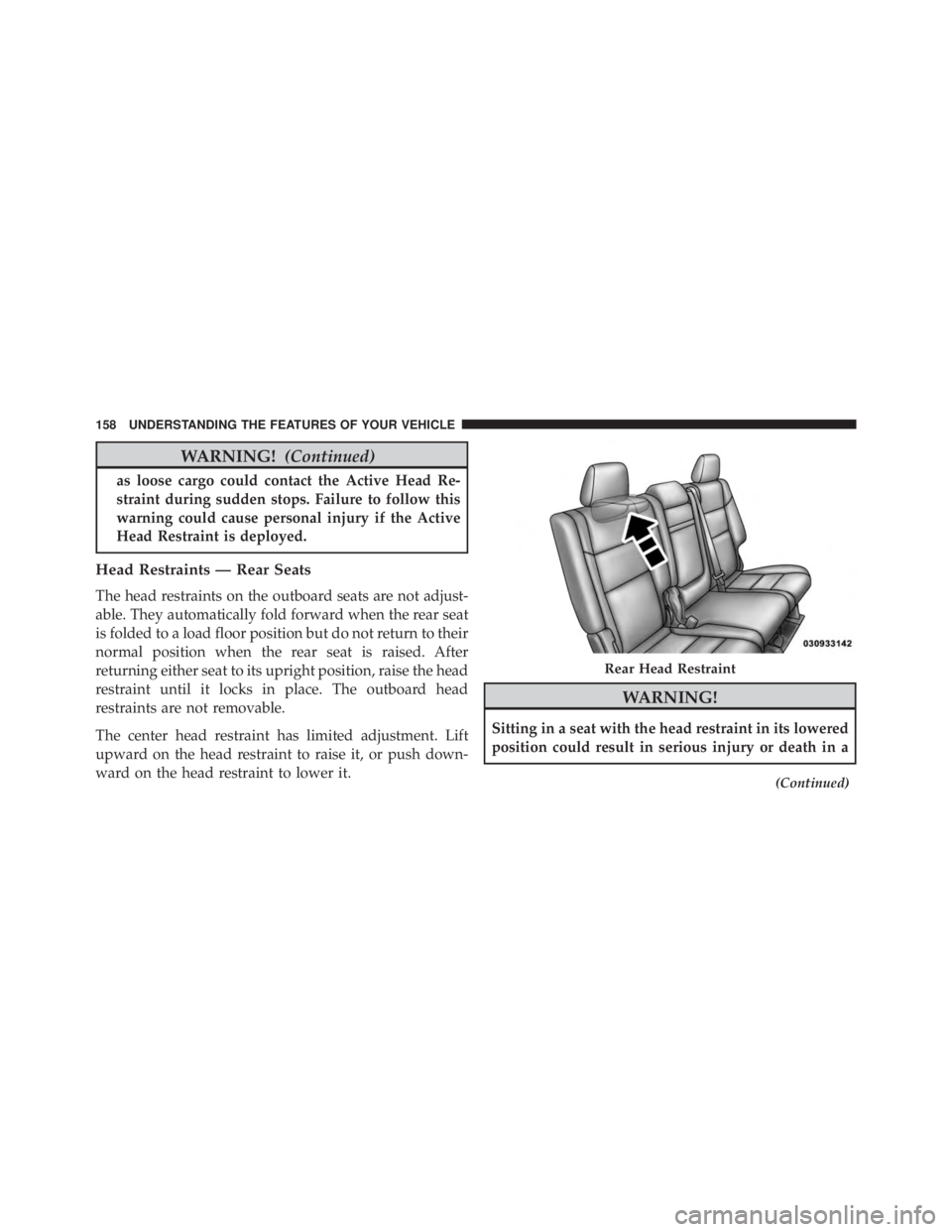
Head Restraints — Rear Seats
The head restraints on the outboard seats are not adjust-
able. They automatically fold forward when the rear seat
is folded to a load floor position but do not return to their
normal position when the rear seat is raised. After
returning either seat to its upright position, raise the head
restraint until it locks in place. The outboard head
restraints are not removable.
The center head restraint has limited adjustment. Lift
upward on the head restraint to raise it, or push down-
ward on the head restraint to lower it.
Page 162 of 710
2. Fold the rear seat completely forward.
To Raise Rear Seat
Raise the rear seatback and lock it into place. If interfer-
ence from the cargo area prevents the seatback from fullylocking, you will have difficulty returning the seat to its
proper position.
Page 199 of 710

WARNING!
Leaving the Adaptive Cruise Control (ACC) system
on when not in use is dangerous. You could acciden-
tally set the system or cause it to go faster than you
want. You could lose control and have a collision.
Always leave the system off when you are not using
it.
To Set A Desired ACC Speed
When the vehicle reaches the speed desired, push the
SET+button or the SET -button and release. The DID
will display the set speed.
If the system is Set when the vehicle speed is below
20 mph (32 km/h), the Set Speed shall be defaulted to
20 mph (32 km/h). If the system is Set when the vehicle
speed is above 20 mph (32 km/h), the Set Speed shall be
the current speed of the vehicle. NOTE:
ACC cannot be set if there is a stationary vehicle
in front of your vehicle in close proximity.
Remove your foot from the accelerator pedal. If you do
not, the vehicle may continue to accelerate beyond the set
speed. If this occurs:
• The message “DRIVER OVERRIDE” will display in
the DID.
• The system will not be controlling the distance be-
tween your vehicle and the vehicle ahead. The vehicle
speed will only be determined by the position of the
accelerator pedal.
To Cancel
The following conditions cancel the system:
• The brake pedal is applied.
• The CANCEL button is pushed.
• An Anti-Lock Brake System (ABS) event occurs.
3
UNDERSTANDING THE FEATURES OF YOUR VEHICLE 197
Page 259 of 710
WARNING!
•Never leave children unattended in a vehicle, or
with access to an unlocked vehicle. Never leave the
Key Fob in or near the vehicle, or in a location
(Continued)