Page 13 of 120
UNDERSTANDING YOUR INSTRUMENT PANEL
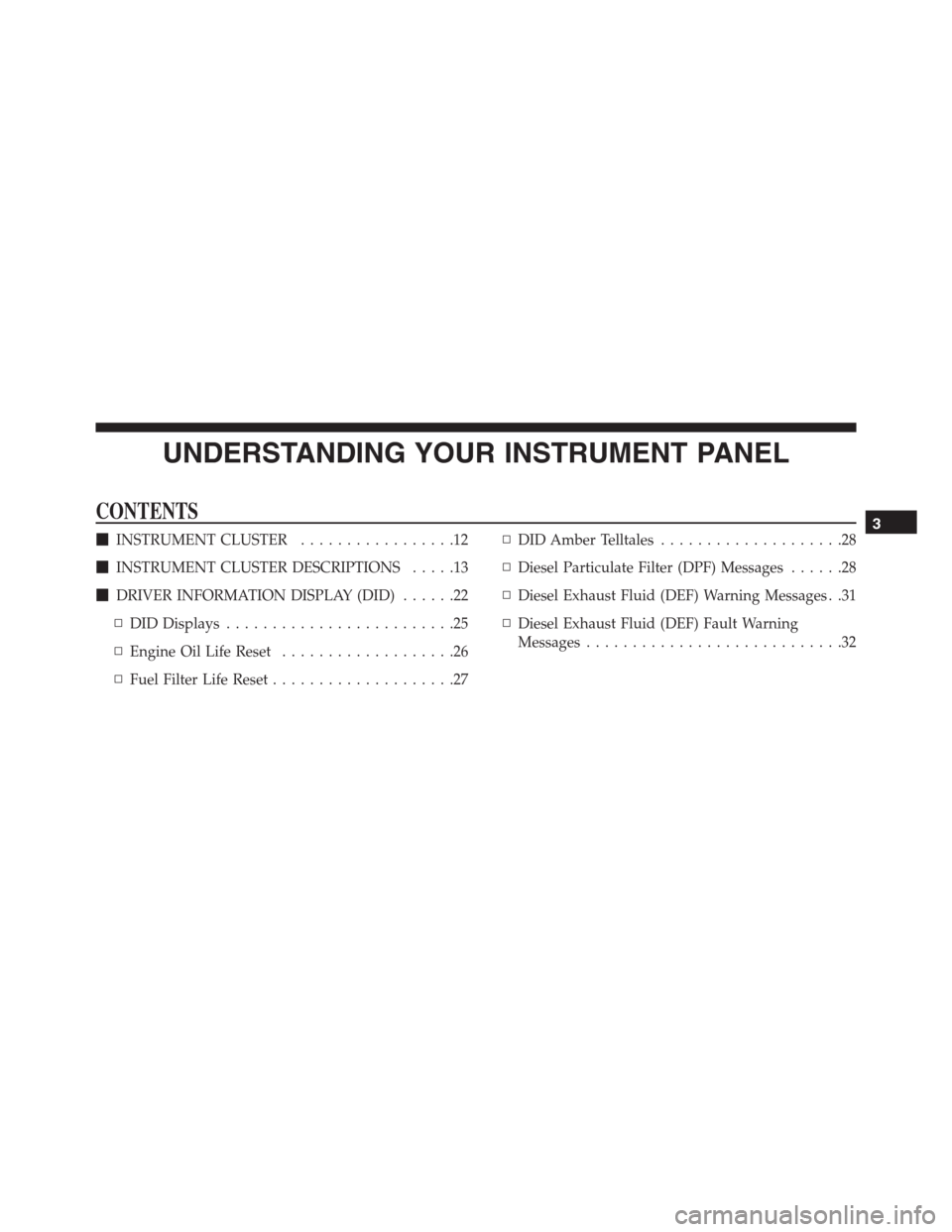
CONTENTS
�INSTRUMENT CLUSTER.................12
�INSTRUMENT CLUSTER DESCRIPTIONS.....13
�DRIVER INFORMATION DISPLAY (DID)......22
▫DID Displays.........................25
▫Engine Oil Life Reset...................26
▫Fuel Filter Life Reset....................27▫DID Amber Telltales....................28
▫Diesel Particulate Filter (DPF) Messages......28
▫Diesel Exhaust Fluid (DEF) Warning Messages . .31
▫Diesel Exhaust Fluid (DEF) Fault Warning
Messages............................323
Page 16 of 120

4. High Beam Indicator
Indicates that headlights are on high beam.
5. Front Fog Light Indicator — If Equipped
This indicator will illuminate when the front fog
lights are on.
6. LH Selectable DID
This area of the cluster will display selectable informa-
tion such as compass, outside temperature, etc. For
further information, refer to “Driver Information Display
(DID)” in this section.
7. Turn Signal Indicator
The arrows will flash with the exterior turn sig-
nals when the turn signal lever is operated. A tone
will chime, and a DID message will appear if either turn
signal is left on for more than 1 mile (1.6 km).NOTE:If either indicator flashes at a rapid rate, check
for a defective outside light bulb.
8. Speedometer
Indicates vehicle speed.
9. RH Selectable DID
This area of the cluster will display selectable informa-
tion such as compass, outside temperature, etc. For
further information, refer to “Driver Information Display
(DID)” in this section.
10. Malfunction Indicator Light (MIL)
The Malfunction Indicator Light (MIL) is part of
an onboard diagnostic system called OBD II that
monitors engine and automatic transmission con-
trol systems. The light will illuminate when the key is in
the ON/RUN position before engine start. If the bulb
does not come on when turning the key from OFF to
ON/RUN, have the condition checked promptly.
14 UNDERSTANDING YOUR INSTRUMENT PANEL
Page 22 of 120

CAUTION!
The TPMS has been optimized for the original
equipment tires and wheels. TPMS pressures and
warning have been established for the tire size
equipped on your vehicle. Undesirable system opera-
tion or sensor damage may result when using re-
placement equipment that is not of the same size,
type, and/or style. Aftermarket wheels can cause
sensor damage. Using aftermarket tire sealants may
cause the Tire Pressure Monitoring System (TPMS)
sensor to become inoperable. After using an after-
market tire sealant it is recommended that you take
your vehicle to an authorized dealership to have your
sensor function checked.
16. Driver Information Display (DID)
The odometer display shows the total distance the ve-
hicle has been driven.U.S. Federal regulations require that upon transfer of
vehicle ownership, the seller certify to the purchaser the
correct mileage that the vehicle has been driven. If your
odometer needs to be repaired or serviced, the repair
technician should leave the odometer reading the same
as it was before the repair or service. If she/he cannot do
so, then the odometer must be set at zero, and a sticker
must be placed in the door jamb stating what the mileage
was before the repair or service. It is a good idea for you
to make a record of the odometer reading before the
repair/service, so that you can be sure that it is properly
reset, or that the door jamb sticker is accurate if the
odometer must be reset at zero.
When the appropriate conditions exist, this Driver Infor-
mation Display (DID) messages. Refer to “Driver Infor-
mation Display” of your owners manual for more
information.
20 UNDERSTANDING YOUR INSTRUMENT PANEL
Page 23 of 120

17. Selectable DID Menu
This area of the cluster will display the DID selectable
menu. For further information, refer to “Driver Informa-
tion Display (DID)” in this section.
18. Air Bag Warning Light
This light will turn on for four to eight seconds
as a bulb check when the ignition switch is first
turned to the ON/RUN position. If the light is
either not on during starting, stays on, or turns
on while driving, have the system inspected at an autho-
rized dealer as soon as possible. Refer to “Occupant
Restraints” in “Things To Know Before Starting Your
Vehicle” of your owners manual for further information.
19. Vehicle Security Light
This light will flash rapidly for approximately
15 seconds when the vehicle theft alarm is
arming. The light will flash at a slower speedcontinuously after the alarm is set. The security light will
also come on for about three seconds when the ignition is
first turned on.
20. Electronic Stability Control (ESC) OFF Indicator
Light — If Equipped
This light indicates the Electronic Stability Con-
trol (ESC) is off.
21. Electronic Stability Control (ESC) Activation/
Malfunction Indicator Light — If Equipped
The “ESC Activation/Malfunction Indicator
Light” in the instrument cluster will come on
when the ignition switch is turned to the
ON/RUN position. It should go out with the
engine running. If the “ESC Activation/Malfunction In-
dicator Light” comes on continuously with the engine
running, a malfunction has been detected in the ESC
3
UNDERSTANDING YOUR INSTRUMENT PANEL 21
Page 24 of 120

system. If this light remains on after several ignition
cycles, and the vehicle has been driven several miles
(kilometers) at speeds greater than 30 mph (48 km/h), see
your authorized dealer as soon as possible to have the
problem diagnosed and corrected.
NOTE:
•The “ESC Off Indicator Light” and the “ESC
Activation/Malfunction Indicator Light” come on
momentarily each time the ignition switch is turned
to ON/RUN.
•Each time the ignition is turned to ON/RUN, the
ESC system will be ON, even if it was turned off
previously.•The ESC system will make buzzing or clicking
sounds when it is active. This is normal; the sounds
will stop when ESC becomes inactive following the
maneuver that caused the ESC activation.
22. Park/Headlight ON Indicator — If Equipped
This indicator will illuminate when the park
lights or headlights are turned on.
DRIVER INFORMATION DISPLAY (DID)
The Driver Information Display (DID) features a driver-
interactive display that is located in the instrument
cluster.
22 UNDERSTANDING YOUR INSTRUMENT PANEL
Page 25 of 120
The DID Menu items consists of the following:
•Main Gauge
•MPH to km/h
•Vehicle Info•Terrain — If Equipped
•Driver Assist
•Fuel Economy
•Trip
•Stop/Start — If Equipped
•Audio
•Stored Messages
•Screen Setup
•Speed Warning — If Equipped
Driver Information Display (DID) Location
3
UNDERSTANDING YOUR INSTRUMENT PANEL 23
Page 27 of 120

•RIGHT Arrow Button
Push and release the RIGHT arrow button to
access the information screens or sub-menu
screens of a main menu item.
•BACK/LEFT Arrow Button
Push and release the LEFT arrow button to
access the information screens or sub-menu
screens of a main menu item.
•OK Button
Push the OK button to access/select the information
screens or sub-menu screens of a main menu item. Push
and hold the OK arrow button for two seconds to reset
displayed/selected features that can be reset.
DID Displays
When the appropriate conditions exist, the DID displays
the following messages:•System Setup Unavailable – Vehicle Not in Park
•System Setup Unavailable – Vehicle in Motion
•Exhaust Filter XX% Full Safely Drive at Highway
Speeds To Remedy
•Exhaust Filter Full – Power Reduced See Dealer
•Exhaust Service Required – See Dealer Now
•Exhaust System – Filter XX% Full Service Required See
Dealer
•Exhaust System – Regeneration In Process Exhaust
Filter XX% Full
•Exhaust System – Regeneration Completed
•Engine Will Not Restart in XXXX mi DEF Low Refill
Soon
•Engine Will Not Restart in XXXX mi Refill DEF
3
UNDERSTANDING YOUR INSTRUMENT PANEL 25
Page 28 of 120

•Engine Will Not Restart Refill DEF
•Service DEF System See Dealer
•Incorrect DEF Detected See Dealer
•Engine Will Not Restart in XXX mi Service DEF See
Dealer
•Engine Will Not Restart Service DEF System See
Dealer
Engine Oil Life Reset
Oil Change Required
Your vehicle is equipped with an engine oil change
indicator system. The “Oil Change Required” message
will display in the DID for five seconds after a single
chime has sounded, to indicate the next scheduled oil
change interval. The engine oil change indicator systemis duty cycle based, which means the engine oil change
interval may fluctuate, dependent upon your personal
driving style.
Unless reset, this message will continue to display each
time you cycle the ignition to the ON/RUN position. To
turn off the message temporarily, push and release the
OK button. To reset the oil change indicator system (after
performing the scheduled maintenance), refer to the
following procedure.
Oil Change Reset Procedure
1. Without pushing the brake pedal, push and release the
ENGINE START/STOP button and place the ignition
to the ON/RUN position (do not start the engine).
2. Fully push the accelerator pedal, slowly, three times
within 10 seconds.
26 UNDERSTANDING YOUR INSTRUMENT PANEL