2015 FORD SUPER DUTY set clock
[x] Cancel search: set clockPage 297 of 470
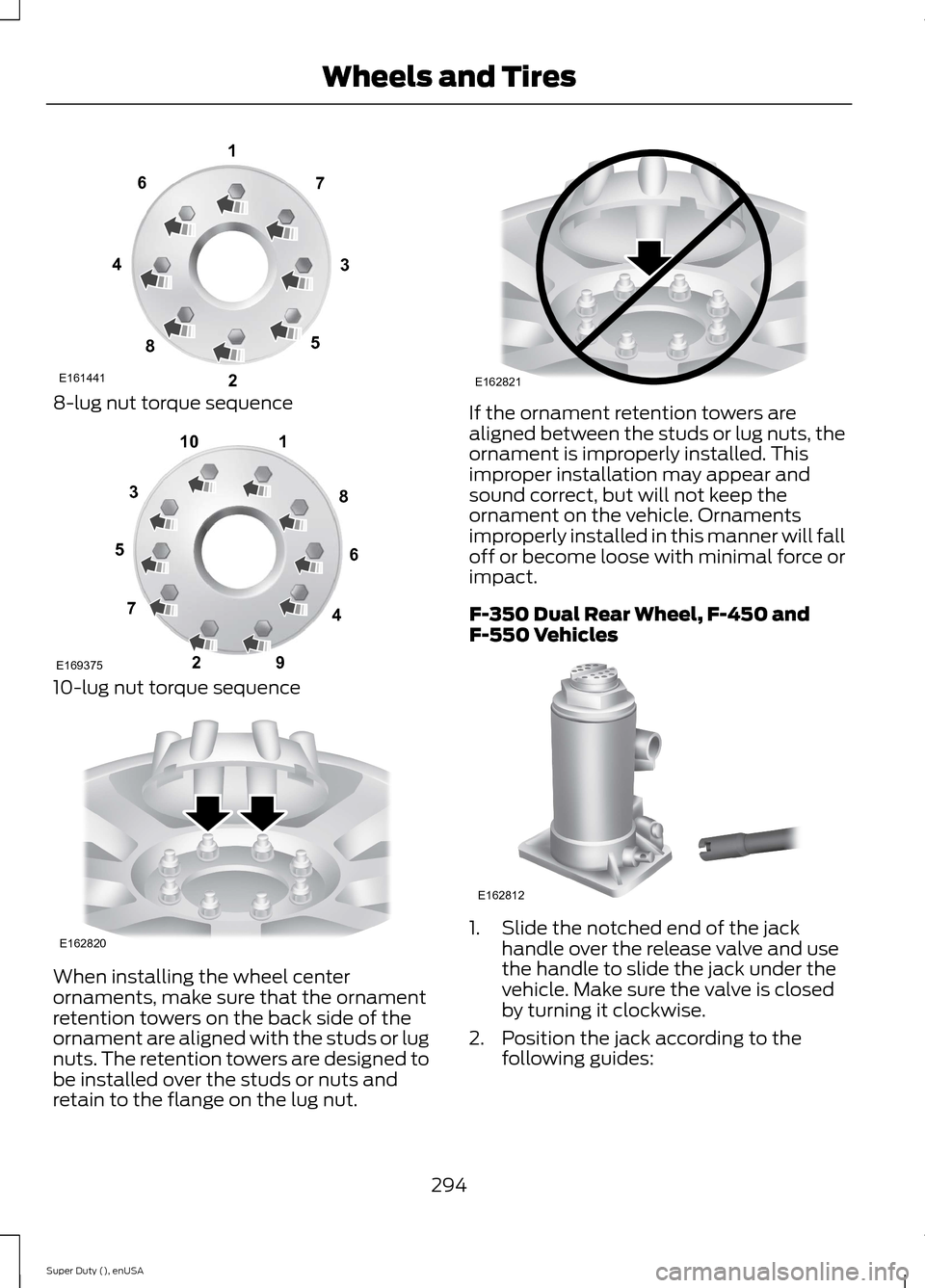
8-lug nut torque sequence
10-lug nut torque sequence
When installing the wheel centerornaments, make sure that the ornamentretention towers on the back side of theornament are aligned with the studs or lugnuts. The retention towers are designed tobe installed over the studs or nuts andretain to the flange on the lug nut.
If the ornament retention towers arealigned between the studs or lug nuts, theornament is improperly installed. Thisimproper installation may appear andsound correct, but will not keep theornament on the vehicle. Ornamentsimproperly installed in this manner will falloff or become loose with minimal force orimpact.
F-350 Dual Rear Wheel, F-450 andF-550 Vehicles
1.Slide the notched end of the jackhandle over the release valve and usethe handle to slide the jack under thevehicle. Make sure the valve is closedby turning it clockwise.
2.Position the jack according to thefollowing guides:
294Super Duty (), enUSAWheels and TiresE16144113427658 12345678910E169375 E162820 E162821 E162812
Page 315 of 470
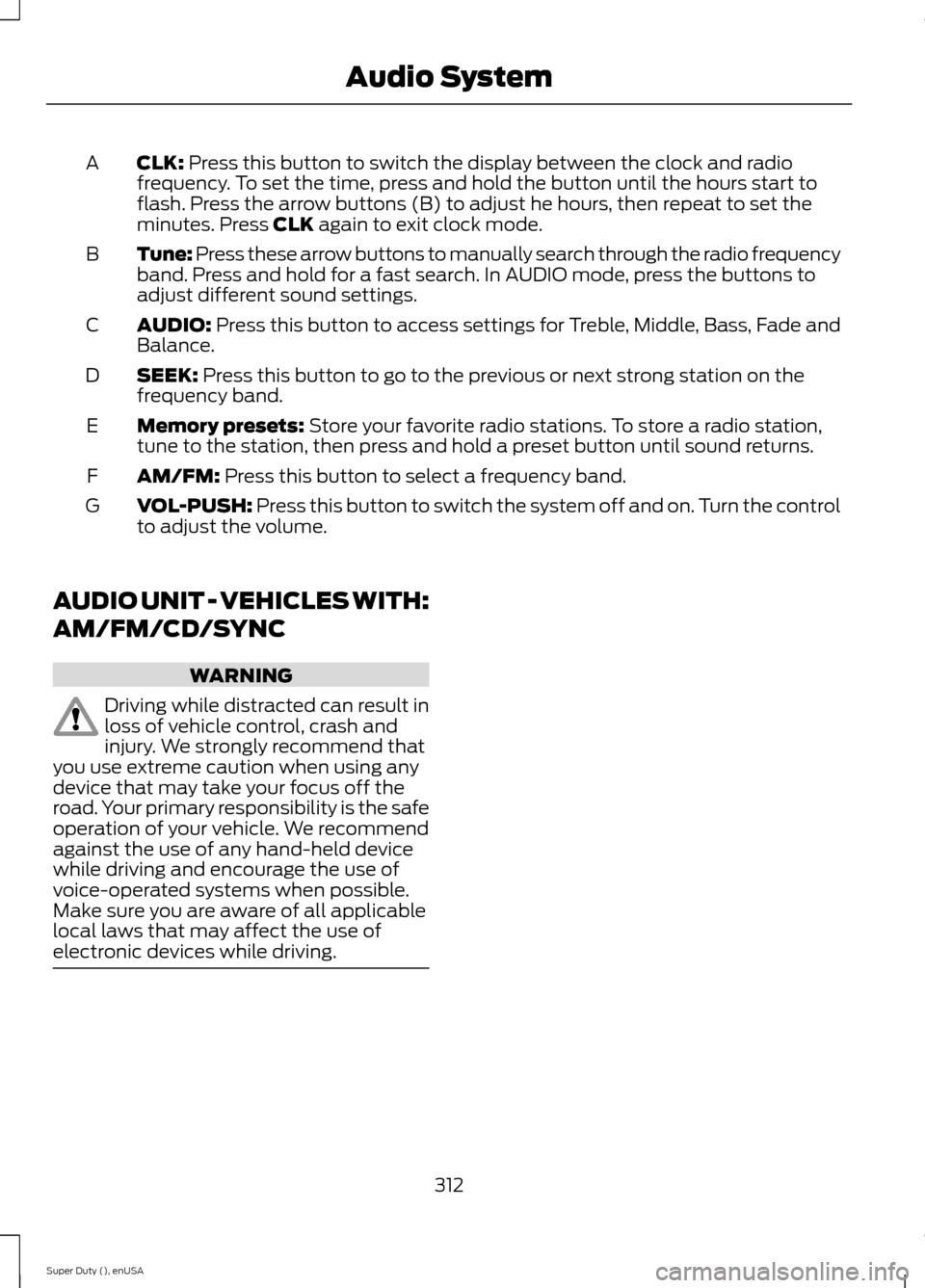
CLK: Press this button to switch the display between the clock and radiofrequency. To set the time, press and hold the button until the hours start toflash. Press the arrow buttons (B) to adjust he hours, then repeat to set theminutes. Press CLK again to exit clock mode.
A
Tune: Press these arrow buttons to manually search through the radio frequencyband. Press and hold for a fast search. In AUDIO mode, press the buttons toadjust different sound settings.
B
AUDIO: Press this button to access settings for Treble, Middle, Bass, Fade andBalance.C
SEEK: Press this button to go to the previous or next strong station on thefrequency band.D
Memory presets: Store your favorite radio stations. To store a radio station,tune to the station, then press and hold a preset button until sound returns.E
AM/FM: Press this button to select a frequency band.F
VOL-PUSH: Press this button to switch the system off and on. Turn the controlto adjust the volume.G
AUDIO UNIT - VEHICLES WITH:
AM/FM/CD/SYNC
WARNING
Driving while distracted can result inloss of vehicle control, crash andinjury. We strongly recommend thatyou use extreme caution when using anydevice that may take your focus off theroad. Your primary responsibility is the safeoperation of your vehicle. We recommendagainst the use of any hand-held devicewhile driving and encourage the use ofvoice-operated systems when possible.Make sure you are aware of all applicablelocal laws that may affect the use ofelectronic devices while driving.
312Super Duty (), enUSAAudio System
Page 363 of 470
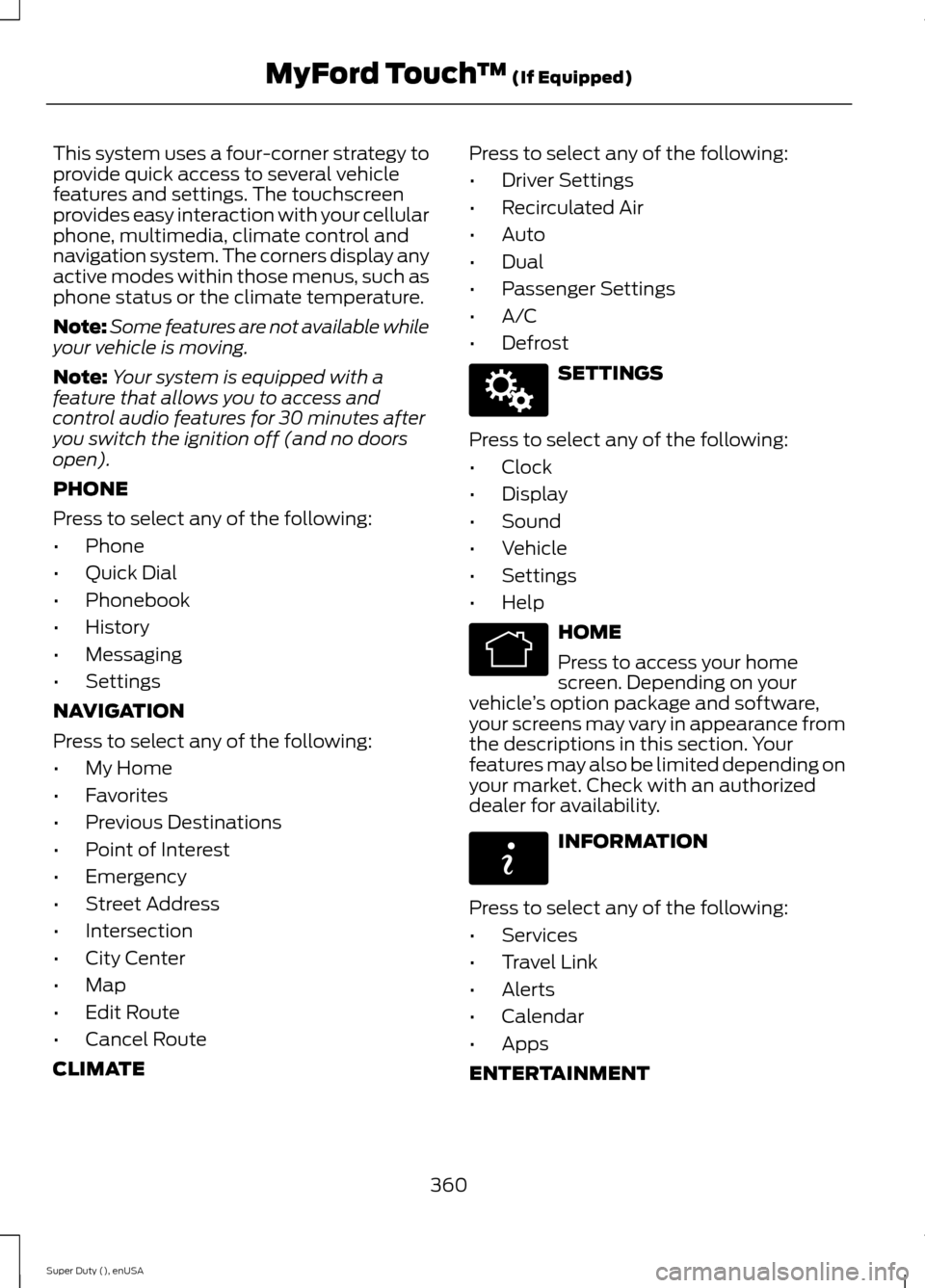
This system uses a four-corner strategy toprovide quick access to several vehiclefeatures and settings. The touchscreenprovides easy interaction with your cellularphone, multimedia, climate control andnavigation system. The corners display anyactive modes within those menus, such asphone status or the climate temperature.
Note:Some features are not available whileyour vehicle is moving.
Note:Your system is equipped with afeature that allows you to access andcontrol audio features for 30 minutes afteryou switch the ignition off (and no doorsopen).
PHONE
Press to select any of the following:
•Phone
•Quick Dial
•Phonebook
•History
•Messaging
•Settings
NAVIGATION
Press to select any of the following:
•My Home
•Favorites
•Previous Destinations
•Point of Interest
•Emergency
•Street Address
•Intersection
•City Center
•Map
•Edit Route
•Cancel Route
CLIMATE
Press to select any of the following:
•Driver Settings
•Recirculated Air
•Auto
•Dual
•Passenger Settings
•A/C
•Defrost
SETTINGS
Press to select any of the following:
•Clock
•Display
•Sound
•Vehicle
•Settings
•Help
HOME
Press to access your homescreen. Depending on yourvehicle’s option package and software,your screens may vary in appearance fromthe descriptions in this section. Yourfeatures may also be limited depending onyour market. Check with an authorizeddealer for availability.
INFORMATION
Press to select any of the following:
•Services
•Travel Link
•Alerts
•Calendar
•Apps
ENTERTAINMENT
360Super Duty (), enUSAMyFord Touch™ (If Equipped)E142607 E142613 E142608
Page 369 of 470
Voice settings using voice commands
"Interaction mode novice"
"Media candidate lists off"
"Media candidate lists on"
"Phone candidate lists off"
"Phone candidate lists on"
"Help"
Using Voice Commands with theTouchscreen Options
Your voice system has a dual mode featurewhich allows you to switch between usingvoice commands and making on-screenselections. This is available only when thesystem displays a list of candidatesgenerated during a voice session. Forexample, when entering in a street addressor trying to call a contact from the phoneyou paired to the system.
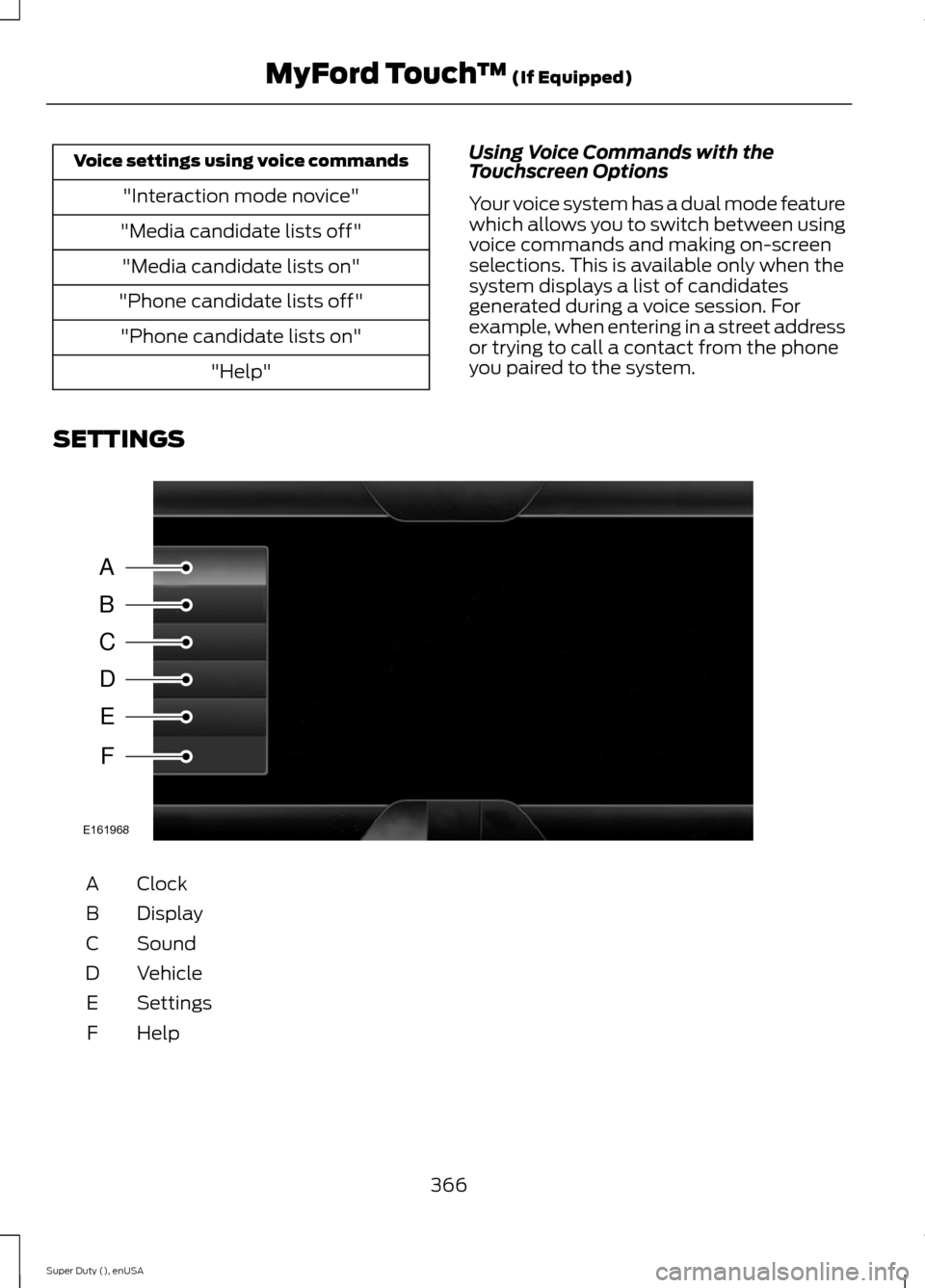
SETTINGS
ClockA
DisplayB
SoundC
VehicleD
SettingsE
HelpF
366Super Duty (), enUSAMyFord Touch™ (If Equipped)ABCDEFE161968
Page 370 of 470
Under this menu, you can setyour clock, access and adjust thedisplay, sound and vehiclesettings as well as access settings forspecific modes or the help feature.
Clock
Note:You cannot manually set the date.Your vehicle’s GPS does this for you.
Note:If the battery has been disconnected,your vehicle needs to acquire a GPS signalto update the clock. Once your vehicleacquires the signal, it may take a fewminutes for the update to display the correcttime.
1.Press the Settings icon > Clock.
2.Press + and - to adjust the time.
From this screen, you can also make otheradjustments such as 12-hour or 24-hourmode, activate GPS time synchronizationand have the system automatically updatenew time zones.
You can also turn the outside airtemperature display off and on. It appearsat the top center of the touchscreen, nextto the time and date.
The system automatically saves anyupdates you make to the settings.
Display
You can adjust the touchscreen displaythrough the touchscreen or by pressing thevoice button on your steering wheelcontrols and when prompted, say, "Displaysettings".
Press the Settings icon >Display, to access and makeadjustments using thetouchscreen.
•Brightness allows you to make thescreen display brighter or dimmer.
•Auto DIM, when set to On, lets you usethe Auto Dim Manual Offset feature.When set to Off, screen brightnessdoes not change.
•Mode allows you to set the screen toa certain brightness or have the systemautomatically change based on theoutside light level, or turn the displayoff.
•If you select AUTO or NIGHT, youhave the options of turning thedisplay's Auto Dim feature on or offand changing the Auto Dim ManualOffset feature.
•Auto Dim Manual Offset allows youto adjust screen dimming as theoutside lighting conditions change fromday to night. This feature also allowsyou to adjust screen brightness usingthe instrument panel dimming control.
•Edit Wallpaper
•You can have your touchscreendisplay the default photo or uploadyour own.
Uploading Photos for Your HomeScreen Wallpaper
Note:You cannot load photos directly fromyour camera. You must access the photoseither from your USB mass storage deviceor from an SD card.
Note:Photographs with extremely largedimensions (such as 2048 x 1536) may notbe compatible and appear as a blank(black) image on the display.
Your system allows you to upload and viewup to 32 photos.
To access, press the Settingsicon > Display > EditWallpaper, and then follow thesystem prompts to upload yourphotographs.
367Super Duty (), enUSAMyFord Touch™ (If Equipped)E142607 E142607 E142607 E142607
Page 413 of 470
Touch the climate-controlled seat icon to turn the climate-controlled seat offand on (if equipped).
Touch MyTemp to select your preset temperature setpoint. Touch and holdMyTemp to save a new preset temperature setpoint.
Touch the heated steering wheel icon to turn the heated steering wheel on andoff (if equipped).
Note:If your vehicle is equipped with awood-trimmed steering wheel, it does notheat between the 10 o'clock and 2 o'clockpositions.
Climate Control Voice Commands
Press the voice button on thesteering wheel controls. Whenprompted, say any of thefollowing commands:
Climate control commands
"Climate automatic"
"Climate off"
"Climate on"
"Climate temperature <15.5-29.5>degrees"
"Climate temperature <60-85> degrees"
"Help"
There are additional climate controlcommands but in order to access them,you have to say "Climate" first. When thesystem is ready to listen, you may say anyof the following commands:
"CLIMATE"
"A/C off"
"A/C on"
"Automatic"
"CLIMATE"
"Defrost off"
"Defrost on"
"Dual off"
"Floor on"
"Fan decrease"
"Fan increase"
"Floor on"
"MAX A/C off"
"MAX A/C on"
"My temp"
"Off"
"On"
"Panel floor on"
"Panel off"
"Panel on"
"Recirc off"
"Recirc on"
"Temperature"*
"Temperature <15.5-29.5> degrees"
"Temperature <60-85> degrees"
"Temperature decrease"
"Temperature high"
410Super Duty (), enUSAMyFord Touch™ (If Equipped)E142599
Page 466 of 470
Rear Seats........................................................114Folding the Rear Seat Back (Crew Cab)...............................................................................115Folding up the Rear Seat Cushion.................115Rear Under Seat Storage (Crew Cab).........116Returning the Seat to the SeatingPosition...............................................................115Rear View Camera........................................173Using the Rear View Camera System..........174Rear View CameraSee: Rear View Camera....................................173Recommended Towing Weights............190Calculating the Maximum Loaded TrailerWeight for Your Vehicle...............................193Refueling..........................................................138Fuel Filler Cap......................................................139Remote Control..............................................46Car Finder................................................................47Integrated Keyhead Transmitters .................46Memory Feature....................................................47Remote Start ........................................................48Replacing the Battery.........................................46Sounding a Panic Alarm....................................48Remote Start.................................................109Automatic Settings...........................................109Removing a Headlamp.............................248Repairing Minor Paint Damage..............260Replacement PartsRecommendation........................................12Collision Repairs....................................................12Scheduled Maintenance and MechanicalRepairs..................................................................12Warranty on Replacement Parts.....................12Replacing a Lost Key or RemoteControl............................................................49Reporting Safety Defects (CanadaOnly)..............................................................222Reporting Safety Defects (U.S.Only)...............................................................221Roadside Assistance...................................212Vehicles Sold In Canada : Getting RoadsideAssistance.........................................................212Vehicles Sold In Canada : Using RoadsideAssistance.........................................................212Vehicles Sold In The U.S.: Getting RoadsideAssistance.........................................................212Vehicles Sold In The U.S. : Using RoadsideAssistance.........................................................212
Roadside Emergencies...............................212Running-InSee: Breaking-In................................................208Running Out of Fuel....................................138Refilling With a Portable FuelContainer..........................................................138
S
Safety Belt Height Adjustment.................32Safety Belt Minder.........................................33Belt-Minder™........................................................33Safety Belts......................................................28Principle of Operation........................................28Safety Belt Warning Lamp and IndicatorChime...............................................................32Conditions of operation.....................................33Safety Canopy™............................................43Safety Precautions......................................136Satellite Radio...............................................318Satellite Radio Electronic Serial Number(ESN).................................................................319Satellite Radio Reception Factors...............319SIRIUS® Satellite Radio Service...................319Troubleshooting.................................................320Scheduled Maintenance Record...........449Scheduled Maintenance..........................440Seats..................................................................110Security..............................................................58Settings...........................................................366Clock.......................................................................367Display....................................................................367Settings.................................................................369Sound....................................................................368Vehicle...................................................................368Side Airbags.....................................................42Sitting in the Correct Position...................110Snow ChainsSee: Using Snow Chains.................................282Snowplowing.................................................210Engine temperature while plowing...............211Installing the Snowplow..................................210Operating the Vehicle with the SnowplowAttached...........................................................210Snowplowing with your Airbag EquippedVehicle.................................................................211Transmission operation whileplowing...............................................................211
463Super Duty (), enUSAIndex