2015 FORD SUPER DUTY navigation system
[x] Cancel search: navigation systemPage 372 of 470
Settings
Access and adjust system settings, voicefeatures, as well as phone, navigation andwireless settings.
System
Press the Settings icon >Settings > System, then selectfrom the following:
System
Select to have the touchscreen display in English, Spanishor French.Language
Select to display units in kilometers or miles.Distance
Select to display units in Celsius or Fahrenheit.Temperature
Adjust the volume of voice prompts from the system.System Prompt Volume
Select to have the system beep to confirm choices madethrough the touchscreen.Touch Screen Button Beep
Select to have the system beep to confirm button choicesmade through the climate or audio system.Touch Panel Button Beep
Have the touchscreen keyboard display in QWERTY orABC format.Keyboard Layout
Install any downloaded applications or view the currentsoftware licenses.Install Applications
Select to restore factory defaults. This erases all personalsettings and personal data.Master Reset
Voice Control
Press the Settings icon >Settings > Voice Control, thenselect from the following:
369Super Duty (), enUSAMyFord Touch™ (If Equipped)E142607 E142607
Page 374 of 470
Media player
This allows you to view the version level of the GracenoteDatabase.Gracenote Database Info
With this feature on, the Gracenote Database suppliesmetadata information for your music files. This overridesinformation from your device. This feature defaults to off.
Gracenote Mgmt
With this feature on, the Gracenote Database suppliedcover art for your music files. This overrides any art fromyour device. This feature defaults to Media Player.
Cover Art Priority
Navigation
Press the Settings icon >Settings > Navigation, thenselect from the following:
Navigation
Turn breadcrumbs on and off.Map Preferences
Have the system display your turn list top to bottom orbottom to top.
Turn the Parking POI notification on and off.
Choose to have the system display the Shortest, Fastestor most Ecological route first. If you set Always UsePreferred Route to Yes, the system uses the selectedroute type to calculate only one route to the desireddestination.Always Use Preferred Route bypasses routeselection in destination programming. The system onlycalculates one route based on the preferred route setting.Eco Time Penalty allows you to select a low, medium orhigh cost for the calculated Eco Route. The higher thesetting, the longer the time allotment is for the route.
Route Preferences
Have the system avoid freeways.
Have the system avoid tollroads.
Have the system avoid ferries or car trains.
Have the system use HOV (high-occupancy vehicle) lanes.
Have the system use guidance prompts.Navigation Preferences
371Super Duty (), enUSAMyFord Touch™ (If Equipped)E142607
Page 375 of 470
Navigation
Have the system automatically fill-in State/Provinceinformation.
Have the system display areas where roadwork occurs.Traffic Preferences
Have the system display incident icons.
Have the system display areas where difficult drivingconditions may occur.
Have the system display areas where snow and ice on theroad may occur.
Have the system display any smog alerts.
Have the system display weather warnings.
Have the system display where there may be reducedvisibility.
Have the system turn on your radio for traffic announce-ments.
Enter specific areas that you would like to avoid onplanned navigation routes.Avoid Areas
Phone
Press the Settings icon >Settings > Phone, then selectfrom the following:
Phone
Connect, disconnect, add or delete a device, as well assave it as a favorite.Bluetooth Devices
Turn Bluetooth on and off.Bluetooth
Have all calls go directly to your voice mail and not ringinside your vehicle. With this feature turned on, textmessage notifications are also suppressed and do not ringinside your vehicle.
Do Not Disturb
Turn on or turn off the 911 Assist feature. See Information(page 399).911 Assist
372Super Duty (), enUSAMyFord Touch™ (If Equipped)E142607
Page 378 of 470
TheWi-FiCERTIFIED Logo is a certification mark ofthe Wi-Fi Alliance.
Help
Press the Settings icon > Help,then select from the following:
Help
View your vehicle's current location, if your vehicle isequipped with navigation. If your vehicle is not equippedwith navigation, you do not see this button.
Where Am I?
Touchscreen system serial numberSystem Information
Your vehicle identification number (VIN)
Touchscreen system software version
Navigation system version
Map database version
Sirius satellite radio ESN
Gracenote Database Information and Library version
View the licenses for any software and applicationsinstalled on your system.Software Licenses
Certain features are not accessible when your vehicle ismoving.Driving Restrictions
Turn on and turn off the 911 Assist feature. See Informa-tion (page 399).911 Assist
In Case of Emergency (ICE) Quick Dial: allows you tosave up to two numbers as ICE contacts for quick accessif there is an emergency. Select Edit to access yourphonebook and then select the desired contacts. Thenumbers then appear as options on this screen for the ICE1 and ICE 2 buttons. The ICE contacts you select appearat the end of the 911 Assist call process.
View categorized lists of voice commands.Voice Command List
375Super Duty (), enUSAMyFord Touch™ (If Equipped)E142626 E142607
Page 391 of 470
"CD"
"Pause"
"Play"
"Play next track"
"Play previous track"
"Play track <1-512>"
"Repeat"
"Repeat folder"*
"Repeat off"
"Repeat track"
"Shuffle"
"Shuffle CD"*
"Shuffle folder"*
"Shuffle off"
"Help"
*This applies to WMA or MP3 files only.
SD Card Slot and USB Port
SD Card
Note:Your SD card slot is spring-loaded.To remove the SD card, press the card inand the system ejects it. Do not attempt topull the card to remove it as this could causedamage.
Note:The navigation system also uses thiscard slot. See Navigation (page 411).
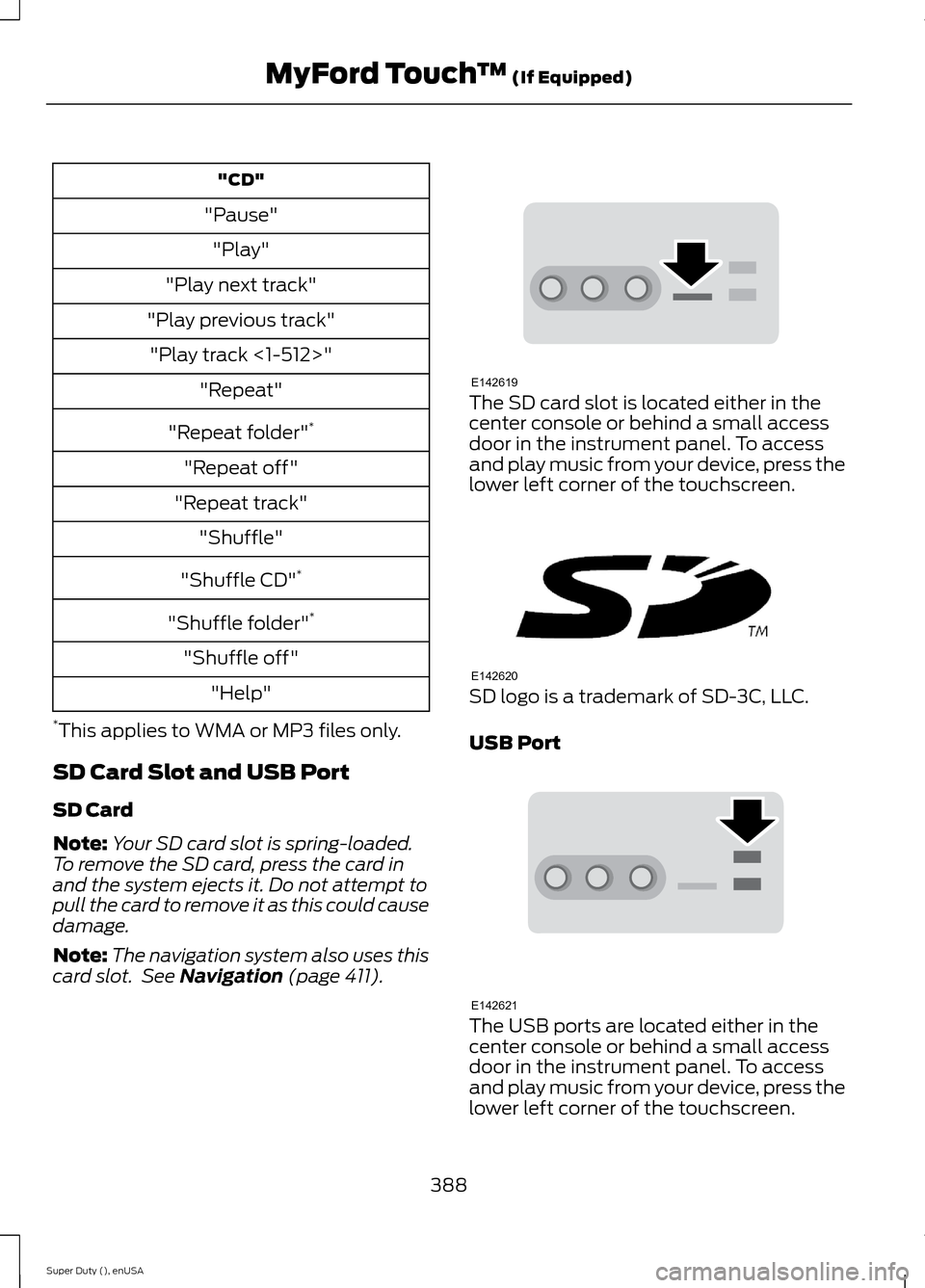
The SD card slot is located either in thecenter console or behind a small accessdoor in the instrument panel. To accessand play music from your device, press thelower left corner of the touchscreen.
SD logo is a trademark of SD-3C, LLC.
USB Port
The USB ports are located either in thecenter console or behind a small accessdoor in the instrument panel. To accessand play music from your device, press thelower left corner of the touchscreen.
388Super Duty (), enUSAMyFord Touch™ (If Equipped)E142619 E142620 E142621
Page 403 of 470
Under the Information menu, you canaccess features such as:
•SYNC Services
•Sirius Travel Link
•Alerts
•Calendar
•SYNC Applications
If your vehicle is equipped withNavigation, press theInformation button to accessthese features. If your vehicle is notequipped with Navigation, press the cornerof the touchscreen with the green tab.
SYNC Services (If Equipped,United States Only)
Note:SYNC Services varies by trim leveland model year and may require asubscription. Traffic alerts and turn-by-turndirections available in select markets.Message and data rates may apply. FordMotor Company reserves the right to changeor discontinue this product service at anytime without prior notification or incurringany future obligation.
Note:SYNC Services requires activationbefore use. Visit www.SYNCMyRide.com toregister and check your eligibility forcomplimentary services. Standard phoneand message rates may apply. Subscriptionmay be required. You must also have theactive SYNC Services Bluetooth-enabledcellular phone paired and connected to thesystem in order to connect to, and use,SYNC Services. See Phone (page 393).
Note:This feature does not functionproperly if you have enabled caller IDblocking on your cellular phone. Make sureyour cellular phone is not blocking caller IDbefore using SYNC Services.
Note:The driver is ultimately responsiblefor the safe operation of the vehicle, andtherefore, must evaluate whether it is safeto follow the suggested directions. Anynavigation features provided are only an aid.Make your driving decisions based on yourobservations of local conditions and existingtraffic regulations. Do not follow the routesuggestions if doing so would result in anunsafe or illegal maneuver, if you would beplaced in an unsafe situation, or if you wouldbe directed into an area that you considerunsafe. Maps used by this system may beinaccurate because of errors, changes inroads, traffic conditions or drivingconditions.
Note:When you connect, the service usesGPS technology and advanced vehiclesensors to collect your vehicle's currentlocation, travel direction and speed to helpprovide you with the directions, trafficreports, or business searches you request.Further, to provide the services you request,for continuous improvement, the servicemay collect and record call details and voicecommunications. For more information, seeSYNC Services Terms and Conditions atwww.SYNCMyRide.com. If you do not wantFord or its service providers to collect yourvehicle travel information or otherinformation identified in the Terms andConditions, do not subscribe or use theservice.
SYNC Services uses advanced vehiclesensors, integrated GPS technology andcomprehensive map and traffic data, togive you personalized traffic reports,precise turn-by-turn directions, businesssearch, news, sports, weather and more.For a complete list of services, or to learnmore, please visit www.SYNCMyRide.com.
Connecting to SYNC Services UsingVoice Commands
400Super Duty (), enUSAMyFord Touch™ (If Equipped)E142608 E142599
Page 404 of 470
1.Press the voice button.
2.When prompted, say "Services". Thisinitiates an outgoing call to SYNCServices using your paired andconnected Bluetooth-enabled cellularphone.
3.Once you connect to the service, followthe voice prompts to request thedesired service, such as "Traffic" or"Directions". You can also say, "Whatare my choices?" to receive a list ofavailable services from which tochoose.
4.Say, "Services" to return to the Servicesmain menu or for help, say, "Help".
Connecting to SYNC Services Usingthe Touchscreen
If your vehicle is equipped withNavigation, press theInformation button.
If your vehicle is not equipped withNavigation, press the green tab on yourtouchscreen.
1.Select Connect to Services to initiatean outgoing call to SYNC Servicesusing your phone.
2.Once connected, follow the voiceprompts to request your desiredService, such as "Traffic" or"Directions". You can also say, "Whatare my choices?" to receive a list ofavailable services from which tochoose.
3.Say, "Services" to return to the Servicesmain menu or for help, say, "Help".
Receiving Turn-by-Turn Directions
1.When connected to SYNC Services,say "Directions" or "Business search".To find the closest business or type ofbusiness to your current location, justsay "Business search" and then"Search near me". If you need further
assistance in finding a location you cansay "Operator" at any time within aDirections or Business search to speakwith a live operator. The system mayprompt you to speak with an operatorwhen it has difficulty matching yourvoice request. The live operator canassist you by searching for businessesby name or by category, residentialaddresses by street address or byname or specific street intersections.Operator Assist is a feature of yourSYNC Services subscription. For moreinformation on Operator Assist, visitwww.SYNCMyRide.com/support.
2.Follow the voice prompts to select yourDestination. After the route downloadis finished, the phone call automaticallyends.
If your vehicle is not equipped withNavigation:
•Turn-by-turn directions appear in theinformation display, in the status barof your touchscreen system and on theSYNC Services screen. You also receivedriving instructions from audibleprompts.
•When on an active route, you canselect Route Summary or RouteStatus using the touchscreen controlsor voice commands to view the RouteSummary Turn List or the RouteStatus ETA. You can also turn voiceguidance on or off, cancel the route orupdate the route.
If you miss a turn, SYNC automatically asksif you want the route updated. Just say,"Yes" when prompted and the systemdelivers a new route to your vehicle.
If your vehicle is equipped with Navigation,SYNC Services downloads your requesteddestination to the navigation system. Thenavigation system then calculates theroute and provides driving instructions.See Navigation (page 411).
401Super Duty (), enUSAMyFord Touch™ (If Equipped)E142608
Page 405 of 470
Disconnecting from SYNC Services
1.Press and hold the hang-up phone
button on the steering wheel.
2.Say "Good-bye" from the SYNCServices main menu.
SYNC Services quick tips
You can personalize your Services feature to providequicker access to your most used or favorite information.You can save address points, such as work or home. Youcan also save favorite information like sports teams, suchas Detroit Lions, or a news category. You can learn moreabout personalization by logging ontowww.SYNCMyRide.com.
Personalizing
Press the voice button at any time (while connected toSYNC Services) to interrupt a voice prompt or an audioclip (such as a sports report) and say your voice command.
Push to interrupt
Your subscription is associated with your Bluetooth-enabled cellular phone number, not your VIN (VehicleIdentification Number). You can pair and connect yourphone to any vehicle equipped with SYNC Services andcontinue enjoying your personalized services.
Portable
SYNC Services Voice Commands
When a route has beendownloaded (non-navigationsystems), press the voice buttonon the steering wheel controls. Whenprompted, say any of the followingcommands:
"SERVICES"
"Cancel route"
"Navigation voice off"
"Navigation voice on"
"Next turn"
"Route status"
"Route summary"
"SERVICES"
"Services"
"Update route"
"Help"
Sirius Travel Link (If Equipped)
WARNING
Driving while distracted can result inloss of vehicle control, crash andinjury. We strongly recommend thatyou use extreme caution when using anydevice that may take your focus off theroad. Your primary responsibility is the safeoperation of your vehicle. We recommendagainst the use of any handheld devicewhile driving and encourage the use ofvoice-operated systems when possible.Make sure you are aware of all applicablelocal laws that may affect the use ofelectronic devices while driving.
402Super Duty (), enUSAMyFord Touch™ (If Equipped)E142599