2015 FORD SUPER DUTY light
[x] Cancel search: lightPage 419 of 470
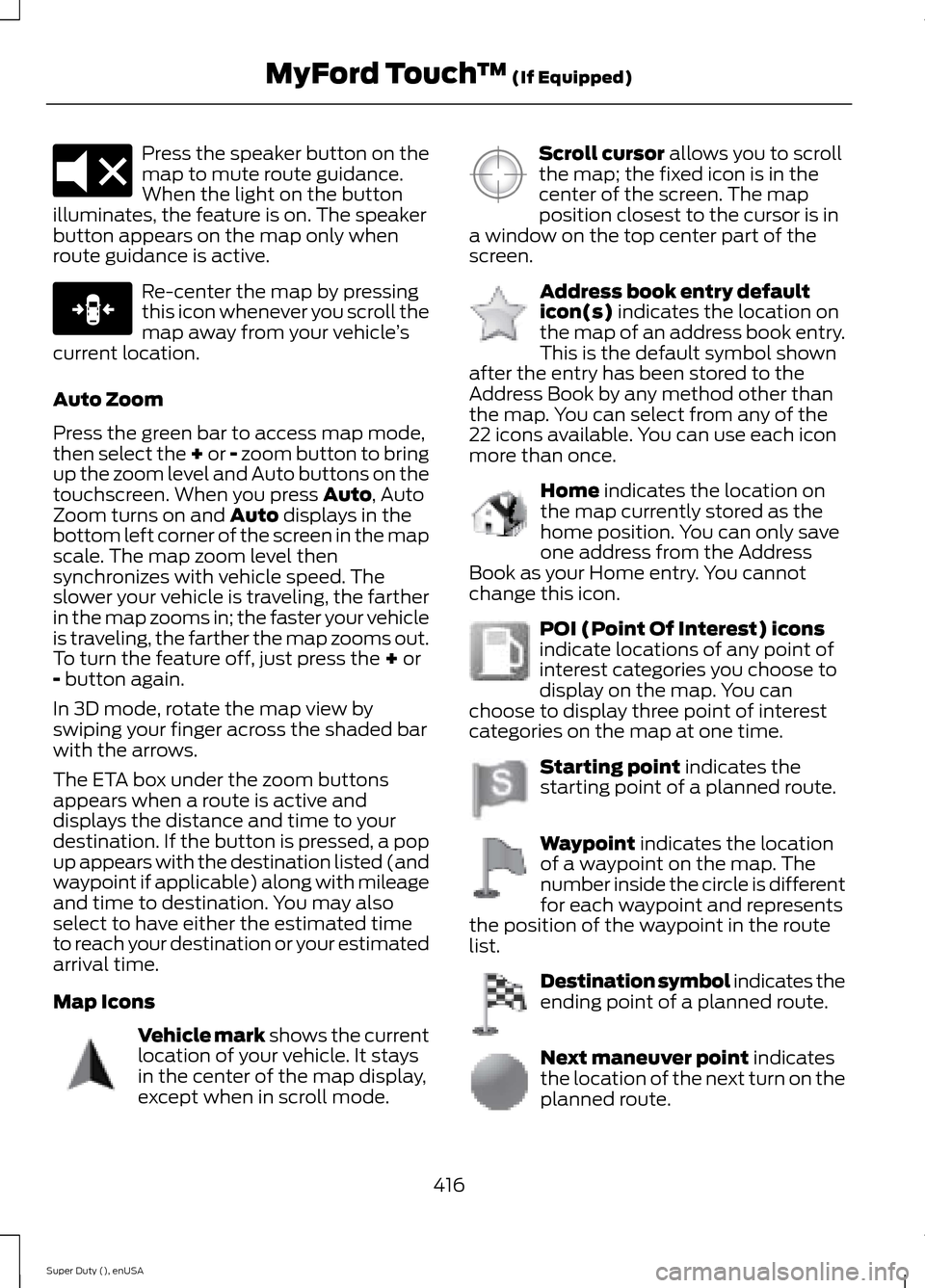
Press the speaker button on themap to mute route guidance.When the light on the buttonilluminates, the feature is on. The speakerbutton appears on the map only whenroute guidance is active.
Re-center the map by pressingthis icon whenever you scroll themap away from your vehicle’scurrent location.
Auto Zoom
Press the green bar to access map mode,then select the + or - zoom button to bringup the zoom level and Auto buttons on thetouchscreen. When you press Auto, AutoZoom turns on and Auto displays in thebottom left corner of the screen in the mapscale. The map zoom level thensynchronizes with vehicle speed. Theslower your vehicle is traveling, the fartherin the map zooms in; the faster your vehicleis traveling, the farther the map zooms out.To turn the feature off, just press the + or- button again.
In 3D mode, rotate the map view byswiping your finger across the shaded barwith the arrows.
The ETA box under the zoom buttonsappears when a route is active anddisplays the distance and time to yourdestination. If the button is pressed, a popup appears with the destination listed (andwaypoint if applicable) along with mileageand time to destination. You may alsoselect to have either the estimated timeto reach your destination or your estimatedarrival time.
Map Icons
Vehicle mark shows the currentlocation of your vehicle. It staysin the center of the map display,except when in scroll mode.
Scroll cursor allows you to scrollthe map; the fixed icon is in thecenter of the screen. The mapposition closest to the cursor is ina window on the top center part of thescreen.
Address book entry defaulticon(s) indicates the location onthe map of an address book entry.This is the default symbol shownafter the entry has been stored to theAddress Book by any method other thanthe map. You can select from any of the22 icons available. You can use each iconmore than once.
Home indicates the location onthe map currently stored as thehome position. You can only saveone address from the AddressBook as your Home entry. You cannotchange this icon.
POI (Point Of Interest) iconsindicate locations of any point ofinterest categories you choose todisplay on the map. You canchoose to display three point of interestcategories on the map at one time.
Starting point indicates thestarting point of a planned route.
Waypoint indicates the locationof a waypoint on the map. Thenumber inside the circle is differentfor each waypoint and representsthe position of the waypoint in the routelist.
Destination symbol indicates theending point of a planned route.
Next maneuver point indicatesthe location of the next turn on theplanned route.
416Super Duty (), enUSAMyFord Touch™ (If Equipped)E174017 E146188 E142646 E142647 E142648 E142649 E142650 E142651 E142652 E142653 E142654
Page 444 of 470
Ford Motor Company has recommendedmaintenance intervals for various partsand component systems based uponengineering testing. Ford Motor Companyrelies upon this testing to determine themost appropriate mileage for replacementof oils and fluids to protect your vehicle atthe lowest overall cost to you andrecommends against maintenanceschedules that deviate from the scheduledmaintenance information.
We strongly recommend the use of onlygenuine Ford, Motorcraft orFord-authorized re-manufacturedreplacement parts engineered for yourvehicle.
Additives and Chemicals
This owner's manual and the FordWorkshop Manual list the recommendedadditives and chemicals for your vehicle.We do not recommend using chemicals oradditives not approved by us as part ofyour vehicle’s normal maintenance. Pleaseconsult your warranty information.
Oils, Fluids and Flushing
In many cases, fluid discoloration is anormal operating characteristic and, byitself, does not necessarily indicate aconcern or that the fluid needs to bechanged. However, a qualified expert, suchas the factory-trained technicians at yourdealership, should inspect discolored fluidsthat also show signs of overheating orforeign material contaminationimmediately.
Make sure to change your vehicle’s oils andfluids at the specified intervals or inconjunction with a repair. Flushing is aviable way to change fluid for many vehiclesub-systems during scheduledmaintenance. It is critical that systems areflushed only with new fluid that is the sameas that required to fill and operate thesystem or using a Ford-approved flushingchemical.
Owner Checks and Services
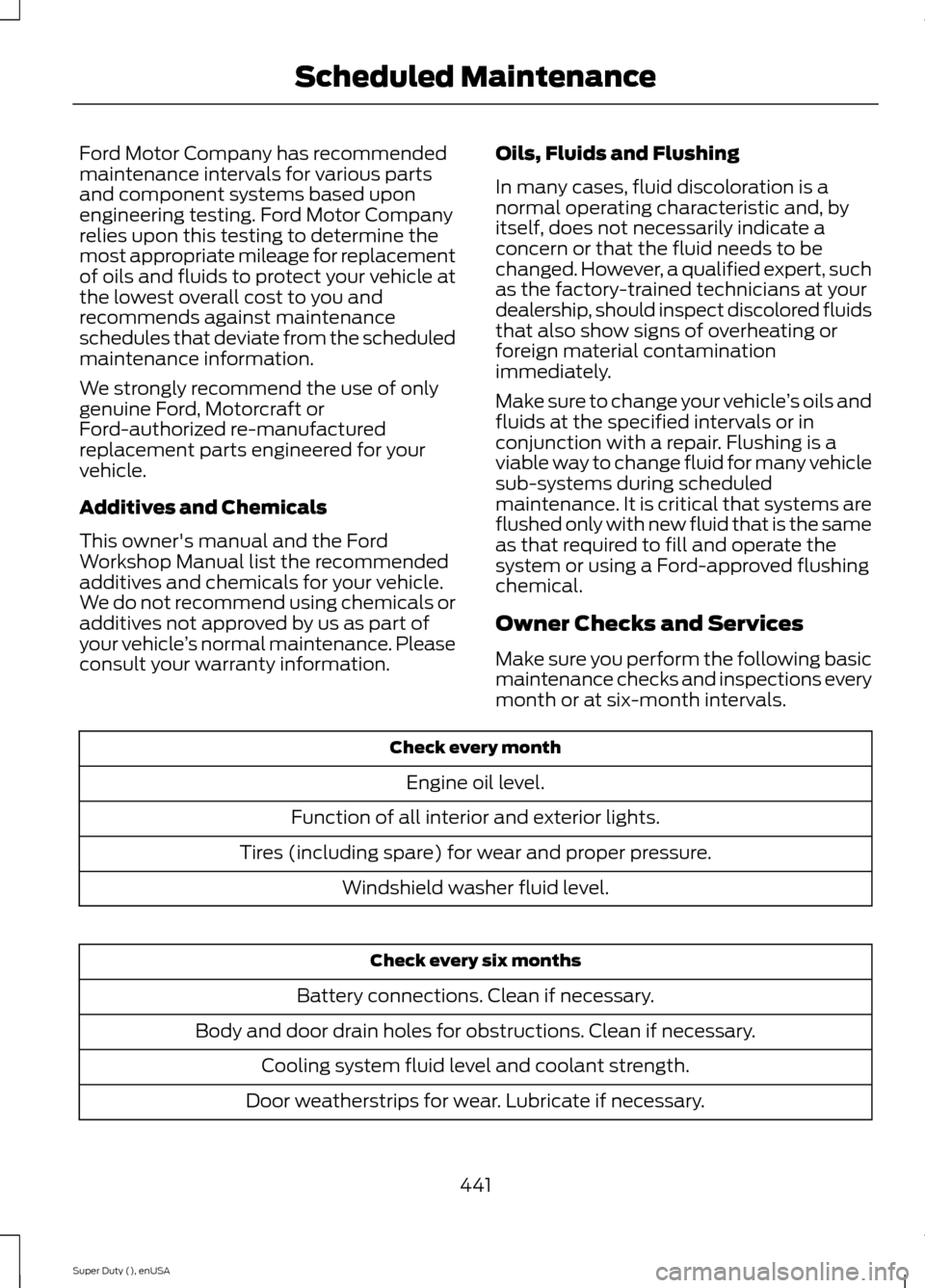
Make sure you perform the following basicmaintenance checks and inspections everymonth or at six-month intervals.
Check every month
Engine oil level.
Function of all interior and exterior lights.
Tires (including spare) for wear and proper pressure.
Windshield washer fluid level.
Check every six months
Battery connections. Clean if necessary.
Body and door drain holes for obstructions. Clean if necessary.
Cooling system fluid level and coolant strength.
Door weatherstrips for wear. Lubricate if necessary.
441Super Duty (), enUSAScheduled Maintenance
Page 450 of 470
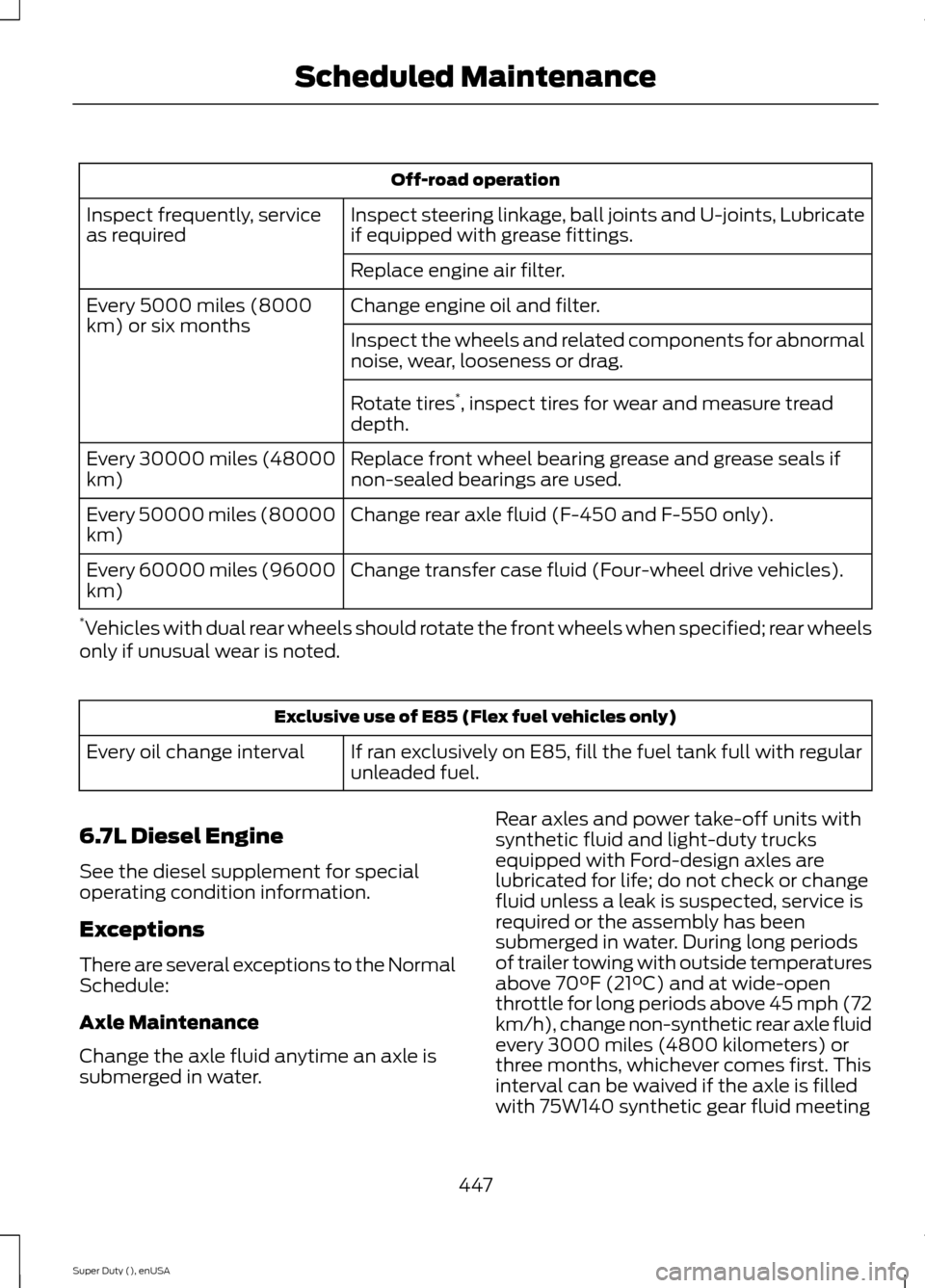
Off-road operation
Inspect steering linkage, ball joints and U-joints, Lubricateif equipped with grease fittings.Inspect frequently, serviceas required
Replace engine air filter.
Change engine oil and filter.Every 5000 miles (8000km) or six monthsInspect the wheels and related components for abnormalnoise, wear, looseness or drag.
Rotate tires*, inspect tires for wear and measure treaddepth.
Replace front wheel bearing grease and grease seals ifnon-sealed bearings are used.Every 30000 miles (48000km)
Change rear axle fluid (F-450 and F-550 only).Every 50000 miles (80000km)
Change transfer case fluid (Four-wheel drive vehicles).Every 60000 miles (96000km)
*Vehicles with dual rear wheels should rotate the front wheels when specified; rear wheelsonly if unusual wear is noted.
Exclusive use of E85 (Flex fuel vehicles only)
If ran exclusively on E85, fill the fuel tank full with regularunleaded fuel.Every oil change interval
6.7L Diesel Engine
See the diesel supplement for specialoperating condition information.
Exceptions
There are several exceptions to the NormalSchedule:
Axle Maintenance
Change the axle fluid anytime an axle issubmerged in water.
Rear axles and power take-off units withsynthetic fluid and light-duty trucksequipped with Ford-design axles arelubricated for life; do not check or changefluid unless a leak is suspected, service isrequired or the assembly has beensubmerged in water. During long periodsof trailer towing with outside temperaturesabove 70°F (21°C) and at wide-openthrottle for long periods above 45 mph (72km/h), change non-synthetic rear axle fluidevery 3000 miles (4800 kilometers) orthree months, whichever comes first. Thisinterval can be waived if the axle is filledwith 75W140 synthetic gear fluid meeting
447Super Duty (), enUSAScheduled Maintenance
Page 451 of 470
Ford specification WSL-M2C192-A, partnumber F1TZ-19580-B, or equivalent. Addfriction modifier XL-3 (EST-M2C118-A) orequivalent for complete refill ofTraction-Lok rear axles. See Capacitiesand Specifications (page 301).
Additional Axle Maintenance for F-450and F-550
Change rear axle fluid every 100000 miles(160000 kilometers) under normal drivingconditions on all commercial applications.When operating your vehicle at or nearmaximum gross vehicle weights, changethe rear axle fluid every 50000 miles(80000 kilometers). In addition, followthis 50000-mile (80000-kilometer)schedule when operating your vehicleunder the special operating conditions,where noted.
California Fuel Filter Replacement
If you register your vehicle in California, theCalifornia Air Resources Board hasdetermined that the failure to perform thismaintenance item does not nullify theemission warranty or limit recall liabilitybefore the completion of your vehicle'suseful life. Ford Motor Company, however,urges you to have all recommendedmaintenance services performed at thespecified intervals and to record all vehicleservice.
Hot Climate Oil Change Intervals
Vehicles operating in the Middle East,North Africa, Sub-Saharan Africa orlocations with similar climates using anAmerican Petroleum Institute (API)Certified for Gasoline Engines (Certificationmark) oil of SM or SN quality, the normaloil change interval is 3000 miles (5000kilometers).
If the available API SM or SN oils are notavailable, then the oil change interval is1800 miles (3000 kilometers).
Engine Air Filter and Cabin Air FilterReplacement
The life of the engine air filter and cabin airfilter is dependent on exposure to dustyand dirty conditions. Vehicles operated inthese conditions require frequentinspection and replacement of the engineair filter and cabin air filter.
Diesel Particulate Filter
The filter may need to be removed for ashcleaning at approximately 120000 miles(192000 kilometers) or greater (actualmileage can vary greatly depending uponengine and vehicle operating conditions)and replaced with a new orre-manufactured (ash cleaned) part. Thefilter may need to be replaced atapproximately 250000 miles (400000kilometers) depending upon engine andvehicle operating conditions. In both cases,the engine control system sets a servicelight (wrench icon) to inform you to bringyour vehicle to the dealer for service. Ifthere are any issues with the oxidationcatalyst or particulate filter system, aservice light (wrench or engine icon) setsby the engine control system to inform youto bring your vehicle into a dealer forservice.
448Super Duty (), enUSAScheduled Maintenance
Page 464 of 470
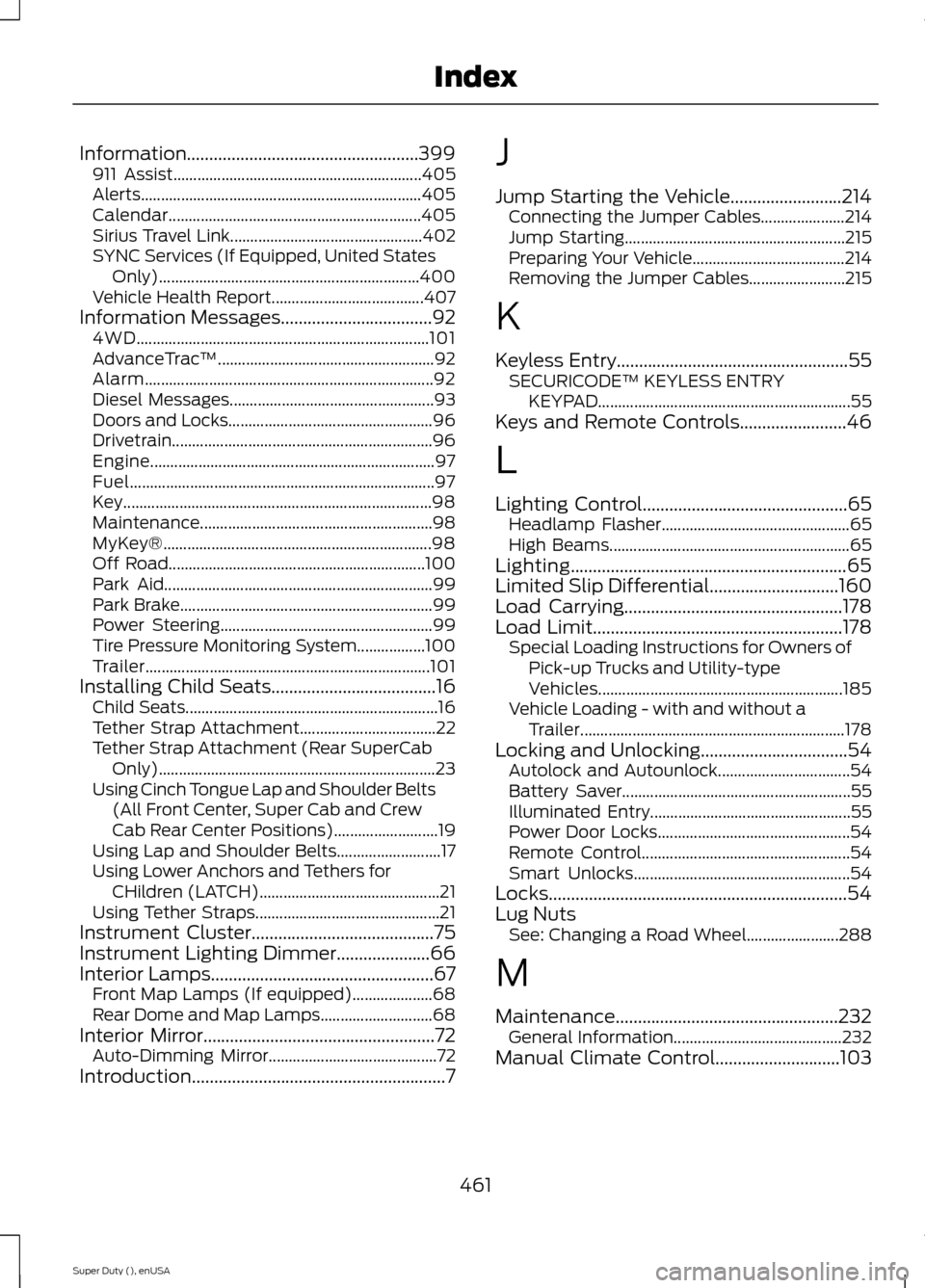
Information....................................................399911 Assist..............................................................405Alerts......................................................................405Calendar...............................................................405Sirius Travel Link................................................402SYNC Services (If Equipped, United StatesOnly).................................................................400Vehicle Health Report......................................407Information Messages..................................924WD.........................................................................101AdvanceTrac™......................................................92Alarm........................................................................92Diesel Messages...................................................93Doors and Locks...................................................96Drivetrain.................................................................96Engine.......................................................................97Fuel............................................................................97Key.............................................................................98Maintenance..........................................................98MyKey®...................................................................98Off Road................................................................100Park Aid...................................................................99Park Brake...............................................................99Power Steering.....................................................99Tire Pressure Monitoring System.................100Trailer.......................................................................101Installing Child Seats.....................................16Child Seats...............................................................16Tether Strap Attachment..................................22Tether Strap Attachment (Rear SuperCabOnly).....................................................................23Using Cinch Tongue Lap and Shoulder Belts(All Front Center, Super Cab and CrewCab Rear Center Positions)..........................19Using Lap and Shoulder Belts..........................17Using Lower Anchors and Tethers forCHildren (LATCH).............................................21Using Tether Straps..............................................21Instrument Cluster.........................................75Instrument Lighting Dimmer.....................66Interior Lamps..................................................67Front Map Lamps (If equipped)....................68Rear Dome and Map Lamps............................68Interior Mirror....................................................72Auto-Dimming Mirror..........................................72Introduction.........................................................7
J
Jump Starting the Vehicle.........................214Connecting the Jumper Cables.....................214Jump Starting.......................................................215Preparing Your Vehicle......................................214Removing the Jumper Cables........................215
K
Keyless Entry....................................................55SECURICODE™ KEYLESS ENTRYKEYPAD...............................................................55Keys and Remote Controls........................46
L
Lighting Control..............................................65Headlamp Flasher...............................................65High Beams............................................................65Lighting..............................................................65Limited Slip Differential.............................160Load Carrying.................................................178Load Limit........................................................178Special Loading Instructions for Owners ofPick-up Trucks and Utility-typeVehicles.............................................................185Vehicle Loading - with and without aTrailer..................................................................178Locking and Unlocking.................................54Autolock and Autounlock.................................54Battery Saver.........................................................55Illuminated Entry..................................................55Power Door Locks................................................54Remote Control....................................................54Smart Unlocks......................................................54Locks...................................................................54Lug NutsSee: Changing a Road Wheel.......................288
M
Maintenance..................................................232General Information..........................................232Manual Climate Control............................103
461Super Duty (), enUSAIndex
Page 468 of 470
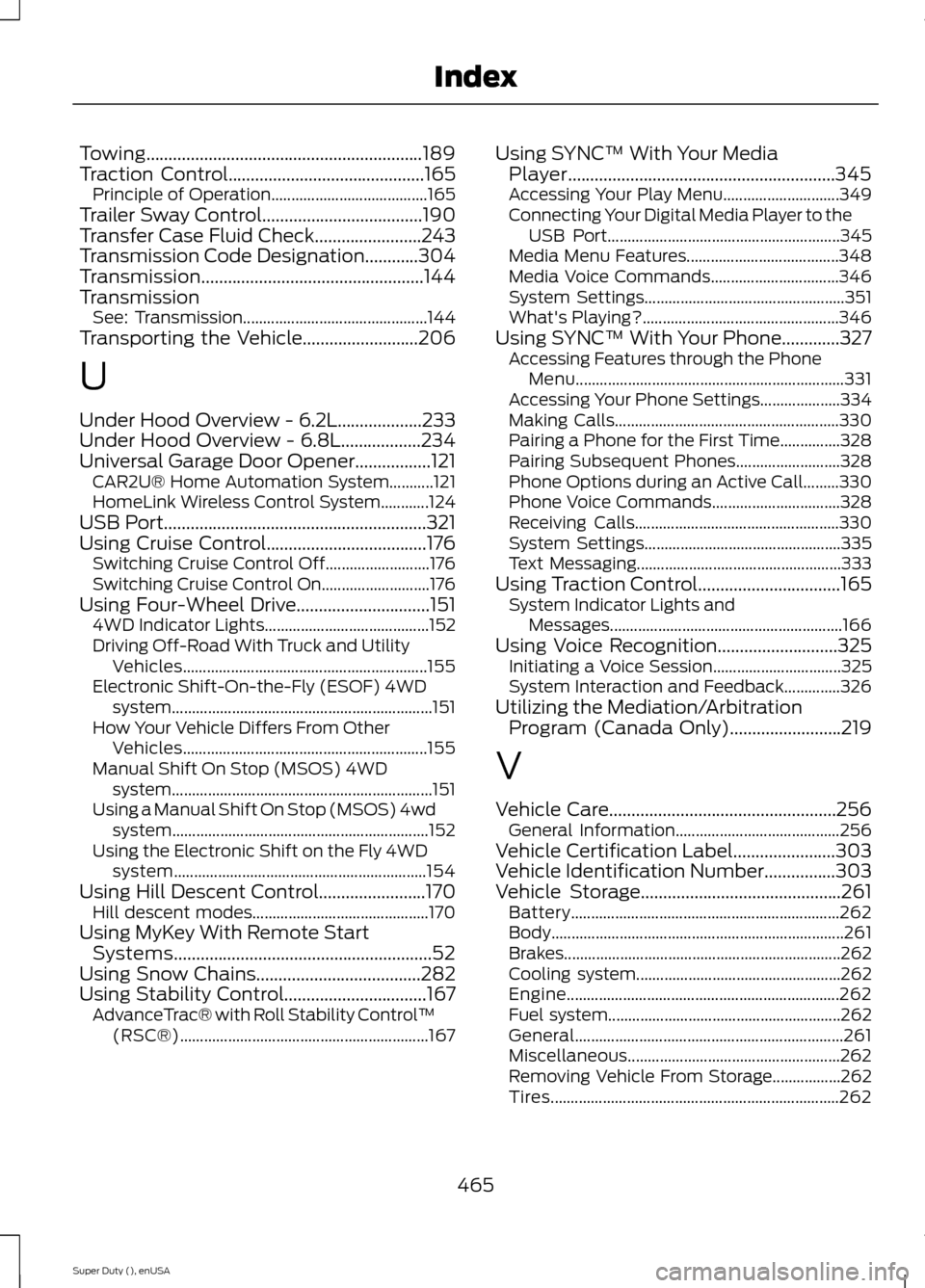
Towing..............................................................189Traction Control............................................165Principle of Operation.......................................165Trailer Sway Control....................................190Transfer Case Fluid Check........................243Transmission Code Designation............304Transmission..................................................144TransmissionSee: Transmission..............................................144Transporting the Vehicle..........................206
U
Under Hood Overview - 6.2L...................233Under Hood Overview - 6.8L..................234Universal Garage Door Opener.................121CAR2U® Home Automation System...........121HomeLink Wireless Control System............124USB Port...........................................................321Using Cruise Control....................................176Switching Cruise Control Off..........................176Switching Cruise Control On...........................176Using Four-Wheel Drive..............................1514WD Indicator Lights.........................................152Driving Off-Road With Truck and UtilityVehicles.............................................................155Electronic Shift-On-the-Fly (ESOF) 4WDsystem.................................................................151How Your Vehicle Differs From OtherVehicles.............................................................155Manual Shift On Stop (MSOS) 4WDsystem.................................................................151Using a Manual Shift On Stop (MSOS) 4wdsystem................................................................152Using the Electronic Shift on the Fly 4WDsystem...............................................................154Using Hill Descent Control........................170Hill descent modes............................................170Using MyKey With Remote StartSystems..........................................................52Using Snow Chains.....................................282Using Stability Control................................167AdvanceTrac® with Roll Stability Control™(RSC®)..............................................................167
Using SYNC™ With Your MediaPlayer............................................................345Accessing Your Play Menu.............................349Connecting Your Digital Media Player to theUSB Port..........................................................345Media Menu Features......................................348Media Voice Commands................................346System Settings..................................................351What's Playing?.................................................346Using SYNC™ With Your Phone.............327Accessing Features through the PhoneMenu...................................................................331Accessing Your Phone Settings....................334Making Calls........................................................330Pairing a Phone for the First Time...............328Pairing Subsequent Phones..........................328Phone Options during an Active Call.........330Phone Voice Commands................................328Receiving Calls...................................................330System Settings.................................................335Text Messaging...................................................333Using Traction Control................................165System Indicator Lights andMessages..........................................................166Using Voice Recognition...........................325Initiating a Voice Session................................325System Interaction and Feedback..............326Utilizing the Mediation/ArbitrationProgram (Canada Only).........................219
V
Vehicle Care...................................................256General Information.........................................256Vehicle Certification Label.......................303Vehicle Identification Number................303Vehicle Storage.............................................261Battery...................................................................262Body.........................................................................261Brakes.....................................................................262Cooling system...................................................262Engine....................................................................262Fuel system..........................................................262General...................................................................261Miscellaneous.....................................................262Removing Vehicle From Storage.................262Tires........................................................................262
465Super Duty (), enUSAIndex
Page 469 of 470
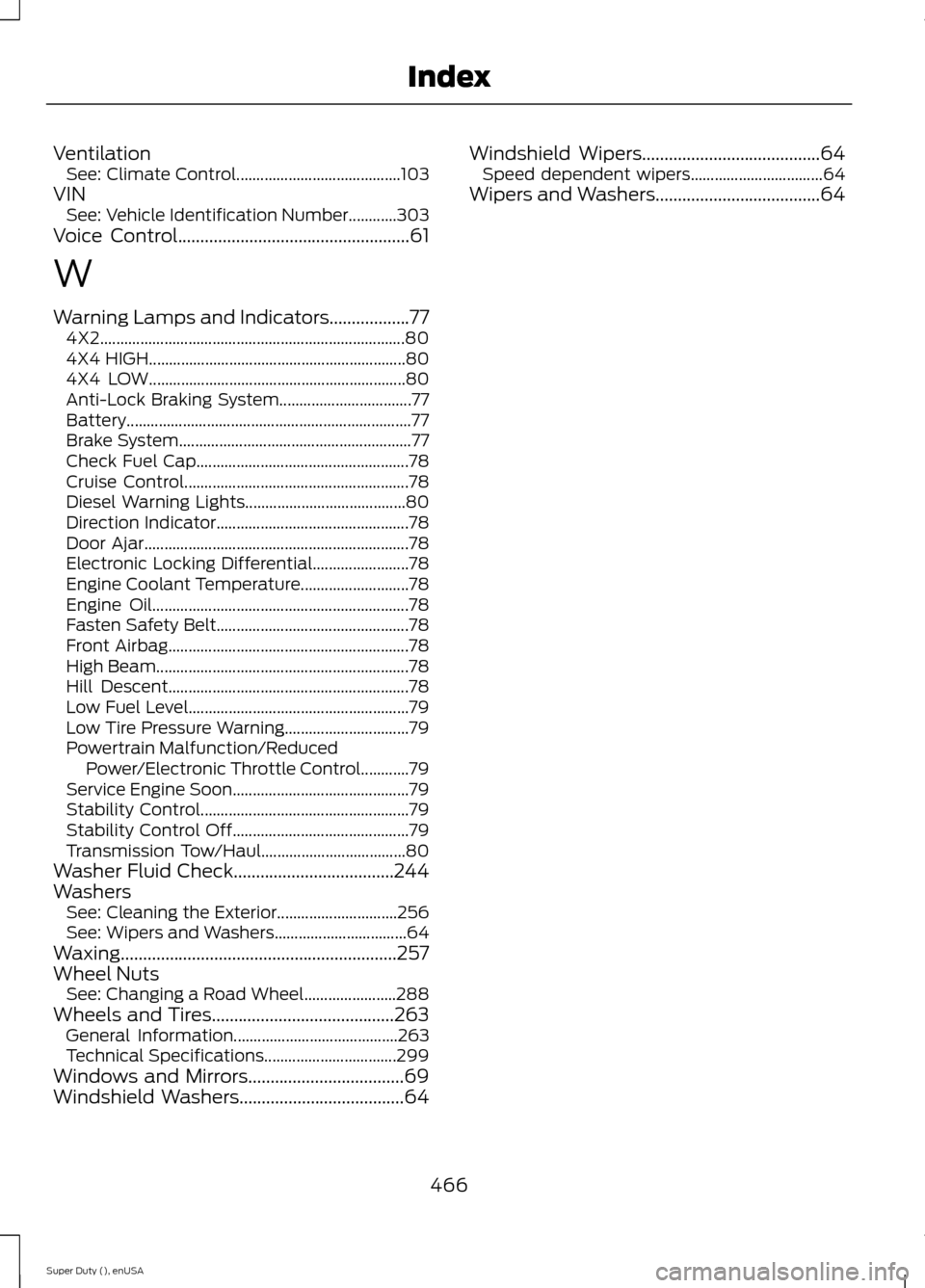
VentilationSee: Climate Control.........................................103VINSee: Vehicle Identification Number............303Voice Control....................................................61
W
Warning Lamps and Indicators..................774X2............................................................................804X4 HIGH................................................................804X4 LOW................................................................80Anti-Lock Braking System.................................77Battery.......................................................................77Brake System..........................................................77Check Fuel Cap.....................................................78Cruise Control........................................................78Diesel Warning Lights........................................80Direction Indicator................................................78Door Ajar..................................................................78Electronic Locking Differential........................78Engine Coolant Temperature...........................78Engine Oil................................................................78Fasten Safety Belt................................................78Front Airbag............................................................78High Beam...............................................................78Hill Descent............................................................78Low Fuel Level.......................................................79Low Tire Pressure Warning...............................79Powertrain Malfunction/ReducedPower/Electronic Throttle Control............79Service Engine Soon............................................79Stability Control....................................................79Stability Control Off............................................79Transmission Tow/Haul....................................80Washer Fluid Check....................................244WashersSee: Cleaning the Exterior..............................256See: Wipers and Washers.................................64Waxing..............................................................257Wheel NutsSee: Changing a Road Wheel.......................288Wheels and Tires.........................................263General Information.........................................263Technical Specifications.................................299Windows and Mirrors...................................69Windshield Washers.....................................64
Windshield Wipers........................................64Speed dependent wipers.................................64Wipers and Washers.....................................64
466Super Duty (), enUSAIndex