2015 FORD FOCUS ELECTRIC washer fluid
[x] Cancel search: washer fluidPage 6 of 369
Hints on Driving With Anti-Lock
Brakes...........................................................125
Parking Brake.................................................125
Hill Start Assist
..............................................125
Traction Control
Principle of Operation
.................................127
Using Traction Control................................127
Stability Control
Principle of Operation.................................128
Parking Aids
Rear Parking Aid............................................129
Rear View Camera.......................................130
Cruise Control
Principle of Operation.................................133
Using Cruise Control....................................133
Driving Aids
Steering............................................................134
Load Carrying
Rear Under Floor Storage
..........................135
Load Limit
........................................................135
Towing
Towing a Trailer.............................................143
Transporting the Vehicle............................143
Towing the Vehicle on Four Wheels......143
Driving Hints
Breaking-In......................................................145
Cold Weather Precautions........................145
Driving Through Water
................................145
Floor Mats
.......................................................145
Roadside Emergencies
Roadside Assistance...................................147 Hazard Warning Flashers
..........................148
Jump Starting the Vehicle.........................148
Collision, Damage or Fire Event..............150
Post-Crash Alert System
............................151
Customer Assistance
Getting the Services You Need
................152
In California (U.S. Only)..............................153
The Better Business Bureau (BBB) Auto Line Program (U.S. Only)......................154
Utilizing the Mediation/Arbitration Program (Canada Only)
........................154
Getting Assistance Outside the U.S. and Canada.........................................................155
Ordering Additional Owner's Literature.....................................................156
Reporting Safety Defects (U.S. Only).............................................................156
Reporting Safety Defects (Canada Only)..............................................................157
Fuses
Fuse Specification Chart...........................158
Changing a Fuse
...........................................168
Maintenance
General Information
....................................169
Opening and Closing the Hood
..............169
Under Hood Overview................................170
Coolant Check.................................................171
Brake Fluid Check.........................................173
Washer Fluid Check......................................173
Changing the 12V Battery...........................173
Checking the Wiper Blades.......................175
Changing the Wiper Blades......................175
Adjusting the Headlamps..........................176
Removing a Headlamp...............................177
Changing a Bulb
............................................178
Bulb Specification Chart............................181
3
Focus (CDH), enUSA, First Printing Table of Contents
Page 76 of 369
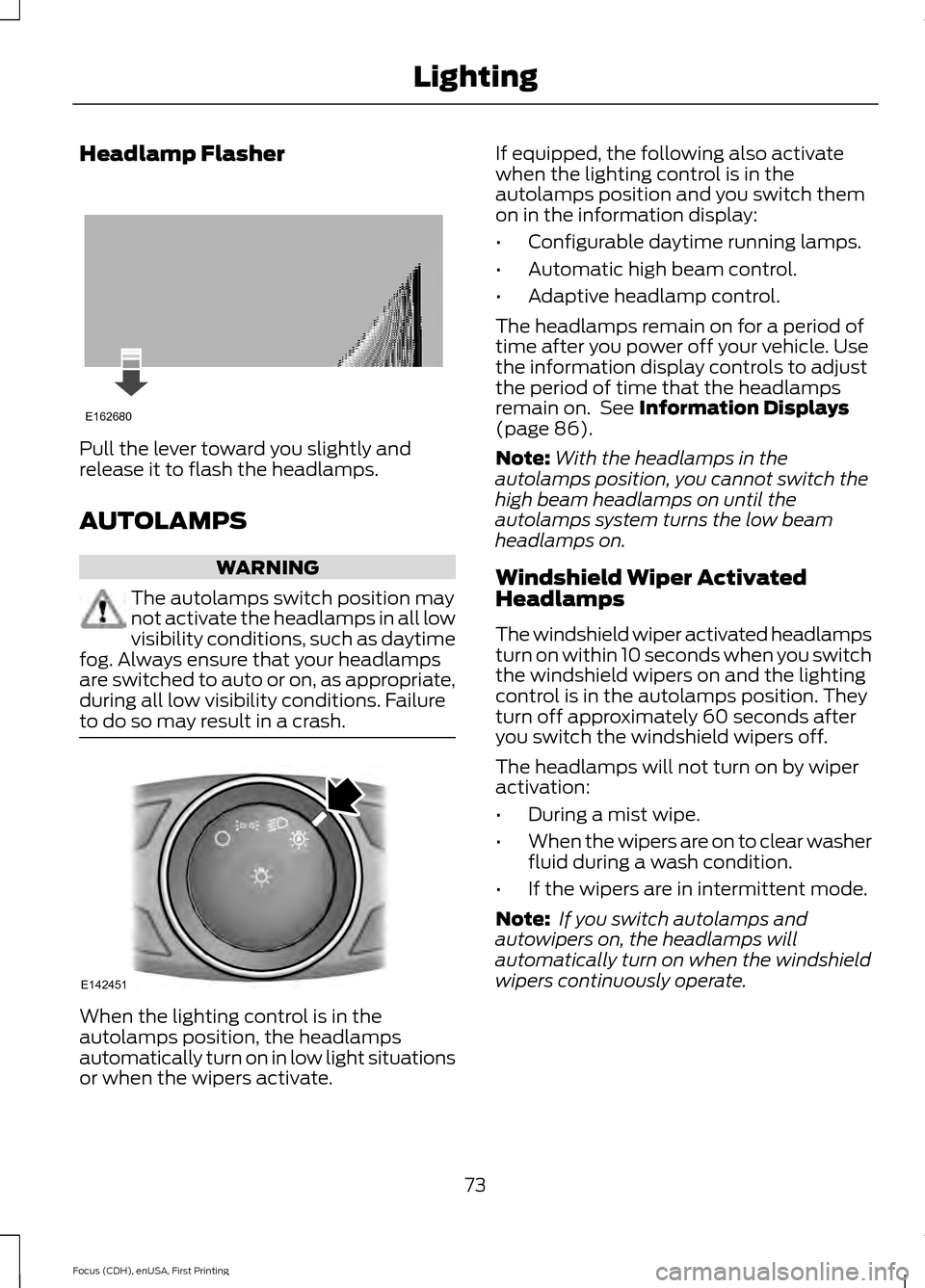
Headlamp Flasher
Pull the lever toward you slightly and
release it to flash the headlamps.
AUTOLAMPS
WARNING
The autolamps switch position may
not activate the headlamps in all low
visibility conditions, such as daytime
fog. Always ensure that your headlamps
are switched to auto or on, as appropriate,
during all low visibility conditions. Failure
to do so may result in a crash. When the lighting control is in the
autolamps position, the headlamps
automatically turn on in low light situations
or when the wipers activate. If equipped, the following also activate
when the lighting control is in the
autolamps position and you switch them
on in the information display:
•
Configurable daytime running lamps.
• Automatic high beam control.
• Adaptive headlamp control.
The headlamps remain on for a period of
time after you power off your vehicle. Use
the information display controls to adjust
the period of time that the headlamps
remain on. See Information Displays
(page 86).
Note: With the headlamps in the
autolamps position, you cannot switch the
high beam headlamps on until the
autolamps system turns the low beam
headlamps on.
Windshield Wiper Activated
Headlamps
The windshield wiper activated headlamps
turn on within 10 seconds when you switch
the windshield wipers on and the lighting
control is in the autolamps position. They
turn off approximately 60 seconds after
you switch the windshield wipers off.
The headlamps will not turn on by wiper
activation:
• During a mist wipe.
• When the wipers are on to clear washer
fluid during a wash condition.
• If the wipers are in intermittent mode.
Note: If you switch autolamps and
autowipers on, the headlamps will
automatically turn on when the windshield
wipers continuously operate.
73
Focus (CDH), enUSA, First Printing LightingE162680 E142451
Page 87 of 369
Fasten Safety Belt Warning Lamp
It will illuminate and a chime will
sound to remind you to fasten
your safety belt. See Safety
Belt Minder (page 33).
Front Airbag Warning Lamp If the warning lamp does not
illuminate during start up,
remains on or flashes, the
system may be disabled. Have your vehicle
checked by an authorized dealer.
High Beam Indicator It will illuminate when you switch
the high beam headlamps on. It
will flash when you use the
headlamp flasher.
Liftgate Ajar Lights when the liftgate is not
completely closed.
Limited Performance Amber: Indicates limited vehicle
performance due to a cold or hot
battery. A corresponding
message displays.
Red: Indicates severely limited vehicle
performance due to a cold or hot battery.
This is accompanied by a corresponding
message. Drive with caution. Keep your
vehicle plugged in when not in use to
maintain battery temperature.
Low Battery Lights when the battery level is
low. You may also see a
message suggesting you reduce
your usage of the climate system. Low Tire Pressure Warning Lights when your tire pressure is
low. If the lamp remains on at
start up or when driving, check
your tire pressure as soon as
possible.
It also lights momentarily when you switch
on your vehicle to confirm the lamp is
functional. If it does not light when you
switch on your vehicle, or begins to flash
at any time, have the system checked by
an authorized dealer.
Low Washer Fluid Lights when the windshield
washer fluid is low.
Headlamp and Parking Lamp
Indicator It will illuminate when you switch
the headlamps or parking lamps
on.
Powertrain Fault Lights when the system detects
a powertrain or high-voltage
charge system fault. If the
indicator stays on or continues to come on,
contact an authorized dealer as soon as
possible.
Ready to Drive Lights after you power your
vehicle on and it is ready to drive.
A corresponding message may
display stating ready to drive.
84
Focus (CDH), enUSA, First Printing Instrument Cluster E162453 E144690 E144691 E132353 E144692
Page 99 of 369
Lighting
Action
Message
Displays when the brake lamp bulb has burned out. Contact an authorized dealer.
Brake lamp Bulb fault
Displays when the low beam headlamp bulb has burned out.Contact an authorized dealer.
Low beam Bulb fault
Displays when an electrical system problem occurs with theheadlamp system. Contact an authorized dealer.
Headlamp fault Service
req'd
Maintenance Action
Message
Indicates the brake fluid level is low and the brake system
should be inspected immediately. See Maintenance (page
169).
Brake fluid level low
Service now
Displays when the brake system needs servicing. Stop yourvehicle in a safe place. Contact an authorized dealer.
Brake system fault Stop
safely
Displays when the motor coolant temperature is excessively high.
Motor Coolant Over
Temperature
Displayed when the kit needs service. See your authorized dealer.
Service Tire Mobility Kit
Informs you that the powertrain needs service due to apowertrain malfunction.
See Manual
Displays when the washer fluid is low and needs to be refilled.See
Maintenance (page 169).
Washer Fluid Level Low
MyKey Action
Message
Displays when MyKey is active.
MyKey Active Drive
Safely
Displays when starting the vehicle and MyKey is in use andthe MyKey speed limit is on.
Speed Limited to xx
MPH/km/h
Displays when a MyKey is in use and the MyKey speed limit is
on and the vehicle speed is approaching 80 mph (130 km/h).
Near Vehicle Top Speed
96
Focus (CDH), enUSA, First Printing Information Displays
Page 172 of 369
GENERAL INFORMATION
Have your vehicle serviced regularly to help
maintain its roadworthiness and resale
value. There is a large network of Ford
authorized repairers that are there to help
you with their professional servicing
expertise. Authorized repairers are best
qualified to service your vehicle properly
and expertly, with a wide range of highly
specialized tools.
In addition to regular servicing, we
recommend that you carry out the
following checks.
WARNINGS
Switch the ignition off before
touching or attempting adjustment
of any kind.
Do not touch the electronic ignition
system parts after you have switched
the ignition on or when the electric
motor is running. The system operates at
high voltage. Keep your hands and clothing clear
of the electric motor cooling fan.
Under certain conditions, the fan
may continue to run for several minutes
after you have switched the electric motor
off. Make sure that you fit filler caps
securely after carrying out
maintenance checks.
High Voltage Information
WARNING
Exposure to high voltage could result
in severe personal injury or death.
High voltage components must be
serviced by a trained service technician. Your vehicle consists of various high
voltage components and wiring. All of the
high voltage power flows through specific
wiring assemblies which are labeled as
such or are covered with a solid orange
convolute or orange stripe tape. Do not
come in contact with these components.
Daily Checks
•
Exterior lamps.
• Interior lamps.
• Warning lamps and indicators.
Weekly Checks
• Brake fluid level.
• Washer fluid level.
• Tire pressures (when cold).
• Tire condition.
Monthly Checks
• Coolant level. See Coolant Check
(page 171).
• Pipes, hoses and reservoirs for leaks.
• Air conditioning operation.
• Parking brake operation.
• Horn operation.
• Tightness of lug nuts. See
Lug Nuts
(page 221).
OPENING AND CLOSING THE
HOOD
1. Inside the vehicle, pull the hood release
handle located under the left-hand
side of the instrument panel.
169
Focus (CDH), enUSA, First Printing Maintenance
Page 174 of 369
Coolant reservoir. See Coolant Check (page 171).
A
Brake fluid reservoir. See
Brake Fluid Check (page 173).
B
12 volt battery. See
Changing the 12V Battery (page 173).
C
Electric motor compartment fuse box. See
Fuses (page 158).
D
Windshield washer fluid reservoir. See
Washer Fluid Check (page 173).
E
COOLANT CHECK WARNINGS
Do not add coolant when the electric
motor is hot. Steam and scalding
liquids released from a hot cooling
system can cause severe burns. You could
receive burns if you spill coolant on hot
motor parts. Failure to follow this warning
could result in serious personal injury. Do not put coolant in the windshield
washer fluid container. If sprayed on
the windshield, coolant could make
it difficult to see through the windshield.
Failure to follow this warning could result
in serious personal injury or death. To reduce the risk of personal injury,
make sure the electric motor is cool
before unscrewing the coolant
pressure relief cap. The cooling system is
under pressure; steam and hot liquid can
come out forcefully when the cap is
loosened slightly. Failure to follow this
warning could result in serious personal
injury. Do not add coolant further than the
MAX mark.
When the electric motor is cold, check the
level and concentration of the coolant in
the reservoir at the intervals listed in the
scheduled maintenance information.
Note:
Make sure that the coolant level is
between the MIN and MAX marks on the
coolant reservoir. Note:
Coolant expands when it is hot. The
level may extend beyond the MAX mark.
Note: If the level is at the MIN mark, below
the MIN mark or empty, add coolant
immediately.
Maintain coolant concentration within
48% to 50%, which equates to a freeze
point between -30°F (-34°C) and -34°F
(-37°C).
Note: For best results, coolant
concentration should be tested with a
refractometer such as Robinair Coolant and
Battery Refractometer 75240. We do not
recommend the use of hydrometers or
coolant test strips for measuring coolant
concentrations.
Note: It is very important to use prediluted
coolant meeting the Ford specification in
order to avoid plugging the small coolant
passageways. Use of concentrated coolant
and water may cause coolant passageway
plugging and void the warranty. See
Capacities and Specifications (page 225).
Note: Automotive fluids are not
interchangeable; do not use coolant,
antifreeze or windshield washer fluid outside
of its specified function and vehicle location.
Adding Coolant
Note: Do not use stop leak pellets or
cooling system sealants or additives as they
can cause damage to the cooling and
heating systems. This damage would not
be covered under your vehicle warranty.
171
Focus (CDH), enUSA, First Printing Maintenance
Page 176 of 369
If you drive in extremely hot climates:
•
It may be necessary to have a Ford
authorized dealer decrease the coolant
concentration to 40%.
• A coolant concentration of 40%
provides improved overheat protection.
Coolant concentrations below 40%
will decrease the freeze and corrosion
protection characteristics of the
coolant and may cause vehicle
damage.
Vehicles driven year-round in non-extreme
climates should use prediluted coolant for
optimum cooling system and vehicle
protection.
BRAKE FLUID CHECK WARNINGS
Do not use any fluid other than the
recommended brake fluid as this will
reduce brake efficiency. Use of
incorrect fluid could result in the loss of
vehicle control, serious personal injury or
death. Only use brake fluid from a sealed
container. Contamination with dirt,
water, petroleum products or other
materials may result in brake system
damage or failure. Failure to adhere to this
warning could result in the loss of vehicle
control, serious personal injury or death. Do not allow the fluid to touch your
skin or eyes. If this happens, rinse the
affected areas immediately with
plenty of water and contact your physician. A fluid level between the MAX and
MIN lines is within the normal
operating range and there is no need
to add fluid. A fluid level not in the normal
operating range could compromise the
performance of the system. Have your
vehicle checked immediately. Only use fluid that meets Ford
specifications.
WASHER FLUID CHECK
When adding fluid, use a mixture of washer
fluid and water to help prevent freezing in
cold weather and improve the cleaning
capability. For information on fluid dilution,
refer to the product instructions.
Note:
The reservoir supplies the front and
rear washer systems.
CHANGING THE 12V BATTERY WARNINGS
Batteries normally produce explosive
gases which can cause personal
injury. Therefore, do not allow
flames, sparks or lighted substances to
come near the battery. When working near
the battery, always shield your face and
protect your eyes. Always provide correct
ventilation. When lifting a plastic-cased battery,
excessive pressure on the end walls
could cause acid to flow through the
vent caps, resulting in personal injury and
damage to the vehicle or battery. Lift the
battery with a battery carrier or with your
hands on opposite corners.
173
Focus (CDH), enUSA, First Printing MaintenanceE170684
Page 178 of 369
CHECKING THE WIPER
BLADES
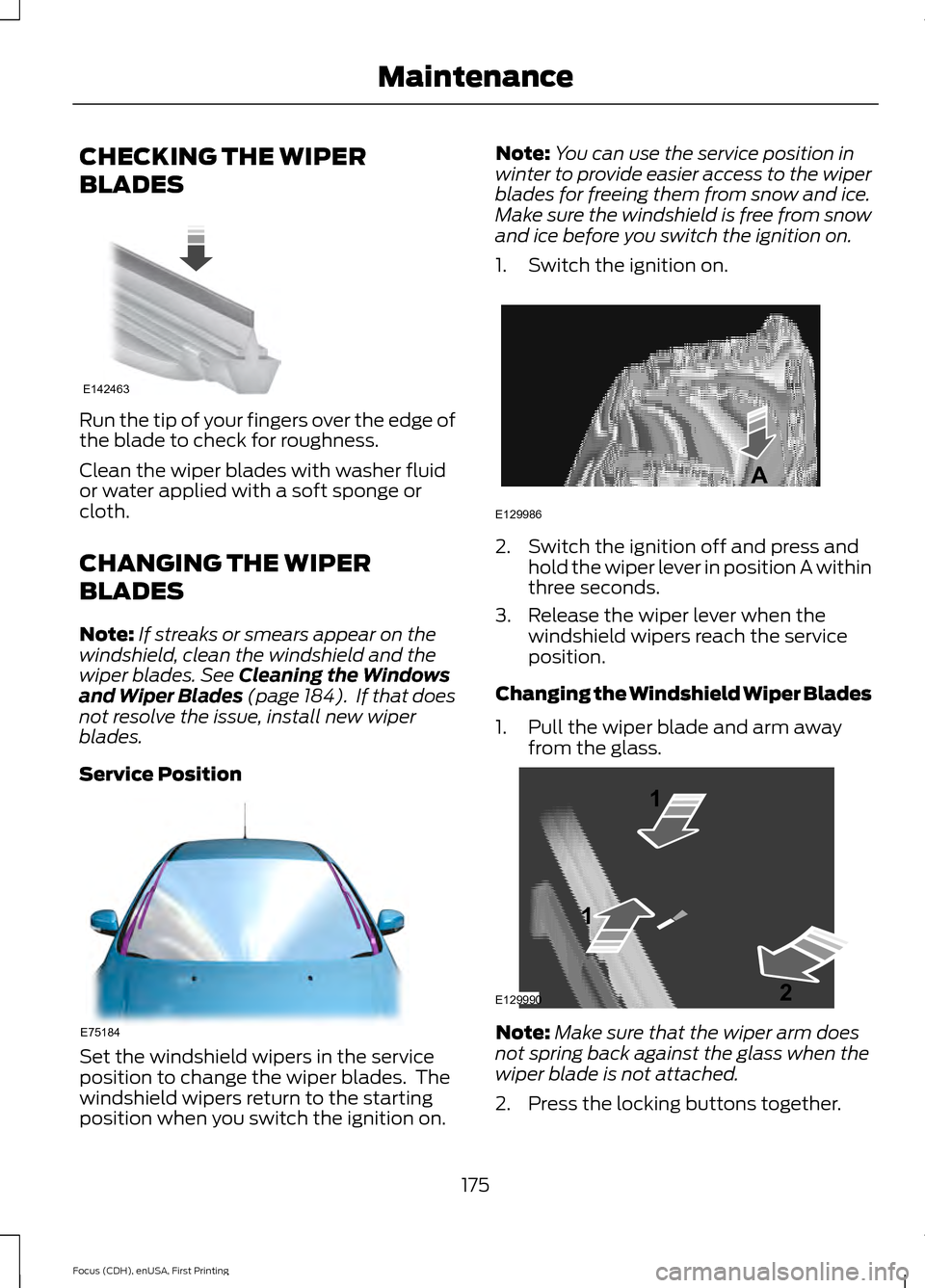
Run the tip of your fingers over the edge of
the blade to check for roughness.
Clean the wiper blades with washer fluid
or water applied with a soft sponge or
cloth.
CHANGING THE WIPER
BLADES
Note:
If streaks or smears appear on the
windshield, clean the windshield and the
wiper blades. See Cleaning the Windows
and Wiper Blades (page 184). If that does
not resolve the issue, install new wiper
blades.
Service Position Set the windshield wipers in the service
position to change the wiper blades. The
windshield wipers return to the starting
position when you switch the ignition on. Note:
You can use the service position in
winter to provide easier access to the wiper
blades for freeing them from snow and ice.
Make sure the windshield is free from snow
and ice before you switch the ignition on.
1. Switch the ignition on. 2. Switch the ignition off and press and
hold the wiper lever in position A within
three seconds.
3. Release the wiper lever when the windshield wipers reach the service
position.
Changing the Windshield Wiper Blades
1. Pull the wiper blade and arm away from the glass. Note:
Make sure that the wiper arm does
not spring back against the glass when the
wiper blade is not attached.
2. Press the locking buttons together.
175
Focus (CDH), enUSA, First Printing MaintenanceE142463 E75184 E129986
A E129990
1
1 2