2015 FORD FOCUS ELECTRIC steering wheel adjustment
[x] Cancel search: steering wheel adjustmentPage 19 of 369
Keyless start button. See Starting the Electric Motor (page 112).
N
Audio control. See Audio Control (page 67). Voice control. See Voice Control
(page
68).
O
Steering wheel adjustment. See
Adjusting the Steering Wheel (page 67).
P
Cruise control switches. See
Using Cruise Control (page 133).
Q
Lighting control. See
Lighting (page 72).
R
16
Focus (CDH), enUSA, First Printing At a Glance
Page 240 of 369
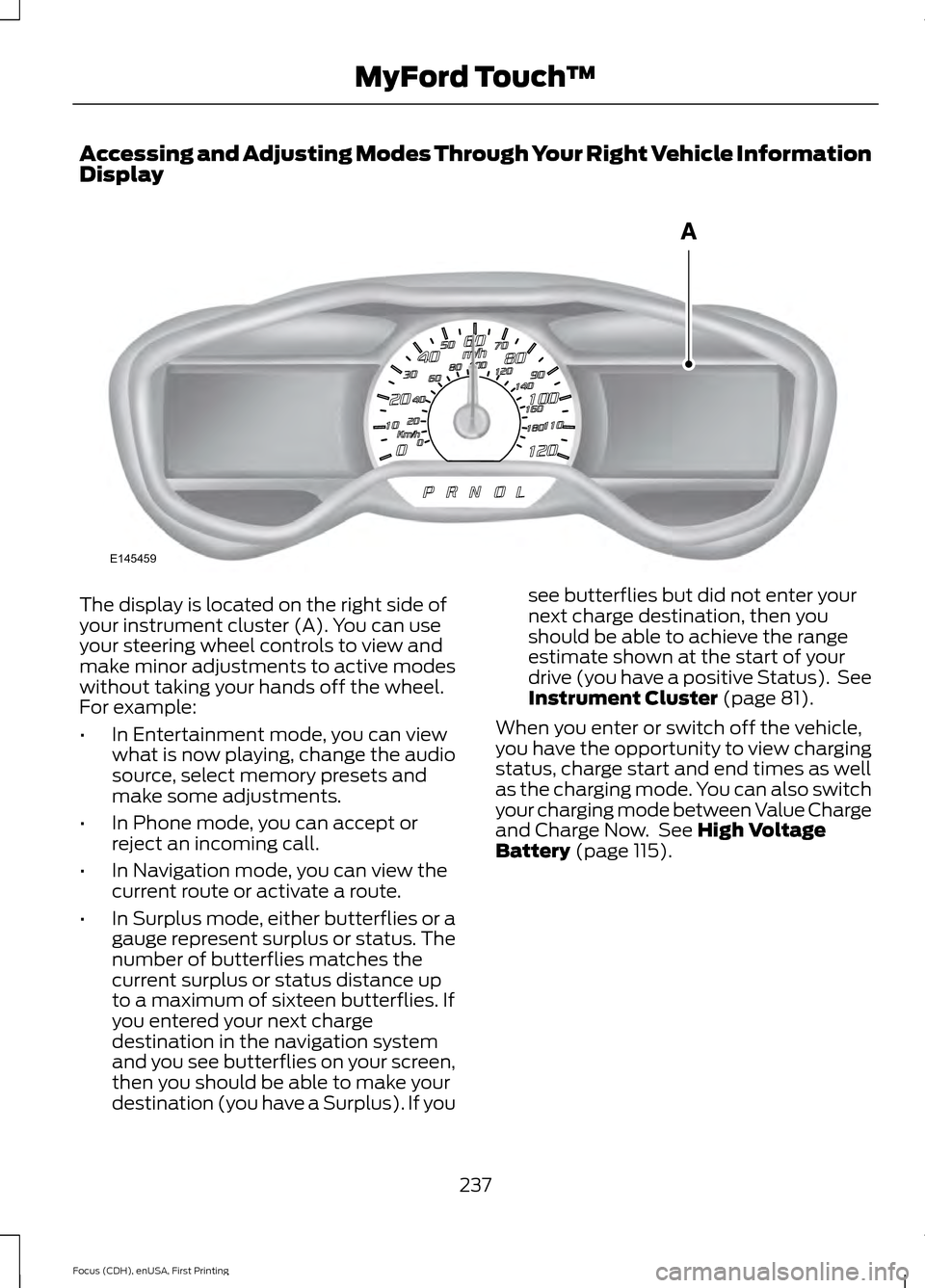
Accessing and Adjusting Modes Through Your Right Vehicle Information
Display
The display is located on the right side of
your instrument cluster (A). You can use
your steering wheel controls to view and
make minor adjustments to active modes
without taking your hands off the wheel.
For example:
•
In Entertainment mode, you can view
what is now playing, change the audio
source, select memory presets and
make some adjustments.
• In Phone mode, you can accept or
reject an incoming call.
• In Navigation mode, you can view the
current route or activate a route.
• In Surplus mode, either butterflies or a
gauge represent surplus or status. The
number of butterflies matches the
current surplus or status distance up
to a maximum of sixteen butterflies. If
you entered your next charge
destination in the navigation system
and you see butterflies on your screen,
then you should be able to make your
destination (you have a Surplus). If you see butterflies but did not enter your
next charge destination, then you
should be able to achieve the range
estimate shown at the start of your
drive (you have a positive Status). See
Instrument Cluster (page 81).
When you enter or switch off the vehicle,
you have the opportunity to view charging
status, charge start and end times as well
as the charging mode. You can also switch
your charging mode between Value Charge
and Charge Now. See
High Voltage
Battery (page 115).
237
Focus (CDH), enUSA, First Printing MyFord Touch
™E145459
Page 241 of 369
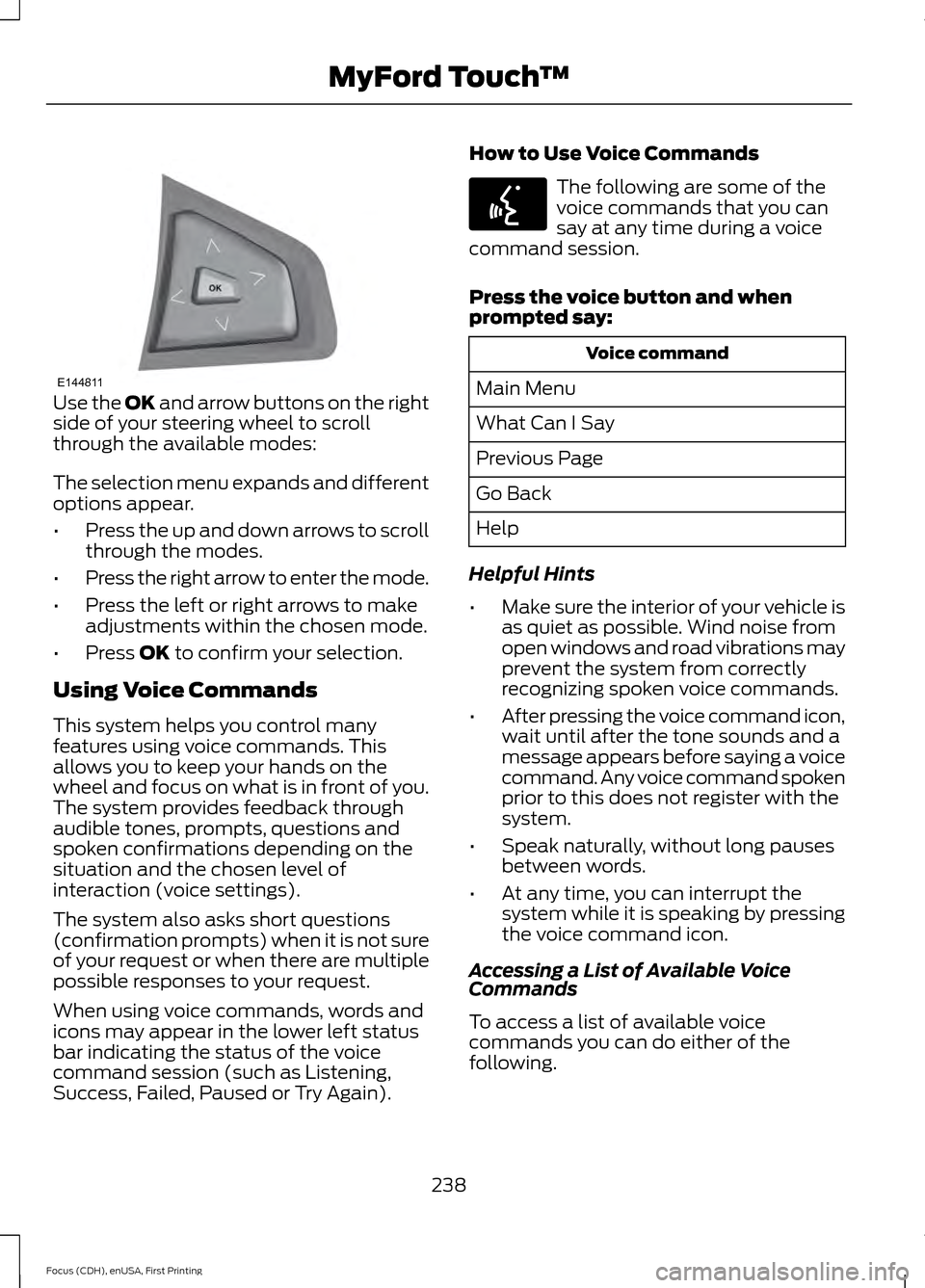
Use the OK and arrow buttons on the right
side of your steering wheel to scroll
through the available modes:
The selection menu expands and different
options appear.
• Press the up and down arrows to scroll
through the modes.
• Press the right arrow to enter the mode.
• Press the left or right arrows to make
adjustments within the chosen mode.
• Press
OK to confirm your selection.
Using Voice Commands
This system helps you control many
features using voice commands. This
allows you to keep your hands on the
wheel and focus on what is in front of you.
The system provides feedback through
audible tones, prompts, questions and
spoken confirmations depending on the
situation and the chosen level of
interaction (voice settings).
The system also asks short questions
(confirmation prompts) when it is not sure
of your request or when there are multiple
possible responses to your request.
When using voice commands, words and
icons may appear in the lower left status
bar indicating the status of the voice
command session (such as Listening,
Success, Failed, Paused or Try Again). How to Use Voice Commands The following are some of the
voice commands that you can
say at any time during a voice
command session.
Press the voice button and when
prompted say: Voice command
Main Menu
What Can I Say
Previous Page
Go Back
Help
Helpful Hints
• Make sure the interior of your vehicle is
as quiet as possible. Wind noise from
open windows and road vibrations may
prevent the system from correctly
recognizing spoken voice commands.
• After pressing the voice command icon,
wait until after the tone sounds and a
message appears before saying a voice
command. Any voice command spoken
prior to this does not register with the
system.
• Speak naturally, without long pauses
between words.
• At any time, you can interrupt the
system while it is speaking by pressing
the voice command icon.
Accessing a List of Available Voice
Commands
To access a list of available voice
commands you can do either of the
following.
238
Focus (CDH), enUSA, First Printing MyFord Touch
™E144811 E142599
Page 244 of 369
Menu Item
Item
Clock
A
Display
B
Sound
C
Vehicle
D
Settings
E
Help
F
Clock Under this menu, you can set the
clock, access and adjust the
display, sound and vehicle
settings as well as access settings for
specific modes or the help feature.
To make adjustments using the touchscreen, select: Action and Description
Menu Item
Press the settings icon.
Settings
Press the + or - to adjust the time.
Clock
From this screen, you can also make other adjustments such
as 12-hour or 24-hour mode, activate GPS time synchroniza-
tion and have the system automatically update new time
zones.
You can also switch the outside air temperature display off
and on. It appears at the top center of the touchscreen, next
to the time and date.
Note: You cannot manually set the date. Your vehicle ’s GPS does this for you.
Note: If the battery has been disconnected, your vehicle needs to acquire a GPS signal to
update the clock. Once your vehicle acquires the signal, it may take a few minutes for the
update to display the correct time.
Display You can adjust the display using
the touchscreen or the voice
button on the steering wheel
controls.
241
Focus (CDH), enUSA, First Printing MyFord Touch
™E142607 E142607
Page 362 of 369
A
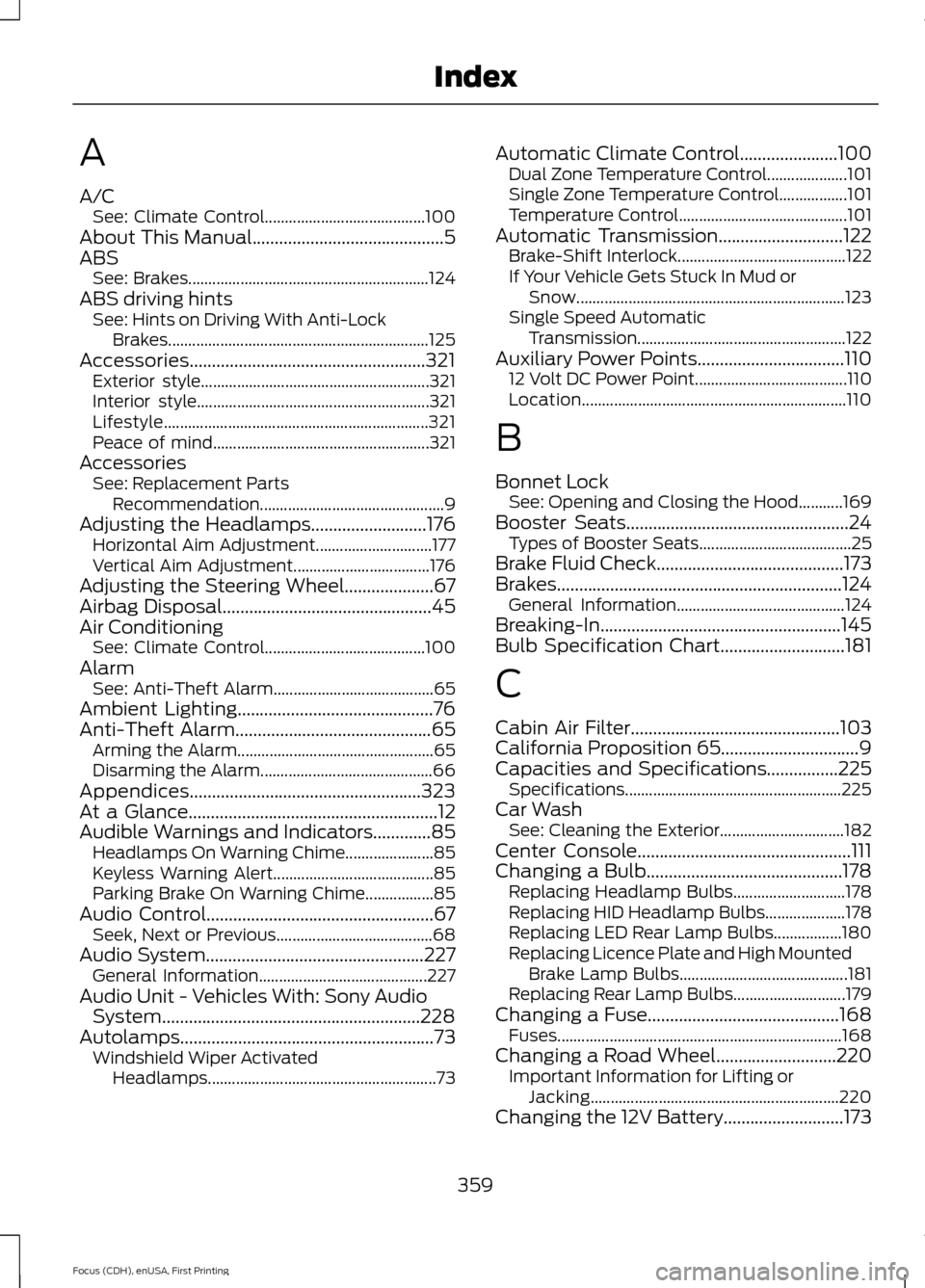
A/C
See: Climate Control........................................ 100
About This Manual...........................................5
ABS See: Brakes............................................................ 124
ABS driving hints See: Hints on Driving With Anti-Lock
Brakes................................................................. 125
Accessories.....................................................321 Exterior style......................................................... 321
Interior style.......................................................... 321
Lifestyle.................................................................. 321
Peace of mind...................................................... 321
Accessories See: Replacement Parts
Recommendation.............................................. 9
Adjusting the Headlamps..........................176 Horizontal Aim Adjustment............................. 177
Vertical Aim Adjustment.................................. 176
Adjusting the Steering Wheel....................67
Airbag Disposal...............................................45
Air Conditioning See: Climate Control........................................ 100
Alarm See: Anti-Theft Alarm........................................ 65
Ambient Lighting............................................76
Anti-Theft Alarm
............................................65
Arming the Alarm................................................. 65
Disarming the Alarm........................................... 66
Appendices....................................................323
At a Glance
........................................................12
Audible Warnings and Indicators.............85 Headlamps On Warning Chime...................... 85
Keyless Warning Alert........................................ 85
Parking Brake On Warning Chime.................85
Audio Control...................................................67 Seek, Next or Previous....................................... 68
Audio System
.................................................227
General Information.......................................... 227
Audio Unit - Vehicles With: Sony Audio System..........................................................228
Autolamps.........................................................73 Windshield Wiper Activated
Headlamps......................................................... 73Automatic Climate Control......................100
Dual Zone Temperature Control.................... 101
Single Zone Temperature Control.................101
Temperature Control.......................................... 101
Automatic Transmission............................122 Brake-Shift Interlock.......................................... 122
If Your Vehicle Gets Stuck In Mud or Snow................................................................... 123
Single Speed Automatic Transmission.................................................... 122
Auxiliary Power Points.................................110 12 Volt DC Power Point...................................... 110
Location.................................................................. 110
B
Bonnet Lock See: Opening and Closing the Hood...........169
Booster Seats..................................................24 Types of Booster Seats...................................... 25
Brake Fluid Check..........................................173
Brakes................................................................124 General Information.......................................... 124
Breaking-In......................................................145
Bulb Specification Chart............................181
C
Cabin Air Filter...............................................103
California Proposition 65...............................9
Capacities and Specifications
................225
Specifications ...................................................... 225
Car Wash See: Cleaning the Exterior............................... 182
Center Console................................................111
Changing a Bulb............................................178 Replacing Headlamp Bulbs............................ 178
Replacing HID Headlamp Bulbs.................... 178
Replacing LED Rear Lamp Bulbs.................180
Replacing Licence Plate and High Mounted Brake Lamp Bulbs.......................................... 181
Replacing Rear Lamp Bulbs............................ 179
Changing a Fuse
...........................................168
Fuses....................................................................... 168
Changing a Road Wheel
...........................220
Important Information for Lifting or
Jacking.............................................................. 220
Changing the 12V Battery...........................173
359
Focus (CDH), enUSA, First Printing Index
Page 367 of 369

Remote Control..............................................46
Changing the Remote Control Battery.........47
Intelligent Access Key........................................ 46
Locating Your Vehicle.......................................... 47
Programming a New Remote Control..........47
Remote Start......................................................... 48
Sounding the Panic Alarm............................... 48
Remote Start
.................................................103
Removing a Headlamp................................177
Repairing Minor Paint Damage...............186
Replacement Parts Recommendation.........................................9
Collision Repairs...................................................... 9
Scheduled Maintenance and Mechanical Repairs................................................................... 9
Warranty on Replacement Parts.................... 10
Replacing a Lost Key or Remote Control............................................................49
Reporting Safety Defects (Canada Only)...............................................................157
Reporting Safety Defects (U.S. Only)...............................................................156
Roadside Assistance
...................................147
Vehicles Sold in Canada: Getting Roadside
Assistance......................................................... 147
Vehicles Sold in Canada: Using Roadside Assistance......................................................... 147
Vehicles Sold in the United States: Getting Roadside Assistance..................................... 147
Vehicles Sold in the United States: Using Roadside Assistance..................................... 147
Roadside Emergencies...............................147
Running-In See: Breaking-In.................................................. 145
S
Safety Belt Height Adjustment.................32
Safety Belt Minder.........................................33 Belt-Minder™........................................................ 33
Safety Belts
......................................................29
Principle of Operation........................................ 29
Safety Belt Warning Lamp and Indicator Chime...............................................................33
Conditions of operation..................................... 33
Scheduled Maintenance Record............351
Scheduled Maintenance
...........................347
Seats.................................................................104 Security..............................................................64
Settings...........................................................240
Clock........................................................................\
241
Display.................................................................... 241
Settings................................................................. 246
Sound..................................................................... 243
Vehicle.................................................................... 243
Side Airbags
......................................................41
Side Curtain Airbags.....................................43
Sitting in the Correct Position
.................104
Snow Chains See: Using Snow Chains.................................. 216
Special Notices
................................................10
New Vehicle Limited Warranty........................ 10
On-board Diagnostics (OBD-II)...................... 10
Special Instructions............................................. 10
Speed Control See: Cruise Control............................................. 133
Stability Control............................................128 Principle of Operation....................................... 128
Starting and Stopping the Electric Motor...............................................................112
Starting the Electric Motor.........................112 Keyless Starting.................................................... 112
Starting Your Vehicle.......................................... 112
Steering............................................................134 Electric Power Steering.................................... 134
Steering Wheel
................................................67
Storage Compartments...............................111
Sun Visors.........................................................80
Illuminated Vanity Mirror.................................. 80
Supplementary Restraints System..........37 Principle of Operation......................................... 37
Switching Off the Electric Motor..............113
Symbols Glossary.............................................5
T
Tailgate See: Manual Liftgate............................................ 61
Technical Specifications See: Capacities and Specifications.............222
364
Focus (CDH), enUSA, First Printing Index