2015 FORD FIESTA ECO mode
[x] Cancel search: ECO modePage 52 of 423
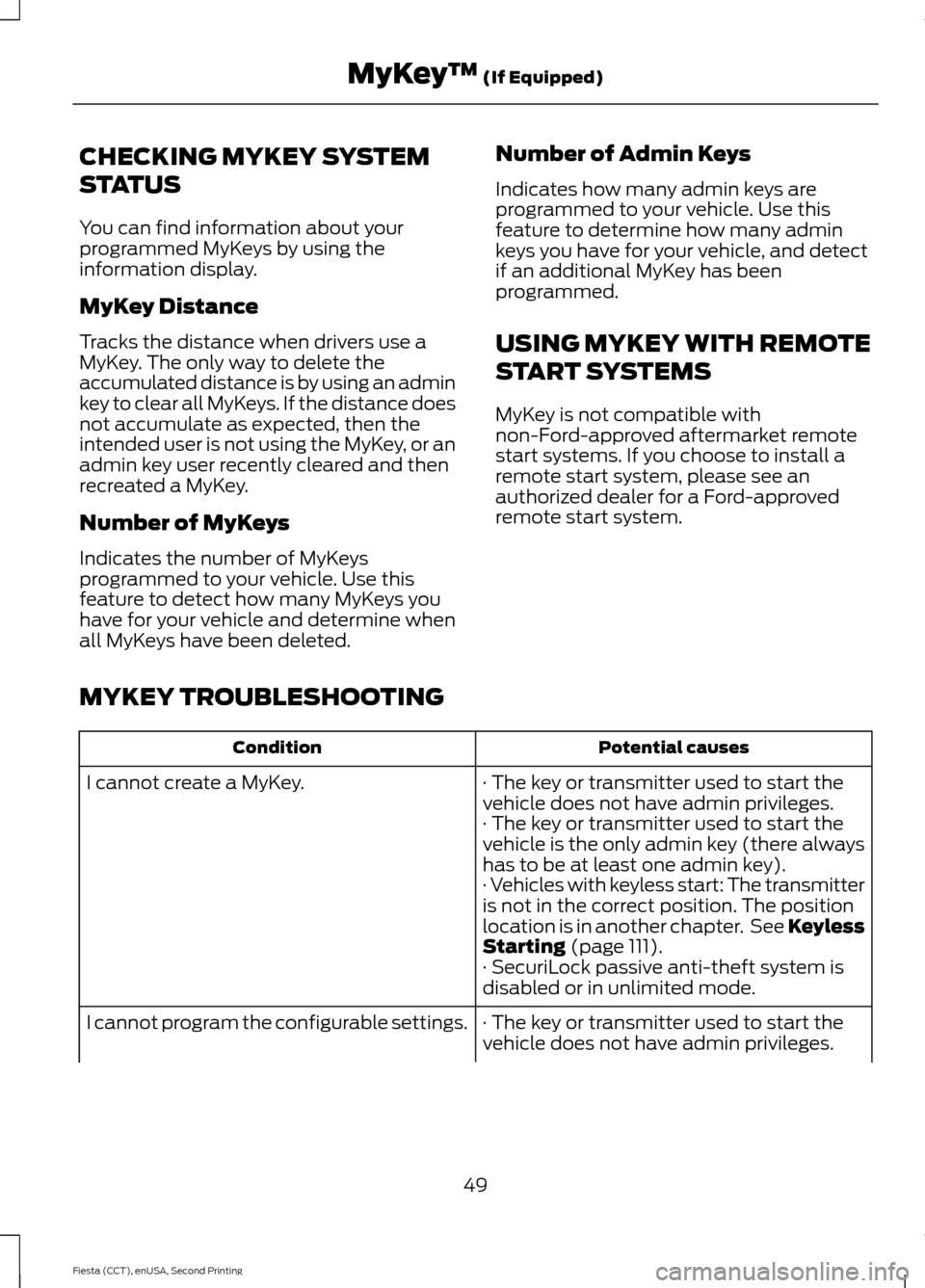
CHECKING MYKEY SYSTEM
STATUS
You can find information about your
programmed MyKeys by using the
information display.
MyKey Distance
Tracks the distance when drivers use a
MyKey. The only way to delete the
accumulated distance is by using an admin
key to clear all MyKeys. If the distance does
not accumulate as expected, then the
intended user is not using the MyKey, or an
admin key user recently cleared and then
recreated a MyKey.
Number of MyKeys
Indicates the number of MyKeys
programmed to your vehicle. Use this
feature to detect how many MyKeys you
have for your vehicle and determine when
all MyKeys have been deleted.
Number of Admin Keys
Indicates how many admin keys are
programmed to your vehicle. Use this
feature to determine how many admin
keys you have for your vehicle, and detect
if an additional MyKey has been
programmed.
USING MYKEY WITH REMOTE
START SYSTEMS
MyKey is not compatible with
non-Ford-approved aftermarket remote
start systems. If you choose to install a
remote start system, please see an
authorized dealer for a Ford-approved
remote start system.
MYKEY TROUBLESHOOTING Potential causes
Condition
· The key or transmitter used to start the
vehicle does not have admin privileges.
I cannot create a MyKey.
· The key or transmitter used to start the
vehicle is the only admin key (there always
has to be at least one admin key).
· Vehicles with keyless start: The transmitter
is not in the correct position. The position
location is in another chapter. See Keyless
Starting (page 111).
· SecuriLock passive anti-theft system is
disabled or in unlimited mode.
· The key or transmitter used to start the
vehicle does not have admin privileges.
I cannot program the configurable settings.
49
Fiesta (CCT), enUSA, Second Printing MyKey
™
(If Equipped)
Page 56 of 423

2.
Press the power door lock button three
times.
3. Switch the ignition off.
4. Press the power door lock button three
times.
5. Switch the ignition on. The system alerts you with a tone to indicate your
vehicle is in programming mode.
6. Press the power door lock button for more than two seconds and release.
A tone sounds to confirm the change.
After programming the feature, switch the
ignition off to exit the programming mode.
Auto Unlock Feature
The auto unlock feature will unlock all the
doors when all of the following conditions
have been met:
• The ignition is on, all doors are closed,
and your vehicle is moving at a speed
greater than 12 mph (20 km/h) for
more than two seconds.
• Your vehicle has come to a stop and
you switch the ignition off or to the
accessory position.
• The driver door is opened within 10
minutes of you switching the ignition
off or to the accessory position.
Note: The doors will not auto unlock if your
vehicle has been electronically locked after
the ignition is switched off and before the
driver door is opened.
Enabling or Disabling Auto Unlock
Note: See an authorized dealer to enable
or disable the auto unlock feature or carry
out the following procedure.
Note: You will have 30 seconds to
complete the procedure.
1. Switch the ignition on.
2. Press the power door lock button three
times. 3. Switch the ignition off.
4.
Press the power door lock button three
times.
5. Switch the ignition on. The system alerts you with a tone to indicate your
vehicle is in programming mode.
6. Press the power door lock button for less than one second and release.
A tone sounds to confirm the change.
After programming the feature, switch the
ignition off to exit the programming mode.
Emergency Locking With the Key
Note: If the child safety locks are on and
you pull the interior handle, you will only
turn off the emergency locking, not the child
safety lock. You can only open the doors
using the external door handle.
Note: If the doors have been unlocked using
this method, the doors must be locked
individually until the central locking function
has been repaired.
Note: When the central locking function
fails to operate, lock the doors individually
using the key in the position shown. 53
Fiesta (CCT), enUSA, Second Printing LocksE112203
Page 59 of 423

Note:
If a second valid passive key is
located within the liftgate detection range,
the liftgate can be closed.
Unlocking Your Vehicle
Note: When your vehicle remains locked
for longer than three days, the system will
enter an energy-saving mode. This is to
prevent your vehicle battery running out of
charge. When your vehicle is unlocked while
in this mode, the reaction time of the system
may be a little longer than normal. To exit
the energy-saving mode, unlock your
vehicle. Press a locking button once.
Note:
A valid passive key must be located
within the detection range of that door.
One long flash of the direction indicators
confirms that all the doors and the liftgate
have been unlocked and that the alarm
has been disarmed.
Unlocking Only the Driver Door
If the unlocking function is reprogrammed
so that only the driver door and the liftgate
are unlocked. See Remote Control (page
42). Note the following:
If the driver door is the first door which is
opened, the other doors will remain locked.
All the other doors can be unlocked from
inside your vehicle by pressing the unlock
button on the instrument panel. Disabled Keys
Any keys left inside your vehicle interior
when it is locked will be disabled.
You cannot use a disabled key to switch
the ignition on or start the engine.
You must enable all passive keys again in
order to use them.
To enable all your passive keys, unlock your
vehicle using a passive key or the remote
control unlocking function.
All passive keys will then be enabled if you
switch the ignition on or you start your
vehicle with a valid key.
Locking and Unlocking the Doors
With the Key Blade
1. Carefully remove the cover.
2.
Remove the key blade and insert it into
the lock.
Note: Only the driver door handle has a lock
cylinder.
56
Fiesta (CCT), enUSA, Second Printing LocksE87384 E87964
2
1
1
Page 70 of 423

The headlamps will not turn on by wiper
activation:
•
During a single wipe.
• When the wipers are on to clear washer
fluid during a wash condition.
• If the wipers are in intermittent mode.
Note: If you switch autolamps and
autowipers on, the headlamps will
automatically turn on when the windshield
wipers continuously operate.
INSTRUMENT LIGHTING
DIMMER HEADLAMP EXIT DELAY
After you switch the ignition off, you can
switch the headlamps on by pulling the
direction indicator lever toward you. You
will hear a short tone. The headlamps will
switch off automatically after three
minutes with any door open or 30 seconds
after the last door has been closed. You
can cancel this feature by pulling the
direction indicator toward you again or
switching the ignition on. DAYTIME RUNNING LAMPS (If
Equipped) WARNING
The daytime running lamps system
does not activate the rear lamps and
may not provide adequate lighting
during low visibility driving conditions. Also,
the autolamps switch position may not
activate the headlamps in all low visibility
conditions, such as daytime fog. Make sure
the headlamps are switched to auto or on,
as appropriate, during all low visibility
conditions. Failure to do so may result in a
crash. The system switches the headlamps on in
daylight conditions.
To switch the system on:
1. Switch the ignition on.
2. Turn the lighting control to the off,
autolamp or parking lamp position.
3. Make sure the transmission selector lever is not in position
P.
FRONT FOG LAMPS
(If Equipped) 67
Fiesta (CCT), enUSA, Second Printing LightingE156652 E156823
Page 81 of 423

Information Indicator
It will illuminate when a new
message is stored in the
information and entertainment
display. See Information Messages
(page 87).
Low Fuel Level Warning Lamp If it illuminates, refuel as soon as
possible.
Low Tire Pressure Warning It will illuminate when your tire
pressure is low. If the lamp
remains on with the engine
running or when driving, check
your tire pressure as soon as possible.
It will also illuminate momentarily when
you switch the ignition on to confirm the
lamp is functional. If it does not illuminate
when you switch the ignition on, or begins
to flash at any time, have your vehicle
checked by an authorized dealer.
Safety Belt Minder Warning Lamp It will illuminate and a chime will
sound to remind you to fasten
your safety belt. See
Safety
Belt Minder (page 30).
Service Engine Soon If the service engine soon
indicator light stays illuminated
after the engine is started, it
indicates that the On-Board Diagnostics
(OBD-II) system has detected a
malfunction of the vehicle emissions
control system. Refer to On-Board
Diagnostics (OBD-II) in the Fuel and
Refueling chapter for more information
about having your vehicle serviced. See
Emission Control System
(page 119). If the light is blinking, engine misfire is
occurring which could damage your
catalytic converter. Drive in a moderate
fashion (avoid heavy acceleration and
deceleration) and have your vehicle
serviced immediately.
WARNING
Under engine misfire conditions,
excessive exhaust temperatures
could damage the catalytic
converter, the fuel system, interior floor
coverings or other vehicle components,
possibly causing a fire. Have an authorized
dealer service your vehicle immediately. The service engine soon indicator light
illuminates when the ignition is first turned
on prior to engine start to check the bulb
and to indicate whether the vehicle is ready
for Inspection/Maintenance (I/M) testing.
Normally, the service engine soon light will
stay on until the engine is cranked, then
turn itself off if no malfunctions are
present. However, if after 15 seconds the
service engine soon light blinks eight times,
it means that the vehicle is not ready for
I/M testing. See
Emission Control
System (page 119).
Shift Indicator It will illuminate to inform you
that shifting to a higher gear may
give better fuel economy and
lower CO2 emissions. It will not illuminate
during periods of high acceleration, braking
or when the clutch pedal is pressed.
78
Fiesta (CCT), enUSA, Second Printing Instrument Cluster
Page 84 of 423

Low Fuel Level Warning Lamp
If it illuminates, refuel as soon as
possible.
Low Tire Pressure Warning It will illuminate when your tire
pressure is low. If the lamp
remains on with the engine
running or when driving, check
your tire pressure as soon as possible.
It will also illuminate momentarily when
you switch the ignition on to confirm the
lamp is functional. If it does not illuminate
when you switch the ignition on, or begins
to flash at any time, have your vehicle
checked by an authorized dealer.
Safety Belt Minder Warning Lamp It will illuminate and a chime will
sound to remind you to fasten
your safety belt. See Safety
Belt Minder (page 30).
Service Engine Soon If the service engine soon
indicator light stays illuminated
after the engine is started, it
indicates that the On-Board Diagnostics
(OBD-II) system has detected a
malfunction of the vehicle emissions
control system. Refer to On-Board
Diagnostics (OBD-II) in the Fuel and
Refueling chapter for more information
about having your vehicle serviced. See
Emission Control System
(page 119).
If the light is blinking, engine misfire is
occurring which could damage your
catalytic converter. Drive in a moderate
fashion (avoid heavy acceleration and
deceleration) and have your vehicle
serviced immediately. WARNING
Under engine misfire conditions,
excessive exhaust temperatures
could damage the catalytic
converter, the fuel system, interior floor
coverings or other vehicle components,
possibly causing a fire. Have an authorized
dealer service your vehicle immediately. The service engine soon indicator light
illuminates when the ignition is first turned
on prior to engine start to check the bulb
and to indicate whether the vehicle is ready
for Inspection/Maintenance (I/M) testing.
Normally, the service engine soon light will
stay on until the engine is cranked, then
turn itself off if no malfunctions are
present. However, if after 15 seconds the
service engine soon light blinks eight times,
it means that the vehicle is not ready for
I/M testing. See
Emission Control
System (page 119).
Shift Indicator It will illuminate to inform you
that shifting to a higher gear may
give better fuel economy and
lower CO2 emissions. It will not illuminate
during periods of high acceleration, braking
or when the clutch pedal is pressed.
Stability Control Indicator While driving, it flashes when the
system is operating. After you
switch the ignition on, if it does
not illuminate or illuminates continuously
while driving, this indicates a malfunction.
During a malfunction, the system switches
off. Have your vehicle checked by an
authorized dealer as soon as possible.
81
Fiesta (CCT), enUSA, Second Printing Instrument Cluster
Page 85 of 423

Stability Control System Off
Indicator
It will illuminate when you switch
the system off. It will go out
when you switch the system
back on or when you switch the ignition
off.
AUDIBLE WARNINGS AND
INDICATORS
Exterior Lamps On
Sounds when you remove the key from the
ignition and open the driver door, and you
have left the headlamps or parking lamps
on.
Gearshift Lever Not in Park (P)
Sounds when the driver door is open, the
key is in the ignition and the gearshift lever
is not in park (P).
Key in Ignition
Sounds when the driver door is open and
the key is in the ignition.
Key Outside Vehicle - Vehicles
With Keyless System
Sounds when you close the driver door, the
key is outside your vehicle and and the
engine is running. The system does not
detect a passive key inside your vehicle.
Low Fuel
Sounds when the remaining fuel is less
than approximately 1.6 gal (6 L). The
distance to empty displayed may vary
depending on driving style and road
conditions. Parking Brake On
Sounds when the parking brake is on and
your vehicle is moving. If the warning chime
continues to sound when you release the
parking brake, have the system checked
by an authorized dealer.
Safety Belt Minder
WARNINGS
The safety belt minder remains in
stand-by mode when the front safety
belts have been fastened. It will
sound if either safety belt is unfastened. Do not sit on top of a fastened safety
belt to prevent the safety belt minder
from coming on. The occupant
protection system will only provide
optimum protection when you use the
safety belt correctly. Sounds when your vehicle speed exceeds
the pre-determined limit and the front
safety belts are unfastened. The chime will
stop after a period of time.
82
Fiesta (CCT), enUSA, Second Printing Instrument Cluster
Page 87 of 423

SYNC-Phone
Dial a number
Redial
Phonebook
Call history
Speed Dial
Text messaging
BT Devices
Phone settings Menu
Ford EcoMode Bluetooth on
SYNC-Settings
Set defaults
Master reset
Install on SYNC
System info
Voice settings
SYNC-Apps Route options
Navigation
Map display
Assistance options
Personal data
Reset all settings
Adaptive volume
Audio settings
Sound
NAV audio mixing
84
Fiesta (CCT), enUSA, Second Printing Information Displays