2015 FORD EXPLORER light
[x] Cancel search: lightPage 484 of 596
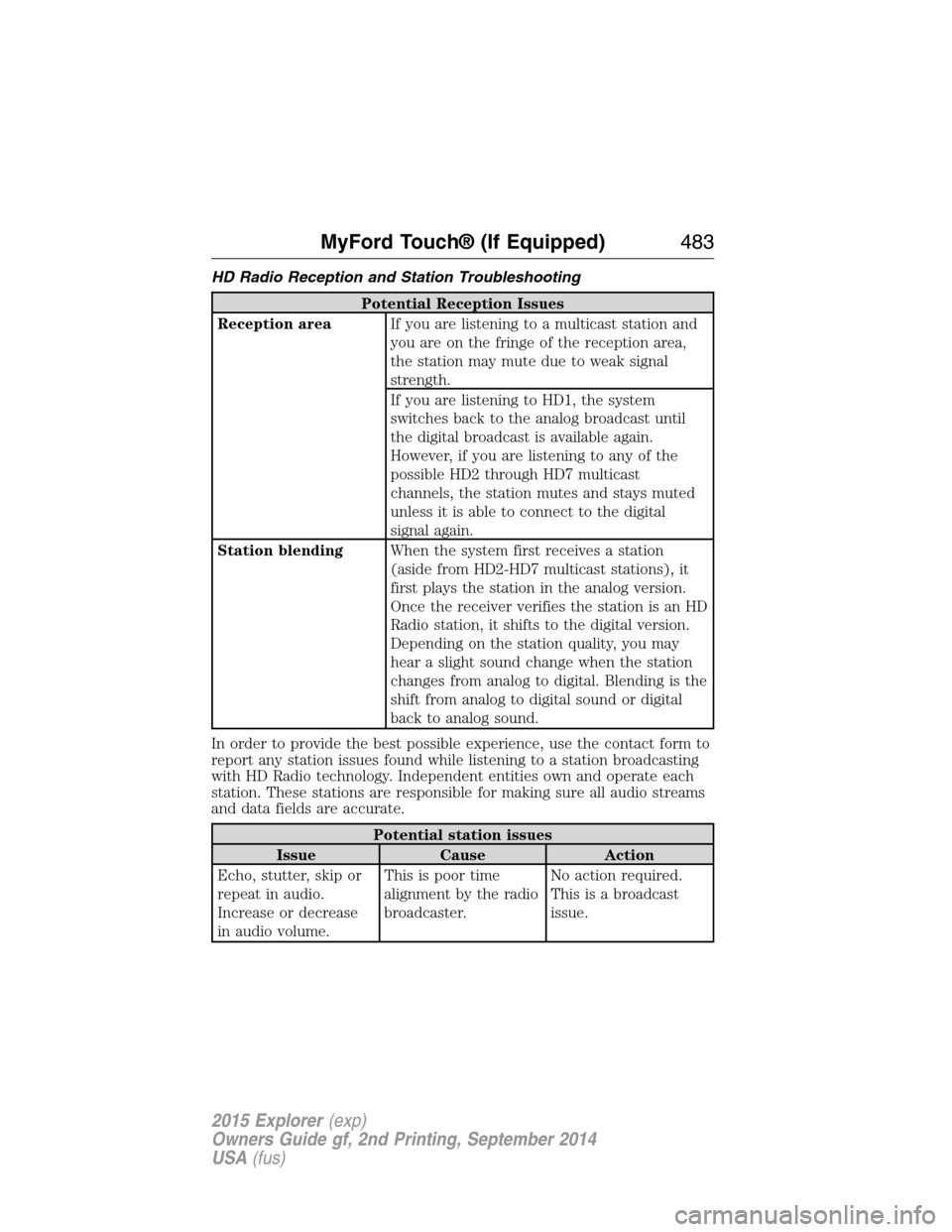
HD Radio Reception and Station Troubleshooting
Potential Reception Issues
Reception areaIf you are listening to a multicast station and
you are on the fringe of the reception area,
the station may mute due to weak signal
strength.
If you are listening to HD1, the system
switches back to the analog broadcast until
the digital broadcast is available again.
However, if you are listening to any of the
possible HD2 through HD7 multicast
channels, the station mutes and stays muted
unless it is able to connect to the digital
signal again.
Station blendingWhen the system first receives a station
(aside from HD2-HD7 multicast stations), it
first plays the station in the analog version.
Once the receiver verifies the station is an HD
Radio station, it shifts to the digital version.
Depending on the station quality, you may
hear a slight sound change when the station
changes from analog to digital. Blending is the
shift from analog to digital sound or digital
back to analog sound.
In order to provide the best possible experience, use the contact form to
report any station issues found while listening to a station broadcasting
with HD Radio technology. Independent entities own and operate each
station. These stations are responsible for making sure all audio streams
and data fields are accurate.
Potential station issues
Issue Cause Action
Echo, stutter, skip or
repeat in audio.
Increase or decrease
in audio volume.This is poor time
alignment by the radio
broadcaster.No action required.
This is a broadcast
issue.
MyFord Touch® (If Equipped)483
2015 Explorer(exp)
Owners Guide gf, 2nd Printing, September 2014
USA(fus)
Page 520 of 596
You can also turn the outside air temperature display on and off. It
appears at the top center of the touchscreen, next to the time and date.
The system automatically saves any updates you make to the settings.
Display
You can adjust the touchscreen display through the touchscreen or by
pressing the voice button on your steering wheel controls and when
prompted, say, “Display settings”.
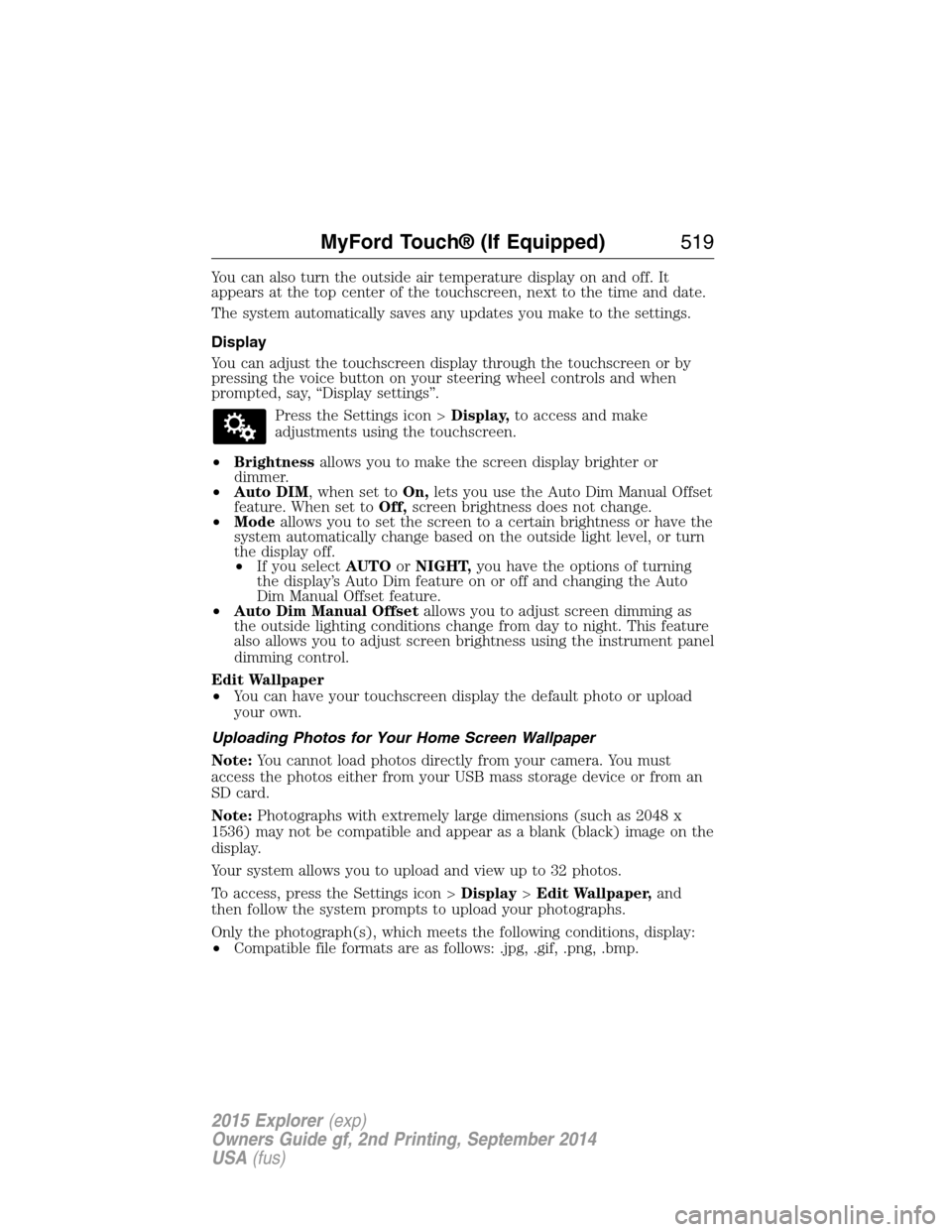
Press the Settings icon >Display,to access and make
adjustments using the touchscreen.
•Brightnessallows you to make the screen display brighter or
dimmer.
•Auto DIM, when set toOn,lets you use the Auto Dim Manual Offset
feature. When set toOff,screen brightness does not change.
•Modeallows you to set the screen to a certain brightness or have the
system automatically change based on the outside light level, or turn
the display off.
•If you selectAUTOorNIGHT,you have the options of turning
the display’s Auto Dim feature on or off and changing the Auto
Dim Manual Offset feature.
•Auto Dim Manual Offsetallows you to adjust screen dimming as
the outside lighting conditions change from day to night. This feature
also allows you to adjust screen brightness using the instrument panel
dimming control.
Edit Wallpaper
•You can have your touchscreen display the default photo or upload
your own.
Uploading Photos for Your Home Screen Wallpaper
Note:You cannot load photos directly from your camera. You must
access the photos either from your USB mass storage device or from an
SD card.
Note:Photographs with extremely large dimensions (such as 2048 x
1536) may not be compatible and appear as a blank (black) image on the
display.
Your system allows you to upload and view up to 32 photos.
To access, press the Settings icon >Display>Edit Wallpaper,and
then follow the system prompts to upload your photographs.
Only the photograph(s), which meets the following conditions, display:
•Compatible file formats are as follows: .jpg, .gif, .png, .bmp.
MyFord Touch® (If Equipped)519
2015 Explorer(exp)
Owners Guide gf, 2nd Printing, September 2014
USA(fus)
Page 521 of 596
•Each file must be 1.5 MB or less.
•Recommended dimensions: 800 x 384.
Sound
Press the Settings icon >Sound,then select from the
following:
Sound Settings
Bass DSP*
Midrange Occupancy Mode*
Treble Speed Compensated Volume
Set Balance and Fade
*If equipped.
Vehicle
Press the Settings icon >Vehicle,then select from the
following:
•Ambient Lighting.
•Vehicle Health Report.
•Door Keypad Code.
•Camera Settings.
•Enable Valet Mode.
Ambient Lighting (If Equipped)
When activated, ambient lighting illuminates footwells and cupholders
with a choice of colors. To access and make adjustments:
1. Press the Settings icon >Vehicle>Ambient Lighting.
2. Touch the desired color.
3. Use the scroll bar to increase or decrease the intensity.
To turn the feature on or off, press the power button.
Vehicle Health Report
Turn Automatic Reminders on and off and set the mileage interval at
which you would like to receive the reports. Press?for more information
on these selections.
When done making your selections, pressRun Vehicle Health Report
Nowif you want your report.
520MyFord Touch® (If Equipped)
2015 Explorer(exp)
Owners Guide gf, 2nd Printing, September 2014
USA(fus)
Page 535 of 596

Your navigation system is comprised of two main features, destination
mode and map mode.
To set a destination, press the green corner of your touchscreen, then
Destwhen it appears. SeeSetting a destinationlater in this chapter.
To view the navigation map and your vehicle’s current location, touch the
green bar in the upper right hand corner of the touchscreen, or, press
Dest>Map.SeeMap modelater in this chapter.
Setting a Destination
Press the green corner of your touchscreen, thenDestwhen it appears.
Choose any of the following:
Destination selections
My Home Street Address
Favorites Intersection
Previous Destinations City Center
Point of Interest Map
Emergency Edit Route Cancel Route
1. Enter the necessary information into the highlighted text fields (in
any order). For address destination entry,Go!appears once you
enter all the necessary information. PressingGo!makes the address
location appear on the map. If you choosePrevious Destination,
the last 20 destinations you have selected appear.
2. SelectSet as Destto make this your destination. You can also
choose to set this as a waypoint (have the system route to this point
on the way to your current destination) or save it as a favorite. The
system considers anyAvoid Areasselections in its route calculation.
3. Choose from up to three different types of routes, and then select
Start Route.
•Fastest Route:Uses the fastest moving roads possible.
•Shortest Route:Uses the shortest distance possible.
•Eco Route:Uses the most fuel-efficient route.
You can cancel the route or have the system demo the route for you.
SelectRoute Prefsto set route preferences like avoiding freeways,
tollroads, ferries and car trains as well as to use or not use
high-occupancy vehicle lanes. (High-occupancy vehicle lanes are also
known as carpool or diamond lanes. People who ride in buses, vanpools
or carpools use these lanes.)
Note:If your vehicle is on a recognized road and you do not press the
Start Routebutton, the system defaults to theFastest Routeoption
and begins guidance.
534MyFord Touch® (If Equipped)
2015 Explorer(exp)
Owners Guide gf, 2nd Printing, September 2014
USA(fus)
Page 541 of 596
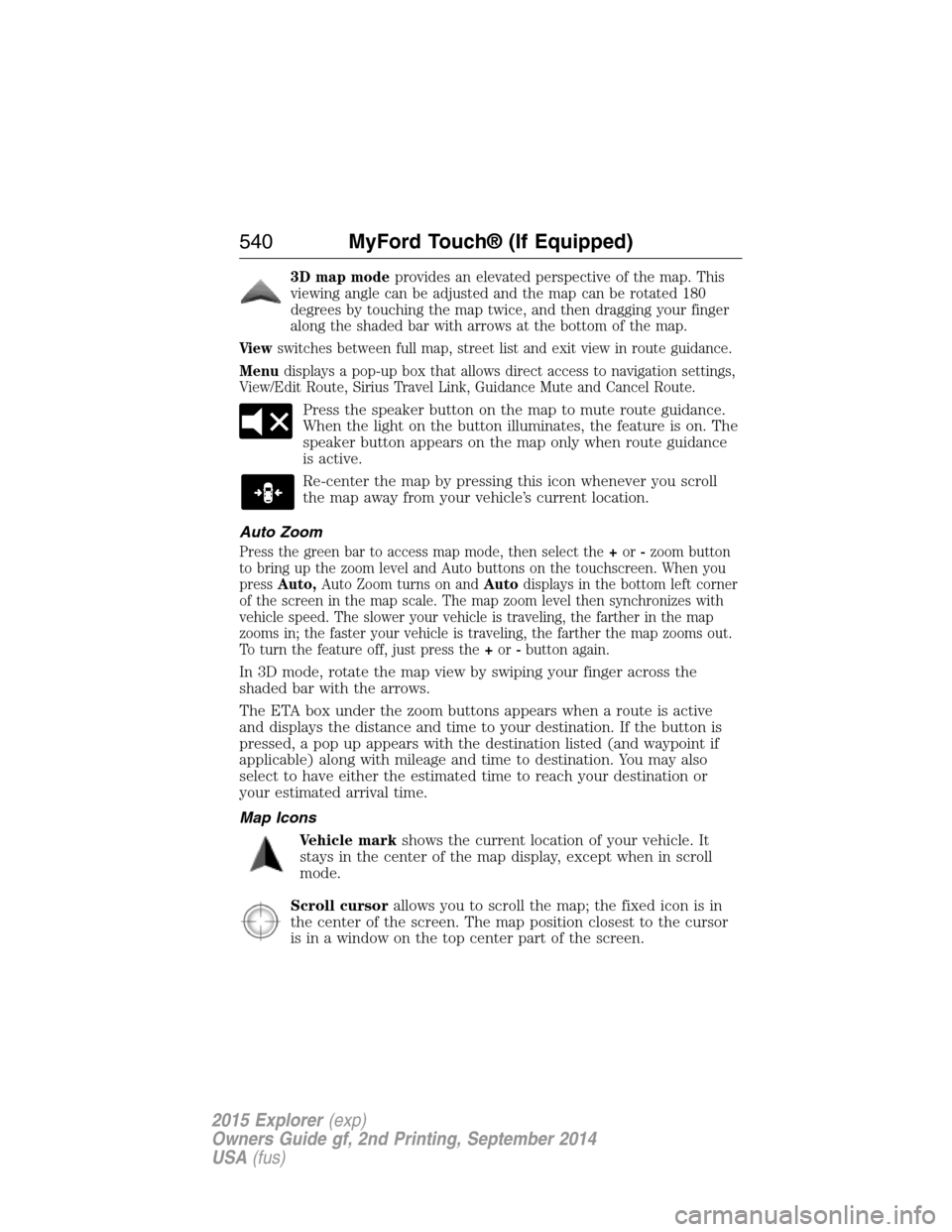
3D map modeprovides an elevated perspective of the map. This
viewing angle can be adjusted and the map can be rotated 180
degrees by touching the map twice, and then dragging your finger
along the shaded bar with arrows at the bottom of the map.
Viewswitches between full map, street list and exit view in route guidance.
Menudisplays a pop-up box that allows direct access to navigation settings,
View/Edit Route, Sirius Travel Link, Guidance Mute and Cancel Route.
Press the speaker button on the map to mute route guidance.
When the light on the button illuminates, the feature is on. The
speaker button appears on the map only when route guidance
is active.
Re-center the map by pressing this icon whenever you scroll
the map away from your vehicle’s current location.
Auto Zoom
Press the green bar to access map mode, then select the+or-zoom button
to bring up the zoom level and Auto buttons on the touchscreen. When you
pressAuto,Auto Zoom turns on andAutodisplays in the bottom left corner
of the screen in the map scale. The map zoom level then synchronizes with
vehicle speed. The slower your vehicle is traveling, the farther in the map
zooms in; the faster your vehicle is traveling, the farther the map zooms out.
To turn the feature off, just press the+or-button again.
In 3D mode, rotate the map view by swiping your finger across the
shaded bar with the arrows.
The ETA box under the zoom buttons appears when a route is active
and displays the distance and time to your destination. If the button is
pressed, a pop up appears with the destination listed (and waypoint if
applicable) along with mileage and time to destination. You may also
select to have either the estimated time to reach your destination or
your estimated arrival time.
Map Icons
Vehicle markshows the current location of your vehicle. It
stays in the center of the map display, except when in scroll
mode.
Scroll cursorallows you to scroll the map; the fixed icon is in
the center of the screen. The map position closest to the cursor
is in a window on the top center part of the screen.
540MyFord Touch® (If Equipped)
2015 Explorer(exp)
Owners Guide gf, 2nd Printing, September 2014
USA(fus)
Page 574 of 596
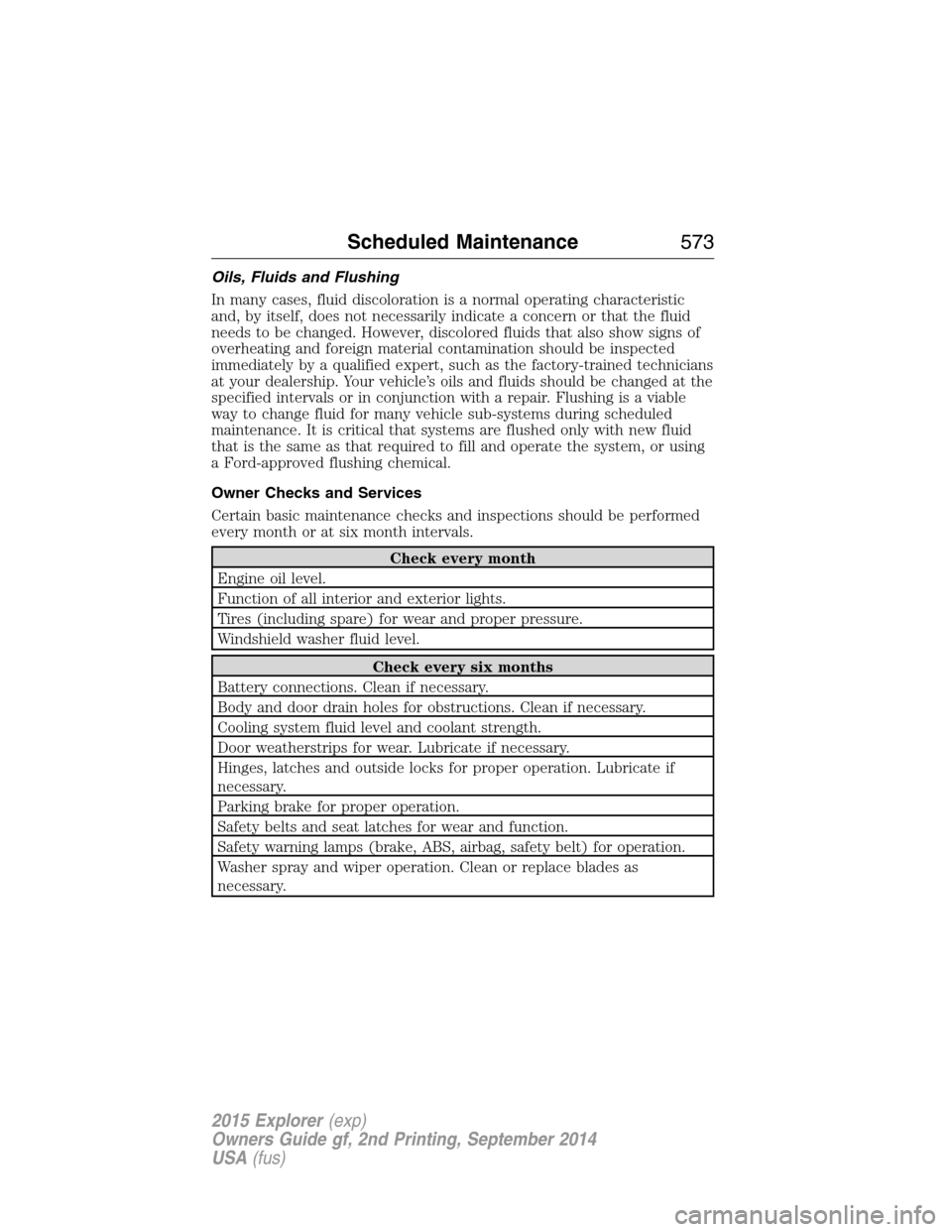
Oils, Fluids and Flushing
In many cases, fluid discoloration is a normal operating characteristic
and, by itself, does not necessarily indicate a concern or that the fluid
needs to be changed. However, discolored fluids that also show signs of
overheating and foreign material contamination should be inspected
immediately by a qualified expert, such as the factory-trained technicians
at your dealership. Your vehicle’s oils and fluids should be changed at the
specified intervals or in conjunction with a repair. Flushing is a viable
way to change fluid for many vehicle sub-systems during scheduled
maintenance. It is critical that systems are flushed only with new fluid
that is the same as that required to fill and operate the system, or using
a Ford-approved flushing chemical.
Owner Checks and Services
Certain basic maintenance checks and inspections should be performed
every month or at six month intervals.
Check every month
Engine oil level.
Function of all interior and exterior lights.
Tires (including spare) for wear and proper pressure.
Windshield washer fluid level.
Check every six months
Battery connections. Clean if necessary.
Body and door drain holes for obstructions. Clean if necessary.
Cooling system fluid level and coolant strength.
Door weatherstrips for wear. Lubricate if necessary.
Hinges, latches and outside locks for proper operation. Lubricate if
necessary.
Parking brake for proper operation.
Safety belts and seat latches for wear and function.
Safety warning lamps (brake, ABS, airbag, safety belt) for operation.
Washer spray and wiper operation. Clean or replace blades as
necessary.
Scheduled Maintenance573
2015 Explorer(exp)
Owners Guide gf, 2nd Printing, September 2014
USA(fus)
Page 589 of 596
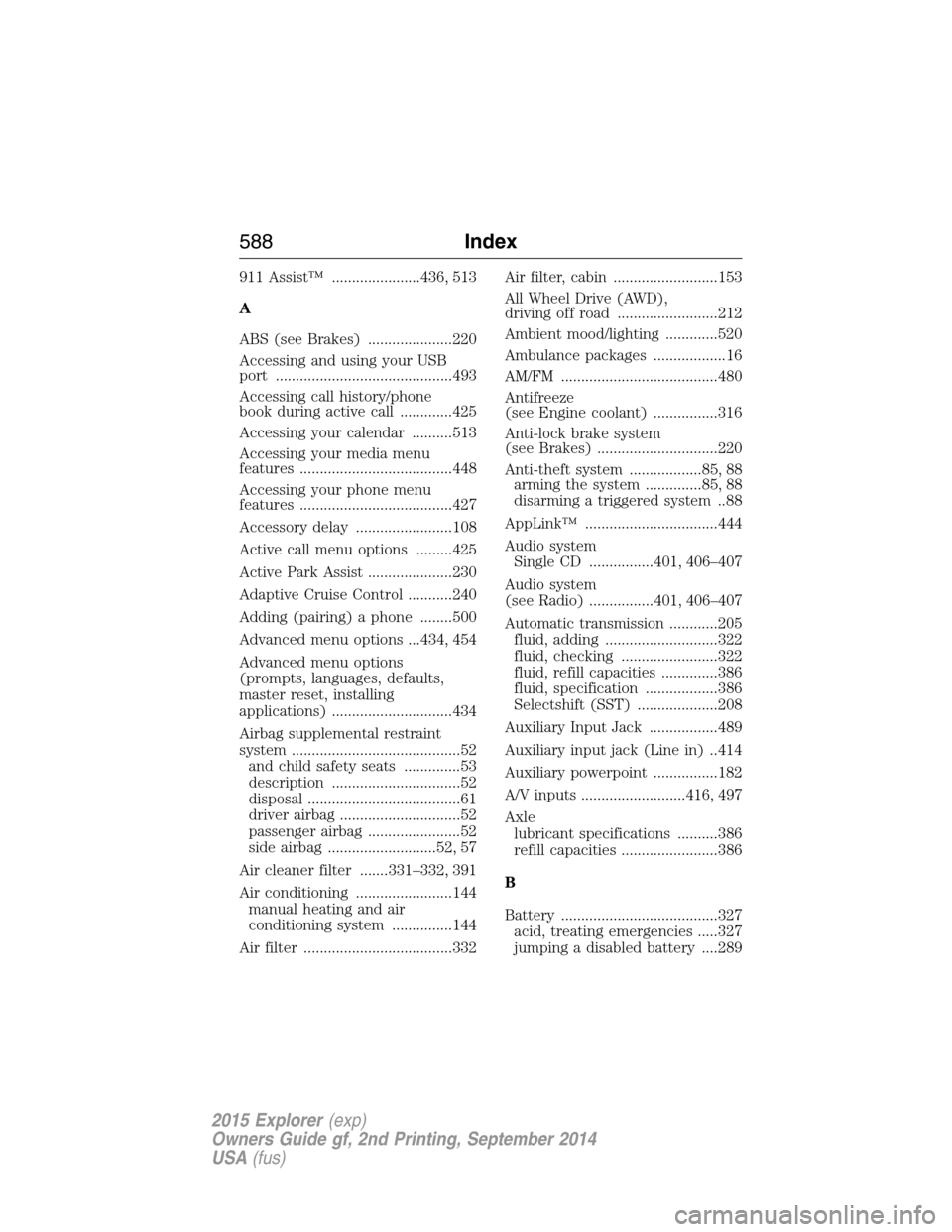
911 Assist™ ......................436, 513
A
ABS (see Brakes) .....................220
Accessing and using your USB
port ............................................493
Accessing call history/phone
book during active call .............425
Accessing your calendar ..........513
Accessing your media menu
features ......................................448
Accessing your phone menu
features ......................................427
Accessory delay ........................108
Active call menu options .........425
Active Park Assist .....................230
Adaptive Cruise Control ...........240
Adding (pairing) a phone ........500
Advanced menu options ...434, 454
Advanced menu options
(prompts, languages, defaults,
master reset, installing
applications) ..............................434
Airbag supplemental restraint
system ..........................................52
and child safety seats ..............53
description ................................52
disposal ......................................61
driver airbag ..............................52
passenger airbag .......................52
side airbag ...........................52, 57
Air cleaner filter .......331–332, 391
Air conditioning ........................144
manual heating and air
conditioning system ...............144
Air filter .....................................332Air filter, cabin ..........................153
All Wheel Drive (AWD),
driving off road .........................212
Ambient mood/lighting .............520
Ambulance packages ..................16
AM/FM .......................................480
Antifreeze
(see Engine coolant) ................316
Anti-lock brake system
(see Brakes) ..............................220
Anti-theft system ..................85, 88
arming the system ..............85, 88
disarming a triggered system ..88
AppLink™ .................................444
Audio system
Single CD ................401, 406–407
Audio system
(see Radio) ................401, 406–407
Automatic transmission ............205
fluid, adding ............................322
fluid, checking ........................322
fluid, refill capacities ..............386
fluid, specification ..................386
Selectshift (SST) ....................208
Auxiliary Input Jack .................489
Auxiliary input jack (Line in) ..414
Auxiliary powerpoint ................182
A/V inputs ..........................416, 497
Axle
lubricant specifications ..........386
refill capacities ........................386
B
Battery .......................................327
acid, treating emergencies .....327
jumping a disabled battery ....289
588Index
2015 Explorer(exp)
Owners Guide gf, 2nd Printing, September 2014
USA(fus)
Page 590 of 596
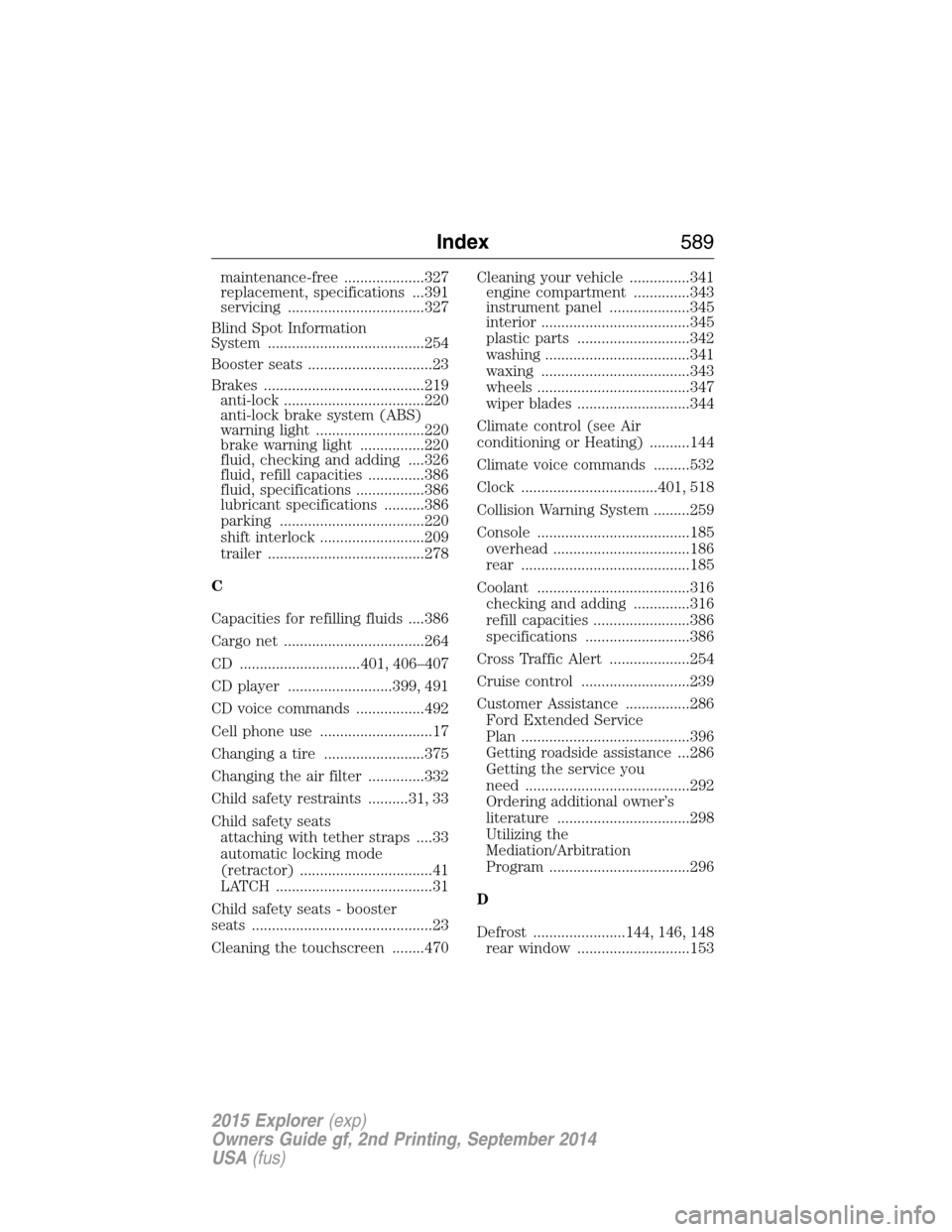
maintenance-free ....................327
replacement, specifications ...391
servicing ..................................327
Blind Spot Information
System .......................................254
Booster seats ...............................23
Brakes ........................................219
anti-lock ...................................220
anti-lock brake system (ABS)
warning light ...........................220
brake warning light ................220
fluid, checking and adding ....326
fluid, refill capacities ..............386
fluid, specifications .................386
lubricant specifications ..........386
parking ....................................220
shift interlock ..........................209
trailer .......................................278
C
Capacities for refilling fluids ....386
Cargo net ...................................264
CD ..............................401, 406–407
CD player ..........................399, 491
CD voice commands .................492
Cell phone use ............................17
Changing a tire .........................375
Changing the air filter ..............332
Child safety restraints ..........31, 33
Child safety seats
attaching with tether straps ....33
automatic locking mode
(retractor) .................................41
LATCH .......................................31
Child safety seats - booster
seats .............................................23
Cleaning the touchscreen ........470Cleaning your vehicle ...............341
engine compartment ..............343
instrument panel ....................345
interior .....................................345
plastic parts ............................342
washing ....................................341
waxing .....................................343
wheels ......................................347
wiper blades ............................344
Climate control (see Air
conditioning or Heating) ..........144
Climate voice commands .........532
Clock ..................................401, 518
Collision Warning System .........259
Console ......................................185
overhead ..................................186
rear ..........................................185
Coolant ......................................316
checking and adding ..............316
refill capacities ........................386
specifications ..........................386
Cross Traffic Alert ....................254
Cruise control ...........................239
Customer Assistance ................286
Ford Extended Service
Plan ..........................................396
Getting roadside assistance ...286
Getting the service you
need .........................................292
Ordering additional owner’s
literature .................................298
Utilizing the
Mediation/Arbitration
Program ...................................296
D
Defrost .......................144, 146, 148
rear window ............................153
Index589
2015 Explorer(exp)
Owners Guide gf, 2nd Printing, September 2014
USA(fus)