Page 86 of 564
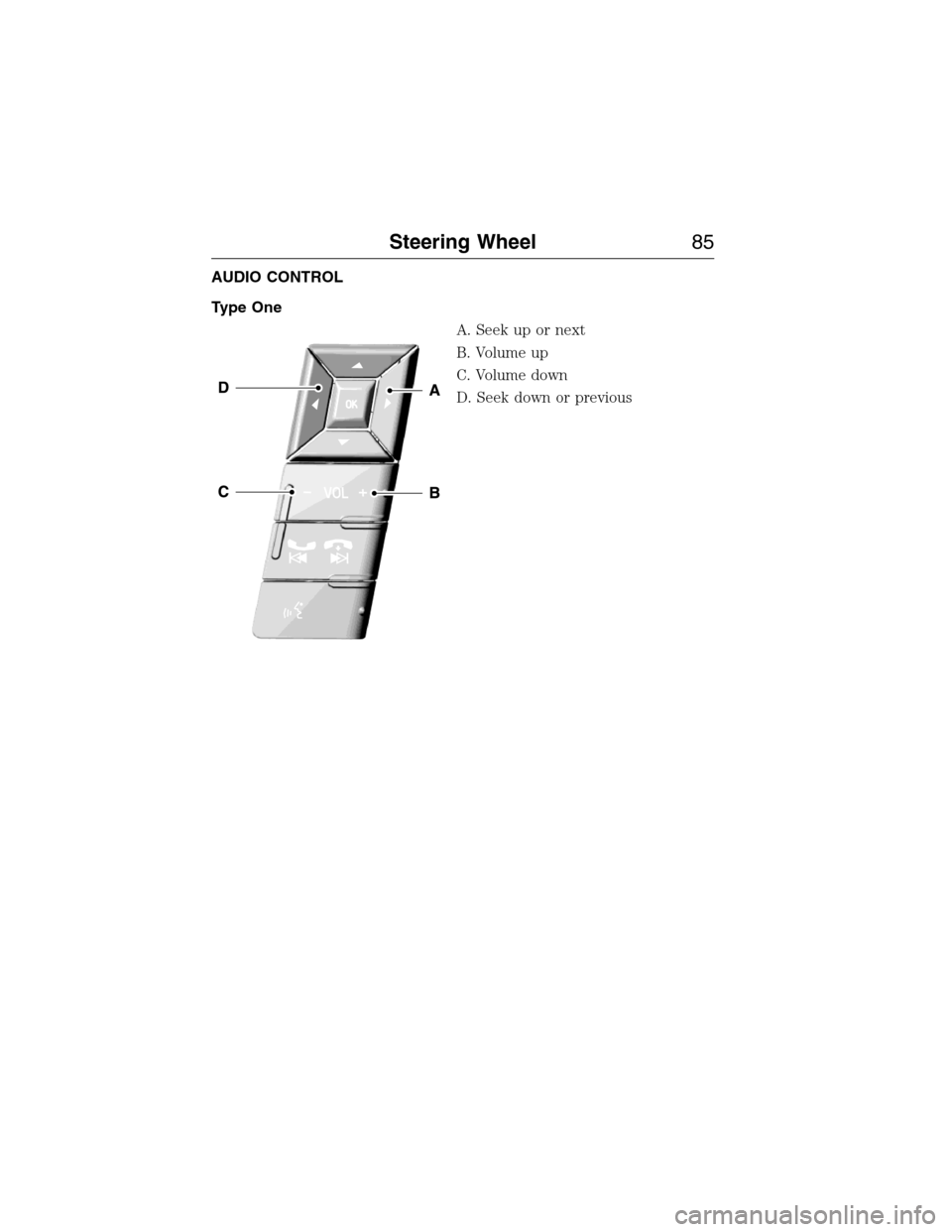
AUDIO CONTROL
Type One
A. Seek up or next
B. Volume up
C. Volume down
D. Seek down or previous
Steering Wheel85
2015 Expedition(exd)
Owners Guide gf, 1st Printing, July 2014
USA(fus)
Page 87 of 564
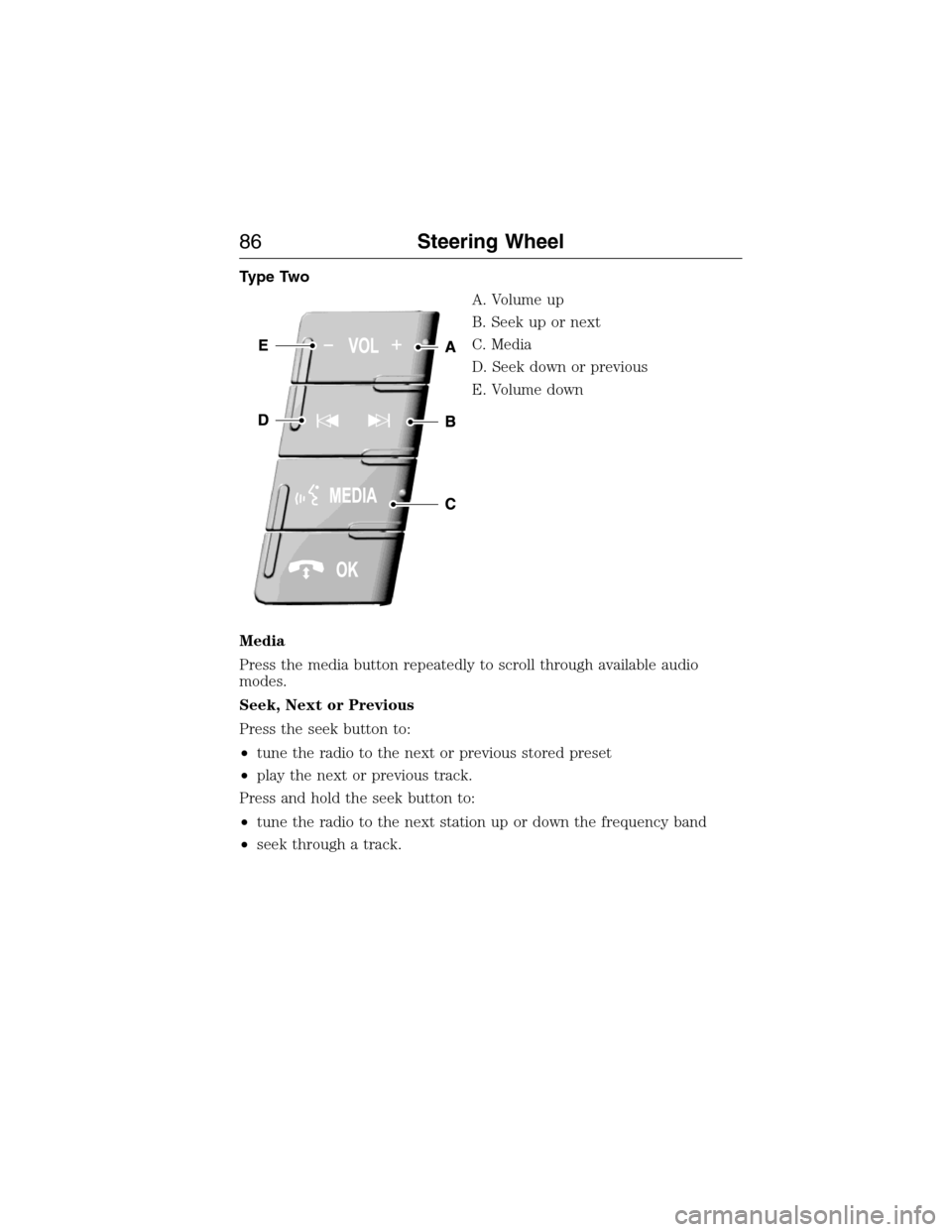
Type Two
A. Volume up
B. Seek up or next
C. Media
D. Seek down or previous
E. Volume down
Media
Press the media button repeatedly to scroll through available audio
modes.
Seek, Next or Previous
Press the seek button to:
•tune the radio to the next or previous stored preset
•play the next or previous track.
Press and hold the seek button to:
•tune the radio to the next station up or down the frequency band
•seek through a track.
86Steering Wheel
2015 Expedition(exd)
Owners Guide gf, 1st Printing, July 2014
USA(fus)
Page 88 of 564
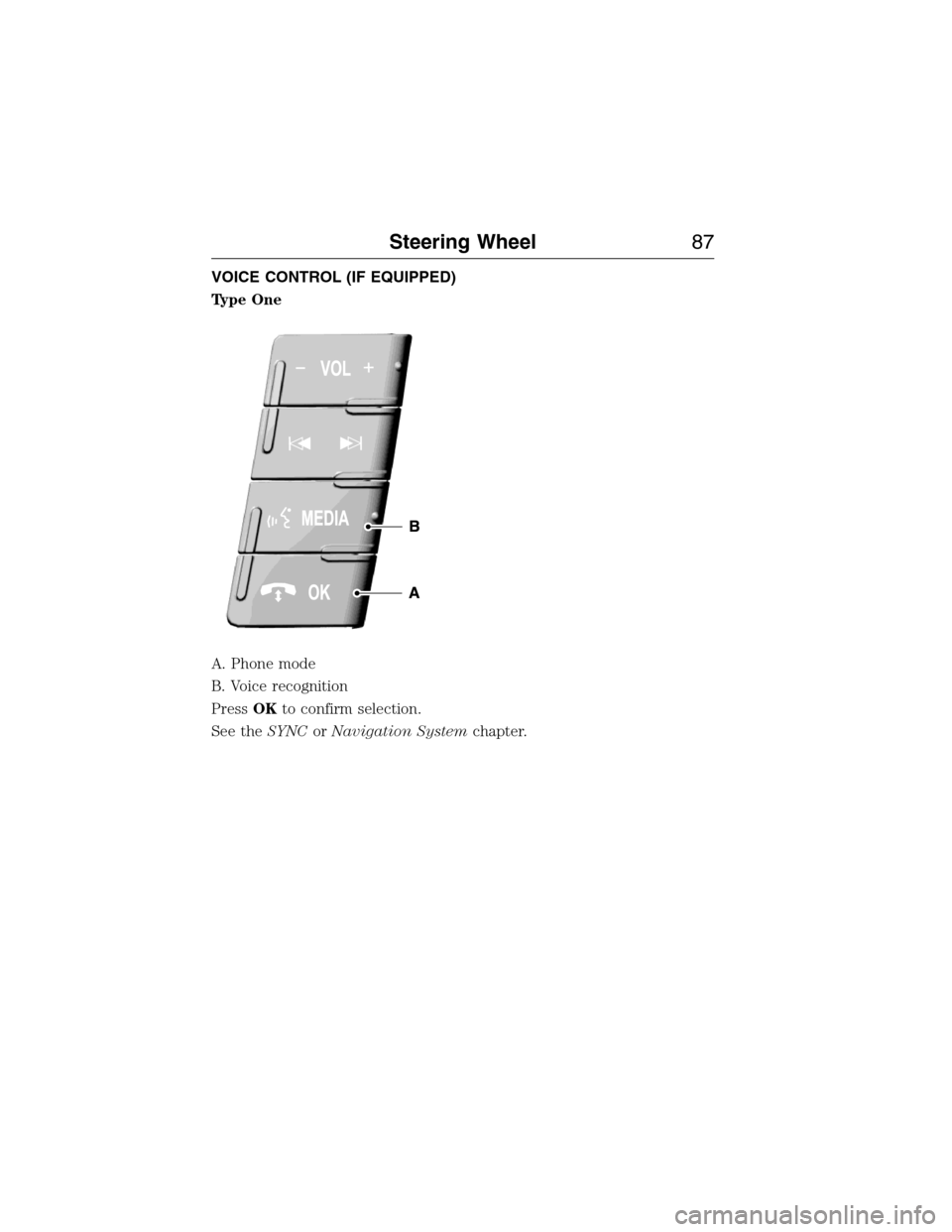
VOICE CONTROL (IF EQUIPPED)
Type One
A. Phone mode
B. Voice recognition
PressOKto confirm selection.
See theSYNCorNavigation Systemchapter.
Steering Wheel87
2015 Expedition(exd)
Owners Guide gf, 1st Printing, July 2014
USA(fus)
Page 89 of 564
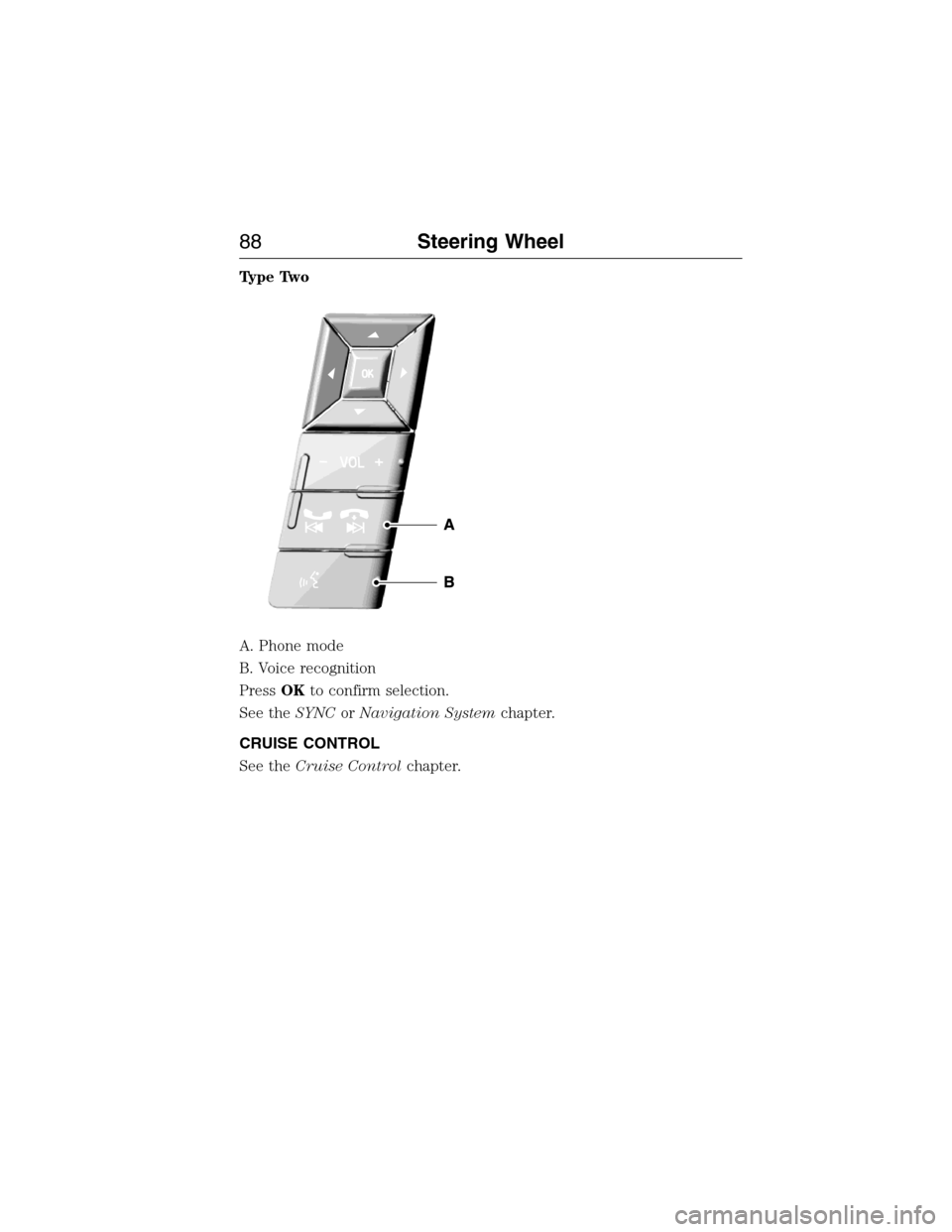
Type Two
A. Phone mode
B. Voice recognition
PressOKto confirm selection.
See theSYNCorNavigation Systemchapter.
CRUISE CONTROL
See theCruise Controlchapter.
88Steering Wheel
2015 Expedition(exd)
Owners Guide gf, 1st Printing, July 2014
USA(fus)
Page 90 of 564
ADJUSTABLE PEDALS (IF EQUIPPED)
WARNING:Never use the controls when your feet are on the
accelerator or brake pedals, especially when the vehicle is
moving.
Note:Adjust the pedals only when your vehicle is in park (P).
Depending on your vehicle and equipment level, the shape and location
of your power-adjustable pedal control can vary.
•If your control is vertical, then it is to the left of the steering column
and on the instrument panel.
•If your control is horizontal, then it is on the left side of the steering
column.
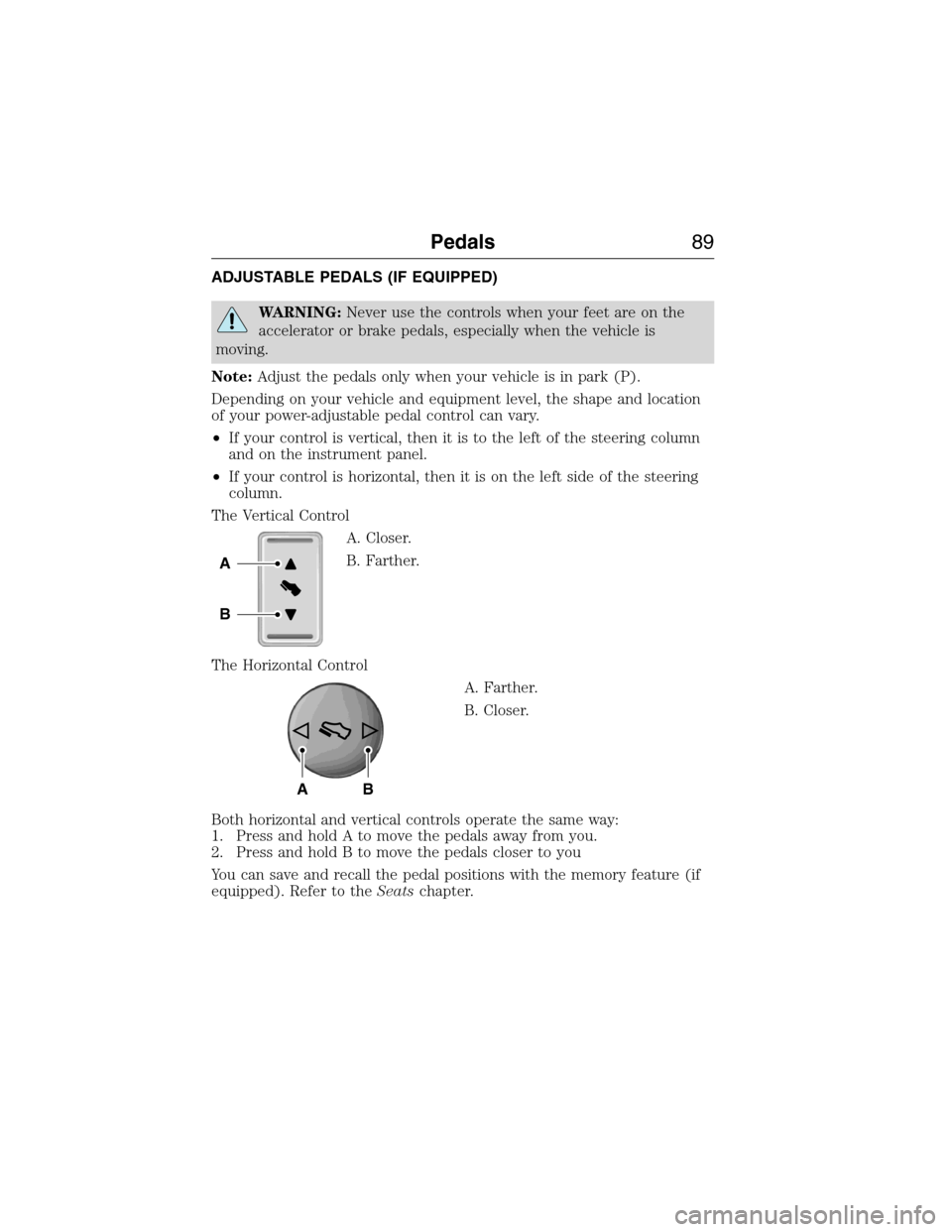
The Vertical Control
A. Closer.
B. Farther.
The Horizontal Control
A. Farther.
B. Closer.
Both horizontal and vertical controls operate the same way:
1. Press and hold A to move the pedals away from you.
2. Press and hold B to move the pedals closer to you
You can save and recall the pedal positions with the memory feature (if
equipped). Refer to theSeatschapter.
A
B
AB
Pedals89
2015 Expedition(exd)
Owners Guide gf, 1st Printing, July 2014
USA(fus)
Page 113 of 564
GENERAL INFORMATION
WARNING:Driving while distracted can result in loss of vehicle
control, crash and injury. We strongly recommend that you use
extreme caution when using any device that may take your focus off
the road. Your primary responsibility is the safe operation of your
vehicle. We recommend against the use of any handheld device while
driving and encourage the use of voice-operated systems when possible.
Make sure you are aware of all applicable local laws that may affect the
use of electronic devices while driving.
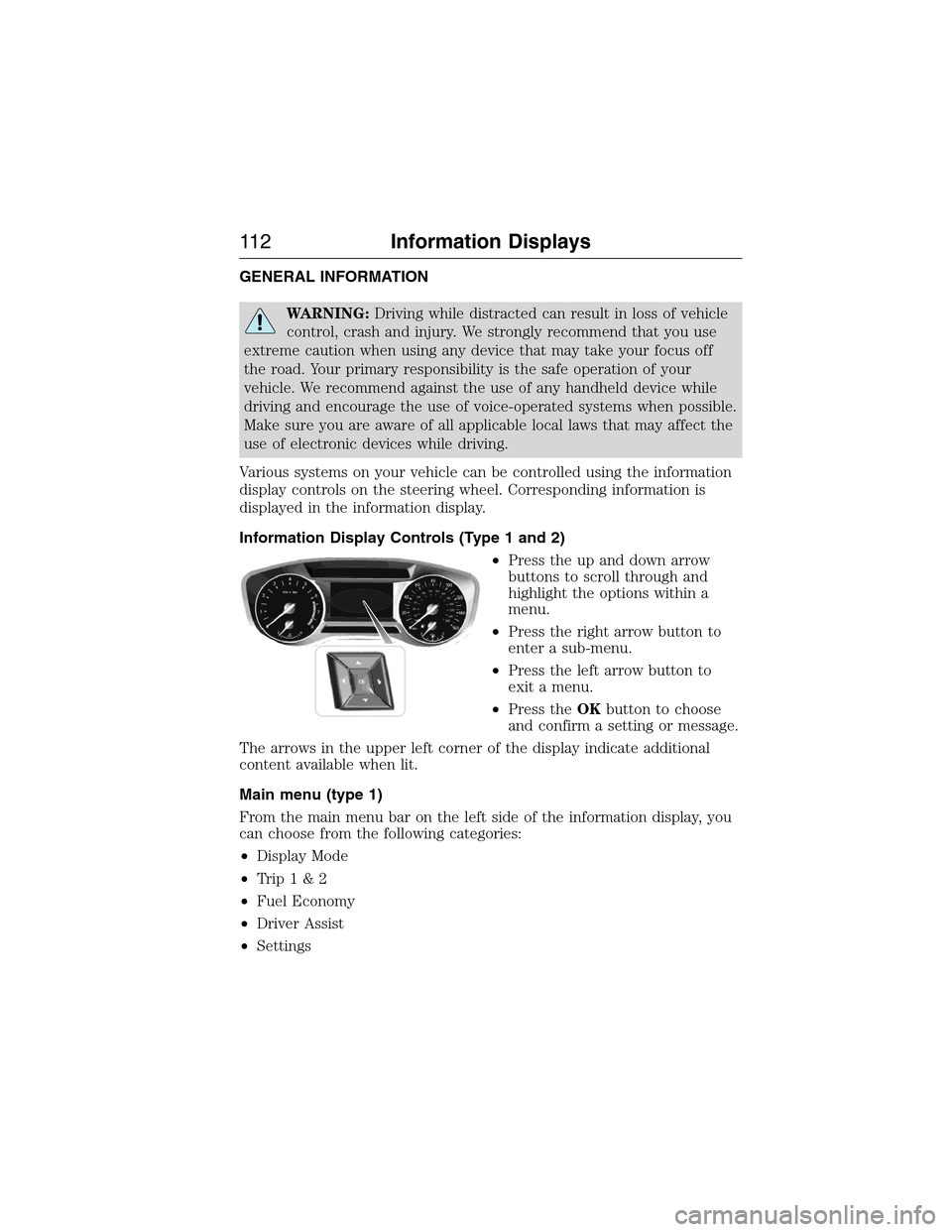
Various systems on your vehicle can be controlled using the information
display controls on the steering wheel. Corresponding information is
displayed in the information display.
Information Display Controls (Type 1 and 2)
•Press the up and down arrow
buttons to scroll through and
highlight the options within a
menu.
•Press the right arrow button to
enter a sub-menu.
•Press the left arrow button to
exit a menu.
•Press theOKbutton to choose
and confirm a setting or message.
The arrows in the upper left corner of the display indicate additional
content available when lit.
Main menu (type 1)
From the main menu bar on the left side of the information display, you
can choose from the following categories:
•Display Mode
•Trip1&2
•Fuel Economy
•Driver Assist
•Settings
11 2Information Displays
2015 Expedition(exd)
Owners Guide gf, 1st Printing, July 2014
USA(fus)
Page 119 of 564
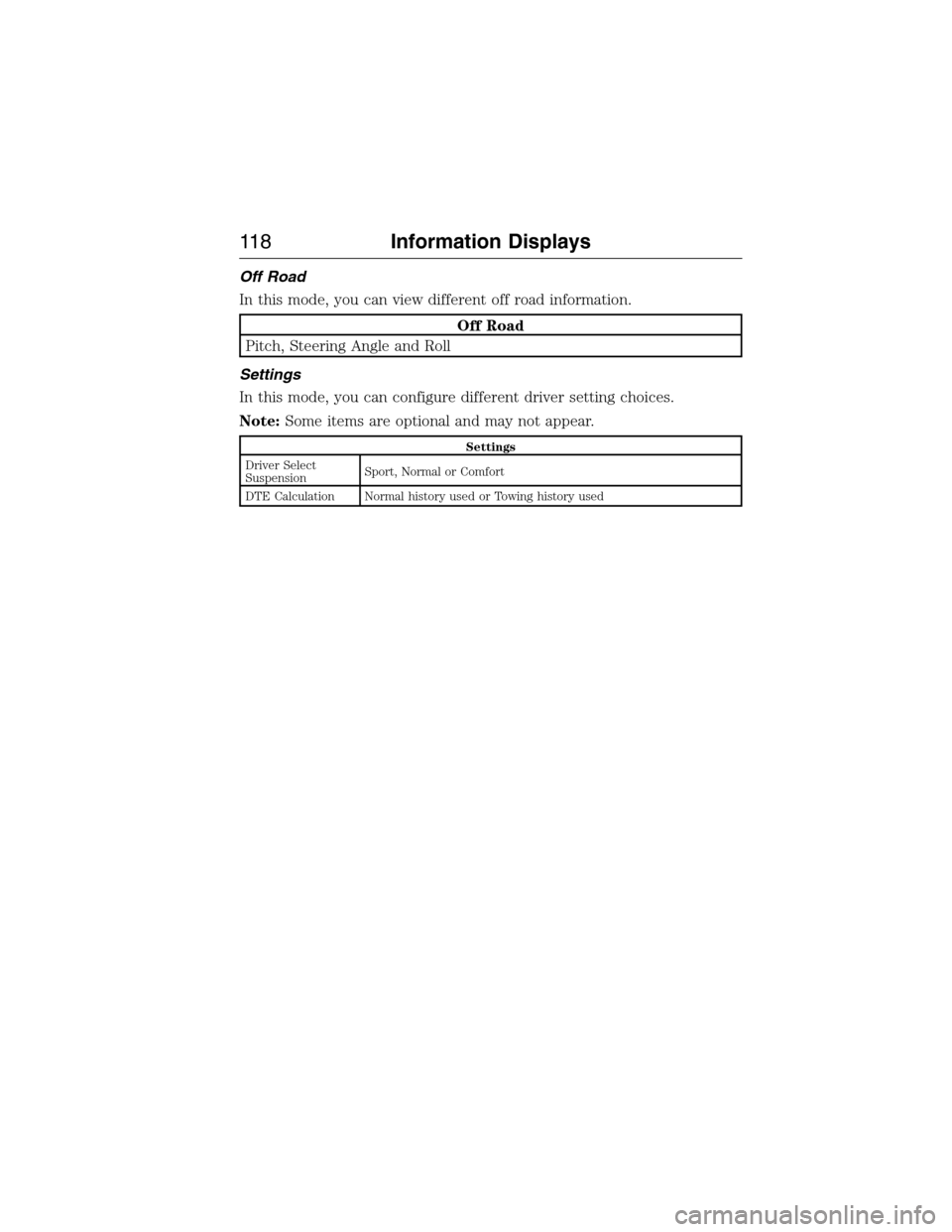
Off Road
In this mode, you can view different off road information.
Off Road
Pitch, Steering Angle and Roll
Settings
In this mode, you can configure different driver setting choices.
Note:Some items are optional and may not appear.
Settings
Driver Select
SuspensionSport, Normal or Comfort
DTE Calculation Normal history used or Towing history used
11 8Information Displays
2015 Expedition(exd)
Owners Guide gf, 1st Printing, July 2014
USA(fus)
Page 132 of 564
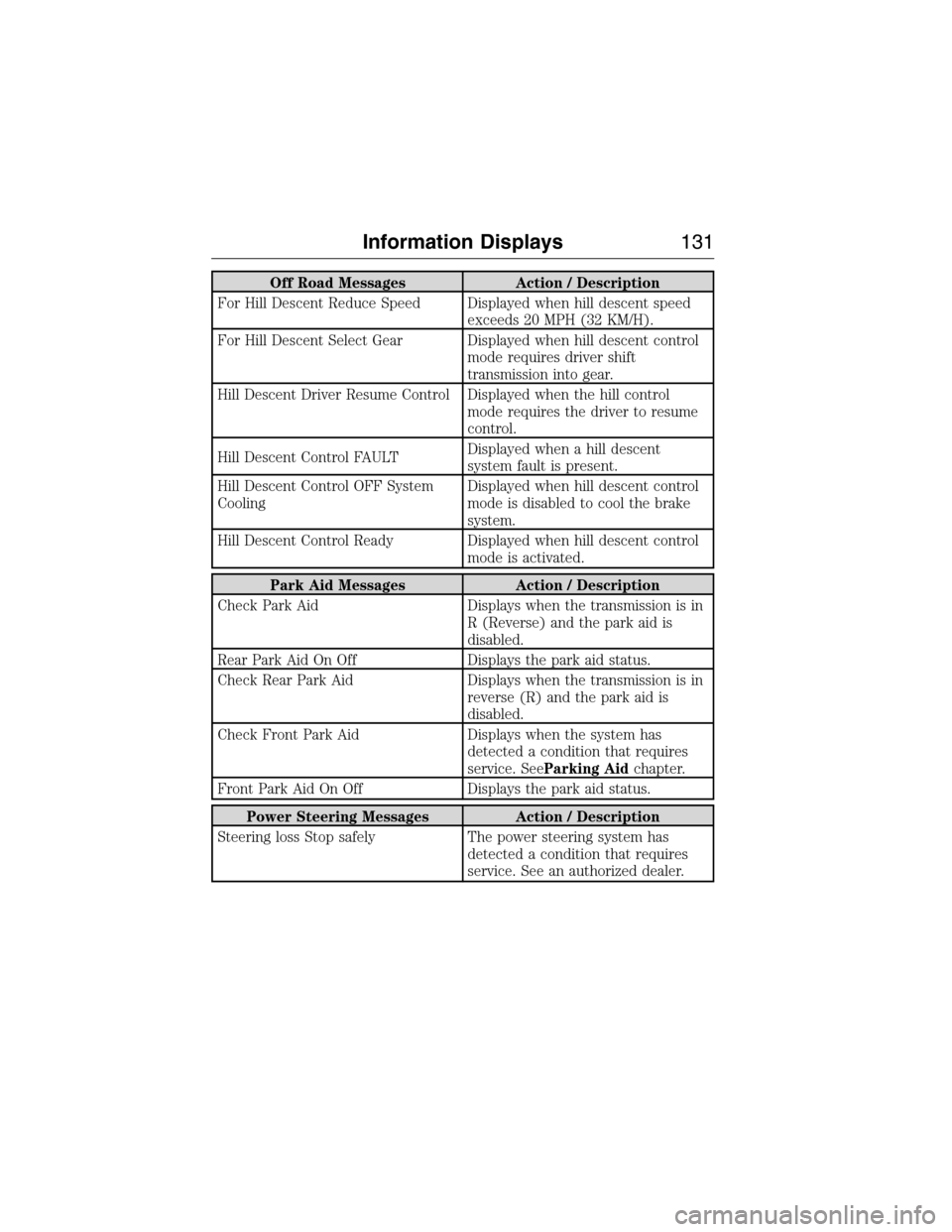
Off Road Messages Action / Description
For Hill Descent Reduce Speed Displayed when hill descent speed
exceeds 20 MPH (32 KM/H).
For Hill Descent Select Gear Displayed when hill descent control
mode requires driver shift
transmission into gear.
Hill Descent Driver Resume Control Displayed when the hill control
mode requires the driver to resume
control.
Hill Descent Control FAULTDisplayed when a hill descent
system fault is present.
Hill Descent Control OFF System
CoolingDisplayed when hill descent control
mode is disabled to cool the brake
system.
Hill Descent Control Ready Displayed when hill descent control
mode is activated.
Park Aid Messages Action / Description
Check Park Aid Displays when the transmission is in
R (Reverse) and the park aid is
disabled.
Rear Park Aid On Off Displays the park aid status.
Check Rear Park Aid Displays when the transmission is in
reverse (R) and the park aid is
disabled.
Check Front Park Aid Displays when the system has
detected a condition that requires
service. SeeParking Aidchapter.
Front Park Aid On Off Displays the park aid status.
Power Steering Messages Action / Description
Steering loss Stop safely The power steering system has
detected a condition that requires
service. See an authorized dealer.
Information Displays131
2015 Expedition(exd)
Owners Guide gf, 1st Printing, July 2014
USA(fus)