Page 146 of 400

INSTRUMENT CLUSTER DESCRIPTIONS
1. Speedometer
Indicates vehicle speed.
2. Air Bag Warning Light
This light will turn on for four to eight seconds
as a bulb check when the ignition is first cycled
to ON/RUN. If the light is either not on during
starting, stays on, or turns on while driving,
have the system inspected at an authorized dealer as
soon as possible. Refer to “Occupant Restraints” in
“Things To Know Before Starting Your Vehicle” for
further information.
3. Seat Belt Reminder Light
When the ignition is first cycled to ON/RUN, this
light will turn on for four to eight seconds as a
bulb check. During the bulb check, if the driver’s
seat belt is unbuckled, a chime will sound. After the bulb
check or when driving, if the driver’s seat belt remains
unbuckled, the Seat Belt Reminder Light will illuminate,
and the chime will sound. Refer to “Occupant Restraints”
in “Things To Know Before Starting Your Vehicle” for
further information.
4. Turn Signal Indicators
The arrow will flash with the exterior turn
signal when the turn signal lever is operated.
If the vehicle electronics sense that the vehicle
is driven more than 1 mile (1.6 km) with either turn signal
on, a continuous chime will sound to alert you to turn the
signals off. If either indicator flashes at a rapid rate, check
for a defective outside light bulb.
Both turn signal arrows will flash in unison with the front
and rear turn signals when the HAZARD WARNING
button is operated.
144 UNDERSTANDING YOUR INSTRUMENT PANEL
Page 162 of 400

The main display area will normally display the main
menu or the screens of a selected feature of the main
menu. The main display area also displays “pop up”
messages that consist of approximately 60 possible warn-
ing or information messages. These pop up messages fall
into several categories:
•Five Second Stored Messages
When the appropriate conditions occur, this type of
message takes control of the main display area for five
seconds and then returns to the previous screen. Most of
the messages of this type are then stored (as long as the
condition that activated it remains active) and can be
reviewed from the “Messages” main menu item. As long
as there is a stored message, an “i” will be displayed in
the DID’s compass/outside temp line. Examples of this
message type are “Right Front Turn Signal Lamp Out”
and “Low Tire Pressure.”
NOTE:Pushing the LEFT arrow button will override the
DID “pop up” messages and return you to the menu
screen.
•Unstored Messages
This message type is displayed indefinitely or until the
condition that activated the message is cleared. Examples
of this message type are “Turn Signal On” (if a turn signal
is left on) and “Lights On” (if driver leaves the vehicle).
•Five Second Unstored Messages
When the appropriate conditions occur, this type of
message takes control of the main display area for five
seconds and then returns to the previous screen. An
example of this message type is “Automatic High Beams
On.”
160 UNDERSTANDING YOUR INSTRUMENT PANEL
Page 163 of 400
Driver Information Display (DID) Messages
•Front Seat Belts Unbuckled
•Driver Seat Belt Unbuckled
•Passenger Seat Belt Unbuckled
•Key Fob Battery Low
•Service Air Bag System
•ESC Status (ESC OFF, ESC ON, ESC SPORT, ESC
TRACK, RAIN MODE) — Refer to “Starting And
Operating” for further information.
•Oil Pressure Low
•Fuel Low
•Service Antilock Brake System
•Service Electronic Throttle Control
•Cruise Off
•Cruise Ready
•Cruise Set To XXX MPH
•Tire Pressure Screen With Low Tire Pressure Warnings
•Service Tire Pressure System
•Parking Brake Engaged
•Brake Fluid Low
•Service Electronic Braking System
•Engine Temperature Hot
•Battery Voltage Low
•Service Electronic Throttle Control
•Lights On
•Right Turn Signal Light Out
•Left Turn Signal Light Out
4
UNDERSTANDING YOUR INSTRUMENT PANEL 161
Page 164 of 400
•Turn Signal On
•Service Air Bag System
•Service Air Bag Warning Light
•Driver Seat Belt Unbuckled
•Passenger Seat Belt Unbuckled
•Front Seat Belts Unbuckled
•Door Open
•Doors Open
•Engage Park Brake to Prevent Rolling
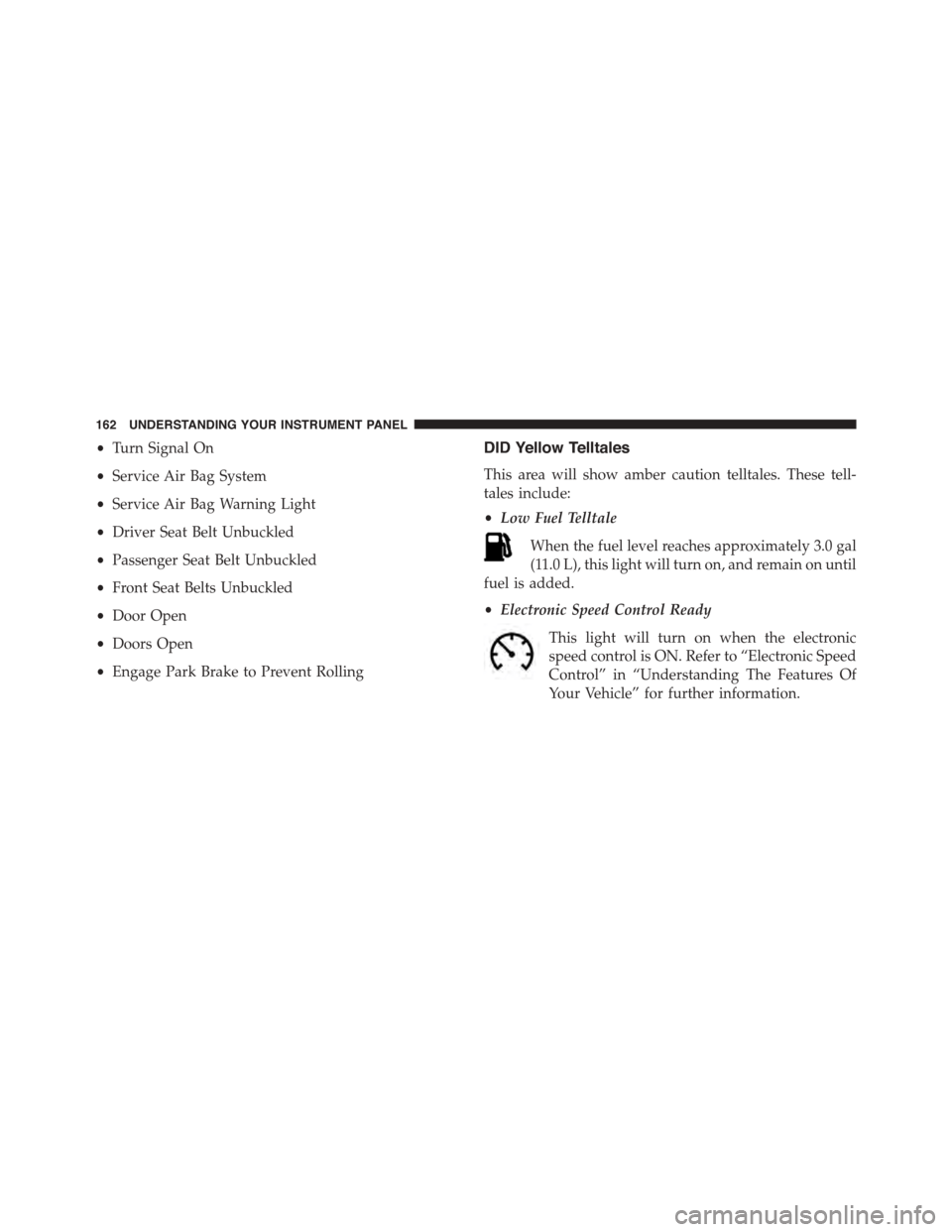
DID Yellow Telltales
This area will show amber caution telltales. These tell-
tales include:
•Low Fuel Telltale
When the fuel level reaches approximately 3.0 gal
(11.0 L), this light will turn on, and remain on until
fuel is added.
•Electronic Speed Control Ready
This light will turn on when the electronic
speed control is ON. Refer to “Electronic Speed
Control” in “Understanding The Features Of
Your Vehicle” for further information.
162 UNDERSTANDING YOUR INSTRUMENT PANEL
Page 181 of 400

that setting has been selected. Press the back arrow
button on the touchscreen to return to the previous
menu, or push the back button on the faceplate.
•Set Time Hours
This feature will allow you to adjust the hours. The “Sync
with GPS Time” button on the touchscreen must be
unchecked. To make your selection, press the “+” or “–”
buttons on the touchscreen to adjust the hours up or
down. Press the back arrow button on the touchscreen to
return to the previous menu or press the” X” button on
the touchscreen to close out of the settings screen.
•Set Time Minutes
This feature will allow you to adjust the minutes. The
“Sync with GPS Time” button on the touchscreen must be
unchecked. To make your selection, press the “+” or “–”
buttons on the touchscreen to adjust the minutes up or
down. Press the back arrow button on the touchscreen to
return to the previous menu or press the “X” button on
the touchscreen to close out of the settings screen.
•Time Format
This feature will allow you to select the time format
display setting. Press the “Time Format” button on the
touchscreen until a check-mark appears next to the 12hrs
or 24hrs setting, showing that setting has been selected.
Press the back arrow button on the touchscreen to return
to the previous menu, or push the back button on the
faceplate.
Clock
After pressing the “Clock” button on the touchscreen the
following settings will be available:
•Sync Time With GPS
This feature will allow the radio to sync time with a GPS
signal. To change the Sync Time setting, press the “Sync
4
UNDERSTANDING YOUR INSTRUMENT PANEL 179
Page 245 of 400

properly inflated to produce accurate signals for the
computer.
WARNING!
Significant over or underinflation of tires, or mixing
sizes of tires or wheels on the vehicle can lead to loss
of braking effectiveness.
Anti-Lock Brake Warning Light
The “Anti-Lock Brake Warning Light” will turn
on and stay on briefly as a bulb check when the
ignition is first turned on. If the light does not
turn on during starting, have it repaired
promptly.
This light also illuminates at vehicle start-up to indicate
that the ABS self-check is in process. If the light remains
on after start-up, or turns on and remains on at road
speeds, it may indicate a system malfunction or that the
system is inoperative. In this case, the system reverts to
standard non-anti-lock brakes. If this occurs, safely bring
the vehicle to a complete stop as soon as possible and
cycle the ignition to attempt to reset the ABS. If the light
remains on, see your authorized dealer immediately to
have the system serviced. Also, if the “BRAKE Warning
Light” and the “ABS Warning Light” are on, and the
parking brake is fully released, see your authorized
dealer immediately.
Traction Control System (TCS)
The TCS system monitors the amount of wheel spin of
each driven wheel. If wheel spin is detected, brake
pressure is applied to the slipping wheel(s) and engine
power is reduced to provide enhanced acceleration and
stability.
5
STARTING AND OPERATING 243
Page 292 of 400

HAZARD WARNING FLASHER
The Hazard Warning flasher switch is located in the
center of the instrument panel above the climate controls.
Push the switch to turn on the Hazard Warning
flasher. When the switch is activated, all direc-
tional turn signals will flash on and off to warn oncoming
traffic of an emergency. Push the switch a second time to
turn off the Hazard Warning flasher.
This is an emergency warning system and it should not
be used when the vehicle is in motion. Use it when your
vehicle is disabled and it is creating a safety hazard for
other motorists.
When you must leave the vehicle to seek assistance, the
Hazard Warning flasher will continue to operate even
though the ignition is placed in the OFF position.
NOTE:With extended use the Hazard Warning flasher
may wear down your battery.
IF YOUR ENGINE OVERHEATS
In any of the following situations, you can reduce the
potential for overheating by taking the appropriate ac-
tion.
•On the highways —Slow down and use the highest
gear possible.
•In city traffic —While stopped, put the transmission
in NEUTRAL, but do not increase engine idle speed.
•In city traffic —While moving, shift into the highest
gear possible to reduce engine RPM.
NOTE:There are steps that you can take to slow down
an impending overheat condition:
290 WHAT TO DO IN EMERGENCIES
Page 312 of 400
▫Hydraulic Clutch.....................335
▫Rear Axle...........................336
▫Appearance Care And Protection From
Corrosion...........................336
!FUSES..............................342
▫Power Distribution Center...............343
!VEHICLE STORAGE....................351
!REPLACEMENT BULBS.................354
!BULB REPLACEMENT..................356
▫Front Headlamp, Front Park/Turn Signal
Lamp..............................356
▫Front/Rear Side Marker Lamp............356
▫Taillamp, Tail/Stop Lamp................356
▫Rear Turn Signal Lamp.................356
▫Backup Lamps........................356
!FLUID CAPACITIES....................357
!FLUIDS, LUBRICANTS AND GENUINE
PA R T S . . . . . . . . . . . . . . . . . . . . . . . . . . . . ..358
▫Engine.............................358
▫Chassis............................360
310 MAINTAINING YOUR VEHICLE