Page 402 of 689
If you see theicon on your touchscreen, you have
the Uconnect® 8.4AN system. If not, you have a
Uconnect® 8.4A system.
Get Started
All you need to control your Uconnect® system with
your voice are the buttons on your steering wheel.
1. VisitUconnectPhone.comto check mobile device and
feature compatibility and to find phone pairing in-
structions.
2. Reduce background noise. Wind and passenger con-
versations are examples of noise that may impact
recognition.
3. Speak clearly at a normal pace and volume while
facing straight ahead. The microphone is positioned
on the rearview mirror and aimed at the driver.
4. Each time you give a Voice Command, you must first
push either the VR or Phone button, wait untilafter
the beep, then say your Voice Command.
5. You can interrupt the help message or system prompts
by pushing the VR or Phone button and saying a Voice
Command from current category.
400 UNDERSTANDING YOUR INSTRUMENT PANEL
Page 410 of 689
TIP:Your mobile phone must have the full implementa-
tion of theMessage Access Profile (MAP)to take advan-
tage of this feature. For details about MAP, visit
UconnectPhone.com. Apple iPhone® iOS6 or later sup-
ports readingincomingtext messages only.
Climate (8.4A/8.4AN)
Too hot? Too cold? Adjust vehicle temperatures hands-
free and keep everyone comfortable while you keep
moving ahead. (If vehicle is equipped with climate
control.)
Push the VR button. After the beep, say one of the
following commands:
•Set driver temperature to70degrees
•Set passenger temperature to70degrees
TIP:Voice Command for Climate may only be used to
adjust the interior temperature of your vehicle. Voice
Command will not work to adjust the heated seats or
steering wheel if equipped.
Uconnect 8.4A/8.4AN Climate
408 UNDERSTANDING YOUR INSTRUMENT PANEL
Page 419 of 689
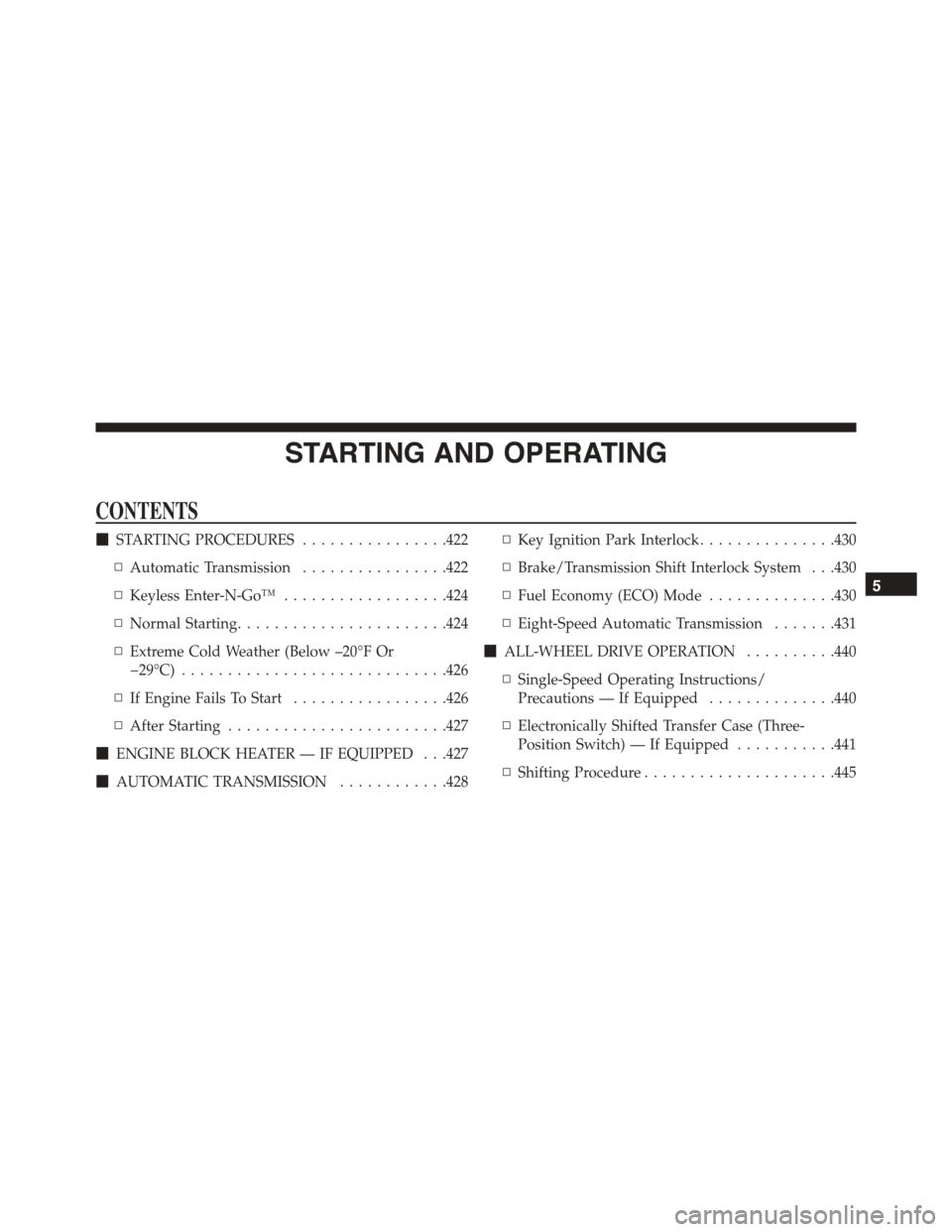
STARTING AND OPERATING
CONTENTS
!STARTING PROCEDURES................422
▫Automatic Transmission................422
▫Keyless Enter-N-Go™..................424
▫Normal Starting.......................424
▫Extreme Cold Weather (Below –20°F Or
−29°C).............................426
▫If Engine Fails To Start.................426
▫After Starting........................427
!ENGINE BLOCK HEATER — IF EQUIPPED . . .427
!AUTOMATIC TRANSMISSION............428
▫Key Ignition Park Interlock...............430
▫Brake/Transmission Shift Interlock System . . .430
▫Fuel Economy (ECO) Mode..............430
▫Eight-Speed Automatic Transmission.......431
!ALL-WHEEL DRIVE OPERATION..........440
▫Single-Speed Operating Instructions/
Precautions — If Equipped..............440
▫Electronically Shifted Transfer Case (Three-
Position Switch) — If Equipped...........441
▫Shifting Procedure.....................445
5
Page 423 of 689
▫Certification Label....................518
!TRAILER TOWING.....................520
▫Common Towing Definitions.............521
▫Trailer Hitch Classification...............524
▫Trailer Towing Weights (Maximum Trailer Weight
Ratings)............................525
▫Trailer Hitch Receiver Cover Removal — If
Equipped...........................526
▫Trailer And Tongue Weight..............528
▫Towing Requirements..................529
▫Towing Tips.........................535
!SNOW PLOW.........................536
!RECREATIONAL TOWING (BEHIND
MOTORHOME, ETC.)...................537
▫Towing This Vehicle Behind Another Vehicle . .537
▫Recreational Towing — Rear-Wheel Drive
Models.............................538
▫Recreational Towing — All-Wheel Drive Models
(Single-Speed Transfer Case)..............539
▫Recreational Towing — All-Wheel Drive Models
(Two-Speed Transfer Case)...............539
5
STARTING AND OPERATING 421
Page 434 of 689

The electronically-controlled transmission provides a
precise shift schedule. The transmission electronics are
self-calibrating; therefore, the first few shifts on a new
vehicle may be somewhat abrupt. This is a normal
condition, and precision shifts will develop within a few
hundred miles (kilometers).
Only shift from DRIVE to PARK or REVERSE when the
accelerator pedal is released and the vehicle is stopped.
Be sure to keep your foot on the brake pedal when
shifting between these gears.
The transmission gear selector has only PARK, RE-
VERSE, NEUTRAL, and DRIVE shift positions. Manual
shifts can be made using the AutoStick shift control (shift
paddles mounted on the steering wheel). Pressing the
shift paddles (-/+) while in the DRIVE range will manu-
ally select the transmission gear, and will display the
current gear in the instrument cluster. Refer to
“AutoStick” in this section for further information.
Gear Ranges
DO NOT race the engine when shifting from PARK or
NEUTRAL into another gear range.
Electronic Gear Selector
432 STARTING AND OPERATING
Page 435 of 689

NOTE:After selecting any gear range, wait a moment to
allow the selected gear to engage before accelerating.
This is especially important when the engine is cold.
PARK (P)
This range supplements the parking brake by locking the
transmission. The engine can be started in this range.
Never attempt to use PARK while the vehicle is in
motion. Apply the parking brake when leaving the
vehicle in this range.
When parking on a level surface, you may shift the
transmission into PARK first, and then apply the parking
brake.
When parking on a hill, apply the parking brake before
shifting the transmission to PARK. As an added precau-
tion, turn the front wheels toward the curb on a downhill
grade and away from the curb on an uphill grade.
NOTE:On vehicles equipped with the electronically
shifted transfer case, ensure that the transfer case is in
AWD AUTO or LOW RANGE position on the AWD
Control Switch. Ensure that the NEUTRAL position light
is NOT illuminated.
WARNING!
•Never use the PARK position as a substitute for the
parking brake. Always apply the parking brake
fully when parked to guard against vehicle move-
ment and possible injury or damage.
•Your vehicle could move and injure you and others
if it is not in PARK. Make sure the transmission is
in PARK before leaving the vehicle.
(Continued)
5
STARTING AND OPERATING 433
Page 441 of 689

can also provide you with more control during passing,
city driving, cold slippery conditions, mountain driving,
trailer towing, and many other situations.
Operation
When the transmission is in DRIVE, it will operate
automatically, shifting between the eight available gears.
To engage AutoStick, simply tap one of the steering
wheel-mounted shift paddles (+/-). Tapping (-) to enter
AutoStick mode will downshift the transmission to the
next lower gear, while using (+) to enter AutoStick mode
will retain the current gear. When AutoStick is active, the
current transmission gear is displayed in the instrument
cluster.
In AutoStick mode, the transmission will shift up or
down when (+/-) is manually selected by the driver,
unless an engine lugging or overspeed condition would
result. It will remain in the selected gear until another
upshift or downshift is chosen, except as described
below.
•The transmission will automatically downshift as the
vehicle slows (to prevent engine lugging) and will
display the current gear.
•The transmission will automatically downshift to first
gear when coming to a stop. After a stop, the driver
should manually upshift (+) the transmission as the
vehicle is accelerated.
•You can start out, from a stop, in first or second gear.
Tapping (+) at a stop will allow starting in second gear.
Starting out in second gear can be helpful in snowy or
icy conditions.
•If a requested downshift would cause the engine to
over-speed, that shift will not occur.
5
STARTING AND OPERATING 439
Page 442 of 689

•The system will ignore attempts to upshift at too low
of a vehicle speed.
•Holding the (-) paddle depressed will downshift the
transmission to the lowest gear possible at the current
speed.
•Transmission shifting will be more noticeable when
AutoStick is engaged.
•The system may revert to automatic shift mode if a
fault or overheat condition is detected.
To disengage AutoStick mode, press and hold the (+)
shift paddle until#D#is once again indicated in the
instrument cluster. You can shift in or out of AutoStick
mode at any time without taking your foot off the
accelerator pedal.
WARNING!
Do not downshift for additional engine braking on a
slippery surface. The drive wheels could lose their
grip and the vehicle could skid, causing a collision or
personal injury.
ALL-WHEEL DRIVE OPERATION
Single-Speed Operating Instructions/Precautions
— If Equipped
This system contains a single-speed (HI range only)
transfer case, which provides convenient full-time all-
wheel drive. No driver interaction is required. The Brake
Traction Control (BTC) System, which combines standard
ABS and Traction Control, provides resistance to any
wheel that is slipping to allow additional torque transfer
to wheels with traction.
440 STARTING AND OPERATING