2015 BMW I8 battery
[x] Cancel search: batteryPage 63 of 224
Tailgate
Depending on optional features and country
version, this setting is not offered in some
cases.1."Settings"2."Doors/key"3. Select the symbol.4.Select the desired function:▷"Tailgate"
The tailgate is unlocked.▷"Tailgate + door(s)"
The tailgate and the doors are un‐
locked.
Confirmation signals from the vehicle
The settings are saved in the active profile, re‐
fer to page 39.
1."Settings"2."Doors/key"3.Deactivate or activate the desired confir‐
mation signals.▷"Acoustic sig. lock/unlock"▷"Flash when lock/unlock"
Automatic locking
The settings are saved in the active profile, re‐fer to page 39.
1."Settings"2."Doors/key"3.Select the desired function:▷"Lock if no door is opened"
The vehicle locks automatically after a
short period of time if no door is
opened.▷"Lock after start driving"
The vehicle locks automatically after
you drive off.Without alarm system: headlamp
courtesy delay feature/standing
climate control
The settings are saved in the active profile, re‐
fer to page 39.1."Settings"2."Doors/key"3. Select the symbol.4.Select the desired function:▷"Pathway lighting"
Headlight courtesy delay feature▷"Comfort climate control"
Stationary climate control
Alarm system
The conceptWhen the vehicle is locked, the vehicle alarm
system responds to:
▷Opening a door, the hood or the tailgate.▷Movements in the interior.▷Changes in the vehicle tilt, e. g., during at‐
tempts at stealing a wheel.▷Disconnected battery voltage.
The alarm system briefly signals tampering:
▷By sounding an acoustic alarm.▷By switching on the hazard warning sys‐
tem.▷By flashing the high beams.
Arming and disarming the alarm
system
When you unlock or lock the vehicle, either
with the remote control or via the Comfort Ac‐
cess, the alarm system is disarmed or armed at
the same time.
Seite 47Opening and closingControls47
Online Edition for Part no. 01 40 2 960 891 - II/15
Page 77 of 224
DrivingVehicle features and options
This chapter describes all standard, country-
specific and optional features offered with the
series. It also describes features that are not
necessarily available in your car, e. g., due to
the selected options or country versions. This
also applies to safety-related functions and
systems. The respectively applicable country
provisions must be observed when using the
respective features and systems.
Start/Stop button, drive readiness
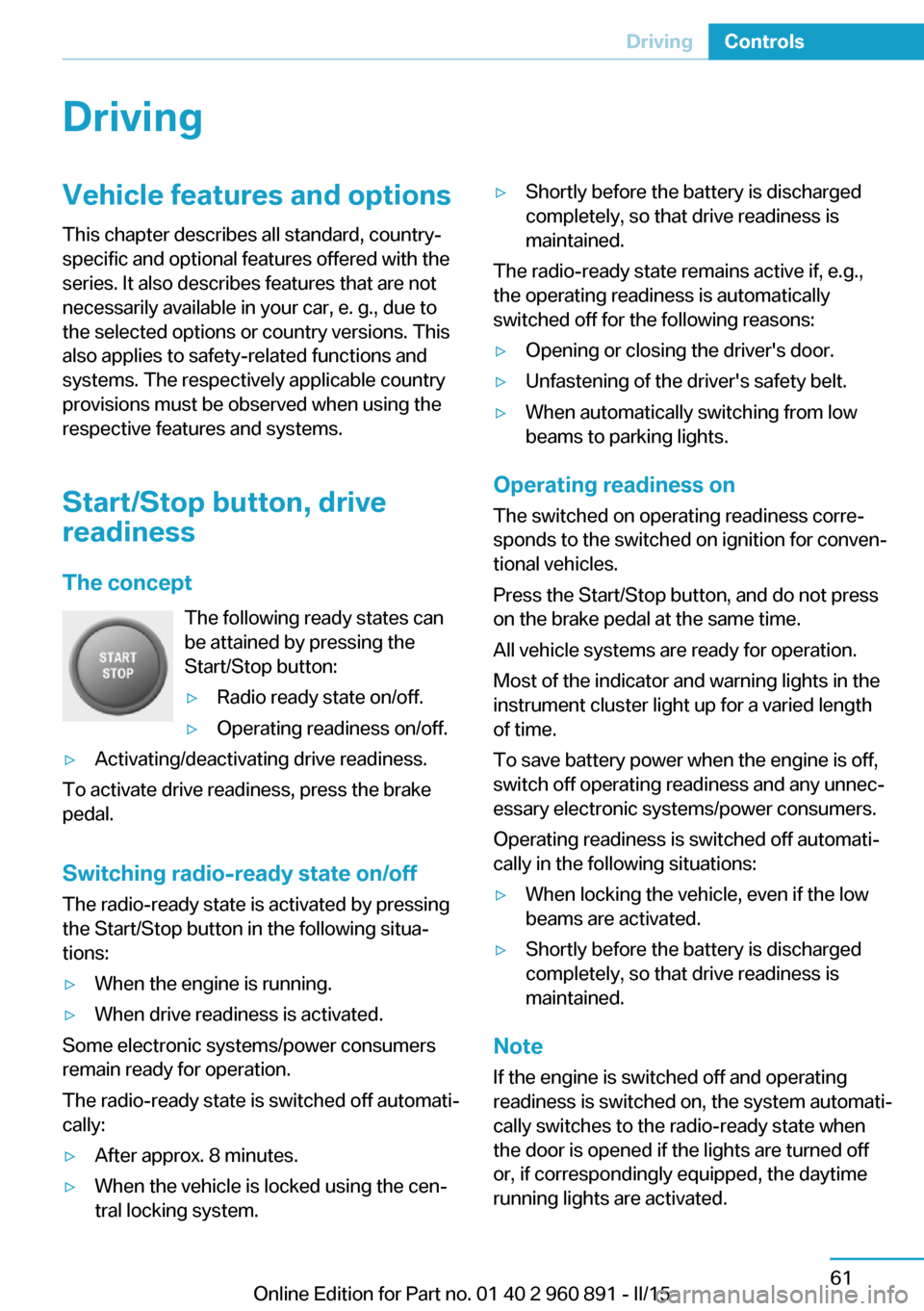
The concept The following ready states can
be attained by pressing the
Start/Stop button:▷Radio ready state on/off.▷Operating readiness on/off.▷Activating/deactivating drive readiness.
To activate drive readiness, press the brake
pedal.
Switching radio-ready state on/off
The radio-ready state is activated by pressing
the Start/Stop button in the following situa‐
tions:
▷When the engine is running.▷When drive readiness is activated.
Some electronic systems/power consumers
remain ready for operation.
The radio-ready state is switched off automati‐
cally:
▷After approx. 8 minutes.▷When the vehicle is locked using the cen‐
tral locking system.▷Shortly before the battery is discharged
completely, so that drive readiness is
maintained.
The radio-ready state remains active if, e.g.,
the operating readiness is automatically
switched off for the following reasons:
▷Opening or closing the driver's door.▷Unfastening of the driver's safety belt.▷When automatically switching from low
beams to parking lights.
Operating readiness on
The switched on operating readiness corre‐
sponds to the switched on ignition for conven‐
tional vehicles.
Press the Start/Stop button, and do not press
on the brake pedal at the same time.
All vehicle systems are ready for operation.
Most of the indicator and warning lights in the
instrument cluster light up for a varied length
of time.
To save battery power when the engine is off,
switch off operating readiness and any unnec‐
essary electronic systems/power consumers.
Operating readiness is switched off automati‐
cally in the following situations:
▷When locking the vehicle, even if the low
beams are activated.▷Shortly before the battery is discharged
completely, so that drive readiness is
maintained.
Note
If the engine is switched off and operating
readiness is switched on, the system automati‐
cally switches to the radio-ready state when
the door is opened if the lights are turned off
or, if correspondingly equipped, the daytime
running lights are activated.
Seite 61DrivingControls61
Online Edition for Part no. 01 40 2 960 891 - II/15
Page 78 of 224
Operating readiness offPress the Start/Stop button again without
stepping on the brake.
All indicator lights in the instrument cluster go
out.
To save battery power when the engine is off,
switch off operating readiness and any unnec‐
essary electronic systems/power consumers.
Operating readiness is switched off automati‐
cally in the following situations while the vehi‐
cle is stationary and the engine is off:▷When locking the vehicle, and when the
low beams are activated.▷Shortly before the battery is discharged
completely, so that drive readiness is
maintained. This function is only available
when the low beams are turned off.▷When opening or closing the driver door, if
the driver's safety belt is unbuckled and
the low beams are turned off.▷While the driver's safety belt is unbuckled
with driver's door open and low beams off.
The low beams switch to parking lights after
approx. 15 minutes of no use.
Selector lever position P is automatically en‐
gaged when operating readiness is switched
off. In order for the vehicle to be able to roll,
e.g. into a car wash, heed the information re‐
garding washing in automatic car washes, refer
to page 187.
Drive readiness
When drive readiness is activated, the vehicle
is operational. Activated drive readiness is the
equivalent of a running engine in conventional
vehicles. Deactivated engine readiness is
equivalent to switching the ignition off.
Selector lever position P is automatically en‐
gaged when drive readiness is switched off. In
order for the vehicle to be able to roll, e.g. into
a car wash, heed the information regarding
washing in automatic car washes, refer to
page 187.
Drive readiness in detail
The concept The following are the different drive readiness
variants:▷Electric drive readiness, Silent Start, refer
to page 63.
The vehicle is powered by the electric mo‐
tor.▷Starting the combustion engine, refer to
page 63.
The vehicle is powered by the combustion
engine.
Hints
Do not leave the vehicle unattended
Do not leave the vehicle unattended with
drive readiness active; otherwise, it may pose a
risk.◀
Awareness of vehicle reduced when
driven in electric mode
When driving in electric mode, note that due to
the lack of engine noise pedestrians and other traffic might pay less attention to the vehicle
due to missing engine noises. Please take spe‐
cial care when parking or leaving a parking
space.◀
Display on the Start/Stop buttonGeneral information Drive readiness is also displayed
through light indicators on the
Start/Stop button.
Lighting pulses orange
▷After unlocking and opening the door.▷After switching off drive readiness.
When the brake pedal is depressed, the light‐
ing becomes more intense.
Seite 62ControlsDriving62
Online Edition for Part no. 01 40 2 960 891 - II/15
Page 79 of 224
Lighting lights up steady blue
After drive readiness is switched on, light turns
blue. The vehicle is ready to drive. The READY
indicator lights up in the instrument cluster. In
addition, a signal sounds.
Lighting off
Drive readiness, operating readiness and
radio-ready state are turned off. The vehicle is
in the idle state. The charging cable may be
connected.
Activating drive readiness1.Close the driver's door.2.Depress the brake pedal.3.Press the Start/Stop button.
Drive readiness is active, electric driving, Silent
Start or Start of the combustion engine.
Electric drive readiness, Silent Start
The vehicle is ready for driving without starting
the combustion engine.
Silent Start is possible if the requirements for
Electric driving, refer to page 64, are met.
Display READY indicates drive readi‐
ness.
Starting the combustion engine Enclosed areas
Do not let the engine run in enclosed
areas, since breathing in exhaust fumes may
lead to loss of consciousness and death. The
exhaust gases contain carbon monoxide, an
odorless and colorless but highly toxic gas.◀
Unattended vehicle
Do not leave the vehicle unattended with
engine running or drive readiness switched on;
otherwise, it may pose a risk.
Before leaving the vehicle, engage lever in po‐
sition P P, and set the parking brake; other‐
wise, the vehicle is not secured against rolling
away.◀
Repeated starting in quick succession
Avoid trying to start the vehicle repeat‐
edly and in quick succession. Otherwise, the
fuel is not burned or is inadequately burned,
posing a risk of overheating and damage to the
catalytic converter.◀
The combustion engine is started with Acti‐
vate drive, refer to page 63, readiness under
the following conditions:▷The temperature of the hybrid system is
too high.▷The charge level or temperature of the
high-voltage battery is too low.
Driving away
1.Activate drive readiness.2.Apply the brake and engage lever in posi‐
tion P D, SPORT or R.3.Release the parking brake.4.Drive away.
Deactivating drive readiness
After parking the vehicle, you may hear noises due to operation of the hybrid system, such as
for cooling of the high-voltage battery.
After stopping the vehicle:
1.Depress the brake pedal.2.Set the parking brake.3.Press the Start/Stop button.
The READY indicator goes out and a signal
sounds. In case of longer idle times, follow the
instructions in the Care chapter, refer to
page 190.
Seite 63DrivingControls63
Online Edition for Part no. 01 40 2 960 891 - II/15
Page 80 of 224
Before driving into a car wash
So that the vehicle can roll into a car wash ob‐
serve instructions for going into an automatic
car wash, refer to page 187.
Electric driving: ePOWER
Note Awareness of vehicle reduced when
driven in electric mode
When driving in electric mode, note that, due
to the lack of engine noise, pedestrians and
other traffic might pay less attention to the ve‐
hicle due to missing engine noises. Please
take special care when parking or leaving a
parking space.◀
General information
In ePOWER, the vehicle is driven exclusively
electrically. ePOWER works automatically.
Depending on the charging state of the high-
voltage battery, maximum speed and range
achieved can vary.
For electrical driving, certain Conditions, refer
to page 64, must be satisfied.
Displays of the hybrid system, refer to
page 77.
Requirements▷State of charge and temperature of the
high-voltage battery is sufficient.▷Selector lever position D or R engaged.▷The accelerator pedal is only slightly de‐
pressed.▷The possible maximum speed for electric
driving is not exceeded.▷The driver's door is closed.Auto eDRIVE
General information
With each starting operation, Auto eDRIVE is
activated using the Start/Stop button.
In Auto eDRIVE, the vehicle is driven in hybrid
mode corresponding to the various driving sit‐
uations, i.e. the drive combines combustion
engine and electric motor. The respectively
most effective drive type is preferred.
SAVE Battery, maintaining charging
state
Should it be necessary, e.g., to conserve the
electrical range for a later point in time on the
trip, the current charging state of the high-volt‐
age battery can be maintained with this func‐ tion.
The function is possible under the following
conditions:▷The fuel fill level is sufficient.▷Engaged selector lever position D▷Drive mode Auto eDrive
Switching on/off
1."Settings"2."Auto eDRIVE"3."Hold state of charge"
MAX eDRIVE
General information Max eDRIVE forces electric driv‐
ing.
With Max eDRIVE, a speed of
approx. 75 mph, approx.
120 km/h is possible.
In special situations, the speed limit can con‐
sciously be exceeded by applying the acceler‐
ator pedal beyond the full throttle point, kick‐
down. The combustion engine is automatically
Seite 64ControlsDriving64
Online Edition for Part no. 01 40 2 960 891 - II/15
Page 81 of 224
activated and switched into AUTO eDRIVE
mode.
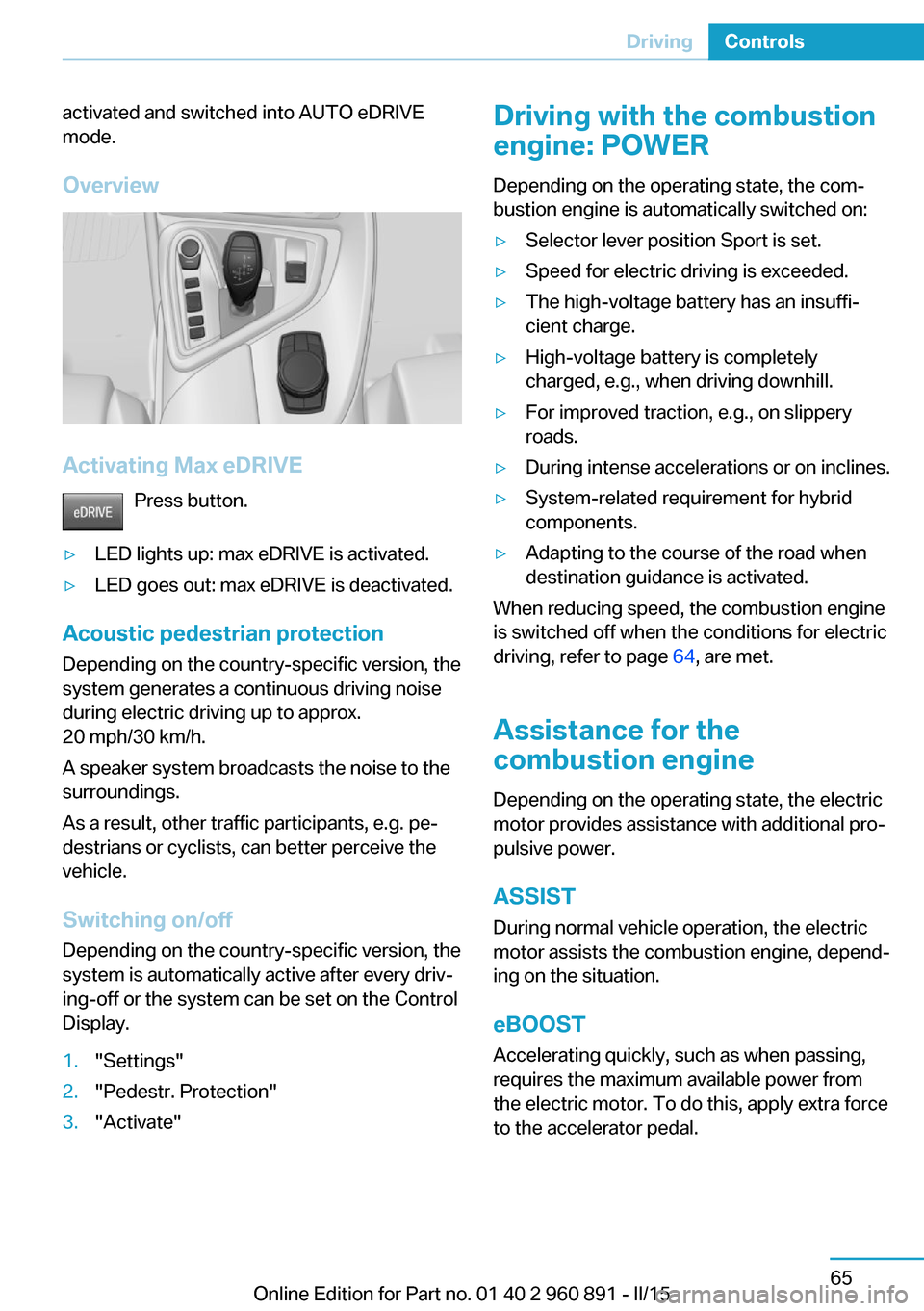
Overview
Activating Max eDRIVE Press button.
▷LED lights up: max eDRIVE is activated.▷LED goes out: max eDRIVE is deactivated.
Acoustic pedestrian protection
Depending on the country-specific version, the
system generates a continuous driving noise
during electric driving up to approx.
20 mph/30 km/h.
A speaker system broadcasts the noise to the
surroundings.
As a result, other traffic participants, e.g. pe‐
destrians or cyclists, can better perceive the
vehicle.
Switching on/off
Depending on the country-specific version, the
system is automatically active after every driv‐
ing-off or the system can be set on the Control
Display.
1."Settings"2."Pedestr. Protection"3."Activate"Driving with the combustion
engine: POWER
Depending on the operating state, the com‐
bustion engine is automatically switched on:▷Selector lever position Sport is set.▷Speed for electric driving is exceeded.▷The high-voltage battery has an insuffi‐
cient charge.▷High-voltage battery is completely
charged, e.g., when driving downhill.▷For improved traction, e.g., on slippery
roads.▷During intense accelerations or on inclines.▷System-related requirement for hybrid
components.▷Adapting to the course of the road when
destination guidance is activated.
When reducing speed, the combustion engine
is switched off when the conditions for electric
driving, refer to page 64, are met.
Assistance for the
combustion engine
Depending on the operating state, the electric
motor provides assistance with additional pro‐
pulsive power.
ASSIST
During normal vehicle operation, the electric
motor assists the combustion engine, depend‐
ing on the situation.
eBOOST Accelerating quickly, such as when passing,
requires the maximum available power from
the electric motor. To do this, apply extra force
to the accelerator pedal.
Seite 65DrivingControls65
Online Edition for Part no. 01 40 2 960 891 - II/15
Page 82 of 224
Energy recovery: CHARGEThe high-voltage battery is recharged in part
through energy recovery. The electric motor
acts as a generator when decelerating and
converts the kinetic energy into electrical en‐
ergy.
Energy can be recovered if the following condi‐
tions are met:▷The vehicle is moving.▷Speed higher than approx.
12 mph/20 km/h.▷Selector lever in selector lever position D,
R or S.▷The high-voltage battery is not fully
charged.▷Accelerator pedal is not operated.
Energy cannot be recovered in the following
situations:
▷Selector lever position N is set.▷While drive stability control systems con‐
trol the vehicle, even though it is not indi‐
cated by an indicator light.▷The high-voltage battery is fully charged.▷When temperature of the high-voltage bat‐
tery is very low or very high.
With cold external temperatures, it is pos‐
sible that the energy recovery is tempora‐
rily unavailable after startup.
Parking brake
The concept The parking brake is used to prevent the vehi‐
cle from rolling when it is parked.
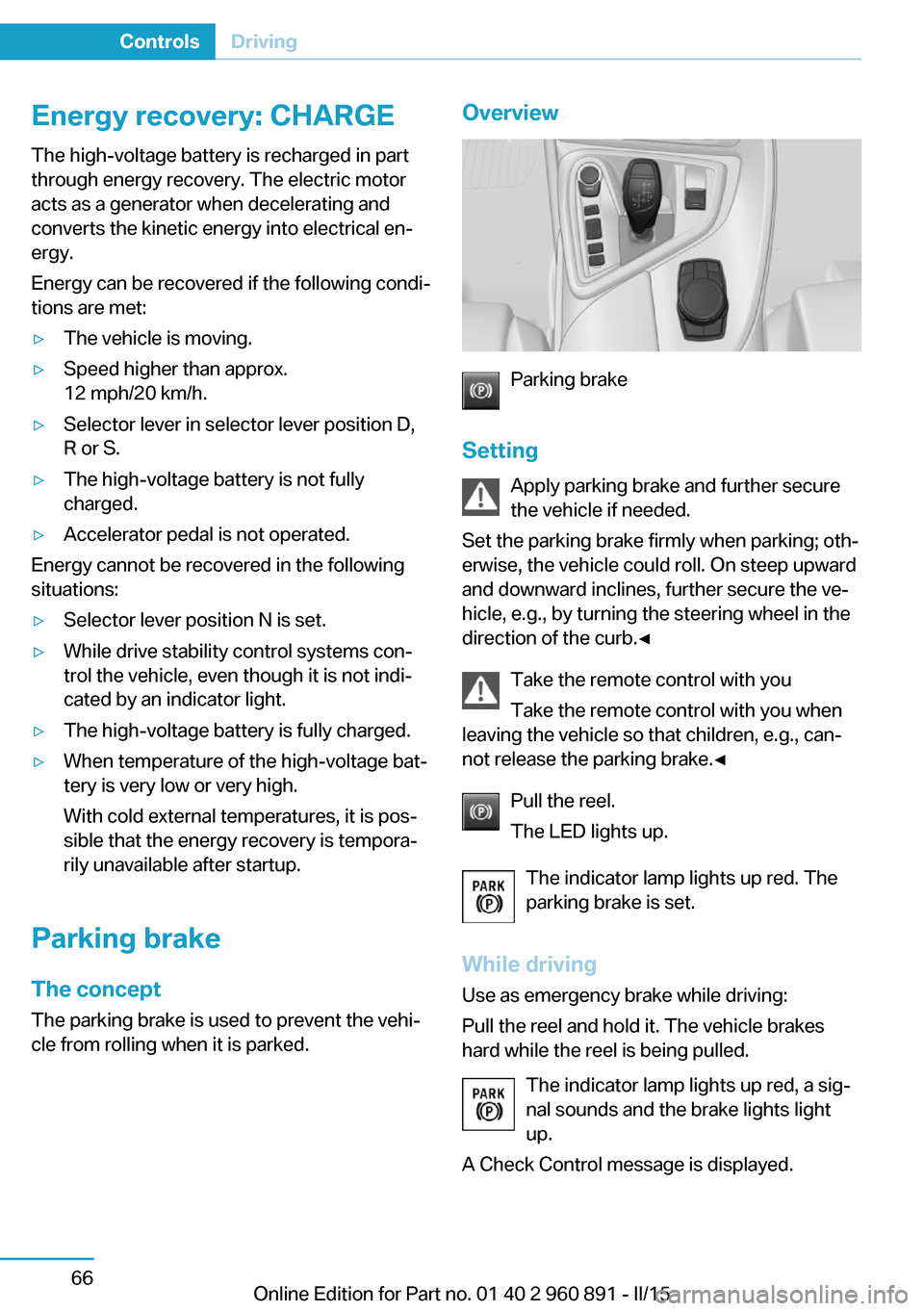
Overview
Parking brake
Setting Apply parking brake and further secure
the vehicle if needed.
Set the parking brake firmly when parking; oth‐
erwise, the vehicle could roll. On steep upward
and downward inclines, further secure the ve‐
hicle, e.g., by turning the steering wheel in the
direction of the curb.◀
Take the remote control with youTake the remote control with you when
leaving the vehicle so that children, e.g., can‐
not release the parking brake.◀
Pull the reel.
The LED lights up.
The indicator lamp lights up red. The
parking brake is set.
While driving
Use as emergency brake while driving:
Pull the reel and hold it. The vehicle brakes
hard while the reel is being pulled.
The indicator lamp lights up red, a sig‐
nal sounds and the brake lights light
up.
A Check Control message is displayed.
Seite 66ControlsDriving66
Online Edition for Part no. 01 40 2 960 891 - II/15
Page 92 of 224
10Overall range 8311Battery charge indicator 7712Fuel gauge 8213Computer 87Variable drive mode displays
ECO PRO displays In ECO PRO, the instrument cluster switches
to the ECO PRO displays. These displays sup‐
port a driving style that saves on fuel con‐
sumption with more prominent representation
of the efficiency display and various ECO PRO
tips. ECO PRO, refer to page 145.Sport program displays
In the Sport program, the instrument cluster
switches the instrument cluster to the Sport
displays. These displays support a sporty driv‐
ing style with more prominent representation
of the tachometer and a clearer representation
of the eBOOST performance in the form of a
blue illuminated ring.
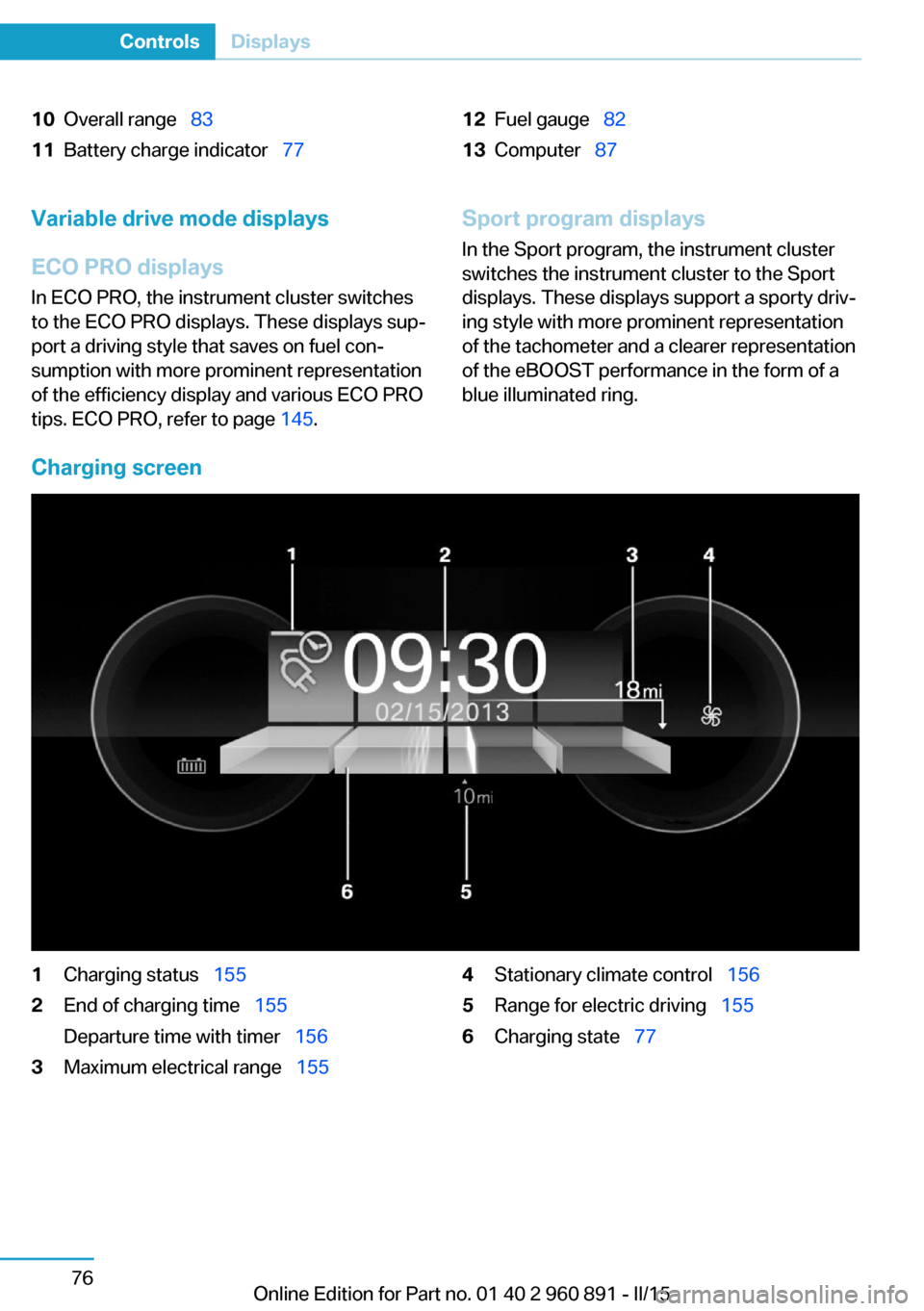
Charging screen
1Charging status 1552End of charging time 155
Departure time with timer 1563Maximum electrical range 1554Stationary climate control 1565Range for electric driving 1556Charging state 77Seite 76ControlsDisplays76
Online Edition for Part no. 01 40 2 960 891 - II/15