Page 211 of 560
211 2-2. Instrument cluster
2
When driving
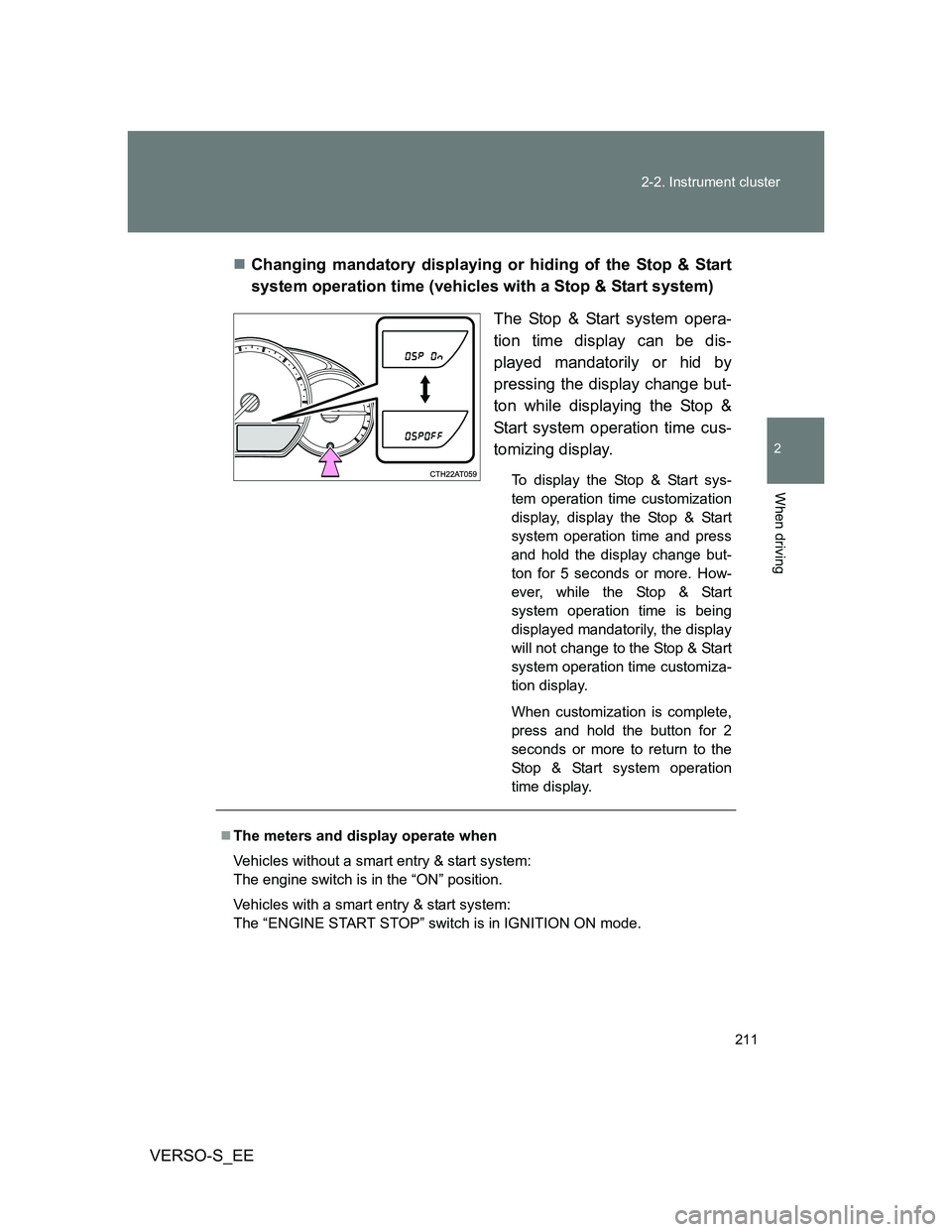
VERSO-S_EEChanging mandatory displaying or hiding of the Stop & Start
system operation time (vehicles with a Stop & Start system)
The Stop & Start system opera-
tion time display can be dis-
played mandatorily or hid by
pressing the display change but-
ton while displaying the Stop &
Start system operation time cus-
tomizing display.
To display the Stop & Start sys-
tem operation time customization
display, display the Stop & Start
system operation time and press
and hold the display change but-
ton for 5 seconds or more. How-
ever, while the Stop & Start
system operation time is being
displayed mandatorily, the display
will not change to the Stop & Start
system operation time customiza-
tion display.
When customization is complete,
press and hold the button for 2
seconds or more to return to the
Stop & Start system operation
time display.
The meters and display operate when
Vehicles without a smart entry & start system:
The engine switch is in the “ON” position.
Vehicles with a smart entry & start system:
The “ENGINE START STOP” switch is in IGNITION ON mode.
Page 215 of 560
215 2-2. Instrument cluster
2
When driving
VERSO-S_EE
Indicators
The indicators inform the driver of the operating state of the
vehicle’s various systems.
Turn signal indicator
(P. 204)
(Vehicles with
a manual
transmission)
Gear Shift Indicator
(P. 202)
Headlight high beam
indicator (P. 223)
(Diesel engine)
Engine preheating
indicator (P. 176, 186)
(If equipped)
Tail light indicator
(P. 222)
(If equipped)
Cruise control indicator
(P. 245)
(If equipped)
Front fog light indicator
(P. 228)
(If equipped)
Cruise control set indi-
cator (P. 245)
Rear fog light indicator
(P. 228)VSC OFF indicator
(P. 250)
(If equipped)
Smart entry & start sys-
tem indicator (P. 176)“TRC OFF” indicator
(P. 250)
(If equipped)
Stop & Start indicator
(P. 238)
(Vehicles with
a Multidrive)
“SPORT” indicator
(P. 191)
Engine immobilizer/
alarm system indicator
(P. 107)Slip indicator
(P. 250)
Low engine coolant
temperature indicator
*1
*1
*1
*1
*1, 2
*3
Page 216 of 560
216 2-2. Instrument cluster
VERSO-S_EE
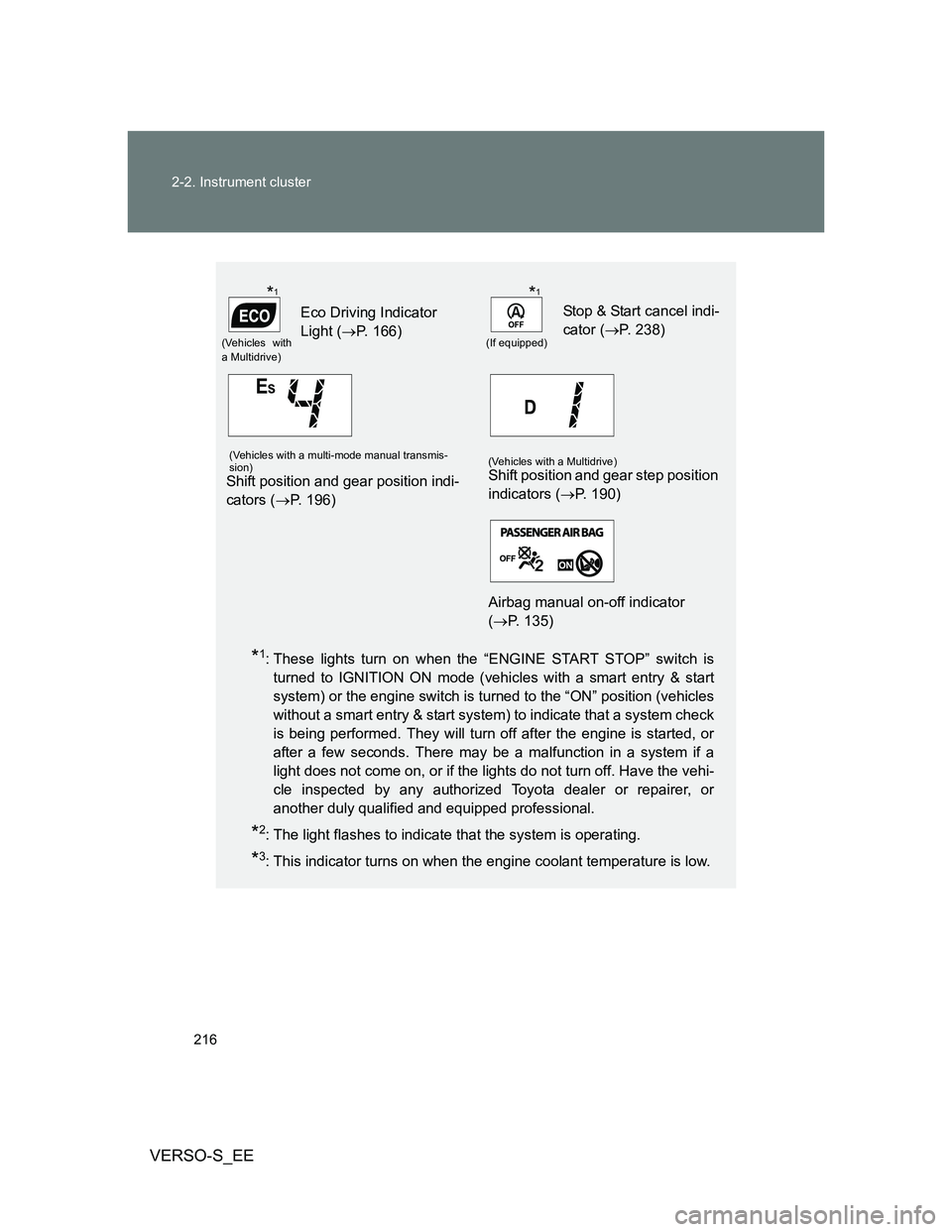
*1: These lights turn on when the “ENGINE START STOP” switch is
turned to IGNITION ON mode (vehicles with a smart entry & start
system) or the engine switch is turned to the “ON” position (vehicles
without a smart entry & start system) to indicate that a system check
is being performed. They will turn off after the engine is started, or
after a few seconds. There may be a malfunction in a system if a
light does not come on, or if the lights do not turn off. Have the vehi-
cle inspected by any authorized Toyota dealer or repairer, or
another duly qualified and equipped professional.
*2: The light flashes to indicate that the system is operating.
*3: This indicator turns on when the engine coolant temperature is low.
(Vehicles with
a Multidrive)
Eco Driving Indicator
Light (P. 166)
(If equipped)
Stop & Start cancel indi-
cator (P. 238)
(Vehicles with a multi-mode manual transmis-
sion)
Shift position and gear position indi-
cators (P. 196)
(Vehicles with a Multidrive)Shift position and gear step position
indicators (P. 190)
Airbag manual on-off indicator
(P. 135)
*1*1
Page 217 of 560
217 2-2. Instrument cluster
2
When driving
VERSO-S_EE
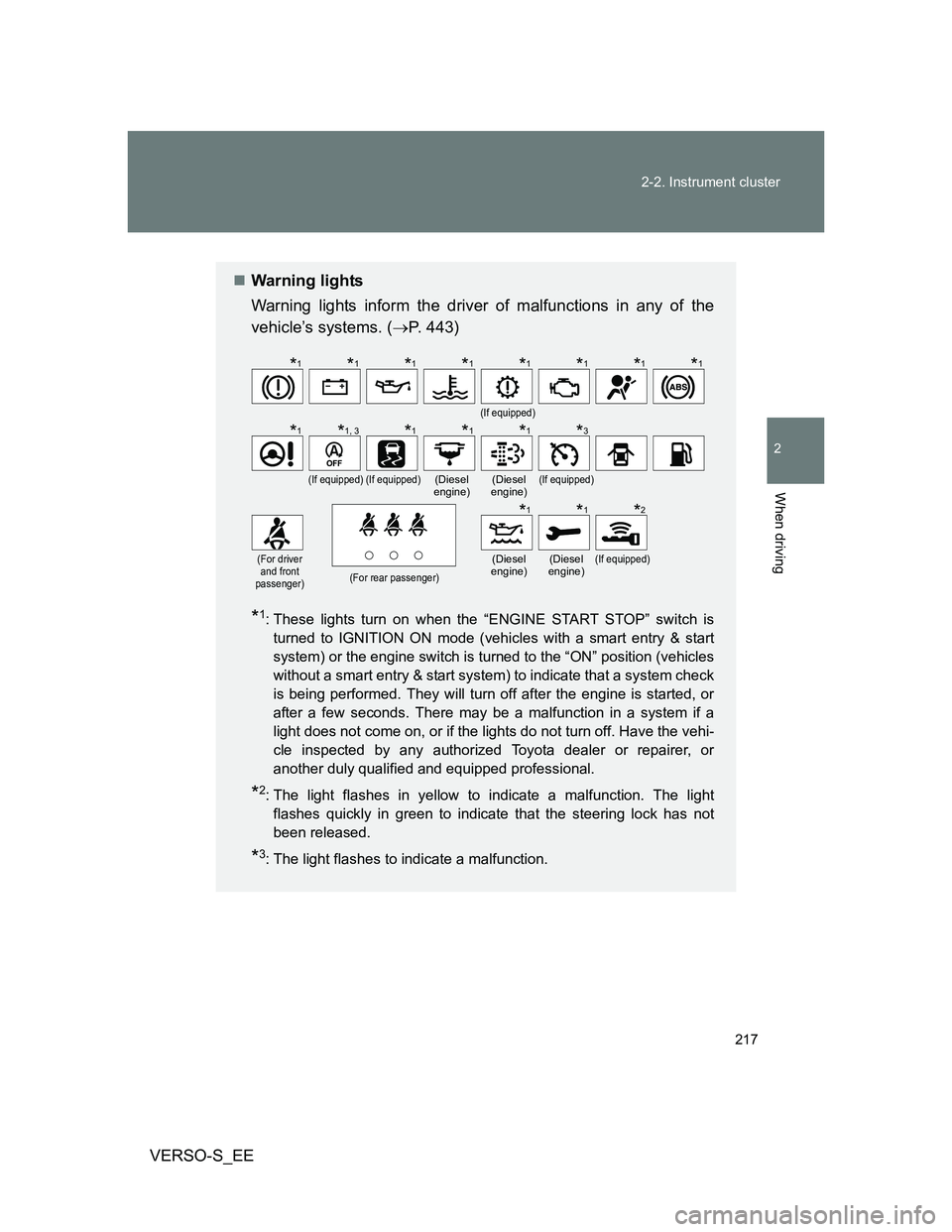
Warning lights
Warning lights inform the driver of malfunctions in any of the
vehicle’s systems. (P. 443)
*1: These lights turn on when the “ENGINE START STOP” switch is
turned to IGNITION ON mode (vehicles with a smart entry & start
system) or the engine switch is turned to the “ON” position (vehicles
without a smart entry & start system) to indicate that a system check
is being performed. They will turn off after the engine is started, or
after a few seconds. There may be a malfunction in a system if a
light does not come on, or if the lights do not turn off. Have the vehi-
cle inspected by any authorized Toyota dealer or repairer, or
another duly qualified and equipped professional.
*2: The light flashes in yellow to indicate a malfunction. The light
flashes quickly in green to indicate that the steering lock has not
been released.
*3: The light flashes to indicate a malfunction.
(If equipped)
(If equipped)(If equipped)(Diesel
engine)(Diesel
engine)(If equipped)
(For driver
and front
passenger)
(For rear passenger)
(Diesel
engine)(Diesel
engine)(If equipped)
*1*1*1*1*1*1*1*1
*1*1, 3*1*1*1*3
*1*1*2
Page 219 of 560
219
2-2. Instrument cluster
2
When driving
VERSO-S_EE
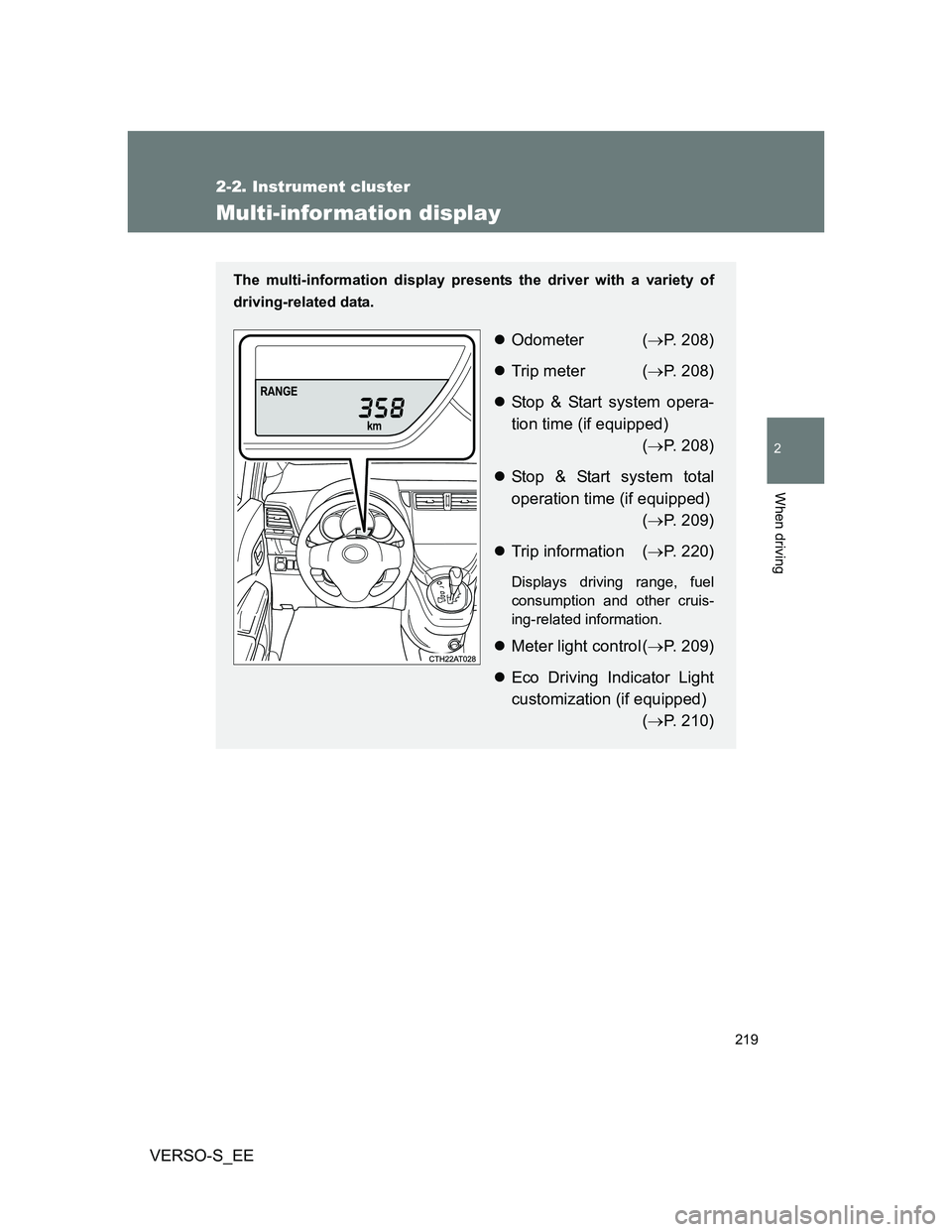
Multi-infor mation display
The multi-information display presents the driver with a variety of
driving-related data.
Odometer (P. 208)
Trip meter (P. 208)
Stop & Start system opera-
tion time (if equipped)
(P. 208)
Stop & Start system total
operation time (if equipped)
(P. 209)
Trip information (P. 220)
Displays driving range, fuel
consumption and other cruis-
ing-related information.
Meter light control (P. 209)
Eco Driving Indicator Light
customization (if equipped)
(P. 210)
Page 220 of 560
220 2-2. Instrument cluster
VERSO-S_EE
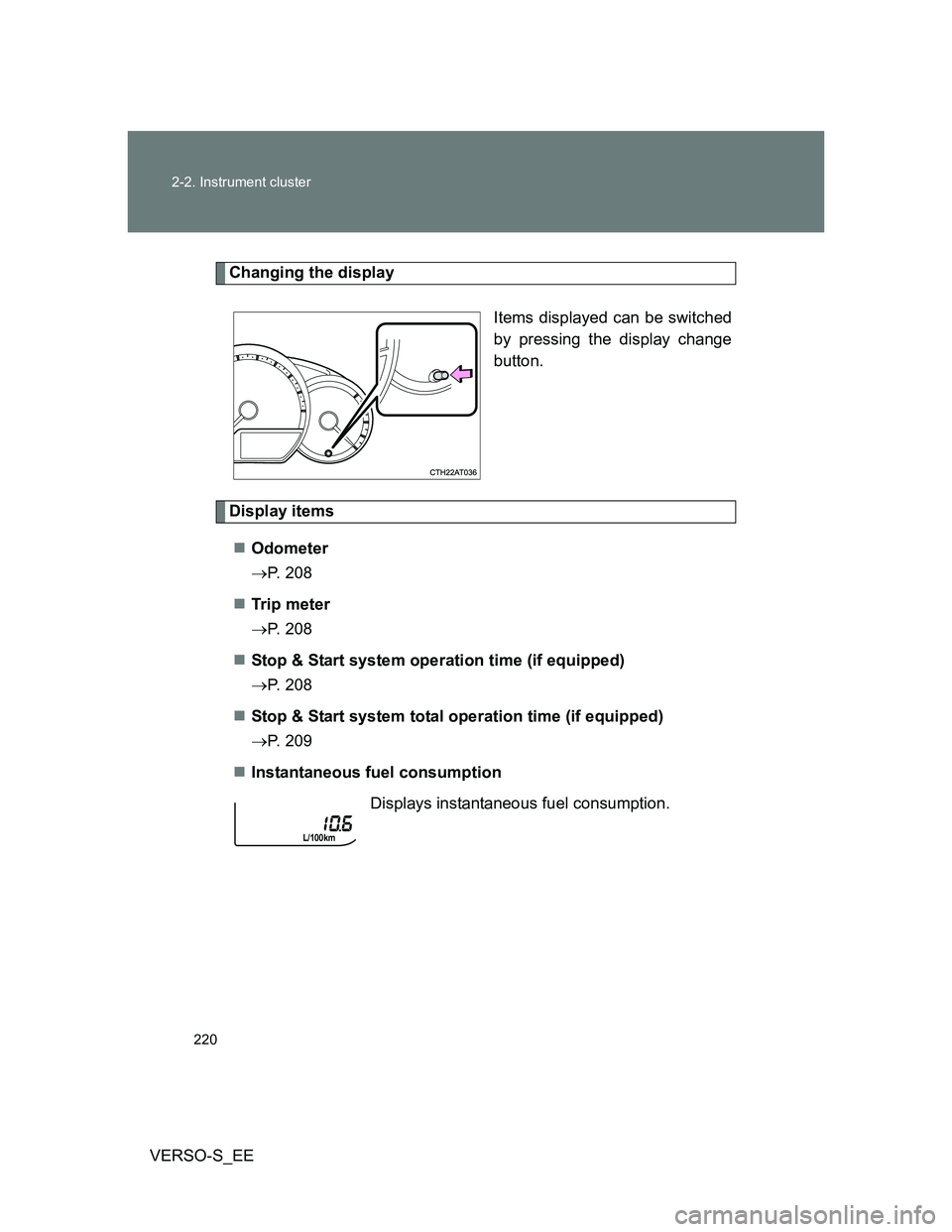
Changing the display
Items displayed can be switched
by pressing the display change
button.
Display items
Odometer
P. 208
Tr ip m eter
P. 208
Stop & Start system operation time (if equipped)
P. 208
Stop & Start system total operation time (if equipped)
P. 209
Instantaneous fuel consumption
Displays instantaneous fuel consumption.
Page 222 of 560
222
VERSO-S_EE
2-3. Operating the lights and wipers
Headlight switch
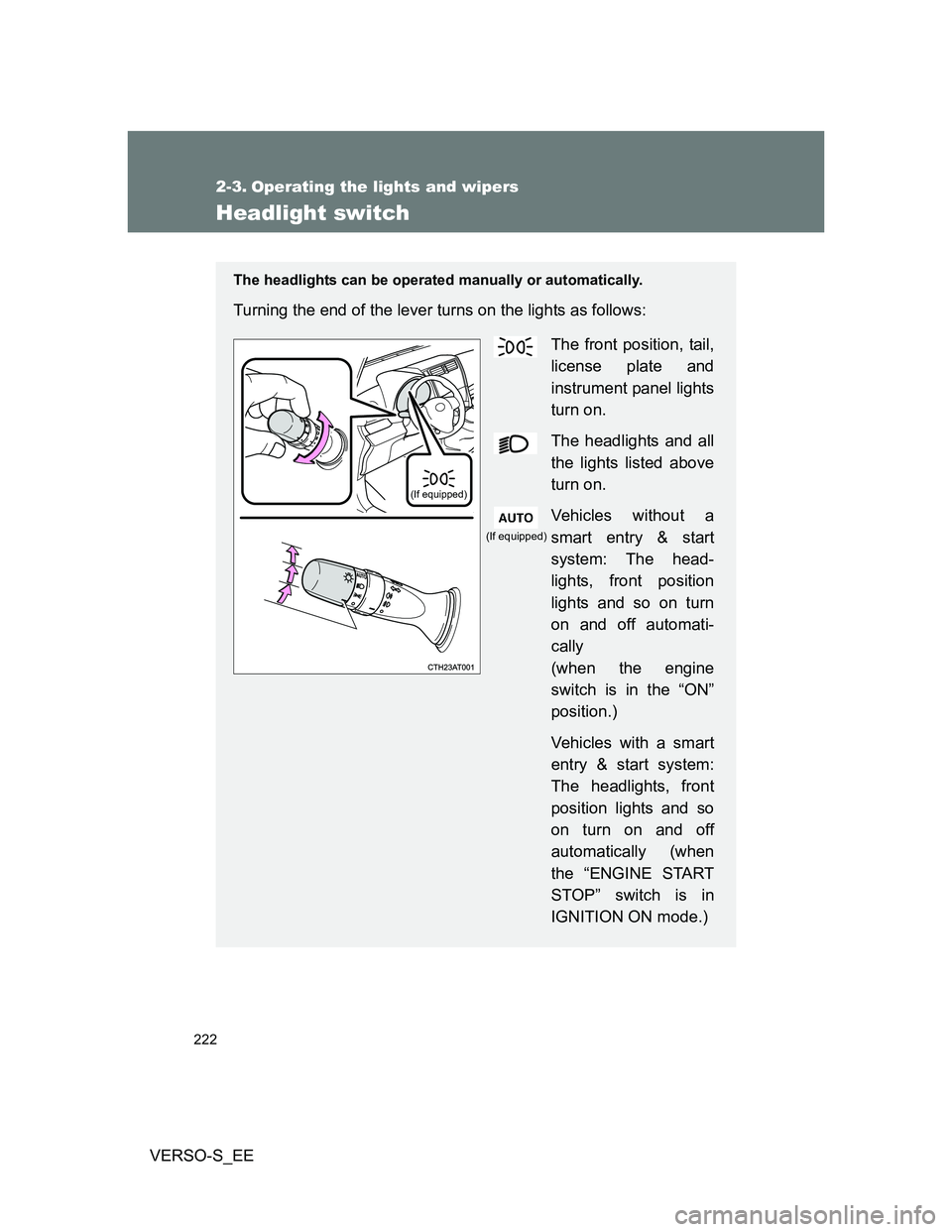
The headlights can be operated manually or automatically.
Turning the end of the lever turns on the lights as follows:
The front position, tail,
license plate and
instrument panel lights
turn on.
The headlights and all
the lights listed above
turn on.
Vehicles without a
smart entry & start
system: The head-
lights, front position
lights and so on turn
on and off automati-
cally
(when the engine
switch is in the “ON”
position.)
Vehicles with a smart
entry & start system:
The headlights, front
position lights and so
on turn on and off
automatically (when
the “ENGINE START
STOP” switch is in
IGNITION ON mode.)
(If equipped)
(If equipped)
Page 226 of 560
226 2-3. Operating the lights and wipers
VERSO-S_EE
Vehicles with a smart entry & start system
When the light switch is in
or : The headlights and front fog
lights turn off automatically when the “ENGINE START STOP” switch is
turned off.
When the light switch is in : The headlights and all the lights turn
off automatically when the “ENGINE START STOP” switch is turned off.
To turn the lights on again, turn the “ENGINE START STOP” switch to IGNI-
TION ON mode, or turn the light switch off once and then back to
or
.
Light reminder buzzer
Vehicles without a smart entry & start system
A buzzer sounds when the engine switch is turned “LOCK” or to “ACC” posi-
tion and the driver's door is opened while the lights are turned on.
Vehicles with a smart entry & start system
A buzzer sounds when the “ENGINE START STOP” switch is turned off or
turned to ACCESSORY mode and the driver's door is opened while the
lights are turned on.
Battery-saving function
In the following conditions, the headlights and the other remaining lights will
go off automatically after 20 minutes in order to prevent the vehicle battery
from being discharged:
The headlights and/or tail lights are on.
The engine switch is in the “LOCK” position (vehicles without a smart
entry & start system) or the “ENGINE START STOP” switch is turned off
(vehicles with a smart entry & start system).
The light switch is in or .
This function will be canceled in any of the following situations:
When the engine switch is turned to the “ON” position (vehicles without a
smart entry & start system) or the “ENGINE START STOP” switch is
turned to IGNITION ON mode (vehicles with a smart entry & start sys-
tem)
When the light switch is operated
When the door is opened or closed