Page 242 of 576

2424-6. Driving tips
■Tire chain installation
Observe the following precautions when installing and removing chains:
●Install and remove tire chains in a safe location.
● Install tire chains on the rear tires. Do not install tire chains on the front tires.
● Install tire chains on rear tires as tightly as possible. Retighten chains after
driving 1/4 1/2 mile (0.5 1.0 km).
● Install tire chains following the instructions provided with the tire chains.
CAUTION
■Driving with snow tires
Observe the following precautions to reduce the risk of accidents.
Failure to do so may result in a loss of vehicle control and cause death or
serious injury.
● Use tires of the specified size.
● Maintain the recommended level of air pressure.
● Do not drive in excess of 75 mph (120 km/h), regardless of the type of
snow tires being used.
● Use snow tires on all, not just some wheels.
● 4WD models: Do not mix tires of different makes, models, tread patterns
or treadwear.
■ Driving with tire chains
Observe the following precautions to reduce the risk of accidents.
Failure to do so may result in the vehicle being unable to be driven safely,
and may cause death or serious injury.
● Do not drive in excess of the speed limit specified for the tire chains being
used, or 30 mph (50 km/h), whichever is lower.
● Avoid driving on bumpy road surfaces or over potholes.
● Avoid sudden acceleration, abrupt steering, sudden braking and shifting
operations that cause sudden engine braking.
● Slow down sufficiently before entering a curve to ensure that vehicle con-
trol is maintained.
Page 247 of 576

2474-6. Driving tips
4
Driving
NOTICE
■To prevent the water damage
Take all necessary safety measures to ensure that water damage to the
engine or other components does not occur.
● Water entering the engine air intake will cause severe engine damage.
● Water entering the automatic transmission will cause deterioration in shift
quality, locking up of your transmission accompanied by vibration, and ulti-
mately damage.
● Water can wash the grease from wheel bearings, causing rusting and pre-
mature failure, and may also enter the differentials, transmission and
transfer case, reducing the gear oil’s lubricating qualities.
■ When you drive through water
If driving through water, such as when crossing shallow streams, first check
the depth of the water and the bottom of the river bed for firmness. Drive
slowly and avoid deep water.
■ Inspection after off-road driving
● Sand and mud that has accumulated in brake drums and around brake
discs may affect braking efficiency and may damage brake system compo-
nents.
● Always perform a maintenance inspection after each day of off-road driv-
ing that has taken you through rough terrain, sand, mud, or water. For
scheduled maintenance information, refer to the “Scheduled Maintenance
Guide” or “Owner’s Manual Supplement”.
Page 254 of 576
2545-1. Basic Operations
CAUTION
■Laser product
THIS PRODUCT IS A CLASS 1 LASER PRODUCT. USE OF CONTROLS
OR ADJUSTMENTS OR PERFORMA NCE OF PROCEDURES OTHER
THAN THOSE SPECIFIED HEREIN MAY RESULT IN HAZARDOUS
RADIATION EXPOSURE. DO NOT OPEN COVERS AND DO NOT
REPAIR BY YOURSELF. REFER SE RVING TO QUALIFIED PERSONNEL.
NOTICE
■To avoid damaging the touch screen
● To prevent damaging the screen, lightly touch the screen buttons with your
finger.
● Do not use objects other than your finger to touch the screen.
● Wipe off fingerprints using a glass cleaning cloth. Do not use chemical
cleaners to clean the screen, as they may damage the touch screen.
■ To prevent battery discharge
Do not leave the multimedia system on longer than necessary when the
engine is off.
■ To avoid damaging the multimedia system
Take care not to spill drinks or other fluids on the multimedia system.
Page 291 of 576
2915-7. Connecting Bluetooth®
5
Multimedia
Connecting a Bluetooth® device
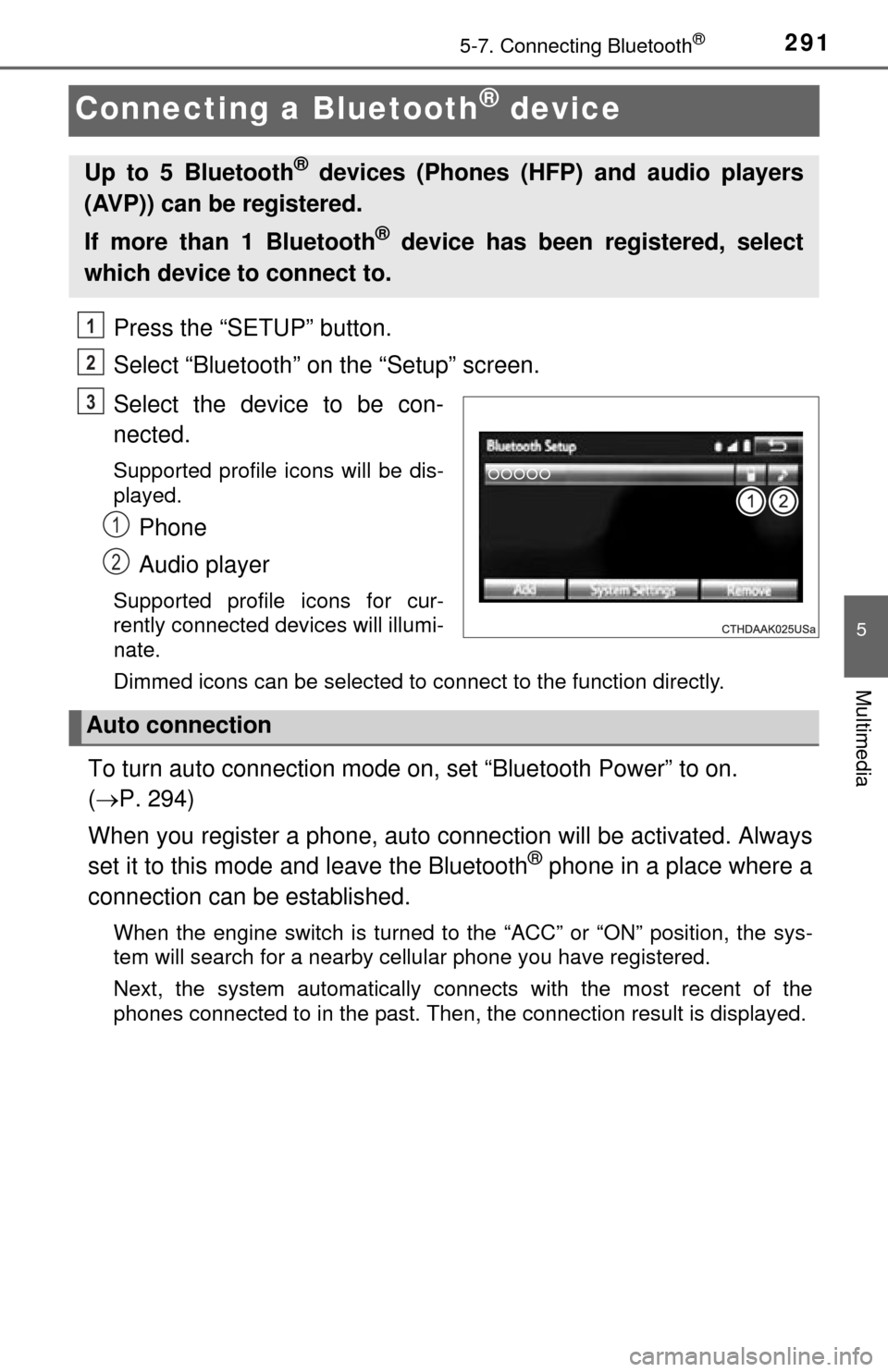
Press the “SETUP” button.
Select “Bluetooth” on the “Setup” screen.
Select the device to be con-
nected.
Supported profile icons will be dis-
played.
Phone
Audio player
Supported profile icons for cur-
rently connected devices will illumi-
nate.
Dimmed icons can be selected to connect to the function directly.
To turn auto connection mode on, set “Bluetooth Power” to on.
( P. 294)
When you register a phone, auto co nnection will be activated. Always
set it to this mode and leave the Bluetooth
® phone in a place where a
connection can be established.
When the engine switch is turned to the “ACC” or “ON” position, the sys-
tem will search for a nearby cellular phone you have registered.
Next, the system automatically connects with the most recent of the
phones connected to in the past. Then, the connection result is displayed.
Up to 5 Bluetooth® devices (Phones (HFP) and audio players
(AVP)) can be registered.
If more than 1 Bluetooth
® device has been registered, select
which device to connect to.
1
2
3
1
2
Auto connection
Page 292 of 576
2925-7. Connecting Bluetooth®
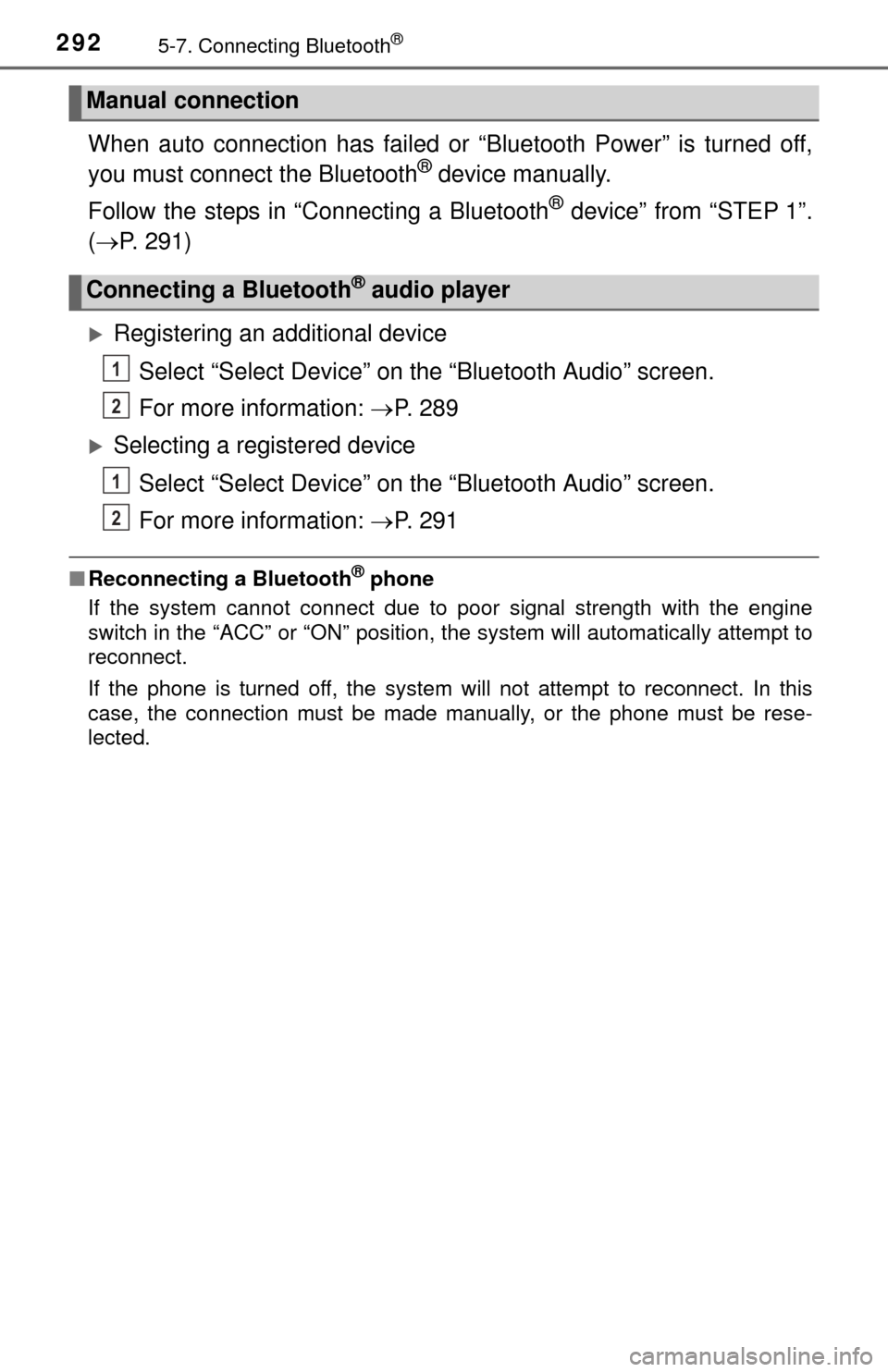
When auto connection has failed or “Bluetooth Power” is turned off,
you must connect the Bluetooth® device manually.
Follow the steps in “Connecting a Bluetooth
® device” from “STEP 1”.
( P. 291)
Registering an additional device
Select “Select Device” on the “Bluetooth Audio” screen.
For more information: P. 2 8 9
Selecting a registered device
Select “Select Device” on the “Bluetooth Audio” screen.
For more information: P. 2 9 1
■Reconnecting a Bluetooth® phone
If the system cannot connect due to poor signal strength with the engine
switch in the “ACC” or “ON” position, the system will automatically attempt to
reconnect.
If the phone is turned off, the system will not attempt to reconnect. In this
case, the connection must be made manually, or the phone must be rese-
lected.
Manual connection
Connecting a Bluetooth® audio player
1
2
1
2
Page 330 of 576

3305-11. Bluetooth®
■Reconnecting the portable audio player
If the portable audio player is disconnected due to poor reception when the
engine switch is in the “ACC” or “ON” position, the system automatically
reconnects the portable audio player.
If you have switched off the portable audio player yourself, follow the instruc-
tions below to reconnect:
●Select the portable audio player again
● Enter the portable audio player
■ When you sell your car
Be sure to delete your personal data. ( P. 258)
CAUTION
■While driving
Do not use the portable audio player, cellular phone or connect a device to
the Bluetooth
® system.
■ Caution regarding interfer ence with electronic devices
● Your audio unit is fitted with Bluetooth
® antennas. People with implanted
pacemakers or cardiac defibrillators should maintain a reasonable dis-
tance between themselves and the Bluetooth
® antennas. The radio waves
may affect the operation of such devices.
● Before using Bluetooth
® devices, users of any electrical medical device
other than implanted pacemakers and implanted cardiac defibrillators
should consult the manufacturer of the device for information about its
operation under the influence of radio waves. Radio waves could have
unexpected effects on the operation of such medical devices.
Page 341 of 576
3416-1. Using the air conditioning system
6
Interior features
■Fogging up of the windows
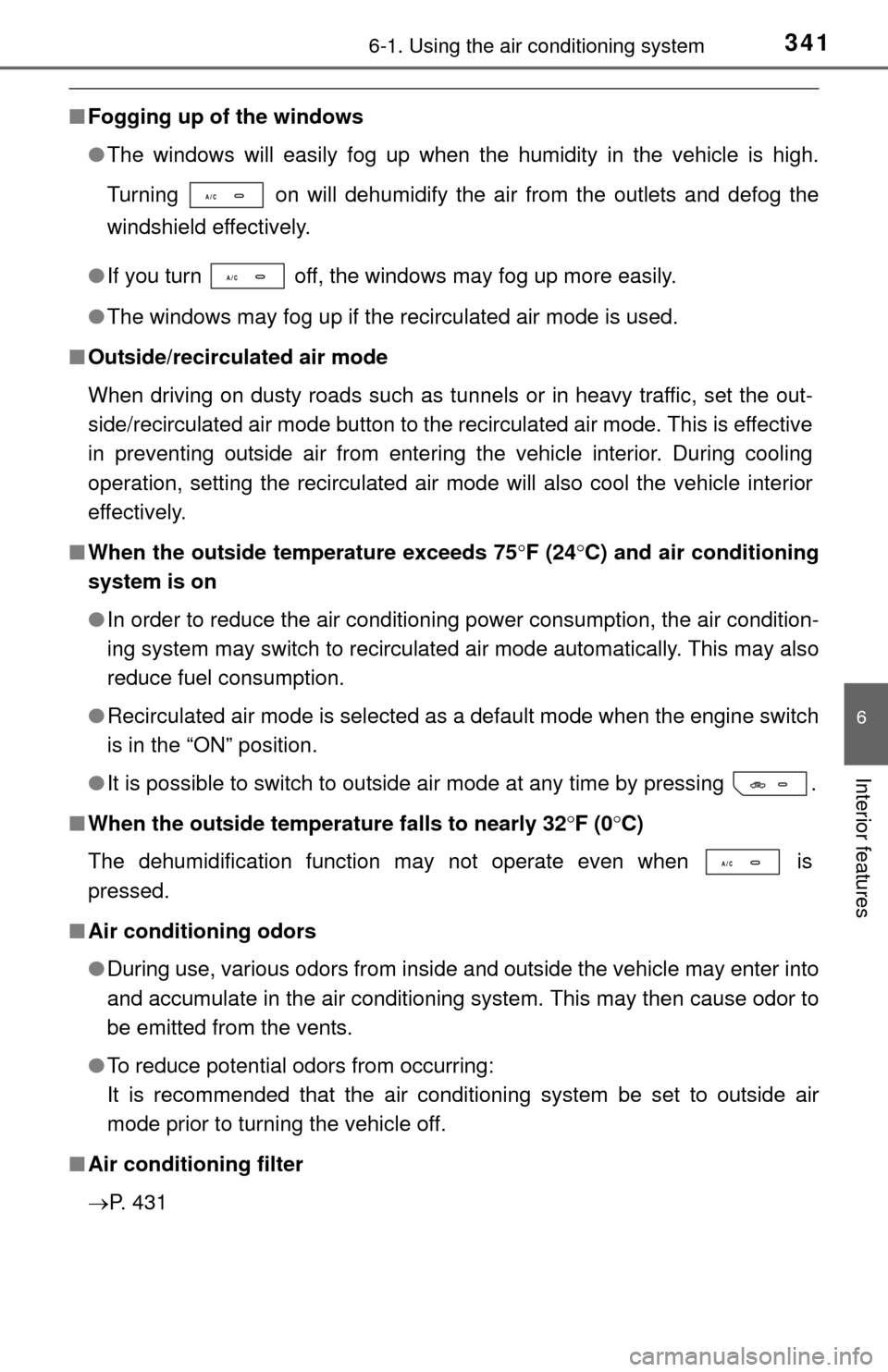
●The windows will easily fog up when the humidity in the vehicle is high.
Turning on will dehumidify the air from the outlets and defog the
windshield effectively.
● If you turn off, the windows may fog up more easily.
● The windows may fog up if the recirculated air mode is used.
■ Outside/recirculated air mode
When driving on dusty roads such as tunnels or in heavy traffic, set the out-
side/recirculated air mode button to the recirculated air mode. This is effective
in preventing outside air from entering the vehicle interior. During cooling
operation, setting the recirculated air mode will also cool the vehicle interior
effectively.
■ When the outside temperature exceeds 75 F (24 C) and air conditioning
system is on
● In order to reduce the air conditioning power consumption, the air condition-
ing system may switch to recirculated air mode automatically. This may also
reduce fuel consumption.
● Recirculated air mode is selected as a default mode when the engine switch
is in the “ON” position.
● It is possible to switch to outside air mode at any time by pressing .
■ When the outside temperature falls to nearly 32 F (0C)
The dehumidification function may not operate even when is
pressed.
■ Air conditioning odors
●During use, various odors from inside and outside the vehicle may enter into
and accumulate in the air conditioning system. This may then cause odor to
be emitted from the vents.
● To reduce potential odors from occurring:
It is recommended that the air conditioning system be set to outside air
mode prior to turning the vehicle off.
■ Air conditioning filter
P. 431
Page 342 of 576
3426-1. Using the air conditioning system
CAUTION
■To prevent the windshield from fogging up
● Do not use
during cool air operation in extremely humid weather. The
difference between the temperature of the outside air and that of the wind-
shield can cause the outer surface of the windshield to fog up, blocking
your vision.
■ To prevent burns (vehicles with rear view mirror defoggers and wind-
shield wiper de-icer)
● Do not touch the rear view mirror surfaces when the outside rear view mir-
ror defoggers are on.
● Do not touch the glass at lower part of the windshield or to the side of the
front pillars, when the windshield wiper de-icer is on.
NOTICE
■To prevent battery discharge
Do not leave the air conditioning system on longer than necessary when the
engine is stopped.
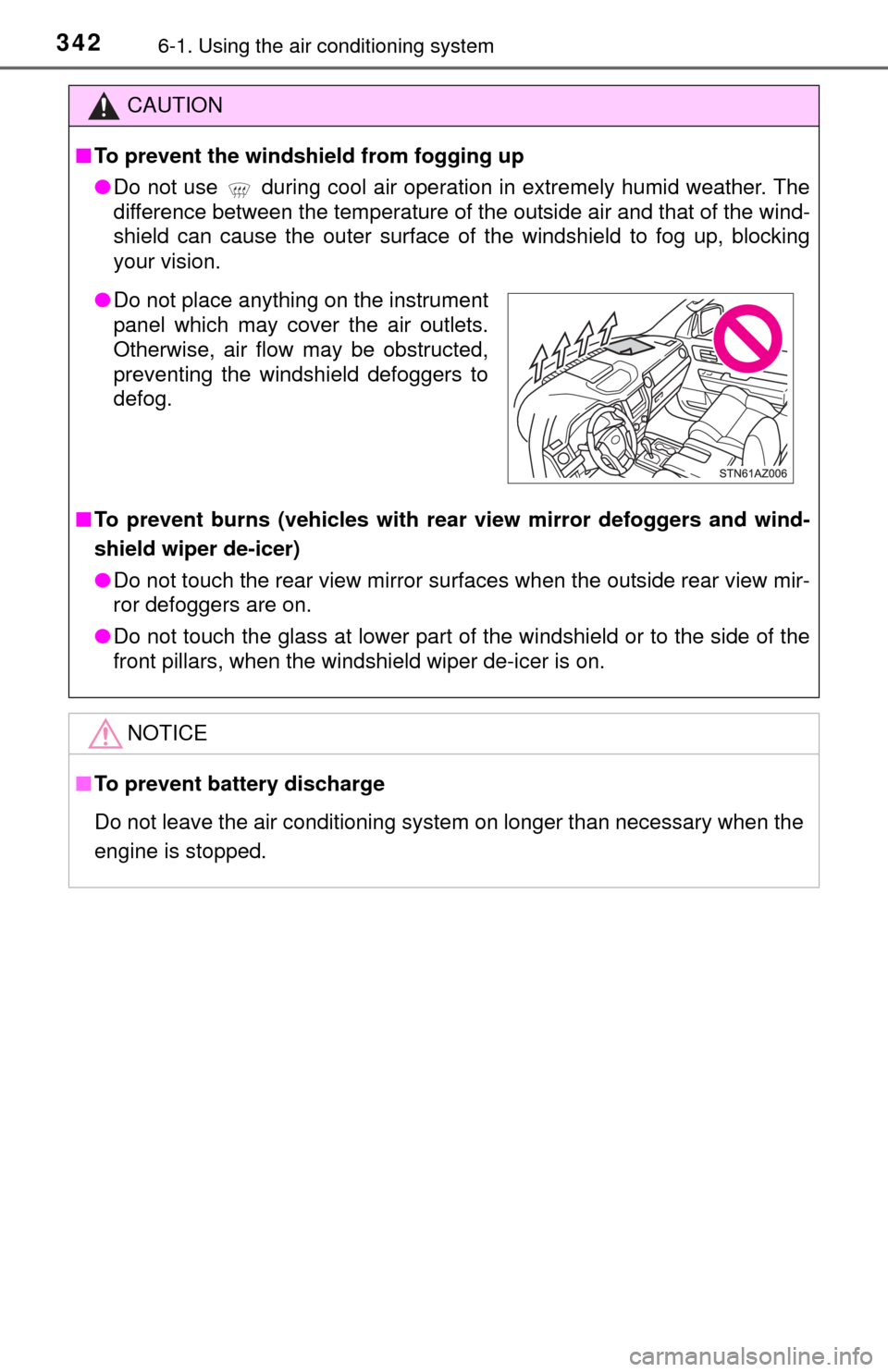
● Do not place anything on the instrument
panel which may cover the air outlets.
Otherwise, air flow may be obstructed,
preventing the windshield defoggers to
defog.