Page 429 of 872
429
3-2. Using the audio system
3
Interior features
SIENNA_OM_OM45483U_(U)
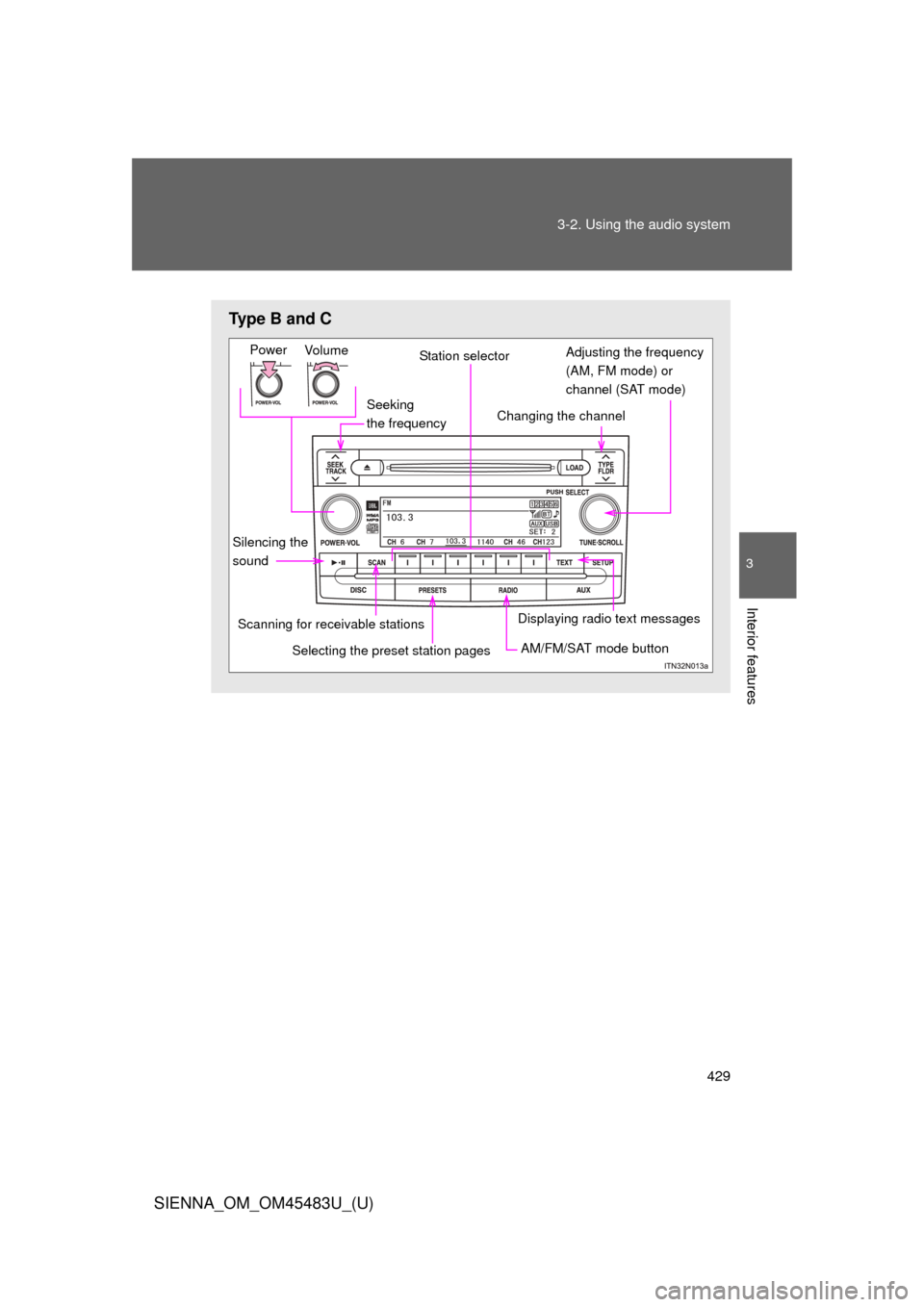
Type B and C
Seeking
the frequency
Vo lu m e
Power
Station selector
Changing the channel
AM/FM/SAT mode button
Scanning for receivable stations
Displaying radio text messages
Adjusting the frequency
(AM, FM mode) or
channel (SAT mode)
Selecting the preset station pages
Silencing the
sound
Page 430 of 872
430 3-2. Using the audio system
SIENNA_OM_OM45483U_(U)
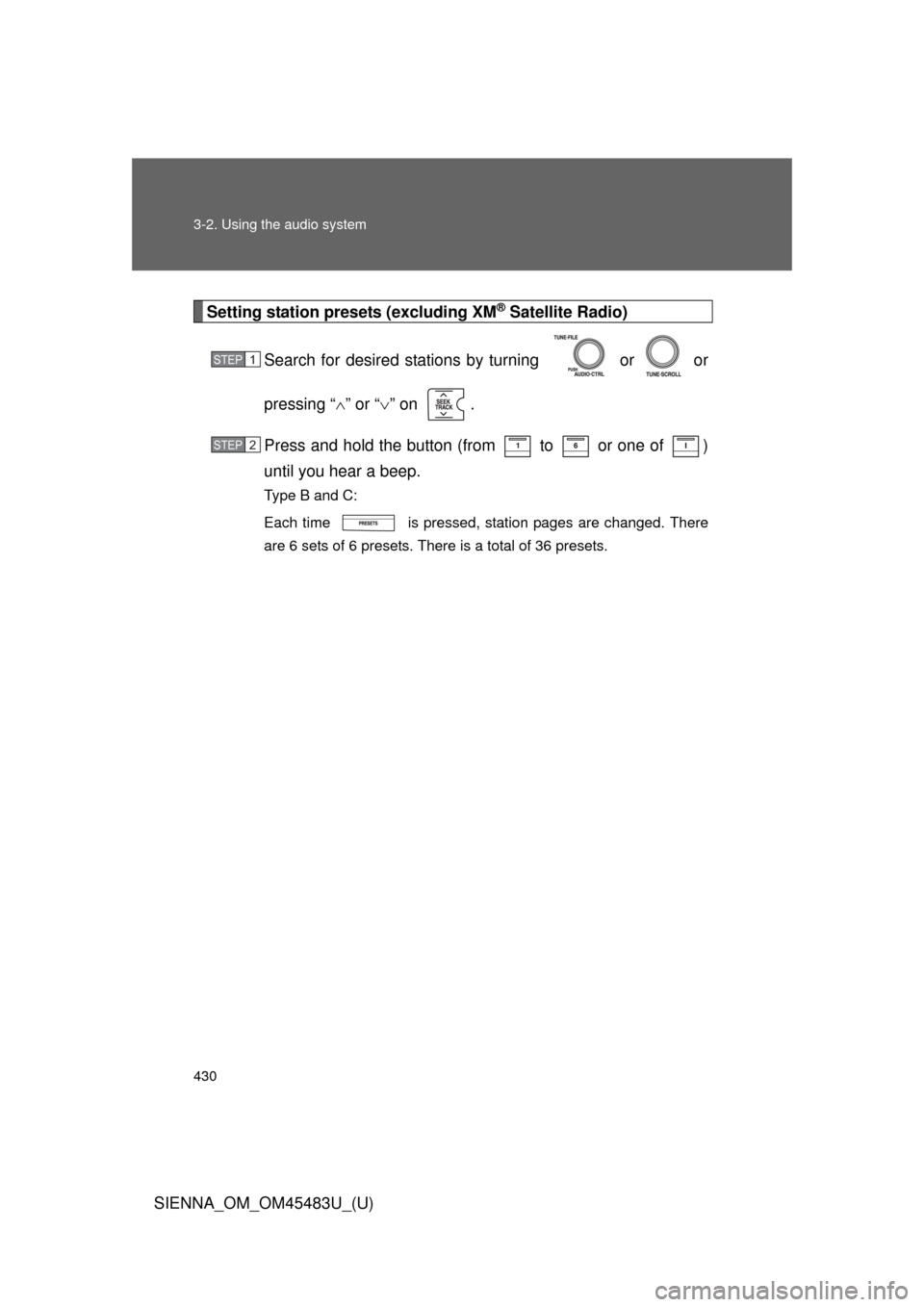
Setting station presets (excluding XM® Satellite Radio)
Search for desired stations by turning or or
pressing “ ” or “ ” on .
Press and hold the button (from to or one of )
until you hear a beep.
Type B and C:
Each time is pressed, station pages are changed. There
are 6 sets of 6 presets. There is a total of 36 presets.
STEP1
STEP2
Page 431 of 872
431
3-2. Using the audio system
3
Interior features
SIENNA_OM_OM45483U_(U)
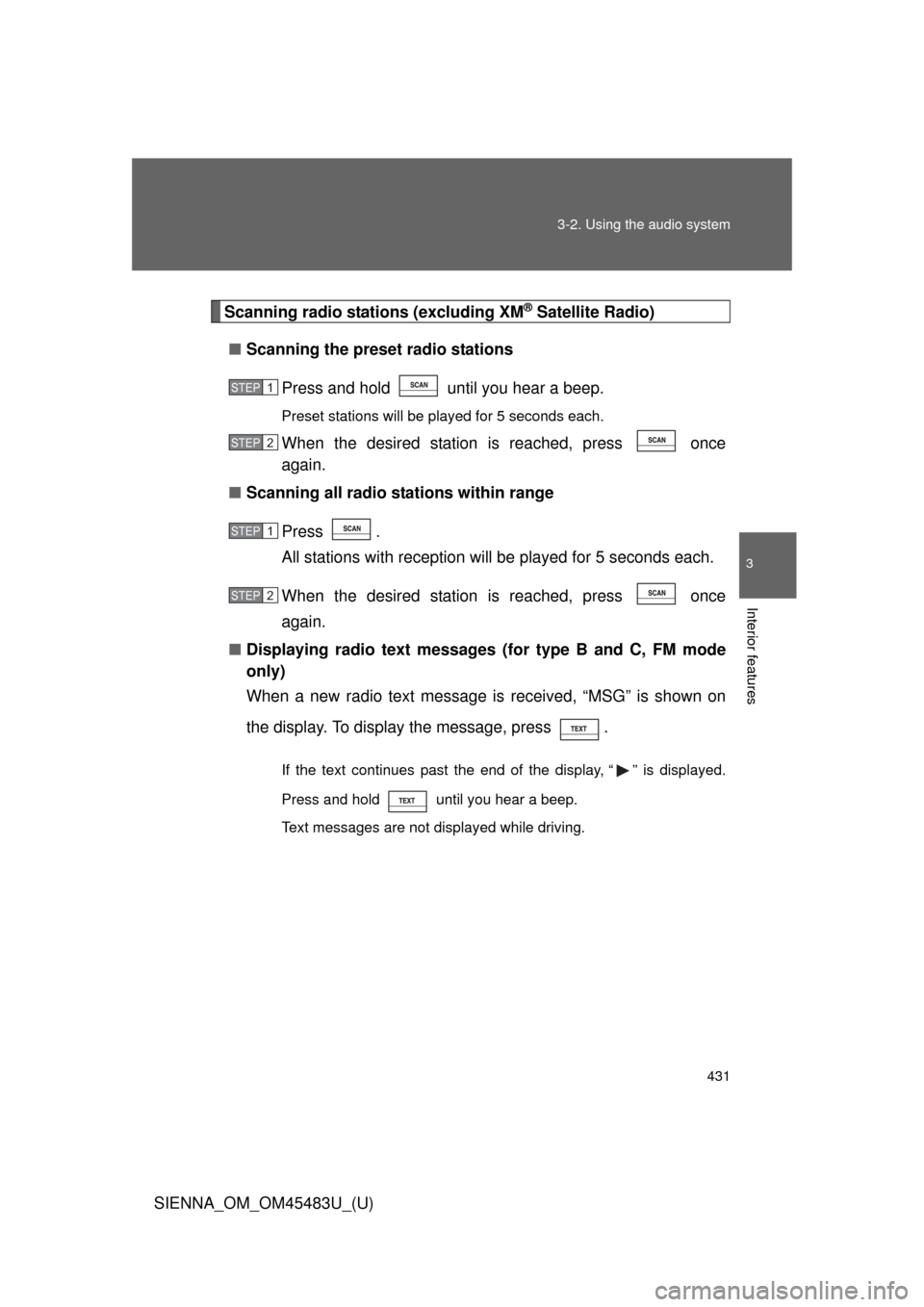
Scanning radio stations (excluding XM® Satellite Radio)
■ Scanning the preset radio stations
Press and hold until you hear a beep.
Preset stations will be played for 5 seconds each.
When the desired station is reached, press once
again.
■ Scanning all radio stations within range
Press .
All stations with reception w ill be played for 5 seconds each.
When the desired station is reached, press once
again.
■ Displaying radio text messages (for type B and C, FM mode
only)
When a new radio text message is received, “MSG” is shown on
the display. To display the message, press .
If the text continues past the end of the display, “ ” is displayed.
Press and hold until you hear a beep.
Text messages are not displayed while driving.
STEP1
STEP2
STEP1
STEP2
Page 432 of 872
432 3-2. Using the audio system
SIENNA_OM_OM45483U_(U)
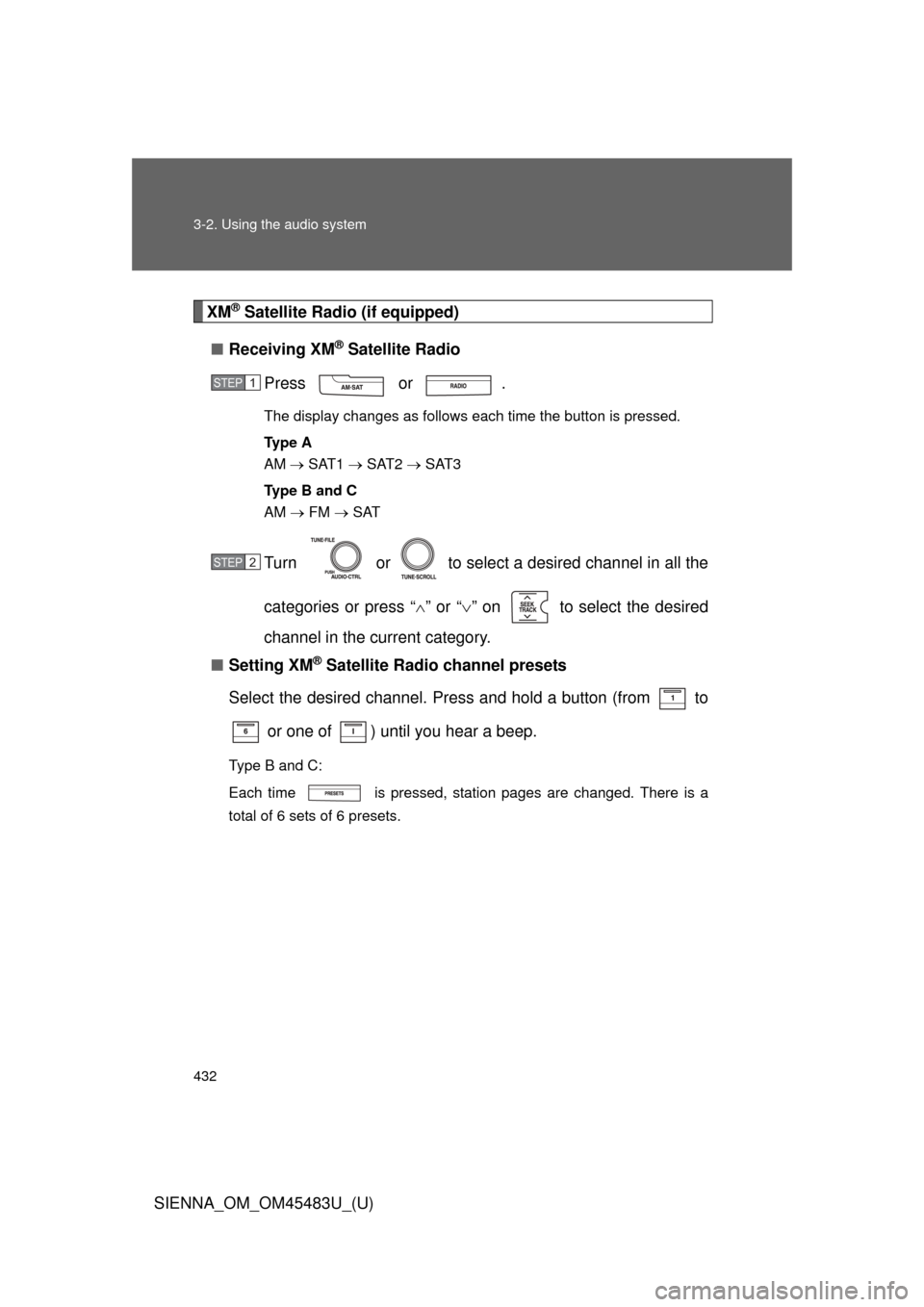
XM® Satellite Radio (if equipped)
■ Receiving XM
® Satellite Radio
Press or .
The display changes as follows each time the button is pressed.
Ty p e A
AM SAT1 SAT2 SAT3
Ty p e B a n d C
AM FM SAT
Turn or to select a desired channel in all the
categories or press “ ” or “” on to select the desired
channel in the current category.
■ Setting XM
® Satellite Radio channel presets
Select the desired channel. Press and hold a button (from to
or one of ) until you hear a beep.
Type B and C:
Each time is pressed, station pages are changed. There is a
total of 6 sets of 6 presets.
STEP1
STEP2
Page 433 of 872
433
3-2. Using the audio system
3
Interior features
SIENNA_OM_OM45483U_(U)
■
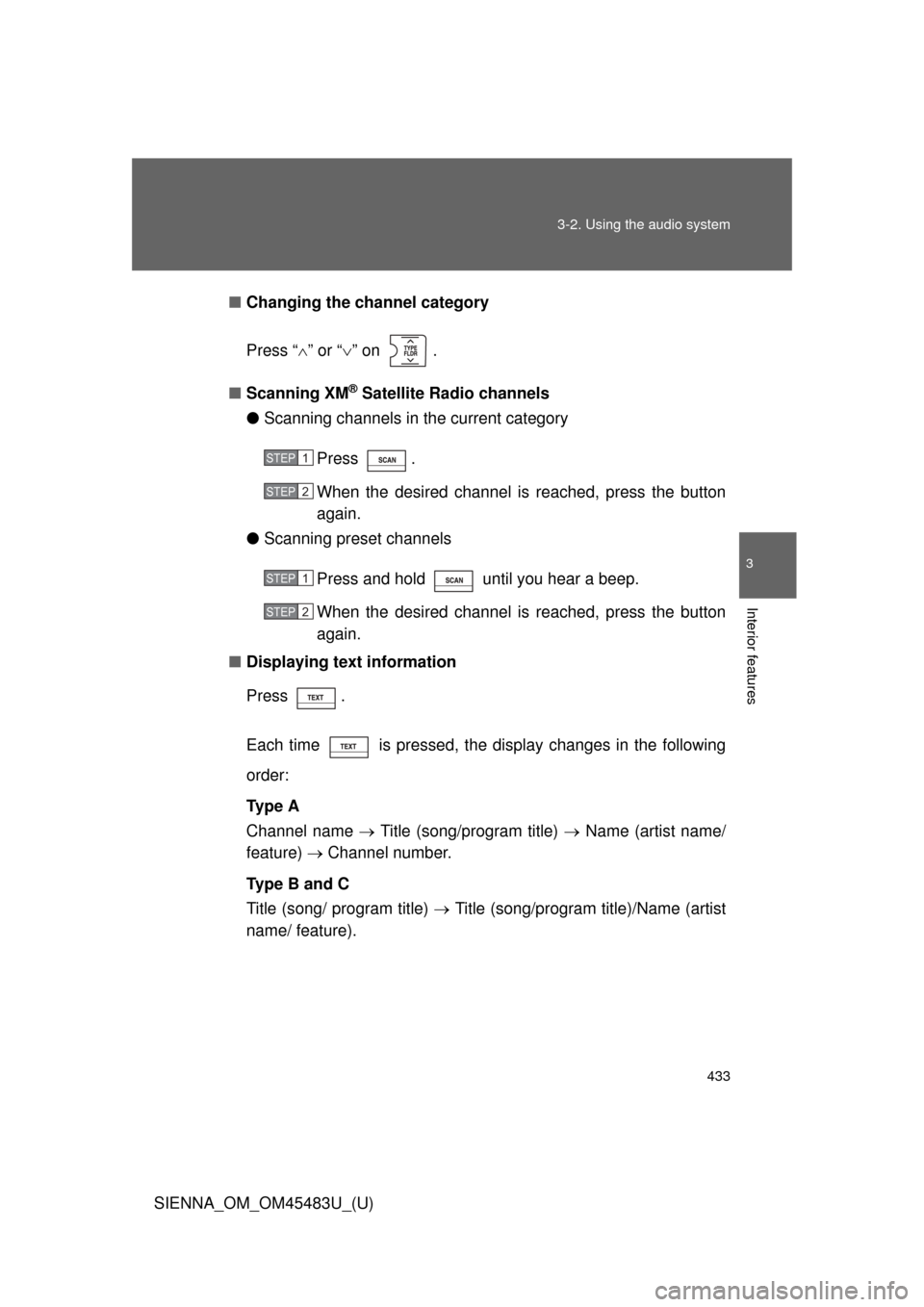
Changing the channel category
Press “ ” or “ ” on .
■ Scanning XM
® Satellite Radio channels
● Scanning channels in the current category
Press .
When the desired channel is reached, press the button
again.
● Scanning preset channels
Press and hold until you hear a beep.
When the desired channel is reached, press the button
again.
■ Displaying text information
Press .
Each time is pressed, the display changes in the following
order:
Ty p e A
Channel name Title (song/program title) Name (artist name/
feature) Channel number.
Type B and C
Title (song/ program title) Title (song/program title)/Name (artist
name/ feature).
STEP1
STEP2
STEP1
STEP2
Page 434 of 872
434 3-2. Using the audio system
SIENNA_OM_OM45483U_(U)
Silencing the sound (type B and C)Press .
Press the button again to turn the system back on.
■ When the battery is disconnected (type A only)
All preset stations are erased.
■ Radio antenna type
●Detachable antenna (type A and B)
To remove a detachable antenna, carefully turn it counterclockwise.
● Wire antenna (type C)
The radio antenna is mounted inside the rear quarter window.
■ Reception sensitivity
●Type B and C Cargo loaded on the roof luggage carrier, especially
metal objects, may adversely affect the reception of XM
® Satellite Radio.
● Maintaining perfect radio reception at all times is difficult due to the con-
tinually changing position of the antenna, differences in signal strength
and surrounding objects, such as trains, transmitters, etc.
● Type C The radio antenna is mounted inside the rear quarter window.
To maintain clear radio reception, do not attach metallic window tinting or
other metallic objects to the antenna wire mounted inside the rear quarter
window.
Page 462 of 872
462 3-2. Using the audio system
SIENNA_OM_OM45483U_(U)
Switching the displayPress .
Each time the button is pressed, the display changes in the following
order: Track title Track title/Artist name Track title/Album name
Track title/Elapsed
■ About iPod
●Apple is not responsible for the operation of this device or its compliance
with safety and regulatory standards.
● iPod is a trademark of Apple Inc., registered in the U.S. and other coun-
tries.
■ iPod functions
●When an iPod is connected and the audio source is changed to iPod
mode, the iPod will resume play from the same point in which it was last
used.
● Depending on the iPod that is connected to the system, certain functions
may not be available. Disconnecting the device and reconnecting it once
again may resolve some malfunctions.
■ iPod problems
To resolve most problems encountered when using your iPod, disconnect
your iPod from the vehicle iPod connection and reset it.
For instructions on how to reset your iPod, refer to your iPod Owner’s Man-
ual.
■ Error messages
“iPod ERROR”: This indicates a problem in the iPod, inside the USB ECU
in the vehicle or the connection between them.
“NO SONGS”: This indicates that there is no music data in the iPod.
“UPDATE YOUR iPod”: This indicates that the version of the iPod is not compatible.
Page 477 of 872
477
3-2. Using the audio system
3
Interior features
SIENNA_OM_OM45483U_(U)
■
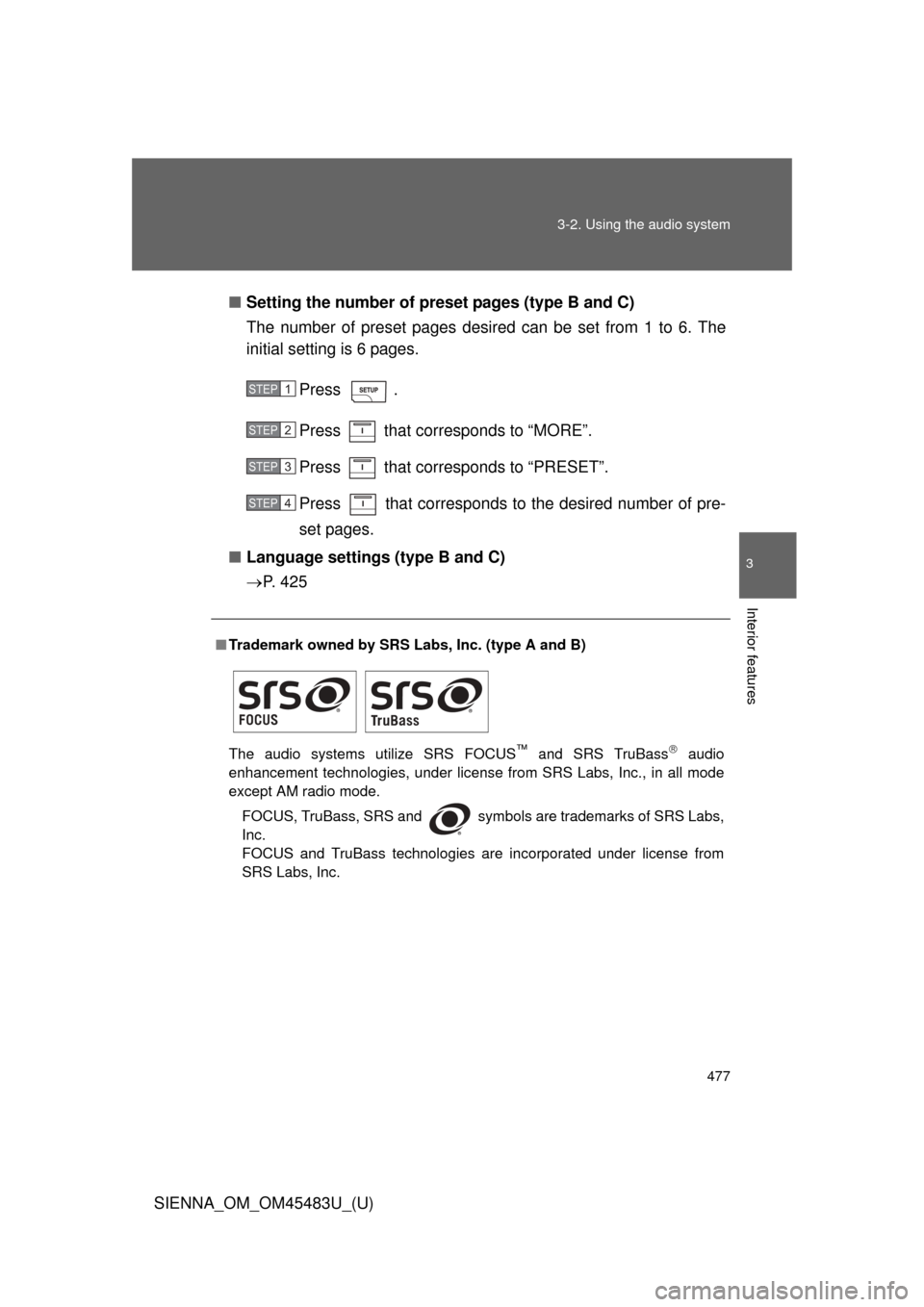
Setting the number of preset pages (type B and C)
The number of preset pages desired can be set from 1 to 6. The
initial setting is 6 pages.
Press .
Press that corresponds to “MORE”.
Press that corresponds to “PRESET”.
Press that corresponds to the desired number of pre-
set pages.
■ Language settings (type B and C)
P. 4 2 5
■Trademark owned by SRS Labs, Inc. (type A and B)
The audio systems utilize SRS FOCUS
™ and SRS TruBass audio
enhancement technologies, under license from SRS Labs, Inc., in all mode
except AM radio mode.
FOCUS, TruBass, SRS and
symbols are trademarks of SRS Labs,
Inc.
FOCUS and TruBass technologies are incorporated under license from
SRS Labs, Inc.
STEP1
STEP2
STEP3
STEP4