Page 463 of 872
463
3-2. Using the audio system
3
Interior features
SIENNA_OM_OM45483U_(U)
■
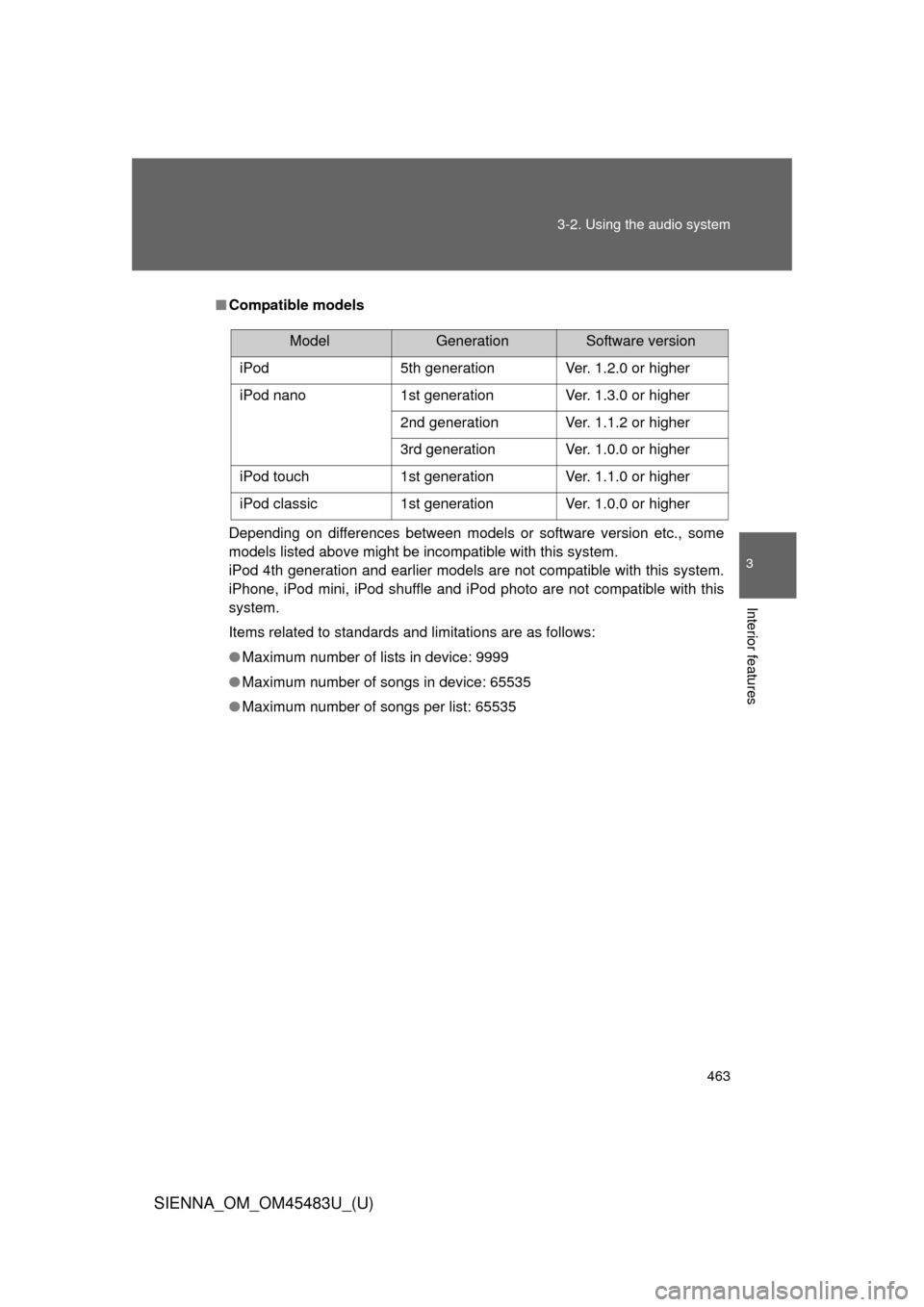
Compatible models
Depending on differences between models or software version etc., some
models listed above might be incompatible with this system.
iPod 4th generation and earlier models are not compatible with this system.
iPhone, iPod mini, iPod shuffle and iPod photo are not compatible with this
system.
Items related to standards and limitations are as follows:
●Maximum number of lists in device: 9999
● Maximum number of songs in device: 65535
● Maximum number of songs per list: 65535
ModelGenerationSoftware version
iPod 5th generation Ver. 1.2.0 or higher
iPod nano 1st generation Ver. 1.3.0 or higher
2nd generation Ver. 1.1.2 or higher
3rd generation Ver. 1.0.0 or higher
iPod touch 1st generation Ver. 1.1.0 or higher
iPod classic 1st generation Ver. 1.0.0 or higher
Page 488 of 872

488 3-3. Using the Bluetooth
® audio system
SIENNA_OM_OM45483U_(U)
■Compatible models
●Bluetooth
® specifications:
Ver. 1.2, or higher (Recommended: Ver. 2.0+EDR or higher)
● Following Profiles:
• A2DP (Advanced Audio Distribution Profile) Ver. 1.0 or higher
• AVRCP (Audio/Video Remote Control Profile) Ver. 1.0 or higher
(Ver. 1.3 or higher recommended)
Portable players must correspond to the above specifications in order to be
connected to the Bluetooth
® audio system. However, please note that some
functions may be limited depending on the type of portable player.
Please go to “http://www.toyota.com/bluetooth” to find approved Bluetooth
®
phones for this system.
■ Certification for the Bluetooth
® audio system
FCC ID: AJDK025
IC ID: 775E-K025
MADE IN THAILAND
This device complies with Part 15 of the FCC Rules and RSS-Gen of IC
Rules. Operation is subject to the following two conditions: (1) This device
may not cause harmful interference, and (2) This device must accept any
interference received, including interference that may cause undesired oper-
ation.
Page 490 of 872
490
3-3. Using the Bluetooth® audio system
SIENNA_OM_OM45483U_(U)
Using the Bluetooth® audio system
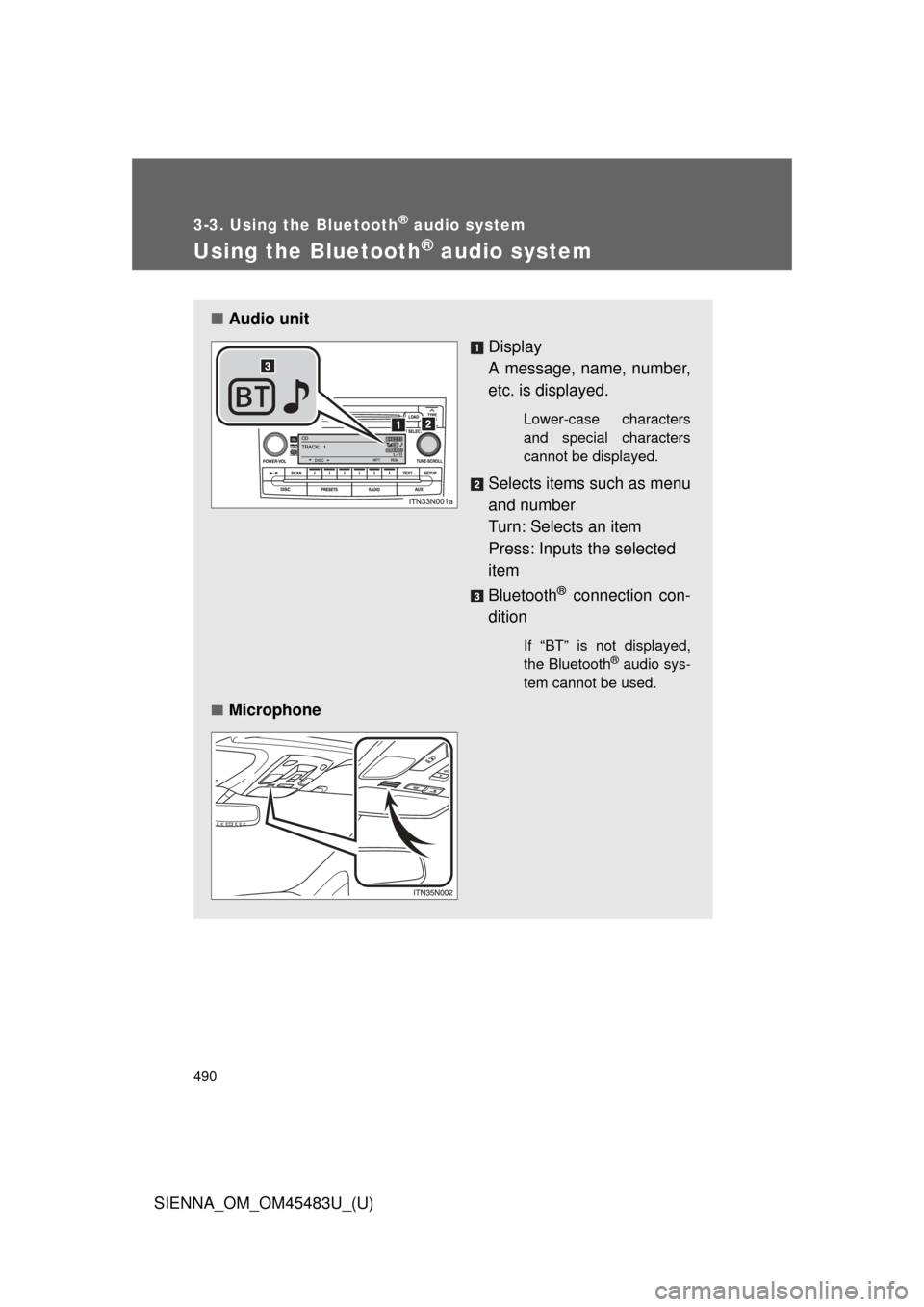
■Audio unit
Display
A message, name, number,
etc. is displayed.
Lower-case characters
and special characters
cannot be displayed.
Selects items such as menu
and number
Turn: Selects an item
Press: Inputs the selected
item
Bluetooth
® connection con-
dition
If “BT” is not displayed,
the Bluetooth® audio sys-
tem cannot be used.
■ Microphone
Page 493 of 872
493
3-3. Using the Bluetooth
® audio system
3
Interior features
SIENNA_OM_OM45483U_(U)
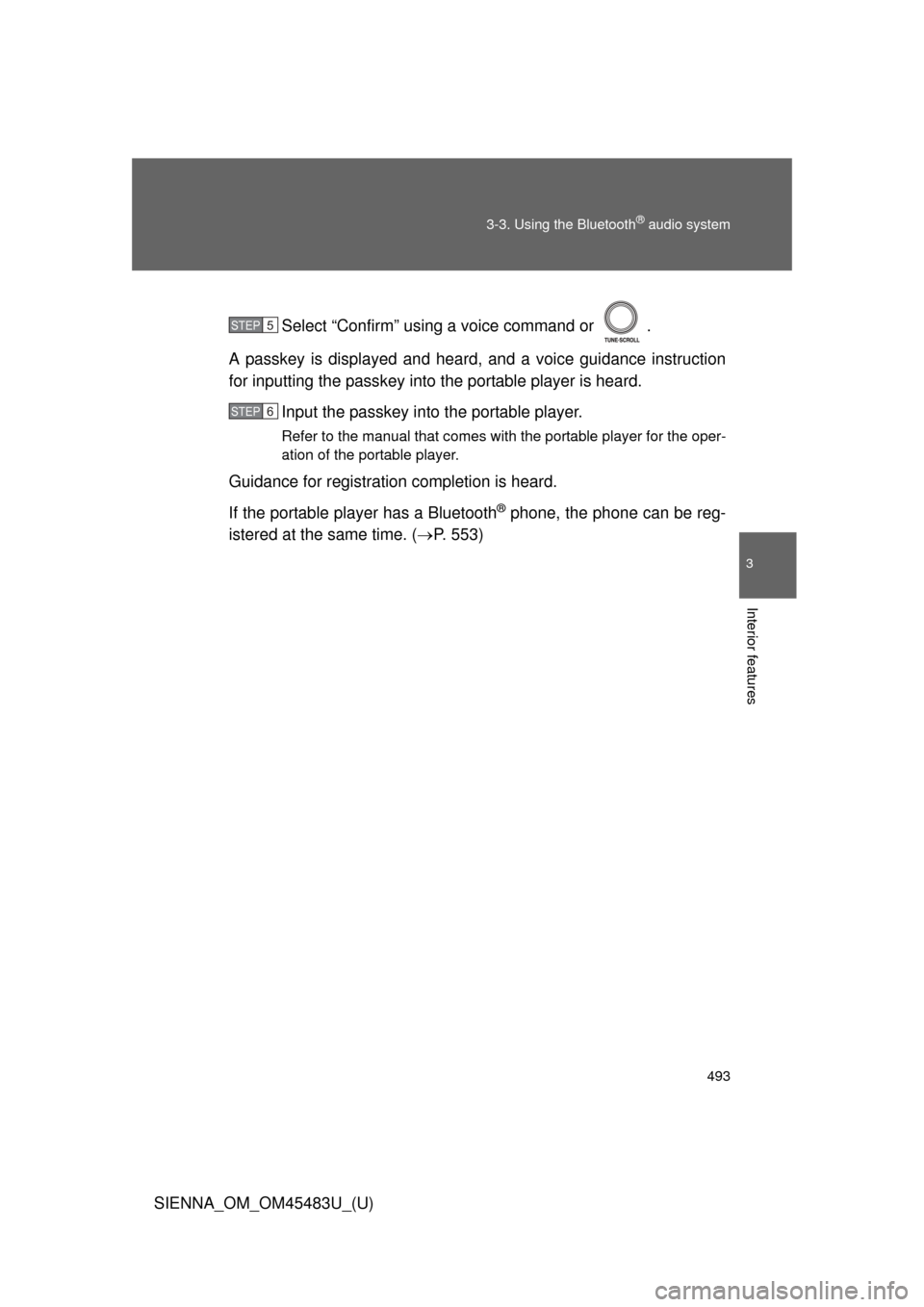
Select “Confirm” using a voice command or .
A passkey is displayed and heard, and a voice guidance instruction
for inputting the passkey into the portable player is heard. Input the passkey into the portable player.
Refer to the manual that comes with the portable player for the oper-
ation of the portable player.
Guidance for registration completion is heard.
If the portable player has a Bluetooth
® phone, the phone can be reg-
istered at the same time. ( P. 553)
STEP5
STEP6
Page 495 of 872
495
3-3. Using the Bluetooth
® audio system
3
Interior features
SIENNA_OM_OM45483U_(U)
■
When using a voice command
For numbers, say a combination of single digits from zero to nine.
Say the command correctly and clearly.
■ Situations in which the system may not recognize your voice
● When driving on rough roads
● When driving at high speeds
● When air is blowing out of the vents onto the microphone
● When the air conditioning fan emits a loud noise
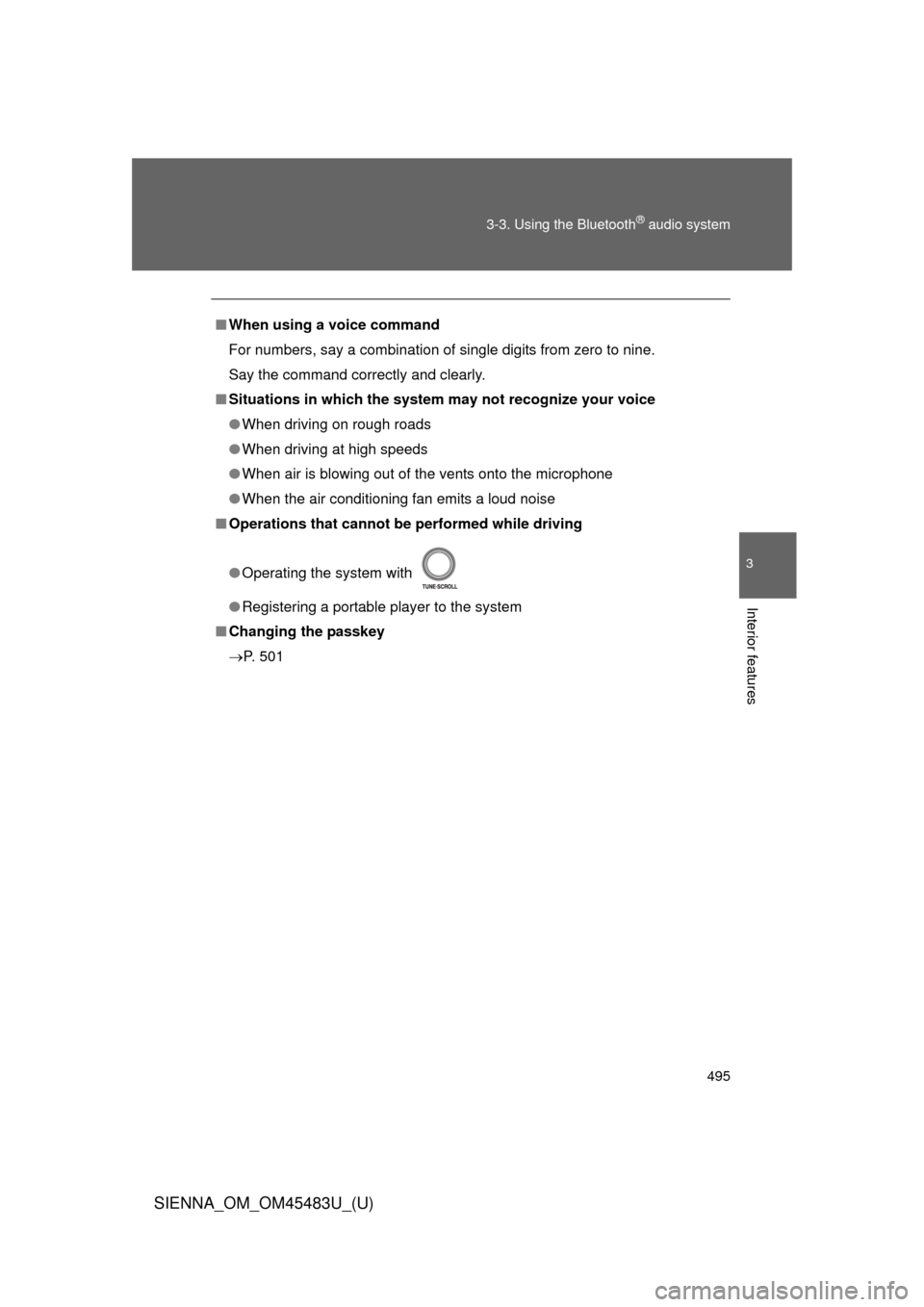
■ Operations that cannot be performed while driving
●Operating the system with
● Registering a portable player to the system
■ Changing the passkey
P. 501
Page 502 of 872
502 3-3. Using the Bluetooth
® audio system
SIENNA_OM_OM45483U_(U)
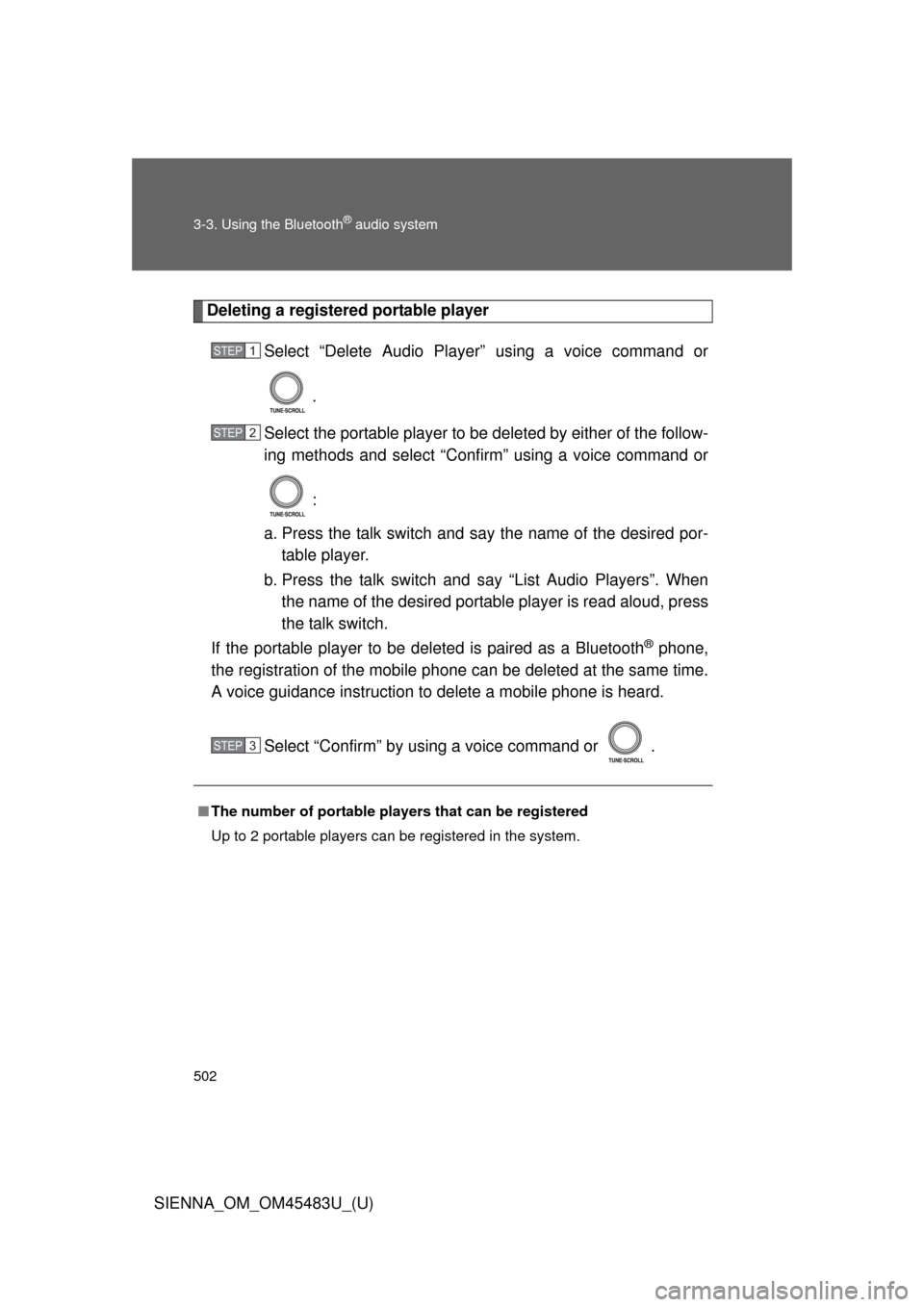
Deleting a registered portable playerSelect “Delete Audio Player” using a voice command or
.
Select the portable player to be deleted by either of the follow-
ing methods and select “Confirm” using a voice command or
:
a. Press the talk switch and say the name of the desired por- table player.
b. Press the talk switch and say “List Audio Players”. When
the name of the desired portable player is read aloud, press
the talk switch.
If the portable player to be deleted is paired as a Bluetooth
® phone,
the registration of the mobile phone can be deleted at the same time.
A voice guidance instruction to delete a mobile phone is heard.
Select “Confirm” by using a voice command or .
■The number of portable pl ayers that can be registered
Up to 2 portable players can be registered in the system.
STEP1
STEP2
STEP3
Page 504 of 872
504
SIENNA_OM_OM45483U_(U)
3-4. Using the rear audio system
Rear seat entertainment system features
: If equipped
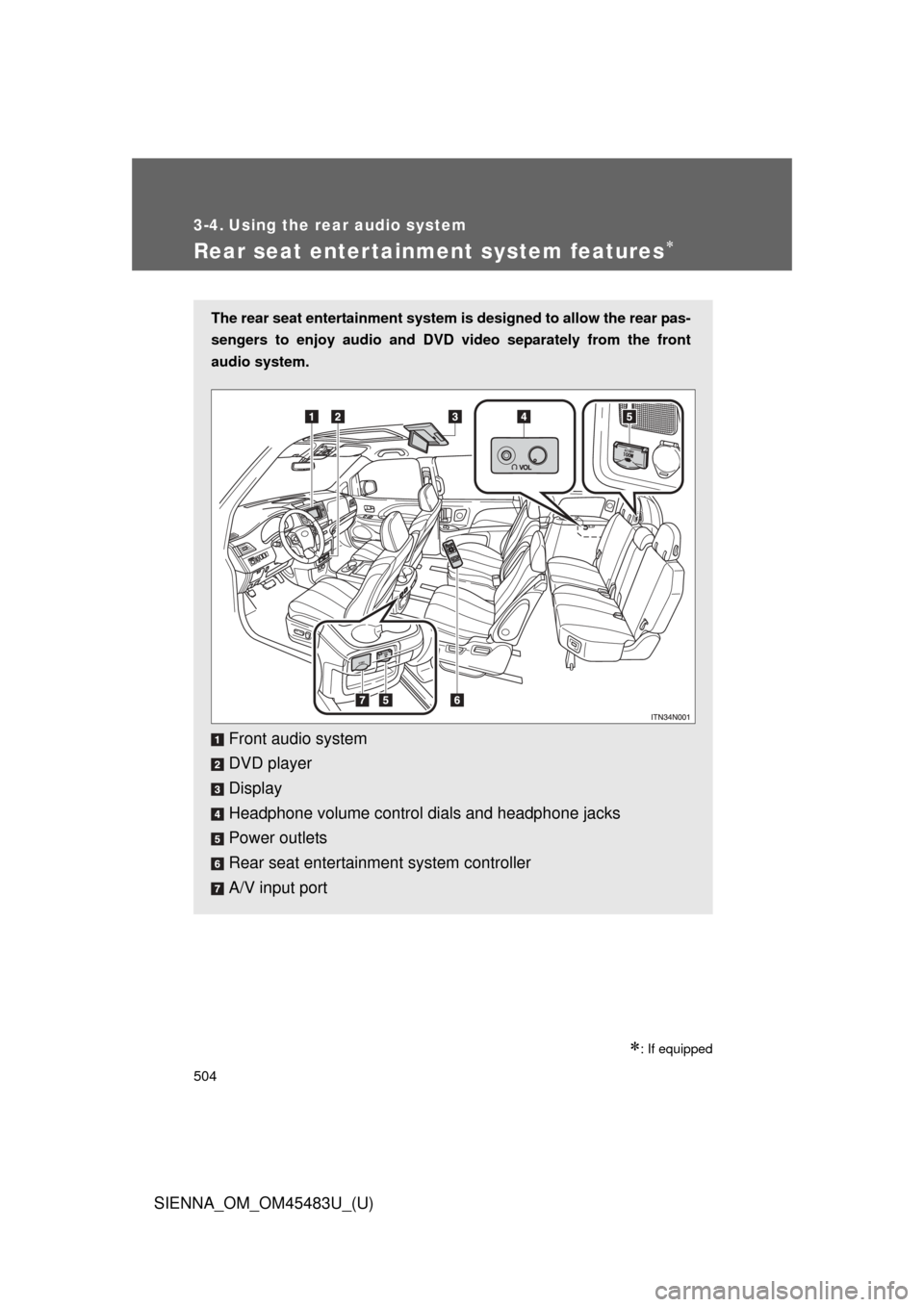
The rear seat entertainment system is designed to allow the rear pas-
sengers to enjoy audio and DVD video separately from the front
audio system.
Front audio system
DVD player
Display
Headphone volume control dials and headphone jacks
Power outlets
Rear seat entertainment system controller
A/V input port
Page 510 of 872
510 3-4. Using the rear audio system
SIENNA_OM_OM45483U_(U)
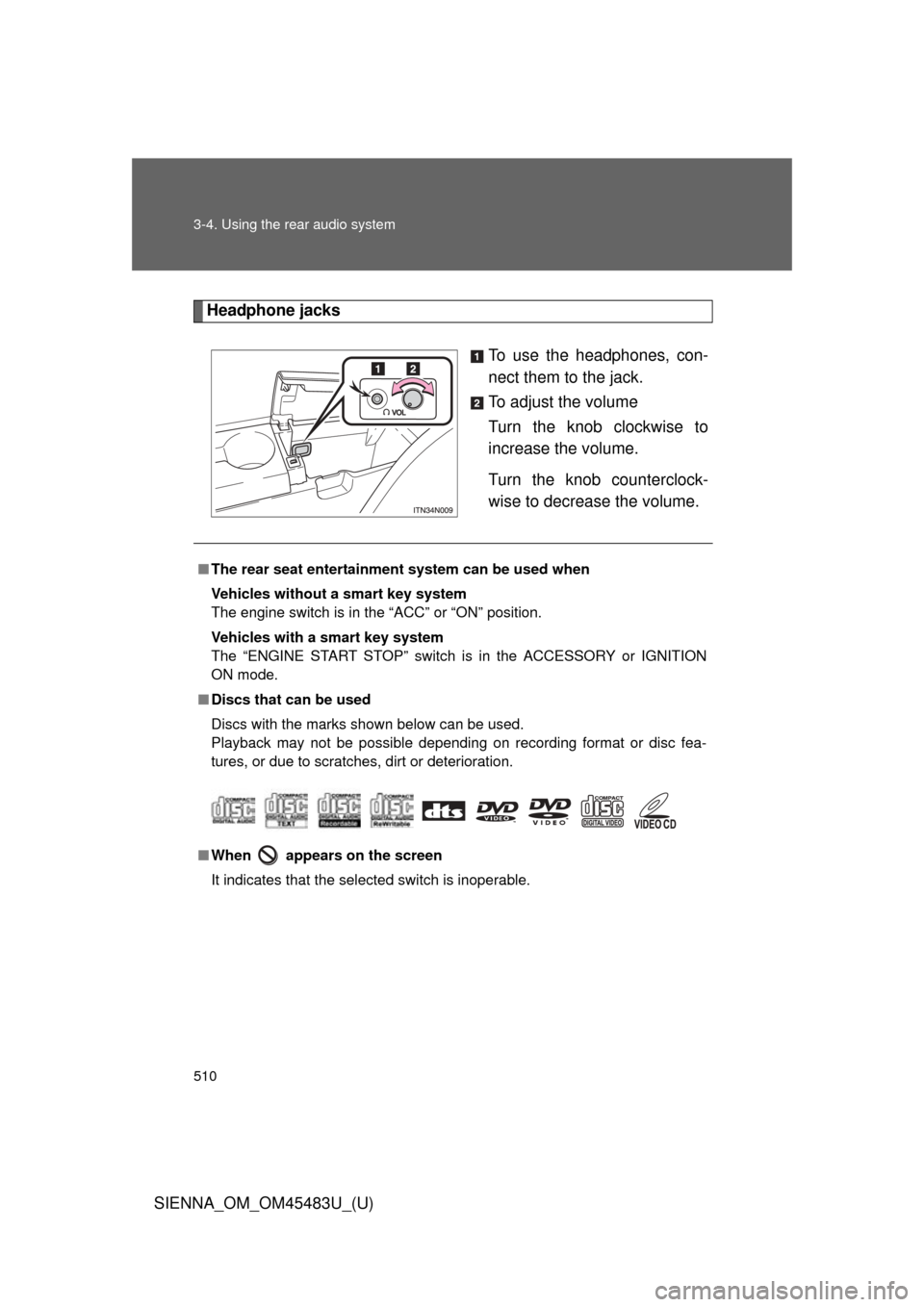
Headphone jacksTo use the headphones, con-
nect them to the jack.
To adjust the volume
Turn the knob clockwise to
increase the volume.
Turn the knob counterclock-
wise to decrease the volume.
■The rear seat entertainmen t system can be used when
Vehicles without a smart key system
The engine switch is in the “ACC” or “ON” position.
Vehicles with a smart key system
The “ENGINE START STOP” switch is in the ACCESSORY or IGNITION
ON mode.
■ Discs that can be used
Discs with the marks shown below can be used.
Playback may not be possible depending on recording format or disc fea-
tures, or due to scratches, dirt or deterioration.
■ When appears on the screen
It indicates that the selected switch is inoperable.