Page 202 of 500
202 3-2. Using the audio system
NOTICE
■To prevent battery discharge
Do not leave the audio system on longer than necessary with the engine o\
ff.
■ To avoid damaging the audio system
Take care not to spill drinks or other fluids over the audio system.
Page 251 of 500

251
3
Interior features
3-3. Using the Bluetooth® audio system
Bluetooth® audio/phone
■Conditions affecting operation
The Bluetooth
® audio/phone may not operate normally in the following situa-
tions:
● The portable player does not support Bluetooth
®
●The cellular phone is located outside the service area
● The Bluetooth
® device is switched off
● The Bluetooth
® device has a low battery
● The Bluetooth
® device is not connected to the system
● The Bluetooth
® device is behind the seat or in the glove box or console
box, or metal material covers or touches the device
■ Bluetooth® audio
The Bluetooth
® audio system enables yo u to enjoy music played
on a portable digital audio player (portable player) from the vehi-
cle speakers via wireless communication.
This audio system supports Bluetooth
®, a wireless data system
capable of playing portable audi o music without cables. If your
portable player does not support Bluetooth
®, the Bluetooth®
audio system will not function.
■ Bluetooth
® phone (hands-free phone system)
This system supports Bluetooth
®, which allows you to make or
receive calls without using cables to connect a cellular phone
and the system, and without operating the cellular phone.
: If equipped
Page 280 of 500

280 3-5. Using the interior lights
Interior light“DOOR” position
Off
On
■Illuminated entry system
Vehicles with moon roof
When the light switch is in the “DOOR” position, the interior lights and per-
sonal/interior lights automatically turn on/off according to the engine switch
position, whether the doors are locked/unlocked (with power door lock sys-
tem) and whether the doors are open/closed.
Vehicles without moon roof
When the light switch is in the “DOOR” position, the interior lights automati-
cally turn on/off according to the engine switch position, whether the doors
are locked/unlocked (with power door lock system) and whether the doors
are open/closed.
■ To prevent the battery from being discharged
If the interior lights and personal/interior lights (vehicles with moon roof)
remain on when the door is not fully closed and the light switch is in the
“DOOR” position, the lights will go off automatically after 20 minutes.
■ Customization that can be co nfigured at Toyota dealer
Settings (e.g. The time elapsed before lights turn off) can be changed.
(Customizable features P. 469)
Interior light
Page 296 of 500
296 3-7. Other interior features
NOTICE
■To avoid damaging the power outlet
Close the power outlet lid when the power outlet is not in use.
Foreign objects or liquids that enter the power outlet may cause a short cir-
cuit.
■ To prevent the fuse from being blown
12 V
Do not use an accessory that uses more than 12 V 10 A.
115 V
Do not use a 115 V appliance that requires more than 100 W.
If a 115 V appliance that consumes more than 100 W is used, the protection
circuit will cut the power supply.
■ To prevent the battery from being discharged
Do not use the power outlet longer than necessary when the engine is off.
■ Appliances that may not operate properly (115 V)
The following 115 V appliances may not operate properly even if their power
consumption is under 100 W.
●Appliances with high initial peak wattage
● Measuring devices that process precise data
● Other appliances that require an extremely stable power supply
Page 311 of 500

311
3-7. Other interior features
3
Interior features
■
Circling calibration
Stop the vehicle in a place where it is safe to drive in a circle.
Press and hold “AUTO” for 9
seconds.
C appears on the compass dis-
play.
Drive the vehicle at 5 mph (8
km/h) or less in a circle until a
direction is displayed.
If there is not enough space to
drive in a circle, drive around the
block until the direction is dis-
played.
STEP1
STEP2
STEP3
■Conditions unfavorable for correct operation
The compass may not show the correct direction in the following situations:
●The vehicle is stopped immediately after turning.
● The vehicle is on an inclined surface.
● The vehicle is in a place where the earth's magnetic field is subject to
interference by artificial magnetic fields (underground car park/parking
lot, under a steel tower, between buildings, roof car park/parking lot, near
an intersection, near a large vehicle, etc.).
● The vehicle has become magnetized.
(There is a magnet or metal object near the anti-glare inside rear view
mirror.)
● The battery has been disconnected.
● A door is open.
Page 313 of 500
Maintenance and care4
313
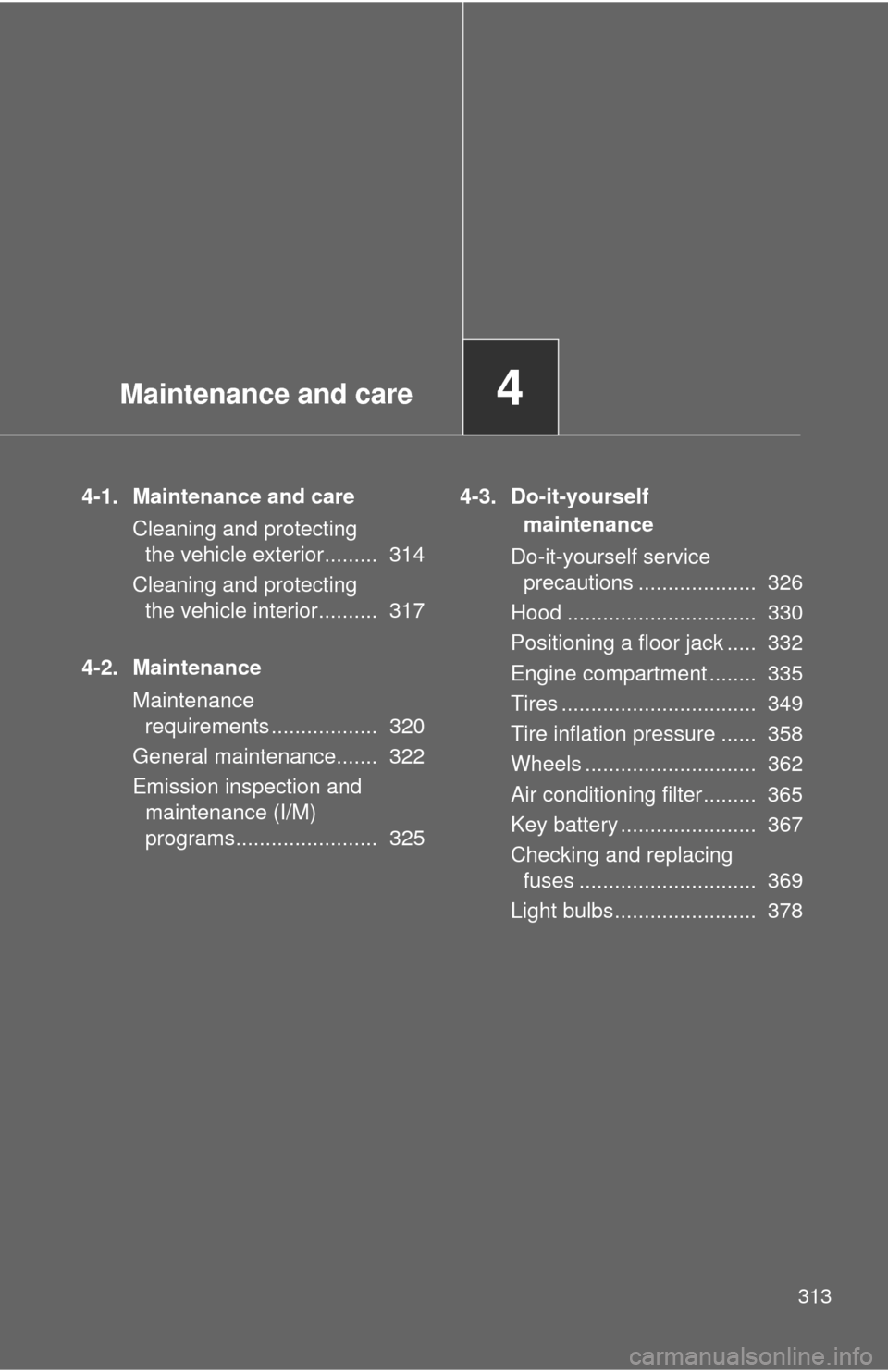
4-1. Maintenance and careCleaning and protecting the vehicle exterior......... 314
Cleaning and protecting the vehicle interior.......... 317
4-2. Maintenance Maintenance requirements .................. 320
General maintenance....... 322
Emission inspection and maintenance (I/M)
programs........................ 325 4-3. Do-it-yourself
maintenance
Do-it-yourself service precautions .................... 326
Hood ................................ 330
Positioning a floor jack ..... 332
Engine compartment ........ 335
Tires ................................. 349
Tire inflation pressure ...... 358
Wheels ............................. 362
Air conditioning filter......... 365
Key battery ....................... 367
Checking and replacing fuses .............................. 369
Light bulbs........................ 378
Page 321 of 500
321
4-2. Maintenance
4
Maintenance and care
■
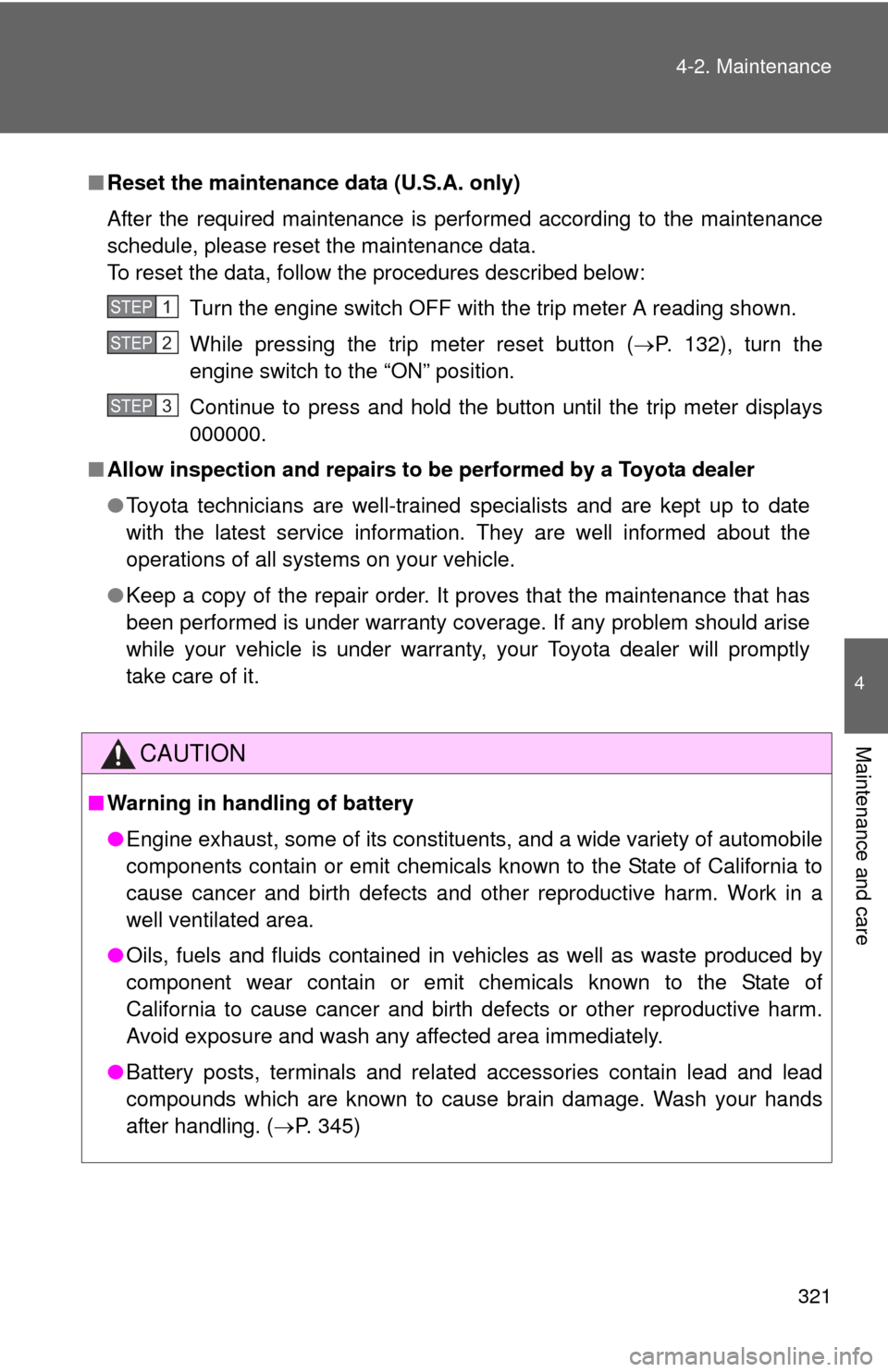
Reset the maintenance data (U.S.A. only)
After the required maintenance is performed according to the maintenance
schedule, please reset the maintenance data.
To reset the data, follow the procedures described below:
Turn the engine switch OFF with the trip meter A reading shown.
While pressing the trip meter reset button ( P. 132), turn the
engine switch to the “ON” position.
Continue to press and hold the button until the trip meter displays
000000.
■ Allow inspection and repairs to be performed by a Toyota dealer
● Toyota technicians are well-trained specialists and are kept up to date
with the latest service information. They are well informed about the
operations of all systems on your vehicle.
● Keep a copy of the repair order. It proves that the maintenance that has
been performed is under warranty coverage. If any problem should arise
while your vehicle is under warranty, your Toyota dealer will promptly
take care of it.
CAUTION
■Warning in handling of battery
●Engine exhaust, some of its constituents, and a wide variety of automobile
components contain or emit chemicals known to the State of California to
cause cancer and birth defects and other reproductive harm. Work in a
well ventilated area.
● Oils, fuels and fluids contained in vehicles as well as waste produced by
component wear contain or emit chemicals known to the State of
California to cause cancer and birth defects or other reproductive harm.
Avoid exposure and wash any affected area immediately.
● Battery posts, terminals and related accessories contain lead and lead
compounds which are known to cause brain damage. Wash your hands
after handling. ( P. 345)
STEP1
STEP2
STEP3
Page 322 of 500
322
4-2. Maintenance
General maintenance
Engine compartment
ItemsCheck points
Battery Check the connections.
(P. 345)
Brake fluid At the correct level? (P. 343)
Engine coolant At the correct level? (P. 341)
Engine oil At the correct level? (P. 337)
Exhaust system No fumes or strange sounds?
Radiator/condenser/hoses Not blocked with foreign matter?
(
P. 342)
Washer fluid At the correct level? (P. 347)
Listed below are the general maintenance items that should be per-
formed at the intervals specified in the “Owner's Warranty Informa-
tion Booklet” or “Owner’s Manual Supplement/Scheduled
Maintenance Guide”. It is recommended that any problem you notice
should be brought to the attention of your Toyota dealer or qualified
service shop for advice.