Page 326 of 612
326 3-2. Using the audio system
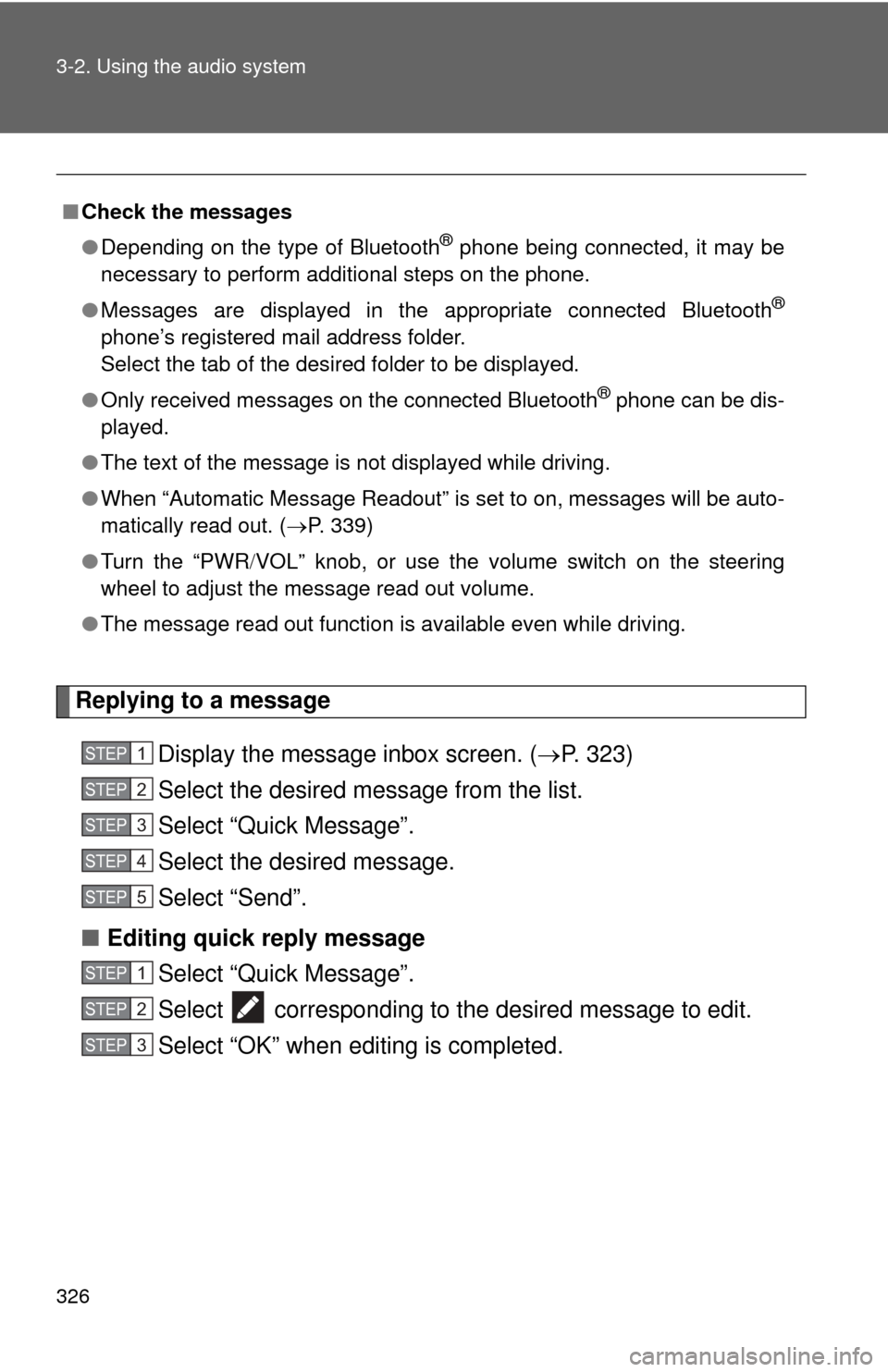
Replying to a messageDisplay the message inbox screen. ( P. 323)
Select the desired message from the list.
Select “Quick Message”.
Select the desired message.
Select “Send”.
■ Editing quick reply message
Select “Quick Message”.
Select corresponding to the desired message to edit.
Select “OK” when editing is completed.
■Check the messages
●Depending on the type of Bluetooth
® phone being connected, it may be
necessary to perform additional steps on the phone.
● Messages are displayed in the appropriate connected Bluetooth
®
phone’s registered mail address folder.
Select the tab of the desired folder to be displayed.
● Only received messages on the connected Bluetooth
® phone can be dis-
played.
● The text of the message is not displayed while driving.
● When “Automatic Message Readout” is set to on, messages will be auto-
matically read out. ( P. 339)
● Turn the “PWR VOL” knob, or use the volume switch on the steering
wheel to adjust the message read out volume.
● The message read out function is available even while driving.
STEP1
STEP2
STEP3
STEP4
STEP5
STEP1
STEP2
STEP3
Page 328 of 612
328
3-2. Using the audio system
Using the steering wheel switches
Operating a telephone using the steering wheel switches■ Steering wheel switches on the right hand side
Off hook switch
• Make a call
• Receive a call
• Display phone screen
On hook switch
•End a call
• Refuse a call
■ Steering wheel switches on the left hand side
Volume switch
• Increase/Decrease the vol-ume
• Press and hold: Continuously increase/
decrease the volume
Back switch
• Return to the previous screen
Cursor switch
• Select a list/tab
Enter switch
• Select an item
The steering wheel switches can be used to operate a connected cel-
lular phone.
Page 362 of 612

362 3-2. Using the audio system
CAUTION
■When using the rear view monitor system
The rear view monitor system is a supplemental device intended to assist
the driver when backing up. When backing up, be sure to check visually
behind and all around the vehicle before proceeding.
Observe the following precautions to avoid an accident that could result in
death or serious injuries.
● Never depend on the rear view monitor system entirely when backing up.
The image and the position of the guide lines displayed on the screen may
differ from the actual state.
Use caution, just as you would when backing up any vehicle.
● Be sure to back up slowly, depressing the brake pedal to control vehicle
speed.
● The instructions given are only guidelines.
When and how much to turn the steering wheel will vary according to traf-
fic conditions, road surface conditions, vehicle condition, etc. when park-
ing. It is necessary to be fully aware of this before using the rear view
monitor system.
● When parking, be sure to check that the parking space will accommodate
your vehicle before maneuvering into it.
● Do not use the rear view monitor system in the following cases:
• On icy or slick road surfaces, or in snow
• When using tire chains or the compact spare tire
• When the trunk lid is not closed completely
• On roads that are not flat or straight, such as curves or slopes.
● In low temperatures, the screen may darken or the image may become
faint. The image could distort when the vehicle is moving, or you may
become unable to see the image on the screen. Be sure to check direct
visually and with the mirrors all around the vehicle before proceeding.
● If the tire sizes are changed, the position of the fixed guide lines displayed
on the screen may change.
● The camera uses a special lens. The distances between objects and
pedestrians that appear in the image displayed on the screen will differ
from the actual distances.
Page 409 of 612
Maintenance and care4
409
4-1. Maintenance and careCleaning and protecting the vehicle exterior ......... 410
Cleaning and protecting the vehicle interior .......... 413
4-2. Maintenance Maintenance requirements .................. 416
General maintenance....... 418
Emission inspection and maintenance (I/M)
programs........................ 422
4-3. Do-it-yourself maintenance Do-it-yourself service precautions .................... 423
Hood ................................ 426
Positioning a floor jack ..... 427
Engine compartment ........ 429
12-volt battery .................. 439
Tires ................................. 443
Tire inflation pressure ...... 449
Wheels ............................. 453
Air conditioning filter......... 456
Electronic key battery....... 458
Checking and replacing fuses .............................. 460
Light bulbs........................ 471
Page 410 of 612
410
4-1. Maintenance and care
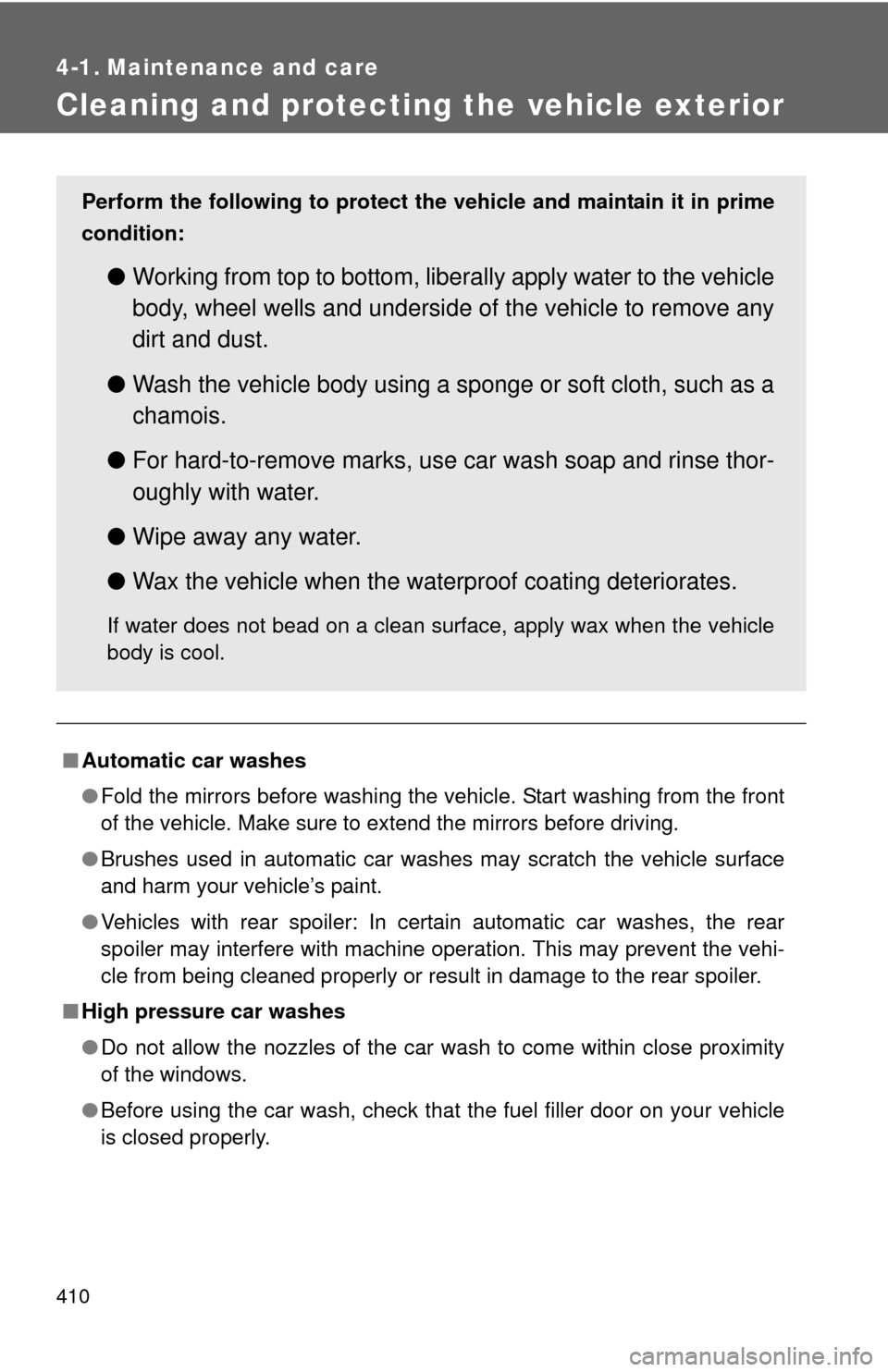
Cleaning and protecting the vehicle exterior
■Automatic car washes
●Fold the mirrors before washing the vehicle. Start washing from the front
of the vehicle. Make sure to extend the mirrors before driving.
● Brushes used in automatic car washes may scratch the vehicle surface
and harm your vehicle’s paint.
● Vehicles with rear spoiler: In certain automatic car washes, the rear
spoiler may interfere with machine operation. This may prevent the vehi-
cle from being cleaned properly or result in damage to the rear spoiler.
■ High pressure car washes
●Do not allow the nozzles of the car wash to come within close proximity
of the windows.
● Before using the car wash, check that the fuel filler door on your vehicle
is closed properly.
Perform the following to protect the vehicle and maintain it in prime
condition:
● Working from top to bottom, liber ally apply water to the vehicle
body, wheel wells and underside of the vehicle to remove any
dirt and dust.
● Wash the vehicle body using a sponge or soft cloth, such as a
chamois.
● For hard-to-remove marks, use car wash soap and rinse thor-
oughly with water.
● Wipe away any water.
● Wax the vehicle when the waterproof coating deteriorates.
If water does not bead on a clean surface, apply wax when the vehicle
body is cool.
Page 411 of 612
411
4-1. Maintenance and care
4
Maintenance and care
■
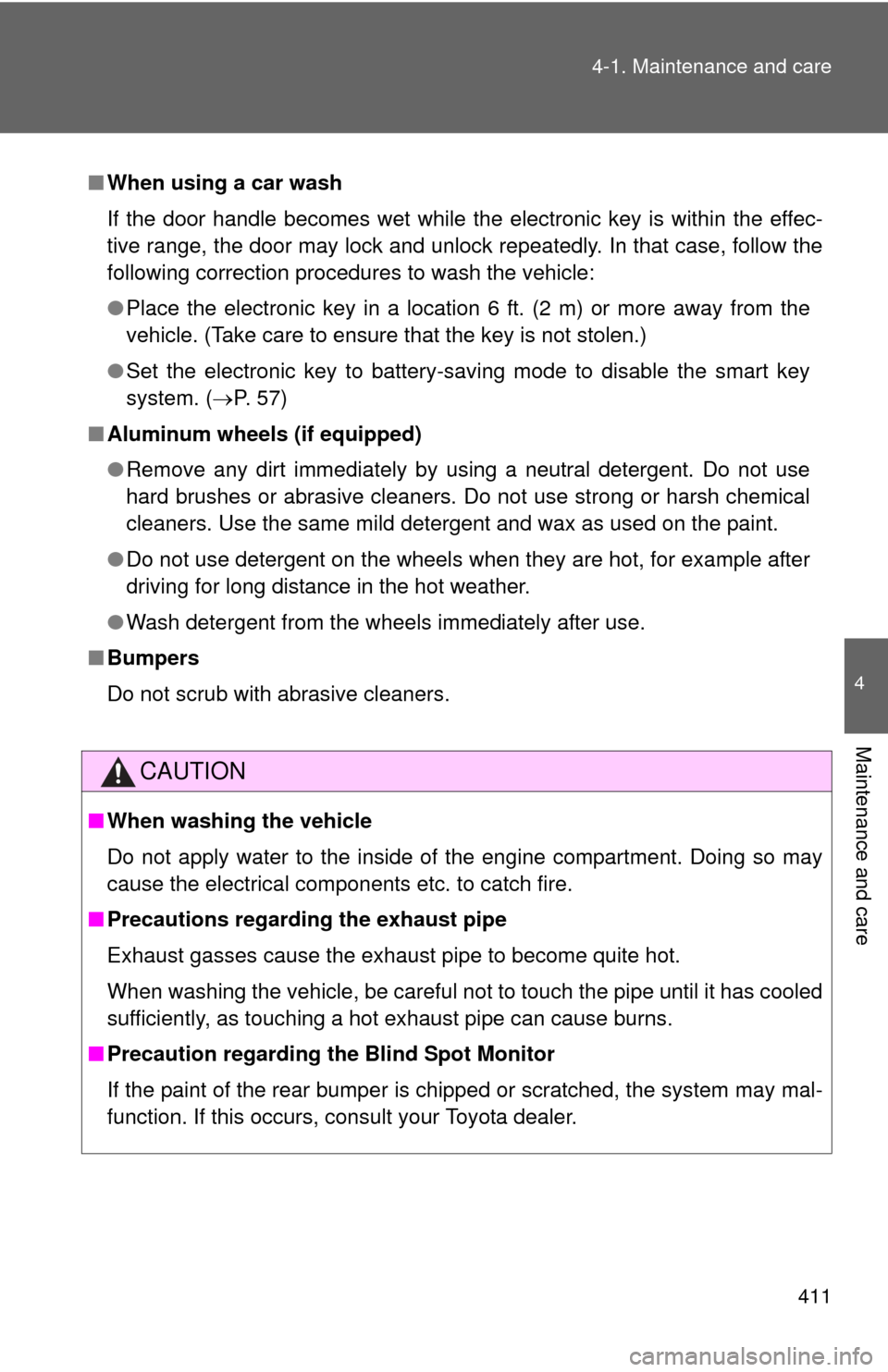
When using a car wash
If the door handle becomes wet while the electronic key is within the effec-
tive range, the door may lock and unlock repeatedly. In that case, follow the
following correction procedures to wash the vehicle:
●Place the electronic key in a location 6 ft. (2 m) or more away from the
vehicle. (Take care to ensure that the key is not stolen.)
● Set the electronic key to battery-saving mode to disable the smart key
system. ( P. 57)
■ Aluminum wheels (if equipped)
●Remove any dirt immediately by using a neutral detergent. Do not use
hard brushes or abrasive cleaners. Do not use strong or harsh chemical
cleaners. Use the same mild detergent and wax as used on the paint.
● Do not use detergent on the wheels when they are hot, for example after
driving for long distance in the hot weather.
● Wash detergent from the wheels immediately after use.
■ Bumpers
Do not scrub with abrasive cleaners.
CAUTION
■When washing the vehicle
Do not apply water to the inside of the engine compartment. Doing so may
cause the electrical components etc. to catch fire.
■ Precautions regardin g the exhaust pipe
Exhaust gasses cause the exhaust pipe to become quite hot.
When washing the vehicle, be careful not to touch the pipe until it has cooled
sufficiently, as touching a hot exhaust pipe can cause burns.
■ Precaution regarding th e Blind Spot Monitor
If the paint of the rear bumper is chipped or scratched, the system may mal-
function. If this occurs, consult your Toyota dealer.
Page 412 of 612

412 4-1. Maintenance and care
NOTICE
■To prevent paint deterioration and corrosion on the body and compo-
nents (aluminum wheels etc.)
● Wash the vehicle immediately in the following cases:
• After driving near the sea coast
• After driving on salted roads
• If coal tar or tree sap is present on the paint surface
• If dead insects, insect droppings or bird droppings are present on the
paint surface
• After driving in an area contaminated with soot, oily smoke, mine dust, iron powder or chemical substances
• If the vehicle becomes heavily soiled with dust or mud
• If liquids such as benzene and gasoline are spilled on the paint surface
● If the paint is chipped or scratched, have it repaired immediately.
● To prevent the wheels from corroding, remove any dirt and store in a place
with low humidity when storing the wheels.
■ Cleaning the exterior lights
●Wash carefully. Do not use organic substances or scrub with a hard brush.
This may damage the surfaces of the lights.
● Do not apply wax to the surfaces of the lights.
Wax may cause damage to the lenses.
Page 420 of 612
420 4-2. Maintenance
Seat belts• Do the seat belts operate
smoothly?
• The seat belts should not be dam- aged.
Seats • Do the seat controls operate
properly?
Steering wheel • Does the steering wheel rotate
smoothly?
• Does the steering wheel have the correct amount of free play?
• There should not be any strange sounds coming from the steering
wheel.
ItemsCheck points