Page 210 of 612

210 2-4. Using other driving systems
■Reactivation of the TRAC system linked to vehicle speed
When only the TRAC system is turned off, the TRAC system will turn on
when vehicle speed increases. However, when both TRAC and VSC sys-
tems are turned off, the systems will not turn on even when vehicle speed
increases.
■ Reduced effectiveness of the EPS system
The effectiveness of the EPS system is reduced to prevent the system from
overheating when there is frequent steering input over an extended period of
time. The steering wheel may feel heavy as a result. Should this occur,
refrain from excessive steering input or stop the vehicle and turn the hybrid
system off. The EPS system should return to normal within 10 minutes.
■ If the slip indicator comes on...
It may indicate a malfunction in the TRAC, VSC and ABS. Contact your
Toyota dealer.
CAUTION
■The ABS does not operate effectively when
●The limits of tire gripping performance have been exceeded (such as
excessively worn tires on a snow covered road).
● The vehicle hydroplanes while driving at high speed on the wet or slick
road.
■ Stopping distance when the ABS is operating may exceed that of nor-
mal conditions
The ABS is not designed to shorten the vehicle’s stopping distance. Always
maintain a safe distance from the vehicle in front of you, especially in the fol-
lowing situations:
● When driving on dirt, gravel or snow-covered roads
● When driving with tire chains
● When driving over bumps in the road
● When driving over roads with potholes or roads with uneven surfaces
Page 211 of 612

211
2-4. Using other
driving systems
2
When driving
CAUTION
■TRAC may not operate effectively when
Directional control and power may not be achievable while driving on slip-
pery road surfaces, even if the TRAC system is operating.
Drive the vehicle carefully in conditions where stability and power may be
lost.
■ When the VSC is activated
The slip indicator light flashes. Always drive carefully. Reckless driving may
cause an accident. Exercise particular care when the indicator light flashes.
■ When the TRAC/VSC syst ems are turned off
Be especially careful and drive at a speed appropriate to the road condi-
tions. As these are the systems to help ensure vehicle stability and driving
force, do not turn the TRAC/VSC systems off unless necessary.
■ Replacing tires
Make sure that all tires are of the specified size, brand, tread pattern and
total load capacity. In addition, make sure that the tires are inflated to the
recommended tire inflation pressure level.
The ABS, TRAC and VSC systems will not function correctly if different tires
are installed on the vehicle.
Contact your Toyota dealer for further information when replacing tires or
wheels.
■ Handling of tires and suspension
Using tires with any kind of problem or modifying the suspension will affect
the driving assist systems, and may cause a system to malfunction.
Page 229 of 612

229
2-5. Driving information
2
When driving
Winter driving tips
Carry out the necessary preparations and inspections before driving
the vehicle in winter. Always drive the vehicle in a manner appropri-
ate to the prevailing weather conditions.
■ Pre-winter preparations
●Use fluids that are appropriate to the prevailing outside tem-
peratures.
• Engine oil
• Engine/power control unit coolant
• Washer fluid
● Have a service technician inspect the level and specific grav-
ity of battery electrolyte.
● Have the vehicle fitted with four snow tires or purchase a set
of tire chains for the front tires.
Ensure that all tires are the same size and brand, and that chains
match the size of the tires.
■Before driving the vehicle
Perform the following according to the driving conditions:
●Do not try to forcibly open a window or move a wiper that is
frozen. Pour warm water over the frozen area to melt the ice.
Wipe away the water immediately to prevent it from freezing.
● To ensure proper operation of th e climate control system fan,
remove any snow that has accumulated on the air inlet vents
in front of the windshield.
● Remove any ice that has accumu lated on the vehicle chassis.
● Periodically check for and remove any excess ice or snow
that may have accumulated in the wheel well or on the
brakes.
Page 230 of 612
230 2-5. Driving information
Selecting tire chainsUse the correct tire chain size when mounting the snow chains.
Chain size is regulated for each tire size.
Side chain: 0.12 in. (3 mm) in diameter
0.39 in. (10 mm) in width
1.18 in. (30 mm) in length
Cross chain: 0.16 in. (4 mm) in diameter
0.55 in. (14 mm) in width
0.98 in. (25 mm) in length
Regulations on the use of tire chains
Regulations regarding the use of tire chains vary according to loca-
tion and type of road. Always chec k local regulations before installing
chains.
■ When driving the vehicle
Accelerate the vehicle slowly and drive at a reduced speed suit-
able to road conditions.
■ When parking the vehicle
Park the vehicle and move the shift lever to P without setting the
parking brake. The parking brak e may freeze up, preventing it
from being released. If necessary , block the wheels to prevent
inadvertent sliding or creeping.
Page 231 of 612

231
2-5. Driving information
2
When driving
■
Tire chain installation
Observe the following precautions when installing and removing chains:
●Install and remove tire chains in a safe location.
● Install tire chains on the front tires only. Do not install tire chains on the
rear tires.
● Install tire chains on front tires as tightly as possible. Retighten chains
after driving 1/4 1/2 mile (0.5 1.0 km).
● Install tire chains following the instructions provided with the tire chains.
CAUTION
■Driving with snow tires
Observe the following precautions to reduce the risk of accidents.
Failure to do so may result in a loss of vehicle control and cause death or
serious injury.
●Use tires of the size specified.
● Maintain the recommended level of air pressure.
● Do not drive in excess of 75 mph (120 km/h), regardless of the type of
snow tires being used.
● Use snow tires on all, not just some wheels.
■ Driving with tire chains
Observe the following precautions to reduce the risk of accidents.
Failure to do so may result in the vehicle being unable to be driven safely,
and may cause death or serious injury.
●Do not drive in excess of the speed limit specified for the tire chains being
used, or 30 mph (50 km/h), whichever is lower.
● Avoid driving on bumpy road surfaces or over potholes.
● Avoid sudden turns and braking, as use of chains may adversely affect
vehicle handling.
● Slow down sufficiently before entering a curve to ensure that vehicle con-
trol is maintained.
Page 233 of 612
233
2-5. Driving information
2
When driving
Trailer towing
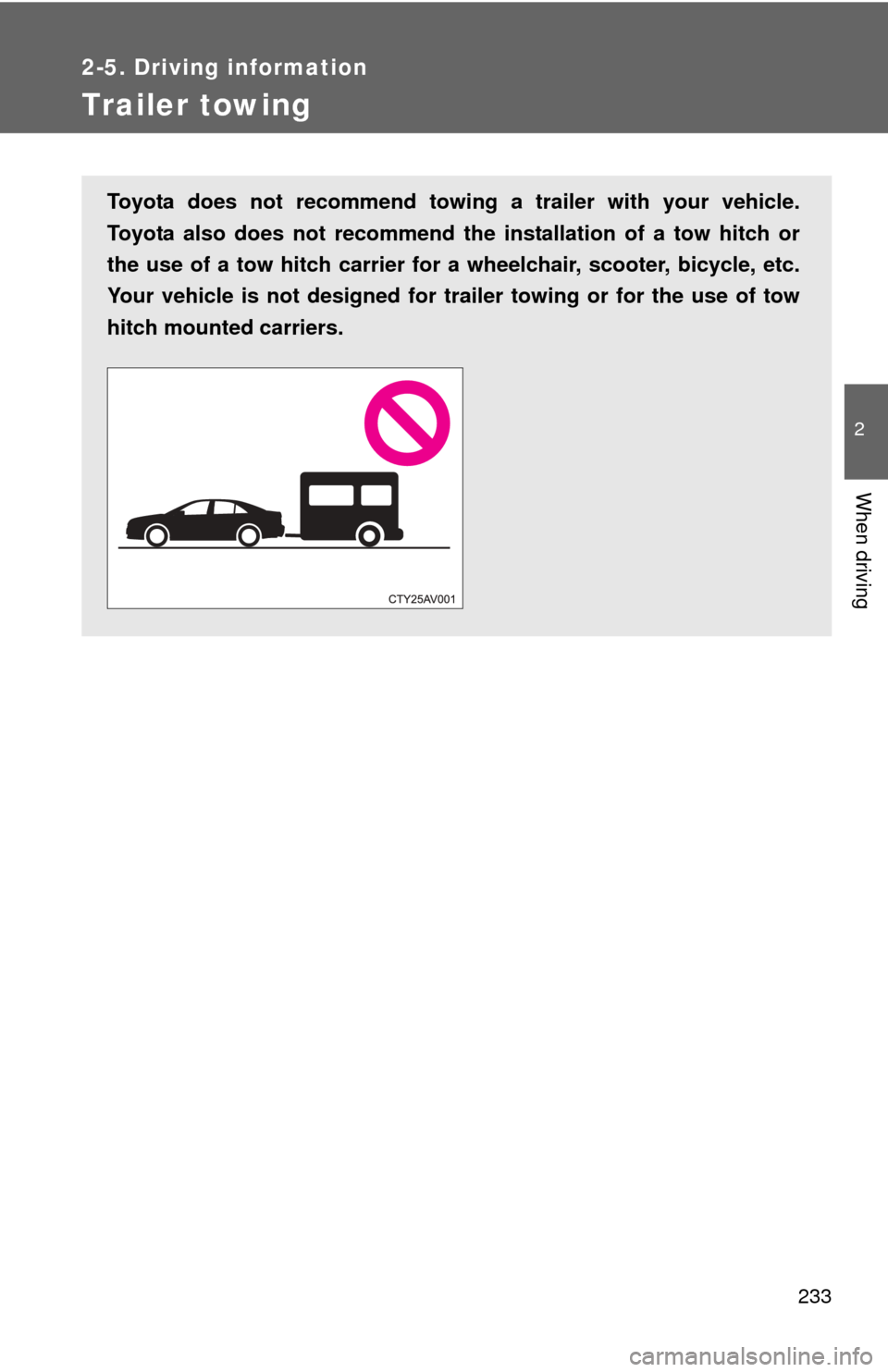
Toyota does not recommend towing a trailer with your vehicle.
Toyota also does not recommend the installation of a tow hitch or
the use of a tow hitch carrier for a wheelchair, scooter, bicycle, etc.
Your vehicle is not designed for tra iler towing or for the use of tow
hitch mounted carriers.
Page 234 of 612
234
2-5. Driving information
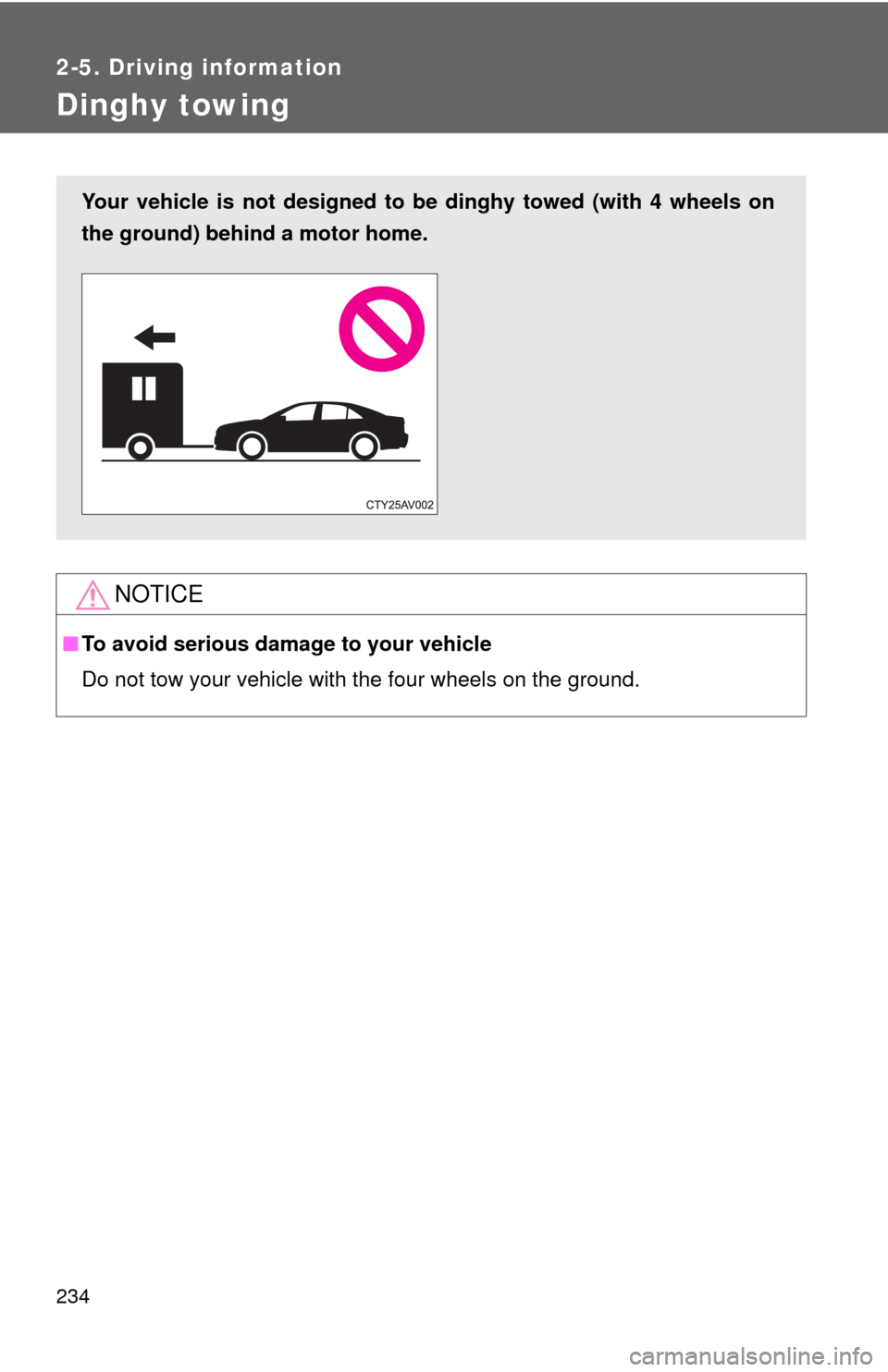
Dinghy towing
NOTICE
■To avoid serious damage to your vehicle
Do not tow your vehicle with the four wheels on the ground.
Your vehicle is not designed to be dinghy towed (with 4 wheels on
the ground) behind a motor home.
Page 236 of 612
236
3-1. Using the air conditioning system and defogger
Automatic air conditioning system ........................... 238
Rear window and outside rear view mirror
defoggers ....................... 248
3-2. Using the audio system Audio system types .......... 249
Audio system ................... 251
Steering wheel audio switches ......................... 254
USB/AUX port .................. 256
Basic audio operations..... 258
Setup menu...................... 261
General settings ............... 262
Audio settings .................. 264
Display settings ................ 265
Voice settings................... 267
Selecting the audio source ............................ 268
List screen operation........ 269
Optimal use of the audio system.................. 271
Radio operation................ 272
CD player operation ......... 274
Listening to an iPod ......... 281
Listening to a USB memory device .............. 287
Using the AUX port .......... 293 Preparations to use
wireless
communication ............... 294
Registering a Bluetooth
®
audio player for the
first time ......................... 298
Registering a Bluetooth
®
phone for the
first time ......................... 299
Registering a Bluetooth
®
device ............................ 300
Connecting a Bluetooth
®
device ............................ 303
Displaying a Bluetooth
®
device details ................. 306
Detailed Bluetooth
®
system settings .............. 308
Listening to Bluetooth
®
audio .............................. 310
Using a Bluetooth
®
phone ............................. 312
Making a call .................... 314
Receiving a call ................ 318
Speaking on the phone .... 319
Bluetooth
® phone
message function ........... 323
Using the steering wheel switches ......................... 328
Bluetooth
® phone
settings .......................... 329
Contact/Call history settings .......................... 331
Interior features3