Page 166 of 788

1663-2. Opening, closing and locking the doors
UK_AURIS/AURIS_HV_EE (OM12G88E)Note for locking the doors
Touching the door lock sensor while wearing gloves may delay or prevent
lock operation. Remove the gloves and touch the lock sensor again.
When the lock operation is performed using the lock sensor, recognition sig-
nals will be shown up to two consecutive times. After this, no recognition
signals will be given.
If the door handle becomes wet while the electronic key is within the effec-
tive range, the door may lock and unlock repeatedly. In that case, follow the
following correction procedures to wash the vehicle:
• Place the electronic key in a location 2 m (6 ft.) or more away from the
vehicle. (Take care to ensure that the key is not stolen.)
• Set the electronic key to battery-saving mode to disable the smart entry &
start system. (P. 163)
Vehicles without a multi-information display: If the electronic key is inside
the vehicle and a door handle becomes wet during a car wash, a buzzer will
sound outside the vehicle. To turn off the alarm, lock all the doors.
Vehicles with a multi-information display: If the electronic key is inside the
vehicle and a door handle becomes wet during a car wash, a message may
be shown on the multi-information display and a buzzer will sound outside
the vehicle. To turn off the alarm, lock all the doors.
The lock sensor may not work properly if it comes into contact with ice,
snow, mud, etc. Clean the lock sensor and attempt to operate it again.
Fingernails may scrape against the door during operation of the door han-
dle. Be careful not to injure fingernails or damage the surface of the door.
Note for the unlocking function
A sudden approach to the effective range or door handle may prevent the
doors from being unlocked. In this case, return the door handle to the origi-
nal position and check that the doors unlock before pulling the door handle
again.
Gripping the door handle when wearing a glove may not unlock the door.
If the door handle becomes wet while the electronic key is within the effec-
tive range, the door may lock and unlock repeatedly. In that case, follow the
following correction procedures to wash the vehicle:
• Place the electronic key in a location 2 m (6 ft.) or more away from the
vehicle. (Take care to ensure that the key is not stolen.)
• Set the electronic key to battery-saving mode to disable the smart entry &
start system. (P. 163)
If there is another electronic key in the detection area, it may take slightly
longer to unlock the doors after the door handle is gripped.
Page 167 of 788
1673-2. Opening, closing and locking the doors
UK_AURIS/AURIS_HV_EE (OM12G88E)
3
Operation of each component
Fingernails may scrape against the door during operation of the door han-
dle. Be careful not to injure fingernails or damage the surface of the door.
When the vehicle is not driven for extended periods
To prevent theft of the vehicle, do not leave the electronic key within 2 m
(6 ft.) of the vehicle.
The smart entry & start system can be deactivated in advance. (P. 757)
Alarm (if equipped)
Using the smart entry & start system to lock the doors will set the alarm sys-
tem. (P. 104)
To operate the system properly
Make sure to carry the electronic key when operating the system. Do not get
the electronic key too close to the vehicle when operating the system from the
outside of the vehicle.
Depending on the position and holding condition of the electronic key, the key
may not be detected correctly and the system may not operate properly. (The
alarm may go off accidentally, or the door lock prevention function may not
operate.)
If the smart entry & start system does not operate properly
Locking and unlocking the doors: Use the mechanical key. (P. 704)
Except hybrid model: Starting the engine: P. 705
Hybrid model: Starting the hybrid system: P. 706
Page 168 of 788
1683-2. Opening, closing and locking the doors
UK_AURIS/AURIS_HV_EE (OM12G88E)Electronic key battery depletion
The standard battery life is 1 to 2 years.
Except hybrid model: If the battery becomes low, an alarm will sound in the
cabin when the engine stops. (P. 624, 644)
Hybrid model: If the battery becomes low, an alarm will sound in the cabin
when the hybrid system stops. (P. 644)
As the electronic key always receives radio waves, the battery will become
depleted even if the electronic key is not used. The following symptoms indi-
cate that the electronic key battery may be depleted. Replace the battery
when necessary. (P. 555)
• The smart entry & start system or the wireless remote control does not
operate.
• The detection area becomes smaller.
• The LED indicator on the key surface does not turn on.
To avoid serious deterioration, do not leave the electronic key within 1 m (3
ft.) of the following electrical appliances that produce a magnetic field:
•TVs
• Personal computers
• Cellular phones, cordless phones and battery chargers
• Recharging cellular phones or cordless phones
• Table lamps
• Induction cookers
When the electronic key battery is fully depleted
P. 555
Customization
Settings (e. g. smart entry & start system) can be changed.
(Customizable features: P. 757)
If the smart entry & start system has been deactivated in a customized
setting
Locking and unlocking the doors:
Use the wireless remote control or mechanical key. (P. 194, 704)
Except hybrid model: Starting the engine and changing engine switch
modes: P. 705
Hybrid model: Starting the hybrid system and changing power switch
modes: P. 706
Except hybrid model: Stopping the engine: P. 274
Hybrid model: Stopping the hybrid system: P. 283
Page 169 of 788
1693-2. Opening, closing and locking the doors
UK_AURIS/AURIS_HV_EE (OM12G88E)
3
Operation of each component
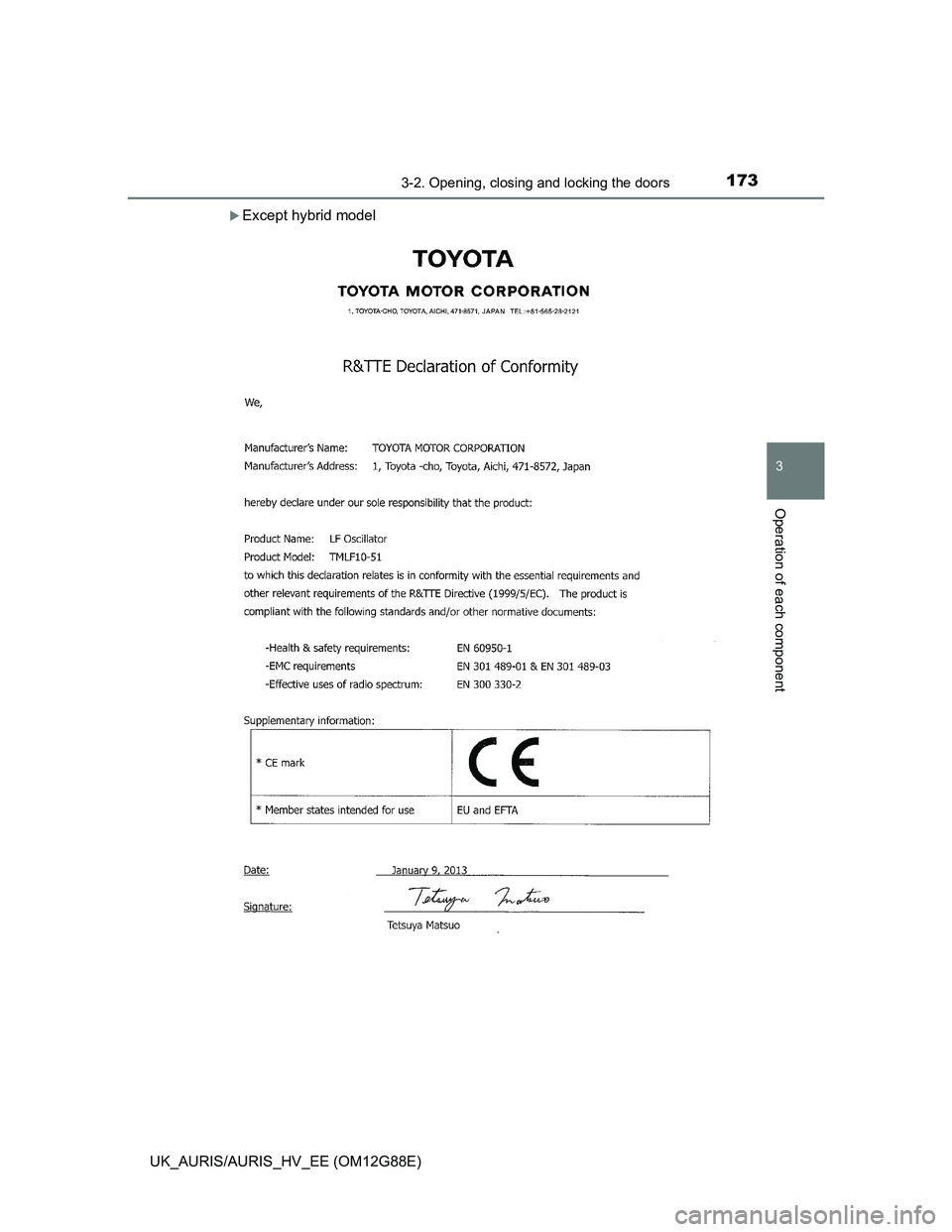
Certification for the smart entry & start system
Page 170 of 788
1703-2. Opening, closing and locking the doors
UK_AURIS/AURIS_HV_EE (OM12G88E)
Page 171 of 788
1713-2. Opening, closing and locking the doors
UK_AURIS/AURIS_HV_EE (OM12G88E)
3
Operation of each component
Page 172 of 788
1723-2. Opening, closing and locking the doors
UK_AURIS/AURIS_HV_EE (OM12G88E)
Page 173 of 788
1733-2. Opening, closing and locking the doors
UK_AURIS/AURIS_HV_EE (OM12G88E)
3
Operation of each component
Except hybrid model