2014 TESLA MODEL S change key battery
[x] Cancel search: change key batteryPage 7 of 159

Radio equipment on a similar frequency canaffect the key. If this happens, move the key
at least one foot (30 cm) away from other
electronic devices (phone, laptop, etc). If the key does not work, you may need to changeits battery. If the key’s battery is discharged,
you can open Model S by following the
unlocking procedure. See Unlocking When the
Key Doesn't Work on page 7.Caution: Remember to bring the key with
you when you drive. Although you can
drive Model S away from its key, you will
be unable to power it back on after it powers off.Caution: Protect the key from impact,
high temperatures, and damage from
liquids. Avoid contact with solvents,
waxes and abrasive cleaners.
Replacing the Key Battery
The key’s battery lasts for approximately a
year. When the battery is low, a message
displays on the instrument panel. Follow these
steps to replace it:
1. Place the key, button side down, on a soft
surface.
2. Release the battery using a small flat
bladed tool.
3. Remove the battery by pushing it toward
the center of the key to release it from the
front retaining clips.
4. Insert the new battery (type CR2032) with
the ‘ +’ side facing up. Avoid touching the
flat surfaces of the battery, and wipe the
battery clean before fitting. Finger marks
can reduce battery life.
5. Align the battery, then press the key and
battery together until they snap into
place.
Getting More Keys
If you lose a key or require an additional one, contact Tesla. Model S can recognize up to
three keys.
When ordering a new key for Model S, take all available keys with you for reprogramming.
Doors
Opening and Closing5
Page 42 of 159

Starting Model S
When you open a door, Model S powers on the instrument panel and touchscreen. Thecenter circle on the instrument panel displaysthe status of doors and the charge level, and
you can operate all controls.
To drive:
• PRESS THE BRAKE - the center circle on
the instrument panel changes to display
the speedometer, power meter, charge level, and selected gear (P, R, N, or D).
• SELECT A GEAR - all the way down for
Drive and all the way up for Reverse.
Everything you need to know when driving
Model S displays on the instrument panel.
Key Not Inside
If Model S does not detect a key when you
press the brake, the instrument panel displays
a message telling you that a key was not
detected.
Place the key in the center console cup holder
where Model S can best detect it.
If Model S still does not detect the key, try
holding it against the center console,
immediately below the 12V power socket (see 12V Power Socket on page 80). Or try using
another key. If another key does not work,
contact Tesla.
A number of factors can affect whether
Model S can detect the key. These include a
low battery in the key, interference from other
devices using radio signals, and objects
between the key and receiver.
Always keep the key with you. After driving,
you need it to restart Model S after it powers
off. And when you leave Model S, you must
bring it with you to lock Model S, either manually or automatically (see Walk-away
Locking on page 7).
Powering Off When you finish driving, shift into Park by
pressing the button on the end of the gear
selector. The parking brake automatically
engages and all systems keep operating.
When you leave Model S with the key, it
powers off automatically, turning off the
touchscreen and instrument panel.
Model S also powers off automatically after
being in Park for 15 minutes, even if you are
sitting in the driver’s seat.
Although usually not needed, you can power
off Model S while you are still sitting in the
driver’s seat. Touch Controls > E-Brake &
Power Off > Power Off . Model S automatically
powers back on again if you press the brake or touch anywhere on the touchscreen.
Note: Model S automatically shifts into Park
whenever you leave the vehicle, even if you
shift into Neutral before exiting. To keep
Model S in Neutral, see Leaving Model S in
Neutral - Tow Mode on page 41.
Starting and Powering Off
40Model S Owner's Manual
Page 97 of 159

Opening the Charge Port
The charge port is located on the driver’s side of Model S, behind a door that is part of therear tail light assembly.
Park Model S so that the charge cable easily
reaches the charge port.
With Model S unlocked, or a recognized key
nearby, press and release the button on a
Tesla charge cable.
If the cable you are using does not have this
button, touch Controls > Charge Port . Or, you
can touch the battery icon at the top of the
touchscreen, then from the Charging screen,
touch Open Charge Port .
To charge at a public charging station, attach
an adapter to the station’s chargingconnector. The most commonly usedadapter(s) for each market region aresupplied with Model S. Depending on thecharging equipment you are using, you may
need to start and stop charging using a control on the charging equipment.
Note: The charge port lights up white when
you open the charge port door. If you do not
connect a charge cable, the light eventually
turns off.
Note: If you do not insert the charge cable
into the charge port within a few minutes after
opening the charge port door, the latch
closes. If this happens, use the touchscreen to
open the charge port door.
Caution: The connector end of the charge
cable can damage the paint if dropped onto Model S.Caution: Do not attempt to force the
charge port door open. Doing so can
damage the latch. A damaged latch
cannot hold the door closed.
Plugging In
If desired, use the touchscreen to change the
charge limit and the charging current.
If you are using the Mobile Connector, plug it into the power outlet before plugging it into
Model S.
Align the connector to the charge port and
insert fully. When the connector is properly
inserted, charging begins automatically after Model S:
• Engages a latch that holds the connector in place.
• Shifts into Park (if it was in any other gear).
• Heats or cools the Battery, if needed. If the Battery requires heating or cooling,
you may notice a delay before charging begins.
Note: Whenever Model S is plugged in but not
actively charging, it draws energy from the wall instead of using energy stored in the
Battery. For example, if you are sitting in
Model S and using the touchscreen while it’s is
parked and plugged in, the energy being used
is drawn from the power outlet instead of the
Battery.
Charging Model S
Charging95
Page 101 of 159

Service Intervals
Regular maintenance is the key to ensuring
the continued reliability and efficiency of your
Model S.
Rotate the tires every 5000 miles (8000 km),
maintain the correct tire pressures, and take Model S to Tesla at the regularly scheduledmaintenance intervals of every 12 months, orevery 12,500 miles (20,000 km), whichever
comes first. It is also important to perform the
daily and monthly checks described below.
Model S must be serviced by Tesla-certified
technicians. Damages or failures caused by
maintenance or repairs performed by non-
Tesla certified technicians are not covered by
the warranty.
Daily Checks • Check the Battery’s charge level, displayed on the instrument panel.
• Check that all exterior lights, horn, turn signals, and wipers and washers are
working.
• Check the operation of the brakes, including the parking brake.
• Check the operation of the seat belts (see Seat Belts on page 19).
• Look for fluid deposits underneath Model S that might indicate a leak. It is
normal for a small pool of water to form
(caused by the air conditioning system’s dehumidifying process).
Monthly Checks • Check the mileage to determine if the tires need to be rotated (every
5000 miles/8000 km), and check the
condition and pressure of each tire (see
Tire Care and Maintenance on page 100).
• Check washer fluid level and top up if necessary (see Topping Up Washer Fluid
on page 116).
• Check that the air conditioning system is operating (see Climate Controls on page
72).Warning: Contact Tesla immediately if
you notice any significant or sudden drop in fluid levels or uneven tire wear.Fluid Replacement Intervals
Do not change or top up Battery coolant and
brake fluid yourself. Tesla service technicians replace fluids at the regularly scheduled
service intervals:
• Brake fluid. Every 2 years or 25,000 miles (40,000 km), whichever comes first.
• Battery coolant. Every 5 years or 62,500 miles (100,000 km), whichever
comes first.
Note: Any damage from opening the Battery
coolant reservoir is excluded from the warranty.
High Voltage Safety Your Model S has been designed and built
with safety as a priority. However, be aware of these precautions to protect yourself from the
risk of injury inherent in all high-voltage
systems:
• Read and follow all instructions provided on the labels that are attached to Model S.These labels are there for your safety.
• The high voltage system has no user- serviceable parts. Do not disassemble,
remove or replace high voltage components, cables or connectors. High
voltage cables are colored orange for
easy identification.
• If an accident occurs, do not touch any high voltage wiring, connectors, or
components connected to the wiring.
• In the unlikely event that a fire occurs, immediately contact your local fire
emergency responders.Warning: Always disconnect the charge
cable before working underneath Model S, even if charging is not in
progress.Warning: Keep your hands and clothing
away from cooling fans. Some fans
operate even when Model S is powered
off.Caution: Some fluids (battery acid,
Battery coolant, brake fluid, windshield
washer additives, etc.) used in motor
vehicles are poisonous and should not be
inhaled, swallowed, or brought into contact with open wounds. For your
safety, always read and follow
instructions printed on fluid containers.
Maintenance Schedule
Maintenance99
Page 156 of 159
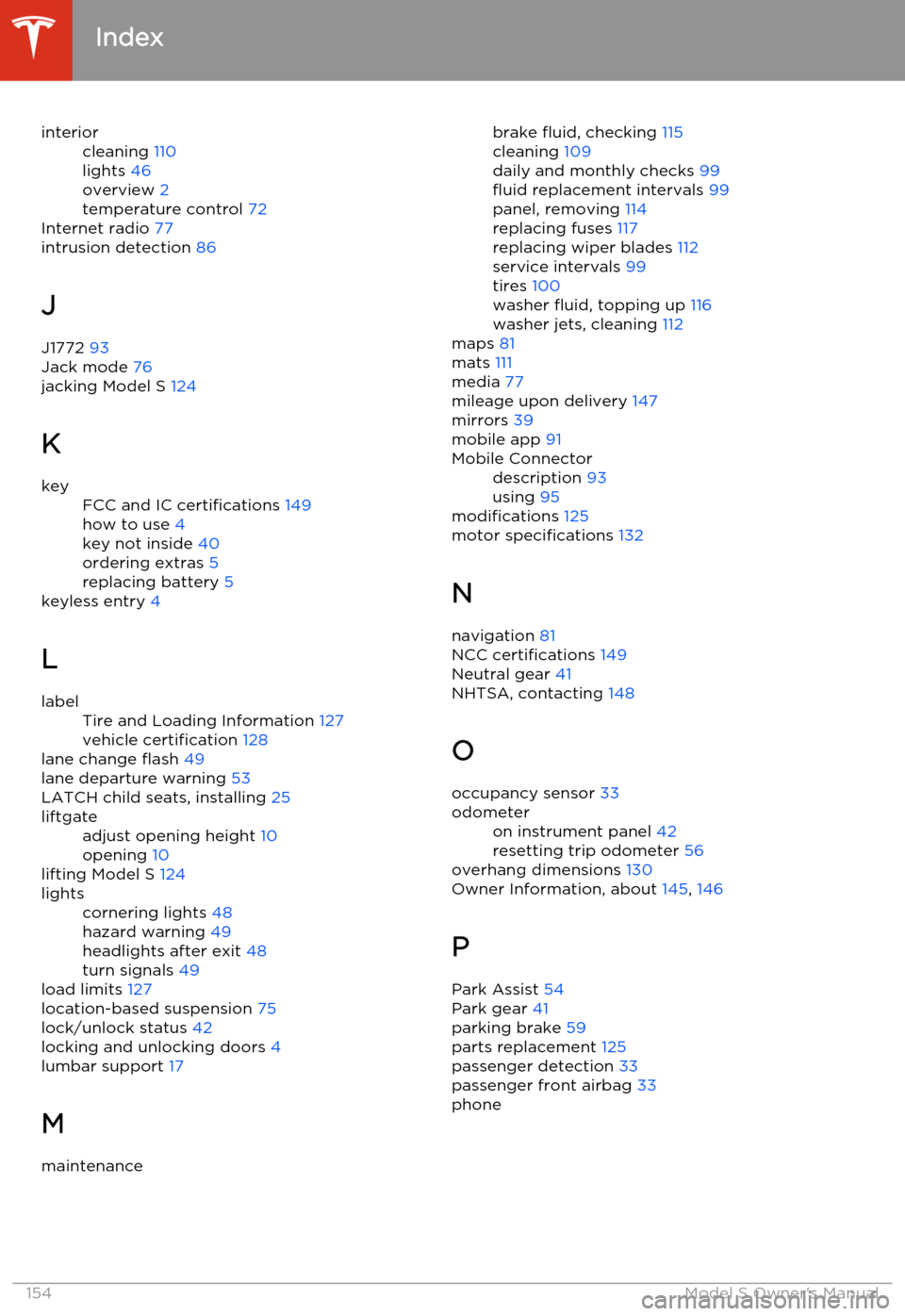
interiorcleaning 110
lights 46
overview 2
temperature control 72
Internet radio 77
intrusion detection 86
J
J1772 93
Jack mode 76
jacking Model S 124
K
keyFCC and IC certifications 149
how to use 4
key not inside 40
ordering extras 5
replacing battery 5
keyless entry
4
L
labelTire and Loading Information 127
vehicle certification 128
lane change flash 49
lane departure warning 53
LATCH child seats, installing 25
liftgateadjust opening height 10
opening 10
lifting Model S 124
lightscornering lights 48
hazard warning 49
headlights after exit 48
turn signals 49
load limits 127
location-based suspension 75
lock/unlock status 42
locking and unlocking doors 4
lumbar support 17
M
maintenancebrake fluid, checking 115
cleaning 109
daily and monthly checks 99
fluid replacement intervals 99
panel, removing 114
replacing fuses 117
replacing wiper blades 112
service intervals 99
tires 100
washer fluid, topping up 116
washer jets, cleaning 112
maps 81
mats 111
media 77
mileage upon delivery 147
mirrors 39
mobile app 91Mobile Connectordescription 93
using 95
modifications 125
motor specifications 132
N navigation 81
NCC certifications 149
Neutral gear 41
NHTSA, contacting 148
O occupancy sensor 33
odometeron instrument panel 42
resetting trip odometer 56
overhang dimensions 130
Owner Information, about 145, 146
P Park Assist 54
Park gear 41
parking brake 59
parts replacement 125
passenger detection 33
passenger front airbag 33
phone
Index
154Model S Owner's Manual