Page 97 of 372
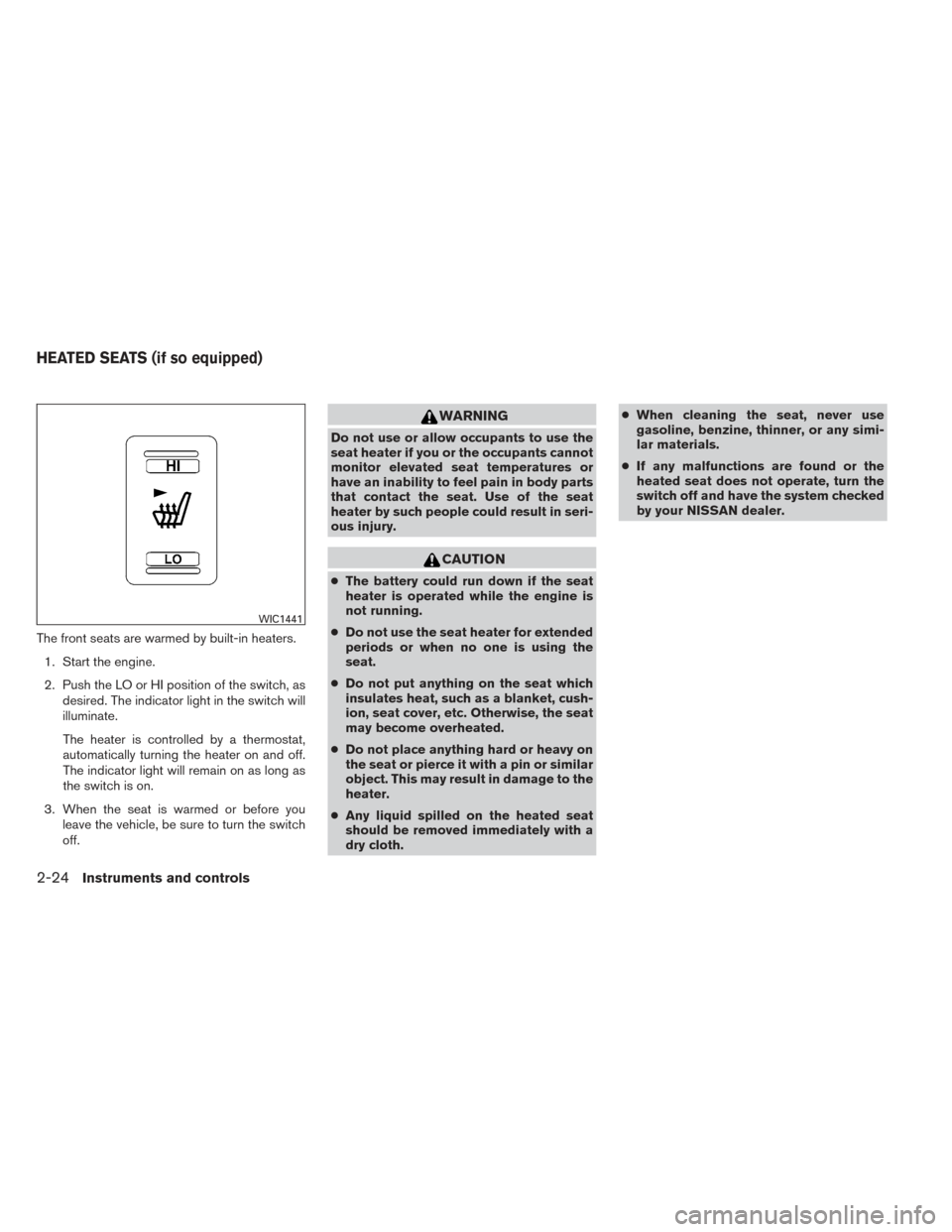
The front seats are warmed by built-in heaters.1. Start the engine.
2. Push the LO or HI position of the switch, as desired. The indicator light in the switch will
illuminate.
The heater is controlled by a thermostat,
automatically turning the heater on and off.
The indicator light will remain on as long as
the switch is on.
3. When the seat is warmed or before you leave the vehicle, be sure to turn the switch
off.
WARNING
Do not use or allow occupants to use the
seat heater if you or the occupants cannot
monitor elevated seat temperatures or
have an inability to feel pain in body parts
that contact the seat. Use of the seat
heater by such people could result in seri-
ous injury.
CAUTION
●The battery could run down if the seat
heater is operated while the engine is
not running.
● Do not use the seat heater for extended
periods or when no one is using the
seat.
● Do not put anything on the seat which
insulates heat, such as a blanket, cush-
ion, seat cover, etc. Otherwise, the seat
may become overheated.
● Do not place anything hard or heavy on
the seat or pierce it with a pin or similar
object. This may result in damage to the
heater.
● Any liquid spilled on the heated seat
should be removed immediately with a
dry cloth. ●
When cleaning the seat, never use
gasoline, benzine, thinner, or any simi-
lar materials.
● If any malfunctions are found or the
heated seat does not operate, turn the
switch off and have the system checked
by your NISSAN dealer.
WIC1441
HEATED SEATS (if so equipped)
2-24Instruments and controls
Page 101 of 372
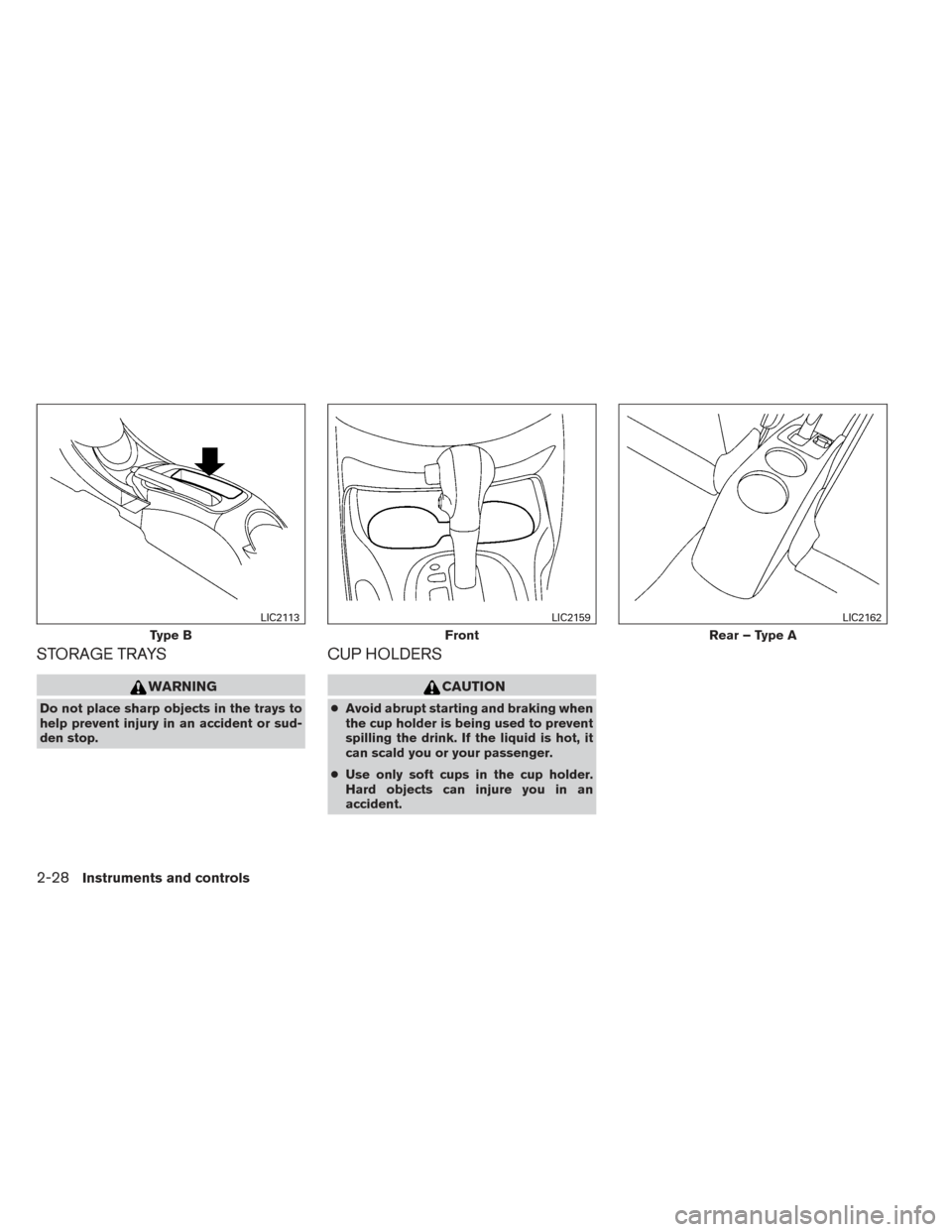
STORAGE TRAYS
WARNING
Do not place sharp objects in the trays to
help prevent injury in an accident or sud-
den stop.
CUP HOLDERS
CAUTION
●Avoid abrupt starting and braking when
the cup holder is being used to prevent
spilling the drink. If the liquid is hot, it
can scald you or your passenger.
● Use only soft cups in the cup holder.
Hard objects can injure you in an
accident.
Type B
LIC2113
Front
LIC2159
Rear – Type A
LIC2162
2-28Instruments and controls
Page 103 of 372
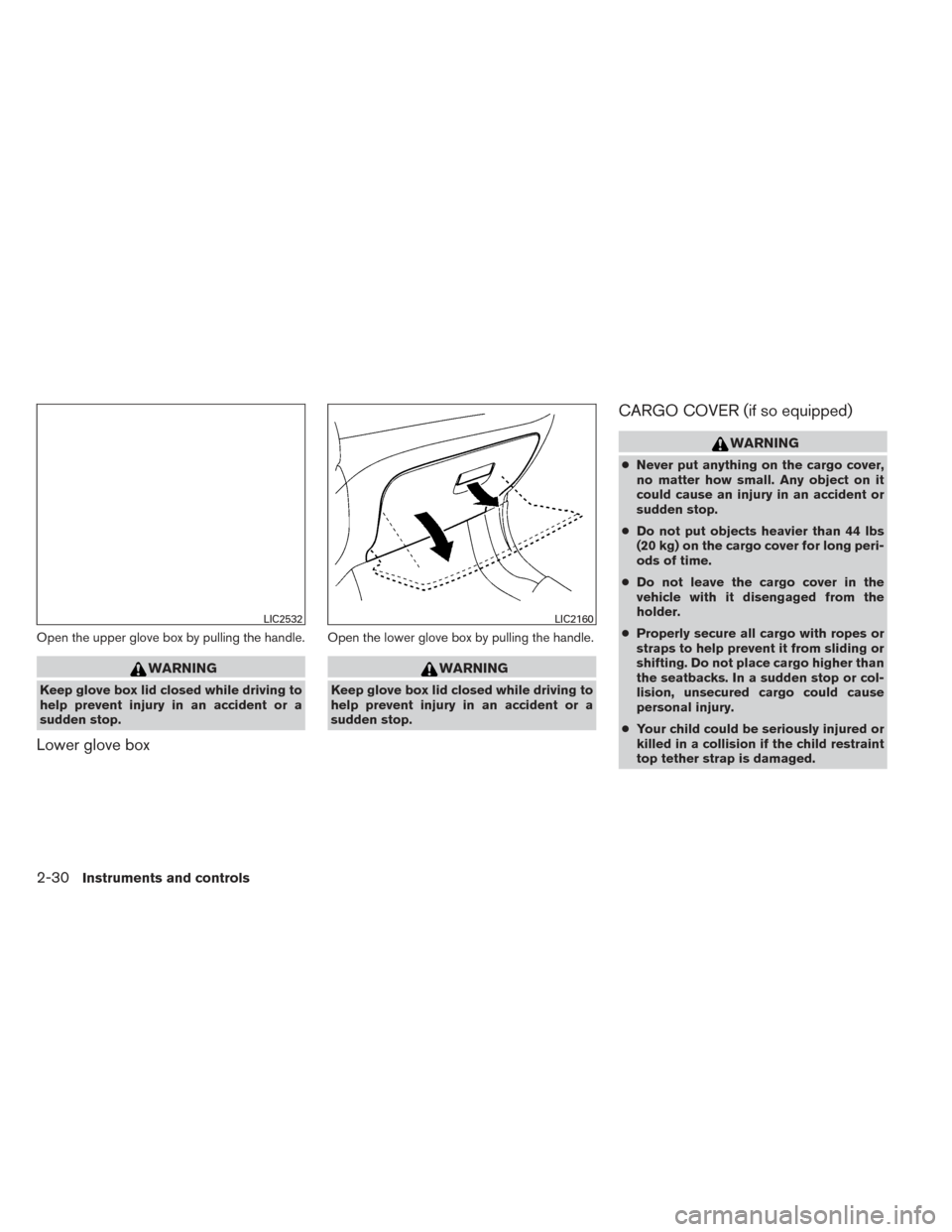
Open the upper glove box by pulling the handle.
WARNING
Keep glove box lid closed while driving to
help prevent injury in an accident or a
sudden stop.
Lower glove box
Open the lower glove box by pulling the handle.
WARNING
Keep glove box lid closed while driving to
help prevent injury in an accident or a
sudden stop.
CARGO COVER (if so equipped)
WARNING
●Never put anything on the cargo cover,
no matter how small. Any object on it
could cause an injury in an accident or
sudden stop.
● Do not put objects heavier than 44 lbs
(20 kg) on the cargo cover for long peri-
ods of time.
● Do not leave the cargo cover in the
vehicle with it disengaged from the
holder.
● Properly secure all cargo with ropes or
straps to help prevent it from sliding or
shifting. Do not place cargo higher than
the seatbacks. In a sudden stop or col-
lision, unsecured cargo could cause
personal injury.
● Your child could be seriously injured or
killed in a collision if the child restraint
top tether strap is damaged.
LIC2532LIC2160
2-30Instruments and controls
Page 105 of 372
WARNING
Do not put objects heavier than 110 lbs
(50 kg) on the load floor.
To lower: 1. Lift and open the panel.
2. Move the load floor along the upper trim panel channels toward the rear of vehicle
until it reaches the end of the slot.
3. Move the load floor along the lower trim panel channels toward the front of the ve-
hicle until the latches lock it into place.
4. Lift and close the panel. To raise:
1. Lift and open the panel
2. Move the load floor along the lower trim panel channels toward the rear of the vehicle
until it reaches the end of the slot.
3. Move the load floor along the upper trim panel channels toward the front of the ve-
hicle until the latches lock it into place.
4. Lift and close the panel.
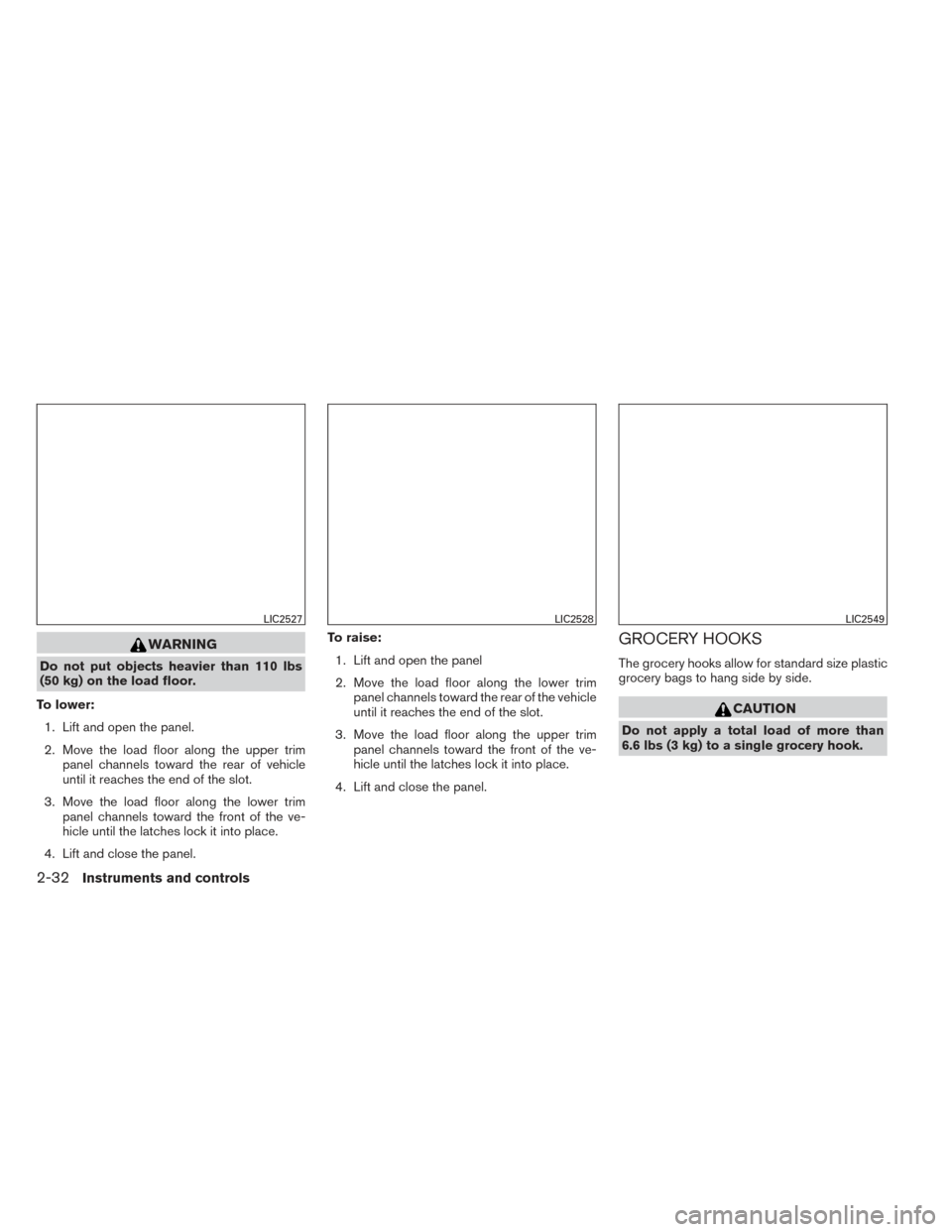
GROCERY HOOKS
The grocery hooks allow for standard size plastic
grocery bags to hang side by side.
CAUTION
Do not apply a total load of more than
6.6 lbs (3 kg) to a single grocery hook.
LIC2527LIC2528LIC2549
2-32Instruments and controls
Page 106 of 372
POWER WINDOWS (if so equipped)
WARNING
●Make sure that all passengers have
their hands, etc. inside the vehicle while
it is in motion and before closing the
windows. Use the window lock switch to
prevent unexpected use of the power
windows.
● Do not leave children unattended inside
the vehicle. They could unknowingly ac-
tivate switches or controls and become
trapped in a window. Unattended chil-
dren could become involved in serious
accidents.
The power windows operate when the ignition
switch is placed in the ON position, or for a
period of time after the ignition switch is placed in
the OFF position. If the driver’s or passenger’s
door is opened during this period of time, the
power to the windows is canceled.
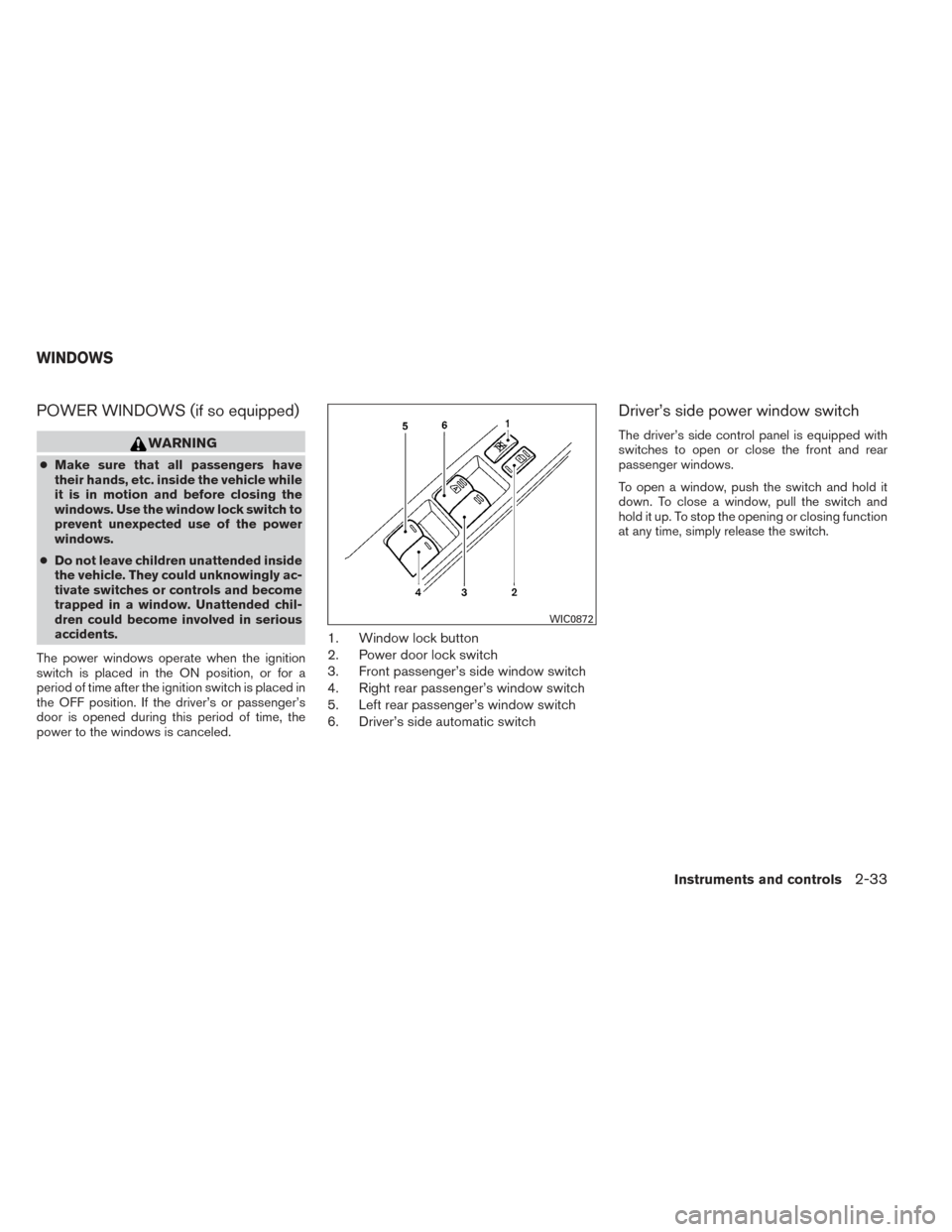
1. Window lock button
2. Power door lock switch
3. Front passenger’s side window switch
4. Right rear passenger’s window switch
5. Left rear passenger’s window switch
6. Driver’s side automatic switch
Driver’s side power window switch
The driver’s side control panel is equipped with
switches to open or close the front and rear
passenger windows.
To open a window, push the switch and hold it
down. To close a window, pull the switch and
hold it up. To stop the opening or closing function
at any time, simply release the switch.
WIC0872
WINDOWS
Instruments and controls2-33
Page 108 of 372
Auto-reverse function
The auto-reverse function can be activated when
a window is closed by automatic operation.
Depending on the environment or driving
conditions, the auto-reverse function may
be activated if an impact or load similar to
something being caught in the window oc-
curs.
WARNING
There are some small distances immedi-
ately before the closed position which
cannot be detected. Make sure that all
passengers have their hands, etc., inside
the vehicle before closing the window.
If the vehicle’s battery is disconnected, replaced,
or jump started, the power window auto-reverse
function may not operate properly. If this occurs,
please contact a NISSAN dealer to re-initialize
the power window auto-reverse system.
If the control unit detects something caught in a
window equipped with automatic operation as it
is closing, the window will be immediately low-
ered.
MANUAL WINDOWS (if so equipped)
The side windows can be opened or closed by
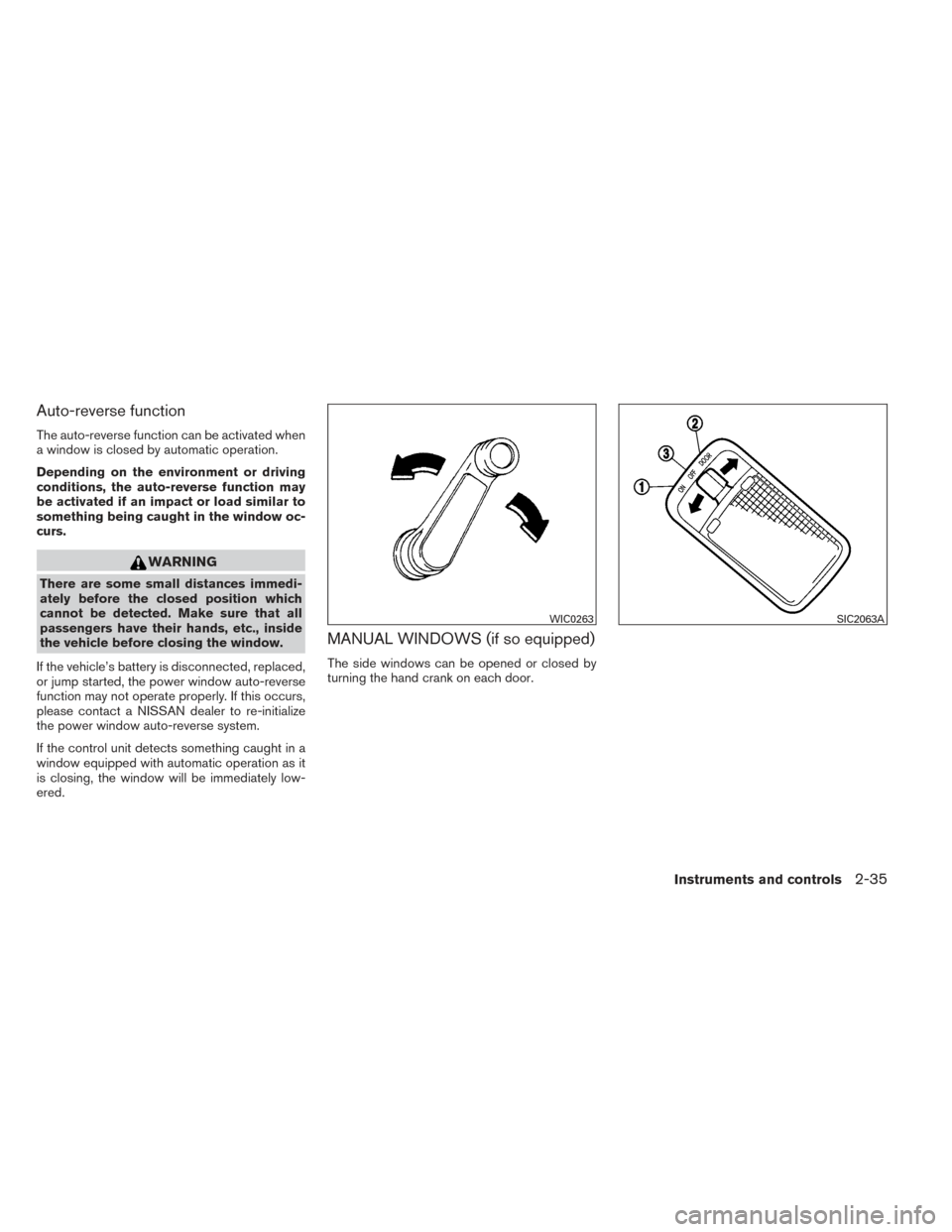
turning the hand crank on each door.
WIC0263SIC2063A
Instruments and controls2-35
Page 112 of 372
3 Pre-driving checks and adjustments
Keys .............................................3-2NISSAN Intelligent Key® (if so equipped) .........3-3
NISSAN vehicle immobilizer system keys
(if so equipped) ................................3-4
Doors ............................................3-5
Locking with key ................................3-5
Locking with inside lock knob ....................3-6
Locking with power door lock switch
(if so equipped) ................................3-6
Automatic door locks (if so equipped) .............3-7
Child safety rear door lock .......................3-7
Remote keyless entry system (models without
NISSAN Intelligent Key®) (if so equipped) ...........3-8
How to use remote keyless entry system ..........3-9
NISSAN Intelligent Key® (if so equipped) ...........3-11
Operating range ............................... 3-13
Door locks/unlocks precaution ..................3-14
NISSAN Intelligent Key® operation ..............3-14
How to use the remote keyless entry
function ...................................... 3-18Warning lights and audible reminders
............3-21
Warning signals ............................... 3-21
Troubleshooting guide ......................... 3-23
Hood ........................................... 3-24
Rear hatch ....................................... 3-25
Opening the rear hatch ......................... 3-25
Rear hatch release ............................. 3-26
Fuel-filler door ................................... 3-26
Opener operation .............................. 3-26
Fuel-filler cap . . ............................... 3-27
Steering wheel ................................... 3-29
Tilt operation .................................. 3-29
Sun visors ....................................... 3-29
Vanity mirrors (if so equipped) ...................3-30
Mirrors .......................................... 3-30
Rearview mirror ............................... 3-30
Outside mirrors ............................... 3-30
Page 116 of 372
After the registration process, these components
will only recognize keys coded into the NISSAN
Vehicle Immobilizer System during registration.
Any key that is not given to your dealer at the time
of registration will no longer be able to start your
vehicle.
CAUTION
Do not allow the immobilizer system key,
which contains an electrical transponder,
to come into contact with water or salt
water. This could affect system function.When the doors are locked using one of the
following methods, the doors cannot be opened
using the inside or outside door handles. The
doors must be unlocked to open the doors.
WARNING
●
Always have the doors locked while
driving. Along with the use of seat belts,
this provides greater safety in the event
of an accident by helping to prevent
persons from being thrown from the
vehicle. This also helps keep children
and others from unintentionally open-
ing the doors, and will help keep out
intruders.
● Before opening any door, always look
for and avoid oncoming traffic.
● Do not leave children unattended inside
the vehicle. They could unknowingly ac-
tivate switches or controls. Unattended
children could become involved in seri-
ous accidents.
LOCKING WITH KEY
Manual (if so equipped)
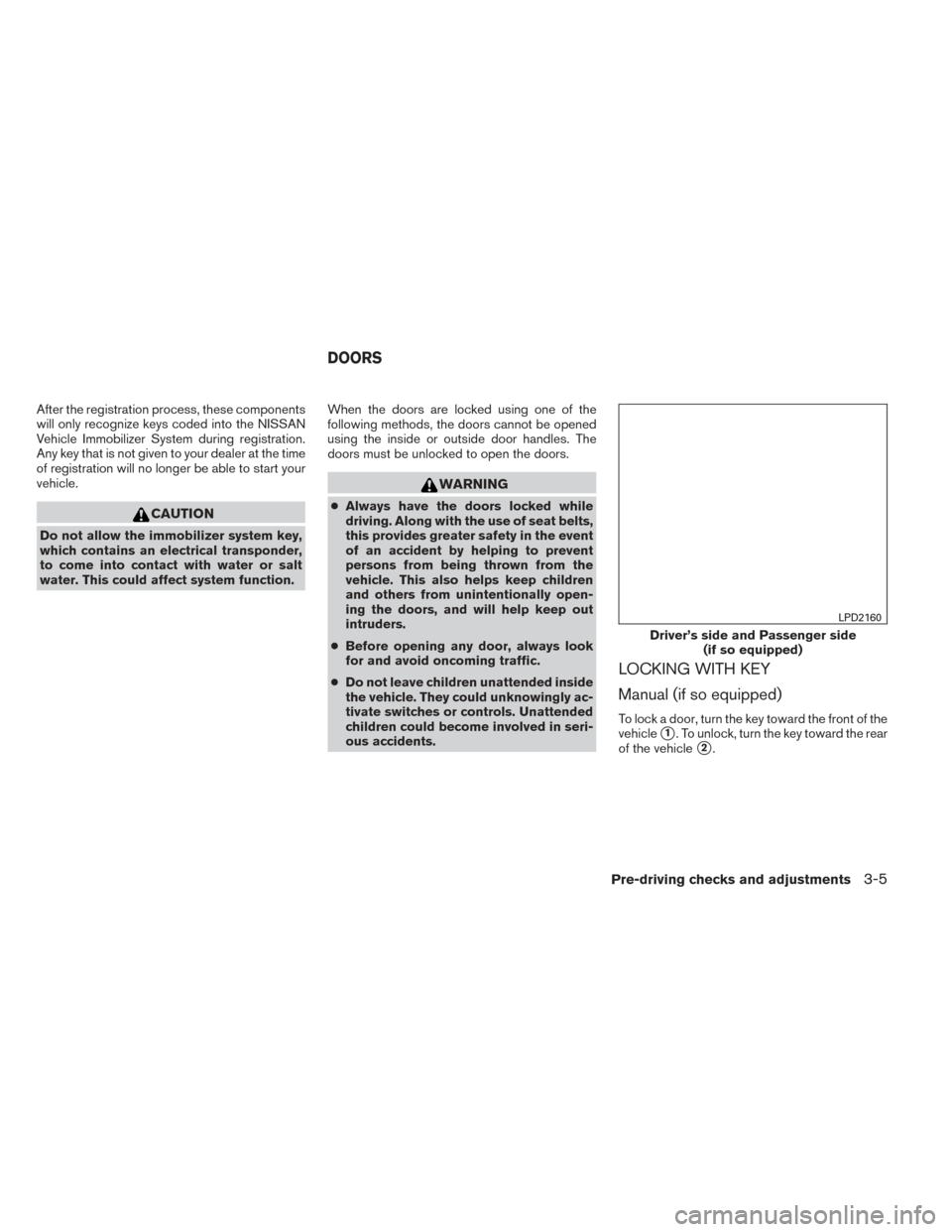
To lock a door, turn the key toward the front of the
vehicle
�1. To unlock, turn the key toward the rear
of the vehicle
�2.
Driver’s side and Passenger side (if so equipped)
LPD2160
DOORS
Pre-driving checks and adjustments3-5