Page 266 of 455
10. The system will announce that voice adap-tation has been completed and the system is
ready.
The VA mode will stop if:
● The
button is pressed for more than 5
seconds in VA mode.
● The vehicle begins moving during VA mode.
● The ignition switch is placed in the OFF or
LOCK position.
Training phrases
During the VA mode, the system instructs the
trainer to say the following phrases. (The system
will prompt you for each phrase.)
● phonebook transfer entry
● dial three oh four two nine
● delete call back number
● incoming
● transfer entry
● eight pause nine three two pause seven
● delete all entries
● call seven two four zero nine
● phonebook delete entry ●
next entry
● dial star two one seven oh
● yes
● no
● select
● missed
● dial eight five six nine two
● Bluetooth on
● outgoing
● call three one nine oh two
● nine seven pause pause three oh eight
● cancel
● call back number
● call star two zero nine five
● delete phone
● dial eight three zero five one
● record name
● four three pause two nine pause zero
● delete redial number
● phonebook list names ●
call eight oh five four one
● correction
● connect phone
● dial seven four oh one eight
● previous entry
● delete
● dial nine seven two six six
● call seven six three oh one
● go back
● call five six two eight zero
● dial six six four three seven
MANUAL CONTROL
While using the voice recognition system, it is
possible to select menu options by using the
steering wheel controls instead of speaking voice
commands. The manual control mode does not
allow dialing a phone number by digits. The user
may select an entry from the Phonebook or Re-
cent Calls lists. To re-activate voice recognition,
exit the manual control mode by pressing and
holding the PHONE/END (
) button. At that
time, pressing the PHONE/SEND (
) button
will start the Hands Free Phone System.
Monitor, climate, audio, phone and voice recognition systems4-95
Page 267 of 455
Operating tips
●To enter manual control mode, start the
voice recognition system and tilt the tuning
(
) switch up or down. The system will
speak �Showing Manual Options� when
manual controls are initially activated.
● To browse the menu options, tilt the tuning
(
) switch up or down. The system will
always speak the current menu option. De-
pending on the audio display, it will also
show the current menu option.
● To select the current menu option, press the
PHONE/SEND (
) button.
● To go back to the previous menu, press the
PHONE/END (
) button. If the current
menu is the Main Menu, pressing the
PHONE/END (
) button will exit the
Phone system.
● To exit the manual control mode, press and
hold the PHONE/END (
) button for 5
seconds.
4-96Monitor, climate, audio, phone and voice recognition systems
Page 272 of 455
●If you want to adjust the volume of the voice
feedback, press the volume control switches
(+ or -) on the steering wheel while being
provided with feedback. You can also use
the radio volume control knob.
● In most cases you can interrupt the voice
feedback to speak the next command by
pressing the
button on the steering
wheel.
● To use the system faster, you may speak the
second level commands with the main menu
command on the main menu. For example,
press the
button and after the tone
say, “Call Redial.”
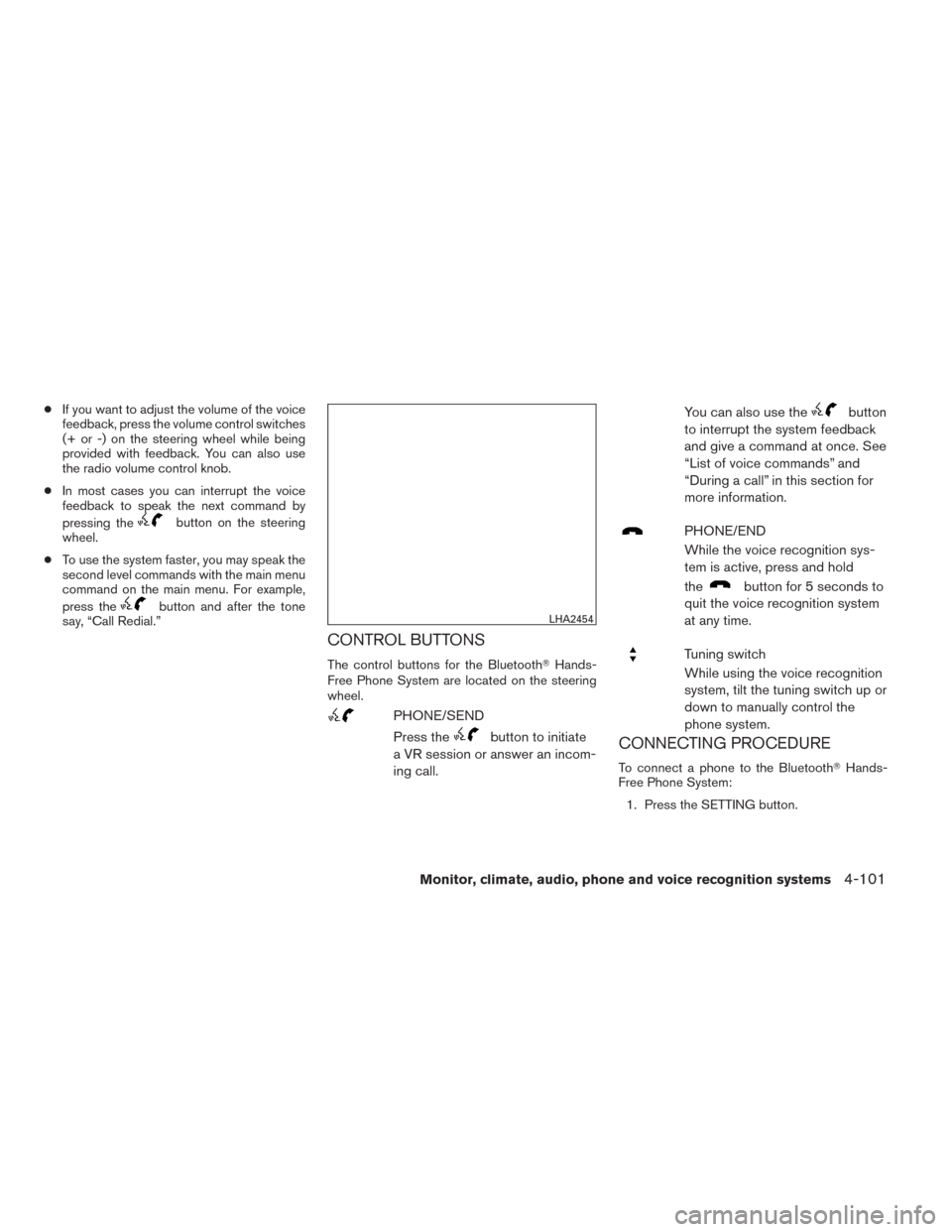
CONTROL BUTTONS
The control buttons for the Bluetooth� Hands-
Free Phone System are located on the steering
wheel.
PHONE/SEND
Press the
button to initiate
a VR session or answer an incom-
ing call. You can also use the
button
to interrupt the system feedback
and give a command at once. See
“List of voice commands” and
“During a call” in this section for
more information.
PHONE/END
While the voice recognition sys-
tem is active, press and hold
the
button for 5 seconds to
quit the voice recognition system
at any time.
Tuning switch
While using the voice recognition
system, tilt the tuning switch up or
down to manually control the
phone system.
CONNECTING PROCEDURE
To connect a phone to the Bluetooth� Hands-
Free Phone System:
1. Press the SETTING button.
LHA2454
Monitor, climate, audio, phone and voice recognition systems4-101
Page 275 of 455
“Send Text / Read Text”
For more information on these commands, see
“Text messaging” in this section.
“Select Phone”
Speak this command to select a phone to use
from a list of those phones connected to the
vehicle.
MAKING A CALL
To make a call from a phone connected to the
vehicle’s Bluetooth�Hands-Free Phone System:
● Press the
button.
● The system will prompt you for a command.
● Select one of the available voice commands
to continue:
● “(a name)” – Speak the name of a phone-
book entry to place a call to that entry. The
system will respond with the name it inter-
preted from your command and will prompt
you to confirm that the name is correct. Say
“Yes” to initiate the call or “No” to hear an-
other name from the phonebook. ●
“Number” – Speak this command to place a
call by inputting numbers.
For 7- and 10-digit phone numbers, speak
the numbers. When finished, say “Dial” to
initiate the call. Say “Correction” at any time
in the process to correct a misspoken or
misinterpreted number.
For phone numbers with more digits or spe-
cial characters, say “Special Number”, then
speak the digits. Up to 24 digits can be
entered. Available special characters are
“star”, “pound”, “plus” and “pause”. When
finished, say “Dial” to initiate the call. Say
“Correction” at any time in the process to
correct a misspoken or misinterpreted num-
ber or character.
● “Redial” – Speak this command to dial the
number of the last outgoing call. The system
will display “Redialing ”.
The name of the phonebook entry will be
displayed if it available, otherwise the num-
ber being redialed will be displayed.
● “Call Back” –Speak this command to dial the
number of the last incoming call. The system
will display “Calling back
The name of the phonebook entry will be
displayed if it available, otherwise the num-
ber being called back will be displayed.
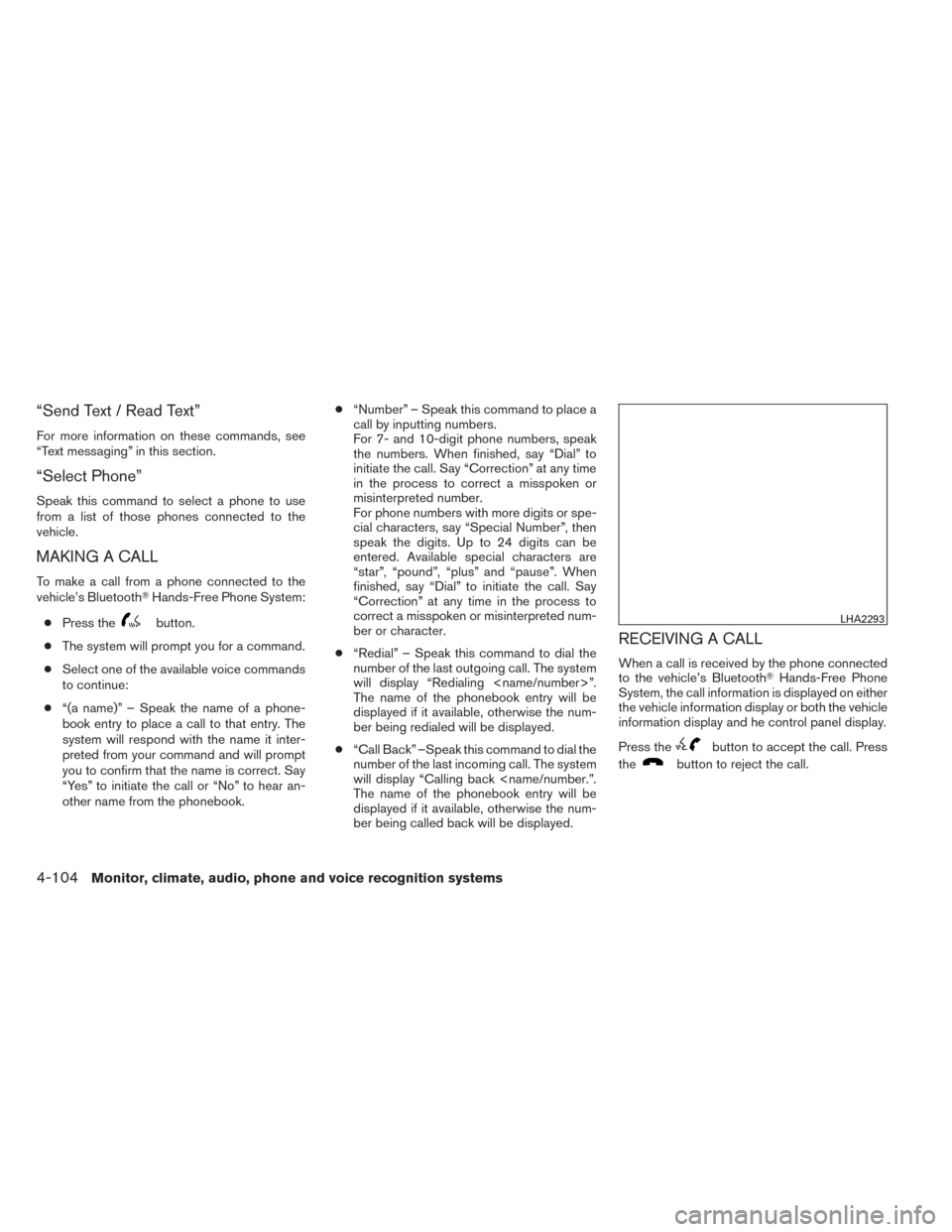
RECEIVING A CALL
When a call is received by the phone connected
to the vehicle’s Bluetooth� Hands-Free Phone
System, the call information is displayed on either
the vehicle information display or both the vehicle
information display and he control panel display.
Press the
button to accept the call. Press
the
button to reject the call.
LHA2293
4-104Monitor, climate, audio, phone and voice recognition systems
Page 280 of 455
●Auto Reply
Select to turn on or off the Auto Reply func-
tion. When enabled, the vehicle will auto-
matically send a predefined text message to
the sender when a text message is received
while driving.
● Auto Reply Message
Select to choose the message that is sent
when the Auto Reply function is enabled.
Choose from “I’m Driving” or one of the three
custom messages stored in the system.
● Vehicle Signature On/Off
Select to choose whether or not the vehicle
signature is added to outgoing text mes-
sages from the vehicle. This message can-
not be changed or customized.
MANUAL CONTROL
While using the Voice Recognition system, it is
possible to select menu options by using the
steering wheel controls instead of speaking voice
commands. The manual control mode does not
allow dialing a phone number by digits. The user
may select an entry from the Phonebook or Re-
cent Calls lists. To re-activate Voice Recognition,
exit the manual control mode by pressing and
holding the PHONE/END (
) button. At that
time, pressing the PHONE/SEND (
) button
will start the Hands Free Phone System.
WARNING
● Use a phone after stopping your vehicle
in a safe location. If you have to use a
phone while driving, exercise extreme
caution at all times so full attention may
be given to vehicle operation.
● If you are unable to devote full attention
to vehicle operation while talking on
the phone, pull off the road to a safe
location and stop your vehicle.
CAUTION
To avoid discharging the vehicle battery,
use a phone after starting the engine.
BLUETOOTH� HANDS-FREE PHONE
SYSTEM WITH NAVIGATION SYSTEM
(if so equipped)
Monitor, climate, audio, phone and voice recognition systems4-109
Page 283 of 455
CONNECTING PROCEDURE
1. Press the MENU button on the controlpanel.
2. Select the “Settings” key. 3. Select the “Phone & Bluetooth” key.
LHA2253LHA2248
4-112Monitor, climate, audio, phone and voice recognition systems
Page 284 of 455
4. Select the “Connect New Device” key.
5. Initiate the connecting process from thehandset. The system will display the mes-
sage: “Is PIN XXXXXX displayed on your
Bluetooth device?”. If the PIN is displayed
on your Bluetooth� device, select “Yes” to
complete the connecting process.
For more information, see the Bluetooth� de-
vice’s Owner’s Manual.VEHICLE PHONEBOOK
To access the vehicle phonebook:
1. Press the
button on the control panel.
2. Select the “Phonebook” key. 3. Choose the desired entry from the displayed
list.
NOTE:
To scroll quickly through the list, touch the
“A-Z” key in the upper right corner of the
screen. Turn the TUNE/SCROLL knob to
choose a letter or number and then press
ENTER. The list will move to the first entry
that begins with that number or letter. 4. The number of the entry will be displayed on the screen. Touch the number to initiate di-
aling.
LHA2265LHA2297LHA2279
Monitor, climate, audio, phone and voice recognition systems4-113
Page 286 of 455
DURING A CALL
While a call is active, the following options are
available on the screen:● “Handset”
Select this option to switch control of the
phone call over to the handset.
● “Mute Mic.”
Select this option to mute the microphone.
Select again to unmute the microphone.
● Red phone (
) icon
Select to end the phone call.
ENDING A CALL
To end a phone call, select the red phone ()
icon on the screen or press the
button on
the steering wheel.
TEXT MESSAGING
WARNING
● Use the text messaging feature after
stopping your vehicle in a safe location.
If you have to use the feature while
driving, exercise extreme caution at all
times so full attention may be given to
vehicle operation.
● If you are unable to devote full attention
to vehicle operation while using the text
messaging feature, pull off the road to a
safe location and stop your vehicle.
LHA2299LHA2300
Monitor, climate, audio, phone and voice recognition systems4-115