2014 NISSAN PATHFINDER HYBRID battery
[x] Cancel search: batteryPage 66 of 571
The current sensor is located near the battery
along the negative battery cable. If you add elec-
trical accessories to your vehicle, be sure to
ground them to a suitable body ground such as
the frame or engine block area.
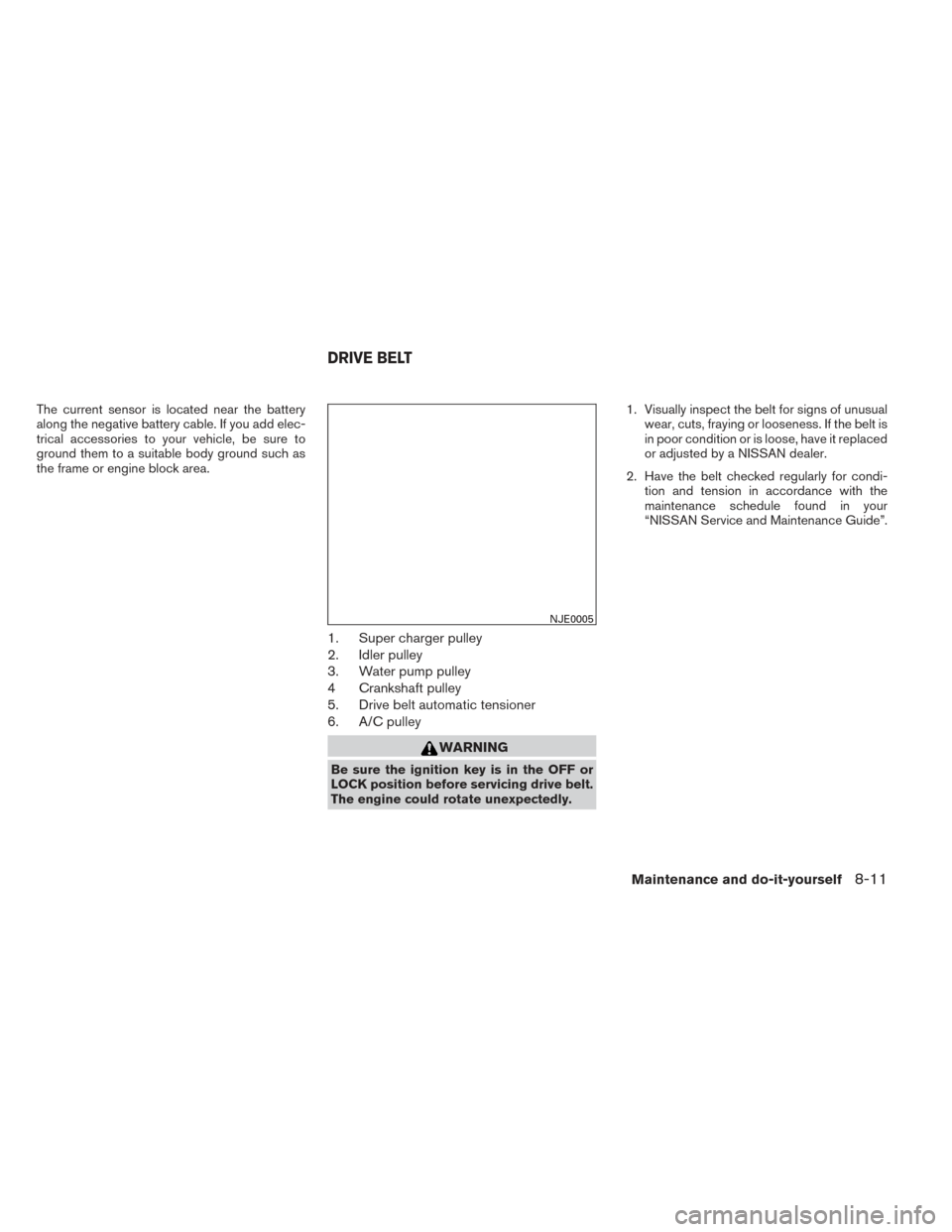
1. Super charger pulley
2. Idler pulley
3. Water pump pulley
4 Crankshaft pulley
5. Drive belt automatic tensioner
6. A/C pulley
WARNING
Be sure the ignition key is in the OFF or
LOCK position before servicing drive belt.
The engine could rotate unexpectedly.1. Visually inspect the belt for signs of unusual
wear, cuts, fraying or looseness. If the belt is
in poor condition or is loose, have it replaced
or adjusted by a NISSAN dealer.
2. Have the belt checked regularly for condi- tion and tension in accordance with the
maintenance schedule found in your
“NISSAN Service and Maintenance Guide”.
NJE0005
DRIVE BELT
Maintenance and do-it-yourself8-11
Page 76 of 571
10 Index
A
Anti-lock brake warning light ..........2-3
B
Battery ......................8-9
Chargewarninglight.............2-4
Before starting the engine ............5-3
Belt (See drive belt) ..............8-11
Brake Brakelight(Seestoplight).........8-13
Brake system .................5-7
Bulb replacement ................8-13
C
Capacities and recommended
fuel/lubricants ...................9-2
Coolant Capacities and recommended
fuel/lubricants.................9-2
Checking inverter coolant level .......8-6
D
Drive belt ....................8-11 E
Engine Before starting the engine ..........5-3
Capacities and recommended
fuel/lubricants.................9-2
Changingengineoil.............8-7
Changing engine oil filter ..........8-8
Checking engine oil level ..........8-6
Engine compartment check locations ....8-4
Engine oil ...................8-6
Engine oil and oil filter recommendation . .9-4
Engine specifications ............9-5
Starting the engine ..............5-4
F
Fluid Capacities and recommended
fuel/lubricants.................9-2
Engine oil ...................8-6
Inverter coolant ................8-5
Fuel Capacities and recommended
fuel/lubricants.................9-2
Fuel recommendation ............9-3 G
Gauge Power meter .................2-2
H
High voltage components .........HEV-10
Hybrid System Stops operating while driving ........6-2
Vehicle does not start ............6-2
Hybrid vehicle characteristics .......HEV-12
I
Ignition Switch Push-Button Ignition Switch .........5-2
Indicator lights and audible reminders
(See warning/indicator lights and audible
reminders) ....................2-3
Inverter Checking inverter coolant level .......8-6
Inverter cooling system ...........8-5
J
Jump starting ...................6-3
Page 77 of 571
L
Light Brakelight(Seestoplight).........8-13
Bulb replacement ..............8-13
Chargewarninglight.............2-4
Warning/indicator lights and audible
reminders ...................2-3
Lowfuelwarninglight...............2-5
M
Maintenance Insidethevehicle...............8-2
Outsidethevehicle..............8-2
Under the hood and vehicle .........8-3
Meters and gauges ................2-2
O
Oil Capacities and recommended
fuel/lubricants .................9-2
Changing engine oil ..............8-7
Changing engine oil filter ...........8-8
Checking engine oil level ...........8-6
Engine oil ...................8-6
Engine oil and oil filter recommendation . . .9-4
P
Powermeter....................2-2 S
Starting Before starting the engine ..........5-3
Jump starting .................6-3
Starting the engine ..............5-4
Stoplight.....................8-13
T
Towing Towing load/specification ...........9-6
V
Variable voltage control system .........8-11
Vehicle does not start ...............6-2
W
Warning Anti-lock brake warning light .........2-3
Battery charge warning light .........2-4
Low fuel warning light .............2-5
Warning/indicator lights and audible
reminders ...................2-3
Warning lights ...................2-3
10-2
Page 94 of 571
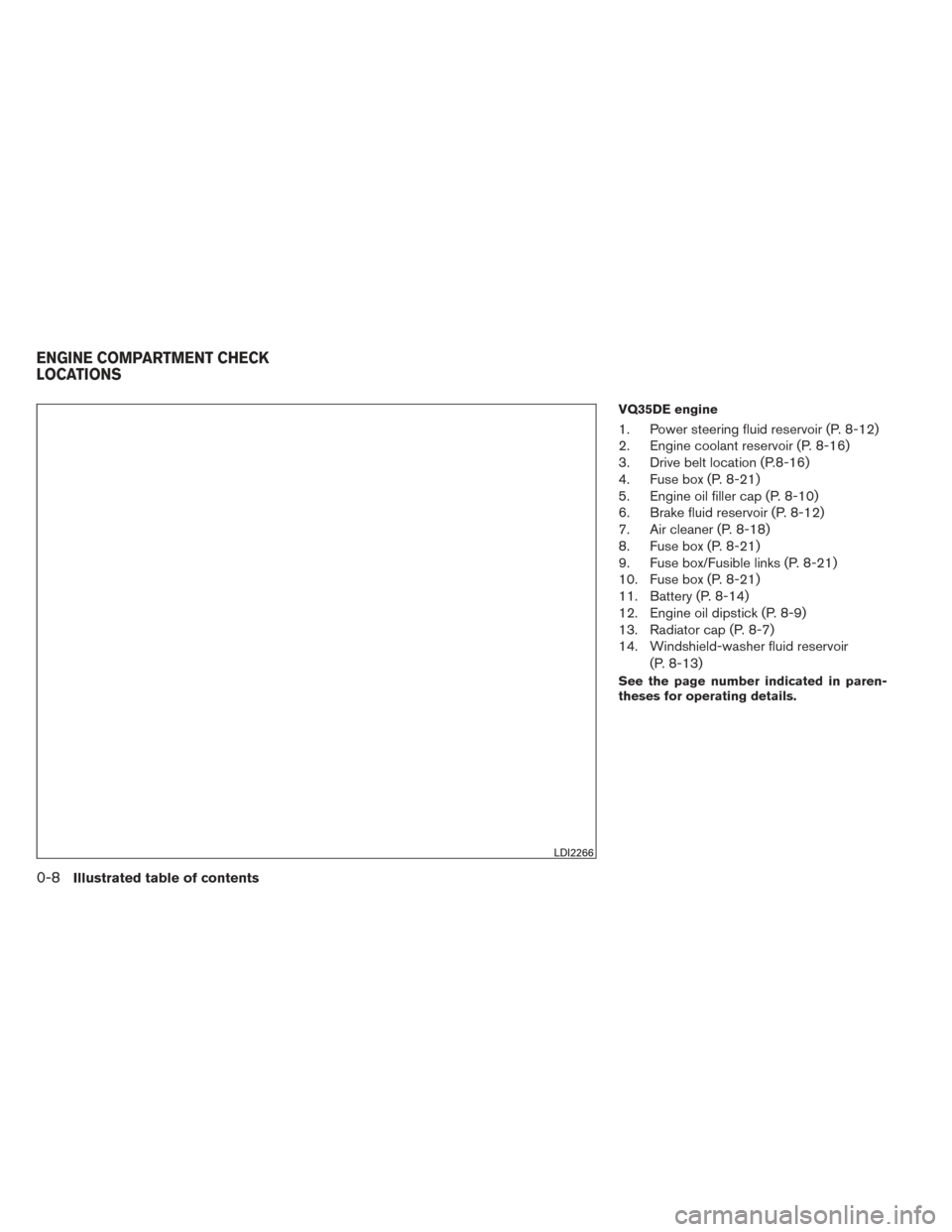
VQ35DE engine
1. Power steering fluid reservoir (P. 8-12)
2. Engine coolant reservoir (P. 8-16)
3. Drive belt location (P.8-16)
4. Fuse box (P. 8-21)
5. Engine oil filler cap (P. 8-10)
6. Brake fluid reservoir (P. 8-12)
7. Air cleaner (P. 8-18)
8. Fuse box (P. 8-21)
9. Fuse box/Fusible links (P. 8-21)
10. Fuse box (P. 8-21)
11. Battery (P. 8-14)
12. Engine oil dipstick (P. 8-9)
13. Radiator cap (P. 8-7)
14. Windshield-washer fluid reservoir(P. 8-13)
See the page number indicated in paren-
theses for operating details.
LDI2266
ENGINE COMPARTMENT CHECK
LOCATIONS
0-8Illustrated table of contents
Page 100 of 571
FRONT POWER SEAT ADJUSTMENT
(if so equipped)
Operating tips
●The power seat motor has an auto-reset
overload protection circuit. If the motor
stops during operation, wait 30 seconds,
then reactivate the switch.
● Do not operate the power seat switch for a
long period of time when the engine is off.
This will discharge the battery.
See “Automatic drive positioner” in “Pre-driving
checks and adjustments” for automatic drive po-
sitioner operation.
Forward and backward
Moving the switch forward or backward will slide
the seat forward or backward to the desired
position.
Reclining
Move the recline switch backward until the de-
sired angle is obtained. To bring the seatback
forward again, move the switch forward and
move your body forward. The seatback will move
forward. The reclining feature allows adjustment of the
seatback for occupants of different sizes for
added comfort and to help obtain proper seat
belt fit. See “Precautions on seat belt usage” later
in this section. Also, the seatback can be reclined
to allow occupants to rest when the vehicle is
stopped and the shift lever is in P (Park) .
LRS2130
1-4Safety—Seats, seat belts and supplemental restraint system
Page 177 of 571
If the ABS light comes on while the engine is
running, it may indicate the anti-lock braking sys-
tem is not functioning properly. Have the system
checked by a NISSAN dealer.
If an ABS malfunction occurs, the anti-lock func-
tion is turned off. The brake system then operates
normally, but without anti-lock assistance. See
“Brake system” in the “Starting and driving” sec-
tion.
orBrake warning light
This light functions for both the parking brake and
the foot brake systems.
Low brake fluid warning light
When the ignition switch is placed in the ON
position, the light warns of a low brake fluid level.
If the light comes on while the engine is running
with the parking brake not applied, stop the ve-
hicle and perform the following:1. Check the brake fluid level. Add brake fluid as necessary. See “Brake fluid” in the “Main-
tenance and do-it-yourself” section of this
manual.
2. If the brake fluid level is correct, have the warning system checked by a NISSAN
dealer.
WARNING
●Your brake system may not be working
properly if the warning light is on. Driv-
ing could be dangerous. If you judge it
to be safe, drive carefully to the nearest
service station for repairs. Otherwise,
have your vehicle towed because driv-
ing it could be dangerous.
● Pressing the brake pedal with the en-
gine stopped and/or a low brake fluid
level may increase your stopping dis-
tance and braking will require greater
pedal effort as well as pedal travel.
● If the brake fluid level is below the
MINIMUM or MIN mark on the brake
fluid reservoir, do not drive until the
brake system has been checked at a
NISSAN dealer.
Anti-lock Braking System (ABS) warning
indicator
When the parking brake is released and the
brake fluid level is sufficient, if both the brake
warning light and the Anti-lock Braking System
(ABS) warning light illuminate, it may indicate the
ABS is not functioning properly. Have the brake
system checked, and if necessary, repaired by a
NISSAN dealer promptly. Avoid high-speed driv- ing and abrupt braking. (See “Anti-lock Braking
System (ABS) warning light” in this section.)Charge warning light
If this light comes on while the engine is running,
it may indicate the charging system is not func-
tioning properly. Turn the engine off and check
the generator belt. If the belt is loose, broken,
missing, or if the light remains on, see a NISSAN
dealer immediately.
CAUTION
●
Do not ground electrical accessories
directly to the battery terminal. Doing
so will bypass the variable control sys-
tem and the vehicle battery may not
charge completely. Refer to “Variable
voltage control system (if so equipped)
” in the “Maintenance and do-it-
yourself” section later in this manual.
● Do not continue driving if the generator
belt is loose, broken or missing.
Low tire pressure warning light
Your vehicle is equipped with a Tire Pressure
Monitoring System (TPMS) that monitors the tire
pressure of all tires except the spare.
Instruments and controls2-11
Page 185 of 571
operation is performed once. From the Vehicle
Settings menu, select “Selective Unlock”. Use
the ENTER button to activate this function.
Auto Door Unlock
The auto door unlock function automatically un-
locks all the doors when the shift lever is placed in
the P (Park) position. From the Vehicle Settings
menu, select “Auto Door Unlock”. Use the EN-
TER button to enable/disable this function.
Answer back horn
When the answer back horn is on the horn will
chirp and the hazard indicators will flash once
when locking the vehicle with the Intelligent Key.
Remote Start (if so equipped)
The remote start function can be turned on or off.
If the setting is OFF the vehicle cannot be started
using the intelligent key. From the Vehicle Set-
tings menu, select “Remote Start”. Use the EN-
TER button to enable/disable.
Battery Saver
The battery saver automatically turns off the igni-
tion after a period of time when the ignition switch
is left in the ACC or ON position.Exit Seat Slide (if so equipped)
When the Exit seat slide is ON the driver’s seat
will move backward for easy exit when the ignition
switch is placed in the OFF position and the
driver’s door is opened.
After getting into the vehicle and placing the
ignition switch in the ACC position, the driver’s
seat will move to the previous set position. For
more information for setting the seat position see
“Automatic drive positioner” in the “Pre-driving
checks and adjustments” section. Use the EN-
TER button to enable/disable this function.
Exit steering up (if so equipped)
When the exit steering up is turned ON, the
steering wheel moving upward for easy exit when
the ignition switch is in the OFF position and the
driver’s door is opened.
After getting into the vehicle and placing the
ignition switch in the ACC position, the steering
wheel moves to the previous position. For more
information for setting the steering wheel posi-
tion, see “Tilt and telescopic operation” in the
“Pre-driving checks and adjustments” section.
Use the ENTER button to enable/disable this
function.Main Menu Selection
The items that display can be enabled/disabled
when the ignition switch is placed in the ON
position. To change the items that display.
Use the
button to select and the ENTER
button to change a menu item:
● Trip Computer
● Fuel Economy
● Tire Pressures (if so equipped)
● 4WD (if so equipped)
Trip Computer
The trip computer can be enabled/disabled to
display in the vehicle information display when
the ignition switch is placed in the ON position.
From the “Main Menu Selection” select “Trip
Computer” to display in the vehicle information
display when the ignition is placed in the ON
position.
Fuel Economy
The fuel economy can be enabled/disabled to
display in the vehicle information display when
the ignition switch is placed in the ON position.
Instruments and controls2-19
Page 189 of 571
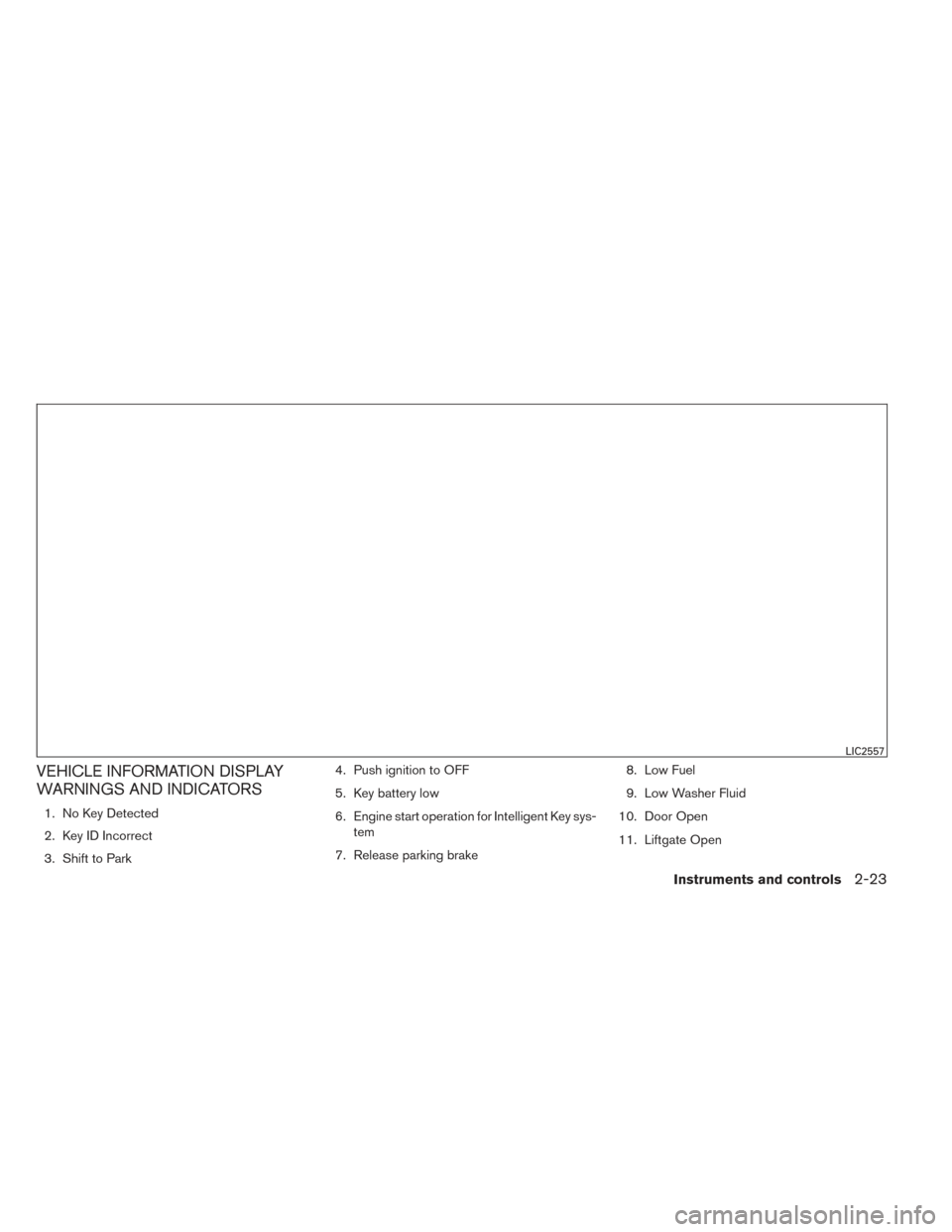
VEHICLE INFORMATION DISPLAY
WARNINGS AND INDICATORS
1. No Key Detected
2. Key ID Incorrect
3. Shift to Park4. Push ignition to OFF
5. Key battery low
6. Engine start operation for Intelligent Key sys-
tem
7. Release parking brake 8. Low Fuel
9. Low Washer Fluid
10. Door Open
11. Liftgate Open
LIC2557
Instruments and controls2-23