2014 MERCEDES-BENZ E-Class Mp3
[x] Cancel search: Mp3Page 247 of 270
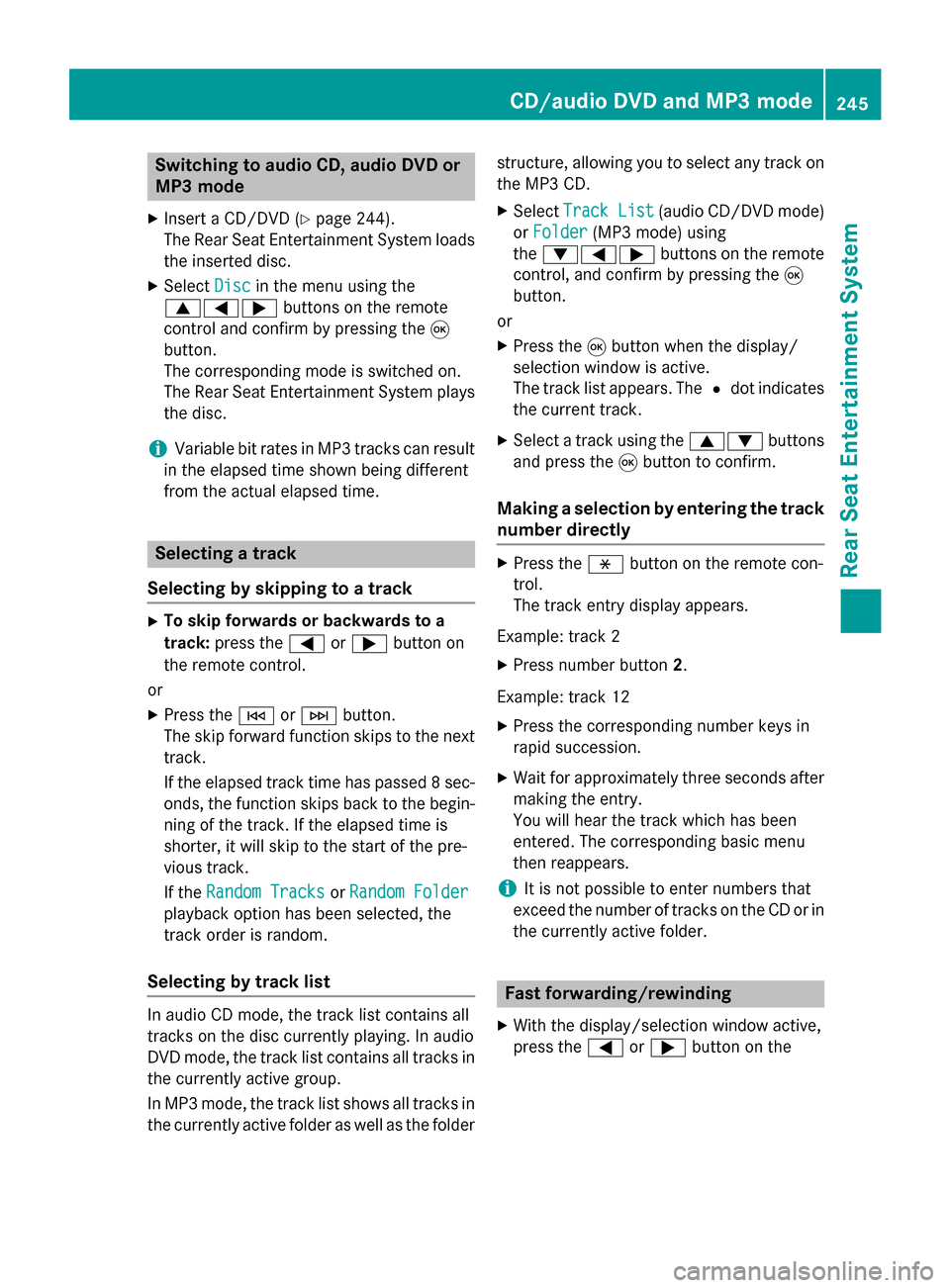
Switching to audio CD, audio DVD or
MP3 mode
X Insert a CD/DVD (Y page 244).
The Rear Seat Entertainment System loads the inserted disc.
X Select Disc
Disc in the menu using the
006300590065 buttons on the remote
control and confirm by pressing the 008B
button.
The corresponding mode is switched on.
The Rear Seat Entertainment System plays
the disc.
i Variable bit rates in MP3 tracks can result
in the elapsed time shown being different
from the actual elapsed time. Selecting a track
Selecting by skipping to a track X
To skip forwards or backwards to a
track: press the 0059or0065 button on
the remote control.
or
X Press the 0048or0049 button.
The skip forward function skips to the next track.
If the elapsed track time has passed 8 sec- onds, the function skips back to the begin-
ning of the track. If the elapsed time is
shorter, it will skip to the start of the pre-
vious track.
If the Random Tracks Random Tracks orRandom Folder
Random Folder
playback option has been selected, the
track order is random.
Selecting by track list In audio CD mode, the track list contains all
tracks on the disc currently playing. In audio
DVD mode, the track list contains all tracks in
the currently active group.
In MP3 mode, the track list shows all tracks in the currently active folder as well as the folder structure, allowing you to select any track on
the MP3 CD.
X Select Track List
Track List (audio CD/DVD mode)
or Folder Folder (MP3 mode) using
the 006400590065 buttons on the remote
control, and confirm by pressing the 008B
button.
or
X Press the 008Bbutton when the display/
selection window is active.
The track list appears. The 0036dot indicates
the current track.
X Select a track using the 00630064buttons
and press the 008Bbutton to confirm.
Making a selection by entering the track number directly X
Press the 007Ebutton on the remote con-
trol.
The track entry display appears.
Example: track 2
X Press number button 2.
Example: track 12
X Press the corresponding number keys in
rapid succession.
X Wait for approximately three seconds after
making the entry.
You will hear the track which has been
entered. The corresponding basic menu
then reappears.
i It is not possible to enter numbers that
exceed the number of tracks on the CD or in
the currently active folder. Fast forwarding/rewinding
X With the display/selection window active,
press the 0059or0065 button on the CD/audio DVD and MP3 mode
245Rear Seat Entertainment System Z
Page 248 of 270
remote control repeatedly until you reach
the desired position.
or
X Press and hold the 0048or0049 button
until the desired position is reached. Selecting a folder
This function is only available in MP3 mode.
X Select Folder Folder in MP3 mode using
the 006400590065 buttons on the remote
control and press the 008Bbutton to confirm.
or
X Press the 008Bbutton when the display/
selection window is active.
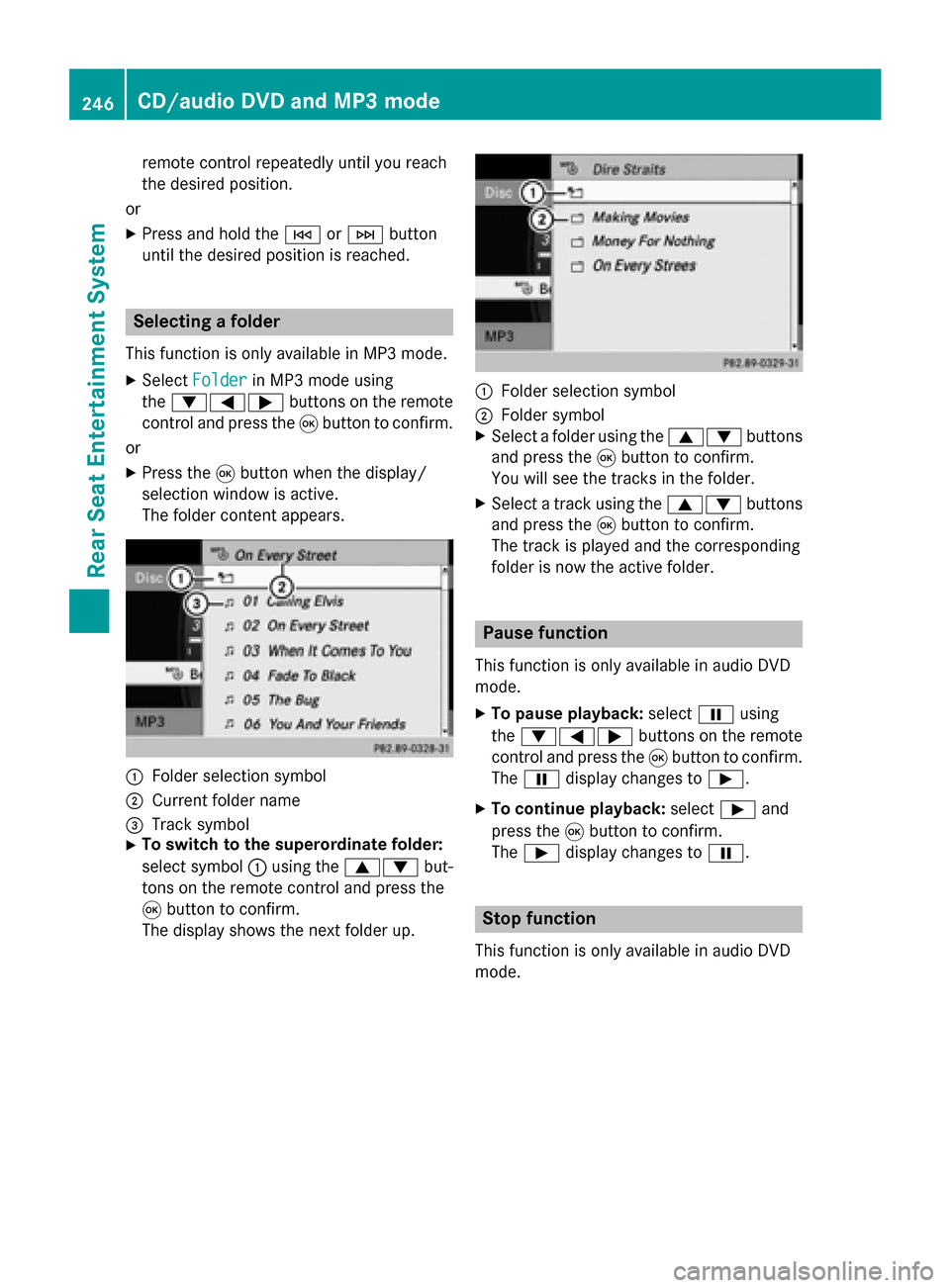
The folder content appears. 0043
Folder selection symbol
0044 Current folder name
0087 Track symbol
X To switch to the superordinate folder:
select symbol 0043using the 00630064 but-
tons on the remote control and press the
008B button to confirm.
The display shows the next folder up. 0043
Folder selection symbol
0044 Folder symbol
X Select a folder using the 00630064buttons
and press the 008Bbutton to confirm.
You will see the tracks in the folder.
X Select a track using the 00630064buttons
and press the 008Bbutton to confirm.
The track is played and the corresponding
folder is now the active folder. Pause function
This function is only available in audio DVD
mode. X To pause playback: select00CFusing
the 006400590065 buttons on the remote
control and press the 008Bbutton to confirm.
The 00CF display changes to 00D0.
X To continue playback: select00D0and
press the 008Bbutton to confirm.
The 00D0 display changes to 00CF. Stop function
This function is only available in audio DVD
mode. 246
CD/audio DVD and MP3 modeRear Seat Entertainment System
Page 249 of 270
X
To interrupt playback: select00DBusing
the 006400590065 buttons on the remote
control and press the 008Bbutton to confirm.
The 00CF display changes to 00D0.
X To continue playback: select00D0and
press the 008Bbutton to confirm.
Playback continues from the point where it
was interrupted.
X To stop playback: while playback is inter-
rupted, select 00DBagain and press the 008B
button to confirm.
Playback stops and returns to the begin-
ning of the DVD. 00D0is highlighted.
X To restart playback: select00D0and
press the 008Bbutton to confirm.
Playback starts from the beginning of the
DVD. Setting the audio format
The content of an audio DVD can be divided
into up to 9 groups. The availability and type
of group depends on the respective DVD. A
group can contain music in different sound
qualities (stereo and multichannel formats,
for example), or bonus tracks.
X Select DVD-Audio
DVD-Audio using
the 006400590065 buttons on the remote
control and press 008Bto confirm.
X Select Group
Group using the 00630064 buttons
and press the 008Bbutton to confirm.
The list of available audio formats appears. The 0036dot indicates the format currently
selected.
X Select an audio format using the 00630064
buttons and press the 008Bbutton to confirm.
X To exit the menu: press the0059or0065
button. Playback options
Further information on playback options is
available in the "Audio" section (Y page 202).X
Select CD
CD, DVD-Audio DVD-Audio orMP3
MP3 using
the 006400590065 buttons on the remote
control and press the 008Bbutton to confirm.
The options list appears. The 0036dot indi-
cates the option currently selected.
X Select Normal
Normal Track
TrackSequence
Sequence ,Random
Random
Tracks
Tracks orRandom Folder
Random Folder using the
00630064 buttons and press the 008Bbutton
to confirm.
The option is switched on. For all options
except Normal Track Sequence
Normal Track Sequence, you will
see a corresponding display in the display/
selection window.
i If you switch the data carrier which you
are currently listening to, the Normal
Normal
Track Sequence Track Sequence option is activated auto-
matically. If an option is selected, it
remains selected after the Rear Seat Enter- tainment System is switched on or off. Switching track information on/off
(MP3 mode only)
If the function is switched on, folder and track
names are displayed.
If the function is switched off, disc and file
names are displayed.
X Select MP3 MP3using the 006400590065 but-
tons on the remote control and press the
008B button to confirm.
X Select Display Track Information Display Track Information
using the 00630064 buttons and press the
008B button to confirm.
The function is switched on 0073or off 0053,
depending on the previous status. Video DVD mode
Important safety notes
G
WARNING
The CD/DVD drive is a class 1 laser product. If you open the housing of the CD/DVD drive,
there is a risk of exposure to invisible laser Video DVD mode
247Rear Seat Entertainment System
Z
Page 255 of 270
COMAND or show the menu in video DVD
mode.
X Select the menu item at the bottom left,
e.g. CD
CD in audio CD mode, by sliding 00520064
and turning 00790052007Athe COMAND controller
and press 0098to confirm.
X Select Rear Audio/Video Off Rear Audio/Video Off _and
press 0098the COMAND controller to con-
firm. Selecting an active COMAND source
on the rear-compartment screen
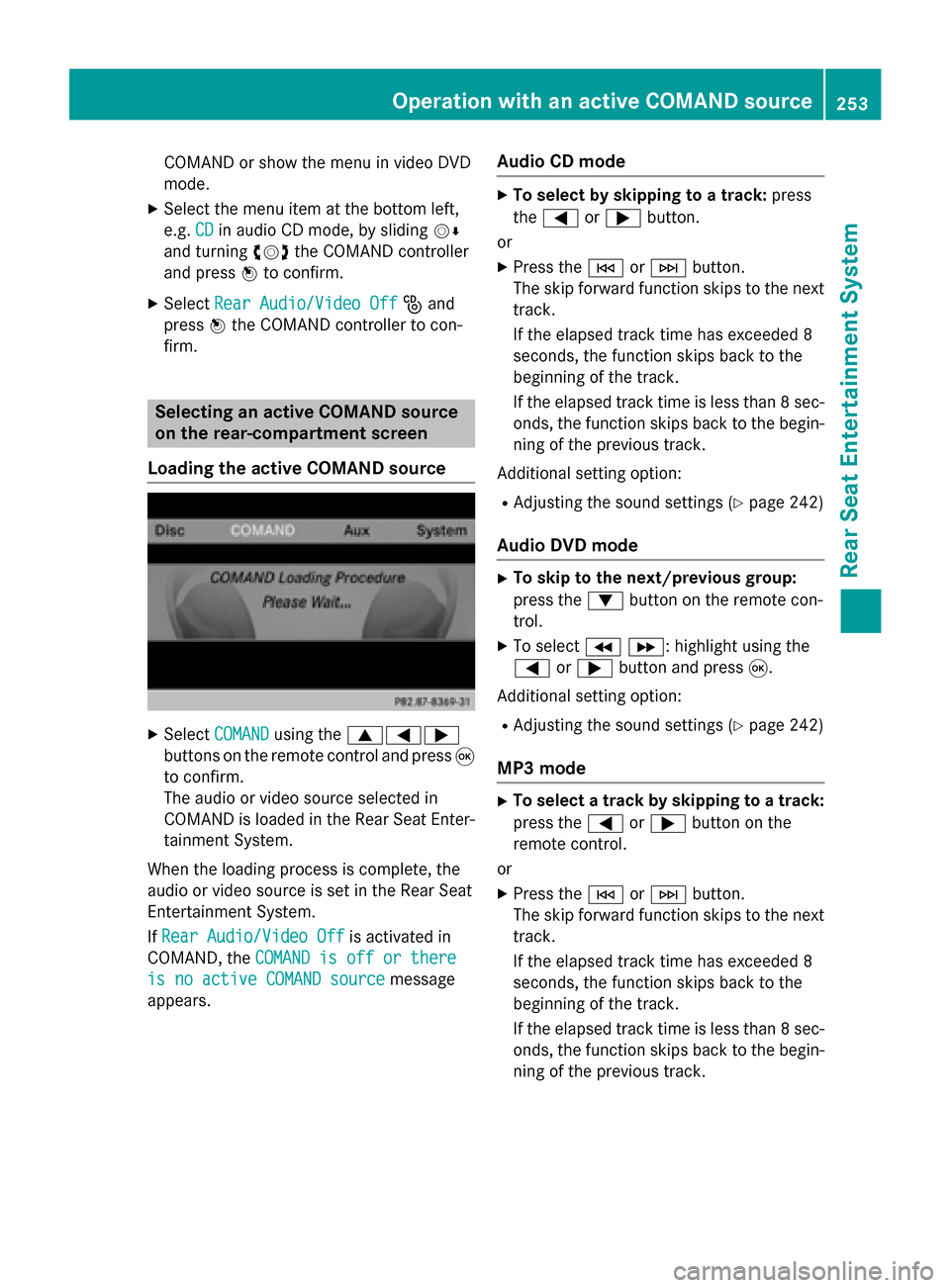
Loading the active COMAND source X
Select COMAND COMAND using the 006300590065
buttons on the remote control and press 008B
to confirm.
The audio or video source selected in
COMAND is loaded in the Rear Seat Enter- tainment System.
When the loading process is complete, the
audio or video source is set in the Rear Seat
Entertainment System.
If Rear Audio/Video Off
Rear Audio/Video Off is activated in
COMAND, the COMAND is off or there COMAND is off or there
is no active COMAND source
is no active COMAND source message
appears. Audio CD mode X
To select by skipping to a track: press
the 0059 or0065 button.
or X Press the 0048or0049 button.
The skip forward function skips to the next track.
If the elapsed track time has exceeded 8
seconds, the function skips back to the
beginning of the track.
If the elapsed track time is less than 8 sec- onds, the function skips back to the begin-
ning of the previous track.
Additional setting option:
R Adjusting the sound settings (Y page 242)
Audio DVD mode X
To skip to the next/previous group:
press the 0064button on the remote con-
trol.
X To select 004E004F : highlight using the
0059 or0065 button and press 008B.
Additional setting option: R Adjusting the sound settings (Y page 242)
MP3 mode X
To select a track by skipping to a track:
press the 0059or0065 button on the
remote control.
or
X Press the 0048or0049 button.
The skip forward function skips to the next track.
If the elapsed track time has exceeded 8
seconds, the function skips back to the
beginning of the track.
If the elapsed track time is less than 8 sec- onds, the function skips back to the begin-
ning of the previous track. Operation with an active COMAND source
253Rear Seat Entertainment System Z