Page 536 of 918

ES350_300h_OM_OM33A60U_(U)
5355-4. Using the audio system
5
Interior features
Press to enter iPod menu mode.
Pressing changes sound modes. ( →P. 569)
■About iPod
●“Made for iPod” and “Made for iPhone” mean that an electronic accessory has
been designed to connect specifically to iPod, or iPhone, respectively, and has
been certified by the developer to meet Apple performance standards.
●Apple is not responsible for the operation of this device or its compliance with
safety and regulatory standards. Please note that the use of this accessory with
iPod or iPhone may affect wireless performance.
●iPhone, iPod, iPod classic, iPod nano and iPod touch are trademarks of Apple Inc.,
registered in the U.S. and other countries.
■iPod functions
●When an iPod is connected and the audio source is changed to iPod mode, the
iPod will resume play from the same point in which it was last used.
●Depending on the iPod that is connected to the system, certain functions may not
be available. If a function is unavailable due to a malfunction (as opposed to a sys-
tem specification), disconnecting the device and reconnecting it once again may
resolve the problem.
●While connected to the system, the iPod cannot be operated with its own controls.
It is necessary to use the controls of the vehicle’s audio system instead.
●When the battery level of an iPod is very low, the iPod may not operate. If so, charge
the iPod before use.
●Supported models ( →P. 5 3 7 )
Adjusting sound quality and volume balance
1
2
Page 538 of 918
ES350_300h_OM_OM33A60U_(U)
5375-4. Using the audio system
5
Interior features
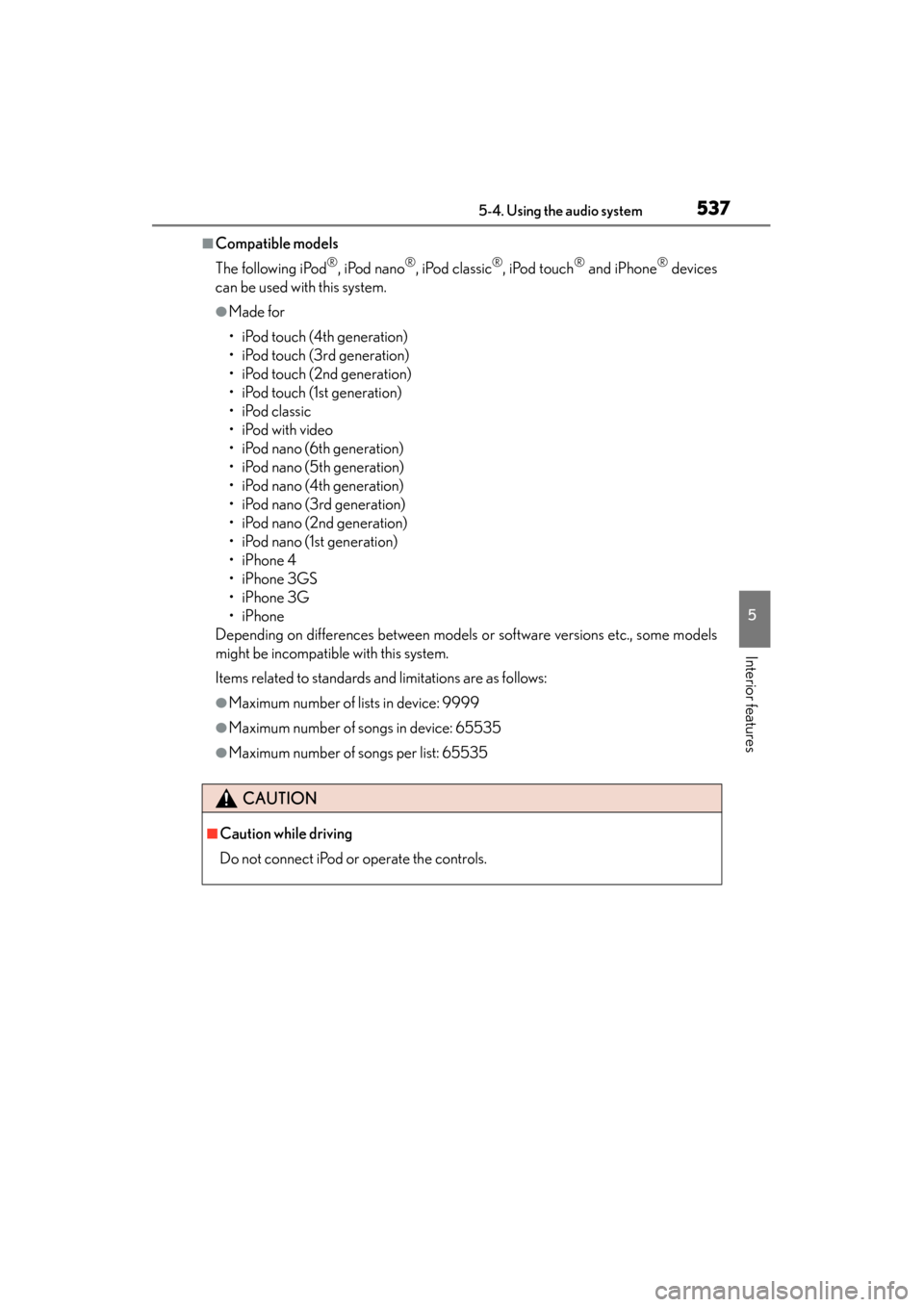
■Compatible models
The following iPod
®, iPod nano®, iPod classic®, iPod touch® and iPhone® devices
can be used with this system.
●Made for
• iPod touch (4th generation)
• iPod touch (3rd generation)
• iPod touch (2nd generation)
• iPod touch (1st generation)
•iPod classic
• iPod with video
• iPod nano (6th generation)
• iPod nano (5th generation)
• iPod nano (4th generation)
• iPod nano (3rd generation)
• iPod nano (2nd generation)
• iPod nano (1st generation)
•iPhone 4
•iPhone 3GS
•iPhone 3G
•iPhone
Depending on differences between models or software versions etc., some models
might be incompatible with this system.
Items related to standards and limitations are as follows:
●Maximum number of lists in device: 9999
●Maximum number of songs in device: 65535
●Maximum number of songs per list: 65535
CAUTION
■Caution while driving
Do not connect iPod or operate the controls.
Page 556 of 918

ES350_300h_OM_OM33A60U_(U)
5555-4. Using the audio system
5
Interior features
Input the passkey into the portable player.
Refer to the manual that comes with the portable player for the operation of the
portable player.
Guidance for registration completion is heard.
If the portable player has a Bluetooth
® phone, the phone can be regis-
tered at the same time. A voice guidance instruction to register a
Bluetooth
® phone is heard.
Select “Yes” or “No” using a voice command or .
(Bluetooth
® phone →P. 5 7 7 )
Menu list of the Bluetooth® audio system
First menuSecond menuThird menuOperation detail
“Setup”
“BT•A Setup”
“Pair Audio”Registering a portable
player
“Connect”Selecting a portable player
to be used
“Change Name”Changing the registered
name of a portable player
“List Audios”Listing the registered por-
table players
“Set Passkey”Changing the passkey
“Delete Audio”Deleting a registered por-
table player
“System Setup”
“Guidance Vol”Setting voice guidance
volume
“Device Name”Displaying the Bluetooth®
device address and name
“Initialize”Initializing the system
6
7
Page 557 of 918
556
ES350_300h_OM_OM33A60U_(U)
5-4. Using the audio system
■When using a voice command
For numbers, say a combination of single digits from zero to nine.
Say the command correctly and clearly.
■Situations in which the system may not recognize your voice
●When driving on rough roads
●When driving at high speeds
●When air is blowing out of the vents onto the microphone
●When the air conditioning fan emits a loud noise
■Operations that cannot be performed while driving
●Operating the system with
●Registering a portable player to the system
■Changing the passkey
→P. 5 6 6
Page 568 of 918

ES350_300h_OM_OM33A60U_(U)
5675-4. Using the audio system
5
Interior features
Select “Delete Audio Player (Delete Audio)” using a voice command
or .
XPattern A
Select the portable player to be deleted by either of the following meth-
ods and select “Confirm” using a voice command or :
a. Press the talk switch and say the name of the desired portable player.
b. Press the talk switch and say “List Audio Players”. When the name ofthe desired portable player is read aloud, press the talk switch.
XPattern B
Select the desired portable player to be deleted using .
If the portable player to be deleted is paired as a Bluetooth
® phone, the
registration of the cellular phone can be deleted at the same time. A voice
guidance instruction to delete a cellular phone is heard.
Select “Yes” or “No” using a voice command or .
(Bluetooth
® phone →P. 5 7 7 )
■The number of portable players that can be registered
Up to 2 portable players can be registered in the system.
Deleting a registered portable player
1
2
2
3
Page 577 of 918
576
ES350_300h_OM_OM33A60U_(U)
5-4. Using the audio system
Hands-free system (for cellular phone)
■Conditions under which the system will not operate
●If using a cellular phone that does not support Bluetooth®
●If the cellular phone is switched off
●If you are outside service range
●If the cellular phone is not connected
●If the cellular phone’s battery is low
●If the cellular phone is behind the seat or in the glove box or console box
●If metal is covering or touching the phone
The hands-free system is a function that allows you to use your cellular
phone without touching it.
This system supports Bluetooth
® cellular phones. Bluetooth® is a wire-
less data system that allows the cellular phone to wirelessly connect to
the hands-free system and make/receive calls.
Ti t l ePa g e
Using the hands-free systemP. 5 8 1
Making a phone callP. 5 8 9
Setting a cellular phoneP. 5 9 3
Security and system setupP. 5 9 8
Using the phone bookP. 6 0 3
Page 578 of 918

ES350_300h_OM_OM33A60U_(U)
5775-4. Using the audio system
5
Interior features
■When using the hands-free system
●The audio system and voice guidance are muted when making a call.
●If both parties speak at the same time, it may be difficult to hear.
●If the incoming call volume is overly loud, an echo may be heard.
●Try to face toward the microphone as much as possible when speaking.
●In the following circumstances, it may be difficult to hear the other party:
• When driving on unpaved roads
• When driving at high speeds
• When a window is open
• When the air conditioning is blowing directly on the microphone
• When the air conditioning is set to high
■When transferring ownership of the vehicle
Be sure to initialize the system to prevent personal data from being improperly
accessed. (→P. 6 0 1 )
■About Bluetooth®
■Compatible models
Compatible with HFP (Hands Free Profile) Ver. 1.0 or higher (Conformed: Ver. 1.5)
and OPP (Object Push Profile) Ver. 1.1.
If your cellular phone does not support HFP, you cannot enter the Bluetooth
®
phone. If your cellular phone supports OPP alone, you cannot use the Bluetooth®
phone.
Please go to the website at http://www.lexus.com/MobileLink
to find approved
Bluetooth® phones for this system.
The Bluetooth
® word mark and logos are
registered trademarks owned by Bluetooth
SIG, Inc. and any use of such marks by
PIONEER CORPORATION is under
license. Other trademarks and trade names
are those of their respective owners.
Page 581 of 918

580
ES350_300h_OM_OM33A60U_(U)
5-4. Using the audio system
CAUTION
■Caution while driving
Do not use a cellular phone or connect the Bluetooth
® phone.
■Caution regarding interference with electronic devices
●Your audio unit is fitted with Bluetooth® antennas. People with implantable car-
diac pacemakers, cardiac resynchronization therapy-pacemakers or implantable
cardioverter defibrillators should maintain a reasonable distance between them-
selves and the Bluetooth
® antennas. The radio waves may affect the operation of
such devices.
●Before using Bluetooth® devices, users of any electrical medical device other
than implantable cardiac pacemakers, cardiac resynchronization therapy-pace-
makers or implantable cardioverter defibrillators should consult the manufac-
turer of the device for information about its operation under the influence of radio
waves. Radio waves could have unexpected effects on the operation of such
medical devices.
NOTICE
■To prevent damage to cellular phones
Do not leave cellular phones in the vehicle. The temperature inside the vehicle may
become high, resulting in damage to the phone.