230
Bluetooth® HandsFreeLink®
Making a Call
Bluetooth® HandsFreeLink®
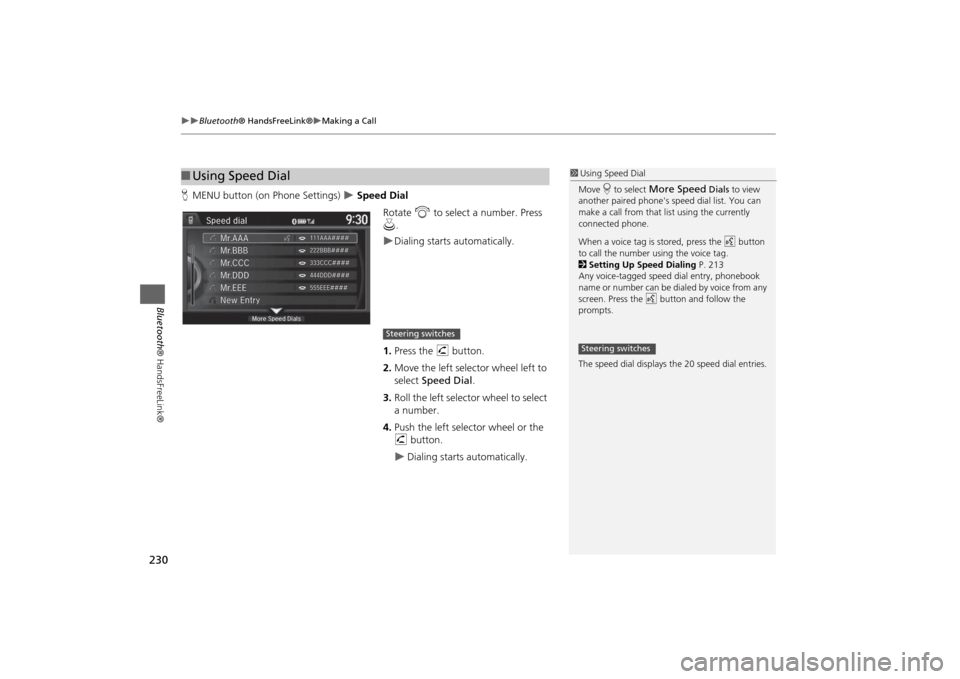
HMENU button (on Phone Settings)
Speed Dial
Rotate i to select a number. Press
u.
Dialing starts automatically.
1.Press the h button.
2.Move the left selector wheel left to
select Speed Dial.
3.Roll the left selector wheel to select
a number.
4.Push the left selector wheel or the
h button.
Dialing starts automatically.
■Using Speed Dial
1Using Speed Dial
Move r to select
More Speed
Dials to view
another paired phone's speed dial list. You can
make a call from that list using the currently
connected phone.
When a voice tag is stored, press the d button
to call the number using the voice tag.
2Setting Up Speed Dialing P. 213
Any voice-tagged speed dial entry, phonebook
name or number can be dialed by voice from any
screen. Press the d button and follow the
prompts.
The speed dial displays the 20 speed dial entries.
Steering switches
Steering switches