2014 FORD FOCUS ELECTRIC steering
[x] Cancel search: steeringPage 341 of 403
Note:In order to allow a break-in period for your vehicle, you may not
be able to create a Vehicle Health Report until your vehicle odometer has
reached 200 miles.
Note:Cellular phone and SMS charges may apply when making a report.
Register for Vehicle Health Report and set your report preferences at
www.SYNCMyRide.com. After registering, you can request a Vehicle
Health Report (inside your vehicle). Return to your account at
www.SYNCMyRide.com to view your report. You can also choose for
SYNC to remind you automatically to run reports at specific mileage
intervals. Cellular phone airtime usage may apply when reporting.
The system allows you to check your vehicle’s overall health in the form
of a diagnostic report card. The Vehicle Health Report contains valuable
information, such as:
•Vehicle Diagnostic Information
•Scheduled maintenance
•Open Recalls and Field Service Actions
•Items noted during vehicle inspections by your authorized dealer that
still need servicing.
Making a Report
If your vehicle is equipped with Navigation, touch the i
(Information) button to access these features. If your vehicle is
not equipped with Navigation, touch the corner of the
touchscreen with the green tab.
If you want to run a report by using the touchscreen, touchApps>
Vehicle Health Report.
To run a report by voice command, press the voice button on
the steering wheel and, when prompted, say “Vehicle health
report”.
Vehicle Health Report Privacy Notice
When you create a Vehicle Health Report, Ford Motor Company may
collect your cellular phone number (to process your report request) and
diagnostic information about your vehicle. Certain versions or updates to
Vehicle Health Report may also collect more vehicle information. Ford
may use your vehicle information it collects for any purpose. If you do
not want to disclose your cellular phone number or vehicle information,
do not run the feature or set up your Vehicle Health Report profile at
www.SYNCMyRide.com. See www.SYNCMyRide.com (Vehicle Health
Report Terms and Conditions, and Privacy Statement) for more
information.
340MyFord Touch®
2014 Focus Electric Vehicle(fob)
Owners Guide gf, 1st Printing, May 2013
USA(fus)
Page 343 of 403
You can also turn the outside air temperature display on and off. It
appears at the top center of the touchscreen, next to the time and date.
The system automatically saves any updates you make to the settings.
Display
You can adjust the touchscreen display through the touchscreen or by
pressing the voice button on your steering wheel controls and when
prompted, say, “Display settings”.
Press the Settings icon >Display,then select from the
following:
Brightnessallows you to make the screen display brighter or dimmer.
Modeallows you to set the screen to a certain brightness or have the
system automatically change based on the outside light level, or turn the
display off.
•If you selectAUTOorNIGHT,you have the options of turning the
display’s Auto Dim feature on or off and changing the Auto Dim
Manual Offset feature.
Edit Wallpaper
•You can have your touchscreen display the default photo or upload
your own.
Uploading Photos for Your Home Screen Wallpaper
Note:You cannot load photos directly from your camera. You must
access the photos either from your USB mass storage device or from an
SD card.
Note:
Photographs with extremely large dimensions (such as 2048 x 1536)
may not be compatible and appear as a blank (black) image on the display.
Your system allows you to upload and view up to 32 photos.
To access, press theSettings icon >Display>Edit Wallpaper,and then
follow the system prompts to upload your photographs.
Only the photograph(s), which meets the following conditions, display:
•Compatible file formats are as follows: .jpg, .gif, .png, .bmp.
•Each file must be 1.5 MB or less.
•Recommended dimensions: 800 x 384.
342MyFord Touch®
2014 Focus Electric Vehicle(fob)
Owners Guide gf, 1st Printing, May 2013
USA(fus)
Page 367 of 403
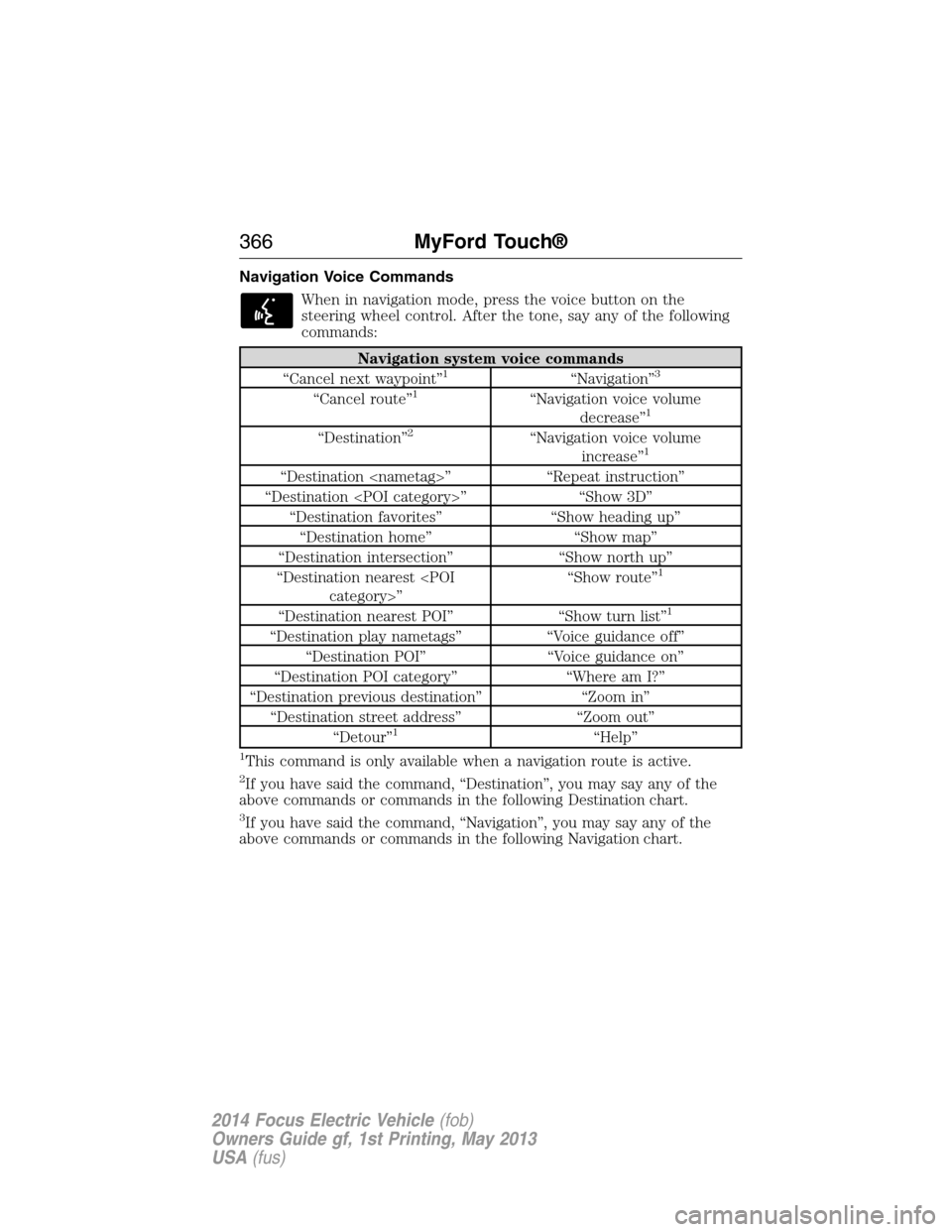
Navigation Voice Commands
When in navigation mode, press the voice button on the
steering wheel control. After the tone, say any of the following
commands:
Navigation system voice commands
“Cancel next waypoint”1“Navigation”3
“Cancel route”1“Navigation voice volume
decrease”1
“Destination”2“Navigation voice volume
increase”1
“Destination
“Destination
“Destination favorites” “Show heading up”
“Destination home” “Show map”
“Destination intersection” “Show north up”
“Destination nearest
1
“Destination nearest POI” “Show turn list”1
“Destination play nametags” “Voice guidance off”
“Destination POI” “Voice guidance on”
“Destination POI category” “Where am I?”
“Destination previous destination” “Zoom in”
“Destination street address” “Zoom out”
“Detour”
1“Help”
1This command is only available when a navigation route is active.
2If you have said the command, “Destination”, you may say any of the
above commands or commands in the following Destination chart.
3If you have said the command, “Navigation”, you may say any of the
above commands or commands in the following Navigation chart.
366MyFord Touch®
2014 Focus Electric Vehicle(fob)
Owners Guide gf, 1st Printing, May 2013
USA(fus)
Page 391 of 403
Multi-point inspection – Recommended each visit
Battery performance Radiator, cooler, heater and A/C hoses
Exterior lamps and hazard
warning system operationSuspension component for leaks or
damage
Fluid levels
*; fill if necessary Tires (including spare) for wear and
proper pressure**
For oil and fluid leaks Steering and linkage
Half-shaft dust boots
(if equipped)Windshield for cracks, chips or pits
Horn operation Washer spray and wiper operation
*Brake, coolant recovery reservoir and window washer.
**If your vehicle is equipped with a temporary mobility kit, check the tire
sealant expiration Use By date on the canister. Replace as needed.
Be sure to ask your dealership service advisor or technician about the
multi-point vehicle inspection. It’s a comprehensive way to perform a
thorough inspection of your vehicle. It’s your checklist that gives you
immediate feedback on the overall condition of your vehicle. You’ll know
what’s been checked, what’s okay, as well as those things that may
require future or immediate attention. The multi-point vehicle inspection
is one more way to keep your vehicle running great!
390Scheduled Maintenance
2014 Focus Electric Vehicle(fob)
Owners Guide gf, 1st Printing, May 2013
USA(fus)
Page 393 of 403
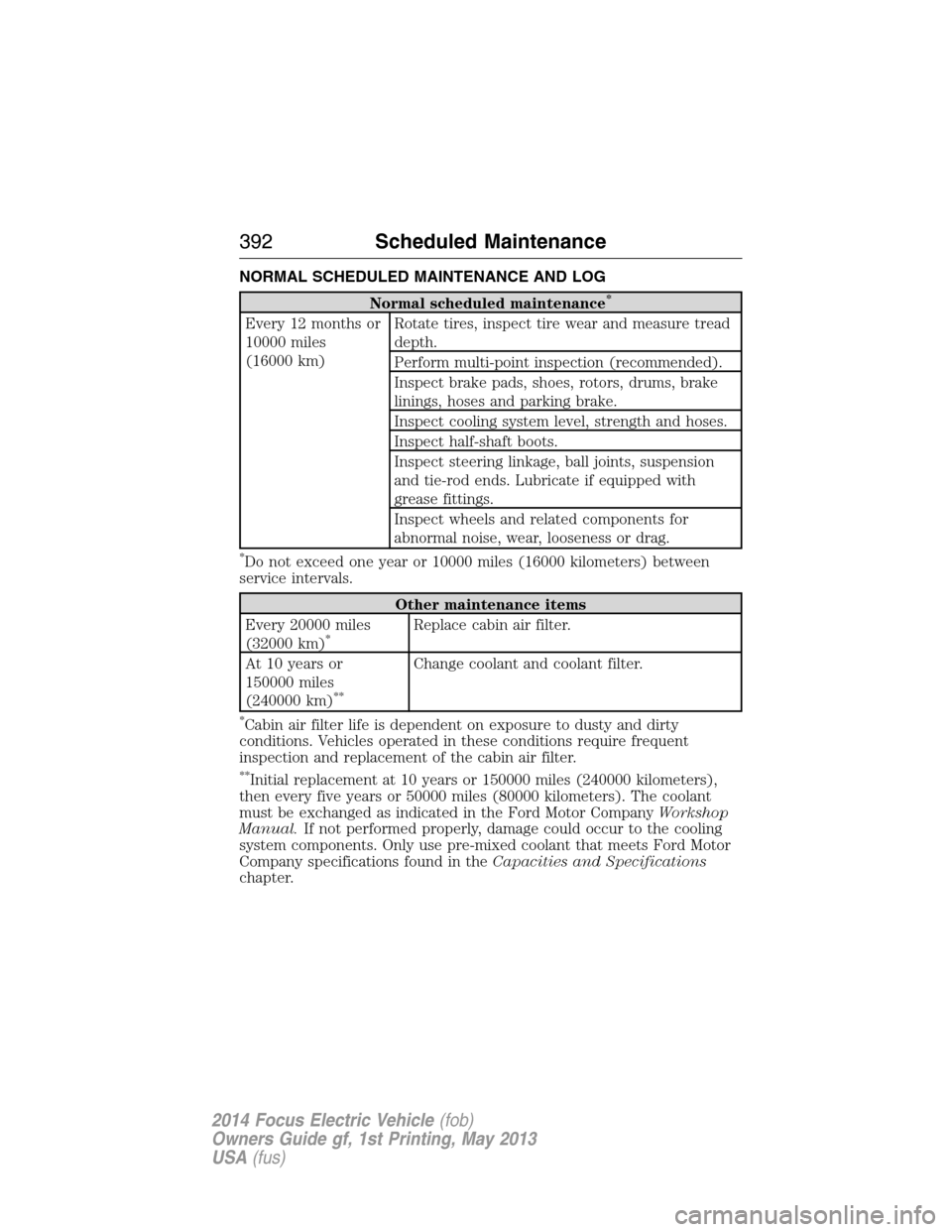
NORMAL SCHEDULED MAINTENANCE AND LOG
Normal scheduled maintenance*
Every 12 months or
10000 miles
(16000 km)Rotate tires, inspect tire wear and measure tread
depth.
Perform multi-point inspection (recommended).
Inspect brake pads, shoes, rotors, drums, brake
linings, hoses and parking brake.
Inspect cooling system level, strength and hoses.
Inspect half-shaft boots.
Inspect steering linkage, ball joints, suspension
and tie-rod ends. Lubricate if equipped with
grease fittings.
Inspect wheels and related components for
abnormal noise, wear, looseness or drag.
*Do not exceed one year or 10000 miles (16000 kilometers) between
service intervals.
Other maintenance items
Every 20000 miles
(32000 km)
*Replace cabin air filter.
At 10 years or
150000 miles
(240000 km)
**
Change coolant and coolant filter.
*Cabin air filter life is dependent on exposure to dusty and dirty
conditions. Vehicles operated in these conditions require frequent
inspection and replacement of the cabin air filter.
**Initial replacement at 10 years or 150000 miles (240000 kilometers),
then every five years or 50000 miles (80000 kilometers). The coolant
must be exchanged as indicated in the Ford Motor CompanyWorkshop
Manual.If not performed properly, damage could occur to the cooling
system components. Only use pre-mixed coolant that meets Ford Motor
Company specifications found in theCapacities and Specifications
chapter.
392Scheduled Maintenance
2014 Focus Electric Vehicle(fob)
Owners Guide gf, 1st Printing, May 2013
USA(fus)
Page 400 of 403
G
Gauges .........................................95
Guidance for electric and
hybrid-electric vehicles ............187
H
Hazard flashers .........................183
HD Radio™ ...............................295
Headlamps ...................................81
aiming ..............................219–220
autolamp system .......................82
bulb specifications ..................226
daytime running lights .............84
flash to pass ..............................81
high beam .................................81
replacing bulbs ...............221–222
turning on and off ....................81
Head restraints .........................128
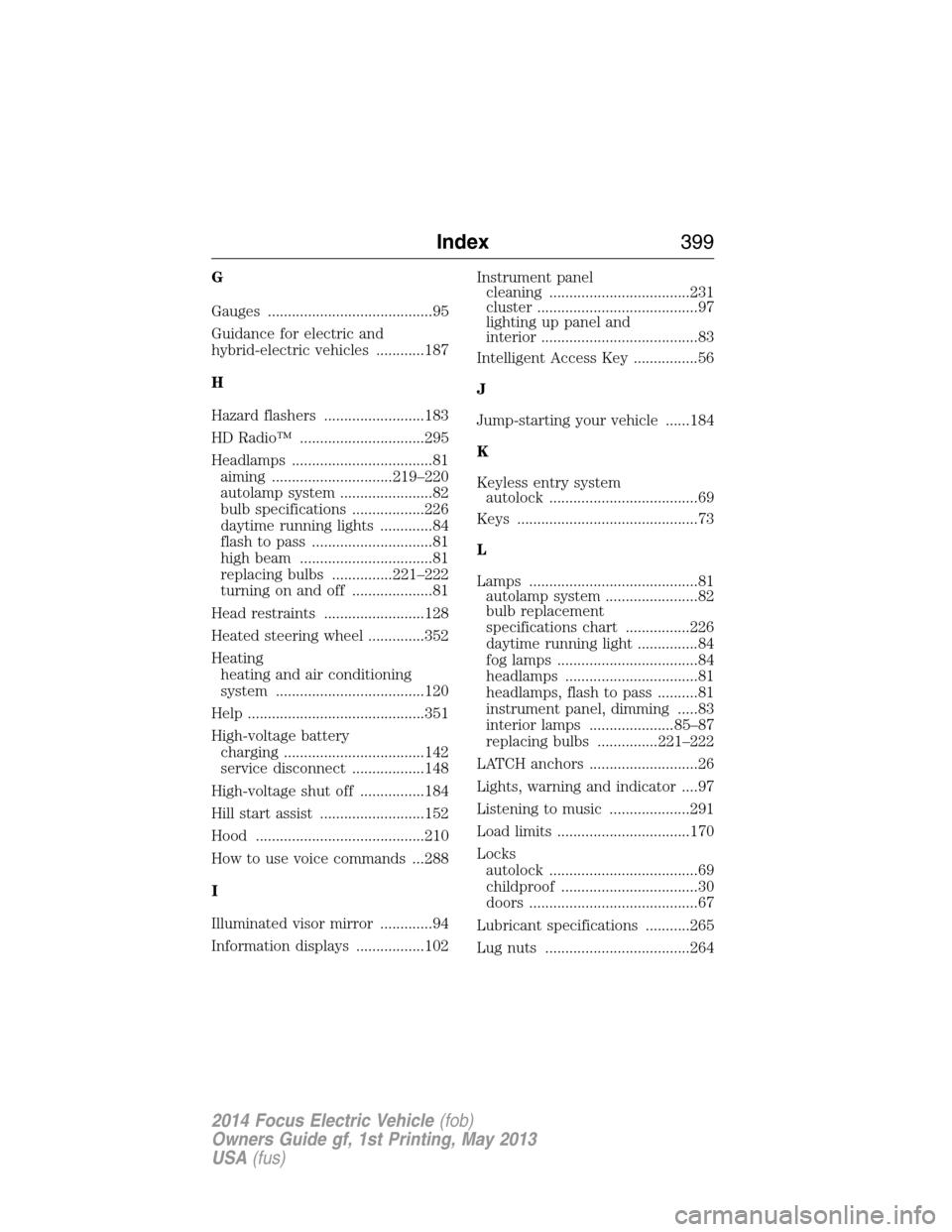
Heated steering wheel ..............352
Heating
heating and air conditioning
system .....................................120
Help ............................................351
High-voltage battery
charging ...................................142
service disconnect ..................148
High-voltage shut off ................184
Hill start assist ..........................152
Hood ..........................................210
How to use voice commands ...288
I
Illuminated visor mirror .............94
Information displays .................102Instrument panel
cleaning ...................................231
cluster ........................................97
lighting up panel and
interior .......................................83
Intelligent Access Key ................56
J
Jump-starting your vehicle ......184
K
Keyless entry system
autolock .....................................69
Keys .............................................73
L
Lamps ..........................................81
autolamp system .......................82
bulb replacement
specifications chart ................226
daytime running light ...............84
fog lamps ...................................84
headlamps .................................81
headlamps, flash to pass ..........81
instrument panel, dimming .....83
interior lamps .....................85–87
replacing bulbs ...............221–222
LATCH anchors ...........................26
Lights, warning and indicator ....97
Listening to music ....................291
Load limits .................................170
Locks
autolock .....................................69
childproof ..................................30
doors ..........................................67
Lubricant specifications ...........265
Lug nuts ....................................264
Index399
2014 Focus Electric Vehicle(fob)
Owners Guide gf, 1st Printing, May 2013
USA(fus)
Page 401 of 403
M
Making and receiving calls .......314
MAP DVD - Loading and
Unloading ..................................314
Map icons ..................................364
Map mode ..................................362
Map preferences .......................360
Map updates ..............................365
Message center .........................102
warning messages ...................110
Mirrors ...................................91, 93
fold away ...................................92
side view mirrors (power) .......91
Motorcraft® parts .............227, 267
MyFord Touch™ system ..........279
MyKey ..........................................60
N
Navigation features ...................355
Navigation voice commands ....366
Notifications ..............................336
P
Pairing other phones ................313
Pairing your phone ...................313
Pairing your phone for the first
time ............................................313
Parental MyKey programming ...60
Parking brake ............................155
Parts
(see Motorcraft® parts) ..........267
Phone settings ..................317, 348
Phone voice commands ............318POI categories ...........................357
Point of Interest (POI) .............357
Power distribution box
(see Fuses) ...............................199
Power door locks ........................67
Power mirrors .............................91
Powerpoint ................................137
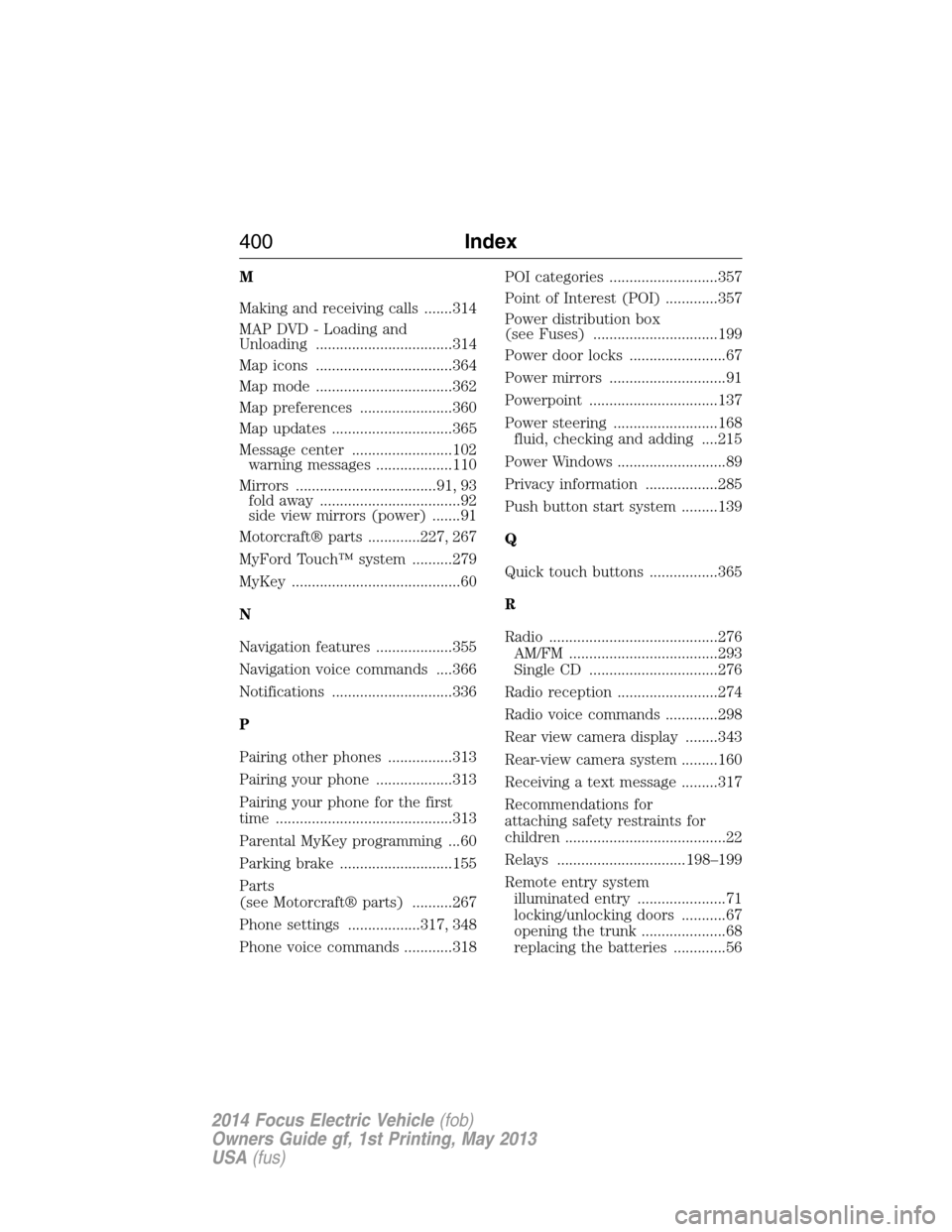
Power steering ..........................168
fluid, checking and adding ....215
Power Windows ...........................89
Privacy information ..................285
Push button start system .........139
Q
Quick touch buttons .................365
R
Radio ..........................................276
AM/FM .....................................293
Single CD ................................276
Radio reception .........................274
Radio voice commands .............298
Rear view camera display ........343
Rear-view camera system .........160
Receiving a text message .........317
Recommendations for
attaching safety restraints for
children ........................................22
Relays ................................198–199
Remote entry system
illuminated entry ......................71
locking/unlocking doors ...........67
opening the trunk .....................68
replacing the batteries .............56
400Index
2014 Focus Electric Vehicle(fob)
Owners Guide gf, 1st Printing, May 2013
USA(fus)
Page 402 of 403
Reverse sensing system ...........160
Roadside assistance ..................182
Route preferences ....................360
S
Safety Belt Maintenance ............40
Safety belts (see Safety
restraints) ..............................33, 36
Safety defects, reporting ..........197
Safety information ....................283
Safety restraints ..............33–34, 36
Belt-Minder® ............................37
extension assembly ..................36
for adults .............................33–34
for children ...............................22
safety belt maintenance ...........40
seat belt maintenance ..............40
warning light and chime ..........37
Safety restraints - LATCH
anchors ........................................26
Safety seats for children ............22
Safety Compliance
Certification Label ....................268
Satellite Radio ...........................299
Scheduled Maintenance Guide
Normal Scheduled
Maintenance and Log .............392
SD card ......................278, 305, 355
Seat belts (see Safety
restraints) ....................................33
Seats
child safety seats ......................22
heated ......................................134
SecuriLock passive anti-theft
system ..........................................73
Sending new text messages .....316Setting a destination ................355
Setting a destination
by voice .....................................355
Settings ......................................341
Setting the clock .......................341
Side air curtain ...........................51
Side-curtain airbags system .......51
SIRIUS® satellite radio ............299
SIRIUS satellite radio voice
commands .................................300
SIRIUS Travel Link ...................333
SIRIUS Travel Link voice
commands .................................335
Snowplowing ...............................13
SOS Post Crash Alert .................43
Special notice
ambulance conversions ............14
Specification chart,
lubricants ...................................265
Stability system .........................158
Starting your vehicle ................140
jump starting ..........................184
push button start system .......139
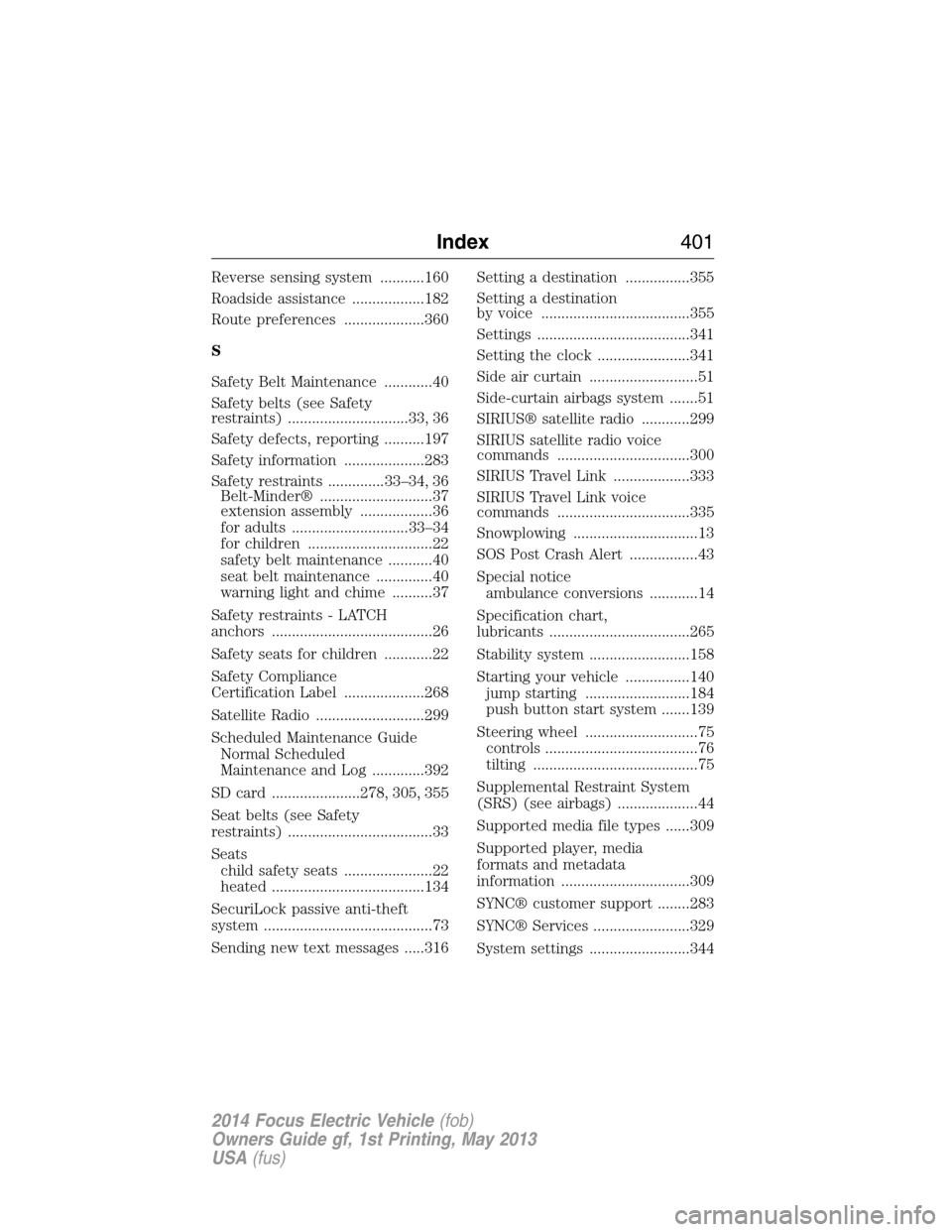
Steering wheel ............................75
controls ......................................76
tilting .........................................75
Supplemental Restraint System
(SRS) (see airbags) ....................44
Supported media file types ......309
Supported player, media
formats and metadata
information ................................309
SYNC® customer support ........283
SYNC® Services ........................329
System settings .........................344
Index401
2014 Focus Electric Vehicle(fob)
Owners Guide gf, 1st Printing, May 2013
USA(fus)