2014 FORD FIESTA steering wheel
[x] Cancel search: steering wheelPage 345 of 396
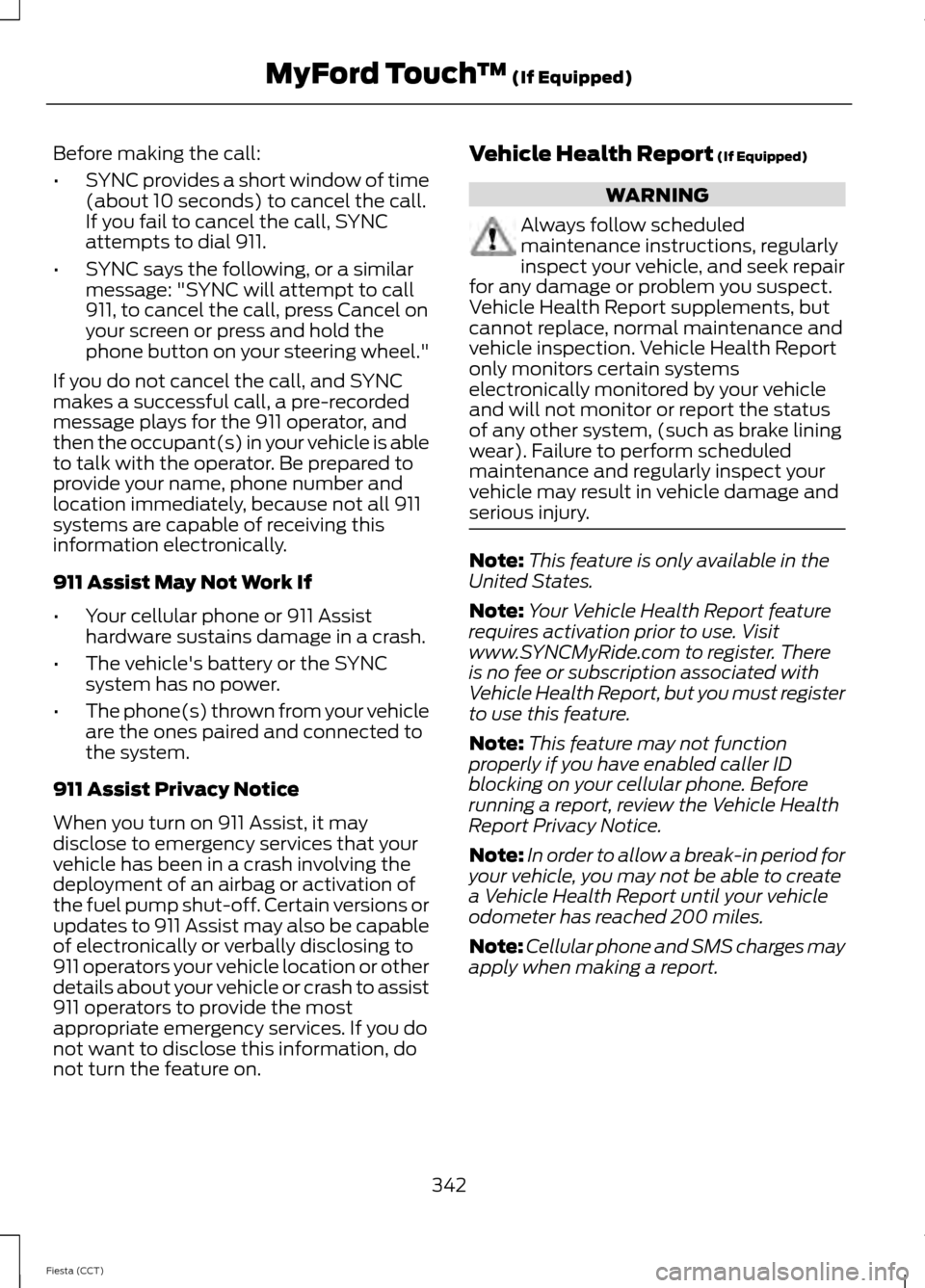
Before making the call:
•
SYNC provides a short window of time
(about 10 seconds) to cancel the call.
If you fail to cancel the call, SYNC
attempts to dial 911.
• SYNC says the following, or a similar
message: "SYNC will attempt to call
911, to cancel the call, press Cancel on
your screen or press and hold the
phone button on your steering wheel."
If you do not cancel the call, and SYNC
makes a successful call, a pre-recorded
message plays for the 911 operator, and
then the occupant(s) in your vehicle is able
to talk with the operator. Be prepared to
provide your name, phone number and
location immediately, because not all 911
systems are capable of receiving this
information electronically.
911 Assist May Not Work If
• Your cellular phone or 911 Assist
hardware sustains damage in a crash.
• The vehicle's battery or the SYNC
system has no power.
• The phone(s) thrown from your vehicle
are the ones paired and connected to
the system.
911 Assist Privacy Notice
When you turn on 911 Assist, it may
disclose to emergency services that your
vehicle has been in a crash involving the
deployment of an airbag or activation of
the fuel pump shut-off. Certain versions or
updates to 911 Assist may also be capable
of electronically or verbally disclosing to
911 operators your vehicle location or other
details about your vehicle or crash to assist
911 operators to provide the most
appropriate emergency services. If you do
not want to disclose this information, do
not turn the feature on. Vehicle Health Report (If Equipped) WARNING
Always follow scheduled
maintenance instructions, regularly
inspect your vehicle, and seek repair
for any damage or problem you suspect.
Vehicle Health Report supplements, but
cannot replace, normal maintenance and
vehicle inspection. Vehicle Health Report
only monitors certain systems
electronically monitored by your vehicle
and will not monitor or report the status
of any other system, (such as brake lining
wear). Failure to perform scheduled
maintenance and regularly inspect your
vehicle may result in vehicle damage and
serious injury. Note:
This feature is only available in the
United States.
Note: Your Vehicle Health Report feature
requires activation prior to use. Visit
www.SYNCMyRide.com to register. There
is no fee or subscription associated with
Vehicle Health Report, but you must register
to use this feature.
Note: This feature may not function
properly if you have enabled caller ID
blocking on your cellular phone. Before
running a report, review the Vehicle Health
Report Privacy Notice.
Note: In order to allow a break-in period for
your vehicle, you may not be able to create
a Vehicle Health Report until your vehicle
odometer has reached 200 miles.
Note: Cellular phone and SMS charges may
apply when making a report.
342
Fiesta (CCT) MyFord Touch
™
(If Equipped)
Page 346 of 396

Register for Vehicle Health Report and set
your report preferences at
www.SYNCMyRide.com. After registering,
you can request a Vehicle Health Report
(inside your vehicle). Return to your
account at www.SYNCMyRide.com to view
your report. You can also choose for SYNC
to remind you automatically to run reports
at specific mileage intervals. Cellular phone
airtime usage may apply when reporting.
The system allows you to check your
vehicle
’s overall health in the form of a
diagnostic report card. The Vehicle Health
Report contains valuable information, such
as:
• Vehicle diagnostic information
• Scheduled maintenance
• Open recalls and Field Service Actions
• Items noted during vehicle inspections
by your authorized dealer that still need
servicing.
Making a Report If you want to run a report by
using the touchscreen, touch
Apps > Vehicle Health Report.
To run a report by voice
command, press the voice
button on the steering wheel
and, when prompted, say "Vehicle health
report".
Vehicle Health Report Privacy Notice
When you create a Vehicle Health Report,
Ford Motor Company may collect your
cellular phone number (to process your
report request) and diagnostic information
about your vehicle. Certain versions or
updates to Vehicle Health Report may also
collect more vehicle information. Ford may use your vehicle information it collects for
any purpose. If you do not want to disclose
your cellular phone number or vehicle
information, do not run the feature or set
up your Vehicle Health Report profile at
www.SYNCMyRide.com. See
www.SYNCMyRide.com (Vehicle Health
Report Terms and Conditions, and Privacy
Statement) for more information.
NAVIGATION
Note:
The navigation SD card must be in
the SD card slot to operate the navigation
system. If you need a replacement SD card,
see an authorized dealer.
Note: The SD card slot is spring-loaded. To
remove the SD card, just push the card in
and release it. Do not attempt to pull the
card out to remove it; this could cause
damage.
For SD card slot location: See
Entertainment (page 311).
Your navigation system is comprised of
two main features, destination mode and
map mode.
To set a destination, press the green corner
of your touchscreen, then the Dest button
when it appears. See
Setting a
destination later in this chapter.
To view the navigation map and your
vehicle's current location, touch the green
bar in the upper right hand corner of the
touchscreen, or, press Dest, then Map. See
Map mode
later in this chapter.
Setting a Destination
Press the green corner of your touchscreen,
then the Dest button when it appears.
Choose any of the following:
343
Fiesta (CCT) MyFord Touch
™
(If Equipped)E142608 E142599
Page 353 of 396

•
Edit Turn List
• Detour
• Edit Route Preferences
• Edit Traffic Preferences
• Cancel Route.
Navteq is the digital map provider for the
navigation application. If you find map data
errors, you may report them directly to
Navteq by going to
http://mapreporter.navteq.com. Navteq
evaluates all reported map errors and
responds with the result of their
investigation by e-mail. Navigation Map Updates
Annual navigation map updates are
available for purchase through your
dealership, by calling 1-800-NAVMAPS (in
Mexico, call 01-800-557-5539) or going
to www.navigation.com/ford. You need to
specify the make and model of your vehicle
to determine if there is an update available.
Navigation Voice Commands When in navigation mode, press
the voice button on the steering
wheel controls. After the tone,
say any of the following commands: Navigation System Voice Commands
"Navigation"3
"Cancel next waypoint" 1
"Repeat instruction"1
"Cancel route" 1
"Show 3D"
"Destination" 2
"Show heading up"
"Destination
"Show map"
"Destination
"Show north up"
"Destination favorites"
"Show route"1
"Destination home"
"Show turn list"1
"Destination intersection"
"Voice off"
"Destination nearest
"Voice on"
"Destination nearest POI"
"Voice volume decrease"
"Destination play nametags"
"Voice volume increase"
"Destination POI"
"Where am I?"
"Destination POI category"
"Zoom in"
"Destination previous destination"
350
Fiesta (CCT) MyFord Touch
™ (If Equipped)E142599
Page 374 of 396
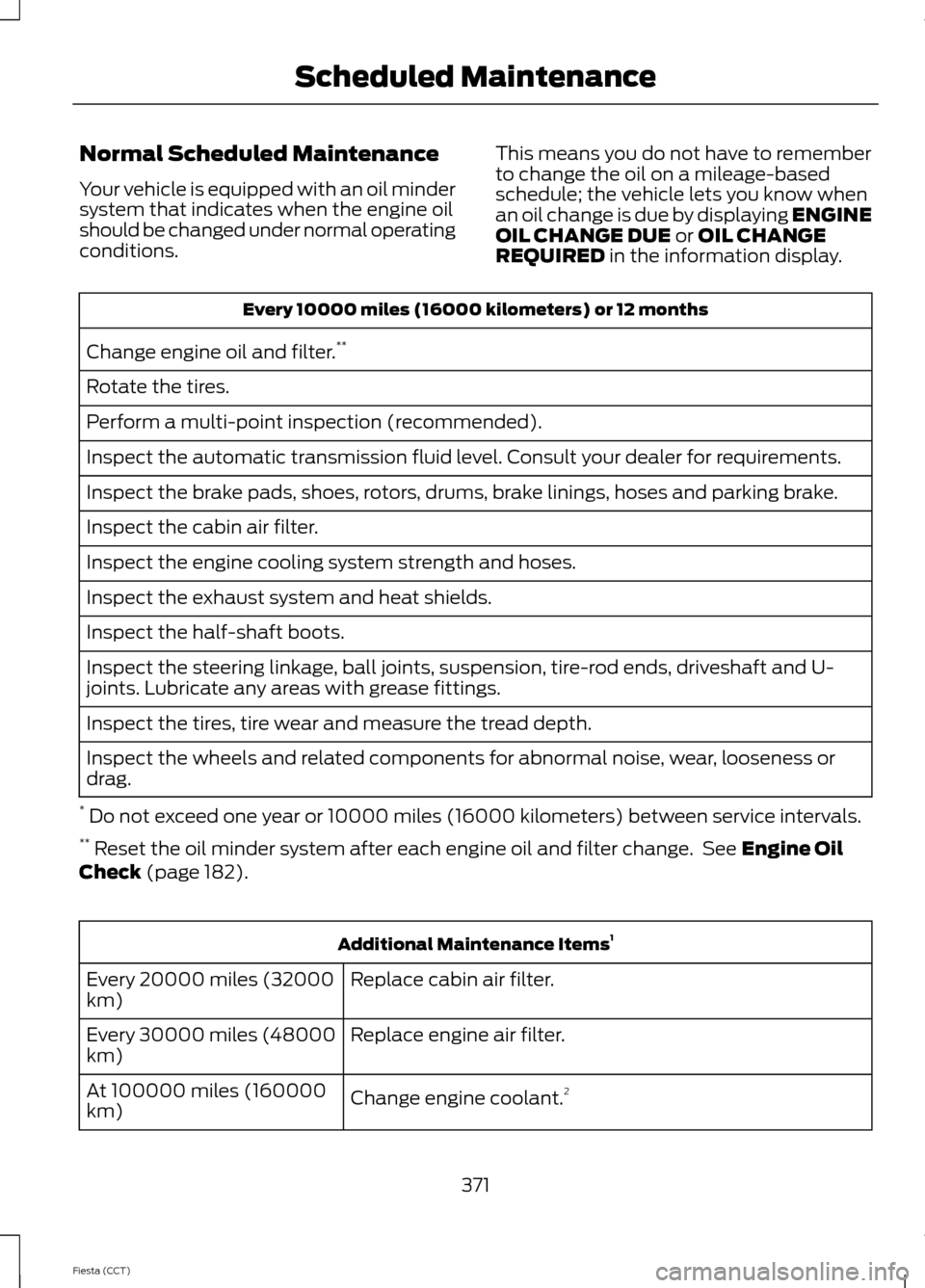
Normal Scheduled Maintenance
Your vehicle is equipped with an oil minder
system that indicates when the engine oil
should be changed under normal operating
conditions.
This means you do not have to remember
to change the oil on a mileage-based
schedule; the vehicle lets you know when
an oil change is due by displaying ENGINE
OIL CHANGE DUE or OIL CHANGE
REQUIRED in the information display. Every 10000 miles (16000 kilometers) or 12 months
Change engine oil and filter. **
Rotate the tires.
Perform a multi-point inspection (recommended).
Inspect the automatic transmission fluid level. Consult your dealer for requirements.
Inspect the brake pads, shoes, rotors, drums, brake linings, hoses and parking brake.
Inspect the cabin air filter.
Inspect the engine cooling system strength and hoses.
Inspect the exhaust system and heat shields.
Inspect the half-shaft boots.
Inspect the steering linkage, ball joints, suspension, tire-rod ends, driveshaft and U-
joints. Lubricate any areas with grease fittings.
Inspect the tires, tire wear and measure the tread depth.
Inspect the wheels and related components for abnormal noise, wear, looseness or
drag.
* Do not exceed one year or 10000 miles (16000 kilometers) between service intervals.
** Reset the oil minder system after each engine oil and filter change. See
Engine Oil
Check (page 182). Additional Maintenance Items
1
Replace cabin air filter.
Every 20000 miles (32000
km)
Replace engine air filter.
Every 30000 miles (48000
km)
Change engine coolant.2
At 100000 miles (160000
km)
371
Fiesta (CCT) Scheduled Maintenance
Page 386 of 396
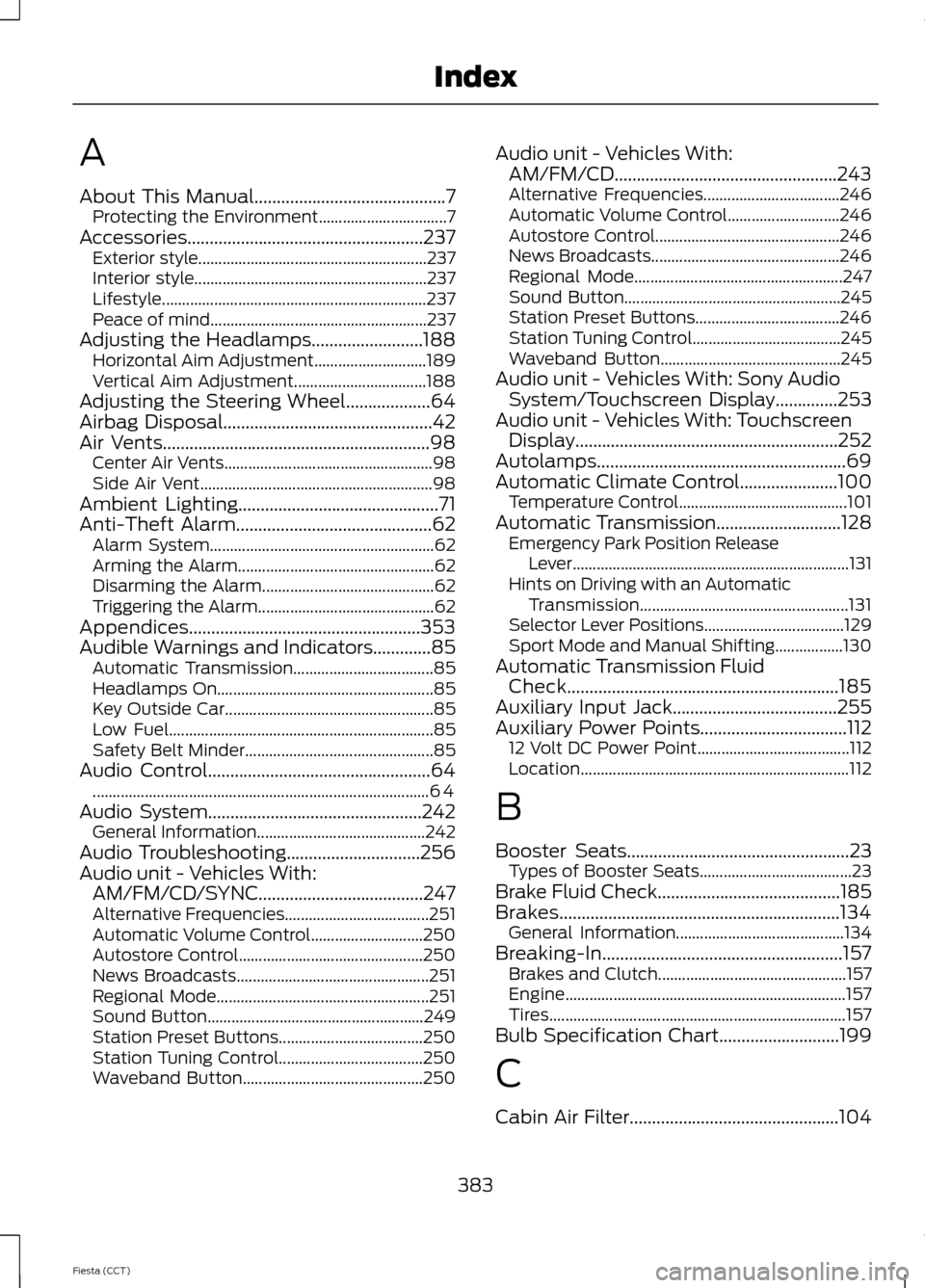
A
About This Manual...........................................7
Protecting the Environment................................ 7
Accessories.....................................................237 Exterior style......................................................... 237
Interior style.......................................................... 237
Lifestyle.................................................................. 237
Peace of mind...................................................... 237
Adjusting the Headlamps.........................188 Horizontal Aim Adjustment............................ 189
Vertical Aim Adjustment................................. 188
Adjusting the Steering Wheel...................64
Airbag Disposal
...............................................42
Air Vents............................................................98 Center Air Vents.................................................... 98
Side Air Vent.......................................................... 98
Ambient Lighting
.............................................71
Anti-Theft Alarm............................................62 Alarm System........................................................ 62
Arming the Alarm................................................. 62
Disarming the Alarm........................................... 62
Triggering the Alarm............................................ 62
Appendices....................................................353
Audible Warnings and Indicators.............85 Automatic Transmission................................... 85
Headlamps On...................................................... 85
Key Outside Car.................................................... 85
Low Fuel.................................................................. 85
Safety Belt Minder............................................... 85
Audio Control..................................................64 ........................................................................\
............ 64
Audio System
................................................242
General Information.......................................... 242
Audio Troubleshooting
..............................256
Audio unit - Vehicles With: AM/FM/CD/SYNC.....................................247
Alternative Frequencies.................................... 251
Automatic Volume Control............................ 250
Autostore Control.............................................. 250
News Broadcasts................................................ 251
Regional Mode..................................................... 251
Sound Button...................................................... 249
Station Preset Buttons.................................... 250
Station Tuning Control.................................... 250
Waveband Button............................................. 250Audio unit - Vehicles With:
AM/FM/CD
..................................................243
Alternative Frequencies.................................. 246
Automatic Volume Control............................ 246
Autostore Control.............................................. 246
News Broadcasts............................................... 246
Regional Mode.................................................... 247
Sound Button...................................................... 245
Station Preset Buttons.................................... 246
Station Tuning Control..................................... 245
Waveband Button............................................. 245
Audio unit - Vehicles With: Sony Audio System/Touchscreen Display
..............253
Audio unit - Vehicles With: Touchscreen Display...........................................................252
Autolamps........................................................69
Automatic Climate Control......................100 Temperature Control.......................................... 101
Automatic Transmission
............................128
Emergency Park Position Release
Lever..................................................................... 131
Hints on Driving with an Automatic Transmission.................................................... 131
Selector Lever Positions................................... 129
Sport Mode and Manual Shifting.................130
Automatic Transmission Fluid Check.............................................................185
Auxiliary Input Jack.....................................255
Auxiliary Power Points.................................112 12 Volt DC Power Point...................................... 112
Location................................................................... 112
B
Booster Seats
..................................................23
Types of Booster Seats...................................... 23
Brake Fluid Check
.........................................185
Brakes...............................................................134 General Information.......................................... 134
Breaking-In......................................................157 Brakes and Clutch............................................... 157
Engine...................................................................... 157
Tires........................................................................\
.. 157
Bulb Specification Chart...........................199
C
Cabin Air Filter...............................................104
383
Fiesta (CCT) Index
Page 392 of 396
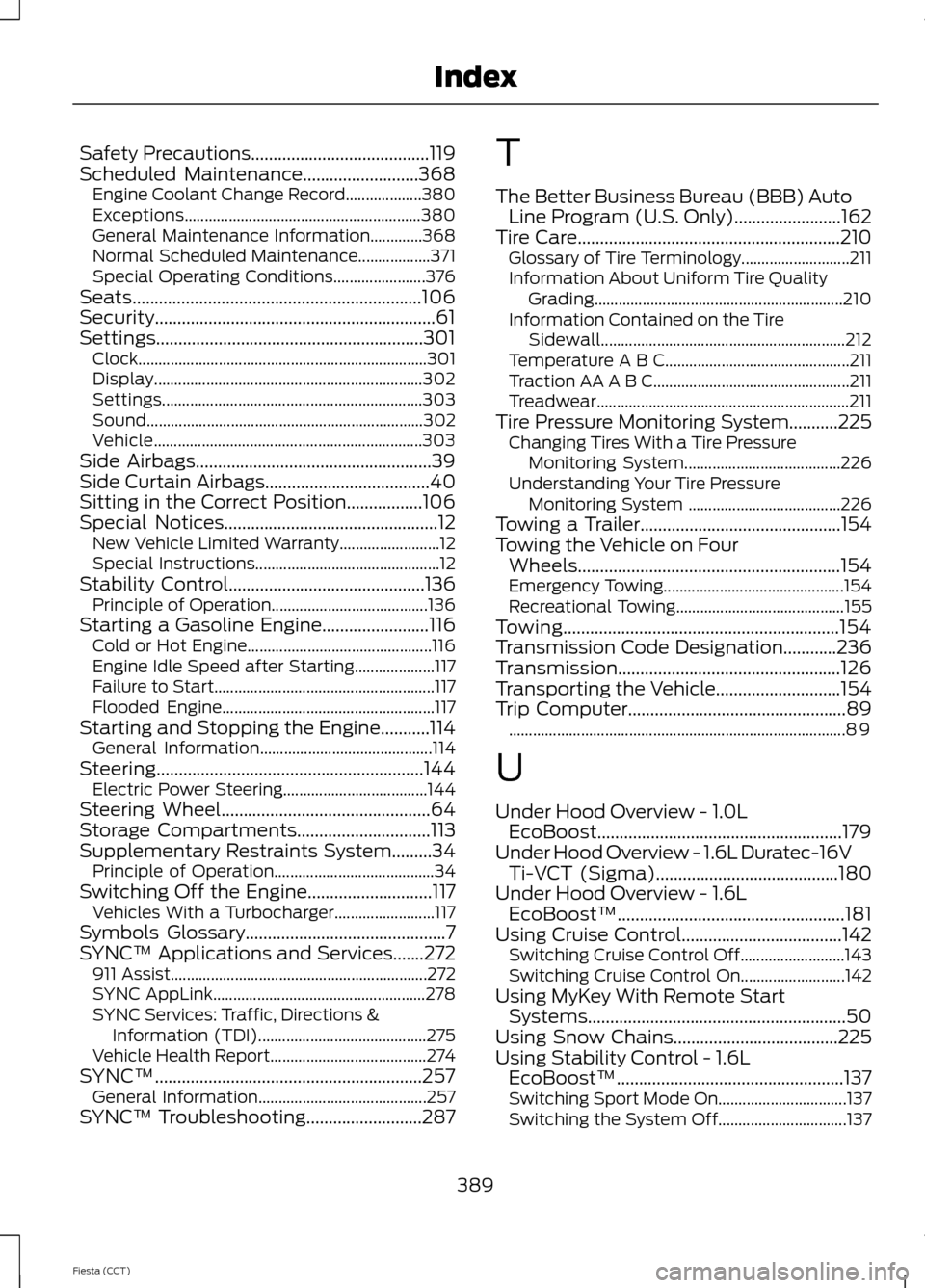
Safety Precautions........................................119
Scheduled Maintenance..........................368 Engine Coolant Change Record................... 380
Exceptions........................................................... 380
General Maintenance Information.............368
Normal Scheduled Maintenance.................. 371
Special Operating Conditions....................... 376
Seats.................................................................106
Security...............................................................61
Settings............................................................301 Clock........................................................................\
301
Display................................................................... 302
Settings................................................................. 303
Sound..................................................................... 302
Vehicle................................................................... 303
Side Airbags.....................................................39
Side Curtain Airbags
.....................................40
Sitting in the Correct Position.................106
Special Notices................................................12 New Vehicle Limited Warranty......................... 12
Special Instructions.............................................. 12
Stability Control
............................................136
Principle of Operation....................................... 136
Starting a Gasoline Engine........................116 Cold or Hot Engine.............................................. 116
Engine Idle Speed after Starting.................... 117
Failure to Start....................................................... 117
Flooded Engine..................................................... 117
Starting and Stopping the Engine...........114 General Information........................................... 114
Steering............................................................144 Electric Power Steering.................................... 144
Steering Wheel
...............................................64
Storage Compartments..............................113
Supplementary Restraints System.........34 Principle of Operation........................................ 34
Switching Off the Engine............................117 Vehicles With a Turbocharger......................... 117
Symbols Glossary
.............................................7
SYNC™ Applications and Services.......272 911 Assist................................................................ 272
SYNC AppLink..................................................... 278
SYNC Services: Traffic, Directions & Information (TDI).......................................... 275
Vehicle Health Report....................................... 274
SYNC™............................................................257 General Information.......................................... 257
SYNC™ Troubleshooting..........................287 T
The Better Business Bureau (BBB) Auto
Line Program (U.S. Only)........................162
Tire Care...........................................................210 Glossary of Tire Terminology........................... 211
Information About Uniform Tire Quality Grading.............................................................. 210
Information Contained on the Tire Sidewall............................................................. 212
Temperature A B C.............................................. 211
Traction AA A B C................................................. 211
Treadwear............................................................... 211
Tire Pressure Monitoring System...........225 Changing Tires With a Tire Pressure
Monitoring System....................................... 226
Understanding Your Tire Pressure Monitoring System ...................................... 226
Towing a Trailer
.............................................154
Towing the Vehicle on Four Wheels...........................................................154
Emergency Towing............................................. 154
Recreational Towing.......................................... 155
Towing..............................................................154
Transmission Code Designation............236
Transmission..................................................126
Transporting the Vehicle............................154
Trip Computer
.................................................89
........................................................................\
............ 89
U
Under Hood Overview - 1.0L EcoBoost.......................................................179
Under Hood Overview - 1.6L Duratec-16V Ti-VCT (Sigma).........................................180
Under Hood Overview - 1.6L EcoBoost™...................................................181
Using Cruise Control....................................142 Switching Cruise Control Off.......................... 143
Switching Cruise Control On.......................... 142
Using MyKey With Remote Start Systems..........................................................50
Using Snow Chains.....................................225
Using Stability Control - 1.6L EcoBoost™...................................................137
Switching Sport Mode On................................ 137
Switching the System Off................................ 137
389
Fiesta (CCT) Index