2014 FORD EXPEDITION service
[x] Cancel search: servicePage 54 of 519

WARNING:All occupants of your vehicle including the driver
should always wear their safety belts even when an airbag
supplemental restraint system and curtain airbag is provided. Failure to
properly wear your safety belt could seriously increase the risk of injury
or death.
WARNING:To reduce risk of injury, do not obstruct or place
objects in the deployment path of the curtain airbag.
WARNING:If the curtain airbags have deployed, the curtain
airbags will not function again. The curtain airbags (including the
A, B and C pillar trim and headliner) must be inspected and serviced
by an authorized dealer. If the curtain airbag is not replaced, the
unrepaired area will increase the risk of injury in a crash.
The Safety Canopy will deploy during significant side crashes or when a
certain likelihood of a rollover event is detected by the rollover sensor.
The Safety Canopy is mounted to the roof side-rail sheet metal, behind
the headliner, above each row of seats. In certain sideways crashes or
rollover events, the Safety Canopy will be activated, regardless of which
seats are occupied. The Safety Canopy is designed to inflate between the
side window area and occupants to further enhance protection provided
in side impact crashes and rollover events.
The system consists of:
•safety canopy curtain airbags
located above the trim panels
over the front and rear side
windows identified by wording
on the B-pillar trim.
•a flexible headliner which opens above the side doors to allow air
curtain deployment.
•crash sensors and monitoring system with readiness
indicator. SeeCrash Sensors and Airbag Indicatorin this
chapter.
Supplementary Restraints System53
2014 Expedition(exd)
Owners Guide gf, 1st Printing, June 2013
USA(fus)
Page 56 of 519
If any of these things happen, even intermittently, have the supplemental
restraint system serviced at an authorized dealer immediately. Unless
serviced, the system may not function properly in the event of a crash.
The safety belt pretensioners and the airbag supplemental restraint
system are designed to activate when the vehicle sustains frontal or
sideways deceleration sufficient to cause the restraints control module to
deploy a safety device or when a certain likelihood of a rollover event is
detected by the rollover sensor.
The fact that the safety belt pretensioners or airbags did not activate for
both front seat occupants in a crash does not mean that something is
wrong with the system. Rather, it means the restraints control module
determined the accident conditions (for example, crash severity, belt
usage) were not appropriate to activate these safety devices.
•The design of the front airbags is to activate only in frontal and
near-frontal crashes (not rollovers, side impacts or rear impacts)
unless the crash causes sufficient frontal deceleration.
•The design of the safety belt pretensioners is to activate in frontal,
near-frontal and side crashes, and in rollovers.
•The design of the side airbags is to inflate in certain side impact
crashes. Side airbags may activate in other types of crashes if the
vehicle experiences sufficient sideways motion or deformation.
•The design of the Safety Canopy is to inflate in certain side impact
crashes or rollover events. The Safety Canopy may activate in other
types of crashes if the vehicle experiences sufficient sideways motion
or deformation, or a certain likelihood of rollover.
AIRBAG DISPOSAL
Contact your authorized dealer as soon as possible. Airbags must be
disposed of by qualified personnel.
Supplementary Restraints System55
2014 Expedition(exd)
Owners Guide gf, 1st Printing, June 2013
USA(fus)
Page 74 of 519
Opening and Closing the Power Liftgate
Note:The liftgate can be reversed with a second press on a control
button or transmitter and can be manually closed at any time.
The liftgate will only operate with your vehicle inP. The chime will beep
once if conditions are not correct to start an operation. These conditions
include:
•The ignition is in on and the transmission is not inP.
•The battery voltage is below the minimum operating voltage.
•The vehicle speed is at or above 3 mph (5 km/h).
If the liftgate reverses and starts to close after a open request, a fast
continuous chime indicates excessive load on the liftgate or a possible
strut failure. If any excessive load is removed and you still have a faster
chime, have the system serviced immediately by your authorized dealer.
Do not attempt to manually force the liftgate to travel faster than the
power system will permit. This will activate the obstacle detection
feature.
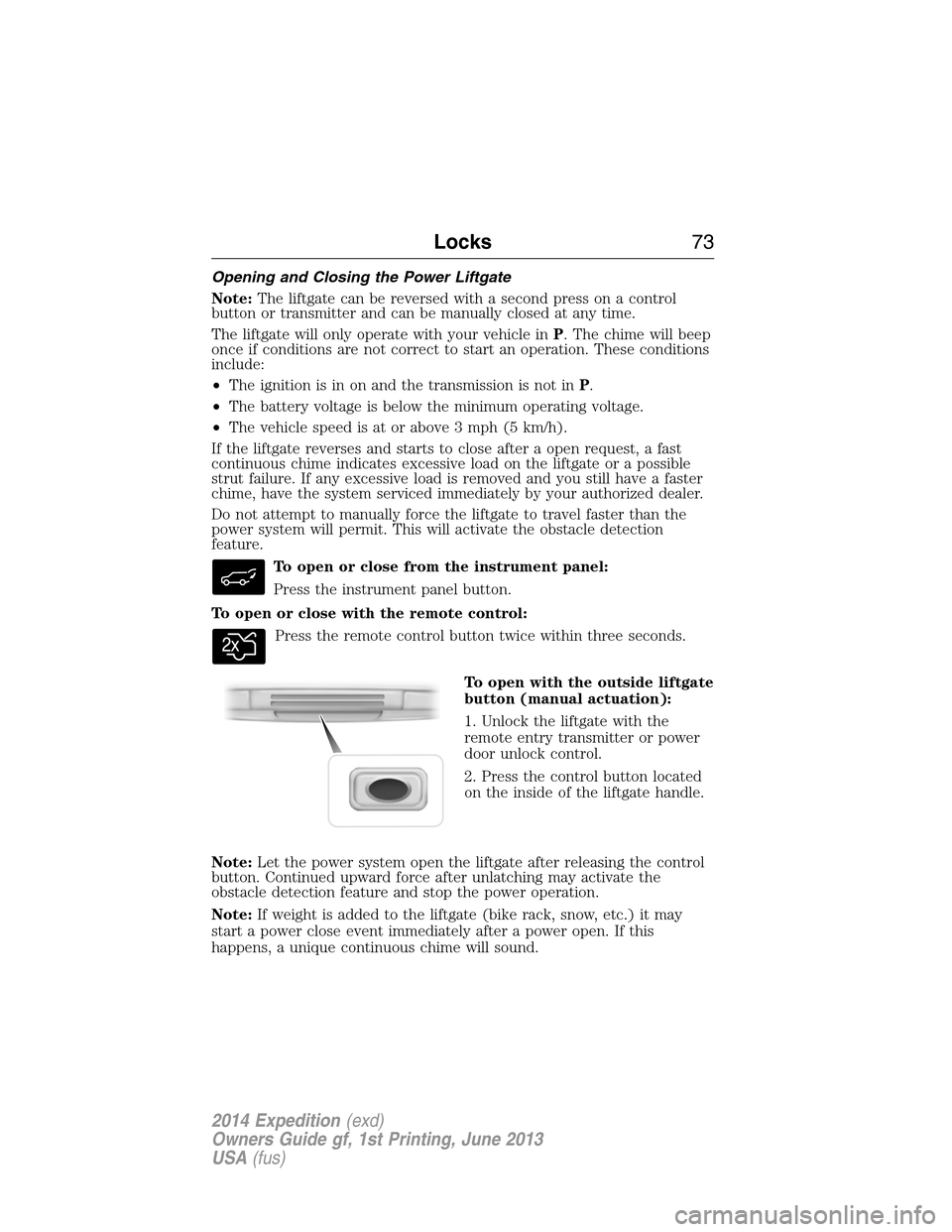
To open or close from the instrument panel:
Press the instrument panel button.
To open or close with the remote control:
Press the remote control button twice within three seconds.
To open with the outside liftgate
button (manual actuation):
1. Unlock the liftgate with the
remote entry transmitter or power
door unlock control.
2. Press the control button located
on the inside of the liftgate handle.
Note:Let the power system open the liftgate after releasing the control
button. Continued upward force after unlatching may activate the
obstacle detection feature and stop the power operation.
Note:If weight is added to the liftgate (bike rack, snow, etc.) it may
start a power close event immediately after a power open. If this
happens, a unique continuous chime will sound.
Locks73
2014 Expedition(exd)
Owners Guide gf, 1st Printing, June 2013
USA(fus)
Page 79 of 519

SECURILOCK® PASSIVE ANTI-THEFT SYSTEM
Note:The system is not compatible with non-Ford aftermarket remote
start systems. Use of these systems may result in vehicle starting
problems and a loss of security protection.
Note:Metallic objects, electronic devices or a second coded key on the
same key chain may cause vehicle starting issues if they are too close to
the key when starting your vehicle. Prevent these objects from touching
the coded key while starting the engine. Switch the ignition off, move all
objects on the key chain away from the coded key and restart your
vehicle if a problem occurs.
Note:Do not leave a duplicate coded key in your vehicle. Always take
your keys and lock all doors when leaving your vehicle.
The system helps prevent the engine from starting unless you use a
coded key programmed to your vehicle. Using the wrong key may
prevent your vehicle from starting. A message may appear in the
information display.
If you are unable to start your vehicle with a correctly coded key, a
malfunction has occurred. A message may appear in the information display.
Automatic Arming
Your vehicle arms immediately after you switch the ignition off.
Anti-Theft Indicator
The anti-theft indicator is located in the instrument cluster.
•When the ignition is off, the indicator will flash once every
two seconds to indicate the SecuriLock system is functioning
as a theft deterrent.
•When the ignition is on, the indicator will glow for three seconds, then
turn off to indicate normal system functionality.
If a problem occurs with the SecuriLock system, the indicator will flash
rapidly or glow steadily when the ignition is on. If this occurs, switch
the ignition off then back on to make sure there was no electronic
interference with the programmed key. If your vehicle does not start, try
to start it with the second programmed key and if successful contact
your authorized dealership for key replacement. If the indicator still
flashes rapidly or glows steadily, your vehicle will not start. Contact
your authorized dealer as soon as possible for service.
78Security
2014 Expedition(exd)
Owners Guide gf, 1st Printing, June 2013
USA(fus)
Page 105 of 519

Service Engine Soon
Theservice engine soonindicator light illuminates when the
ignition is first turned to the on position to check the bulb and to
indicate whether the vehicle is ready for Inspection/Maintenance
(I/M) testing. Normally, the “service engine soon” light will stay on until the
engine is cranked, then turn itself off if no malfunctions are present.
However, if after 15 seconds the “service engine soon” light blinks eight
times, it means that the vehicle is not ready for I/M testing. See the
Readiness for inspection/maintenance (I/M) testingin theFuel and
Refuelingchapter.
Solid illumination after the engine is started indicates the on-board
diagnostics system (OBD-II) has detected a malfunction. Refer to
On-board diagnostics (OBD-II)in theFuel and Refuelingchapter.
If the light is blinking, engine misfire is occurring which could damage
your catalytic converter. Drive in a moderate fashion (avoid heavy
acceleration and deceleration) and have your vehicle serviced
immediately by your authorized dealer.
WARNING:Under engine misfire conditions, excessive exhaust
temperatures could damage the catalytic converter, the fuel
system, interior floor coverings or other vehicle components, possibly
causing a fire.
Stability Control System
Displays when the AdvanceTrac®/Traction control is active.
If the light remains on, have the system serviced immediately.
Stability Control System Off
Illuminates when AdvanceTrac®/Traction control has been
disabled by the driver.
Transmission Tow/Haul
Illuminates when the Tow/Haul feature has been activated.
Refer to theTransmissionchapter for transmission function
and operation. If the light flashes steadily, have the system
serviced immediately, damage to the transmission could occur.
104Instrument Cluster
2014 Expedition(exd)
Owners Guide gf, 1st Printing, June 2013
USA(fus)
Page 106 of 519

4X4
Illuminates when four-wheel drive high is engaged. If the light fails
to display when the ignition is turned on, or remains on, have the
system serviced immediately by your authorized dealer.
4X4 LOW
Illuminates when four-wheel drive low is engaged. If the light fails
to display when the ignition is turned on, or remains on, have the
system serviced immediately by your authorized dealer.
4X4 AUTO
Displays when using the 4x4 system.
AUDIBLE WARNINGS AND INDICATORS
Key In Ignition Warning Chime
Sounds when the key is left in the ignition in the off or accessory
position and the driver’s door is opened.
Headlamps On Warning Chime
Sounds when the headlamps or parking lamps are on, the ignition is off
(the key is not in the ignition) and the driver’s door is opened.
Parking Brake On Warning Chime
Sounds when you have left the parking brake on and drive your vehicle.
If the warning chime remains on after you have released the parking
brake, have the system checked by your authorized dealer immediately.
Turn Signal Chime
Sounds when the direction indicator has been activated to signal a turn
and not turned off after the vehicle is driven more than 1.5 miles
(2.4 km).
Instrument Cluster105
2014 Expedition(exd)
Owners Guide gf, 1st Printing, June 2013
USA(fus)
Page 117 of 519
Compass calibration adjustment
Note:For optimum calibration, drive to an open, level location away
from large metallic objects or structures. Switch off all non-essential
electrical accessories (heated rear window, heater, A/C, map lamps,
wiper, etc.) and make sure all the doors are closed
Note:If the RESET button is pressed or three minutes has expired, the
display will go back to the INFO menu and will show CAL instead of the
compass heading until the compass is calibrated.
1. Press RESET to start the compass calibration function.
2. Slowly drive the vehicle in a circle (less than 3 mph [5 km/h]) until
the CIRCLE SLOWLY TO CALIBRATE display changes to CALIBRATION
COMPLETED. It will take up to five circles to complete calibration.
3. The compass is now calibrated.
•ENGLISH / FRENCH / SPANISH RESET FOR NEW: Allows you to
choose which language the message center will display in.
Press RESET to cycle through each of the language choices.
Press and hold RESET for two seconds to set the language choice.
INFORMATION MESSAGES
Note:Depending on the vehicle options equipped with your vehicle, not
all of the messages will display or be available. Certain messages may be
abbreviated or shortened depending upon which cluster type you have.
Press the RESET button for Type 1 displays or the OK button for
Type 2 displays to acknowledge and remove some messages from the
information display. Other messages will be removed automatically after
a short time. Certain messages need to be confirmed before you can
access the menus.
AdvanceTrac® /
Traction Control
MessagesAction / Description
SERVICE
ADVANCETRACDisplayed when the AdvanceTrac® system has
detected a condition that requires service.
Contact your authorized dealer as soon as
possible.
11 6Information Displays
2014 Expedition(exd)
Owners Guide gf, 1st Printing, June 2013
USA(fus)
Page 178 of 519

RUNNING OUT OF FUEL
Avoid running out of fuel because this situation may have an adverse
effect on powertrain components.
If you have run out of fuel:
•You may need to cycle the ignition from off to on several times after
refueling to allow the fuel system to pump the fuel from the tank to
the engine. On restarting, cranking time will take a few seconds longer
than normal.
•Normally, adding 1 gallon (3.8L) of fuel is enough to restart the
engine. If the vehicle is out of fuel and on a steep grade, more than
1 gallon (3.8L) may be required.
•The service engine soon indicator may come on. For more information
on the service engine soon indicator, refer to theInstrument Cluster
chapter.
SeeSettingsin theInstrument Clusterchapter for information on
calculating DTE (Distance to empty).
Refilling With a Portable Fuel Container
WARNING:Do not insert the nozzle of portable fuel containers
or aftermarket funnels into the Easy Fuel® system. This could
damage the fuel system and its seal, and may cause fuel to run onto the
ground instead of filling the tank, which could result in serious personal
injury.
WARNING:Do not try to pry open or push open the Easy Fuel®
system with foreign objects. This could damage the fuel system
and its seal and cause injury to you or others.
With the Easy Fuel® “no cap” fuel system, use the following directions
when filling from a portable fuel container:
When filling the vehicle’s fuel tank from a portable fuel container, use the
funnel included with the vehicle.
Fuel and Refueling177
2014 Expedition(exd)
Owners Guide gf, 1st Printing, June 2013
USA(fus)