2014 FORD ESCAPE steering
[x] Cancel search: steeringPage 371 of 428

E142599
To run a report by voice
command, press the voice
button on the steering wheel
and, when prompted, say "Vehicle health
report".
Vehicle Health Report Privacy Notice
When you create a Vehicle Health Report,
Ford Motor Company may collect your
cellular phone number (to process your
report request) and diagnostic information
about your vehicle. Certain versions or
updates to Vehicle Health Report may also
collect more vehicle information. Ford may
use your vehicle information it collects for
any purpose. If you do not want to discloseyour cellular phone number or vehicle
information, do not run the feature or set
up your Vehicle Health Report profile at
www.SYNCMyRide.com. See
www.SYNCMyRide.com (Vehicle Health
Report Terms and Conditions, and Privacy
Statement) for more information.
CLIMATE
E142612
Press the lower right corner on
the touchscreen to access your
climate control features.
Depending on your vehicle line and option
package, your climate screen may look
different from the screen shown here.
E146988
Power: Touch to switch the system off and on. Outside air cannot enter your
vehicle when you switch off the system. A
Passenger settings: Touch + or – to adjust the temperature. B
Fan speed: Touch + or - to adjust fan speed. C
DUAL: Touch to switch on the passenger temperature control. D
368
MyFord Touch™ (If Equipped)
Page 372 of 428

Recirculated air: Touch to turn the recirculated air on or off which may reduce
the amount of time needed to cool down the interior and help reduce odors
from reaching the interior. Recirculated air also engages automatically when
MAX A/C or MAX defrost is selected and may be engaged manually in any
airflow mode except defrost. It may also turn off in all airflow modes except
MAX A/C and MAX defrost to reduce fog potential. E
MAX A/C: Touch to cool your vehicle with recirculated air. Touch again for
normal A/C operation. MAX A/C distributes air through instrument panel vents
and may help reduce odors from entering your vehicle. MAX A/C is more
economical and efficient than normal A/C mode. F
A/C: Touch to turn the air conditioning on or off. Use A/C with recirculated air
to improve cooling performance and efficiency. A/C engages automatically in
MAX A/C, defrost and footwell/defrost. G
AUTO: Touch to engage automatic operation, then set the temperature using
the temperature control. The system automatically controls fan speed, airflow
distribution, A/C on or off and the use of fresh or recirculated air. H
Manual airflow distribution controls:Footwell and Defrost: Distributes
air through the windshield defroster vents, demister vents, floor vents and rear
seat floor vents, and provides outside air to reduce window fogging.Panel:
Distributes air through the instrument panel vents.Panel and Floor: Distributes
air through the instrument panel vents, demister vents, floor vents and rear seat
floor vents.Floor: Distributes air through the demister vents, floor vents and I
rear seat floor vents.Defrost: Touch to clear the windshield of fog and thin ice.
Touch again to return to the previous airflow selection. When on, defrost provides
outside air to reduce window fogging and distributes air through the windshield
defroster vents and demister vents.MAX Defrost: Distributes outside air
through the windshield air vents and automatically switches the air conditioning
on. The fan is set to the highest speed and the temperature to HI. When the air
distribution is set in this position, you are unable to select recirculated air or
manually adjust the fan speed and temperature control.
Driver settings: Touch + or – adjust the temperature. J
Climate Control Voice Commands
E142599
Press the voice button on the
steering wheel controls. When
prompted, say any of the
following commands:
369
MyFord Touch™ (If Equipped)
Page 380 of 428

E142655
No GPS symbol indicates that
insufficient GPS satellite signals
are available for accurate map
positioning. This icon may display
under normal operation in an area with
poor GPS access.
Quick-touch Buttons
When in map mode, touch anywhere on
the map display to access the following
options:
Set as Dest
Touch this button to select a scrolled
location on the map as your destination.
You may scroll the map by pressing your
index finger on the map display. When you
reach the desired location, simply let go
and then touch Set as Dest.
Set as Waypoint
Touch this button to set the current
location as a waypoint.
Save to Favorites
Touch this button to save the current
location to your favorites.
POI Icons
Touch this button to select icons to display
on the map. You can select up to three
icons to display on the map at the same
time. Turn these ON or OFF.
Cancel Route
Touch this button to cancel the active
route.
View/Edit Route
Access these features when a route is
active:
• View Route
• Edit Destination/Waypoints• Edit Turn List
• Detour
• Edit Route Preferences
• Edit Traffic Preferences
• Cancel Route.
Nokia is the digital map provider for the
navigation application. If you find map data
errors, you may report them directly to
Nokia by going to
http://mapreporter.navteq.com. Nokia
evaluates all reported map errors and
responds with the result of their
investigation by e-mail.
Navigation Map Updates
Annual navigation map updates are
available for purchase through your
dealership, by calling 1-800-NAVMAPS (in
Mexico, call 01-800-557-5539) or going
to www.navigation.com/ford. You need to
specify the make and model of your vehicle
to determine if there is an update available.
Navigation Voice Commands
E142599
When in navigation mode, press
the voice button on the steering
wheel controls. After the tone,
say any of the following commands:
Navigation system voice commands
"Cancel next waypoint" 1
"Cancel route"1
"Destination"2
"Destination
"Destination
"Destination favorites"
"Destination home"
377
MyFord Touch™ (If Equipped)
Page 406 of 428

Multi-Point inspection
Hazard warning system operation Accessory drive belt(s)
Horn operation Battery performance
Radiator, cooler, heater and air conditioning
hoses Engine air filter
Suspension components for leaks or
damage Exhaust system
Steering and linkage Exterior lamps operation
Tires (including spare) for wear and proper
pressure
**Fluid levels*; fill if necessary
Windshield for cracks, chips or pits For oil and fluid leaks
Washer spray and wiper operation Half-shaft dust boots
* Brake, coolant recovery reservoir, automatic transmission and window washer**If your vehicle is equipped with a temporary mobility kit, check the tire sealant expiration
Use By date on the canister. Replace as needed.
Be sure to ask your dealership service
advisor or technician about the multi-point
vehicle inspection. It is a comprehensive
way to perform a thorough inspection of
your vehicle. Your checklist gives you
immediate feedback on the overall
condition of your vehicle.
NORMAL SCHEDULED
MAINTENANCE
Intelligent Oil-Life Monitor®
Your vehicle is equipped with an Intelligent
Oil-Life Monitor that determines when you
should change the engine oil based on how
your vehicle is used. By using several
important factors in its calculations, the
monitor helps reduce the cost of owning
your vehicle and reduces environmental
waste at the same time.This means you do not have to remember
to change the oil on a mileage-based
schedule. Your vehicle lets you know when
an oil change is due by displaying ENGINE
OIL CHANGE DUE or OIL CHANGE
REQUIRED in the information display.
The following table provides examples of
vehicle use and its impact on oil change
intervals. It is a guideline only. Actual oil
change intervals depend on several factors
and generally decrease with severity of
use.
403
Scheduled Maintenance
Page 408 of 428

At every oil change interval as indicated by the information display*
Inspect the steering linkage, ball joints, suspension, tire-rod ends, driveshaft and U-
joints. Lubricate any areas with grease fittings (Four-wheel drive vehicles).
Inspect the tires, tire wear and measure the tread depth.
Inspect the wheels and related components for abnormal noise, wear, looseness or
drag.
* Do not exceed one year or 10000 miles (16000 kilometers) between service intervals.** Reset the Intelligent Oil-Life Monitor after engine oil and filter changes. See Engine
Oil Check (page 211).
Other maintenance items 1
Replace cabin air filter. Every 20000 miles (32000
km)
Replace engine air filter. Every 30000 miles (48000
km)
Change engine coolant.
2At 100000 miles (160000
km)
Replace spark plugs.
Every 100000 miles
(160000 km)
Inspect accessory drive belt(s).
3
Change automatic transmission fluid.
Every 150000 miles
(240000 km)Replace accessory drive belt(s).
4
Replace timing belt (1.6L engine).
1 Perform these maintenance items within 3000 miles (4800 kilometers) of the last
engine oil and filter change. Do not exceed the designated distance for the interval.
2 Initial replacement at six years or 100000 miles (160000 kilometers), then every three
years or 50000 miles (80000 kilometers).
3 After initial inspection, inspect every other oil change until replaced.4 If not replaced within the last 100000 miles (160000 kilometers).
405
Scheduled Maintenance
Page 418 of 428

4
4WDSee: Four-Wheel Drive.....................................140
A
A/CSee: Climate Control..........................................101About This Manual...........................................7Protecting the Environment................................7ABSSee: Brakes............................................................145ABS driving hintsSee: Hints on Driving With Anti-Lock
Brakes................................................................145
Accessories...................................................380Exterior style.......................................................380
Interior style.........................................................380
Lifestyle.................................................................380
Peace of mind....................................................380
AccessoriesSee: Replacement Parts
Recommendation.............................................11
Active Park Assist.........................................152Automatic Steering into Parking
Space.................................................................153
Deactivating the Park Assist Feature..........154
Troubleshooting the System..........................155
Using Active Park Assist...................................152
Adjusting the Headlamps........................220Horizontal Aim Adjustment............................221
Vertical Aim Adjustment................................220
Adjusting the Steering Wheel...................66
Airbag Disposal...............................................43
Air Conditioning
See: Climate Control..........................................101AlarmSee: Anti-Theft Alarm........................................65Ambient Lighting.............................................77
Anti-Theft Alarm............................................65
Arming the Alarm.................................................65
Disarming the Alarm...........................................65
Appendices....................................................382Audible Warnings and Indicators.............87
Automatic Transmission Warning
Chime...................................................................87
Engine On Warning Chime................................87
Headlamps On Warning Chime......................87
Key in Ignition Warning Chime.........................87
Keyless Warning Alert ........................................87
Parking Brake On Warning Chime..................87
Audio Control..................................................66Type 1.........................................................................67
Type 2........................................................................67
Audio System................................................267General Information..........................................267Audio unit - Vehicles With:
AM/FM/CD/SYNC/Satellite
Radio..............................................................272
Audio unit - Vehicles With:
AM/FM/CD/SYNC....................................270
Audio unit - Vehicles With:
AM/FM/CD.................................................268
Audio unit - Vehicles With: Premium
AM/FM/CD..................................................274
Audio unit - Vehicles With: Sony
AM/FM/CD..................................................276
Menu Structure....................................................277Autolamps.........................................................73
Automatic Climate Control......................102
Temperature Control.........................................103Automatic Transmission............................136Brake-Shift Interlock..........................................137
If Your Vehicle Gets Stuck In Mud or
Snow..................................................................138
SelectShift Automatic®
Transmission...................................................136
Understanding the Positions of Your
Automatic Transmission.............................136
Automatic Transmission Fluid
Check..............................................................215
Autowipers........................................................70
Auxiliary Input Jack.....................................284
Auxiliary Power Points................................120
110 Volt AC Power Point...................................120
12 Volt DC Power Point.....................................120
Locations...............................................................120
415
Index
Page 422 of 428

Information....................................................359911 Assist...............................................................365
Alerts......................................................................365
Calendar...............................................................365
SIRIUS Travel Link.............................................362
SYNC Services (If Equipped, United States
Only).................................................................360
Vehicle Health Report......................................367
Information Messages..................................91Airbag........................................................................91
Alarm........................................................................92
Battery and Charging System.........................92
Blind Spot Information and Cross Traffic
Alert System......................................................92
Doors.........................................................................93
Engine.......................................................................94
Hill Start Assist.....................................................94
Keyless Vehicle.....................................................94
Lighting....................................................................95
Maintenance..........................................................96
Message indicator.................................................91
MyKey.......................................................................96
Park Aid....................................................................97
Park Brake...............................................................97
Power Steering.....................................................98
Starting System ...................................................98
Tire Pressure Monitoring System.................100
Traction Control..................................................100
Transmission and Four-Wheel Drive............98
Installing Child Seats.....................................19Child Seats...............................................................19
Using Lap and Shoulder Belts..........................19
Using Lower Anchors and Tethers for
CHildren (LATCH)............................................22
Using Tether Straps.............................................23
Instrument Cluster........................................83
Instrument Lighting Dimmer......................74
Vehicles With Front Fog Lamps......................74
Vehicles Without Front Fog Lamps...............74
Interior Lamps..................................................75Front Interior Lamp .............................................76
Rear Interior Lamp...............................................76
Interior Mirror...................................................80Auto-Dimming Mirror...........................................81Introduction.........................................................7
J
Jump-Starting the Vehicle........................187Connecting the Jumper Cables.....................188
Jump Starting......................................................188
Preparing Your Vehicle......................................187
Removing the Jumper Cables.......................188
K
Keyless Entry....................................................62SECURICODE™ KEYLESS ENTRY
KEYPAD...............................................................62
Keyless Starting.............................................123Ignition Modes.....................................................124Keys and Remote Controls.........................44
Knee Airbag.......................................................37
L
Lighting Control...............................................73Headlamp Flasher................................................73
High Beams.............................................................73
Lighting...............................................................73
Load Carriers
See: Roof Racks and Load Carriers..............167Load Carrying.................................................166
Load Limit.......................................................168
Special Loading Instructions for Owners of
Pick-up Trucks and Utility-type
Vehicles..............................................................175
Vehicle Loading - with and without a
Trailer.................................................................168
Locking and Unlocking.................................55Activating Intelligent Access ..........................56
Autolock...................................................................57
Battery Saver.........................................................58
Illuminated Entry..................................................58
Illuminated Exit.....................................................58
Mechanical Key.....................................................56
Opening a Rear Door from Inside..................56
Power Door Locks................................................55
Remote Control....................................................55
Smart Unlocks For Integrated Keyhead
Transmitter.........................................................57
Smart Unlocks For Intelligent Access Keys
................................................................................5 7
Locks...................................................................55
419
Index
Page 424 of 428
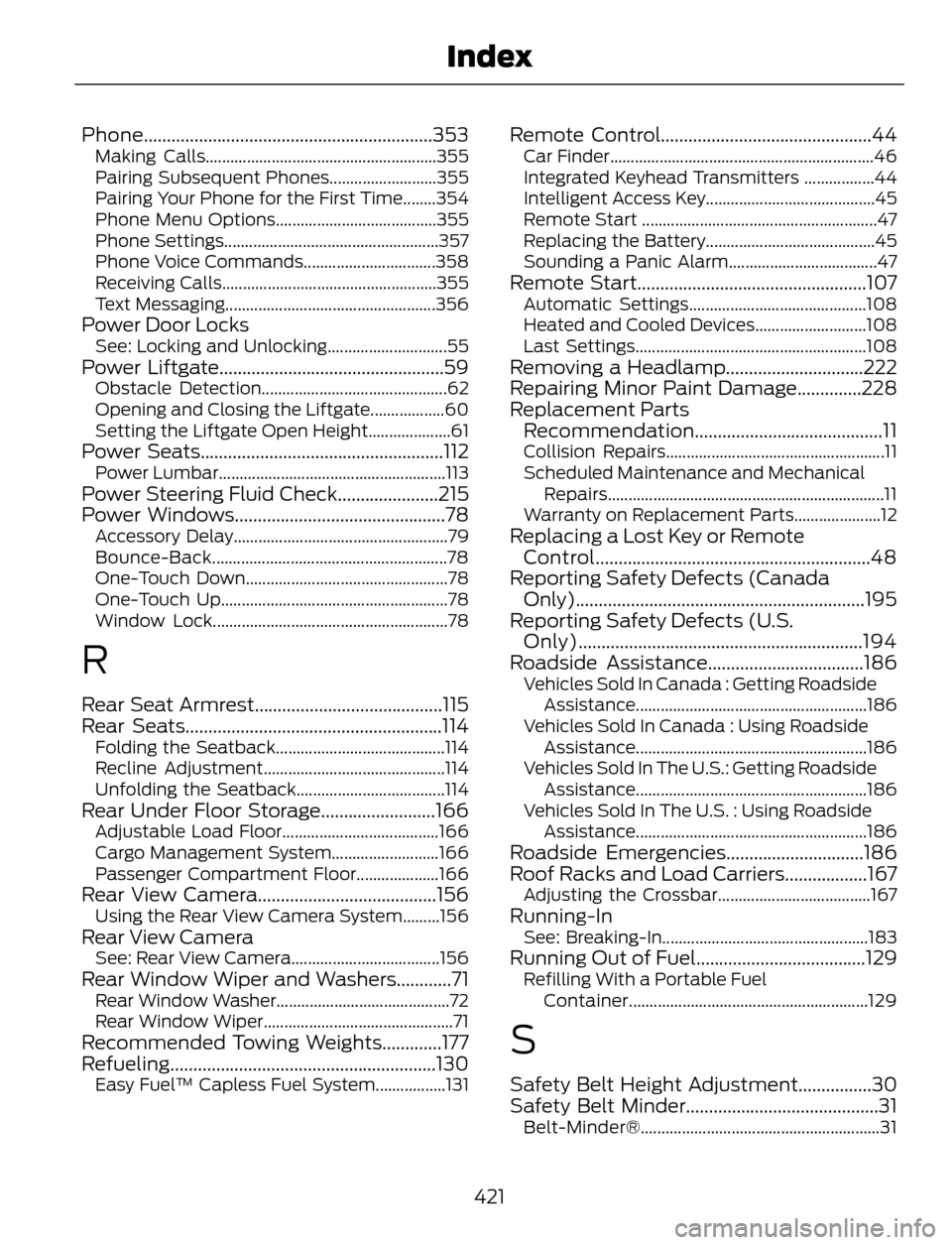
Phone...............................................................353Making Calls........................................................355
Pairing Subsequent Phones..........................355
Pairing Your Phone for the First Time........354
Phone Menu Options.......................................355
Phone Settings....................................................357
Phone Voice Commands................................358
Receiving Calls....................................................355
Text Messaging...................................................356
Power Door LocksSee: Locking and Unlocking.............................55Power Liftgate.................................................59Obstacle Detection.............................................62
Opening and Closing the Liftgate..................60
Setting the Liftgate Open Height....................61
Power Seats.....................................................112Power Lumbar.......................................................113Power Steering Fluid Check......................215
Power Windows..............................................78
Accessory Delay....................................................79
Bounce-Back.........................................................78
One-Touch Down.................................................78
One-Touch Up.......................................................78
Window Lock.........................................................78
R
Rear Seat Armrest.........................................115
Rear Seats........................................................114
Folding the Seatback.........................................114
Recline Adjustment............................................114
Unfolding the Seatback....................................114
Rear Under Floor Storage.........................166Adjustable Load Floor......................................166
Cargo Management System..........................166
Passenger Compartment Floor....................166
Rear View Camera.......................................156Using the Rear View Camera System.........156Rear View CameraSee: Rear View Camera....................................156Rear Window Wiper and Washers............71Rear Window Washer..........................................72
Rear Window Wiper..............................................71
Recommended Towing Weights.............177
Refueling..........................................................130
Easy Fuel™ Capless Fuel System.................131
Remote Control..............................................44Car Finder................................................................46
Integrated Keyhead Transmitters .................44
Intelligent Access Key.........................................45
Remote Start .........................................................47
Replacing the Battery.........................................45
Sounding a Panic Alarm....................................47
Remote Start..................................................107Automatic Settings...........................................108
Heated and Cooled Devices...........................108
Last Settings........................................................108
Removing a Headlamp..............................222
Repairing Minor Paint Damage..............228
Replacement Parts
Recommendation.........................................11
Collision Repairs.....................................................11
Scheduled Maintenance and Mechanical
Repairs...................................................................11
Warranty on Replacement Parts.....................12
Replacing a Lost Key or Remote
Control............................................................48
Reporting Safety Defects (Canada
Only)...............................................................195
Reporting Safety Defects (U.S.
Only)..............................................................194
Roadside Assistance..................................186
Vehicles Sold In Canada : Getting Roadside
Assistance........................................................186
Vehicles Sold In Canada : Using Roadside
Assistance........................................................186
Vehicles Sold In The U.S.: Getting Roadside
Assistance........................................................186
Vehicles Sold In The U.S. : Using Roadside
Assistance........................................................186
Roadside Emergencies..............................186
Roof Racks and Load Carriers..................167
Adjusting the Crossbar.....................................167Running-InSee: Breaking-In..................................................183Running Out of Fuel.....................................129Refilling With a Portable Fuel
Container..........................................................129
S
Safety Belt Height Adjustment................30
Safety Belt Minder..........................................31
Belt-Minder®..........................................................31
421
Index