Page 374 of 656
To Set The Pushbutton Memory
When you are receiving a station that you wish to
commit to pushbutton memory, press and hold the
button (1–5) you wish to lock onto this station for three
seconds.
You may add a second or third station to each pushbut-
ton by repeating the above procedure with this exception:
Press the A–B–C button to select the A, B or C mode. Each
button can be set for up to 3 stations in AM, FM and Sat.
This allows a total of 15 AM, 15 FM and 15 SAT stations
to be stored into pushbutton memory.
Player Button
Pressing the Player button will allow you to switch from
AM/FM modes to Player mode (CD, USB/iPOD®, AUX,
Bluetooth®).
Operation Instructions — CD MODE For CD And
MP3 Audio Play
NOTE:
•The ignition switch must be in the ON/RUN or ACC
position to operate the radio.
• This radio is capable of playing compact discs (CD),
recordable compact discs (CD-R), rewritable compact
discs (CD-RW), compact discs with MP3 tracks and
multisession compact discs with CD and MP3 tracks.
Inserting Compact Disc(s)
Gently insert one CD into the CD player with the CD
label facing up. The CD will automatically be pulled into
the CD player and the CD icon will illuminate on the
radio display. If a CD does not go into the slot more than
1.0 in (2.5 cm), a disc may already be loaded and must be
ejected before a new disc can be loaded.
372 UNDERSTANDING YOUR INSTRUMENT PANEL
Page 382 of 656
CD Player Operating Instructions
Loading
To insert disc into the player, follow the instructions
shown:
1. Gently insert the disc with the label facing the rear ofthe vehicle while the light below the loading slot is
illuminated. The disc will automatically be pulled into
the CD player.
2. Upon insertion, the disc will begin to play, and the light below the loading slot will turn off.
EJECT (EJT) Button
If there is a disc in the CD player, press the EJT button
and the disc will eject. If you do not remove the disc
within 10 seconds, it will be reloaded.
Uconnect® — If Equipped
If equipped with Uconnect® 8.4, refer to the Uconnect®
8.4 manual for further information.
iPod®/USB/MP3 CONTROL WITH Uconnect®
VOICE COMMAND — IF EQUIPPED
This feature allows an iPod® or external USB device to be
plugged into the USB port.
iPod® control supports Mini, 4G, Photo, Nano, 5G iPod®
and iPhone® devices. Some iPod® software versions
may not fully support the iPod® control features. Please
visit Apple’s website for software updates.
If equipped with Uconnect® 8.4, refer to the Uconnect®
User ’s Manual for further details on iPod®, USB, and
MP3 usage.
380 UNDERSTANDING YOUR INSTRUMENT PANEL
Page 385 of 656
Controlling The iPod® Or External USB Device
Using Radio Buttons
To get into the iPod®/USB/MP3 control mode and
access a connected audio device, either press the “AUX”
button on the radio faceplate or press the VR button and
say�USB� or�Switch to USB.� Once in the iPod®/USB/
MP3 control mode, audio tracks (if available from audio
device) start playing over the vehicle’s audio system.
Play Mode
When switched to iPod®/USB/MP3 control mode, the
iPod® or external USB device automatically starts Play
mode. In Play mode, the following buttons on the radio
faceplate may be used to control the iPod® or external
USB device and display data:
• Use the TUNE/SCROLL control knob to select the next
or previous track. •
Turning it clockwise (forward) by one click, while
playing a track, skips to the next track or press the
VR button and say �Next Track.�
• Turning it counterclockwise (backward) by one click,
will jump to the previous track in the list or press the
VR button and say �Previous Track�
• Jump backward in the current track by pressing and
holding the << RWbutton. Holding the << RW
button long enough will jump to the beginning of the
current track.
• Jump forward in the current track by pressing and
holding the FF>> button.
•
A single press backward << RWor forward FF>> will
jump backward or forward respectively, for five sec-
onds.
4
UNDERSTANDING YOUR INSTRUMENT PANEL 383
Page 393 of 656
1. Blower Control
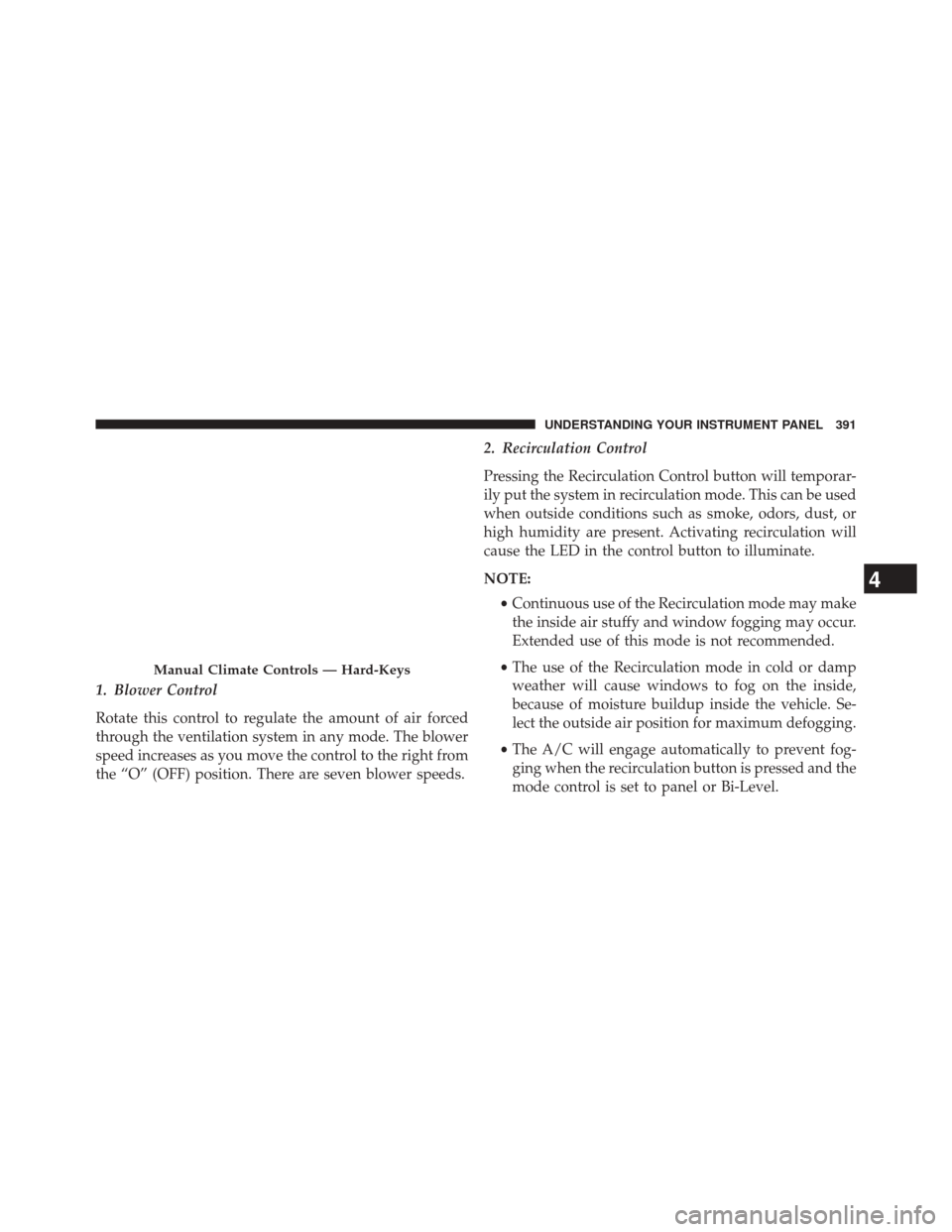
Rotate this control to regulate the amount of air forced
through the ventilation system in any mode. The blower
speed increases as you move the control to the right from
the “O” (OFF) position. There are seven blower speeds.2. Recirculation Control
Pressing the Recirculation Control button will temporar-
ily put the system in recirculation mode. This can be used
when outside conditions such as smoke, odors, dust, or
high humidity are present. Activating recirculation will
cause the LED in the control button to illuminate.
NOTE:
•Continuous use of the Recirculation mode may make
the inside air stuffy and window fogging may occur.
Extended use of this mode is not recommended.
• The use of the Recirculation mode in cold or damp
weather will cause windows to fog on the inside,
because of moisture buildup inside the vehicle. Se-
lect the outside air position for maximum defogging.
• The A/C will engage automatically to prevent fog-
ging when the recirculation button is pressed and the
mode control is set to panel or Bi-Level.
Manual Climate Controls — Hard-Keys
4
UNDERSTANDING YOUR INSTRUMENT PANEL 391
Page 394 of 656
•Recirculated air is not allowed in Defrost modes. If
the Recirculation button is pressed while in this
mode, the LED indicator will flash several times then
go out. Recirculation will be disabled automatically
is this mode is selected.
• The A/C can be deselected manually without dis-
turbing the mode control selection.
• When the ignition switch is turned to the LOCK
position, the recirculation feature will be cancelled.
3. Temperature Control
Rotate this control to regulate the temperature of the air
inside the passenger compartment. Rotating the dial left
into the blue area of the scale indicates cooler tempera-
tures, while rotating right into the red area indicates
warmer temperatures. NOTE:
If your air conditioning performance seems lower
than expected, check the front of the A/C condenser
located in front of the radiator for an accumulation of dirt
or insects. Clean with a gentle water spray from behind
the radiator and through the condenser. Fabric front
fascia protectors may reduce airflow to the condenser,
reducing air conditioning performance.
4. Air Conditioning Control
Press this button to engage the Air Conditioning. A light
will illuminate when the Air Conditioning system is
engaged. Rotating the dial left into the blue area of the
scale indicates cooler temperatures, while rotating right
into the red area indicates warmer temperatures.
NOTE: The air conditioning compressor will not engage
until the engine has been running for about 10 seconds.
392 UNDERSTANDING YOUR INSTRUMENT PANEL
Page 396 of 656

•Floor
Air is directed through the floor outlets with a
small amount flowing through the defrost and
side window demist outlets.
• Mix
Air is directed through the floor, defrost, and side
window demist outlets. This setting works best in
cold or snowy conditions that require extra heat to
the windshield. This setting is good for maintaining
comfort while reducing moisture on the windshield.
• Front Defrost
Air is directed through the windshield and side window
demist outlets. Use this mode with maximum blower and
temperature settings for best windshield and side win-
dow defrosting.
NOTE:
The air conditioning compressor operates in Mix,
Defrost, or a blend of these modes, even if the Air Condi-
tioning (A/C) button is not pressed. This dehumidifies the air to help dry the windshield. To improve fuel economy,
use these modes only when necessary.
6. Electronic Rear Window Defrost
Press this button to turn on the rear window defroster
and the heated outside mirrors (if equipped). An indica-
tor in the button will illuminate when the rear window
defroster is on. The rear window defroster automatically
turns off after approximately 15 minutes. For an addi-
tional 15 minutes of operation, press the button a second
time.
NOTE:
•You can turn off the heated mirror feature at anytime
by pressing the rear window defroster switch a
second time.
• To prevent excessive battery drain, use the rear
window defroster only when the engine is operating.
394 UNDERSTANDING YOUR INSTRUMENT PANEL
Page 397 of 656
CAUTION!
Failure to follow these cautions can cause damage to
the heating elements:
•Use care when washing the inside of the rear
window. Do not use abrasive window cleaners on
the interior surface of the window. Use a soft cloth
and a mild washing solution, wiping parallel to the
heating elements. Labels can be peeled off after
soaking with warm water.
• Do not use scrapers, sharp instruments, or abrasive
window cleaners on the interior surface of the
window.
• Keep all objects a safe distance from the window.
Uconnect® 8.4 Climate Controls — If Equipped
Hard-Keys
The hard-keys are located below the Uconnect® 8.4
screen, in the center of the instrument panel.
Automatic Climate Controls — Hard-Keys
4
UNDERSTANDING YOUR INSTRUMENT PANEL 395
Page 398 of 656
Soft-Keys
Soft-keys are accessible on the Uconnect® 8.4 system
screen.Button Descriptions (Applies To Both Hard-keys
And Soft-keys)
1. A/C Button
Press and release to change the current Air Conditioning
(A/C) setting, the indicator illuminates when A/C is ON.
Performing this function will cause the automatic opera-
tion to switch into manual mode and the AUTO indicator
will turn off.
2. Recirculation Button
Press and release to change the current setting, the
indicator illuminates when ON.
3. Blower Control
Blower control is used to regulate the amount of air
forced through the climate system. There are seven
blower speeds available. Adjusting the blower will cause
Uconnect® 8.4 Automatic Temperature Controls —Soft-Keys
396 UNDERSTANDING YOUR INSTRUMENT PANEL

