Page 277 of 529
CAUTION!
•Leaving the iPod® or external USB device (or any
supported device) anywhere in the vehicle in ex-
treme heat or cold can alter the operation or dam-
age the device. Follow the device manufacturer ’s
guidelines.
• Placing items on the iPod® or external USB device,
or connections to the iPod® or external USB device
in the vehicle, can cause damage to the device
and/or to the connectors.
WARNING!
Do not plug in or remove the iPod® or external USB
device while driving. Failure to follow this warning
could result in an accident.
Bluetooth® Streaming Audio (BTSA)
Music can be streamed from your cellular phone to the
Uconnect® phone system.
Controlling BTSA Using Radio Buttons
To enter BTSA mode, press either “AUX” button on the
radio or press the VR button and say “Bluetooth Stream-
ing Audio.”
Play Mode
When switched to BTSA mode, some audio devices can
start playing music over the vehicle’s audio system, but
some devices require the music to be initiated on the
device first, then it will get streamed to the Uconnect®
phone system. Seven devices can be paired to the
Uconnect® phone system, but just one can be selected
and played.
276 UNDERSTANDING YOUR INSTRUMENT PANEL
Page 279 of 529
The 12 Channel Class D GreenEdge™ high efficiency
amplifier is governed by a high voltage tracking power
supply and drives a 7.4-channel playback architecture.
The Harman Kardon® audio system offers the ability to
choose Logic 7® surround sound for any audio source.
The GreenEdge™ high-efficiency speaker designs ensure
the system has higher SPL and a dramatic increase in
dynamic sound quality. The speakers are tuned for
maximum efficiency and perfectly matched to the ampli-
fier output stage ensuring state of the art multi-seat
surround sound processing.
Logic7® multichannel surround-sound technology deliv-
ers an immersive, accurate sound-stage to every seating
position This surround effect is available for audio from
any source - AM/FM/CD/ Satellite Radio or dashboard
AUX input; and is activated through Uconnect® radio
touchscreen. Refer to “Customer Programmable Fea-
tures” under “Uconnect® SETTINGS” in “Understand-
ing Your Instrument Panel”.Selecting “Surround Sound” through the Uconnect®
radio activates the Harman Kardon® Logic7® multichan-
nel surround-sound technology in your vehicle. Some
audio will sound better in DSS modes, others in Stereo
mode.
When in “Surround Sound” mode, balance is set auto-
matically. Fader control is available in surround mode
but should be set to the center position for optimal
surround performance.
STEERING WHEEL AUDIO CONTROLS — IF
EQUIPPED
The remote sound system controls are located on the rear
surface of the steering wheel. Reach behind the wheel to
access the switches.
278 UNDERSTANDING YOUR INSTRUMENT PANEL
Page 280 of 529
The right-hand control is a rocker-type switch with a
push-button in the center and controls the volume and
mode of the sound system. Pressing the top of the rocker
switch will increase the volume, and pressing the bottom
of the rocker switch will decrease the volume.Pressing the center button will make the radio switch
between the various modes available (AM/FM/SAT/
CD/HDD/AUX etc.).
The left-hand control is a rocker-type switch with a
push-button in the center. The function of the left-hand
control is different depending on which mode you are in.
The following describes the left-hand control operation in
each mode.
Radio Operation
Pressing the top of the switch will “Seek” up for the next
listenable station and pressing the bottom of the switch
will “Seek” down for the next listenable station.
The button located in the center of the left-hand control
will tune to the next preset station that you have pro-
grammed in the radio preset pushbutton.
Remote Sound System Controls (Back View Of Steering
Wheel)
4
UNDERSTANDING YOUR INSTRUMENT PANEL 279
Page 519 of 529
Overdrive OFF Switch..................... .318
Overhead Console ........................ .185
Overheating, Engine ...................... .392
Owner’s Manual (Operator Manual) .............4
Paint Care ............................. .449
Panic Alarm ..............................27
Parking Brake ........................... .332
ParkSense® System, Rear ....................177
Passing Light ........................... .166
Performance ............................ .232
Personal Settings ......................... .240
Pets ....................................96
Pets, Transporting ..........................96
Placard, Tire and Loading Information ..........356
Power Brakes .............................. .336
Deck Lid Release ........................43
Distribution Center (Fuses) ................459 Door Locks
............................34
Mirrors ..............................110
Outlet (Auxiliary Electrical Outlet) ...........198
Seats ............................... .150
Steering ............................. .330
Sunroof ............................. .195
Windows ..............................41
Power Steering Fluid ...................... .473
Pregnant Women and Seat Belts ................59
Pretensioners Seat Belts ..............................57
Programmable Electronic Features .............240
Programming Transmitters (Remote Keyless Entry). . .23
Radial Ply Tires ......................... .363
Radiator Cap (Coolant Pressure Cap) ...........441
Radio Operation ......................... .281
Radio Remote Controls .....................278
Rear Cupholder ......................... .203
518 INDEX
Page 524 of 529
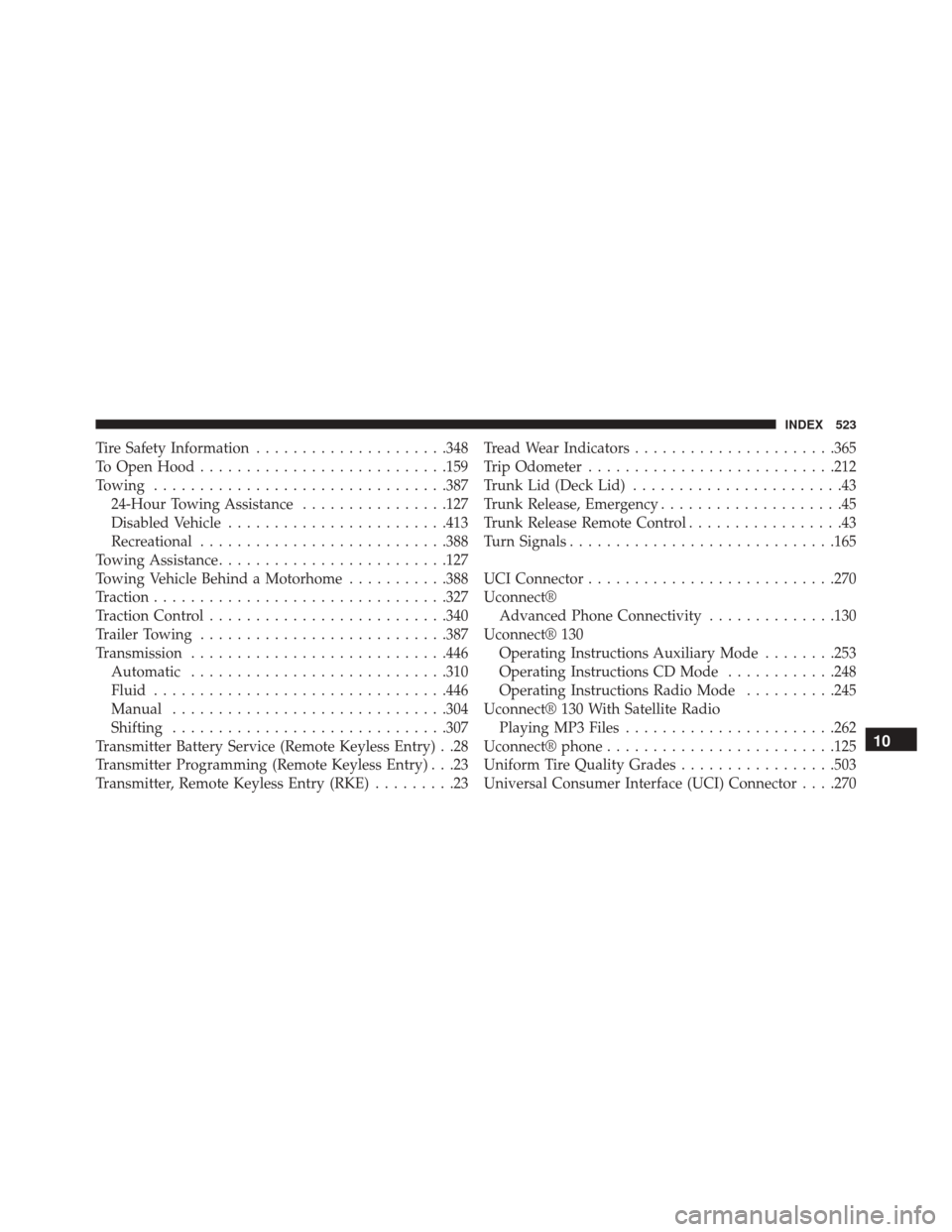
Tire Safety Information.....................348
To Open Hood .......................... .159
Towing ............................... .387
24-Hour Towing Assistance ................127
Disabled Vehicle ....................... .413
Recreational .......................... .388
Towing Assistance ........................ .127
Towing Vehicle Behind a Motorhome ...........388
Traction ............................... .327
Traction Control ......................... .340
Trailer Towing .......................... .387
Transmission ........................... .446
Automatic ........................... .310
Fluid ............................... .446
Manual ............................. .304
Shifting ............................. .307
Transmitter Battery Service (Remote Keyless Entry) . .28
Transmitter Programming (Remote Keyless Entry) . . .23
Transmitter, Remote Keyless Entry (RKE) .........23Tread Wear Indicators
..................... .365
Trip Odometer .......................... .212
Trunk Lid (Deck Lid) .......................43
Trunk Release, Emergency ....................45
Trunk Release Remote Control .................43
Turn Signals ............................ .165
UCI Connector .......................... .270
Uconnect® Advanced Phone Connectivity ..............130
Uconnect® 130 Operating Instructions Auxiliary Mode ........253
Operating Instructions CD Mode ............248
Operating Instructions Radio Mode ..........245
Uconnect® 130 With Satellite Radio Playing MP3 Files ...................... .262
Uconnect® phone ........................ .125
Uniform Tire Quality Grades .................503
Universal Consumer Interface (UCI) Connector . . . .270
10
INDEX 523