Page 219 of 590
•For vehicles equipped with Driver Memory Seat, you
can use your Remote Keyless Entry (RKE) transmitter
or the memory switch on the driver ’s door trim panel
to return the adjustable pedals to pre-programmed
positions. Refer to “Driver Memory Seat” in “Under-
standing The Features Of Your Vehicle” for further
information.
CAUTION!
Do not place any article under the adjustable pedals
or impede its ability to move as it may cause damage
to the pedal controls. Pedal travel may become lim-
ited if movement is stopped by an obstruction in the
adjustable pedal’s path.
WARNING!
Do not adjust the pedals while the vehicle is moving.
You could lose control and have an accident. Always
adjust the pedals while the vehicle is parked.
ELECTRONIC SPEED CONTROL — IF EQUIPPED
When engaged, the Electronic Speed Control takes over
accelerator operations at speeds greater than 25 mph
(40 km/h).
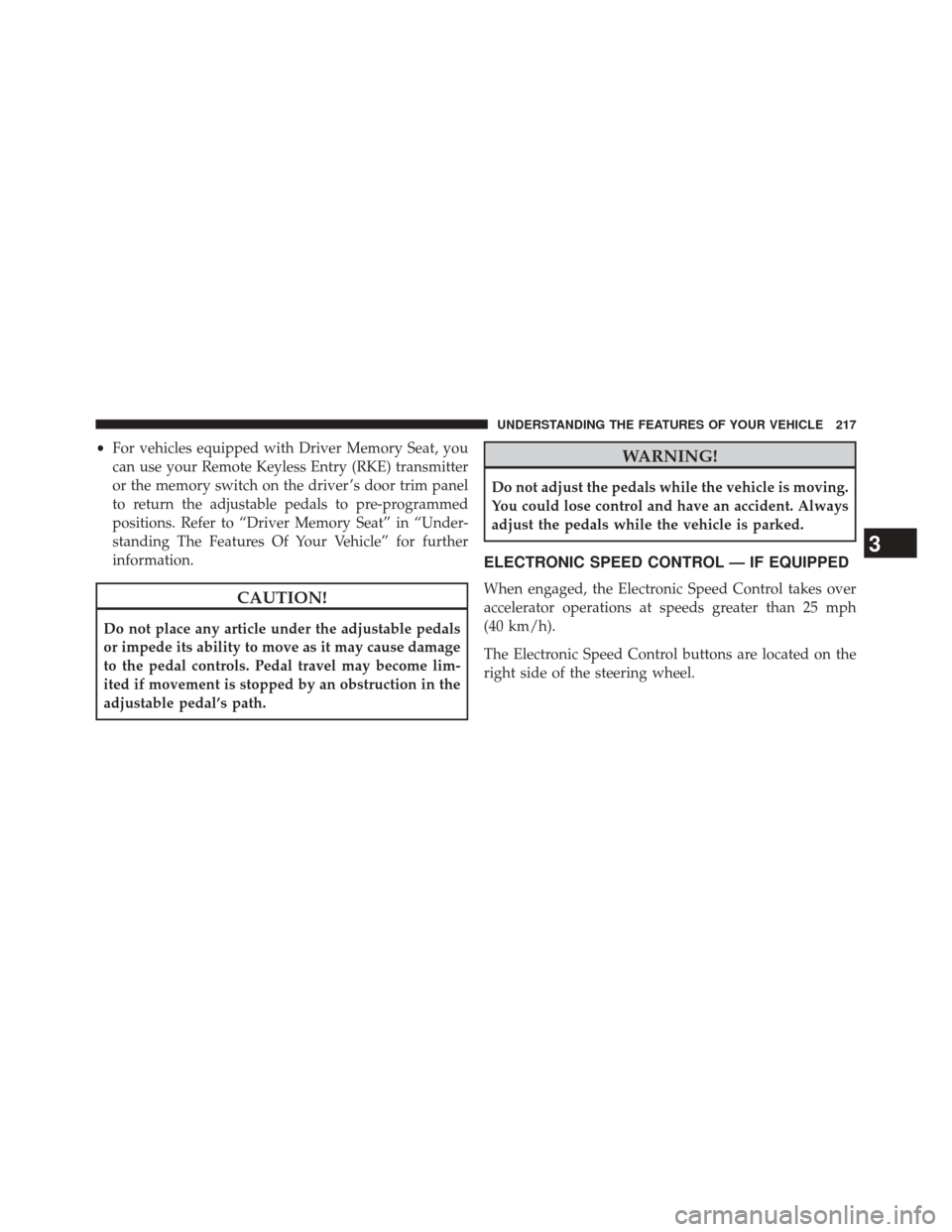
The Electronic Speed Control buttons are located on the
right side of the steering wheel.
3
UNDERSTANDING THE FEATURES OF YOUR VEHICLE 217
Page 226 of 590
NOTE:The system will not react to preceding vehicles.
Always be aware of the mode selected.
You can change the mode by using the Cruise Control
buttons. The two control modes function differently.
Always confirm which mode is selected.
Adaptive Cruise Control (ACC) Operation
The speed control buttons (located on the right side of the
steering wheel) operates the ACC system.
Adaptive Cruise Control Buttons
1 — DISTANCE SETTING 4 — CANCEL
2 — RES + 5 — ON/OFF
3 — SET - 6 — MODE
224 UNDERSTANDING THE FEATURES OF YOUR VEHICLE
Page 249 of 590
To Turn Off
The system will turn off and erase the set speed in
memory if:
•You push and release the ON/OFF button.
• You turn off the ignition.
• You switch off ESC.
If the Cruise Control system is turned off and reactivated,
the system will return to the last driver setting (ACC or
Normal Cruise Control).
Forward Collision Warning — If Equipped
The Forward Collision Warning (FCW) system provides
the driver with audible and visual warnings (within the
EVIC) when it detects a potential frontal collision. The
warnings are intended to provide the driver with enough
time to react and avoid the potential collision. FCW monitors the information from the forward looking
sensor as well as the Electronic Brake Controller (EBC),
wheel speed sensors, i.e., to calculate a probable rear-end
collision. When the system determines that a rear-end
collision is probable a warning message (both audible
and visual) will be displayed on the EVIC. When the
system determines a collision with the vehicle in front of
you is no longer probable, the warning message will be
deactivated.
NOTE:
The minimum speed for FCW activation is
10 mph (16 km/h).WARNING!
Forward Collision Warning (FCW) is not intended to
avoid a collision on its own, nor can FCW detect
every type of potential collision. The driver has the
responsibility to avoid a collision by controlling the
(Continued)
3
UNDERSTANDING THE FEATURES OF YOUR VEHICLE 247
Page 302 of 590

▫Turn Menu OFF ...................... .332
� Uconnect® SETTINGS ...................332
▫ Hard-Keys ......................... .332
▫ Soft-Keys .......................... .332
▫ Customer Programmable Features — Uconnect®
8.4 Settings ........................ .332
▫ SRT Performance Features ...............347
� SETTING THE ANALOG CLOCK ...........351
� iPod®/USB/MP3 CONTROL ..............351
� HARMAN KARDON® Logic7® HIGH
PERFORMANCE MULTICHANNEL SURROUND
SOUND SYSTEM WITH DRIVER-SELECTABLE
SURROUND (DSS) — IF EQUIPPED .........352�
STEERING WHEEL AUDIO CONTROLS ......352
▫ Radio Operation ..................... .353
▫ CD Player .......................... .354
� CD/DVD DISC MAINTENANCE ...........354
� RADIO OPERATION AND MOBILE PHONES . .355
� CLIMATE CONTROLS ...................355
▫ General Overview .....................355
▫ Climate Control Functions ...............361
▫ Automatic Temperature Control (ATC) ......362
▫ Operating Tips ...................... .364
300 UNDERSTANDING YOUR INSTRUMENT PANEL
Page 307 of 590
by the vehicle manufacturer on the vehicle placard or tire
inflation pressure label. (If your vehicle has tires of a
different size than the size indicated on the vehicle
placard or tire inflation pressure label, you should deter-
mine the proper tire inflation pressure for those tires.)
As an added safety feature, your vehicle has been
equipped with a Tire Pressure Monitoring System
(TPMS) that illuminates a low tire pressure telltale when
one or more of your tires is significantly under-inflated.
Accordingly, when the low tire pressure telltale illumi-
nates, you should stop and check your tires as soon as
possible, and inflate them to the proper pressure. Driving
on a significantly under-inflated tire causes the tire to
overheat and can lead to tire failure. Under-inflation also
reduces fuel efficiency and tire tread life, and may affect
the vehicle’s handling and stopping ability.
Please note that the TPMS is not a substitute for proper
tire maintenance, and it is the driver ’s responsibility tomaintain correct tire pressure, even if under-inflation has
not reached the level to trigger illumination of the TPMS
low tire pressure telltale.
Your vehicle has also been equipped with a TPMS
malfunction indicator to indicate when the system is not
operating properly. The TPMS malfunction indicator is
combined with the low tire pressure telltale. When the
system detects a malfunction, the telltale will flash for
approximately one minute and then remain continuously
illuminated. This sequence will continue upon subse-
quent vehicle start-ups as long as the malfunction exists.
When the malfunction indicator is illuminated, the sys-
tem may not be able to detect or signal low tire pressure
as intended. TPMS malfunctions may occur for a variety
of reasons, including the installation of replacement or
alternate tires or wheels on the vehicle that prevent the
TPMS from functioning properly. Always check the
TPMS malfunction telltale after replacing one or more
tires or wheels on your vehicle, to ensure that the
4
UNDERSTANDING YOUR INSTRUMENT PANEL 305
Page 308 of 590

replacement or alternate tires and wheels allow the TPMS
to continue to function properly.
CAUTION!
The TPMS has been optimized for the original
equipment tires and wheels. TPMS pressures and
warning have been established for the tire size
equipped on your vehicle. Undesirable system opera-
tion or sensor damage may result when using re-
placement equipment that is not of the same size,
type, and/or style. Aftermarket wheels can cause
sensor damage. Do not use tire sealant from a can or
balance beads if your vehicle is equipped with a
TPMS, as damage to the sensors may result.
8. Malfunction Indicator Light (MIL) The Malfunction Indicator Light (MIL) is part of
an onboard diagnostic system, called OBD, that monitors engine and automatic transmission control sys-
tems. The light will illuminate when the key is in the
ON/RUN position, before engine start. If the bulb does
not come on when turning the key from OFF to ON/
RUN, have the condition checked promptly.
Certain conditions, such as poor fuel quality, etc., may
illuminate the MIL after engine start. The vehicle should
be serviced if the light stays on through several of your
typical driving cycles. In most situations, the vehicle will
drive normally and will not require towing.
CAUTION!
Prolonged driving with the Malfunction Indicator
Light (MIL) on could cause damage to the engine
control system. It also could affect fuel economy and
driveability. If the MIL is flashing, severe catalytic
converter damage and power loss will soon occur.
Immediate service is required.
306 UNDERSTANDING YOUR INSTRUMENT PANEL
Page 316 of 590
•Digital Vehicle Speed
• Trip Info
• Tire Pressure
• Vehicle Info Messages
• Stored Warning Messages
• Turn Menu OFF The system allows the driver to select information by
pressing the following buttons mounted on the steering
wheel:
EVIC Steering Wheel Buttons
314 UNDERSTANDING YOUR INSTRUMENT PANEL
Page 334 of 590
Messages #
Select from Main Menu using the UP or DOWN buttons.
This feature shows the number of stored warning mes-
sages (in the # place holder). Pressing the RIGHT arrow
button will allow you to see what the stored messages
are. Pressing the BACK button takes you back to the
Main Menu.
Turn Menu OFF
Select from Main Menu using the DOWN button. Push-
ing the SELECT button blanks the menu display. Pushing
any one of the four steering wheel buttons brings the
menu back.
Uconnect® SETTINGS
The Uconnect® system uses a combination of soft and
hard keys located on the center of the instrument panel
that allows you to access and change the customer
programmable features.
Hard-Keys
Hard-Keys are located below the Uconnect® system in
the center of the instrument panel. In addition, there is a
Scroll/Enter control knob located on the right side of the
Climate Controls in the center of the instrument panel.
Turn the control knob to scroll through menus and
change settings (i.e., 30, 60, 90), press the center of the
control knob one or more times to select or change a
setting (i.e., ON, OFF).
Soft-Keys
Soft-Keys are accessible on the Uconnect® Touchscreen.
Customer Programmable Features — Uconnect®
8.4 Settings
NOTE:Only one touchscreen area may be selected at a
time.
When making a selection, press the soft-key to enter the
desired mode. Once in the desired mode press and
332 UNDERSTANDING YOUR INSTRUMENT PANEL