Page 302 of 615
▫Turn Menu OFF ...................... .330
� Uconnect® SETTINGS ...................330
▫ Hard-Keys ......................... .330
▫ Soft-Keys .......................... .330
▫ Customer Programmable Features — Uconnect®
8.4 Settings ........................ .330
� SETTING THE ANALOG CLOCK ...........346
� iPod®/USB/MP3 CONTROL ..............347
� HARMAN KARDON® Logic7® HIGH
PERFORMANCE MULTICHANNEL SURROUND
SOUND SYSTEM WITH DRIVER-SELECTABLE
SURROUND (DSS) — IF EQUIPPED .........347�
STEERING WHEEL AUDIO CONTROLS ......348
▫ Radio Operation ..................... .349
▫ CD Player .......................... .349
� CD/DVD DISC MAINTENANCE ...........350
�
RADIO OPERATION AND MOBILE PHONES . . .350
� CLIMATE CONTROLS ...................351
▫ General Overview .....................351
▫ Climate Control Functions ...............356
▫ Automatic Temperature Control (ATC) ......357
▫ Operating Tips ...................... .359
300 UNDERSTANDING YOUR INSTRUMENT PANEL
Page 317 of 615
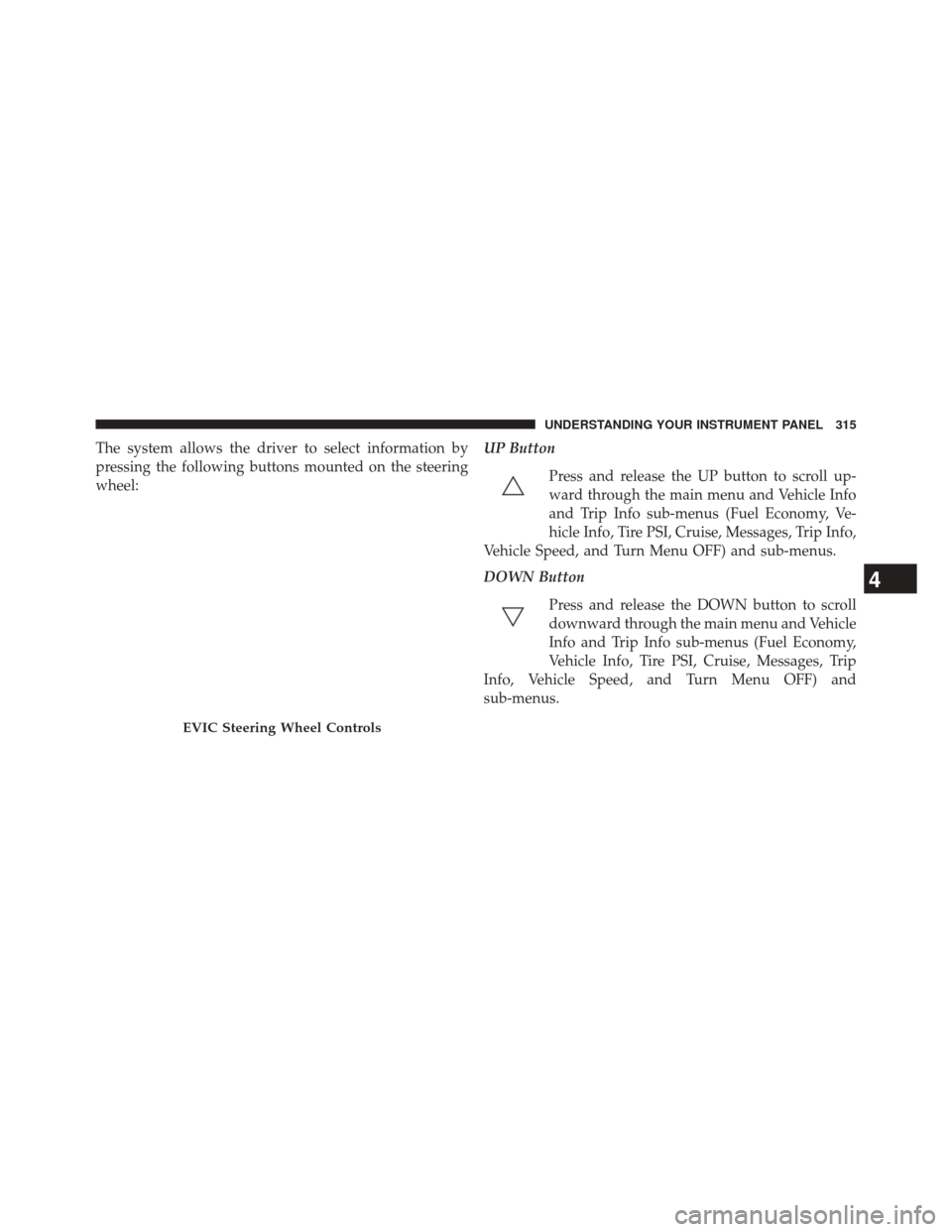
The system allows the driver to select information by
pressing the following buttons mounted on the steering
wheel:UP Button
Press and release the UP button to scroll up-
ward through the main menu and Vehicle Info
and Trip Info sub-menus (Fuel Economy, Ve-
hicle Info, Tire PSI, Cruise, Messages, Trip Info,
Vehicle Speed, and Turn Menu OFF) and sub-menus.
DOWN Button
Press and release the DOWN button to scroll
downward through the main menu and Vehicle
Info and Trip Info sub-menus (Fuel Economy,
Vehicle Info, Tire PSI, Cruise, Messages, Trip
Info, Vehicle Speed, and Turn Menu OFF) and
sub-menus.
EVIC Steering Wheel Controls
4
UNDERSTANDING YOUR INSTRUMENT PANEL 315
Page 324 of 615
CAUTION!
Continuous driving with the Transmission Tempera-
ture Warning Telltale illuminated will eventually
cause severe transmission damage or transmission
failure.
WARNING!
If the Transmission Temperature Warning Telltale is
illuminated and you continue operating the vehicle,
in some circumstances you could cause the fluid to
boil over, come in contact with hot engine or exhaust
components and cause a fire.
• Electric Power Steering Malfunction
This telltale is on when the Electric Power
Steering is not operating and needs service.
Gear Shift Indicator (GSI) — If Equipped
The Gear Shift Indicator (GSI) system is enabled on
vehicles with a manual transmission, or when a vehicle
with an automatic transmission is in manual shift mode.
The GSI provides the driver with a visual indication
within the EVIC when the recommended gear shift point
has been reached. This indication notifies the driver that
changing gear will allow a reduction in fuel consump-
tion.
When the shift up indicator (+) is shown on the display,
the GSI is advising the driver to engage a higher gear.
322 UNDERSTANDING YOUR INSTRUMENT PANEL
Page 332 of 615
Turn Menu OFF
Select from Main Menu using the DOWN button. Press-
ing the SELECT button blanks the menu display. Pressing
any one of the four steering wheel buttons brings the
menu back.
Uconnect® SETTINGS
The Uconnect® system uses a combination of soft and
hard keys located on the center of the instrument panel
that allows you to access and change the customer
programmable features.
Hard-Keys
Hard-Keys are located below the Uconnect® system in
the center of the instrument panel. In addition, there is a
Scroll/Enter control knob located on the right side of the
Climate Controls in the center of the instrument panel.
Turn the control knob to scroll through menus andchange settings (i.e., 30, 60, 90), press the center of the
control knob one or more times to select or change a
setting (i.e., ON, OFF).
Soft-Keys
Soft-Keys are accessible on the Uconnect® Touchscreen.
Customer Programmable Features — Uconnect®
8.4 Settings
Press the “More” soft-key, then press the “Settings”
soft-key to display the menu setting screen. In this mode
the Uconnect® system allows you to access program-
mable features that may be equipped such as Display,
Clock, Safety & Driving Assistance, Lights, Doors &
Locks, Auto-On Comfort & Remote Start, Engine Off
Options, Audio, Phone/Bluetooth® and SIRIUS Setup.
NOTE:
Only one touchscreen area may be selected at a
time.
330 UNDERSTANDING YOUR INSTRUMENT PANEL
Page 341 of 615
press the “Daytime Running Lights” button on the touch-
screen, until a check-mark appears next to setting, show-
ing that setting has been selected. Press the back arrow
button on the touchscreen to return to the previous
menu.
•Steering Directed Headlights — If Equipped
When this feature is selected, the headlights turn relative
to a change in direction of the steering wheel. To make
your selection, press the “Steering Directed Lights” but-
ton on the touchscreen, until a check-mark appears next
to setting, showing that setting has been selected. Press
the back arrow button on the touchscreen to return to the
previous menu.
• Flash Lamps With Lock
When this feature is selected, the exterior lights will flash
when the doors are locked with the Remote Keyless
Entry (RKE) transmitter. This feature may be selected
with or without the sound horn on lock feature selected. To make your selection, press the “Flash Lamps with
Lock” button on the touchscreen, until a check-mark
appears next to setting, showing that setting has been
selected. Press the back arrow button on the touchscreen
to return to the previous menu.
Doors & Locks
After pressing the Doors & Locks soft-key the following
settings will be available.
•
Auto Unlock On Exit
When this feature is selected, all doors will unlock when
the vehicle is stopped and the transmission is in the
PARK or NEUTRAL position and the driver’s door is
opened. To make your selection, touch the Auto Unlock
On Exit soft-key, until a check-mark appears next to
setting, showing that setting has been selected. Touch the
back arrow soft-key to return to the previous menu.4
UNDERSTANDING YOUR INSTRUMENT PANEL 339
Page 344 of 615
Auto-On Comfort & Remote Start
After pressing the Auto-On Comfort & Remote Start
soft-key the following settings will be available.
•Sound Horn With Remote Start
When this feature is selected, the horn will sound when
the remote start is activated. To make your selection,
touch the Sound Horn With Remote Start soft-key, until a
check-mark appears next to setting, showing that setting
has been selected. Touch the back arrow soft-key to
return to the previous menu.
• Auto-On Driver Heated/Ventilated Seat & Steering
Wheel With Vehicle Start — If Equipped
When this feature is selected the driver’s heated seat and
heated steering wheel will automatically turn on when
temperatures are below 40° F (4.4° C). When tempera-
tures are above 80° F (26.7° C) the driver vented seat will
turn on. To make your selection, touch the Auto Heated Seats soft-key, until a check-mark appears next to setting,
showing that setting has been selected. Touch the back
arrow soft-key to return to the previous menu.
Engine Off Options
After pressing the Engine Off Options soft-key the fol-
lowing settings will be available.
•
Easy Exit Seat
This feature provides automatic driver seat positioning to
enhance driver mobility when entering and exiting the
vehicle. To make your selection, touch the Easy Exit Seats
soft-key, until a check-mark appears next to setting,
showing that setting has been selected. Touch the back
arrow soft-key to return to the previous menu.
• Engine Off Power Delay
When this feature is selected, the power window
switches, radio, Uconnect® phone system (if equipped),
DVD video system (if equipped), power sunroof (if
342 UNDERSTANDING YOUR INSTRUMENT PANEL
Page 350 of 615
AUX input; and is activated through the Uconnect®
System. Refer to “Surround Sound” under “Uconnect®
Settings” in “Understanding Your Instrument Panel.”
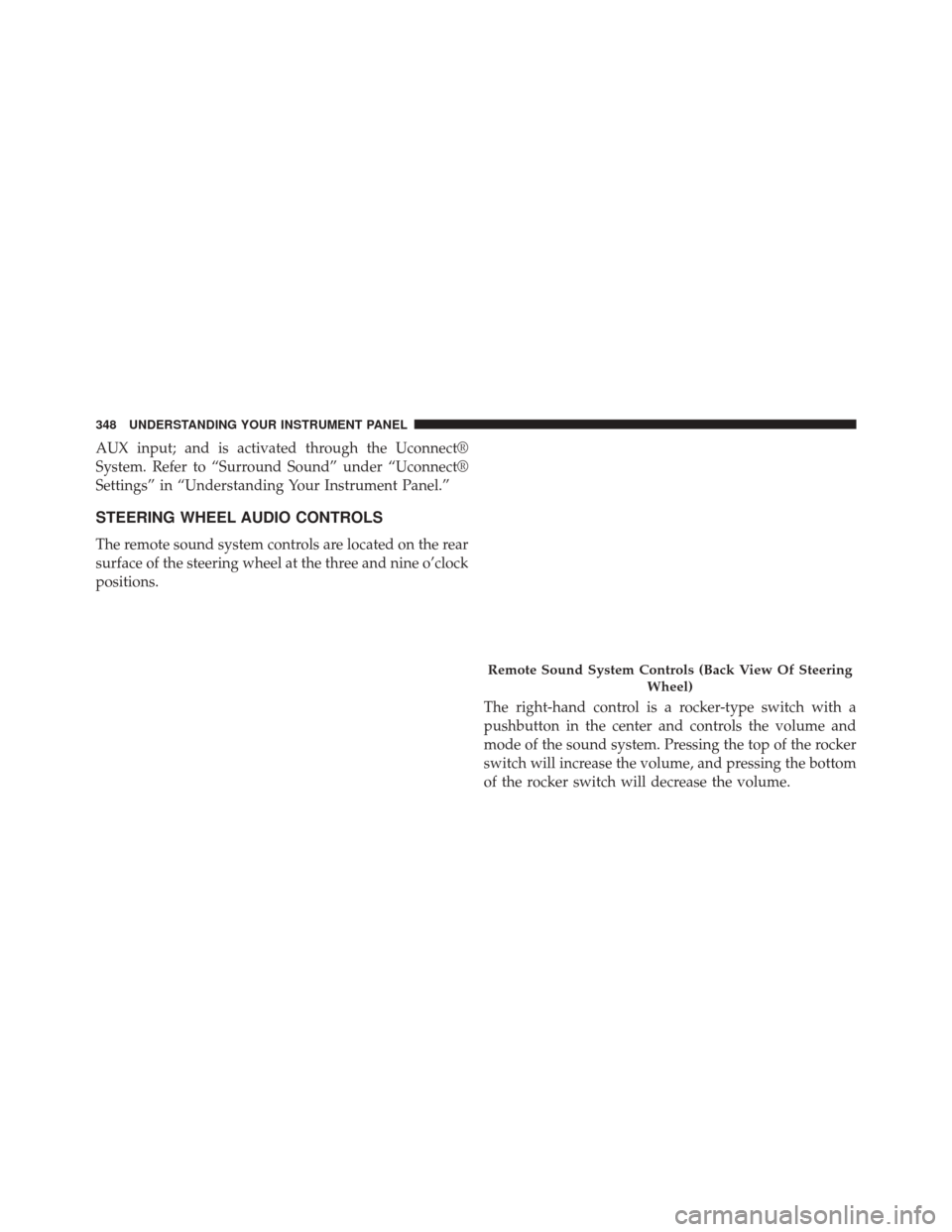
STEERING WHEEL AUDIO CONTROLS
The remote sound system controls are located on the rear
surface of the steering wheel at the three and nine o’clock
positions.The right-hand control is a rocker-type switch with a
pushbutton in the center and controls the volume and
mode of the sound system. Pressing the top of the rocker
switch will increase the volume, and pressing the bottom
of the rocker switch will decrease the volume.
Remote Sound System Controls (Back View Of SteeringWheel)
348 UNDERSTANDING YOUR INSTRUMENT PANEL
Page 364 of 615
�ALL-WHEEL DRIVE (AWD) — IF EQUIPPED . .395
� DRIVING ON SLIPPERY SURFACES .........396
▫ Acceleration ........................ .396
▫ Traction ........................... .396
� DRIVING THROUGH WATER .............397
▫ Flowing/Rising Water ..................397
▫ Shallow Standing Water .................397
� POWER STEERING .....................399
� FUEL SAVER TECHNOLOGY 5.7L ENGINE
ONLY — IF EQUIPPED ..................400
� PARKING BRAKE ..................... .400
� ANTI-LOCK BRAKE SYSTEM .............403
� ELECTRONIC BRAKE CONTROL SYSTEM . . . .405 ▫
Anti-Lock Brake System (ABS) ............405
▫ Traction Control System (TCS) ............405
▫ Brake Assist System (BAS) ...............406
▫ Electronic Stability Control (ESC) ..........407
▫ Hill Start Assist (HSA) .................410
▫ Ready Alert Braking ...................412
▫ Rain Brake Support ....................412
▫ ESC Activation/Malfunction Indicator Light And
ESC OFF Indicator Light ................413
▫ Synchronizing ESC ....................414
� TIRE SAFETY INFORMATION .............414
▫ Tire Markings ....................... .414
▫ Tire Identification Number (TIN) ...........418
362 STARTING AND OPERATING