.
Audio and Telematics 47
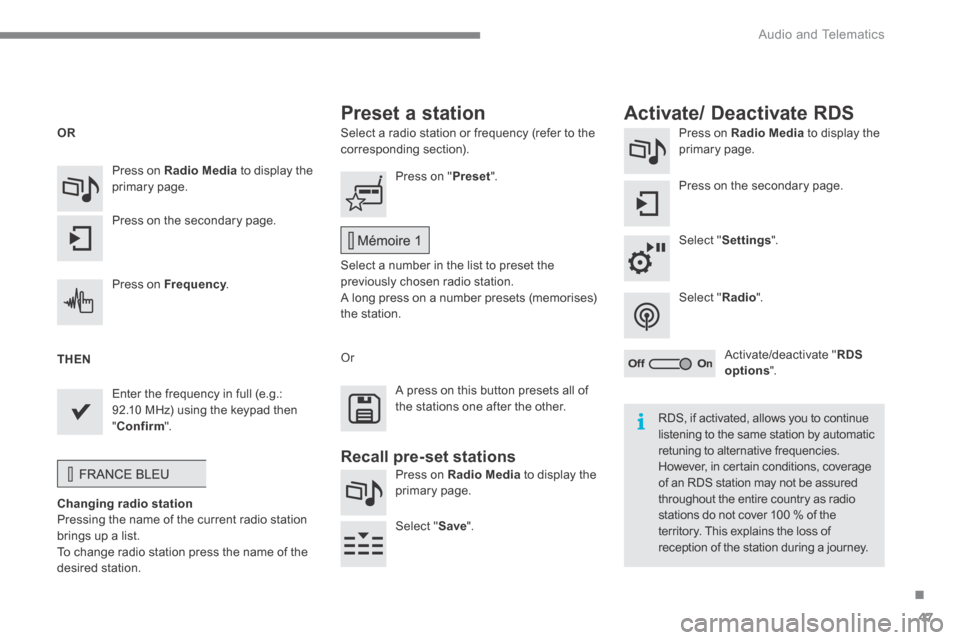
Select a radio station or frequency (refer to the corresponding section). Press on Radio Media to display the primary page.
Press on the secondary page.
Select " Settings ".
Select " Radio ".
Activate/deactivate " RDS options ".
Press on Radio Media to display the primary page.
Press on the secondary page.
Press on " Preset ".
Select a number in the list to preset the previously chosen radio station. A long press on a number presets (memorises) the station.
Press on Frequency . Frequency . Frequency
Enter the frequency in full (e.g.: 92.10 MHz) using the keypad then " Confirm ".
Changing radio station Pressing the name of the current radio station brings up a list. To change radio station press the name of the desired station.
Or
Press on Radio Media to display the primary page.
Select " Save ".
Preset a station Activate/ Deactivate RDS
OR
THEN
A press on this button presets all of the stations one after the other.
Recall pre-set stations
RDS, if activated, allows you to continue listening to the same station by automatic retuning to alternative frequencies. However, in certain conditions, coverage of an RDS station may not be assured throughout the entire country as radio stations do not cover 100 % of the territory. This explains the loss of reception of the station during a journey.
Audio and Telematics
74
Managing paired
telephones
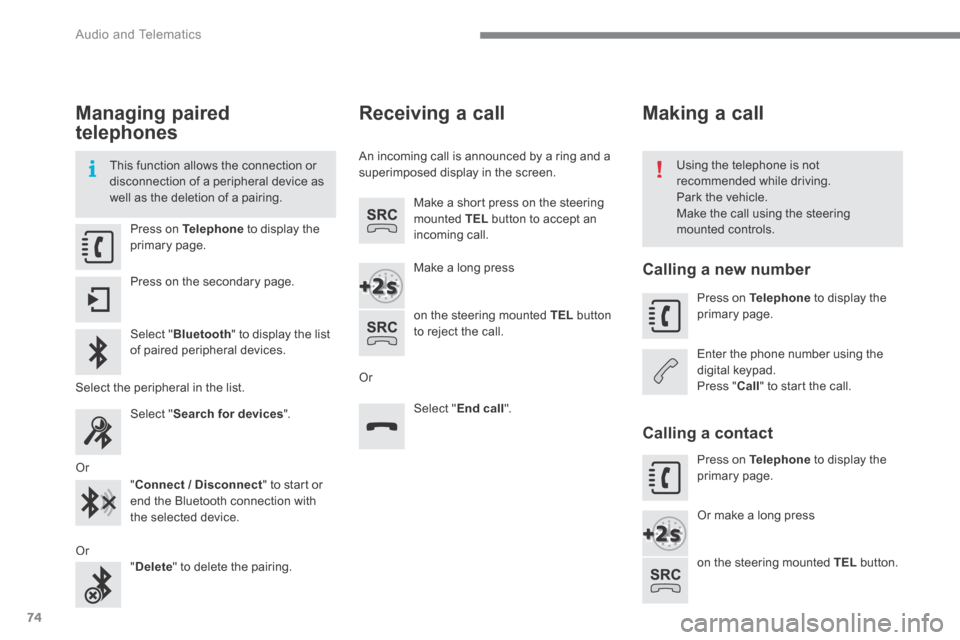
This function allows the connection or disconnection of a peripheral device as well as the deletion of a pairing.
Using the telephone is not recommended while driving. Park the vehicle. Make the call using the steering mounted controls. Press on Telephone to display the primary page.
Press on the secondary page.
Select " Bluetooth " to display the list of paired peripheral devices.
Select the peripheral in the list.
Select " Search for devices " .
Or
" Connect / Disconnect " to start or end the Bluetooth connection with the selected device.
Or " Delete " to delete the pairing.
Receiving a call
An incoming call is announced by a ring and a superimposed display in the screen.
Make a short press on the steering mounted TEL button to accept an incoming call.
Make a long press
on the steering mounted TEL button to reject the call.
Or
Select " End call ".
Making a call
Calling a new number
Press on Telephone to display the primary page.
Enter the phone number using the digital keypad. Press " Call " to start the call.
Calling a contact
Press on Telephone to display the primary page.
Or make a long press
on the steering mounted TEL button.