2013 VOLVO V60 service reset
[x] Cancel search: service resetPage 113 of 422

03 Your driving environment
Alcolock*
03
* Option/accessory, for more information, see Introduction.111 To bear in mind
Before the breath testIn order to obtain correct function and as accu-
rate a measurement result as possible:
•Avoid eating or drinking approx.
5 minutes before the breath test.
•Avoid excess windscreen washing - the
alcohol in the washer fluid may result in an
incorrect measurement result.
Change of driverIn order to ensure that a new breath test is car-
ried out in the event of a change of driver -
depress the switch (2) and the send button (3)
simultaneously for approx. 3 seconds. At
which point the car returns to start inhibition
mode and a new approved breath test is
required before starting the engine.
Calibration and serviceThe Alcolock must be checked and calibrated
at a workshop2 every 12 months.
30 days before recalibration is necessary the
display shows
Alcoguard Calibr. required. If
calibration is not carried out within these 30
days then normal engine starting will be
blocked - only starting with the Bypass func-tion will then be possible, see page 111 sec-
tion Emergency situation.
The message can be cleared by pressing the
send button (3) once. Otherwise it goes out on
its own after approx. 2 minutes but then reap-
pears each time the engine is started - only
recalibration at a workshop
2 can clear the mes-
sage permanently.
Cold or hot weatherThe colder the weather the longer it takes
before the Alcolock is ready for use:
Temperature (ºC)Maximum heat-
ing time (sec-
onds)
+10 to +8510
-5 to +1060
-40 to -5180
At temperatures below -20 ºC or above
+60 ºC the Alcolock requires additional power
supply. The display shows
Alcoguard insert
power cable. In which case, connect the
power supply cable from the glovebox and wait
until indicator lamp (6) is green.In extremely cold weather the heating time can
be reduced by taking the Alcolock indoors.
Emergency situationIn the event of an emergency situation or the
Alcolock is out of order, it is possible to bypass
the Alcolock in order to drive the car.
NOTE
All Bypass activation is logged and saved in
memory, see page 8 in the section, Record-
ing data.
After the Bypass function has been activated
the display shows Alcoguard Bypass
enabled the whole time while driving and can
only be reset by a workshop2.
The Bypass function can be tested without the
error message being logged - in which case,
carry out all the steps without starting the car.
The error message is cleared when the car is
locked.
When the Alcolock is installed, either the
Bypass or Emergency function is selected as
the bypassing option. This setting can be
changed afterwards at a workshop
2.
2An authorised Volvo workshop is recommended.
ProCarManuals.com
Page 114 of 422
03 Your driving environment
Alcolock*
03
112* Option/accessory, for more information, see Introduction.
Activating the Bypass function
•Depress and hold the left-hand stalk
switch OK button and the button for haz-
ard warning flashers simultaneously for
approx. 5 seconds - the display first shows
Bypass activated Wait 1 minute and
then Alcoguard Bypass enabled - after
which the engine can be started.
This function can be activated several times.
The error message shown during driving can
only be cleared at a workshop
2.
Activating the Emergency function
•Depress and hold the left-hand stalk
switch OK button and the button for haz-
ard warning flashers simultaneously for
approx. 5 seconds - the display shows
Alcoguard Bypass enabled and the
engine can be started.
This function can be used once, after which a
reset must be made at a workshop
2.
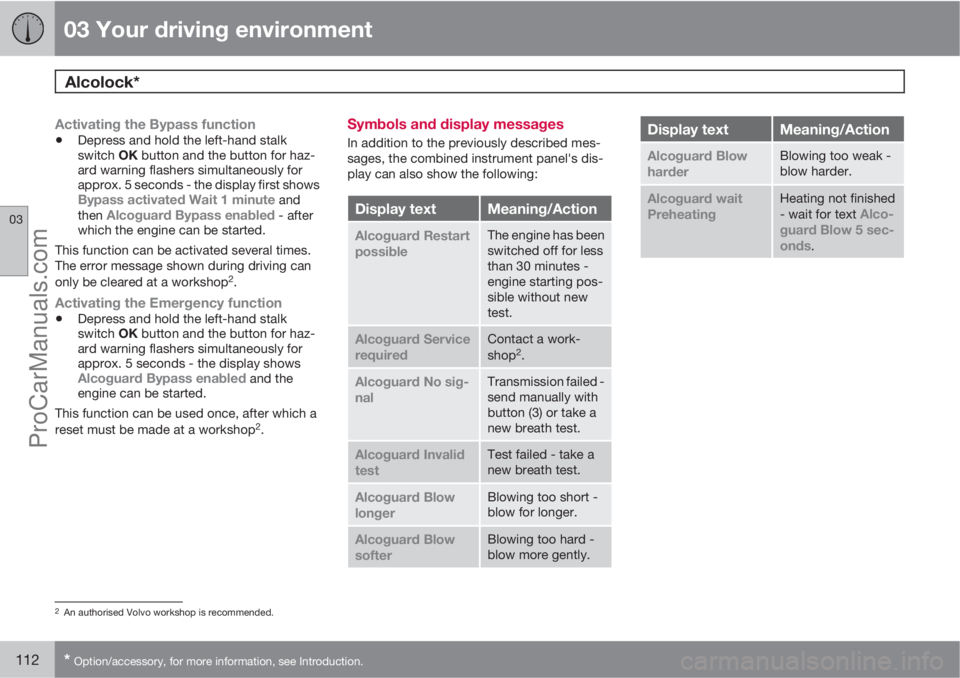
Symbols and display messages
In addition to the previously described mes-
sages, the combined instrument panel's dis-
play can also show the following:
Display textMeaning/Action
Alcoguard Restart
possibleThe engine has been
switched off for less
than 30 minutes -
engine starting pos-
sible without new
test.
Alcoguard Service
requiredContact a work-
shop2.
Alcoguard No sig-
nalTransmission failed -
send manually with
button (3) or take a
new breath test.
Alcoguard Invalid
testTest failed - take a
new breath test.
Alcoguard Blow
longerBlowing too short -
blow for longer.
Alcoguard Blow
softerBlowing too hard -
blow more gently.
Display textMeaning/Action
Alcoguard Blow
harderBlowing too weak -
blow harder.
Alcoguard wait
PreheatingHeating not finished
- wait for text Alco-
guard Blow 5 sec-
onds
.
2An authorised Volvo workshop is recommended.
ProCarManuals.com
Page 198 of 422
04 Driver support
BLIS* – Blind Spot Information System
04
196* Option/accessory, for more information, see Introduction.
Cleaning
In order to work most effectively the BLIS cam-
era lenses must be clean. The lenses can be
cleaned with a soft cloth or damp sponge.
Clean the lenses carefully so that they are not
scratched.
IMPORTANT
The lenses are electrically heated to melt ice
or snow. If necessary, brush snow away
from the lenses.
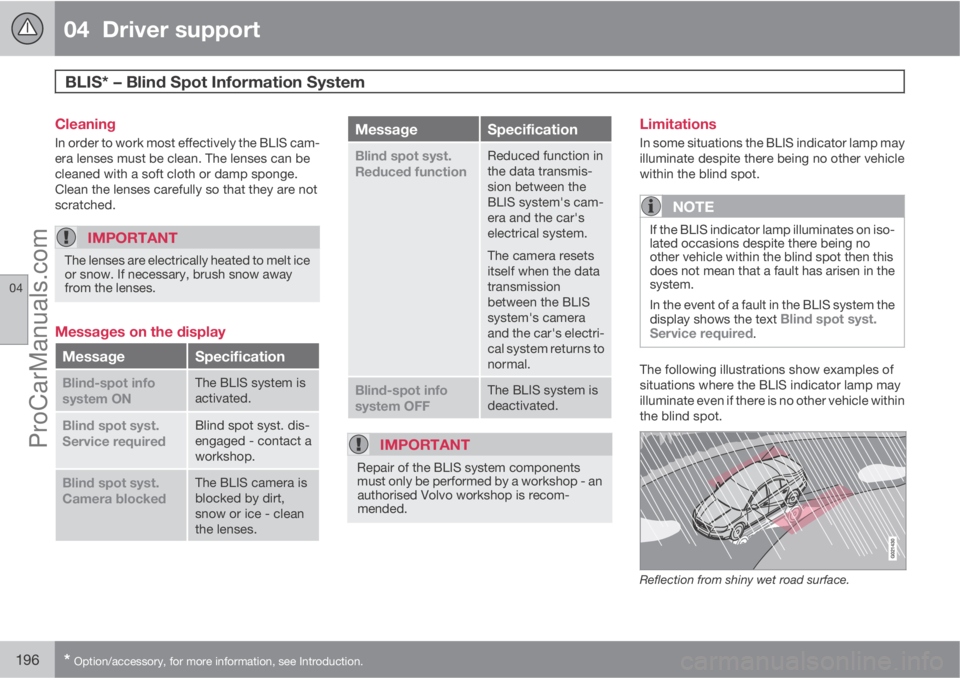
Messages on the display
MessageSpecification
Blind-spot info
system ONThe BLIS system is
activated.
Blind spot syst.
Service requiredBlind spot syst. dis-
engaged - contact a
workshop.
Blind spot syst.
Camera blockedThe BLIS camera is
blocked by dirt,
snow or ice - clean
the lenses.
MessageSpecification
Blind spot syst.
Reduced functionReduced function in
the data transmis-
sion between the
BLIS system's cam-
era and the car's
electrical system.
The camera resets
itself when the data
transmission
between the BLIS
system's camera
and the car's electri-
cal system returns to
normal.
Blind-spot info
system OFFThe BLIS system is
deactivated.
IMPORTANT
Repair of the BLIS system components
must only be performed by a workshop - an
authorised Volvo workshop is recom-
mended.
Limitations
In some situations the BLIS indicator lamp may
illuminate despite there being no other vehicle
within the blind spot.
NOTE
If the BLIS indicator lamp illuminates on iso-
lated occasions despite there being no
other vehicle within the blind spot then this
does not mean that a fault has arisen in the
system.
In the event of a fault in the BLIS system the
display shows the text
Blind spot syst.
Service required.
The following illustrations show examples of
situations where the BLIS indicator lamp may
illuminate even if there is no other vehicle within
the blind spot.
Reflection from shiny wet road surface.
ProCarManuals.com
Page 203 of 422
05 Comfort and driving pleasure
Menus and messages
05
201
NOTE
If a warning message appears while you are
using the trip computer, the message must
be read (press OK) before the previous
activity can be resumed.
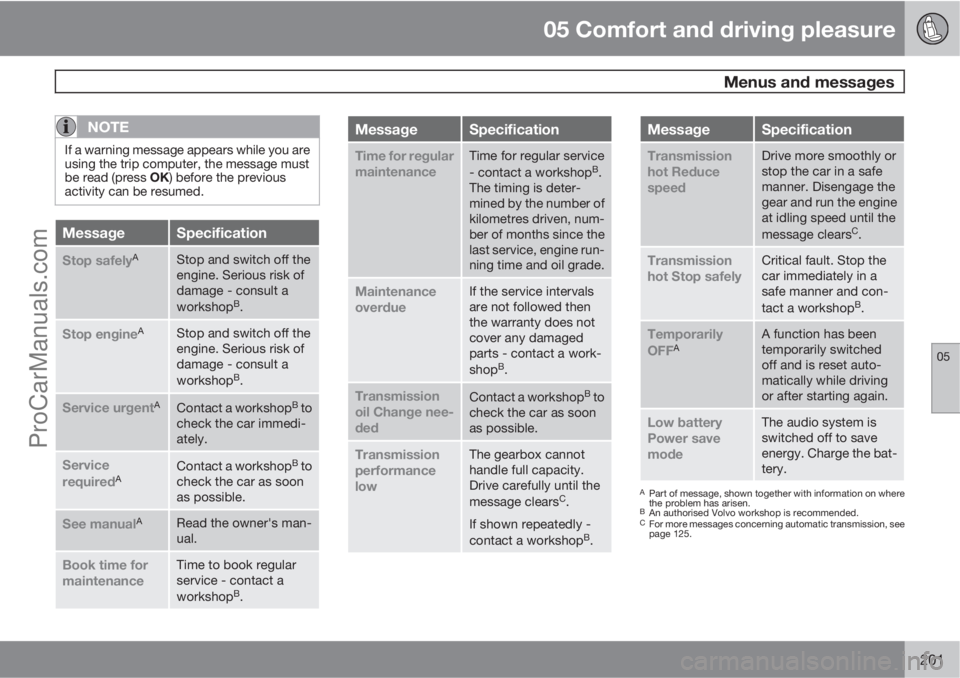
MessageSpecification
Stop safelyAStop and switch off the
engine. Serious risk of
damage - consult a
workshop
B.
Stop engineAStop and switch off the
engine. Serious risk of
damage - consult a
workshop
B.
Service urgentAContact a workshopB to
check the car immedi-
ately.
Service
requiredAContact a workshopB to
check the car as soon
as possible.
See manualARead the owner's man-
ual.
Book time for
maintenanceTime to book regular
service - contact a
workshop
B.
MessageSpecification
Time for regular
maintenanceTime for regular service
- contact a workshopB.
The timing is deter-
mined by the number of
kilometres driven, num-
ber of months since the
last service, engine run-
ning time and oil grade.
Maintenance
overdueIf the service intervals
are not followed then
the warranty does not
cover any damaged
parts - contact a work-
shop
B.
Transmission
oil Change nee-
dedContact a workshopB to
check the car as soon
as possible.
Transmission
performance
lowThe gearbox cannot
handle full capacity.
Drive carefully until the
message clears
C.
If shown repeatedly -
contact a workshop
B.
MessageSpecification
Transmission
hot Reduce
speedDrive more smoothly or
stop the car in a safe
manner. Disengage the
gear and run the engine
at idling speed until the
message clears
C.
Transmission
hot Stop safelyCritical fault. Stop the
car immediately in a
safe manner and con-
tact a workshop
B.
Temporarily
OFFAA function has been
temporarily switched
off and is reset auto-
matically while driving
or after starting again.
Low battery
Power save
modeThe audio system is
switched off to save
energy. Charge the bat-
tery.
APart of message, shown together with information on where
the problem has arisen.
BAn authorised Volvo workshop is recommended.CFor more messages concerning automatic transmission, see
page 125.
ProCarManuals.com
Page 213 of 422
05 Comfort and driving pleasure
Climate control
05
* Option/accessory, for more information, see Introduction.211
severely contaminated environment, it may be
necessary to replace the filter more often.
NOTE
There are different types of passenger com-
partment filter. Make sure that the correct
filter is fitted.
Clean Zone Interior Package (CZIP)*This option keeps the passenger compartment
clear of allergy and asthma inducing sub-
stances. For more information on CZIP, see the
brochure included with the purchase of the car.
The following is included:
•An enhanced fan function that means that
the fan starts when the car is opened with
the remote control key. The fan fills the
passenger compartment with fresh air. The
function starts when required and is dis-
engaged automatically after a time or when
one of the passenger compartment doors
is opened. The amount of time the fan runs
is reduced gradually due to reduced need
up until the car is 4 years old.
•The air quality system IAQS is a fully auto-
matic system that cleans the air in the pas-
senger compartment from contaminants
such as particles, hydrocarbons, nitrous
oxides and ground-level ozone.
NOTE
To keep the CZIP standard in cars with CZIP
the IAQS filter must be changed after
15 000 km or once per year depending on
whichever occurs first. However, up to
75 000 km over 5 years. In cars without CZIP
and where the customer does not want to
keep the CZIP standard the IAQS filter must
be changed at a regular service.
Use of tested materials in the interior
equipment.
The materials have been developed in order to
minimise the quantity of dust in the passenger
compartment and they contribute to making
the passenger compartment easier to keep
clean. The carpets in both the passenger com-
partment and the cargo area are removable
and easy to remove and clean. Use cleaning
agents and car care products recommended
by Volvo, see page 363.
Menu settingsIt is possible to activate/deactivate or change
the default settings for four of the climate con-
trol system's functions via the centre console.
For general information about menu naviga-
tion, see page 203:
•Fan speed in automatic mode*, see
page 216.
•Recirculation timer for passenger com-
partment air, see page 217.
•Automatic rear window defrosting, see
page 104.
•Air quality system IAQS*, see page 217
The climate control system's functions can be
reset to the default settings via the menu sys-
tem in MY CAR and this is carried out under:
Settings
Climate settingsReset
climate settings.
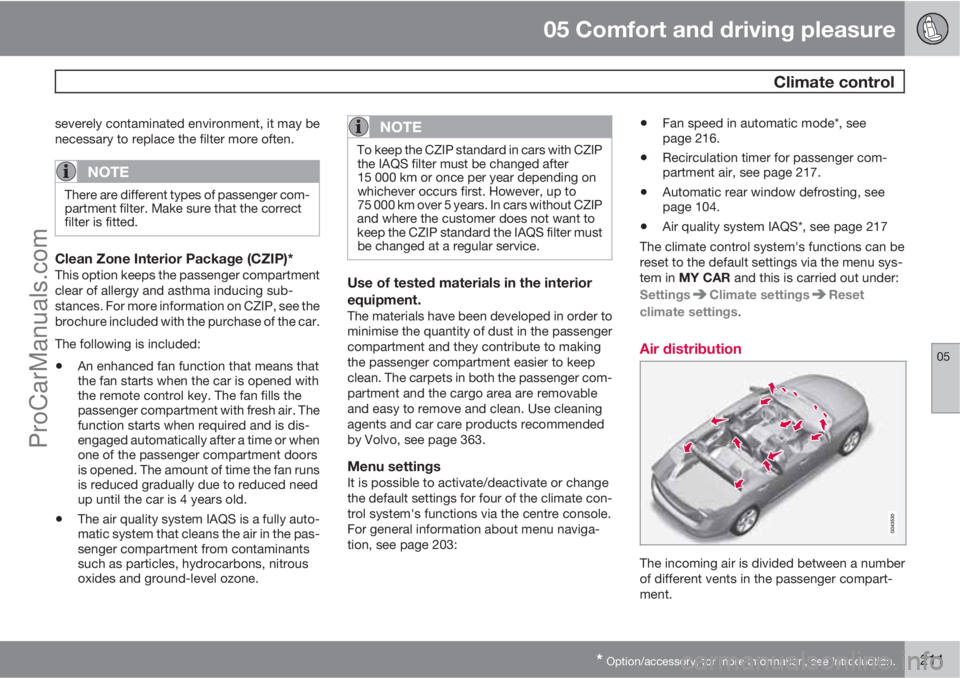
Air distribution
The incoming air is divided between a number
of different vents in the passenger compart-
ment.
ProCarManuals.com
Page 223 of 422
05 Comfort and driving pleasure
Fuel-driven engine block heater and passenger compartment heater*
05
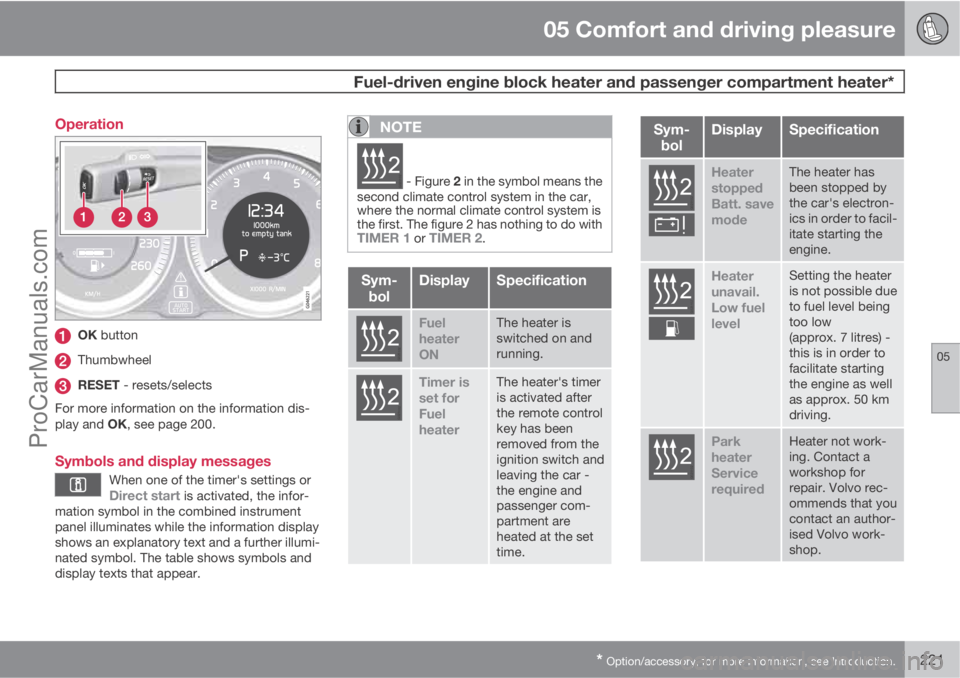
* Option/accessory, for more information, see Introduction.221 Operation
OK button
Thumbwheel
RESET - resets/selects
For more information on the information dis-
play and OK, see page 200.
Symbols and display messages
When one of the timer's settings orDirect start is activated, the infor-
mation symbol in the combined instrument
panel illuminates while the information display
shows an explanatory text and a further illumi-
nated symbol. The table shows symbols and
display texts that appear.
NOTE
G02510
2 - Figure 2 in the symbol means the
second climate control system in the car,
where the normal climate control system is
the first. The figure 2 has nothing to do with
TIMER 1 or TIMER 2.
Sym-
bolDisplaySpecification
G02510
2
Fuel
heater
ONThe heater is
switched on and
running.
G02510
2
Timer is
set for
Fuel
heaterThe heater's timer
is activated after
the remote control
key has been
removed from the
ignition switch and
leaving the car -
the engine and
passenger com-
partment are
heated at the set
time.
Sym-
bolDisplaySpecification
G025102
Heater
stopped
Batt. save
modeThe heater has
been stopped by
the car's electron-
ics in order to facil-
itate starting the
engine.
G025102
Heater
unavail.
Low fuel
levelSetting the heater
is not possible due
to fuel level being
too low
(approx. 7 litres) -
this is in order to
facilitate starting
the engine as well
as approx. 50 km
driving.
G025102
Park
heater
Service
requiredHeater not work-
ing. Contact a
workshop for
repair. Volvo rec-
ommends that you
contact an author-
ised Volvo work-
shop.
ProCarManuals.com
Page 251 of 422

06 Infotainment system
Radio
06
* Option/accessory, for more information, see Introduction.249
Regional radio programmes – REGThis function causes the radio to continue with
a regional transmitter even if its signal strength
is low. The symbol
REG shows that the func-
tion is active.
–
Activate/deactivate in FM mode under FM
menu
Advanced settingsREG.
Resetting RDS functionsAll radio settings can be reset to the original
factory settings.
–The reset is carried out in FM mode under
FM menu
Advanced settings
Reset all FM settings.
Volume control, programme typesThe interrupting programme types, e.g.NEWS or TP, are heard at the volume selected
for each respective programme type. If the vol-
ume level is adjusted during the programme
interruption, the new level is saved until the
next programme interruption.
Scan wavelengthThe function automatically searches for avail-
able channels and takes into account any pro-
gramme type filtering. When a station is found,
it is played for approx. 10 seconds before
scanning is resumed. When a station is playing
back it can be saved as a preset in the usual
way, see the section Preset, page 246.–To start scanning go in FM/AM mode to
FM menu
Scan or AM menuScan.
NOTE
Scanning stops if a station is saved.
Radio system - DAB*
GeneralDAB (Digital Audio Broadcasting) is a digital
broadcasting system for radio. This system
supports DAB, DAB+ and DMB.
NOTE
Coverage for DAB is not available in all loca-
tions. If there is no coverage then the mes-
sage
No reception is shown in the display
screen.
Service and Ensemble
•Service - Channel, radio channel (only
audio services are supported by the sys-
tem).
•Ensemble - A collection of radio channels
on the same frequency.
Storing channel groups (Ensemble learn)When the vehicle is moved to a new broad-
casting area, programming of existing channel
groups in the area may be necessary.Programming of channel groups creates an
updated list of all available channel groups.
The list is not updated automatically.
Programming is carried out in the menu system
in DAB mode under DAB menu
Ensemble
learn. Programming can also take place as fol-
lows:
1.
Turn TUNE one step in either direction.
>
Ensemble learn is shown in the list of
available channel groups.
2.
Press OK/MENU.
> New programming is started.
Programming can be cancelled with EXIT.
Navigation in channel group list
(Ensemble)
To navigate in and access the channel group
list turn TUNE. The name of the Ensemble is
shown in the upper part of the TV screen. When
switching to the new Ensemble the name
changes to the new one.
•Service - Shows channels irrespective of
the channel group to which they are allo-
cated. The list can also be filtered using the
selection of programme type (
PTY
filtering), see below.
ProCarManuals.com