Page 12 of 319
Page 16 of 319
x Confirm the Please drive a full circle to calibrate message by pressing the /+
button on the multi-function steering wheel, and then drive in a complete circle at about 6 mph
(10 km/h).
During calibration, CAL is shown in the instrument cluster display. The calibration is complete when
the compass direction is displayed.
Service reminder display
Page 19 of 319

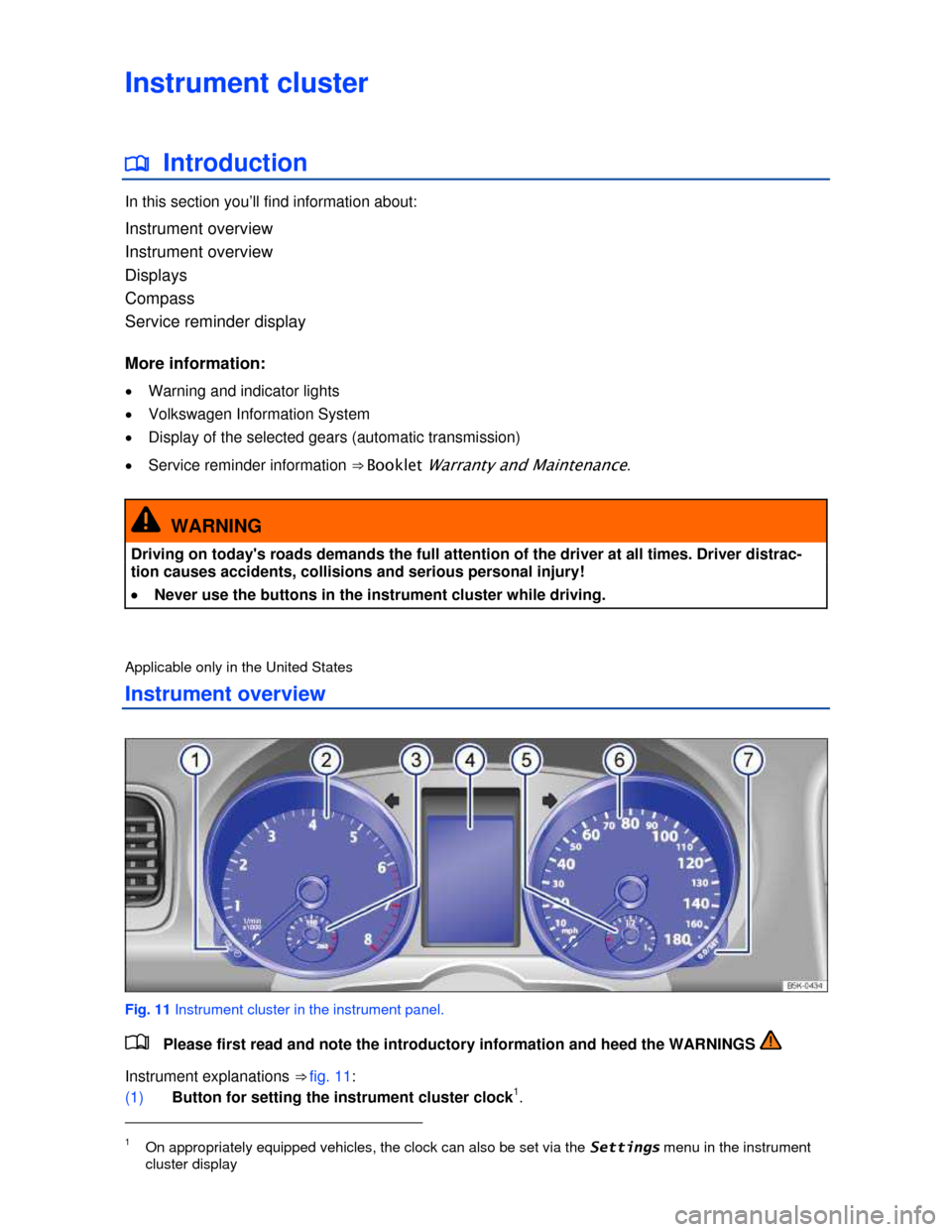
The instrument cluster display is divided into 3 parts. The time (digital clock) is displayed in the top
part. The bottom part contains the odometer and the trip odometer (“trip”). You can select the follow-
ing displays for the middle part:
Multi-Function Indicator (MFI)
▪ Travel time
▪ Consumption --.- mpg (l/100 km) (current fuel consumption)
▪ Av. consumption --.- mpg (l/100 km) (average fuel consumption)
▪ Range
▪ Route
▪ Average speed
▪ xx mph (km/h) (digital speed display)
▪ Speed warning --- mph (km/h)
Audio ⇒ Booklet Radio or ⇒ Booklet Navigation system
Navigation ⇒ Booklet Navigation system
Phone ⇒ Booklet Mobile Phone Package
Assistants
▪ AFS
Vehicle status
Settings
▪ Language
▪ MFI data
– Travel time
– Curr. consum. (current fuel consumption)
– Av. consum. (average fuel consumption)
– Route
– Av. speed
– Digit. speed (digital speed display)
– Speed warn. (speed warning)
– Back
▪ Compass (vehicles without navigation system)
▪ Convenience
– ATA confirm
– Central locking
Auto unlock
Unlock doors
Back
– Window op. (window operation)
Off
All
Driver
Back
– Mirror adjust
Individually
Both mirrors
– Factory setting
– Back
▪ Lights & Vision
– Footwell light
Page 20 of 319
– Conv. turn sig. (convenience turn signal)
– Factory setting
– Back
▪ Time
– Hours
– Minutes
– 24 hr. mode
– Daylight save
– Back
▪ Snow tires (winter tires)
– On
– + 5 mph (10 km/h)
– - 5 mph (10 km/h)
– Back
▪ Units
– Temperature
– Consump./dist.
– Back
▪ Alt. speed dis. (alternative speed display On / Off)
▪ Service
– Info
– Reset
– Back
▪ Factory setting
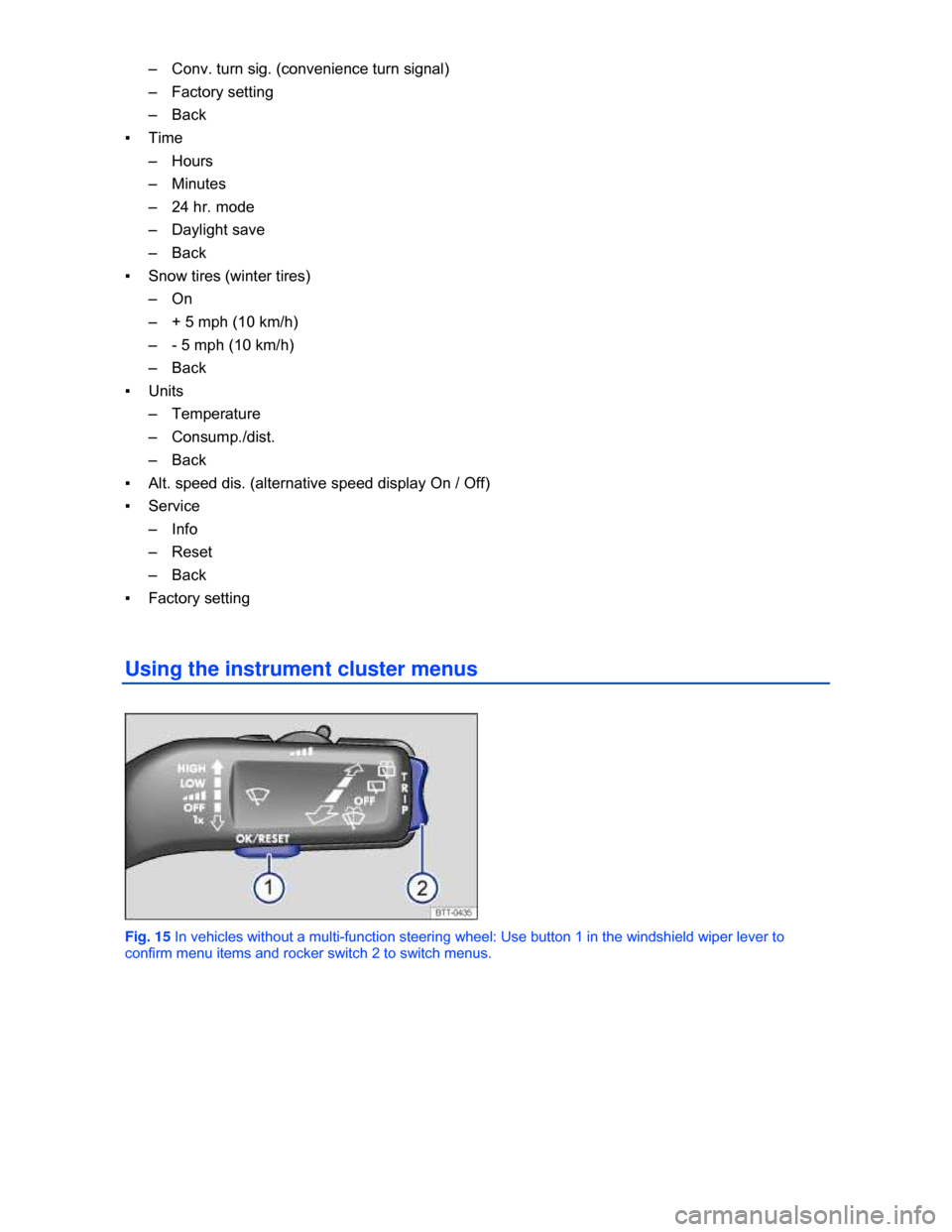
Using the instrument cluster menus
Fig. 15 In vehicles without a multi-function steering wheel: Use button 1 in the windshield wiper lever to
confirm menu items and rocker switch 2 to switch menus.
Page 21 of 319
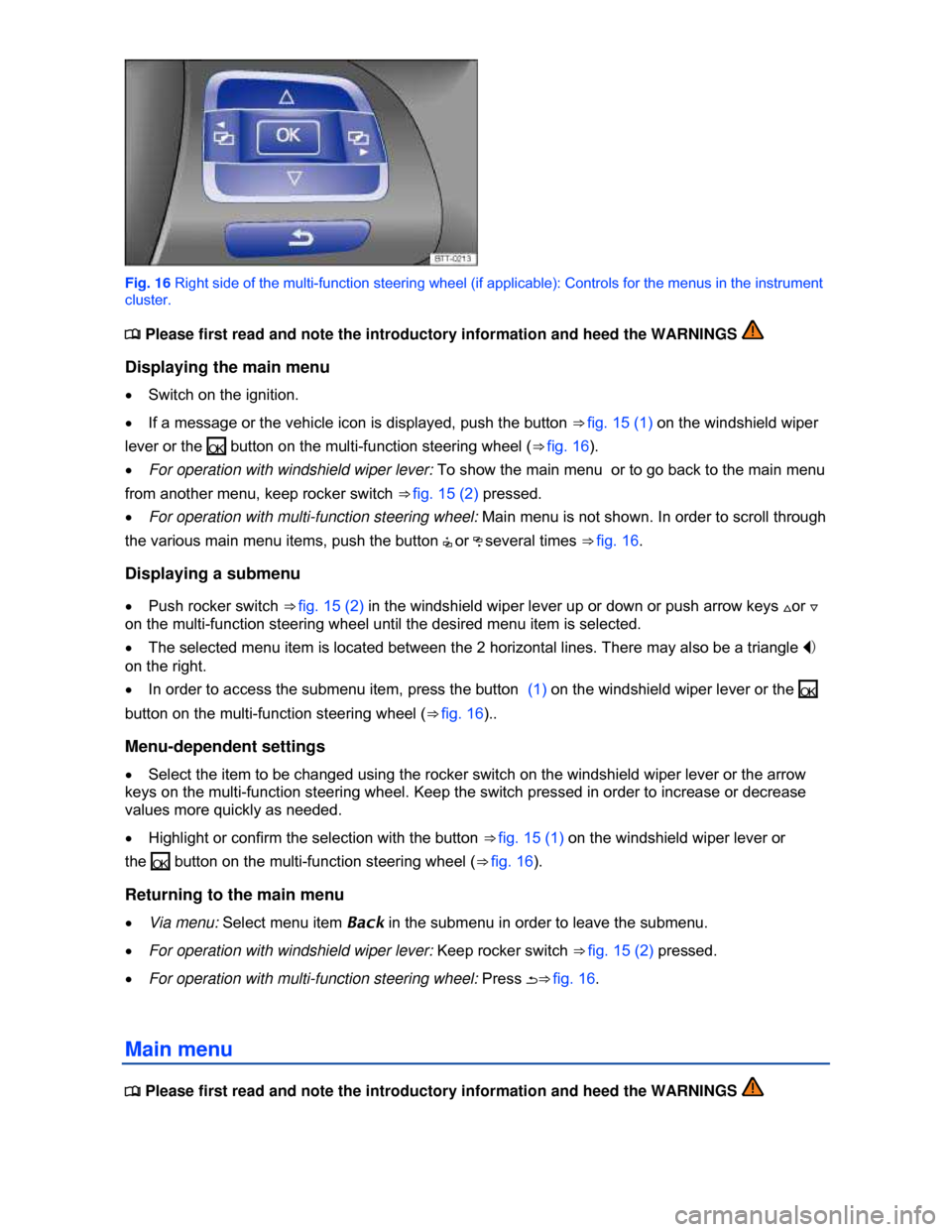
Fig. 16 Right side of the multi-function steering wheel (if applicable): Controls for the menus in the instrument
cluster.
Page 44 of 319
Convenience features
To use the convenience closing feature to close all power windows, hold your finger on the lock sensor
surface on the outside of the door handle for a few seconds until the windows close.
Remove your finger from the lock sensor surface ⇒ fig. 27 (B) to stop the function. If you touch the
unlock sensor surface (A) on the inside of the door handle immediately after releasing the lock sensor
surface (B) (arrow), all of the windows will open (safety function).
Pinch protection is active during convenience closing of the windows.
The settings in the Settings – Convenience menu .21 determine which doors open when the
door handle unlocking surface is grasped.
NOTICE
The door handle sensor surfaces can be activated by a strong stream of water or steam if a
valid vehicle key is within range of the vehicle.
x All windows may open if you turn the spray of water or steam away from and then back onto
the door handle sensor surface in quick succession. If at least one power window is opened
and the sensor is continuously activated, convenience closing is started.
The door may not open if the outside and inside door handles are used at the same time.
If the vehicle battery or the battery in the remote control vehicle key is weak or dead, it might not
be possible to unlock and lock the vehicle using Keyless Access. The vehicle can still be manually
locked or unlocked with the key bit
The driver message Key not in range appears in the instrument cluster display if there is no
remote control vehicle key inside the vehicle or if the system does not recognize the remote control
vehicle key. The key may not be recognized, for example, if it is covered by something that interferes
with the signal (such as a briefcase), or if the remote control vehicle key battery is weak. Electronic
devices such as cell phones can also interfere with the signal.
Dirt on the door handles that contains a lot of salt (especially in winter) can affect the way the
door handle sensors work. Cleaning the door handles can help with this problem
If the automatic transmission is not in Park (P) position, the electronic steering column lock will
not lock and the vehicle will not lock via sensors in the front door handles or the remote control vehicle
key.
Anti-theft alarm system
Page 76 of 319
WARNING
Damage to safety belts reduces their overall effectiveness and increases the risk of serious
personal injury and death whenever the vehicle is being used.
x Never let safety belts become damaged by being caught in the door or seat hardware.
x Torn or frayed safety belts can tear, and damaged safety belt hardware can break in an
accident.
x Inspect belts regularly for damage. If webbing, bindings, buckles, or retractors are
damaged, have the belts replaced immediately with the correct replacement belts approved
by Volkswagen for your vehicle, model, and model year.
x Safety belts that were subject to stress in an accident and stretched must be replaced with
a correct, new safety belt, preferably by an authorized Volkswagen dealer or authorized
Volkswagen Service Facility.
x Replacement after a crash may be necessary even if a safety belt shows no visible
damage. Anchorages that have been loaded must also be inspected.
x Damaged safety belts must be replaced; they cannot be repaired.
x Never try to repair a damaged safety belt yourself. Never remove or modify the safety belts
in any way.
x Have safety belts, bindings, retractors and buckles replaced by an authorized Volkswagen
dealer or authorized Volkswagen Service Facility.
x Always keep the belts clean. Dirty belts may not work correctly and can impair the
function of the inertia reel.
Applicable only in the United States
Warning light
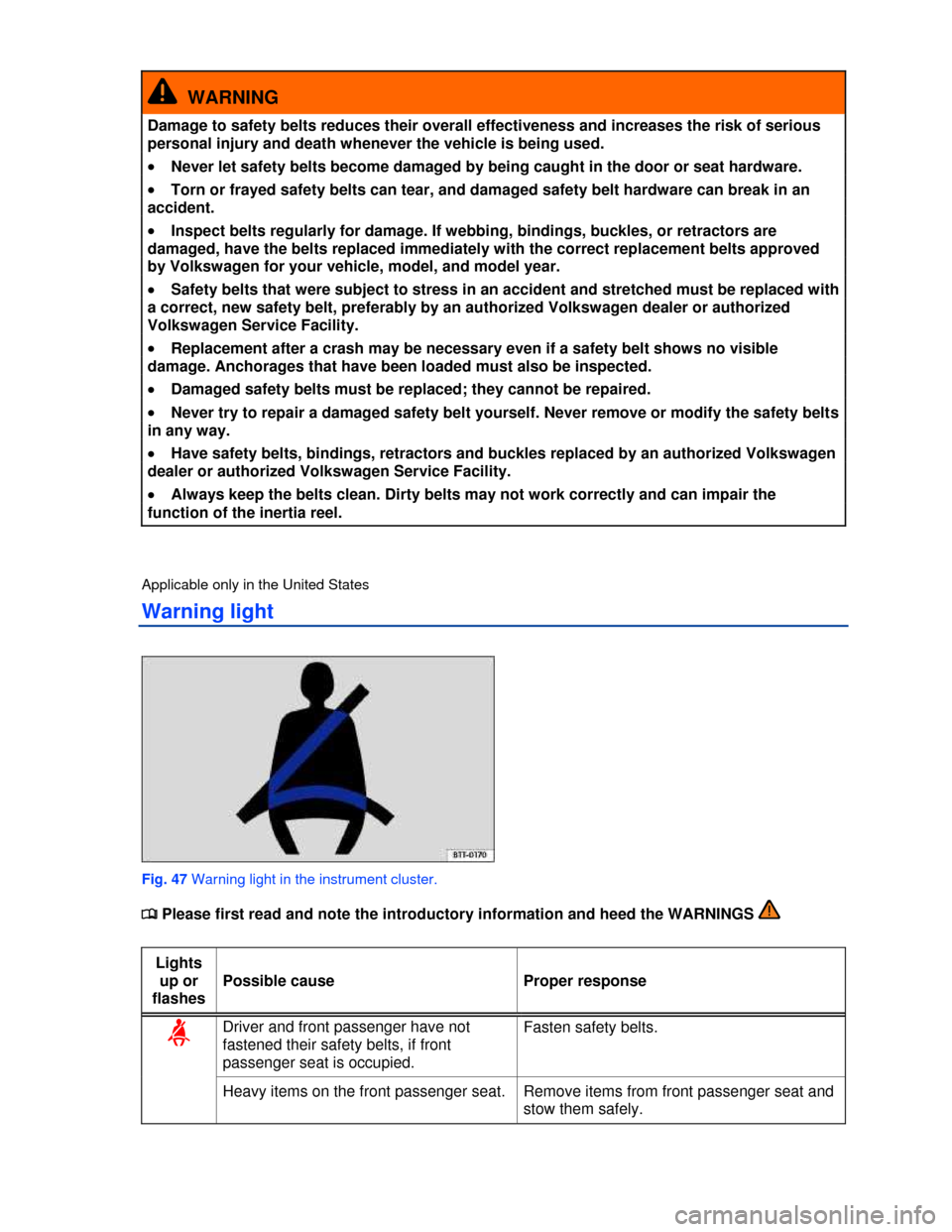
Fig. 47 Warning light in the instrument cluster.
Page 77 of 319
When the ignition is switched on, several warning and indicator lights come on briefly for a function
check. They go out after a few seconds.
A warning chime also sounds.
The safety belt warning light ª comes on for 6 seconds when the ignition is switched on. A warning
chime also sounds for up to 6 seconds if the driver's safety belt is not buckled. The chime stops
sooner if the driver buckles his or her safety belt. The warning light and the chime go out when both
driver and front passenger have bucked their safety belts.
If the driver and front seat passenger do not both fasten their safety belts within about 24 seconds
after the chime stops and the vehicle is moving at a speed of more than about 15 mph (25 km/h), the
chime will again sound for about 6 seconds, then go off for about 24 seconds, then sound again for
about another 6 seconds. The same thing happens if one of the safety belts is fastened and then
unfastened while the vehicle is moving. The safety belt warning light ª also flashes. The warning
chime continues to sound at 24 second intervals for up to 2 minutes. No chime sounds at speeds of
less than about 5 mph (8 km/h).
If the ignition is switched on, the safety belt warning light ª stays on until the driver and front
passenger have both buckled their safety belts.
WARNING
Not wearing a safety belt or wearing an improperly positioned safety belt increases the risk of
severe personal injury or death. Safety belts offer optimum protection only when used
correctly.
Applicable only in Canada
Warning light
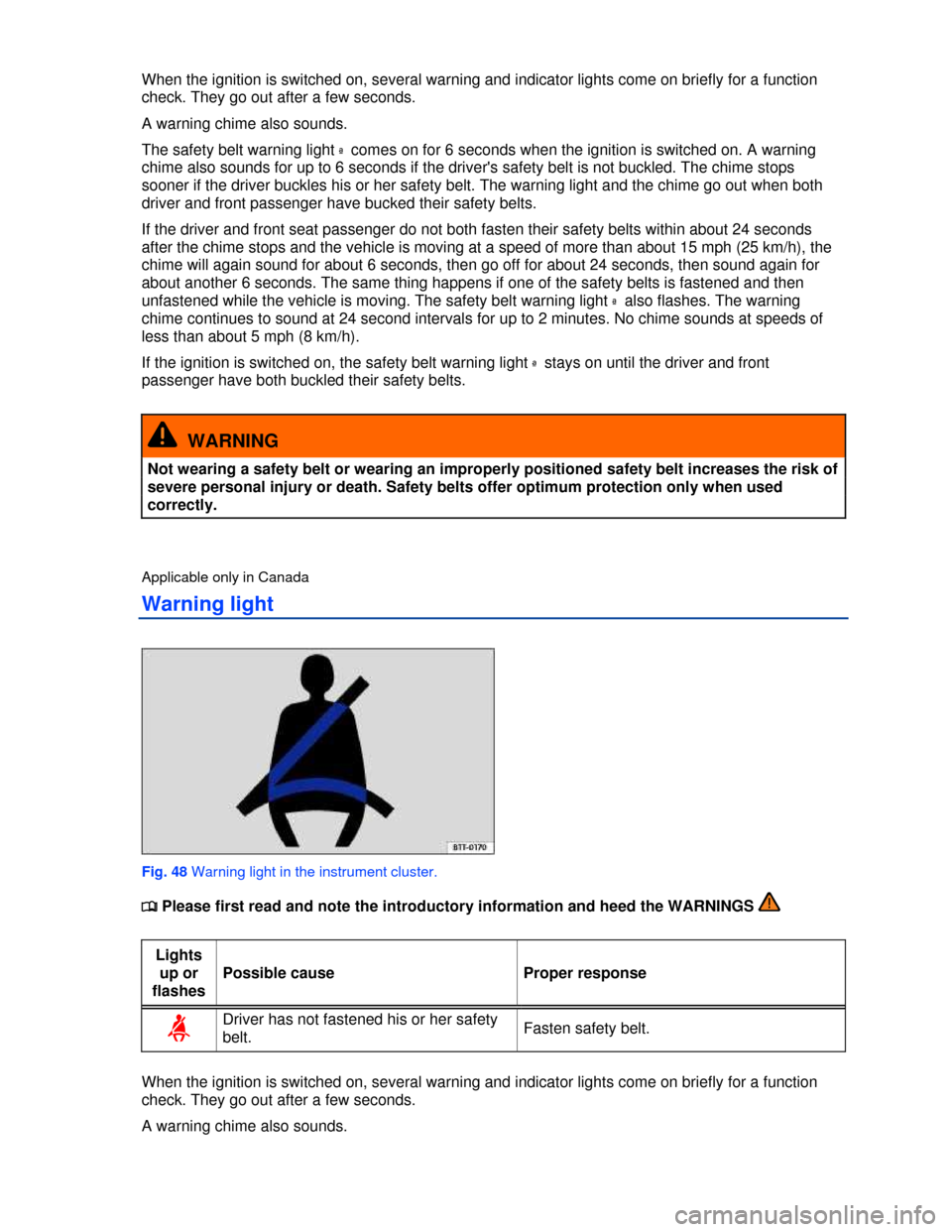
Fig. 48 Warning light in the instrument cluster.