Page 254 of 876
254
2-2. Instrument cluster and information display
SIENNA_OM_OM45472U_(U)
Multi-information display
: If equipped
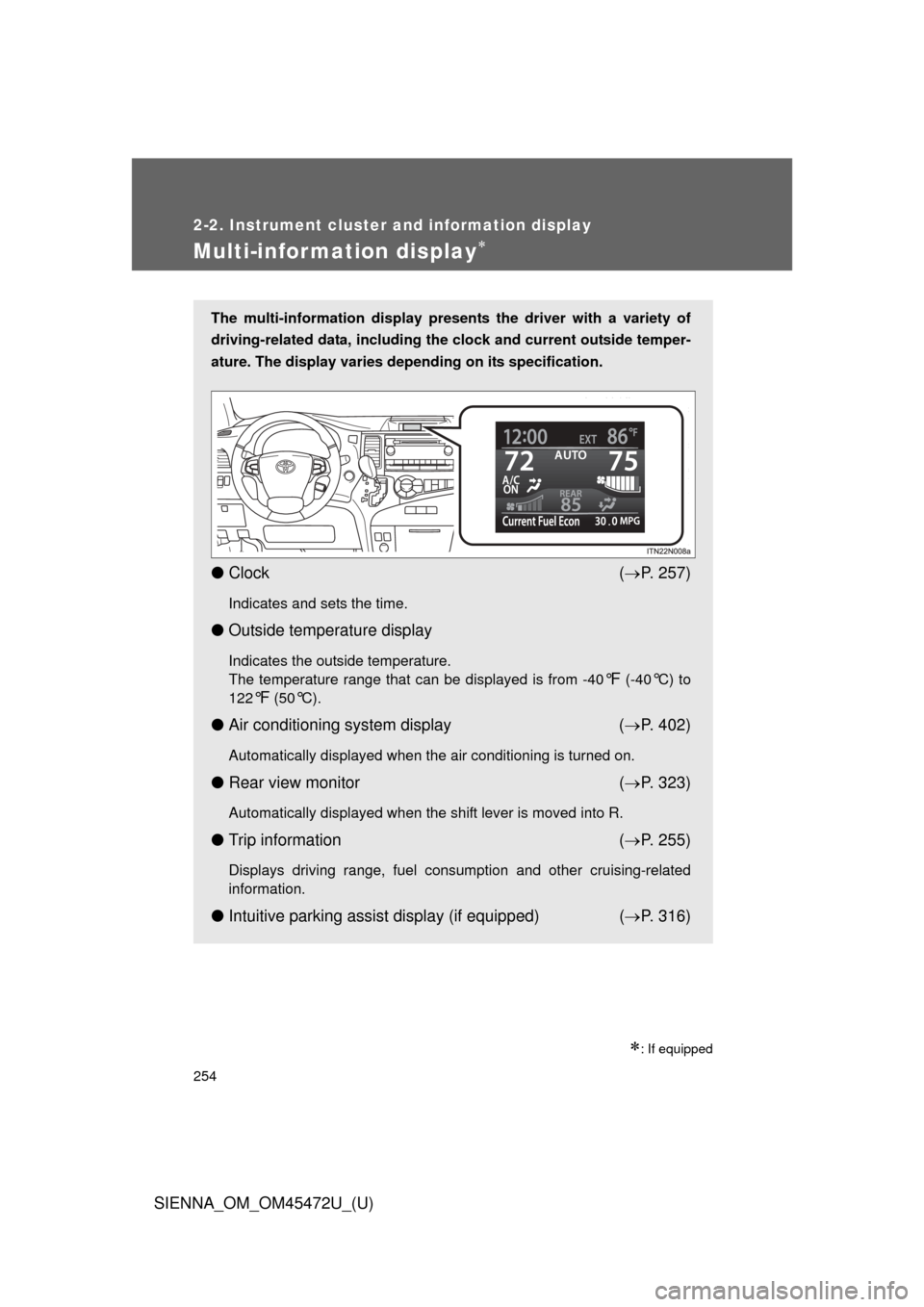
The multi-information display presents the driver with a variety of
driving-related data, including the clock and current outside temper-
ature. The display varies depending on its specification.
● Clock ( P. 257)
Indicates and sets the time.
● Outside temperature display
Indicates the outside temperature.
The temperature range that can be displayed is from -40
°F (-40°C) to
122
°F (50°C).
● Air conditioning system display ( P. 402)
Automatically displayed when the air conditioning is turned on.
● Rear view monitor ( P. 323)
Automatically displayed when the shift lever is moved into R.
● Trip information ( P. 255)
Displays driving range, fuel consumption and other cruising-related
information.
● Intuitive parking assist display (if equipped) ( P. 316)
Page 255 of 876
255
2-2. Instrument cluster and information display
2
When driving
SIENNA_OM_OM45472U_(U)
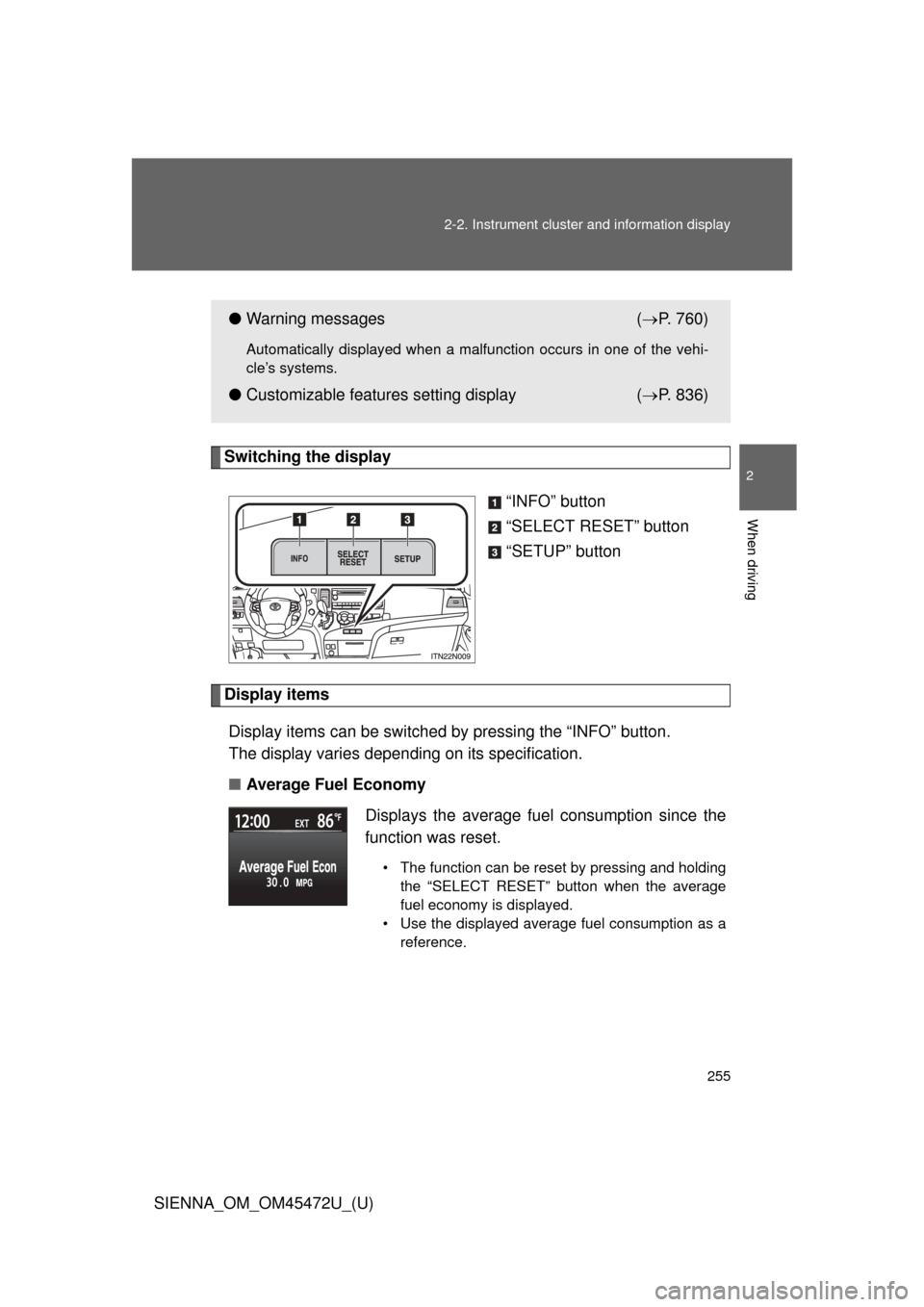
Switching the display
“INFO” button
“SELECT RESET” button
“SETUP” button
Display itemsDisplay items can be switched by pressing the “INFO” button.
The display varies depending on its specification.
■ Average Fuel Economy
●Warning messages ( P. 760)
Automatically displayed when a malfunction occurs in one of the vehi-
cle’s systems.
● Customizable features setting display ( P. 836)
Displays the average fuel consumption since the
function was reset.
• The function can be reset by pressing and holding the “SELECT RESET” button when the average
fuel economy is displayed.
• Use the displayed average fuel consumption as a reference.
Page 256 of 876
256 2-2. Instrument cluster and information display
SIENNA_OM_OM45472U_(U)■
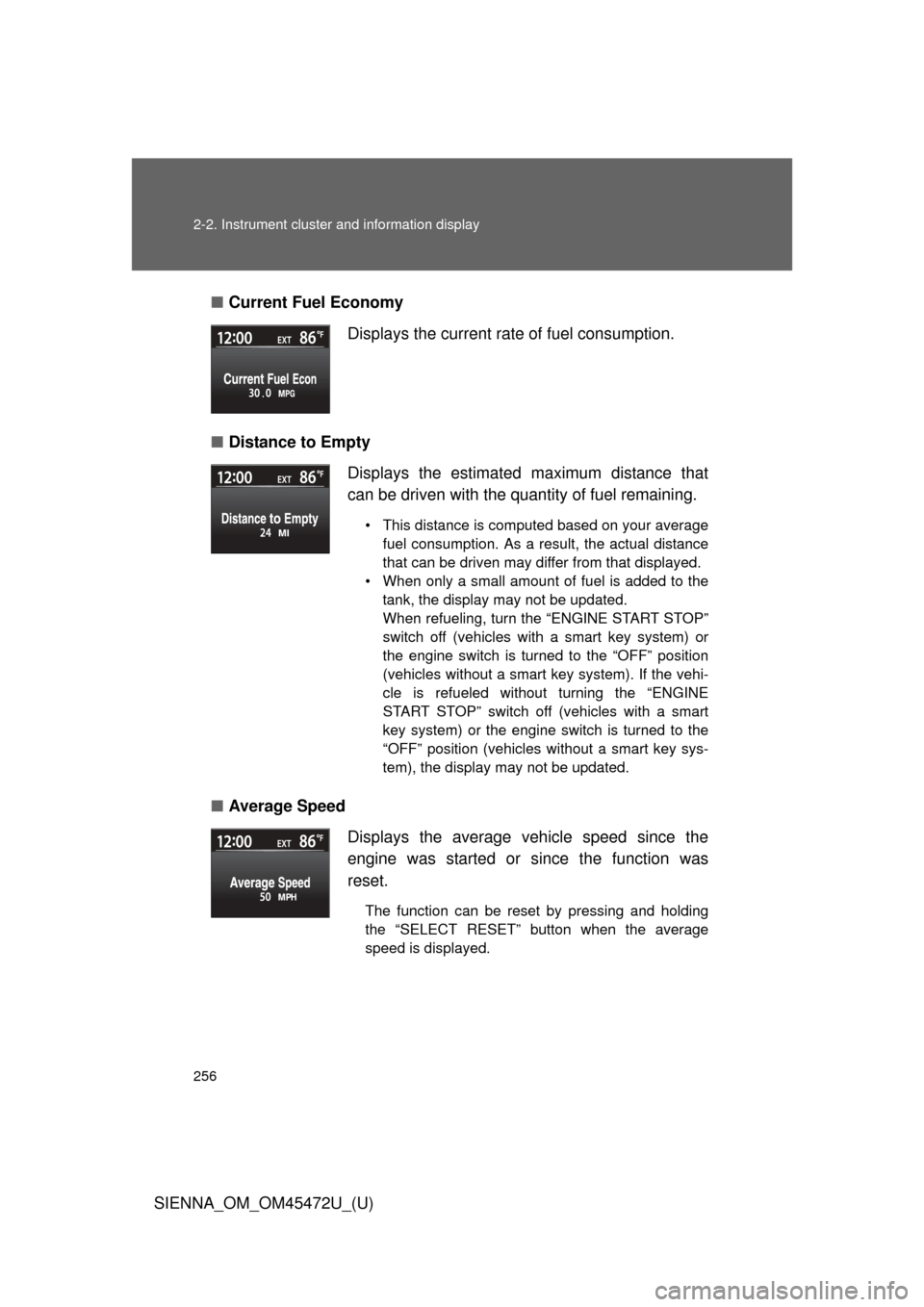
Current Fuel Economy
■ Distance to Empty
■ Average Speed Displays the current rate of fuel consumption.
Displays the estimated maximum distance that
can be driven with the quantity of fuel remaining.
• This distance is computed based on your average
fuel consumption. As a result, the actual distance
that can be driven may differ from that displayed.
• When only a small amount of fuel is added to the tank, the display may not be updated.
When refueling, turn the “ENGINE START STOP”
switch off (vehicles with a smart key system) or
the engine switch is turned to the “OFF” position
(vehicles without a smart key system). If the vehi-
cle is refueled without turning the “ENGINE
START STOP” switch off (vehicles with a smart
key system) or the engine switch is turned to the
“OFF” position (vehicles without a smart key sys-
tem), the display may not be updated.
Displays the average vehicle speed since the
engine was started or since the function was
reset.
The function can be reset by pressing and holding
the “SELECT RESET” button when the average
speed is displayed.
Page 371 of 876
371
2-5. Driving information
2
When driving
SIENNA_OM_OM45472U_(U)
Trailer towing (with towing package)
Your vehicle is designed primarily as a passenger-and-load-carrying
vehicle. Towing a trailer can have an adverse impact on handling,
performance, braking, durability, and fuel consumption. For your
safety and the safety of others, you must not overload your vehicle
or trailer. You must also ensure that you are using appropriate tow-
ing equipment, that the towing equipment has been installed cor-
rectly and used properly, and that you employ the requisite driving
habits.
Vehicle-trailer stability and br aking performance are affected by
trailer stability, brake performance and setting, trailer brakes, the
hitch and hitch systems (if equipped).
To tow a trailer safely, use extreme care and drive the vehicle in
accordance with your trailer’s ch aracteristics and operating condi-
tions.
Toyota warranties do not apply to damage or malfunction caused by
towing a trailer fo r commercial purposes.
Contact your Toyota dealer for fu rther information about additional
requirements such as a towing kit, etc.