Page 306 of 532
306 3-4. Using the hands-free phone system (for cellular phone)
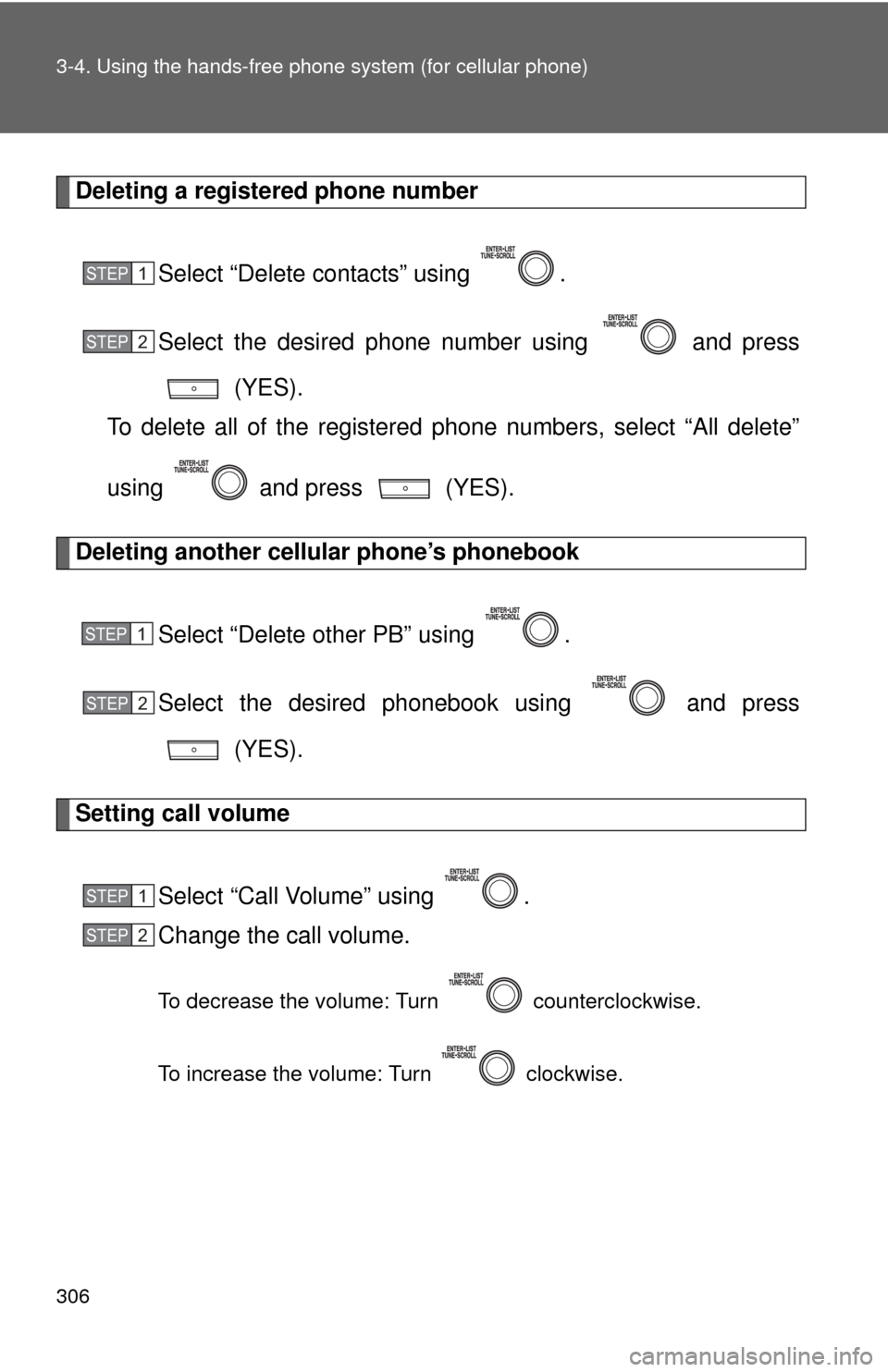
Deleting a registered phone number
Select “Delete contacts” using .
Select the desired phone number using and press (YES).
To delete all of the registered phone numbers, select “All delete”
using and press (YES).
Deleting another cellular phone’s phonebook
Select “Delete other PB” using .
Select the desired phonebook using and press (YES).
Setting call volume
Select “Call Volume” using .
Change the call volume.
To decrease the volume: Turn counterclockwise.
To increase the volume: Turn clockwise.
STEP 1
STEP 2
STEP 1
STEP 2
STEP 1
STEP 2
Page 307 of 532
307
3-4. Using the hand
s-free phone system (for cellular phone)
3
Interior features
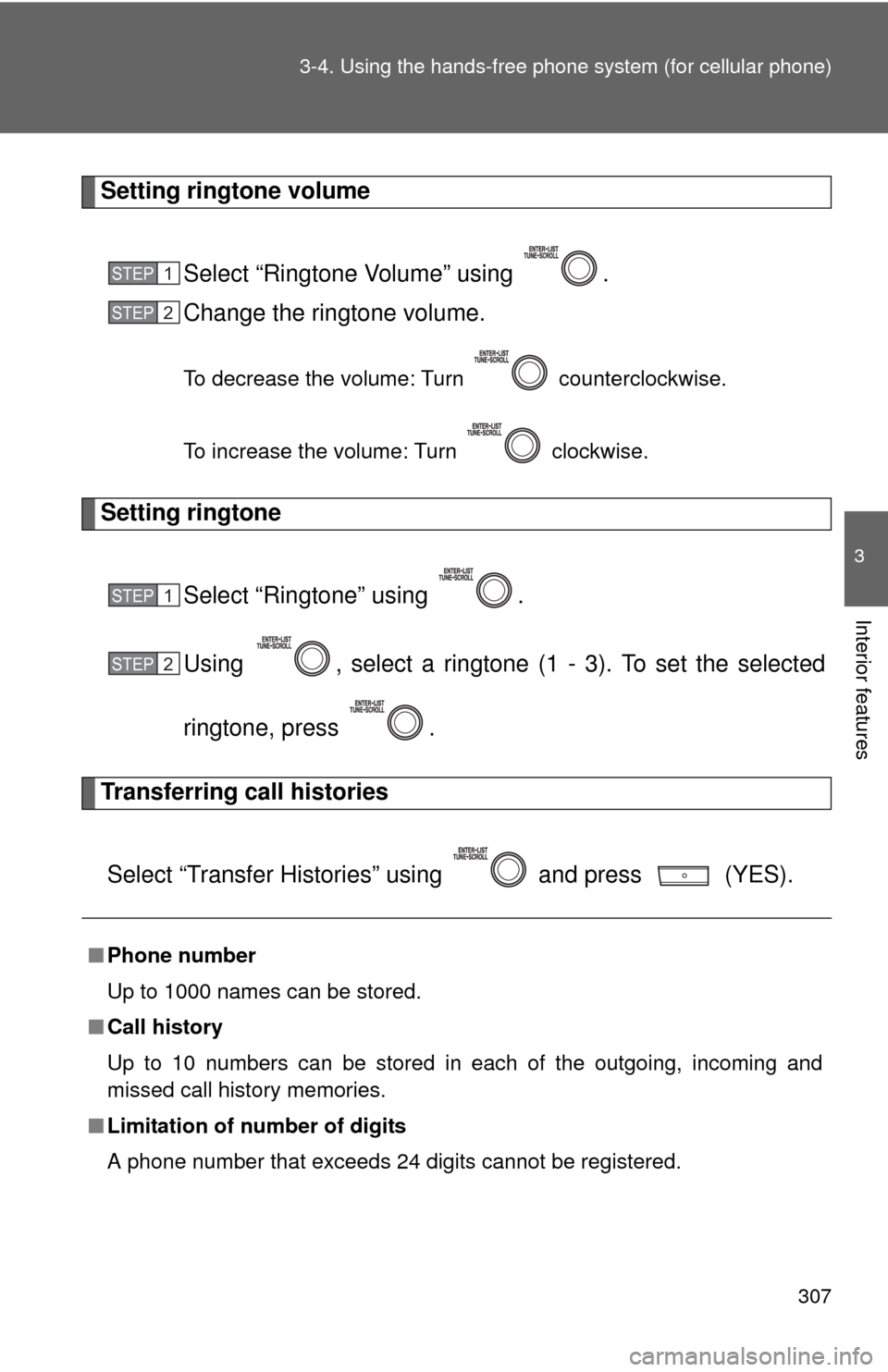
Setting ringtone volume
Select “Ringtone Volume” using .
Change the ringtone volume.
To decrease the volume: Turn counterclockwise.
To increase the volume: Turn clockwise.
Setting ringtoneSelect “Ringtone” using .
Using , select a ringtone (1 - 3). To set the selected
ringtone, press .
Transferring call histories
Select “Transfer Histories” using and press (YES).
■ Phone number
Up to 1000 names can be stored.
■ Call history
Up to 10 numbers can be stored in each of the outgoing, incoming and
missed call history memories.
■ Limitation of number of digits
A phone number that exceeds 24 digits cannot be registered.
STEP 1
STEP 2
STEP 1
STEP 2
Page 323 of 532
323
3-7. Other interior features
3
Interior features
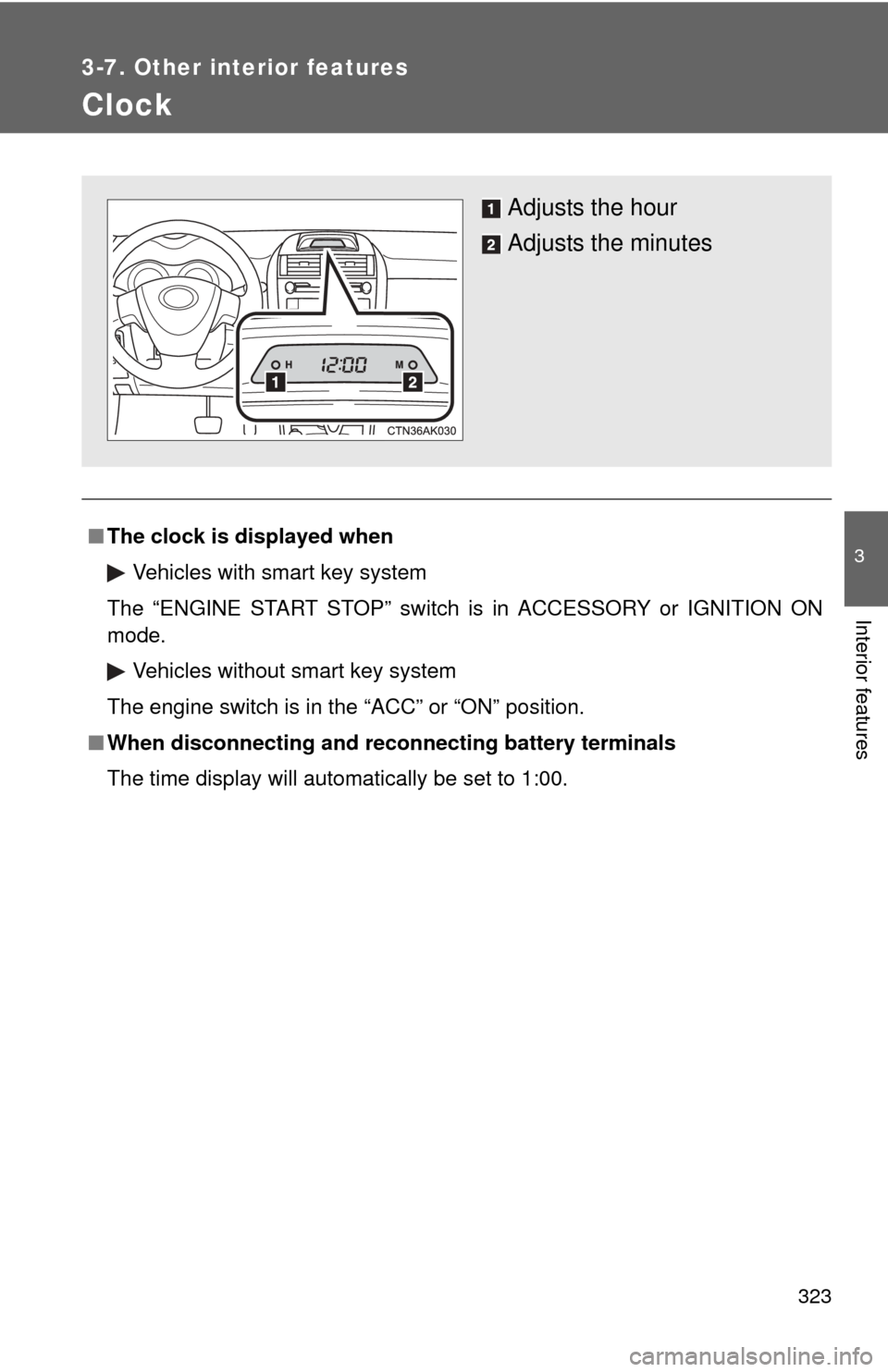
Clock
■The clock is displayed when
Vehicles with smart key system
The “ENGINE START STOP” switch is in ACCESSORY or IGNITION ON
mode. Vehicles without smart key system
The engine switch is in the “ACC” or “ON” position.
■ When disconnecting and reco nnecting battery terminals
The time display will automatically be set to 1:00.
Adjusts the hour
Adjusts the minutes