Page 348 of 616
3485-2. Using the audio system
Auris Touring Sports_EE (OM12G12E)
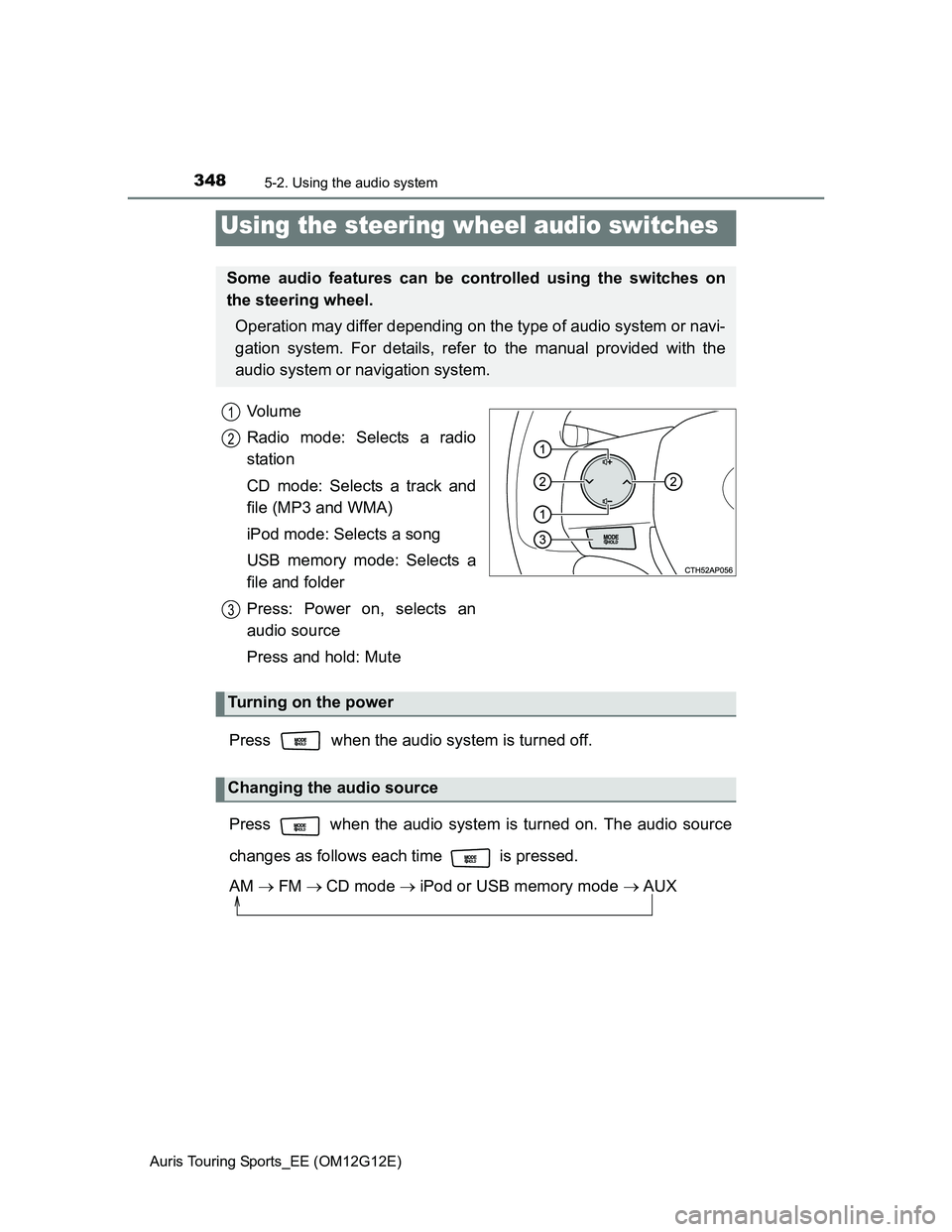
Vo l u m e
Radio mode: Selects a radio
station
CD mode: Selects a track and
file (MP3 and WMA)
iPod mode: Selects a song
USB memory mode: Selects a
file and folder
Press: Power on, selects an
audio source
Press and hold: Mute
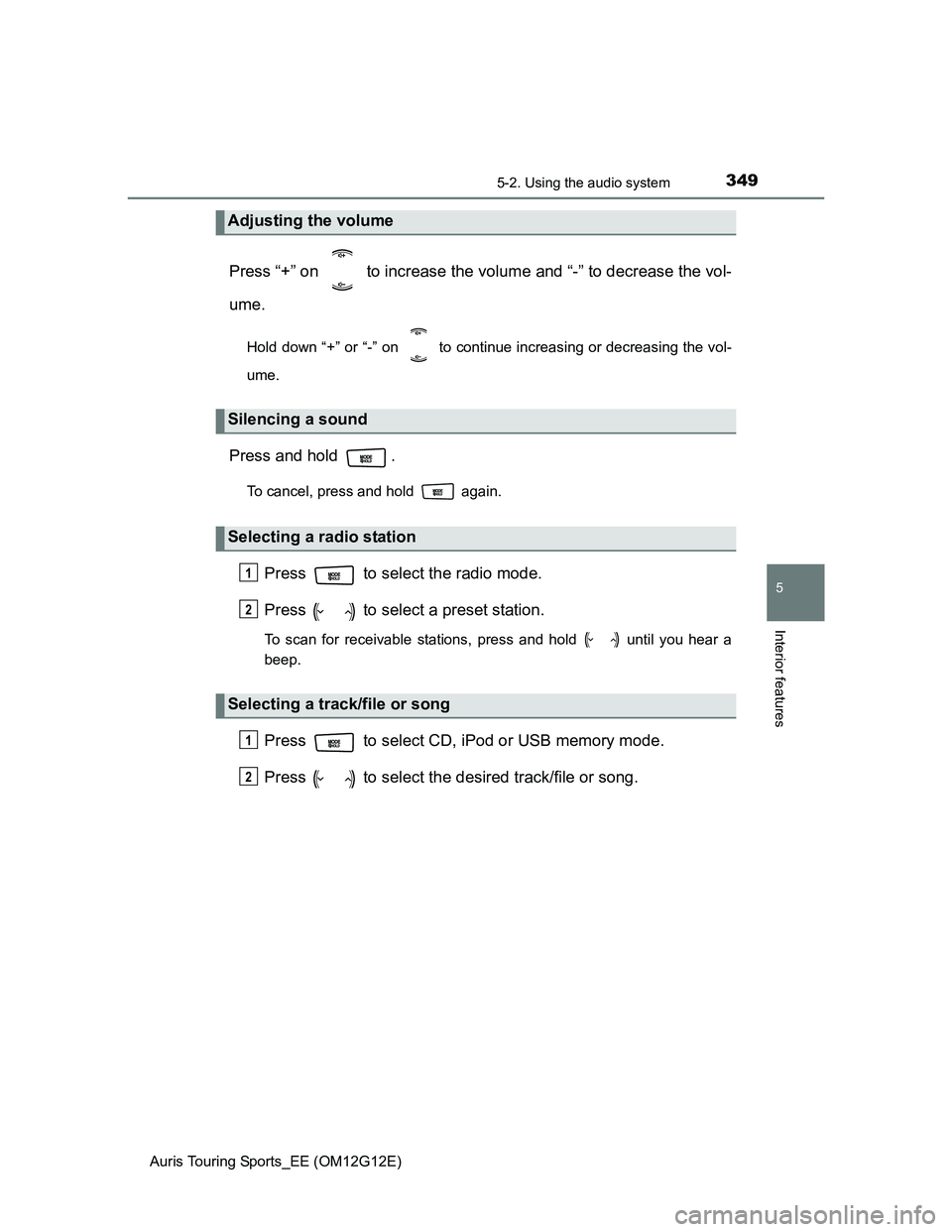
Press when the audio system is turned off.
Press when the audio system is turned on. The audio source
changes as follows each time is pressed.
AM FMCD mode iPod or USB memory mode AUX
Using the steering wheel audio switches
Some audio features can be controlled using the switches on
the steering wheel.
Operation may differ depending on the type of audio system or navi-
gation system. For details, refer to the manual provided with the
audio system or navigation system.
1
2
3
Turning on the power
Changing the audio source
Page 349 of 616
3495-2. Using the audio system
Auris Touring Sports_EE (OM12G12E)
5
Interior features
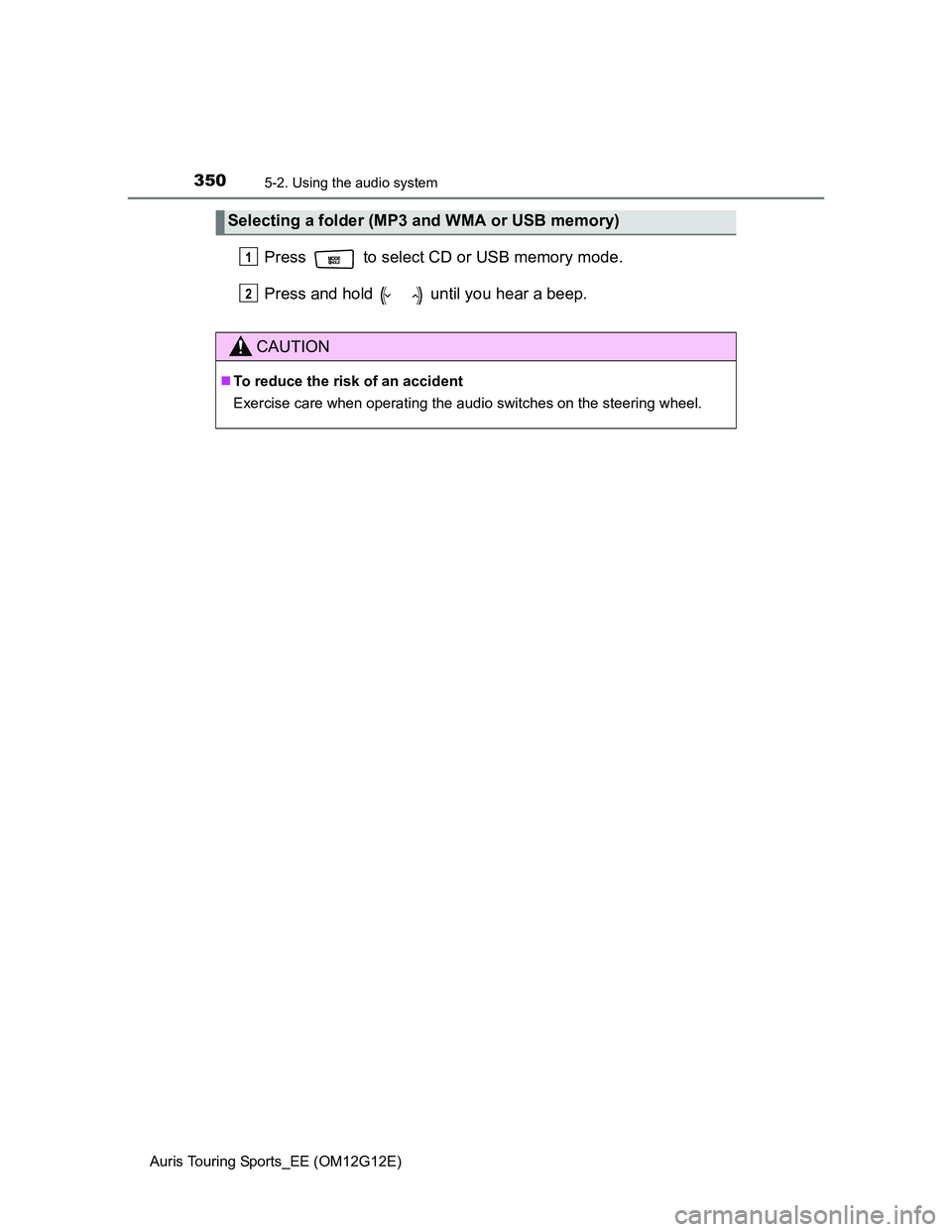
Press “+” on to increase the volume and “-” to decrease the vol-
ume.
Hold down “+” or “-” on to continue increasing or decreasing the vol-
ume.
Press and hold .
To cancel, press and hold again.
Press to select the radio mode.
Press to select a preset station.
To scan for receivable stations, press and hold until you hear a
beep.
Press to select CD, iPod or USB memory mode.
Press to select the desired track/file or song.
Adjusting the volume
Silencing a sound
Selecting a radio station
Selecting a track/file or song
1
2
1
2
Page 350 of 616
3505-2. Using the audio system
Auris Touring Sports_EE (OM12G12E)
Press to select CD or USB memory mode.
Press and hold until you hear a beep.
Selecting a folder (MP3 and WMA or USB memory)
CAUTION
To reduce the risk of an accident
Exercise care when operating the audio switches on the steering wheel.
1
2
Page 601 of 616
601
Auris Touring Sports_EE (OM12G12E)
Alphabetical index
Alphabetical index
A/C..................................... 289, 298
Air conditioning filter.............. 428
ABS
(Anti-lock Brake System) ...... 270
Function ................................ 270
Warning light ......................... 481
Adaptive Front-lighting
System (AFS) ......................... 217
AFS (Adaptive Front-lighting
System) .................................. 217
Air conditioning filter .............. 428
Air conditioning
system ............................ 289, 298
Air conditioning filter.............. 428
Airbag manual on-off system ... 48
Airbags ....................................... 38
Airbag manual on-off
system .................................. 48
Airbag operating conditions .... 44
Airbag precautions for
your child .............................. 40
Airbag warning light .............. 481
Correct driving posture............ 32
Curtain shield airbag
operating conditions ............. 44
Curtain shield airbag
precautions ........................... 42
General airbag precautions..... 40
Locations of airbags ................ 38
Modification and
disposal of airbags................ 43
Side airbag operating
conditions ............................. 44
Side airbag precautions .......... 40
Side and curtain shield airbags
operating conditions ............. 44
Side and curtain shield airbags
precautions ........................... 40
SRS airbags ............................ 38Alarm .......................................... 79
Alarm ...................................... 79
Warning buzzer............. 479, 492
Anchor brackets ........................ 60
Antennas (smart entry &
start system) .......................... 115
Anti-lock Brake
System (ABS) ........................ 270
Function ................................ 270
Warning light ......................... 481
Armrest ..................................... 382
Ashtrays ................................... 377
Assist grips .............................. 384
Audio input............................... 347
Audio system ........................... 310
Audio input ............................ 347
AUX port/
USB port ............. 329, 338, 347
CD player .............................. 318
iPod....................................... 329
MP3/WMA disc ..................... 323
Optimal use........................... 345
Portable music player ........... 347
Radio .................................... 314
Steering wheel audio
switch ................................. 348
USB memory ........................ 338
Automatic headlight leveling
system .................................... 219
Automatic High Beam ............. 220
Automatic light control
system .................................... 214
AUX port ................................... 347
Auxiliary boxes ................ 360, 365
A
Page 613 of 616
613Alphabetical index
Auris Touring Sports_EE (OM12G12E)
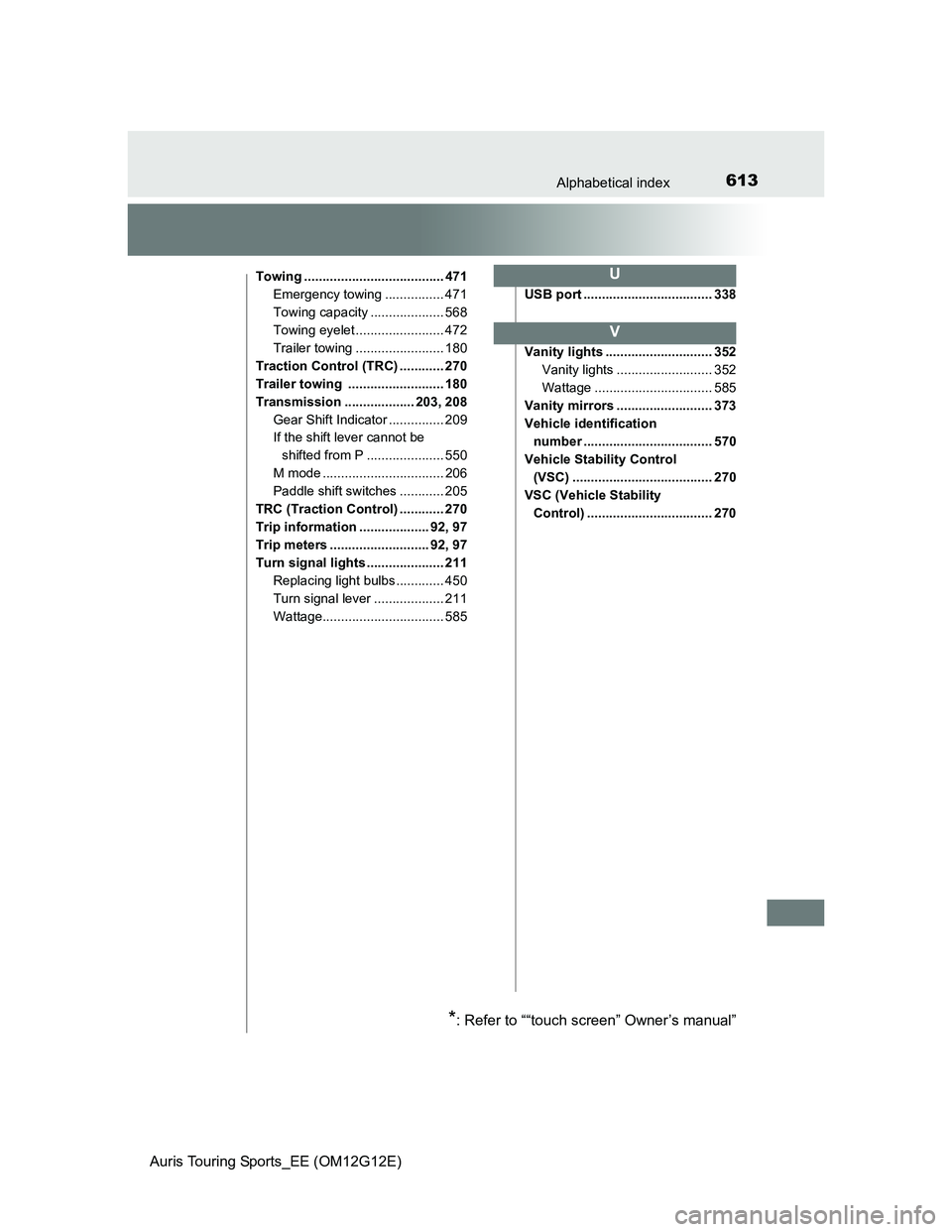
Towing ...................................... 471
Emergency towing ................ 471
Towing capacity .................... 568
Towing eyelet ........................ 472
Trailer towing ........................ 180
Traction Control (TRC) ............ 270
Trailer towing .......................... 180
Transmission ................... 203, 208
Gear Shift Indicator ............... 209
If the shift lever cannot be
shifted from P ..................... 550
M mode ................................. 206
Paddle shift switches ............ 205
TRC (Traction Control) ............ 270
Trip information ................... 92, 97
Trip meters ........................... 92, 97
Turn signal lights ..................... 211
Replacing light bulbs ............. 450
Turn signal lever ................... 211
Wattage................................. 585USB port ................................... 338
Vanity lights ............................. 352
Vanity lights .......................... 352
Wattage ................................ 585
Vanity mirrors .......................... 373
Vehicle identification
number ................................... 570
Vehicle Stability Control
(VSC) ...................................... 270
VSC (Vehicle Stability
Control) .................................. 270U
V
*: Refer to ““touch screen” Owner’s manual”