Page 133 of 704

133
1-7. Safety information
1
Before driving
4RUNNER_U
CAUTION
■
Modification and disposal of SRS airbag system components
Do not dispose of your vehicle or per form any of the following modifications
without consulting your Toyota dealer. The SRS airbags may malfunction or
deploy (inflate) accidentally, causing death or serious injury.
● Installation, removal, disassembly and repair of the SRS airbags
● Repairs, modifications, removal or replacement of the steering wheel,
instrument panel, dashboard, seats or seat upholstery, front and rear pil-
lars, roof side rails or roof head lining
● Repairs or modifications of the front fender, front bumper, or side of the
occupant compartment
● Installation of snow plows, winches, etc. to the front grille (bull bars, or
kangaroo bar etc.)
● Modifications to the vehicle’s suspension system
● Installation of electronic devices such as mobile two-way radios and CD
players
● Modifications to your vehicle for a person with a physical disability
Page 314 of 704
314
4RUNNER_U
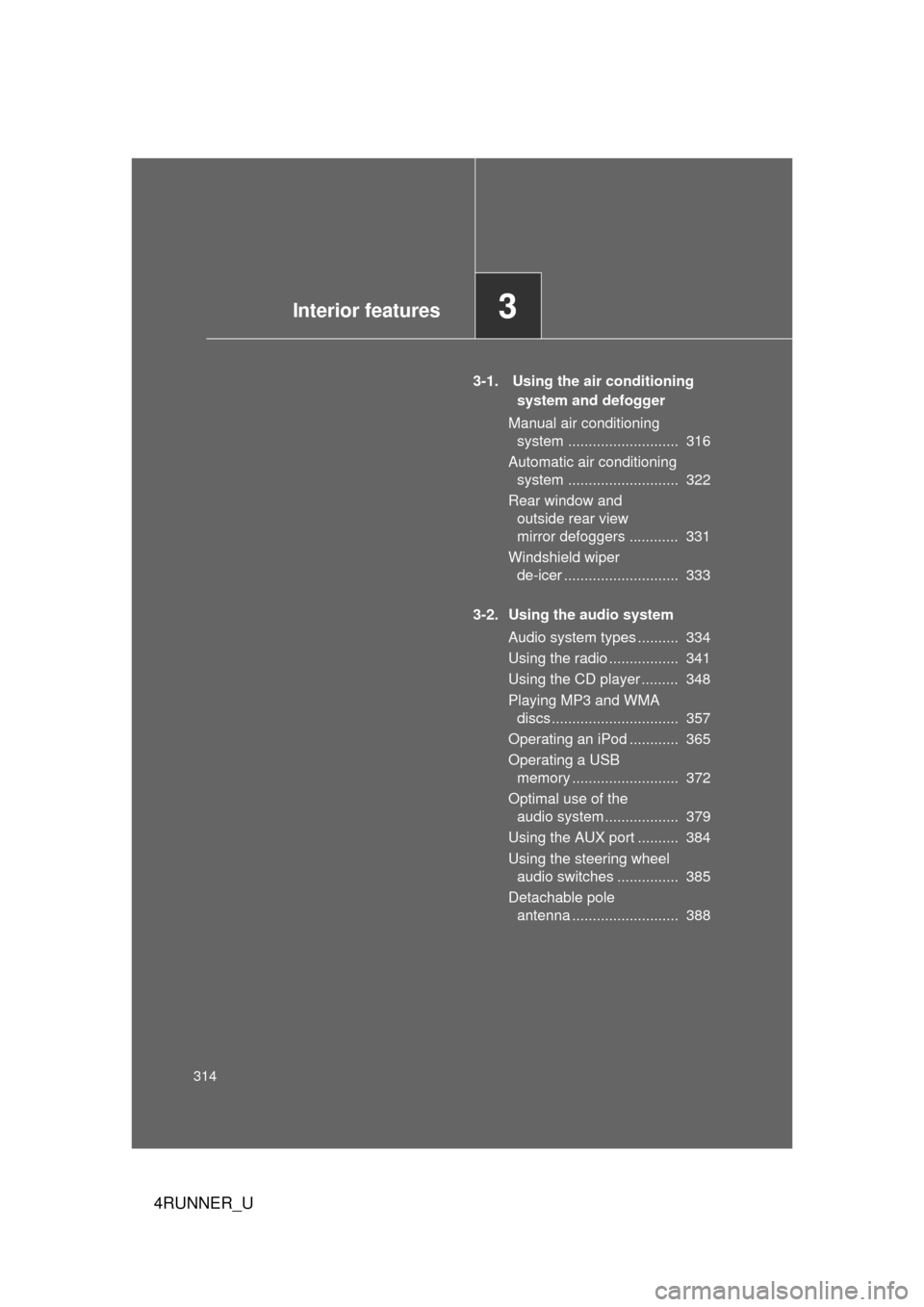
3-1. Using the air conditioning system and defogger
Manual air conditioning system ........................... 316
Automatic air conditioning system ........................... 322
Rear window and outside rear view
mirror defoggers ............ 331
Windshield wiper de-icer ............................ 333
3-2. Using the audio system Audio system types .......... 334
Using the radio ................. 341
Using the CD player ......... 348
Playing MP3 and WMA discs............................... 357
Operating an iPod ............ 365
Operating a USB memory .......................... 372
Optimal use of the audio system .................. 379
Using the AUX port .......... 384
Using the steering wheel audio switches ............... 385
Detachable pole antenna .......................... 388
Interior features3
Page 334 of 704
334
4RUNNER_U
3-2. Using the audio system
Audio system types
Without navigation system and Display Audio system
Type A: CD player with changer controller and AM/FM radio
Type B: CD player with changer controller and AM/FM radio
Page 335 of 704
335
3-2. Using the audio system
3
Interior features
4RUNNER_U
Type C: CD player with changer and AM/FM radio
TitlePage
Using the radioP. 341
Using the CD playerP. 348
Playing MP3 and WMA discsP. 357
Operating an iPodP. 365
Operating a USB memoryP. 372
Optimal use of the audio systemP. 379
Using the AUX portP. 384
Using the steering wheel audio switchesP. 385
Page 338 of 704

338 3-2. Using the audio system
4RUNNER_U
■Certification
For the Display Audio system
FCC ID: AJDK032
IC ID: 775E-K032
For the Display Audio system and the audio system
NOTE:
This device complies with Part 15 of FCC Rules and Industry Canada
licence-exempt RSS standard(s). Operation is subject to the following two
conditions: (1) this device may not cause interference, and (2) this device
must accept any interference, including interference that may cause undes-
ired operation of this device.
Le présent appareil est conforme aux la partie 15 des règles de la FCC et
CNR d’Industrie Canada applicables aux appareils radio exempts de
licence. L’exploitation est autorisée aux deux conditions suivantes: (1)
l’appareil ne doit pas produire de brouilla ge, et (2) l’utilisateur de l’appareil
doit accepter tout brouillage radioélectrique subi, même si le brouillage est
susceptible d’en compromettre le fonctionnement.
The antenna for Bluetooth cannot be removed (or replaced) by user.
L'antenne de Bluetooth ne peut pas être supprimé (ou remplacé) par l'utili-
sateur.
This device complies with RSS-310 of Industry Canada. Operation is subject
to the condition that this device does not cause harmful interference.
Cet appareil est conforme au CNR-310 d'Industrie Canada. Son exploitation
est autorisée sous réserve que l'appareil ne cause pas de brouillage préjudi-
ciable.
FCC WARNING:
Changes or modifications not expressly approved by the party responsible
for compliance could void the user's authority to operate the equipment.
Page 339 of 704

339
3-2. Using the audio system
3
Interior features
4RUNNER_U
CAUTION:
This equipment complies with FCC/IC radiation exposure limits set forth for
an uncontrolled environment and meets the FCC radio frequency (RF) Expo-
sure Guidelines in Supplement C to OET65 and RSS-102 of the IC radio fre-
quency (RF) Exposure rules. This equipment has very low levels of RF
energy that it deemed to comply without maximum permissive exposure
evaluation (MPE). But it is desirable that it should be installed and operated
keeping the radiator at least 20 cm or more away from person’s body
(excluding extremities: hands, wrists, feet and ankles).
Cet équipement est conforme aux limites d’exposition aux rayonnements
énoncées pour un environnement non contrôlé et respecte les règles les
radioélectriques (RF) de la FCC lignes directrices d’exposition dans le Sup-
plément C à OET65 et d’exposition aux fréquences radioélectriques (RF)
CNR-102 de l’IC. Cet équipement émet une énergie RF très \
faible qui est
considérée conforme sans évaluation de l’exposition maximale autorisée.
Cependant, cet équipement doit être installé et utilisé en gardant une dis-
tance de 20 cm ou plus entre le dispositif rayonnant et le corps (à l’exception
des extrémités: mains, poignets, pieds et chevilles).
NOTICE:
This equipment has been tested and found to comply with the limits for a
Class B digital device, pursuant to Part 15 of the FCC Rules. These limits
are designed to provide reasonable protection against harmful interference
in a residential installation. This equipment generates, uses and can radiate
radio frequency energy and, if not installed and used in accordance with the
instructions, may cause harmful interference to radio communications. How-
ever, there is no guarantee that interference will not occur in a particular
installation. If this equipment does cause harmful interference to radio or
television reception, which can be determined by turning the equipment off
and on, the user is encouraged to try to correct the interference by one or
more of the following measures:
●
Reorient or relocate the receiving antenna.
● Increase the separation between the equipment and receiver.
● Connect the equipment into an outlet on a circuit different from that to
which the receiver is connected.
● Consult the dealer or an experienced radio/TV technician for help.
Page 341 of 704
341
3-2. Using the audio system
3
Interior features
4RUNNER_U
Using the radio
Ty p e A
Type B and C
Power VolumeAdjusting the
frequency
(AM, FM mode)
or channel
(SAT mode)
Seeking a frequency
Displaying radio
text messages
AMSAT/FM
mode buttons
Scanning for
receivable stations Station selector
Changing the
channel
category
Power Volume Adjusting the frequency
(AM, FM mode) or
channel (SAT mode)
Seeking a frequency
Displaying radio
text messages
AM/FM/SAT
mode button
Scanning for
receivable stations Station selector
Setting preset buttons
Changing the
channel
category
Mute
Page 342 of 704

342 3-2. Using the audio system
4RUNNER_U
Setting station presets (excluding XM® Satellite Radio)
Search for desired stations by turning or or
pressing “
” or “ ” on .
Press and hold a button (from to ) until you hear
a beep.
Type B and C: Each time is pressed, station pages are
changed. There are a total of 6 pages.
Scanning radio stations (excluding XM® Satellite Radio)
■ Scanning the preset radio stations
Press and hold until you hear a beep.
Preset stations will be played for 5 seconds each.
When the desired station is reached, press again.
■ Scanning all radio stations within range
Press
.
All the stations with reception will be played for 5 seconds each.
When the desired station is reached, press again.
■ Displaying radio text messages (for type B and C, FM mode
only)
When a new radio text message is received, “MSG” is shown on
the display. To display the message, press .
If the text continues past the end of the display, “ ” is displayed. Press
and hold until you hear a beep.
Text messages are not displayed while driving.
STEP 1
STEP 2
STEP 1
STEP 2
STEP 1
STEP 2