2013 RENAULT SCENIC check engine
[x] Cancel search: check enginePage 69 of 115
37B-69
MR-372-J84-37B000$504.mif
V11
ELECTRONIC PARKING BRAKE
Fault finding – Interpretation of faults37B
DF059
CONTINUED
Use the diagnostic tool to carry out a multiplex system test.
This check ensures that the various multiplex system connections are correct and finds any faulty segments.
Carry out any necessary repairs.
If the multiplex network test did not find the faulty connection, carry out a conformity check to check that the
status from the Protection and Switching Unit computer is present and correct (ET016, PR015, PR017).
Check the gearbox contacts.
If the status and parameters shown here are not correct, carry out fault finding on the Protection and Switching
Unit (see 87G, Engine compartment connection unit).
If the fault is still present, disconnect the Protection and Switching Unit computer connector to check that the
connector and its clips (terminals) are in good condition, especially the multiplex track clips (see the wiring
diagram of the Protection and Switching Unit fitted to the vehicle).
Replace the clips if necessary.
If the fault persists, contact the Techline.
AFTER REPAIRIf the computer has been replaced (at the request of the Techline), initialise the
electronic parking brake computer (see Replacement of components).
Issue several braking and release commands to confirm the repair.
Deal with any other faults.
FPA
Vdiag No.: 0C, 08, 0D,
11
Page 78 of 115

37B-78
MR-372-J84-37B000$576.mif
V11
FPA
Vdiag No.: 0C, 04, 08,
0D, 11ELECTRONIC PARKING BRAKE
Fault finding – Conformity check37B
SUB-FUNCTION: AUTOMATIC APPLICATION
NOTESOnly carry out this conformity check after carrying out a complete check using the
diagnostic tool.
Application conditions: ignition on (forced + after ignition, see Introduction)
Note:
The interpretation of these statuses and parameters is only valid with the
ignition switched on, the statuses and parameters displayed in blue on the
diagnostic tool is information supplied by other computers, which are transmitted via
the multiplex network. If these variables display inconsistent values, check that the
multiplex system test has not shown up any faulty connections. Repair the faulty
multiplex connections before looking for a possible problem with the signals.
Each sub-function in this test is associated with a Fault finding chart.
Special notes
The diagnostic tool may display the message Computer busy when displaying
statuses and parameters. This message is displayed when the parking brake is
applying or releasing the brake, because the computer gives priority to controlling the
motor before transmitting variables. If this message is displayed, exit the current
screen and then return to it.
Order FunctionParameter or Status
Checked or ActionDisplay and notes Fault finding
1Assisted
braking
configurationET022:Automatic
braking
configurationWITH or WITHOUTDepending on the customer's
request, the electronic parking
brake computer may be
configured WITH or WITHOUT
assisted braking when the
engine stops. Refer to the
interpretation of status ET022
Automatic braking
configuration.
2Computer
electrical supplyET001:+ After ignition
feedIgnition off: ABSENT
Ignition on: PRESENTIn the event of a fault on this
status, refer to the interpretation
of status ET001: + after ignition
feed.
3EnginePR015:Engine speed0rpmIn the event of a fault with this
parameter and these statuses,
make sure that the injection
computer is in fact sending
signals (absence of faults DF036
No injection multiplex
transmission and DF052
Multiplex network).
If the fault is still present, run
fault finding on the injection
computer (see 13B, Diesel
injection or 17B, Petrol
injection). ET019:EngineSTOPPED
Other possibilities
depending on the
operating status of the
engine:
RUNNING
- UNDER STARTER
- STALLED
Page 85 of 115

37B-85
MR-372-J84-37B000$576.mif
V11
FPA
Vdiag No.: 0C, 04, 08,
0D, 11ELECTRONIC PARKING BRAKE
Fault finding – Conformity check37B
SUB-FUNCTION: AUTOMATIC RELEASE (CONTINUED 4)
NOTESOnly carry out this conformity check after carrying out a complete check using the
diagnostic tool.
Application conditions: ignition on (forced + after ignition, see Introduction)
Note:
The interpretation of these statuses and parameters is only valid with the
ignition switched on, the statuses and parameters displayed in blue on the
diagnostic tool is information supplied by other computers, which are transmitted via
the multiplex network. If these variables display inconsistent values, check that the
multiplex system test has not shown up any faulty connections. Repair the faulty
multiplex connections before looking for a possible problem with the signals.
Each sub-function in this test is associated with a Fault finding chart.
Special notes
The diagnostic tool may display the message Computer busy when displaying
statuses and parameters. This message is displayed when the parking brake is
applying or releasing the brake, because the computer gives priority to controlling the
motor before transmitting variables. If this message is displayed, exit the current
screen and then return to it.
Order FunctionParameter or Status
Check or ActionDisplay and
NotesFault finding
8EnginePR015:Engine speed0rpmIn the event of a fault with this
parameter and these statuses,
make sure that the injection
computer is in fact sending
signals (absence of faults
DF036 No injection multiplex
transmission and DF052
Multiplex network).
If the fault is still present, run
fault finding on the injection
computer (see 13B, Diesel
injection or 17B, Petrol
injection). ET019:EngineSTOPPED
Other possibilities
depending on the operating
status of the engine:
- RUNNING
- UNDER STARTER
- STALLED (in the event
where the engine is not
stopped in the normal way)
Page 89 of 115

37B-89
MR-372-J84-37B000$576.mif
V11
FPA
Vdiag No.: 0C, 04, 08,
0D, 11ELECTRONIC PARKING BRAKE
Fault finding – Conformity check37B
SUB-FUNCTION: EMERGENCY BRAKING
NOTESOnly carry out this conformity check after carrying out a complete check using the
diagnostic tool.
Application conditions: ignition on (forced + after ignition, see Introduction)
Note:
The interpretation of these statuses and parameters is only valid with the
ignition switched on, the statuses and parameters displayed in blue on the
diagnostic tool is information supplied by other computers, which are transmitted via
the multiplex network. If these variables display inconsistent values, check that the
multiplex system test has not shown up any faulty connections. Repair the faulty
multiplex connections before looking for a possible problem with the signals.
Each sub-function in this test is associated with a Fault finding chart.
Special notes
The diagnostic tool may display the message Computer busy when displaying
statuses and parameters. This message is displayed when the parking brake is
applying or releasing the brake, because the computer gives priority to controlling the
motor before transmitting variables. If this message is displayed, exit the current
screen and then return to it.
Order FunctionParameter or Status
Checked or ActionDisplay and notes Fault finding
1EngineET019:EngineSTOPPED
Other possibilities
depending on the
operating status of the
engine:
- RUNNING
- UNDER STARTER
- STALLEDIn the event of a fault with this
status, check that the injection
computer is sending the signal
correctly (absence of faults DF036
No injection multiplex signal
and DF052 Multiplex network).
If the fault is still present, run fault
finding on the injection computer
(see 13B, Diesel injection or
17B, Petrol injection).
2Wheel speedsPR012:Vehicle speedX = 0 mph (km/h)In the event of a fault with these
parameters, check that the anti-
lock braking system computer is
sending the signals correctly
(absence of faults DF037 No ABS
multiplex signal and DF052
Multiplex network). If the fault is
still present, run fault finding on
the anti-lock braking system
computer (see 38C, Anti-lock
braking system). PR013:Rear left-hand
wheel speedX = 0 mph (km/h)
PR014:Rear right-hand
wheel speedX = 0 mph (km/h)
Page 104 of 115
37B-104
MR-372-J84-37B000$864.mif
V11
37B
ELECTRONIC PARKING BRAKE
Fault finding – Customer complaints
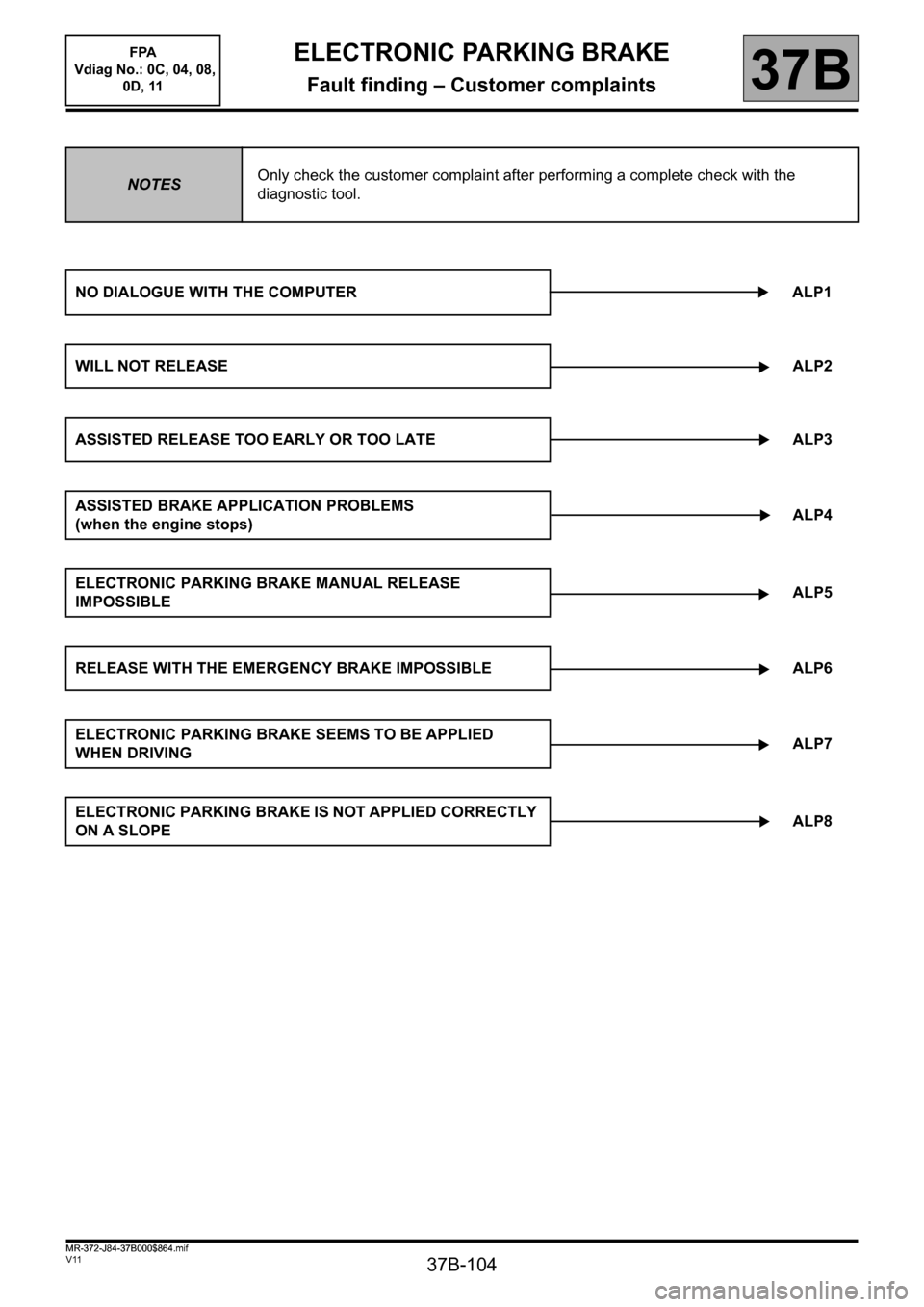
NOTESOnly check the customer complaint after performing a complete check with the
diagnostic tool.
NO DIALOGUE WITH THE COMPUTER ALP1
WILL NOT RELEASEALP2
ASSISTED RELEASE TOO EARLY OR TOO LATE ALP3
ASSISTED BRAKE APPLICATION PROBLEMS
(when the engine stops)ALP4
ELECTRONIC PARKING BRAKE MANUAL RELEASE
IMPOSSIBLE ALP5
RELEASE WITH THE EMERGENCY BRAKE IMPOSSIBLE ALP6
ELECTRONIC PARKING BRAKE SEEMS TO BE APPLIED
WHEN DRIVINGALP7
ELECTRONIC PARKING BRAKE IS NOT APPLIED CORRECTLY
ON A SLOPEALP8
FPA
Vdiag No.: 0C, 04, 08,
0D, 11
MR-372-J84-37B000$864.mif
Page 105 of 115
37B-105
MR-372-J84-37B000$936.mif
V11
ELECTRONIC PARKING BRAKE
Fault finding – Fault finding chart
FPA
Vdiag No.: 0C, 04, 08,
0D, 11
37B
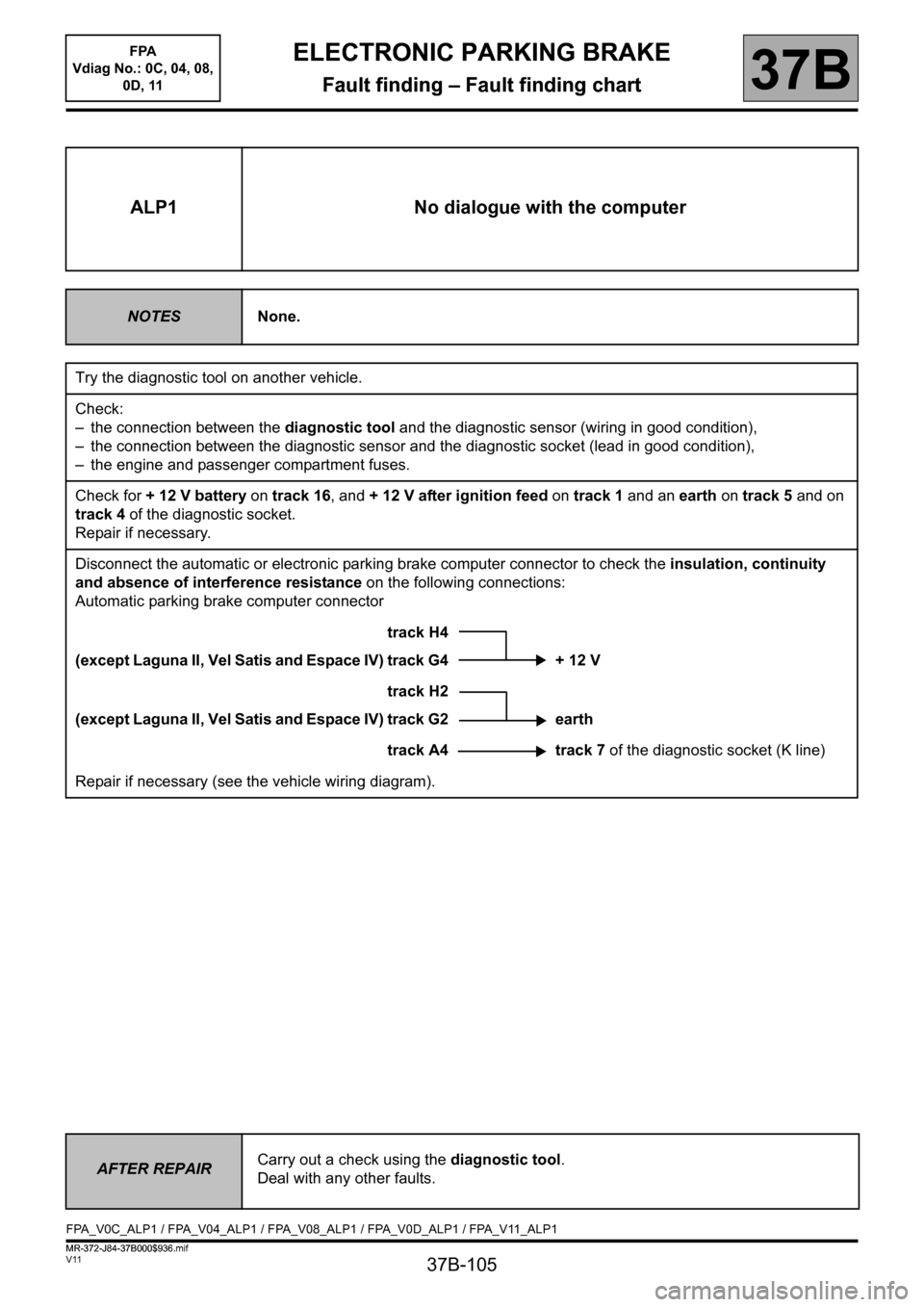
ALP1 No dialogue with the computer
NOTESNone.
Try the diagnostic tool on another vehicle.
Check:
– the connection between the diagnostic tool and the diagnostic sensor (wiring in good condition),
– the connection between the diagnostic sensor and the diagnostic socket (lead in good condition),
– the engine and passenger compartment fuses.
Check for + 12 V battery on track 16, and + 12 V after ignition feed on track 1 and an earth on track 5 and on
track 4 of the diagnostic socket.
Repair if necessary.
Disconnect the automatic or electronic parking brake computer connector to check the insulation, continuity
and absence of interference resistance on the following connections:
Automatic parking brake computer connector
track H4
(except Laguna II, Vel Satis and Espace IV) track G4 + 12 V
track H2
(except Laguna II, Vel Satis and Espace IV) track G2 earth
track A4 track 7 of the diagnostic socket (K line)
Repair if necessary (see the vehicle wiring diagram).
AFTER REPAIRCarry out a check using the diagnostic tool.
Deal with any other faults.
FPA_V0C_ALP1 / FPA_V04_ALP1 / FPA_V08_ALP1 / FPA_V0D_ALP1 / FPA_V11_ALP1
ELECTRONIC PARKING BRAKE
Fault finding – Fault finding chart
MR-372-J84-37B000$936.mif
Page 108 of 115
37B-108
MR-372-J84-37B000$936.mif
V11
ELECTRONIC PARKING BRAKE
Fault finding – Fault finding chart
FPA
Vdiag No.: 0C, 04, 08,
0D, 11
37B
ALP2
CONTINUED 2
Carry out a multiplex network test (see 88B, Multiplexing) and check for any potential incorrect multiplex line
signals from the injection computer (see 13B, Diesel injection or 17B, Petrol injection), the automatic gearbox
computer (see 23A, Automatic gearbox) the UCH computer (see 87B, Passenger compartment connection
unit) and the Protection and Switching Unit computer (see 87G, Engine compartment connection unit).
Test the braking system:
Look for any areas where the brake pads may be sticking (due to ice, salt, etc.).
Check that the brake piston is operating correctly.
Repair if necessary.
If the fault is still present, contact the Techline.
AFTER REPAIRCarry out a check using the diagnostic tool.
Deal with any other faults.
Page 111 of 115
3 7 B - 111
MR-372-J84-37B000$936.mif
V11
ELECTRONIC PARKING BRAKE
Fault finding – Fault finding chart
FPA
Vdiag No.: 0C, 04, 08,
0D, 11
37B
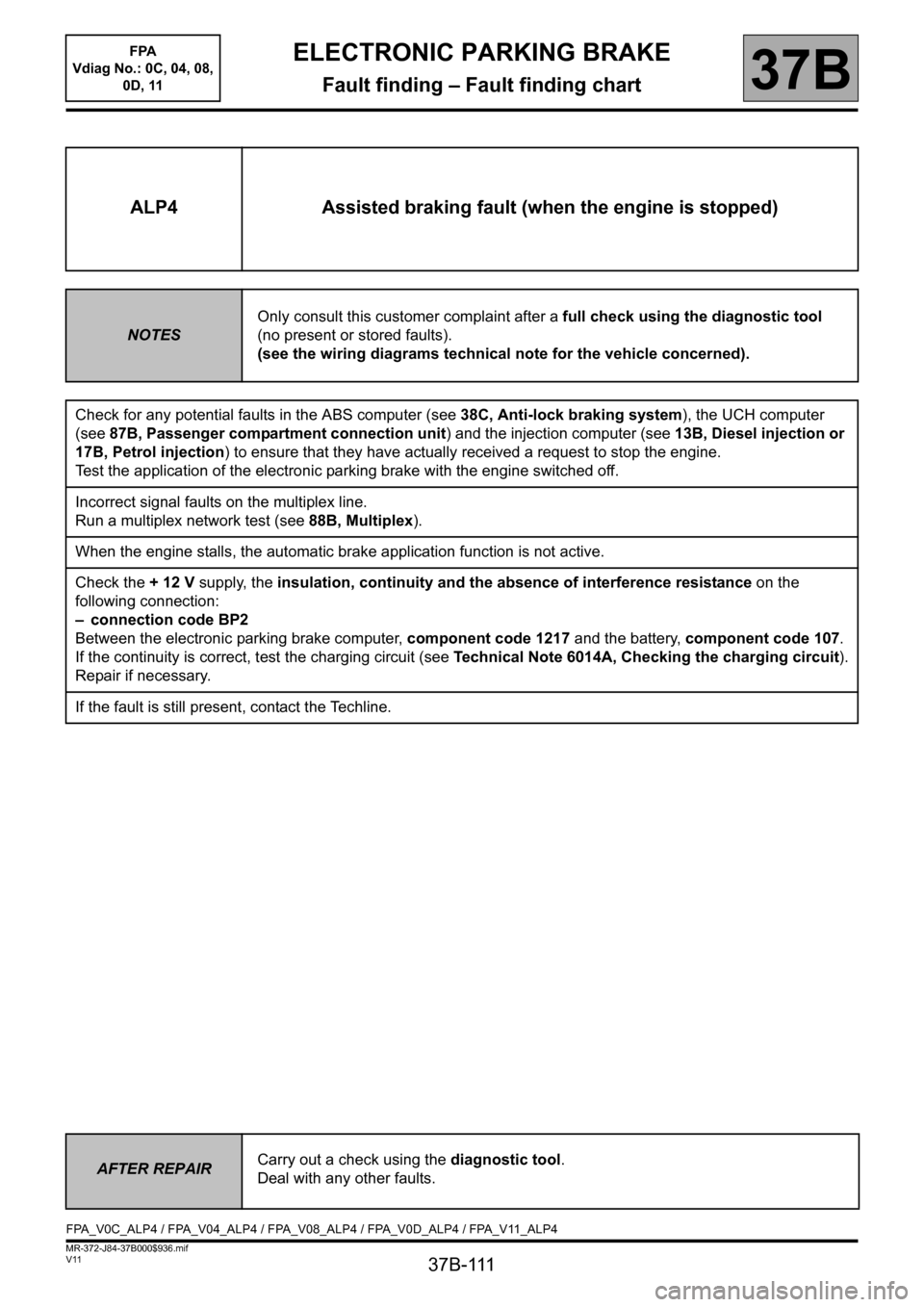
ALP4 Assisted braking fault (when the engine is stopped)
NOTESOnly consult this customer complaint after a full check using the diagnostic tool
(no present or stored faults).
(see the wiring diagrams technical note for the vehicle concerned).
Check for any potential faults in the ABS computer (see 38C, Anti-lock braking system), the UCH computer
(see 87B, Passenger compartment connection unit) and the injection computer (see 13B, Diesel injection or
17B, Petrol injection) to ensure that they have actually received a request to stop the engine.
Test the application of the electronic parking brake with the engine switched off.
Incorrect signal faults on the multiplex line.
Run a multiplex network test (see88B, Multiplex).
When the engine stalls, the automatic brake application function is not active.
Check the + 12 V supply, the insulation, continuity and the absence of interference resistance on the
following connection:
– connection code BP2
Between the electronic parking brake computer, component code 1217 and the battery, component code 107.
If the continuity is correct, test the charging circuit (see Technical Note 6014A, Checking the charging circuit).
Repair if necessary.
If the fault is still present, contact the Techline.
AFTER REPAIRCarry out a check using the diagnostic tool.
Deal with any other faults.
FPA_V0C_ALP4 / FPA_V04_ALP4 / FPA_V08_ALP4 / FPA_V0D_ALP4 / FPA_V11_ALP4