2013 NISSAN PATHFINDER heater
[x] Cancel search: heaterPage 216 of 506
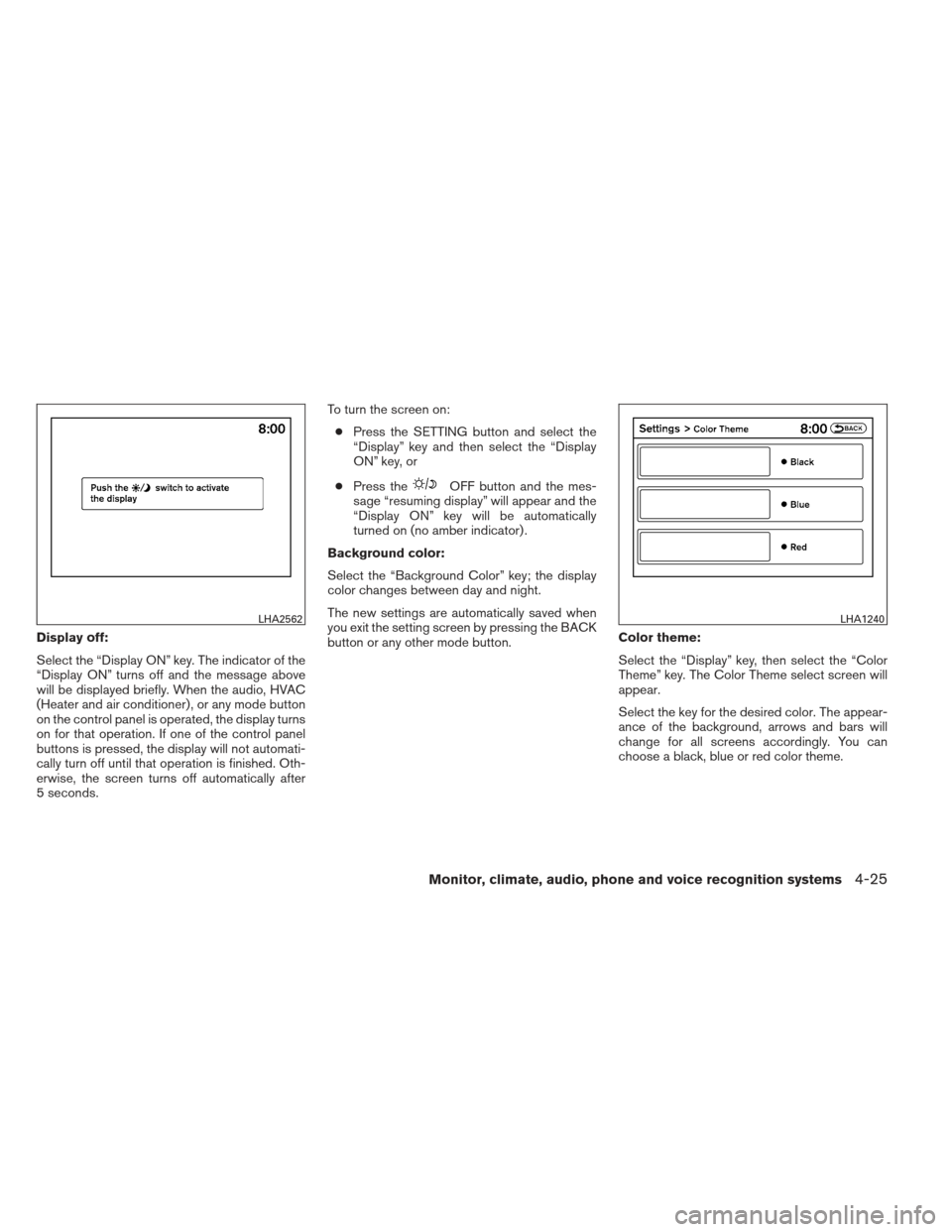
Display off:
Select the “Display ON” key. The indicator of the
“Display ON” turns off and the message above
will be displayed briefly. When the audio, HVAC
(Heater and air conditioner) , or any mode button
on the control panel is operated, the display turns
on for that operation. If one of the control panel
buttons is pressed, the display will not automati-
cally turn off until that operation is finished. Oth-
erwise, the screen turns off automatically after
5 seconds.To turn the screen on:
● Press the SETTING button and select the
“Display” key and then select the “Display
ON” key, or
● Press the
OFF button and the mes-
sage “resuming display” will appear and the
“Display ON” key will be automatically
turned on (no amber indicator) .
Background color:
Select the “Background Color” key; the display
color changes between day and night.
The new settings are automatically saved when
you exit the setting screen by pressing the BACK
button or any other mode button. Color theme:
Select the “Display” key, then select the “Color
Theme” key. The Color Theme select screen will
appear.
Select the key for the desired color. The appear-
ance of the background, arrows and bars will
change for all screens accordingly. You can
choose a black, blue or red color theme.
LHA2562LHA1240
Monitor, climate, audio, phone and voice recognition systems4-25
Page 241 of 506
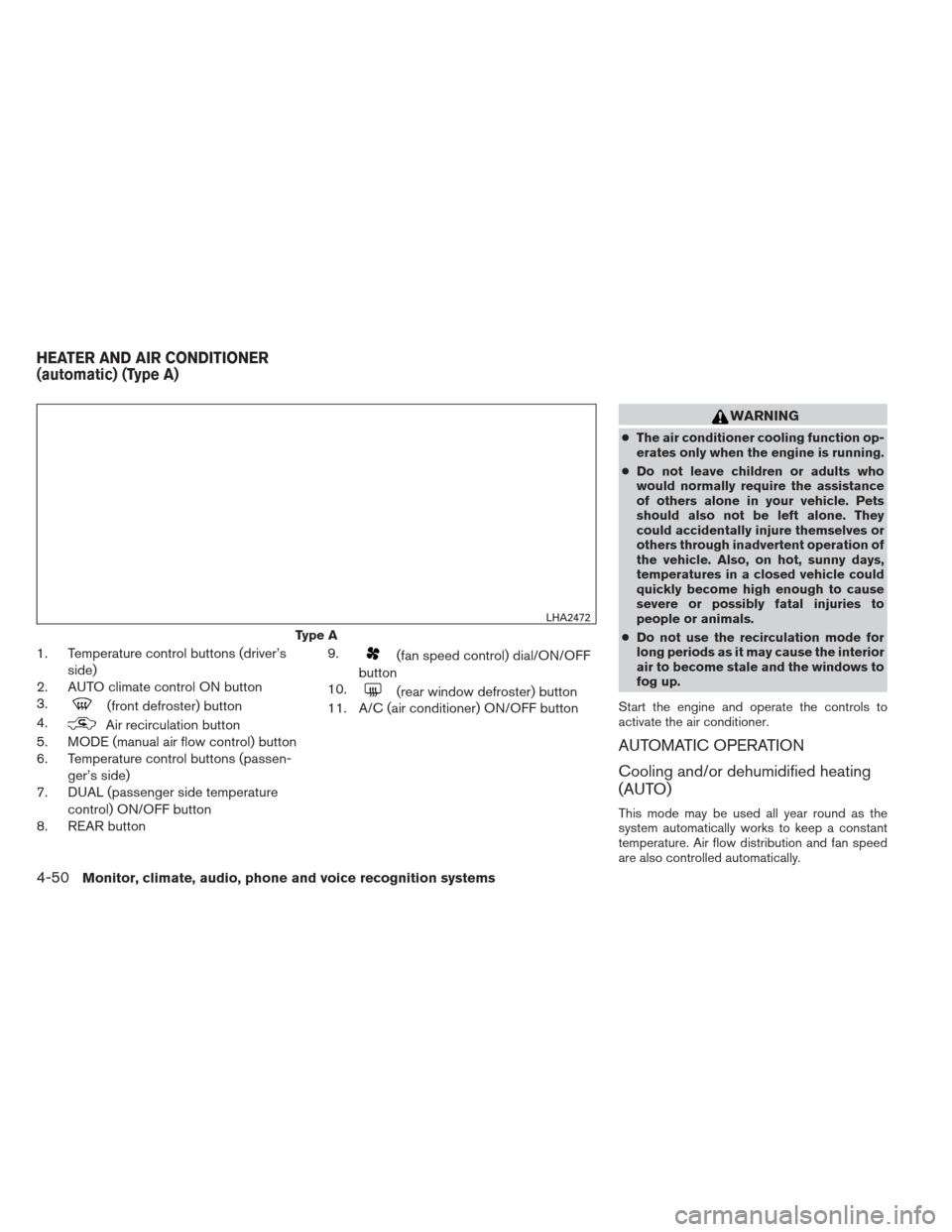
1. Temperature control buttons (driver’sside)
2. AUTO climate control ON button
3.
(front defroster) button
4.
Air recirculation button
5. MODE (manual air flow control) button
6. Temperature control buttons (passen-
ger’s side)
7. DUAL (passenger side temperature
control) ON/OFF button
8. REAR button 9.
(fan speed control) dial/ON/OFF
button
10.
(rear window defroster) button
11. A/C (air conditioner) ON/OFF button
WARNING
● The air conditioner cooling function op-
erates only when the engine is running.
● Do not leave children or adults who
would normally require the assistance
of others alone in your vehicle. Pets
should also not be left alone. They
could accidentally injure themselves or
others through inadvertent operation of
the vehicle. Also, on hot, sunny days,
temperatures in a closed vehicle could
quickly become high enough to cause
severe or possibly fatal injuries to
people or animals.
● Do not use the recirculation mode for
long periods as it may cause the interior
air to become stale and the windows to
fog up.
Start the engine and operate the controls to
activate the air conditioner.
AUTOMATIC OPERATION
Cooling and/or dehumidified heating
(AUTO)
This mode may be used all year round as the
system automatically works to keep a constant
temperature. Air flow distribution and fan speed
are also controlled automatically.
Type A
LHA2472
HEATER AND AIR CONDITIONER
(automatic) (Type A)
4-50Monitor, climate, audio, phone and voice recognition systems
Page 245 of 506
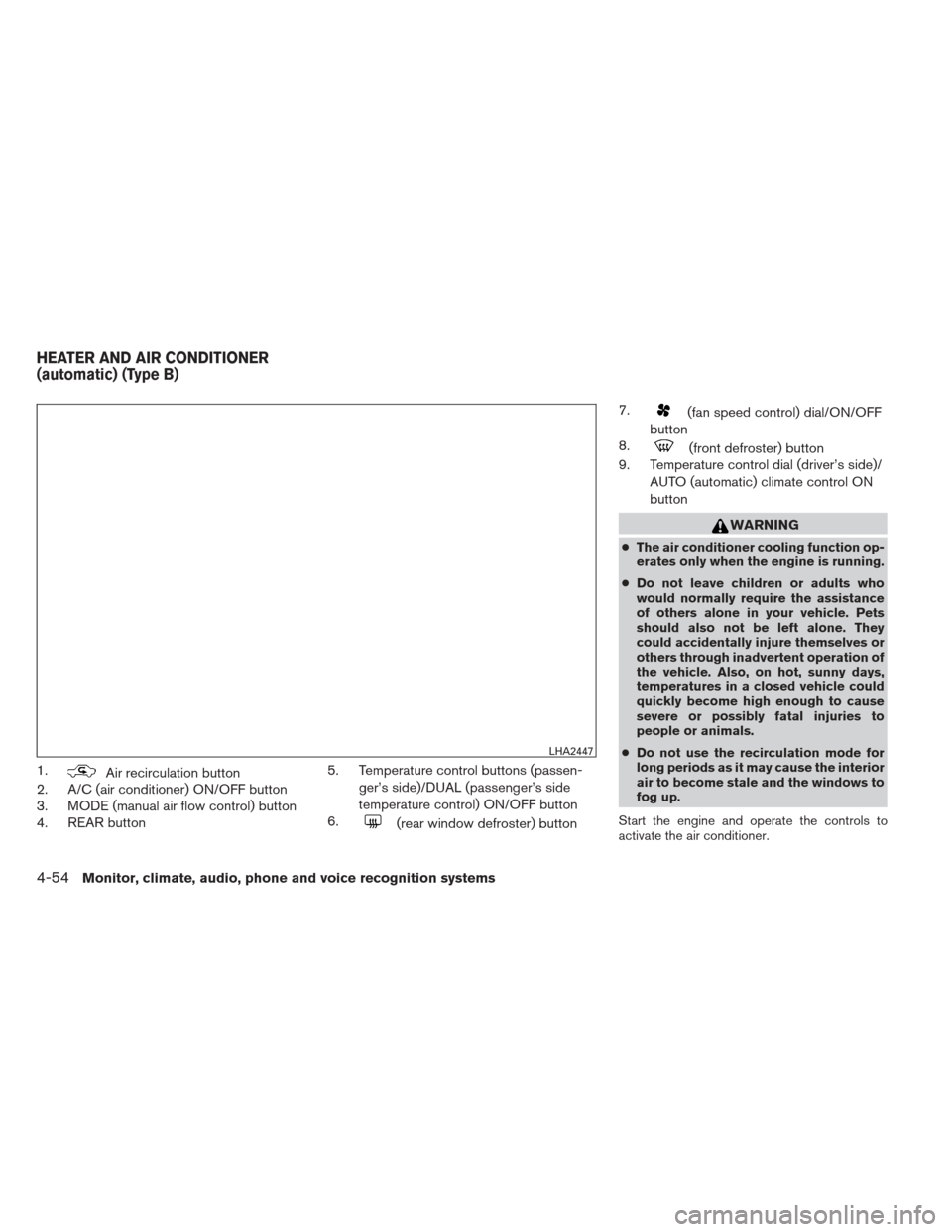
1.Air recirculation button
2. A/C (air conditioner) ON/OFF button
3. MODE (manual air flow control) button
4. REAR button 5. Temperature control buttons (passen-
ger’s side)/DUAL (passenger’s side
temperature control) ON/OFF button
6.
(rear window defroster) button 7.
(fan speed control) dial/ON/OFF
button
8.
(front defroster) button
9. Temperature control dial (driver’s side)/
AUTO (automatic) climate control ON
button
WARNING
●The air conditioner cooling function op-
erates only when the engine is running.
● Do not leave children or adults who
would normally require the assistance
of others alone in your vehicle. Pets
should also not be left alone. They
could accidentally injure themselves or
others through inadvertent operation of
the vehicle. Also, on hot, sunny days,
temperatures in a closed vehicle could
quickly become high enough to cause
severe or possibly fatal injuries to
people or animals.
● Do not use the recirculation mode for
long periods as it may cause the interior
air to become stale and the windows to
fog up.
Start the engine and operate the controls to
activate the air conditioner.
LHA2447
HEATER AND AIR CONDITIONER
(automatic) (Type B)
4-54Monitor, climate, audio, phone and voice recognition systems
Page 248 of 506
3. If the A/C indicator light illuminates, pressthe A/C button. The A/C indicator light will
turn off.
4. Turn the temperature control dial to set the desired temperature.
● Do not set the temperature lower than the
outside air temperature. Doing so may cause
the temperature to not be controlled prop-
erly.
● To dehumidify the air, press the A/C button
before turning on the heater.
Turning the system off :
Press the OFF button when the rear air condi-
tioner screen is displayed.
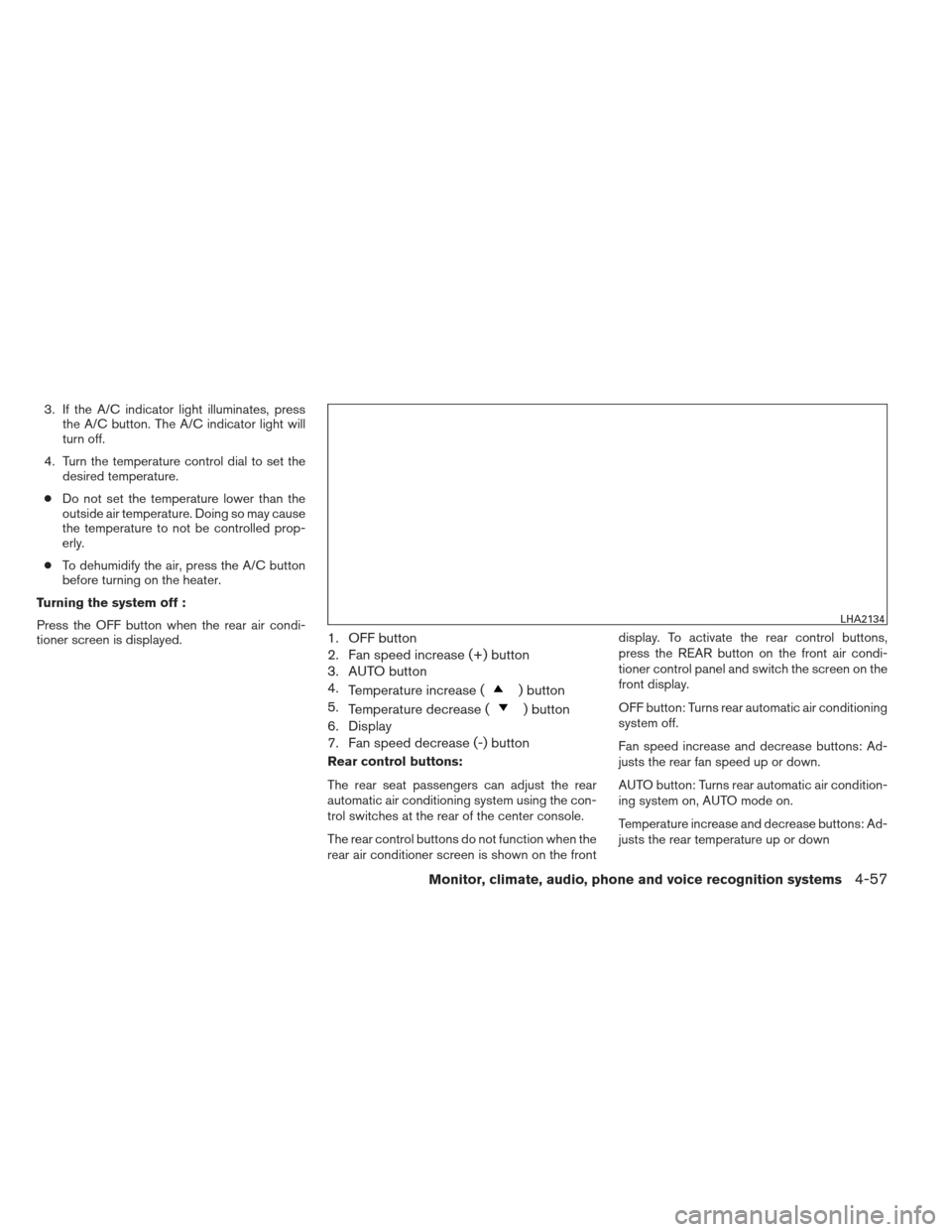
1. OFF button
2. Fan speed increase (+) button
3. AUTO button
4. Temperature increase (
) button
5. Temperature decrease (
) button
6. Display
7. Fan speed decrease (-) button
Rear control buttons:
The rear seat passengers can adjust the rear
automatic air conditioning system using the con-
trol switches at the rear of the center console.
The rear control buttons do not function when the
rear air conditioner screen is shown on the front display. To activate the rear control buttons,
press the REAR button on the front air condi-
tioner control panel and switch the screen on the
front display.
OFF button: Turns rear automatic air conditioning
system off.
Fan speed increase and decrease buttons: Ad-
justs the rear fan speed up or down.
AUTO button: Turns rear automatic air condition-
ing system on, AUTO mode on.
Temperature increase and decrease buttons: Ad-
justs the rear temperature up or down
LHA2134
Monitor, climate, audio, phone and voice recognition systems4-57
Page 254 of 506
●This copyright protected technology
cannot be used without a permit from
Macrovision Corporation. It is limited
to personal use, etc., as long as the
permit from Macrovision Corporation
is not issued.
● Modifying or disassembling is prohib-
ited.
● Dolby digital is manufactured under li-
cense from Dolby Laboratories, Inc.
● Dolby and the double D mark “
”
are trademarks of Dolby Laboratories,
Inc.
● DTS and DTS Digital Surround “
”
are registered trademarks of Digital
Theater Systems, Inc.
USB (Universal Serial Bus) memory (if
so equipped)
WARNING
Do not connect or disconnect the USB
device while driving. Doing so can be a
distraction. If distracted you could lose
control of your vehicle and cause an acci-
dent or serious injury.
CAUTION
● Do not force the USB device into the
USB port. Inserting the USB device
tilted or up-side-down into the port may
damage the USB device and the port.
Make sure that the USB device is con-
nected correctly into the USB port.
● Do not grab the USB port cover (if so
equipped) when pulling the USB device
out of the port. This could damage the
port and the cover.
● Do not leave the USB cable in a place
where it can be pulled unintentionally.
Pulling the cable may break the wire,
USB device or the port.
● To avoid damage and loss of function
when using a USB device, note the fol-
lowing precautions.
– Do not bend the cable excessively (1.6 in [40 mm]) radius minimum.
– Do not twist the cable excessively (more than 180 degrees) .
– Do not pull or drop the cable.
– Do not hit or press the USB port or USB device with hands, feet, or
objects. – Do not store objects with sharp
edges in the storage area where the
cable is stored.
– Do not leave the USB device and attached devices in the vehicle com-
partment. When not in use for ex-
tended periods of time, store the
cable and USB device in a clean, dust
free environment at room tempera-
ture and without direct sun exposure.
– Do not use the cable for any other purposes than its intended use in the
vehicle.
The vehicle is not equipped with a USB device.
USB devices should be purchased separately as
necessary.
This system cannot be used to format USB de-
vices. To format a USB device, use a personal
computer.
In some states/area, the USB device for the front
seats plays only sound without images for regu-
latory reasons, even when the vehicle is parked.
This system supports various USB memory de-
vices, USB hard drives and iPod® players. Some
USB devices may not be supported by this sys-
tem.
Monitor, climate, audio, phone and voice recognition systems4-63
Page 368 of 506
Special winter equipment.......................5-33
Driving on snow or ice ......................... 5-33Engine block heater (if so equipped)
.............5-33
Page 400 of 506
SPECIAL WINTER EQUIPMENT
It is recommended that the following items be
carried in the vehicle during winter:● A scraper and stiff-bristled brush to remove
ice and snow from the windows and wiper
blades.
● A sturdy, flat board to be placed under the
jack to give it firm support.
● A shovel to dig the vehicle out of snowdrifts.
● Extra washer fluid to refill the windshield-
washer fluid reservoir.
DRIVING ON SNOW OR ICE
WARNING
● Wet ice (32°F, 0°C and freezing rain) ,
very cold snow or ice can be slick and
very hard to drive on. The vehicle will
have much less traction or “grip” under
these conditions. Try to avoid driving on
wet ice until the road is salted or
sanded.
● Whatever the condition, drive with cau-
tion. Accelerate and slow down with
care. If accelerating or downshifting too
fast, the drive wheels will lose even
more traction. ●
Allow more stopping distance under
these conditions. Braking should be
started sooner than on dry pavement.
● Allow greater following distances on
slippery roads.
● Watch for slippery spots (glare ice) .
These may appear on an otherwise
clear road in shaded areas. If a patch of
ice is seen ahead, brake before reach-
ing it. Try not to brake while on the ice,
and avoid any sudden steering
maneuvers.
● Do not use the cruise control on slip-
pery roads.
● Snow can trap dangerous exhaust
gases under your vehicle. Keep snow
clear of the exhaust pipe and from
around your vehicle.
ENGINE BLOCK HEATER (if so
equipped)
Engine block heaters are used to assist with cold
temperature starting.
The engine block heater should be used when
the outside temperature is 20°F (-7°C) or lower.
WARNING
● Do not use your engine block heater
with an ungrounded electrical system
or a 2-pronged adapter. You can be se-
riously injured by an electrical shock if
you use an ungrounded connection.
● Disconnect and properly store the en-
gine block heater cord before starting
the engine. Damage to the cord could
result in an electrical shock and can
cause serious injury.
● Use a heavy-duty 3-wire, 3-pronged ex-
tension cord rated for at least 10 A. Plug
the extension cord into a Ground Fault
Interrupt (GFI) protected, grounded
110-VAC outlet. Failure to use the
proper extension cord or a grounded
outlet can result in a fire or electrical
shock and cause serious personal
injury.
To use the engine block heater: 1. Turn the engine off.
2. Open the hood and unwrap the engine block heater cord.
3. Plug the engine block heater cord into a grounded 3-wire, 3-pronged extension
cord.
Starting and driving5-33
Page 401 of 506
4. Plug the extension cord into a Ground FaultInterrupt (GFI) protected, grounded 110-
volt AC (VAC) outlet.
5. The engine block heater must be plugged in for at least2-4hours, depending on outside
temperatures, to properly warm the engine
coolant. Use an appropriate timer to turn the
engine block heater on.
6. Before starting the engine, unplug and prop- erly store the cord to keep it away from
moving parts.
5-34Starting and driving