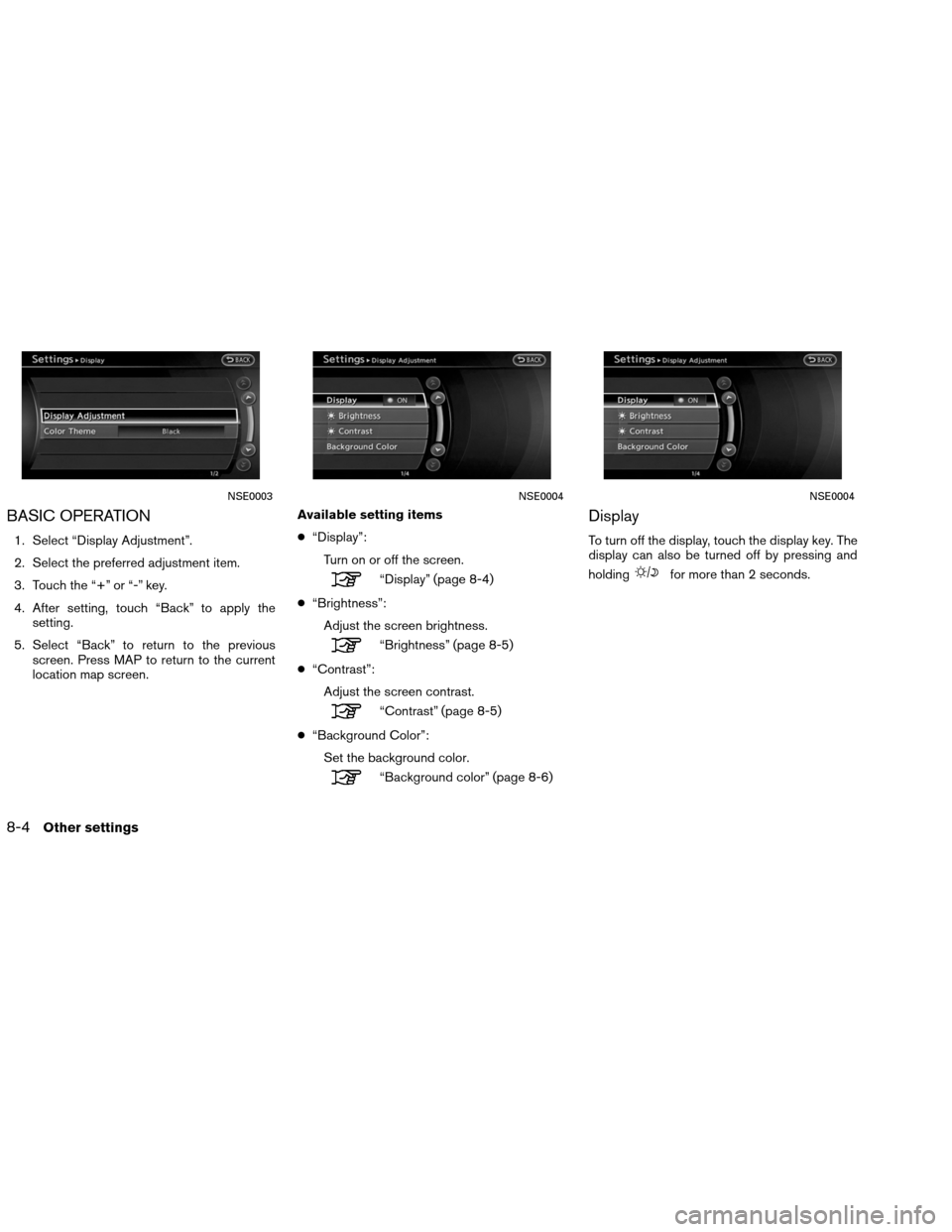
BASIC OPERATION
1. Select “Display Adjustment”.
2. Select the preferred adjustment item.
3. Touch the “+” or “-” key.
4. After setting, touch “Back” to apply thesetting.
5. Select “Back” to return to the previous screen. Press MAP to return to the current
location map screen. Available setting items
●
“Display”:
Turn on or off the screen.
“Display” (page 8-4)
● “Brightness”:
Adjust the screen brightness.
“Brightness” (page 8-5)
● “Contrast”:
Adjust the screen contrast.
“Contrast” (page 8-5)
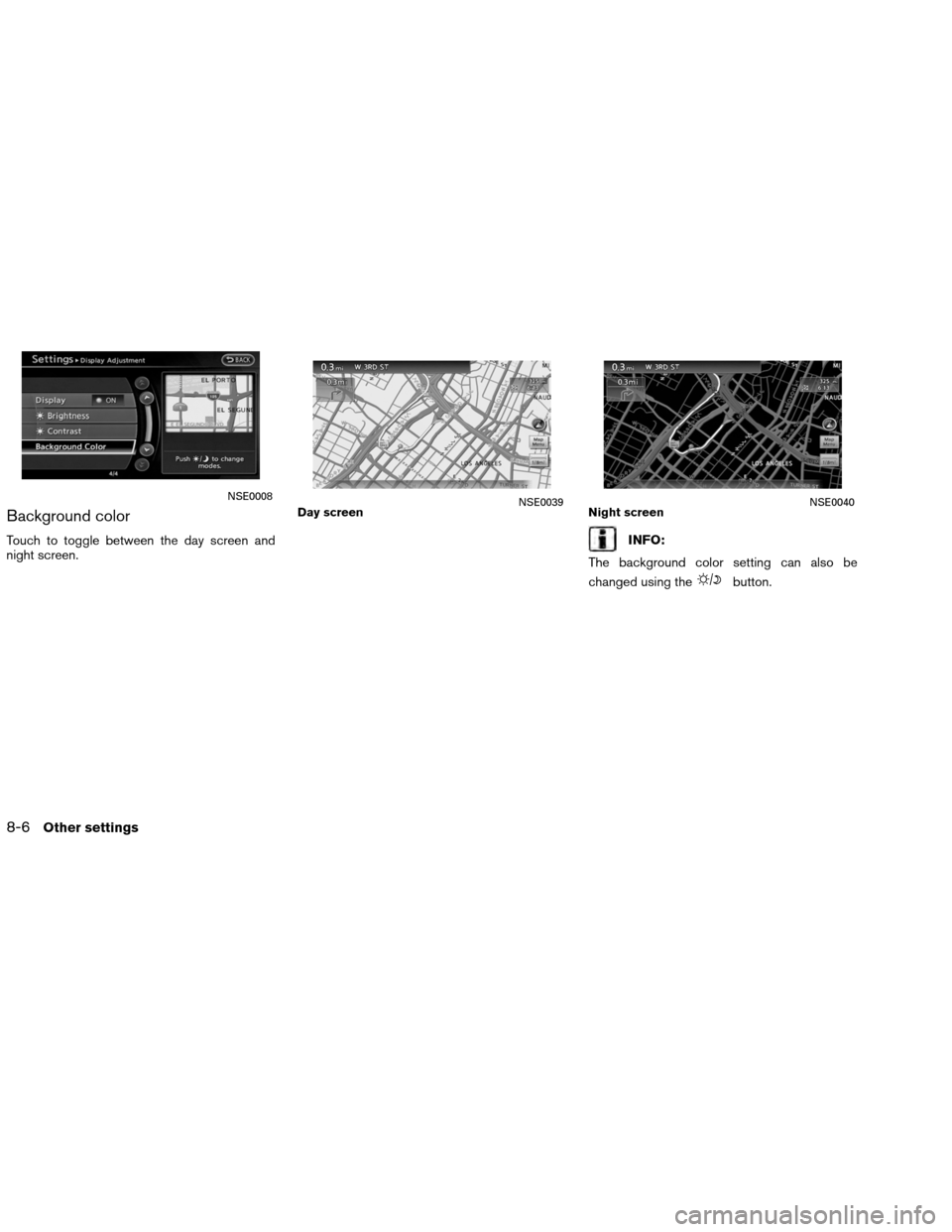
● “Background Color”:
Set the background color.
“Background color” (page 8-6)
Display
To turn off the display, touch the display key. The
display can also be turned off by pressing and
holding
for more than 2 seconds.
NSE0003NSE0004NSE0004
8-4Other settings