2013 MERCEDES-BENZ CLS-Class register
[x] Cancel search: registerPage 42 of 274

X
Select a setting by turning 0082005B0083the
COMAND controller and press 00A1to
confirm. Voice Control System settings
Opening/closing the help window
The help window provides information in
addition to the audible instructions during
individualization and during the subsequent
voice control. X
Press 0066.
X Select Settings Settings by turning 0082005B0083the
COMAND controller and press 00A1to
confirm.
X Select Voice Control
Voice Control and press00A1to
confirm.
X Select Help Window
Help Window and press00A1to
confirm.
You have switched the help window on
0073 or off 0053. Individualization
Using individualization, you can fine-tune the
Voice Control System to your own voice and
thus improve voice recognition; see the
separate operating instructions. Bluetooth
®
settings General information about
Bluetooth
®
Bluetooth ®
-capable devices, e.g. mobile
phones, have to comply with a certain profile
in order to be connected to COMAND. Every
Bluetooth ®
device has its own specific
Bluetooth ®
name.
Bluetooth ®
technology is the standard for
short-range wireless data transmission of up
to approximately 10 meters. Bluetooth ®
allows, for example, the exchange of vCards. Bluetooth
®
is a registered trademark of
Bluetooth Special Interest Group (SIG) Inc. Activating/deactivating Bluetooth
®
X Press 0066.
The system menu appears.
X Select Settings Settings by turning 0082005B0083the
COMAND controller and press 00A1to
confirm.
X Select Activate Bluetooth
Activate Bluetooth and press
00A1 to confirm.
This switches Bluetooth ®
on 0073 or off 0053. Setting the system language
This function allows you to determine the
language for the menu displays and the
navigation announcements. The selected
language affects the characters available for
entry.
The navigation announcements are not
available in all languages. If a language is not 40
Setting the system languageSystem settings
Page 44 of 274

X
Insert the SD memory card (Y page 195).
or
X Connect a USB device (e.g. a USB memory
stick) (Y page 195).
X Press 0066.
The system menu appears.
X Select Settings
Settings by turning 0082005B0083the
COMAND controller and press 00A1to
confirm.
X Select Import/Export Data
Import/Export Data and press
00A1 to confirm.
X Select Import Data
Import Data orExport Data Export Data and
press 00A1to confirm.
X To select a preset: selectMemory
Memory Card
Cardor
USB Storage
USB Storage and press00A1to confirm. X
Select All Data All Data and press00A1to confirm.
This function exports all the data to the
selected disc.
or
X Select the data type and press 00A1to
confirm.
Depending on the previous entry, select the
data type for the export 0073or not 0053.
X Select Continue
Continue and press00A1to confirm.
i Personal music files in the MUSIC
REGISTER cannot be saved and imported
again using this function. Reset function
You can completely reset COMAND to the
factory settings. Amongst other things, this
will delete all personal COMAND data. This
includes the station presets, entries in the
destination memory and in the list of previous
destinations in the navigation system and
address book entries. Resetting is
recommended before selling or transferring
ownership of your vehicle, for example.
Data on the internal hard drive, e.g. music
files in the MUSIC REGISTER, will be deleted.
You can also delete music files from the
MUSIC REGISTER using the "Delete all music
files" function (Y page 209).
X Press the 0066function button.
X Select Settings
Settings by turning 0082005B0083the
COMAND controller and press 00A1to
confirm.
X Select Reset
Reset and press 00A1to confirm.
A prompt appears asking whether you wish
to reset.
X Select Yes YesorNo
No and press 00A1to confirm.
If you select No
No, the process will be
canceled. 42
Reset functionSystem settings
Page 82 of 274

If route guidance has not been activated,
route calculation for the personal point of
interest will start immediately.
X Select Yes
Yes orNo No and press 00A1to confirm.
If you select Yes
Yes, the personal POI is
accepted as the destination.
If you select No No, the process will be aborted.
X To make a call: selectCall
Call and press 00A1
to confirm. COMAND switches to
telephone mode (Y page 129).
i Call
Call is available if the personal POI has a
telephone number and a mobile phone is
connected to COMAND (Y page 122).
X To delete a personal POI: selectDelete
Delete
and press 00A1to confirm.
A prompt appears asking whether you wish
to delete the point of interest.
X Select Yes
Yes orNo No and press 00A1to confirm.
If you select Yes
Yes, the personal POI is
deleted.
If you select No
No, the process will be
canceled. Search & Send
Notes
i To use Search & Send, your vehicle needs
to be equipped with mbrace, a navigation
system and a valid mbrace subscription.
Search & Send is a service assisting you in
entering destinations for the navigation
system. This mbrace service can send a
destination address directly from the Google
Maps ®
website to the navigation system of
your vehicle. Selecting and sending a destination
address
Please also refer to the notes about address
entry online: maps.google.com. X
Call up the maps.google.com website and
destination address in the address entry
field.
X Click the corresponding button to send the
destination address to the e-mail address
registered with mbrace.
X Enter the e-mail address you specified
when setting up your mbrace account into
the corresponding field in the "Send" dialog
window.
X Click "Send". Calling up destination addresses
X
Press the 00D9mbrace information button.
Downloading of the destination address to
the navigation system of your vehicle
begins.
i If you have sent more than one
destination address to your vehicle's
navigation system, you will need to call up
the information individually for every
address to be downloaded. 80
Search & SendNavigation
Page 83 of 274
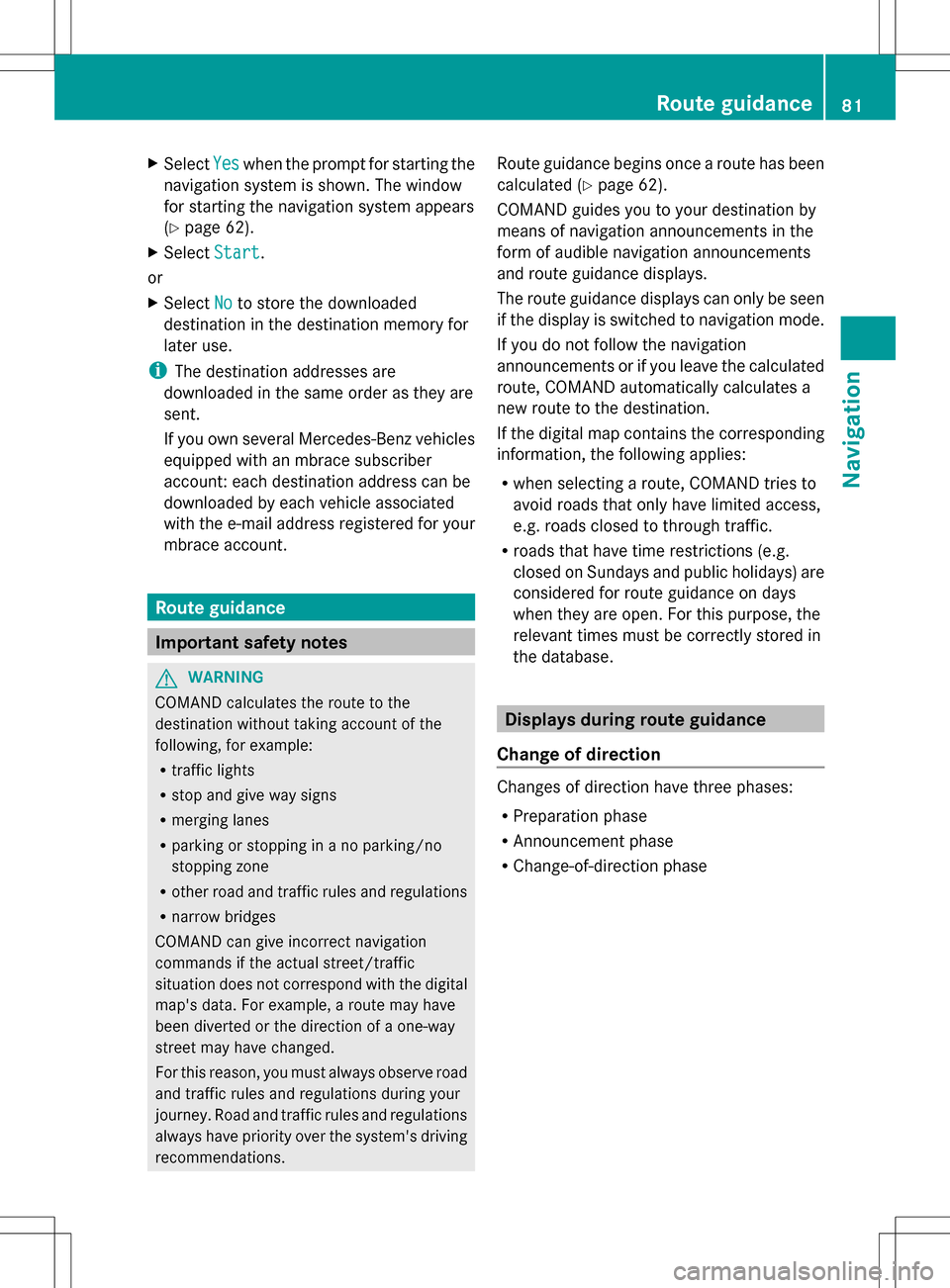
X
Select Yes
Yes when the prompt for starting the
navigation system is shown. The window
for starting the navigation system appears
(Y page 62).
X Select Start
Start .
or
X Select No Noto store the downloaded
destination in the destination memory for
later use.
i The destination addresses are
downloaded in the same order as they are
sent.
If you own several Mercedes-Benz vehicles
equipped with an mbrace subscriber
account: each destination address can be
downloaded by each vehicle associated
with the e-mail address registered for your
mbrace account. Route guidance
Important safety notes
G
WARNING
COMAND calculates the route to the
destination without taking account of the
following, for example:
R traffic lights
R stop and give way signs
R merging lanes
R parking or stopping in a no parking/no
stopping zone
R other road and traffic rules and regulations
R narrow bridges
COMAND can give incorrect navigation
commands if the actual street/traffic
situation does not correspond with the digital
map's data. For example, a route may have
been diverted or the direction of a one-way
street may have changed.
For this reason, you must always observe road
and traffic rules and regulations during your
journey. Road and traffic rules and regulations
always have priority over the system's driving
recommendations. Route guidance begins once a route has been
calculated (Y
page 62).
COMAND guides you to your destination by
means of navigation announcements in the
form of audible navigation announcements
and route guidance displays.
The route guidance displays can only be seen
if the display is switched to navigation mode.
If you do not follow the navigation
announcements or if you leave the calculated
route, COMAND automatically calculates a
new route to the destination.
If the digital map contains the corresponding
information, the following applies:
R when selecting a route, COMAND tries to
avoid roads that only have limited access,
e.g. roads closed to through traffic.
R roads that have time restrictions (e.g.
closed on Sundays and public holidays) are
considered for route guidance on days
when they are open. For this purpose, the
relevant times must be correctly stored in
the database. Displays during route guidance
Change of direction Changes of direction have three phases:
R
Preparation phase
R Announcement phase
R Change-of-direction phase Route guidance
81Navigation Z
Page 114 of 274

Deleting a set area
X
Call up the area list ( Ypage 110).
X Select an entry in the list by turning 0082005B0083
the COMAND controller.
X Slide 005B009Fthe COMAND controller and
press 00A1to confirm.
X Select Delete
Delete and press 00A1to confirm.
A query appears asking whether the entry
should be deleted.
X Select Yes
Yes orNo No.
If you select Yes
Yes, the entry is deleted.
If you select No
No , the process will be
canceled. SIRIUS XM service
Displaying SIRIUS XM service
information You can display the SIRIUS XM service
information.
X To show the menu: press00A1the COMAND
controller.
X Select Navi
Navi in the main function bar by
sliding 00A0005Band turning 0082005B0083the COMAND
controller and press 00A1to confirm.
X Select SIRIUS Service
SIRIUS Service and press00A1to
confirm.
The window on the right half of the display
shows the telephone number of the
provider (SIRIUS XM) and the serial number
of your service module.
Registering for the SIRIUS XM traffic
report service X
Call the traffic report provider's phone
number shown on the screen.
i You can also have the satellite service
activated online. To do so, visit the SIRIUS
XM Radio website at
http://www.sirius.com (USA) or
http://www.siriuscanada.com
(Canada). Once the connection has been established:
X
Follow the instructions of the operator.
The activation process may take up to ten
minutes.
If registration is not included when
purchasing the system, your credit card
details will be required to activate your
account. Compass function
In the compass view, you can see the current
direction of travel, the current height above
sea level and the coordinates of the vehicle
position, for example.
X To switch on navigation mode: press the
00BE function button.
X To show the menu: press00A1the COMAND
controller.
X Select Position Position in the navigation system
menu bar by sliding 005B0064and turning 0082005B0083
the COMAND controller and press 00A1to
confirm.
X Select Compass
Compass and press 00A1to confirm. Example: compass
0043
Current direction of travel
0044 Current height above average sea level
(rounded)
0087 Current vehicle position: longitude
coordinates
0085 Number of GPS satellites currently being
used 112
Additional settingsNavigation
Page 124 of 274
This visibility is for restricted periods of
time on some mobile phones.
R Bluetooth ®
device name
Every Bluetooth ®
device has its own
Bluetooth ®
device name. This device name
is freely definable, but can be identical for
all devices from the same manufacturer. It
is therefore recommended that you change
this name so that you can easily recognize
your mobile phone (see the mobile phone
operating instructions).
i Not all mobile phones available on the
market are equally suitable. You can obtain
more detailed information about suitable
mobile phones and about connecting
Bluetooth ®
-capable mobile phones to
COMAND on the Internet at
http://www.mbusa-mobile.com. Or call
the Mercedes-Benz Customer Assistance
Center at
1-800-FOR-MERCedes(1-800-367-6372)
(for the USA) or Customer Relations at
1-800-387-0100 (for Canada).
i Some displays (e.g. the signal strength)
depend on the supported version of the
Hands-Free Profile. Connecting a mobile phone
General information Before using your mobile phone with
COMAND for the first time, you will need to:
R search for it (Y page 123) and then
R authorize (register) it (Y page 124).
When you authorize a new mobile phone, it is
connected automatically.
You can authorize up to 15 mobile phones. If the mobile phone supports PBAP (Phone
Book
Access Profile) and MAP (Message
Access Profile), the following contacts and
messages are downloaded into COMAND
when connecting:
R phone book
R call lists
R text messages
Further information on the conditions for
connecting (Y page 121).122
Telephony via the Bluetooth ®
interfaceTelephone
Page 126 of 274

list. In this case, start a new search to
update the Bluetooth
®
telephone list.
Authorizing (registering) a mobile
phone Passkey entry
Telephone basic menu
Option 1: using the passkey (access code)
X Select the mobile phone using the 00DC
symbol in the Bluetooth ®
telephone list by
turning 0082005B0083the COMAND controller and
press 00A1to confirm.
The input menu for the passkey appears.
The passkey is any one to sixteen-digit
number combination which you can choose
yourself. You must enter the same number
combination in COMAND and in the
Bluetooth ®
-capable mobile phone (see the
mobile phone operating instructions).
i Some mobile phones require a passkey
with four or more digits. i
If you want to reauthorize a mobile phone
following de-authorization, you can select
a different passkey.
i Mercedes-Benz recommends de-
authorization in COMAND and on the
mobile phone ( Ypage 126). Subsequent
authorization may otherwise fail.
X To enter the passkey in COMAND: press
the number keys one after the other.
or
X Select the digits in the digit bar one by one
by turning 0082005B0083the COMAND controller
and press 00A1to confirm.
0054 is highlighted after the first number
has been entered.
X In both cases, select 0054and press 00A1to
confirm.
X To enter the passkey on the mobile
phone: if the Bluetooth ®
connection is
successful, you will be requested to enter
the passkey (access code, passcode; see
the mobile phone operating instructions).
X Enter the same passkey in the mobile
phone as the one already entered in
COMAND.
The message Connecting Bluetooth
Connecting Bluetooth
Profiles... Profiles... appears.
The Authorization successful
Authorization successful
message appears once authorization is
completed.
The mobile phone is connected to COMAND
(authorized). You can now make phone calls
using the COMAND hands-free system.
i After entering the passkey, you may also
need to enter a confirmation in your mobile
phone to connect calls. Please check your
mobile phone display. On some mobile
phones, this confirmation can be saved. In
this case, you do not need to enter it again.
If the COMAND display shows the
Authorization failed
Authorization failed message, you
may have exceeded the prescribed time
period. Repeat the procedure. 124
Telephony via the Bluetooth ®
interfaceTelephone
Page 128 of 274
X
Select the mobile phone in the Bluetooth ®
telephone list by turning 0082005B0083the
COMAND controller and press 00A1to
confirm.
The selected mobile phone is searched for
and connected if it is within Bluetooth ®
range and if Bluetooth ®
is activated.
Only one mobile phone can be connected
at any one time. The currently connected
mobile phone is indicated by the 003Bdot in
the Bluetooth ®
telephones list.
i You can only switch to another authorized
mobile phone if you are not currently
making a call.
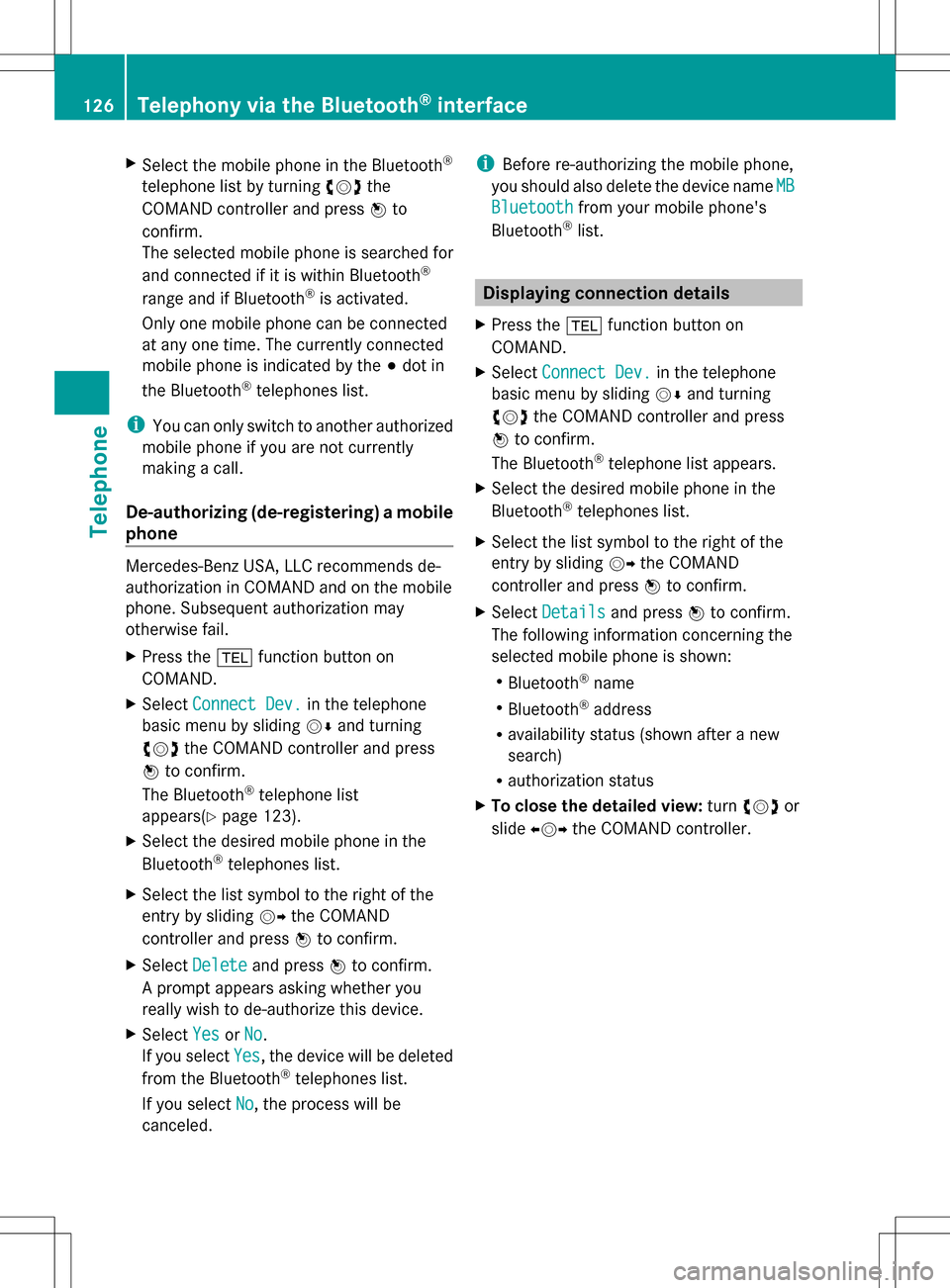
De-authorizing (de-registering) a mobile
phone Mercedes-Benz USA, LLC recommends de-
authorization in COMAND and on the mobile
phone. Subsequent authorization may
otherwise fail.
X Press the 002Bfunction button on
COMAND.
X Select Connect Dev.
Connect Dev. in the telephone
basic menu by sliding 005B0064and turning
0082005B0083 the COMAND controller and press
00A1 to confirm.
The Bluetooth ®
telephone list
appears(Y page 123).
X Select the desired mobile phone in the
Bluetooth ®
telephones list.
X Select the list symbol to the right of the
entry by sliding 005B009Fthe COMAND
controller and press 00A1to confirm.
X Select Delete Delete and press 00A1to confirm.
A prompt appears asking whether you
really wish to de-authorize this device.
X Select Yes
Yes orNo No.
If you select Yes
Yes, the device will be deleted
from the Bluetooth ®
telephones list.
If you select No
No , the process will be
canceled. i
Before re-authorizing the mobile phone,
you should also delete the device name MB
MB
Bluetooth
Bluetooth from your mobile phone's
Bluetooth ®
list. Displaying connection details
X Press the 002Bfunction button on
COMAND.
X Select Connect Dev.
Connect Dev. in the telephone
basic menu by sliding 005B0064and turning
0082005B0083 the COMAND controller and press
00A1 to confirm.
The Bluetooth ®
telephone list appears.
X Select the desired mobile phone in the
Bluetooth ®
telephones list.
X Select the list symbol to the right of the
entry by sliding 005B009Fthe COMAND
controller and press 00A1to confirm.
X Select Details Details and press 00A1to confirm.
The following information concerning the
selected mobile phone is shown:
R Bluetooth ®
name
R Bluetooth ®
address
R availability status (shown after a new
search)
R authorization status
X To close the detailed view: turn0082005B0083 or
slide 009E005B009F the COMAND controller. 126
Telephony via the Bluetooth ®
interfaceTelephone