2013 LINCOLN MKZ Driver door lock
[x] Cancel search: Driver door lockPage 72 of 474

Tips:
•
Do not set a code that uses five of
the same number.
• Do not use five numbers in
sequential order.
• The factory set code will work even
if you have set your own personal
code.
Recalling Memory Positions
The programmed entry codes will
recall driver memory positions as
follows:
• Entry code 1 will recall driver 1
memory positions.
• Entry code 2 will recall driver 2
memory positions.
• Entry code 3 will recall driver 3
memory positions.
Note: Personal entry codes 4 and 5
will not recall memory positions.
Erasing a Personal Code
1. Enter the factory set 5-digit code.
2. Press and release 1·2 on the
keypad within five seconds.
3. Press and hold
1·2 for two
seconds. This must be done within
five seconds of completing Step 2.
All personal codes are now erased
and only the factory set 5–digit code
will work. Anti-Scan Feature
The keypad will go into an anti-scan
mode if the wrong code has been
entered seven times (35 consecutive
button presses). This mode disables
the keypad for one minute and the
keypad lamp will flash.
The anti-scan feature will turn off
after:
•
one minute of keypad inactivity
• pressing the unlock button on the
remote control
• the ignition is switched on
• unlocking the vehicle using
intelligent access.
Unlocking and Locking the Doors
To Unlock the Driver ’s Door
Enter the factory set 5-digit code or
your personal code. Each number
must be pressed within five seconds
of each other. The interior lamps will
illuminate.
Note: All doors will unlock if the all
door unlocking mode is enabled. See
Locking and Unlocking
(page 62).
To Unlock All Doors
Enter the factory set code or your
personal code, then press
3·4 within
five seconds.
To Lock All Doors
Press and hold
7·8 and 9·0 at the
same time (with the driver ’s door
closed). You do not need to enter the
keypad code first.
69
Locks
Page 75 of 474

PASSIVE ANTI-THEFT
SYSTEM
Note:
The system is not compatible
with non-Ford aftermarket remote start
systems. Use of these systems may
result in vehicle starting problems and
a loss of security protection.
Note: Metallic objects, electronic
devices or a second coded key on the
same key chain may cause vehicle
starting problems if they are too close
to the key when starting the engine.
Prevent these objects from touching
the coded key while starting the engine.
Switch the ignition off, move all objects
on the key chain away from the coded
key and restart the engine if a problem
occurs.
Note: Do not leave a duplicate coded
key in the vehicle. Always take your
keys and lock all doors when leaving
the vehicle.
SecuriLock®
The system is an engine
immobilization system. It is designed
to help prevent the engine from being
started unless a coded key
programmed to your vehicle is used.
Using the wrong key may prevent the
engine from starting. A message may
appear in the information display.
If you are unable to start the engine
with a correctly coded key, a
malfunction has happened and a
message may appear in the
information display. Automatic Arming
The vehicle is armed immediately
after switching the ignition off.
Automatic Disarming
Switching the ignition on with a coded
key disarms the vehicle.
Replacement Keys
Note:
Your vehicle comes equipped
with two intelligent access keys.
The intelligent access key functions
as a programmed key that operates
the driver door lock and activates the
intelligent access with push button
start system, as well as a remote
control.
If your programmed transmitters are
lost or stolen and you do not have an
extra coded key, you will need to have
your vehicle towed to an authorized
dealer. The key codes need to be
erased from your vehicle and new
coded keys will need to be
programmed.
Store an extra programmed key away
from the vehicle in a safe place to help
prevent any inconveniences. See your
authorized dealer to purchase
additional spare or replacement keys.
Programming a Spare Intelligent
Access Key
Note: You can program a maximum
for four intelligent access keys to your
vehicle.
72
Security
Page 77 of 474

•
Unlock the doors or luggage
compartment with the remote
control or keyless entry keypad.
• Switch the ignition on or start the
vehicle.
• Use a key in the driver ’s door to
unlock the vehicle, then switch the
ignition on within 12 seconds.
Note: Pressing the panic button on the
remote control will stop the horn and
signal indicators, but will not disarm
the system.
74
Security
Page 106 of 474

Settings
Comfort /
Normal / Sport
Handling in D
Drive Control
Vehicle
Normal / Sport
Handling in S /
Performance in S
—
On / Off
Easy Entry / Exit
—
On (default on key
cycle) / Off
Auto Engine Off
On / Off
Adaptive Head Lamps
Lighting
On / Off
Auto Highbeam
Select timeinterval
Autolamp Delay Settings (cont’
d)
On / Off
Autolock
Locks
Vehicle
(cont’ d)
On / Off
Autounlock
On / Off
Mislock
All doors / Driverdoor
Remote Unlocking
Hold Ok to Initialize
Neutral Tow
Set to XXX %
Oil Life Reset
On / Off
Power Deck Lid
Note: Some MyKey items will only appear if a MyKey is set.
103
Information Displays
Page 114 of 474

Doors and Locks
Action
Message
Displays when the door(s) listed is not completelyclosed and the vehicle is moving.
X Door Ajar
Displays when the door(s) listed is not completely closed.
Displays when the luggage compartment is not completely closed.
Trunk Ajar
Displays when the door switches have been disabled.
Switches Inhibited
Security Mode
Displays the factory keypad code after the keypad hasbeen reset. See Keyless Entry (page 68).
Factory Keypad Code
XXXXX
Driver Alert Action
Message
Stop and rest as soon as it is safe to do so.
Driver Alert Warning
Rest Now
Take a rest break soon.
Driver Alert Warning
Rest Suggested
Engine Action
Message
Engine service is required. Contact your authorized dealer.
Engine Fault Service
Now
Displays when the engine temperature is too high. Stopthe vehicle in a safe place and allow to engine to cool.
If the problem persists, contact your authorized dealer. See
Engine Coolant Check (page 268).
High Engine Temper-
ature Stop Safely
111
Information Displays
Page 139 of 474

Saving a Pre-Set Position
1. Switch the ignition on.
2.
Adjust the seat and exterior mirrors
to your desired position.
3. Press and hold the desired pre-set
button until you hear a single
chime.
Up to three pre-set memory positions
may be saved. A memory pre-set may
be saved at any time.
Recalling a Pre-Set Position
Press and release the pre-set button
associated with your desired driving
position. The seat and mirrors will
move to the position stored for that
pre-set.
Note: A pre-set memory position can
only be recalled when the ignition is off,
or when the transmission selector lever
is in position P or N (and your vehicle
is not moving) if the ignition is on. A pre-set memory position can also
be recalled by pressing the unlock
button on your remote control or
intelligent access key if it is linked to
a pre-set position, or by a driver door
handle unlock with an intelligent
access key present.
Linking a Pre-Set Position to
your Remote Control or
Intelligent Access Key
Your vehicle can save the pre-set
memory positions for up to three
remote controls or intelligent access
(IA) keys.
1. With the ignition on, move the
memory positions to the desired
positions.
2. Press and hold the desired pre-set
button for about five seconds. A
chime will sound after about two
seconds. Continue holding until a
second chime is heard.
3. Within three seconds, press the lock button on the remote control
you are linking. A single chime will
sound.
To unlink a remote control, follow the
same procedure – except in step 3,
press the unlock button on the remote
control.
Note: To stop seat movement during
a recall, press any driver seat
adjustment control, any of the memory
buttons, or any mirror control switch.
Seat movement will also stop if you
move your vehicle.
136
SeatsE142554
Page 145 of 474
HomeLink® Wireless Control
System (If Equipped)
WARNINGS
Make sure that the garage door
and security device are free from
obstruction when you are
programming. Do not program the
system with the vehicle in the garage. Do not use the system with any
garage door opener that does
not have the safety stop and reverse
feature as required by U.S. Federal
Safety Standards (this includes any
garage door opener manufactured
before April 1, 1982). Note:
Make sure you keep the original
remote control transmitter for use in
other vehicles as well as for future
system programming.
Note: We recommend that upon the
sale or lease termination of your
vehicle, you erase the programmed
function buttons for security reasons.
See Erasing the function button codes
later in this section.
Note: You can program a maximum
of three devices. To change or replace
any of the three devices after it has
been initially programmed, you must
first erase the current settings. See
Erasing the function button codes later
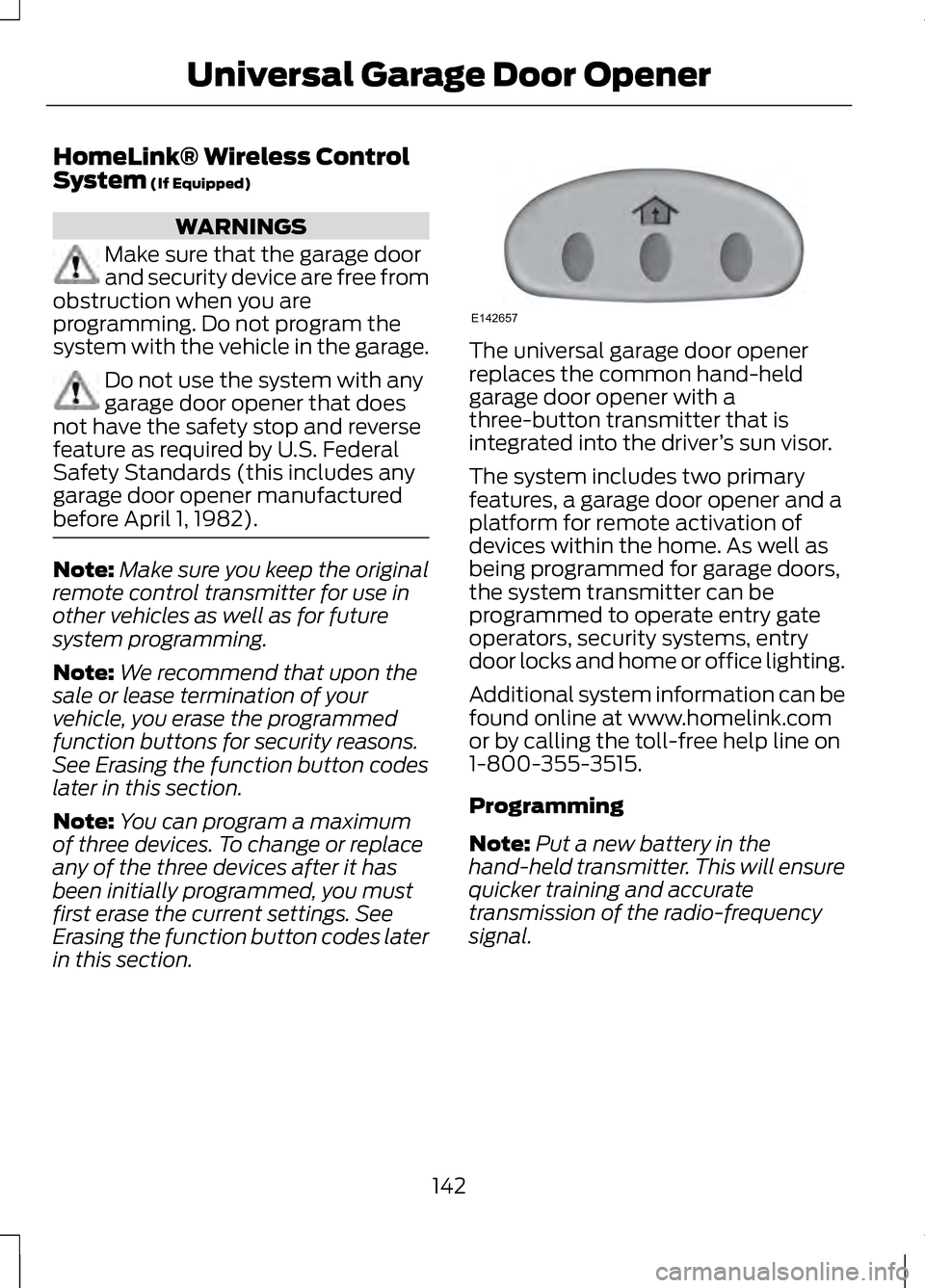
in this section. The universal garage door opener
replaces the common hand-held
garage door opener with a
three-button transmitter that is
integrated into the driver
’s sun visor.
The system includes two primary
features, a garage door opener and a
platform for remote activation of
devices within the home. As well as
being programmed for garage doors,
the system transmitter can be
programmed to operate entry gate
operators, security systems, entry
door locks and home or office lighting.
Additional system information can be
found online at www.homelink.com
or by calling the toll-free help line on
1-800-355-3515.
Programming
Note: Put a new battery in the
hand-held transmitter. This will ensure
quicker training and accurate
transmission of the radio-frequency
signal.
142
Universal Garage Door OpenerE142657
Page 169 of 474

P (Park)
This position locks the transmission
and prevents the front wheels from
turning. Always come to a complete
stop before putting your vehicle into
and out of P (Park). An audible chime
will sound when P (Park) is manually
selected.
The vehicle will automatically shift
into P (Park) when the ignition is
turned off. If the ignition is turned off
while the vehicle is moving, it will first
shift into
N (Neutral) until a slow
enough speed is reached. The vehicle
will then shift into
P (Park)
automatically.
Automatic Return to Park
Note: This feature will not operate
when the vehicle is in Stay in Neutral
mode or neutral tow.
The vehicle has a safety feature that
will automatically shift your vehicle
into
P (Park) when any of the
following circumstances are met: •
Turn the ignition off.
• Open the driver's door with your
seat belt unlatched.
• Unlatching your seatbelt while the
driver's door is open.
R (Reverse)
With the transmission in
R (Reverse),
the vehicle will move backward.
Always come to a complete stop
before shifting into and out of
R
(Reverse).
N (Neutral)
Press the
N button to put the vehicle
in N (Neutral). In neutral the vehicle
can be started and is free to roll. Hold
the brake pedal down while in this
position.
Stay in Neutral mode
Stay in Neutral mode allows the
vehicle to stay in
N (Neutral) when
you exit the vehicle.
The vehicle must be stationary to
enter this mode.
To enter Stay in Neutral mode:
1. Press the
N (Neutral) button on
the shifter assembly.
2. The message
Press N to enter
Stay in Neutral mode will appear
in the information displays screen.
3. Press the N (Neutral) button again
to enter Stay in Neutral mode.
166
TransmissionE146223