Page 330 of 661

The main display area will normally display the main
menu or the screens of a selected feature of the main
menu. The main display area also displays “pop up”
messages that consist of approximately 60 possible warn-
ing or information messages. These pop up messages fall
into several categories:
•Five Second Stored Messages
When the appropriate conditions occur, this type of
message takes control of the main display area for five
seconds and then returns to the previous screen. Most of
the messages of this type are then stored (as long as the
condition that activated it remains active) and can be
reviewed from the “Messages” main menu item. As long
as there is a stored message, an “i” will be displayed in
the EVIC’s compass/outside temp line. Examples of this
message type are”Right Front Turn Signal Lamp Out”
and “Low Tire Pressure”. •
Unstored Messages
This message type is displayed indefinitely or until the
condition that activated the message is cleared. Examples
of this message type are “Turn Signal On” (if a turn signal
is left on) and “Lights On” (if driver leaves the vehicle).
• Unstored Messages Until RUN
These messages deal primarily with the Remote Start
feature. This message type is displayed until the ignition
is in the RUN state. Examples of this message type are
“Remote Start Aborted - Door Ajar” and “Press Brake
Pedal and Push Button to Start”.
• Five Second Unstored
When the appropriate conditions occur, this type of mes-
sage takes control of the main display area for five seconds
and then returns to the previous screen. Examples of this
message type are “Memory System Unavailable - Not in
Park” and “Automatic High Beams On”.
328 UNDERSTANDING YOUR INSTRUMENT PANEL
Page 333 of 661

•Brake — If the ACC system predicts that its maximum
braking level is not sufficient to maintain the set
distance, this message will flash and a chime will
sound while ACC continues to apply its maximum
braking capacity. When this occurs, you should imme-
diately apply the brakes as needed to maintain a safe
distance from the vehicle ahead. Refer to “Adaptive
Cruise Control (ACC)” in “Understanding The Fea-
tures Of Your Vehicle” (if equipped).
• Clean Radar Sensor in the Front of Vehicle — If the
ACC system deactivates due to performance limiting
conditions. Refer to “Adaptive Cruise Control (ACC)”
in “Understanding The Features Of Your Vehicle”
(if equipped).
• ACC/FCW Unavailable Vehicle System Error — If the
ACC system turns off due to a temporary malfunction
that limits functionality. Refer to “Adaptive Cruise
Control (ACC)” in “Understanding The Features Of
Your Vehicle” (if equipped). •
ACC/FCW Unavailable Service Radar Sensor — If the
ACC system turns off due to an internal system fault
that requires service from an authorized dealer. Refer
to “Adaptive Cruise Control (ACC)” in “Understand-
ing The Features Of Your Vehicle” (if equipped).
• Cruise Off When Park Brake is On
• ACC Cancelled Below Min. Speed.
• Coolant low
• Service air suspension system
• Oil change due
• Key in ignition
• Lights on
• Key in Ignition Lights On
• Ignition or Accessory On
• Ignition or Accessory On Lights On
4
UNDERSTANDING YOUR INSTRUMENT PANEL 331
Page 334 of 661
•Turn signal on
• Park assist on
• Warning object detected
• Remote start aborted — Door ajar
• Remote start aborted — Hood ajar
• Remote start aborted — L/Gate ajar
• Remote start aborted — Fuel low
• Remote start disabled — Start Vehicle to Reset
• Remote start active — Insert Key and Turn to Run
• Remote start active — Push Start Button
• Memory 1 profile set
• Memory 2 profile set
• Memory system unavailable — Not in Park
• Memory system unavailable — Seatbelt buckled •
Memory 1 profile recall
• Memory 2 profile recall
• Press Brake Pedal and Push Button to Start
• Wrong Key
• Damaged Key
• Key not programmed
• Function currently unavailable — Power Liftgate
• Unlock to operate — Power Liftgate
• Put in Park to operate — Power Liftgate
• Automatic high beams on
• Automatic high beams off
• Service Four Wheel Drive System
• ECO — Fuel Saver Indicator
• TERRAIN SETTINGS — AUTOMATIC
332 UNDERSTANDING YOUR INSTRUMENT PANEL
Page 343 of 661
Engine Oil Change Indicator System
Oil Change Due
Your vehicle is equipped with an engine oil change
indicator system. The “Oil Change Due” message will
flash in the EVIC display for approximately 10 seconds
after a single chime has sounded, to indicate the next
scheduled oil change interval. The engine oil change
indicator system is duty cycle based, which means the
engine oil change interval may fluctuate, dependent
upon your personal driving style.
Unless reset, this message will continue to display each
time you turn the ignition switch to the ON/RUN
position or cycle the ignition to the ON/RUN position if
equipped with Keyless Enter-N-Go™. To turn off the
message temporarily, press and release the MENU but-
ton. To reset the oil change indicator system (after
performing the scheduled maintenance) refer to the fol-
lowing procedure.Vehicles Equipped With Keyless Enter-N-Go™
1. Without pressing the brake pedal, push the ENGINE
START/STOP button and cycle the ignition to the
ON/ RUN position (Do not start the engine).
2. Fully depress the accelerator pedal, slowly, three times within 10 seconds.
3. Without pressing the brake pedal, push the ENGINE START/STOP button once to return the ignition to the
OFF/LOCK position.
Vehicles Not Equipped With Keyless Enter-N-Go™
1. Turn the ignition switch to the ON/RUN position (Do not start the engine).
2. Fully depress the accelerator pedal, slowly, three times within 10 seconds.
3. Turn the ignition switch to the OFF/LOCK position.
4
UNDERSTANDING YOUR INSTRUMENT PANEL 341
Page 349 of 661
•Pressing the SELECT button will clear the current run
time and display the vehicle’s best 0-60 mph
(0-100 km/h)
time.
• To clear the vehicle’s best 0-60 mph (0-100 km/h) time,
press and hold the SELECT button for five seconds.
Braking Distance
When selected, this screen displays the vehicle’s braking
distance and the speed at which the brake pedal was
depressed.
• This feature will only function when applying the
brakes at speeds above 30 mph (48 km/h).
• Engaging the parking brake will disable this feature.
• The word “READY” will flash when conditions are
met for the event to begin.
• The distance and speed measurements display while
the event is taking place. •
The distance measurement will be aborted if the brake
pedal is released before the vehicle comes to a com-
plete stop.
• The distance and speed measurements will continue to
display until the SELECT button is pressed.
• Pressing the SELECT button will clear the current run
and prepare the cluster to record a new run.
1/8 Mile, 1/4 Mile
When selected, this screen displays the time it takes the
vehicle to travel 1/8 mile (1/4 mile) within 30 seconds and
the vehicle’s speed when it reaches 1/8 mile (1/4 mile).
• The feature will “ready” when the vehicle is at 0 mph
(0 km/h). The word “READY” will flash when condi-
tions are met for the event to begin.
•
Dashes will display if the vehicle fails to reach 1/8 mile
(1/4 mile) in less then 30 seconds.
4
UNDERSTANDING YOUR INSTRUMENT PANEL 347
Page 362 of 661

Wiper Mode — If Equipped
When this feature is selected, the system will automati-
cally activate the windshield wipers if it senses moisture
on the windshield. To make your selection, press and
release the SELECT button until a check-mark appears
next to the feature showing the system has been activated
or the check-mark is removed showing the system has
been deactivated. When this feature is deactivated, the
system reverts to the standard intermittent wiper opera-
tion.
Hill Start Assist (HSA)
When this feature is selected, the HSA system is active.
Refer to “Electronic Brake Control System” in “Starting
And Operating” for system function and operating infor-
mation. To make your selection, press and release the
SELECT button until a check-mark appears next to thefeature showing the system has been activated or the
check-mark is removed showing the system has been
deactivated.
Blind Spot Alert
There are three selections when operating Blind Spot
Alert. By pressing and releasing the SELECT button once,
the Blind Spot Alert feature can be activated in “Blind
Spot: Lights Only” mode. When this mode is selected the
Blind Spot Monitor (BSM) system is activated and will
only show a visual alert in the outside mirrors. By
pressing and releasing the SELECT button a second time
“Blind Spot: Lights/CHM” mode is activated. In this
mode the Blind Spot Monitor (BSM) will show a visual
alert in the outside mirrors as well as an audible alert
when the turn signal is on. When “Blind Spot: Off” is
selected the Blind Spot Monitor (BSM) system is deacti-
vated.
360 UNDERSTANDING YOUR INSTRUMENT PANEL
Page 402 of 661
NOTE:
•To view a DVD on the radio press the RADIO/MEDIA
hard-key, on the radio faceplate, then touch the DISC
tab soft-key and then the VIEW VIDEO soft-key.
• Viewing a DVD on the Touch-Screen radio screen is
not available in all states/provinces, and the vehicle
must be stopped, and the shift lever must be in the
PARK position for vehicles with automatic transmis-
sion. In vehicles with manual transmission the parking
brake must be engaged.
• Touching the screen on a Touch-Screen radio while a
DVD is playing brings up basic remote control func-
tions for DVD play such as scene selection, Play, Pause,
FF, RW, and Stop. Pressing the X in the upper corner
will turn off the remote control screen functions.Play Video Games
Connect the video game console to the Auxiliary RCA
input jacks located on the back of the center console.
1. Video In – Yellow
2. Left Audio In – White
3. Right Audio In – Red
400 UNDERSTANDING YOUR INSTRUMENT PANEL
Page 409 of 661
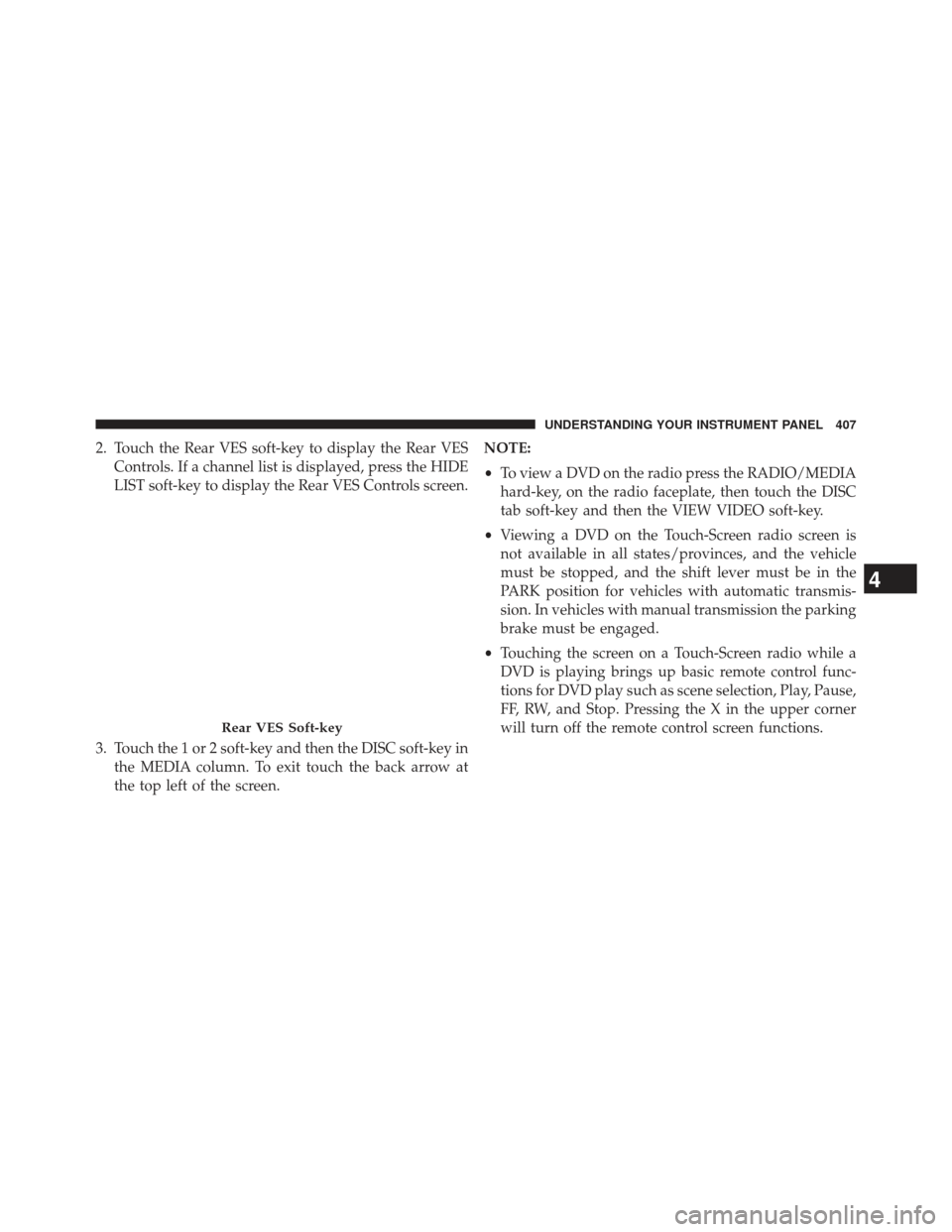
2. Touch the Rear VES soft-key to display the Rear VESControls. If a channel list is displayed, press the HIDE
LIST soft-key to display the Rear VES Controls screen.
3. Touch the 1 or 2 soft-key and then the DISC soft-key in the MEDIA column. To exit touch the back arrow at
the top left of the screen. NOTE:
•
To view a DVD on the radio press the RADIO/MEDIA
hard-key, on the radio faceplate, then touch the DISC
tab soft-key and then the VIEW VIDEO soft-key.
• Viewing a DVD on the Touch-Screen radio screen is
not available in all states/provinces, and the vehicle
must be stopped, and the shift lever must be in the
PARK position for vehicles with automatic transmis-
sion. In vehicles with manual transmission the parking
brake must be engaged.
• Touching the screen on a Touch-Screen radio while a
DVD is playing brings up basic remote control func-
tions for DVD play such as scene selection, Play, Pause,
FF, RW, and Stop. Pressing the X in the upper corner
will turn off the remote control screen functions.
Rear VES Soft-key
4
UNDERSTANDING YOUR INSTRUMENT PANEL 407