Page 166 of 541
Rear seat armrest (if equipped)
WARNING:Use only soft cups in the cupholder. Hard objects
can injure you in a collision.
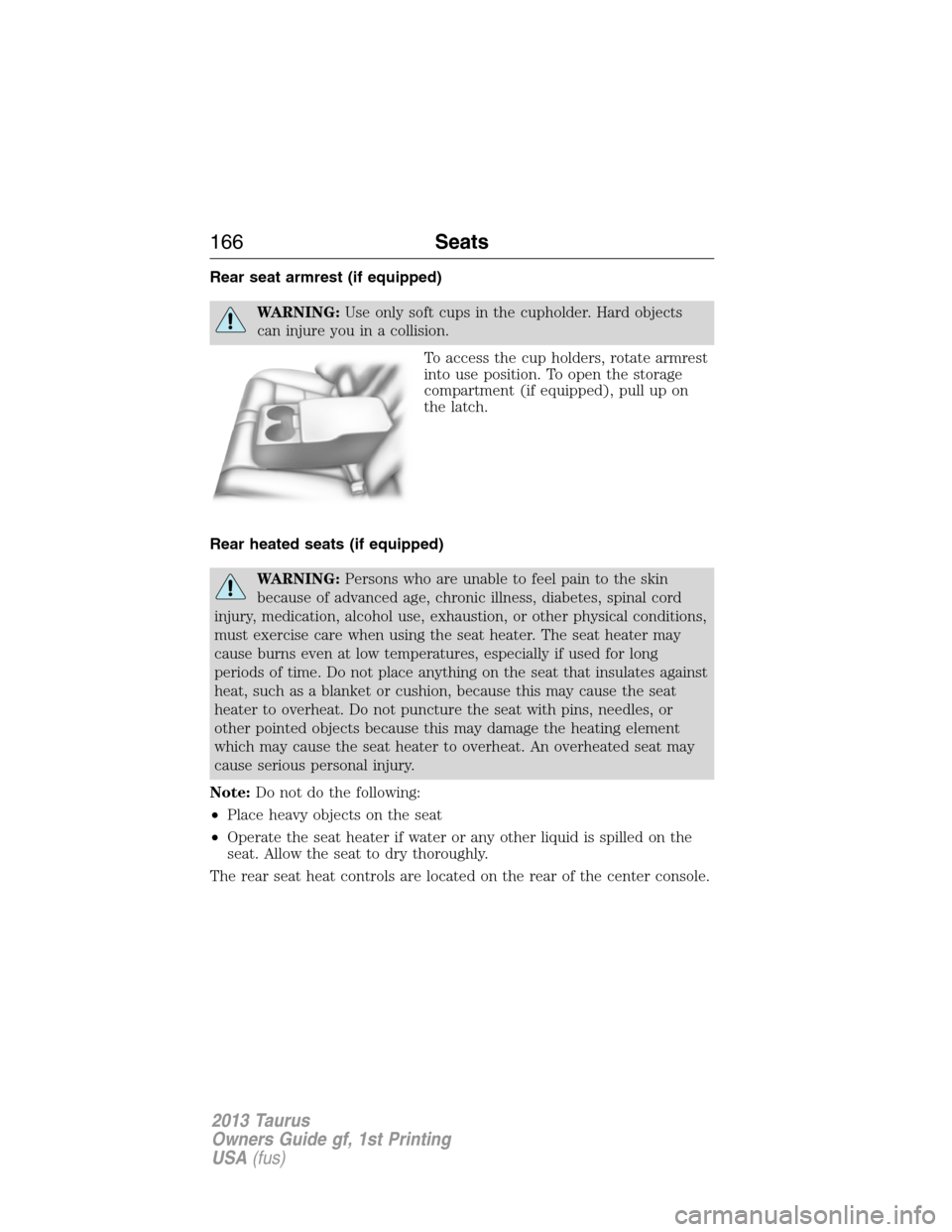
To access the cup holders, rotate armrest
into use position. To open the storage
compartment (if equipped), pull up on
the latch.
Rear heated seats (if equipped)
WARNING:Persons who are unable to feel pain to the skin
because of advanced age, chronic illness, diabetes, spinal cord
injury, medication, alcohol use, exhaustion, or other physical conditions,
must exercise care when using the seat heater. The seat heater may
cause burns even at low temperatures, especially if used for long
periods of time. Do not place anything on the seat that insulates against
heat, such as a blanket or cushion, because this may cause the seat
heater to overheat. Do not puncture the seat with pins, needles, or
other pointed objects because this may damage the heating element
which may cause the seat heater to overheat. An overheated seat may
cause serious personal injury.
Note:Do not do the following:
•Place heavy objects on the seat
•Operate the seat heater if water or any other liquid is spilled on the
seat. Allow the seat to dry thoroughly.
The rear seat heat controls are located on the rear of the center console.
166Seats
2013 Taurus
Owners Guide gf, 1st Printing
USA(fus)
Page 173 of 541
AUXILIARY POWER POINTS
WARNING:Do not plug optional electrical accessories into the
cigarette lighter socket (if equipped). Improper use of the lighter
can cause damage not covered by your warranty, and can result in fire
or serious injury.
Note:Do not insert objects other than an accessory plug into the power
point. This will damage the outlet and blow the fuse.
Note:Do not hang any type of accessory or accessory bracket from the
plug.
Note:Do not use the power point over the vehicle capacity of 12 volts
DC/180 watts or a fuse may blow.
Note:Do not use the power point for operating a cigarette lighter
element.
Note:Improper use of the power outlet can cause damage not covered
by your warranty.
Note:Always keep the power point caps closed when not in use.
Run the engine for full capacity use of the power point. To prevent the
battery from being discharged:
•Do not use the power point longer than necessary when the engine is
not running.
•Do not leave devices plugged in overnight or when the vehicle is
parked for extended periods.
Locations
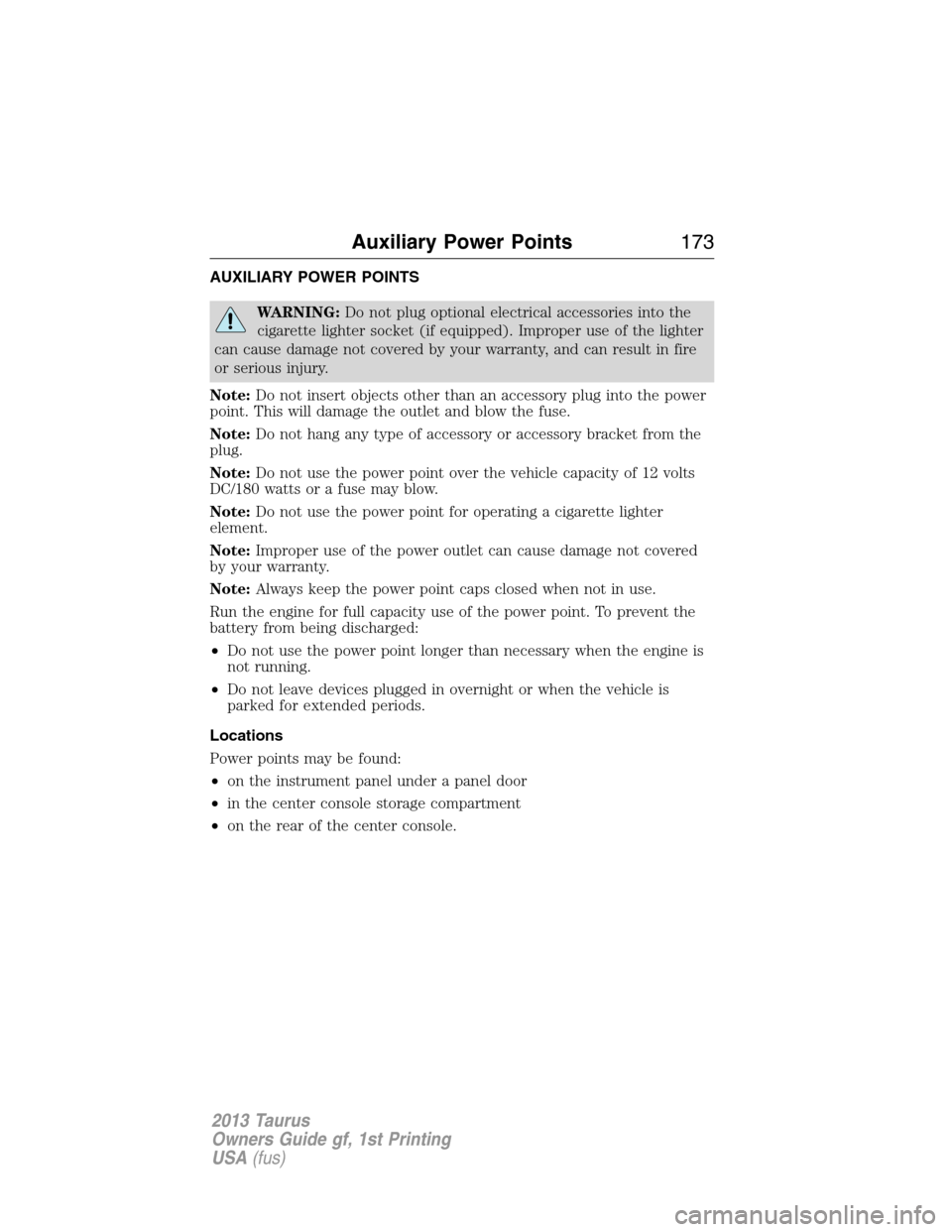
Power points may be found:
•on the instrument panel under a panel door
•in the center console storage compartment
•on the rear of the center console.
Auxiliary Power Points173
2013 Taurus
Owners Guide gf, 1st Printing
USA(fus)
Page 174 of 541
CENTER CONSOLE
WARNING:Use only soft cups in the cupholder. Hard objects
can injure you in a collision.
Note:The appearance and features of the center console may be
different than shown based on your vehicle’s option level.
Your vehicle may be equipped with a variety of console features. These
include:
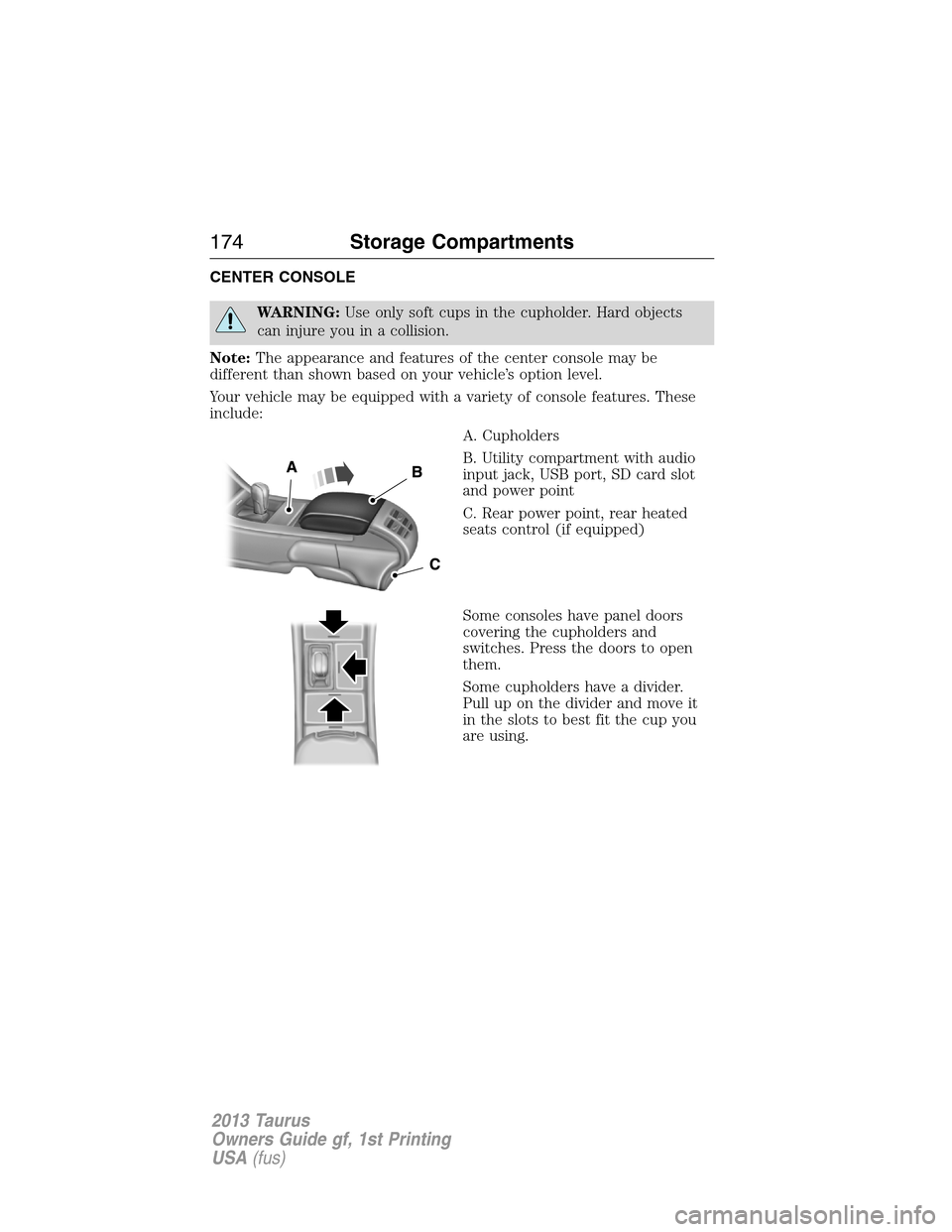
A. Cupholders
B. Utility compartment with audio
input jack, USB port, SD card slot
and power point
C. Rear power point, rear heated
seats control (if equipped)
Some consoles have panel doors
covering the cupholders and
switches. Press the doors to open
them.
Some cupholders have a divider.
Pull up on the divider and move it
in the slots to best fit the cup you
are using.
174Storage Compartments
2013 Taurus
Owners Guide gf, 1st Printing
USA(fus)
Page 178 of 541
3. Press the start button. The engine may continue cranking for up to
10 seconds or until the vehicle starts.
To turn the ignition off, press the start button when the vehicle is on or
the engine is running.
The system will not function if:
•the key frequencies are jammed.
•the key battery is dead.
If you are unable to start your vehicle, do the following.
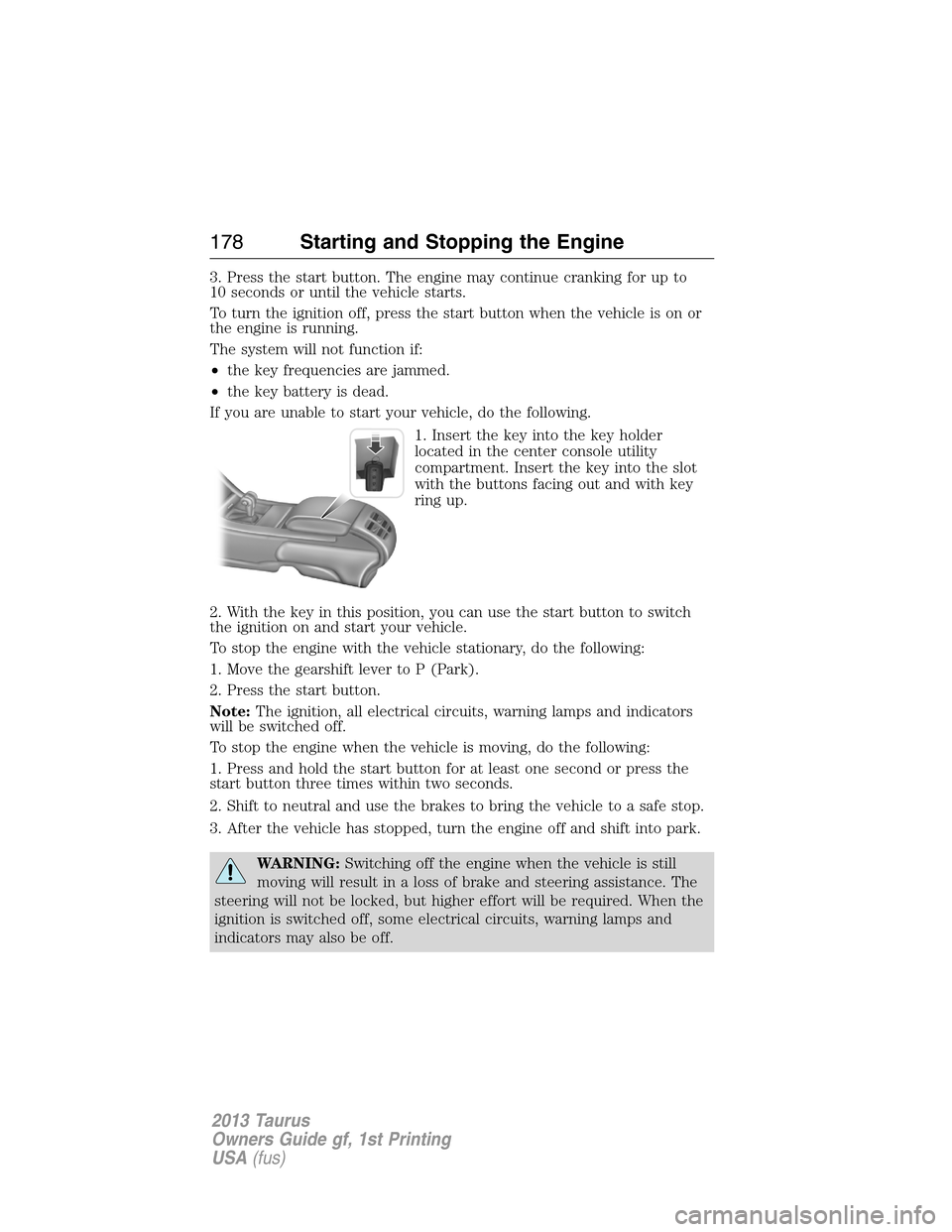
1. Insert the key into the key holder
located in the center console utility
compartment. Insert the key into the slot
with the buttons facing out and with key
ring up.
2. With the key in this position, you can use the start button to switch
the ignition on and start your vehicle.
To stop the engine with the vehicle stationary, do the following:
1. Move the gearshift lever to P (Park).
2. Press the start button.
Note:The ignition, all electrical circuits, warning lamps and indicators
will be switched off.
To stop the engine when the vehicle is moving, do the following:
1. Press and hold the start button for at least one second or press the
start button three times within two seconds.
2. Shift to neutral and use the brakes to bring the vehicle to a safe stop.
3. After the vehicle has stopped, turn the engine off and shift into park.
WARNING:Switching off the engine when the vehicle is still
moving will result in a loss of brake and steering assistance. The
steering will not be locked, but higher effort will be required. When the
ignition is switched off, some electrical circuits, warning lamps and
indicators may also be off.
178Starting and Stopping the Engine
2013 Taurus
Owners Guide gf, 1st Printing
USA(fus)
Page 206 of 541
PRINCIPLES OF OPERATION
The traction control system helps avoid drive wheel spin and loss of
traction.
If your vehicle begins to slide, the system applies the brakes to individual
wheels and, when needed, reduces engine power at the same time. If the
wheels spin when accelerating on slippery or loose surfaces, the system
reduces engine power in order to increase traction.
USING TRACTION CONTROL
Note:If your vehicle is equipped with MyKey�, it is possible to prevent
turning the TCS off. Refer to theMyKey�chapter.
In certain situations (e.g. stuck in snow or mud), turning the traction
control off may be beneficial as this allows the wheels to spin with full
engine power. Turn off the traction control system by pressing the
stability control button located in the center console storage bin on
Taurus SHO models, or through the information display on other models.
System indicator lights and messages
WARNING:If a failure has been detected within the
AdvanceTrac�system, the stability control light will illuminate
steadily. Verify that the AdvanceTrac�system was not manually
disabled through using the information display control. If the stability
control light still illuminates steadily, have the system serviced by an
authorized dealer immediately. Operating your vehicle with
AdvanceTrac�disabled could lead to an increased risk of loss of vehicle
control, vehicle rollover, personal injury and death.
The stability control light temporarily illuminates on engine
start-up and flashes when a driving condition activates the
stability system.
The stability control off light temporarily illuminates on engine
start-up and stays on when the system is in sport mode, the
traction control system is turned off.
When the traction control system is turned off or on, a message appears
in the information display showing system status.
206Traction Control
2013 Taurus
Owners Guide gf, 1st Printing
USA(fus)
Page 207 of 541

PRINCIPLES OF OPERATION
WARNING:Vehicle modifications involving braking system,
aftermarket roof racks, suspension, steering system, tire
construction and/or wheel/tire size may change the handling
characteristics of the vehicle and may adversely affect the performance
of the AdvanceTrac�system. In addition, installing any stereo
loudspeakers may interfere with and adversely affect the AdvanceTrac�
system. Install any aftermarket stereo loudspeaker as far as possible
from the front center console, the tunnel, and the front seats in order
to minimize the risk of interfering with the AdvanceTrac�sensors.
Reducing the effectiveness of the AdvanceTrac�system could lead to
an increased risk of loss of vehicle control, vehicle rollover, personal
injury and death.
WARNING:Remember that even advanced technology cannot
defy the laws of physics. It’s always possible to lose control of a
vehicle due to inappropriate driver input for the conditions. Aggressive
driving on any road condition can cause you to lose control of your
vehicle increasing the risk of personal injury or property damage.
Activation of the AdvanceTrac�system is an indication that at least
some of the tires have exceeded their ability to grip the road; this could
reduce the operator’s ability to control the vehicle potentially resulting
in a loss of vehicle control, vehicle rollover, personal injury and death. If
your AdvanceTrac�system activates, SLOW DOWN.
Stability Control207
2013 Taurus
Owners Guide gf, 1st Printing
USA(fus)
Page 465 of 541
SD Card
Note:Your SD card slot is spring-loaded. To remove the SD card, press
the card in and the system ejects it. Do not attempt to pull the card to
remove it as this could cause damage.
The card slot can be used for your navigation card (if equipped) or for a
card which contains music. The slot is located either in the center
console or behind a small access door in the instrument panel.
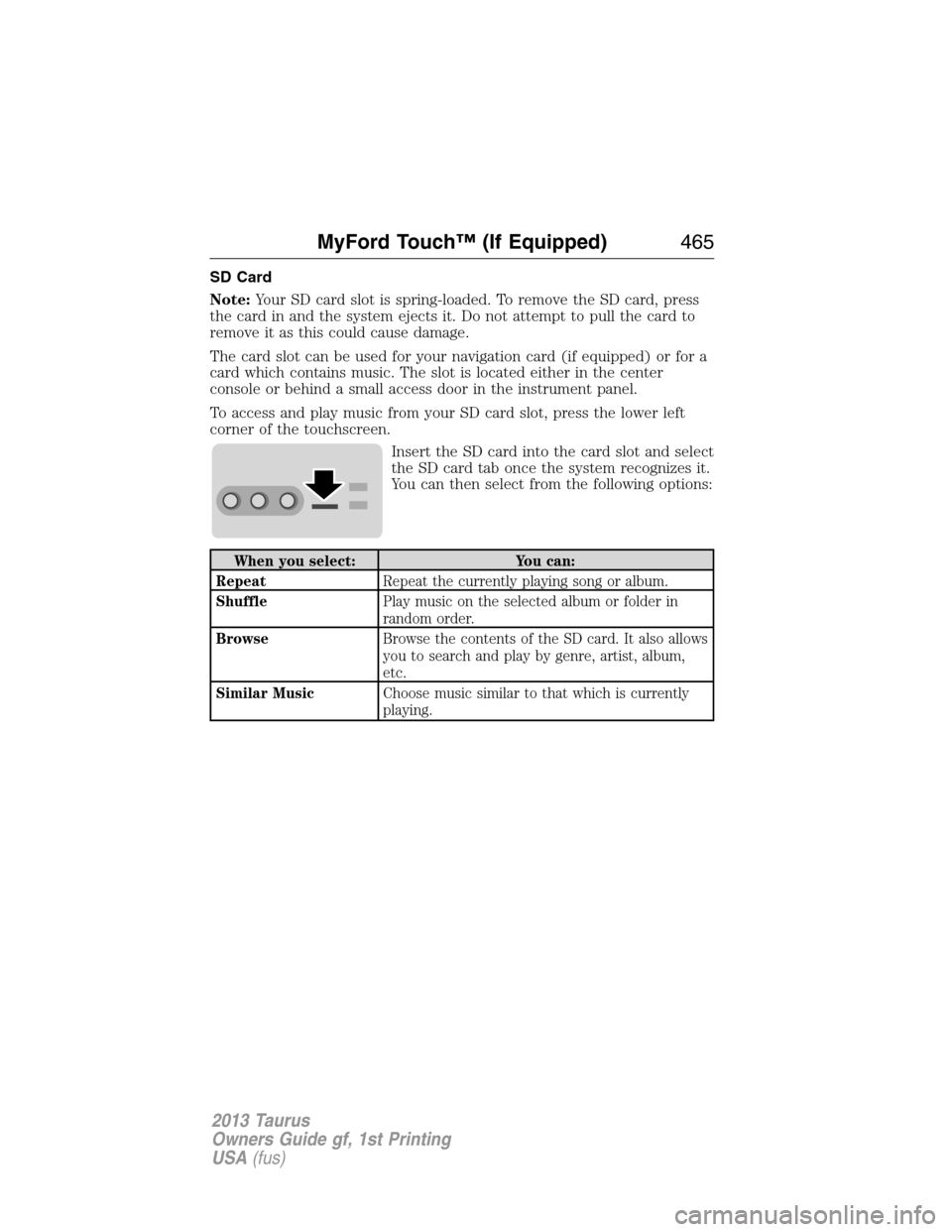
To access and play music from your SD card slot, press the lower left
corner of the touchscreen.
Insert the SD card into the card slot and select
the SD card tab once the system recognizes it.
You can then select from the following options:
When you select: You can:
RepeatRepeat the currently playing song or album.
ShufflePlay music on the selected album or folder in
random order.
BrowseBrowse the contents of the SD card. It also allows
you to search and play by genre, artist, album,
etc.
Similar MusicChoose music similar to that which is currently
playing.
MyFord Touch™ (If Equipped)465
2013 Taurus
Owners Guide gf, 1st Printing
USA(fus)
Page 467 of 541
To view song information such as Title, Artist, File, Folder, Album, and
Genre, touch the on-screen album art.
You can also pressWhat’s Playingto hear how the system pronounces
the current band and song. This can be helpful when using voice
commands to make sure the system correctly plays your request.
For a complete listing of available voice commands, refer toVoice
commands for USB and SD cardin the followingUSBsection.
SD logo is a trademark of SD-3C,
LLC.
USB Port
This feature allows you to plug in media
playing devices, memory sticks, flash/thumb
drives and also charge devices if they support this feature. Your USB
ports are either located in your center console or behind a small access
door in your instrument panel.
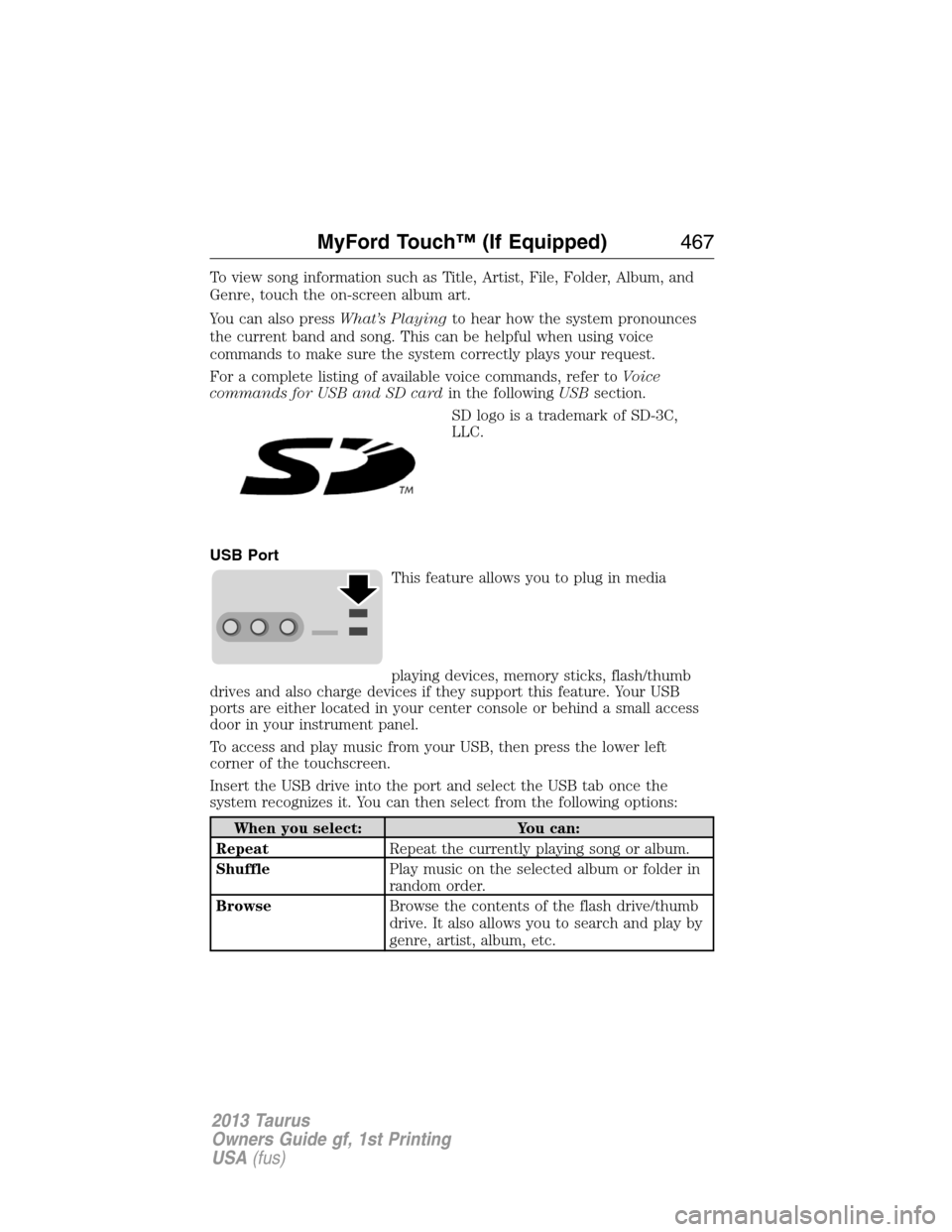
To access and play music from your USB, then press the lower left
corner of the touchscreen.
Insert the USB drive into the port and select the USB tab once the
system recognizes it. You can then select from the following options:
When you select: You can:
RepeatRepeat the currently playing song or album.
ShufflePlay music on the selected album or folder in
random order.
BrowseBrowse the contents of the flash drive/thumb
drive. It also allows you to search and play by
genre, artist, album, etc.
MyFord Touch™ (If Equipped)467
2013 Taurus
Owners Guide gf, 1st Printing
USA(fus)